Database Work Without Bookmarks: Using Opinionated Trails Instead of Saved Queries

Most teams have a quiet graveyard in their database tools: saved queries.
Folders of “Customer Lookup,” “Refund Audit,” and “Migration Check 2023.” Half of them are stale. A quarter are duplicates. A few are sharp enough to be dangerous if someone runs them at the wrong time.
They were meant to be a knowledge base. They became clutter.
There’s a calmer alternative: opinionated trails—structured, contextual paths through your database that remember how you worked, not just what SQL you typed.
Tools like Simpl are built around this idea: instead of a blank editor and a bookmarks bar, you get a small number of clear, repeatable trails that mirror real questions and investigations.
This post is about shifting from “save this query, just in case” to “capture this trail, on purpose.”
Why Saved Queries Stop Working
Saved queries sound like a good idea:
- You don’t have to rewrite the same SQL.
- You can share patterns with the team.
- You can standardize how certain checks are done.
But over time, they quietly fail you.
1. They freeze context in time
A saved query captures:
- SQL text
- Maybe a name
- Maybe a folder
It usually does not capture:
- Why you wrote it
- Which question it answered
- Which tables or assumptions have since changed
- Which follow-up queries you ran after it
So six months later, “user_refund_check_v3” is just a string. You don’t know if it’s still safe, still relevant, or still the right starting point.
We explored this problem from another angle in “Query Logs Are Not Knowledge: Turning Ephemeral Reads into Persistent Team Memory”. Saved queries have the same flaw: they preserve syntax, not understanding.
2. They encourage copy‑paste, not shared paths
When you find an old saved query, you rarely run it as-is. You:
- Copy it into a new tab
- Swap a user ID
- Add a predicate
- Comment out a join
Now there are two variants:
- The original, frozen in the tool
- Your local, slightly modified version
Neither is clearly “the right path.” There’s no single, opinionated way to answer the question—just a family of related snippets.
3. They don’t match how incidents actually unfold
Real investigations are not one query. They’re a trail:
- Start with the user or order you care about.
- Check recent events or state.
- Follow a join to related tables.
- Narrow the time window.
- Confirm edge cases.
Saved queries treat this as a flat list of bookmarks. No order. No narrative. No sense of “this is step 3 in a 5‑step path.”
That’s why incident reviews often feel like archaeology. You’re piecing together what someone probably ran from a mix of logs, screenshots, and memory.
Opinionated Trails: A Different Primitive
An opinionated trail is a structured path through your data that:
- Starts from a clear question
- Encodes a sequence of reads, not a single query
- Bakes in safe defaults (predicates, limits, joins)
- Captures the shape of the investigation, not just the final SQL
Instead of bookmarking “SELECT * FROM orders WHERE id = ?”, you capture:
- Start from an order ID.
- Show order header (with a tight column set and time window).
- Jump to related payments.
- Jump to related fulfillment events.
- Optional: check recent similar orders for pattern-matching.
The trail is the unit of reuse, not the query.
Simpl leans heavily on this idea: it treats query history as a narrative you can replay and share, rather than a pile of independent snippets. You don’t need to remember which query to bookmark; you follow, refine, and then save the trail.
Why Trails Beat Bookmarks
1. Trails match how your brain already works
When you debug, you naturally think in steps:
- “First I need to find the user.”
- “Then I need to see their last 10 orders.”
- “Then I need to see which payments failed.”
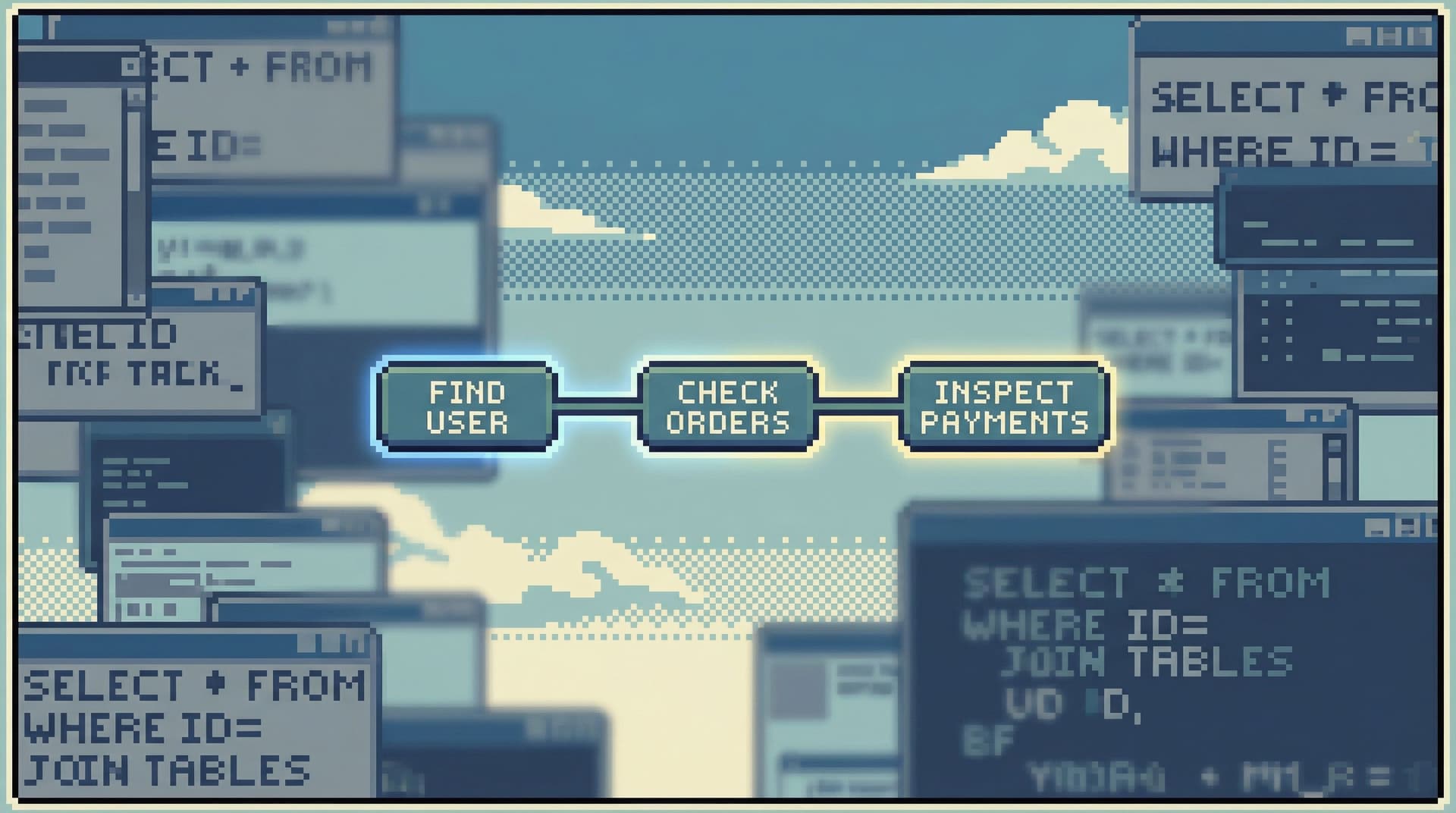
Trails make that structure explicit. Instead of a flat list of saved queries like:
get_user_by_emailrecent_orders_for_userfailed_payments_by_user_id
…you have one named trail:
“User payment failure investigation”
- Step 1: Locate user
- Step 2: Inspect recent orders
- Step 3: Inspect related payments
This reduces cognitive load. You’re not asking, “Which query do I run next?” The trail already decided that for you.
We wrote about this “single spine” of work in “The Single-Question Session: Designing Database Workflows Around One Clear Why”. Trails are that idea, made concrete.
2. Trails are safer by default
Saved queries are often sharp:
SELECT *- No
LIMIT - No time window
- No guardrails on joins
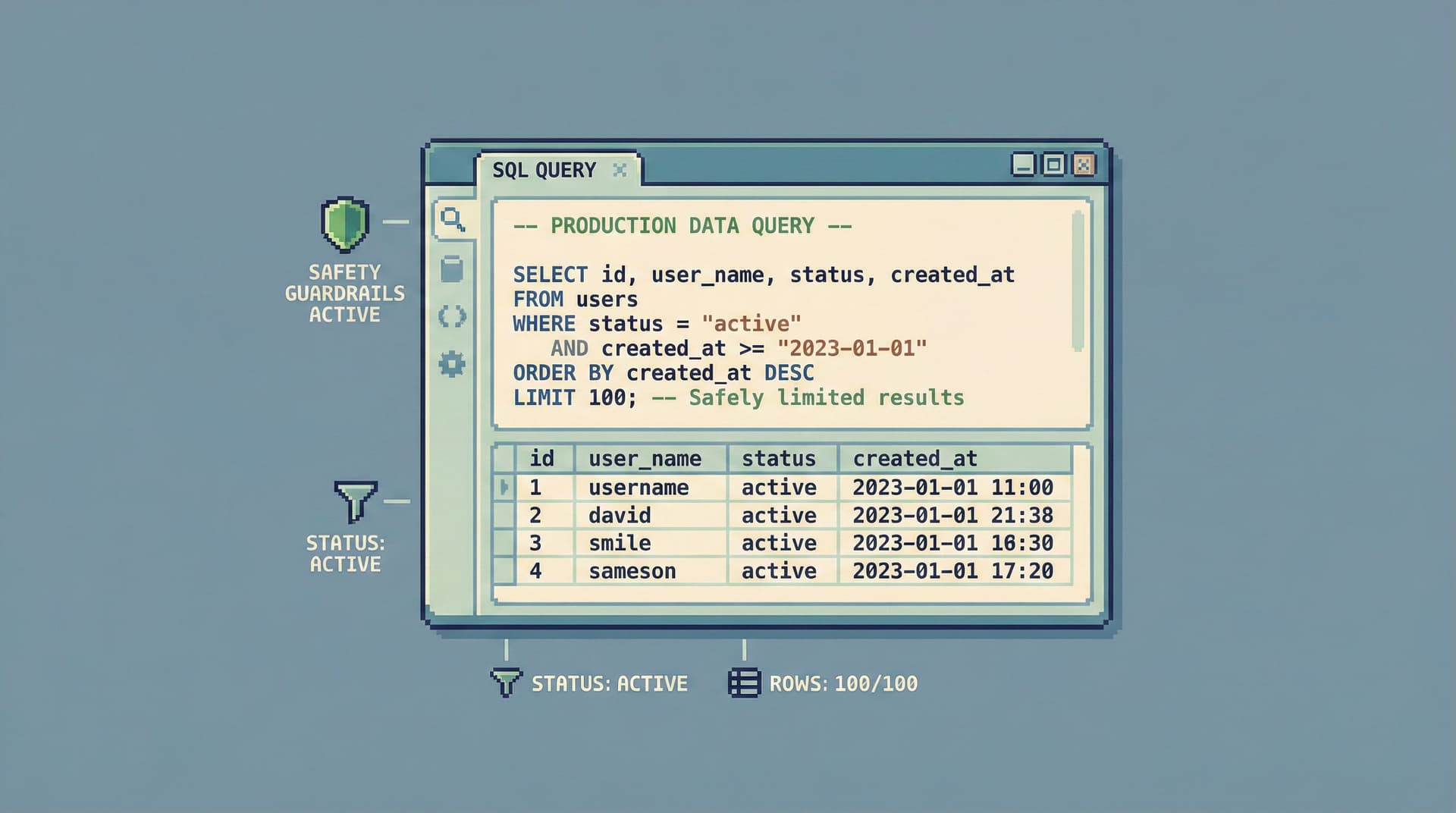
Trails, done well, embed safety as part of the path:
- Early steps use narrow, indexed lookups.
- Later steps use small, paginated reads.
- Time windows and row limits are built-in.
You can still widen things when needed, but the default stance is calm. That aligns with the habits we outlined in “Beyond ‘SELECT *’: Small Query Habits That Make Production Databases Feel Safer”.
3. Trails are easier to share and review
A saved query is hard to review in context. You can comment on the SQL, but you don’t see:
- What came before it
- What comes after it
- How it’s used during incidents
A trail is effectively a story:
- “Start from this alert.”
- “Check this table in this way.”
- “If you see X, branch to Y; otherwise, go to Z.”
That story is much easier to:
- Walk through with a new teammate
- Attach to a runbook
- Review for safety and correctness
This is what we called a “quiet handoff” in “The Quiet Handoff: Sharing Production Database Context Without Screenshares or Zoom”. Trails are the artifact that makes that handoff possible.
4. Trails degrade gracefully when schemas change
When a table or column changes, a saved query just… breaks.
A trail can degrade more gracefully because:
- It’s anchored in a question (“What happened to this order?”), not a specific table.
- Multiple steps can be updated together when the model shifts.
- The tool can guide you to repair or reroute the trail instead of leaving you with a 500 error.
You still need to maintain them, but you’re maintaining paths, not hundreds of individual bookmarks.
Designing Opinionated Trails for Your Team
You don’t need a new tool to start thinking in trails, though tools like Simpl make it much easier. You can begin by reshaping how you capture and reuse investigations.
Here’s a practical way to start.
Step 1: Name the questions, not the queries
Instead of saving “user_lookup.sql,” write down the question it answers:
- “What happened to this user’s last failed payment?”
- “Which orders were affected by deploy X?”
- “Which jobs are currently stuck in this queue?”
Use those questions as the primary labels for your trails.
Concrete moves:
- Create a small document or internal page titled “Core Production Questions.”
- For each, list the current steps you usually take in the database.
- Avoid schema language in the title; keep it in domain language.
Step 2: Capture the sequence, not just the final query
Next time you debug something, don’t just save the last query that “worked.” Capture the sequence:
- How did you identify the entity (user, order, job)?
- What was the first table you looked at?
- What did you check next?
- Where did you branch when something looked off?
Even in a plain SQL client, you can:
- Paste the sequence into a markdown doc.
- Separate steps with headings.
- Add short notes: “If this is empty, go to step 5 instead.”
Over time, these sequences become the blueprint for proper trails in a browser like Simpl, where each step is a concrete view or query with parameters.
Step 3: Bake in safe defaults at each step
For each step in a trail, decide the safest useful default:
- Row limits: Start with 50–100 rows, not 10,000.
- Time windows: Default to “last 24 hours” or “last 7 days,” not “all time.”
- Columns: Show the 5–10 fields that matter for the question, not every column.
You can always widen the view when needed. The point is that the trail nudges everyone toward low-risk, high-signal reads first.
This is the same stance as designing “read rails” instead of open-ended access. If you want to go deeper on that design philosophy, see “Designing Read Rails: How Opinionated Query Paths Reduce Risk and Cognitive Load”.
Step 4: Make trails parameterized, not copy‑pasted
A saved query with a hard-coded user ID is a trap. A trail with a parameterized entry point is reusable:
- Step 1: “Enter user ID or email.”
- Step 2: “Show that user’s last 10 orders.”
- Step 3: “Show payment attempts for those orders.”
In a modern browser like Simpl, this usually looks like:
- A top-level input (user ID, order ID, job ID).
- Each step automatically scopes to that input.
- You can share a link that opens the trail already filled in.
Even without such a tool, you can:
- Use SQL variables or placeholders in your snippets.
- Document clearly which value is the “entry key” for the trail.
Step 5: Turn your next incident into a reusable trail
The next time you handle an incident:
- Keep a running note of every query you run.
- After things are calm, rewrite that list as a clean, minimal trail.
- Strip out detours and dead ends.
- Add it to your “Core Production Questions” doc.
You’ll quickly notice patterns:
- Many incidents follow the same 3–5 steps.
- The same joins and filters show up repeatedly.
- A few well-designed trails cover a surprising amount of real work.
This is where tools like Simpl shine: they can turn that cleaned-up sequence into a first-class, shareable trail that anyone on the team can run without rebuilding it from scratch.

How Opinionated Trails Change Everyday Work
Once you have even a handful of good trails, a few things start to shift.
Less wandering, more straight lines
Instead of:
- Opening a console
- Staring at a schema tree
- Guessing which query to write first
…you:
- Pick the trail that matches your question
- Plug in the entry parameter
- Walk the steps
This is the difference between a data dive and a production read. You’re not exploring for fun; you’re answering a concrete question with a clear path.
Safer access for more people
When the primary way to work in production is “write whatever SQL you want,” only a small group feels comfortable.
When the primary way is “pick a vetted trail and follow it,” you can:
- Let more engineers safely participate in incident reads
- Give support or ops teams direct, controlled access to real rows
- Reduce the number of “Can you run this for me?” requests
This is what we mean by safe curiosity: people can explore within the bounds of well-designed trails, instead of freehanding risky queries.
Better reviews and better tools over time
Trails are reviewable artifacts:
- You can attach them to runbooks.
- You can review them in incident postmortems.
- You can iterate on them as schemas and products change.
Over time, your database browser stops feeling like a blank canvas and starts feeling like a catalog of real workflows.
A tool like Simpl can then use those trails to:
- Surface relevant paths when you open a table or search for an entity
- Link trails to application logs or alerts
- Turn ad-hoc reads into a calm, shared history instead of noisy query logs
Getting Started: One Trail, Not a Library
You don’t need to migrate every saved query into a new system. That’s just a different kind of clutter.
Instead, start with one high-value trail:
- Pick a question you answer every week.
- “What happened to this customer’s order?”
- “Why did this job fail?”
- “Which payments are stuck right now?”
- Write down the 3–6 steps you usually take.
- Add safe defaults (limits, time windows, key columns).
- Parameterize the entry point.
- Share it with one teammate and refine it after they use it once.
If you’re already using Simpl, this is a good moment to:
- Turn that sequence into a saved trail inside the product.
- Link to it from your incident runbook.
- Encourage people to start from that trail before opening a blank editor.
Repeat this process a few times and you’ll notice something important: you don’t miss bookmarks. You miss trails when they’re absent.
Summary
Saved queries were supposed to be a calm memory of past work. In practice, they’re:
- Stale
- Out of context
- Hard to review
- Easy to misuse
Opinionated trails are a better primitive:
- They encode sequences, not single queries.
- They start from questions, not tables.
- They embed safe defaults instead of sharp edges.
- They’re easier to share, review, and maintain as a team.
With even a handful of well-designed trails, your database work shifts from wandering to straight lines. Production feels less fragile. On-call feels less heroic. New teammates have somewhere concrete to start.
Take the First Step
You don’t need a full migration plan. You just need to replace one bookmark with one trail.
Before you save your next query, pause and ask:
“What is the question I’m really answering here—and what are the 3–5 steps I just took to answer it?”
Write those steps down. Add limits. Add a time window. Name the trail after the question, not the table.
If you want a tool that’s built around this way of working, not fighting against it, try shaping your next investigation as an opinionated trail inside Simpl.
One calm trail beats a folder full of forgotten bookmarks.