Production Reads, Not Data Dives: Structuring Database Sessions Around One Clear Question


Most database pain doesn’t come from bad SQL.
It comes from wandering.
You open a console with a simple goal:
“Why did this user get charged twice?”
Twenty minutes later you’re:
- Three joins deep into a table you didn’t know existed
- Comparing screenshots from earlier queries
- Opening dashboards “just to check”
- Half‑convinced the data is wrong, but not sure where
This is the difference between production reads and data dives.
Production reads are narrow, high‑stakes, and time‑bound. You’re usually:
- Debugging a specific customer issue
- Replaying an incident
- Verifying a migration or backfill
You don’t need a full exploration session. You need one clear question, answered calmly.
Tools like Simpl exist for exactly this: opinionated database browsing that orients around focused, read‑heavy work instead of open‑ended exploration.
This post is about structuring your database sessions around one clear question—and resisting the pull toward unfocused data dives.
Why One Question Changes Everything
A single, explicit question does three things for you:
-
Bounds the surface area
It decides which tables matter, which time window matters, which user or entity matters. Everything else is noise. -
Clarifies what “done” looks like
You’re not just “looking at data.” You’re trying to get to a statement like:
“For user 123, the subscription was canceled at 13:02 UTC after a failed renewal charge.” -
Makes your trail replayable
If someone asks, “What did you look at?” you can tell a story:
“We started from the subscription, followed payments, then checked jobs.”
That’s the same stance we explored in The One-Query Mindset: Structuring Database Work to Avoid Cognitive Thrash.
Most teams already feel this difference during incidents. Sessions that start from one question tend to:
- Converge faster
- Produce better incident timelines
- Leave behind clearer notes and queries
Sessions that start from “let’s poke around” tend to:
- Spawn more tabs
- Produce half‑remembered context
- End with “we think it was this” instead of “we know it was this”
You don’t need a new process document to fix this. You need a different way to start—and a different way to structure the next 15–30 minutes.
Step 1: Write the Question Before You Touch the Database
Most database sessions start inside the tool.
A calmer pattern: start outside.
Before you open your query console, write down, in plain language:
“What exactly am I trying to learn from production right now?”
Make it:
- About one subject
"This specific user", "this order", "this job run"—not "how does billing work?" - Bounded in time
"Over the last 24 hours", "during the incident window", "since the last deploy". - Binary or factual
You want a crisp answer, not a vague sense of how things feel.
Examples:
-
Bad: “Understand billing behavior for annual plans.”
Better: “For user 8421, why did they get two renewal charges on March 3?” -
Bad: “See how jobs are performing.”
Better: “For jobsend_invoice, did it run more than once for invoice 9912 on March 10?” -
Bad: “Check if the migration worked.”
Better: “For tablesubscriptions, did every active row as of March 1 get an associatedbilling_profile_idafter the migration?”
If you’re working with a team, make this question visible:
- In the incident channel topic
- At the top of a shared doc
- As a comment in your first query
That question is now the contract for the session. If you find something interesting but unrelated, you can capture it—but you don’t pivot the whole session around it.
This is the same stance we take in Mindful Data Work: Rituals for Safer, Distraction-Free Production Reads: treat each production read as a deliberate, named moment—not ambient exploration.
Step 2: Translate the Question into One Primary Query Path
Once you have the question, resist the urge to scatter.
Instead, define one primary path through the data that would answer it.
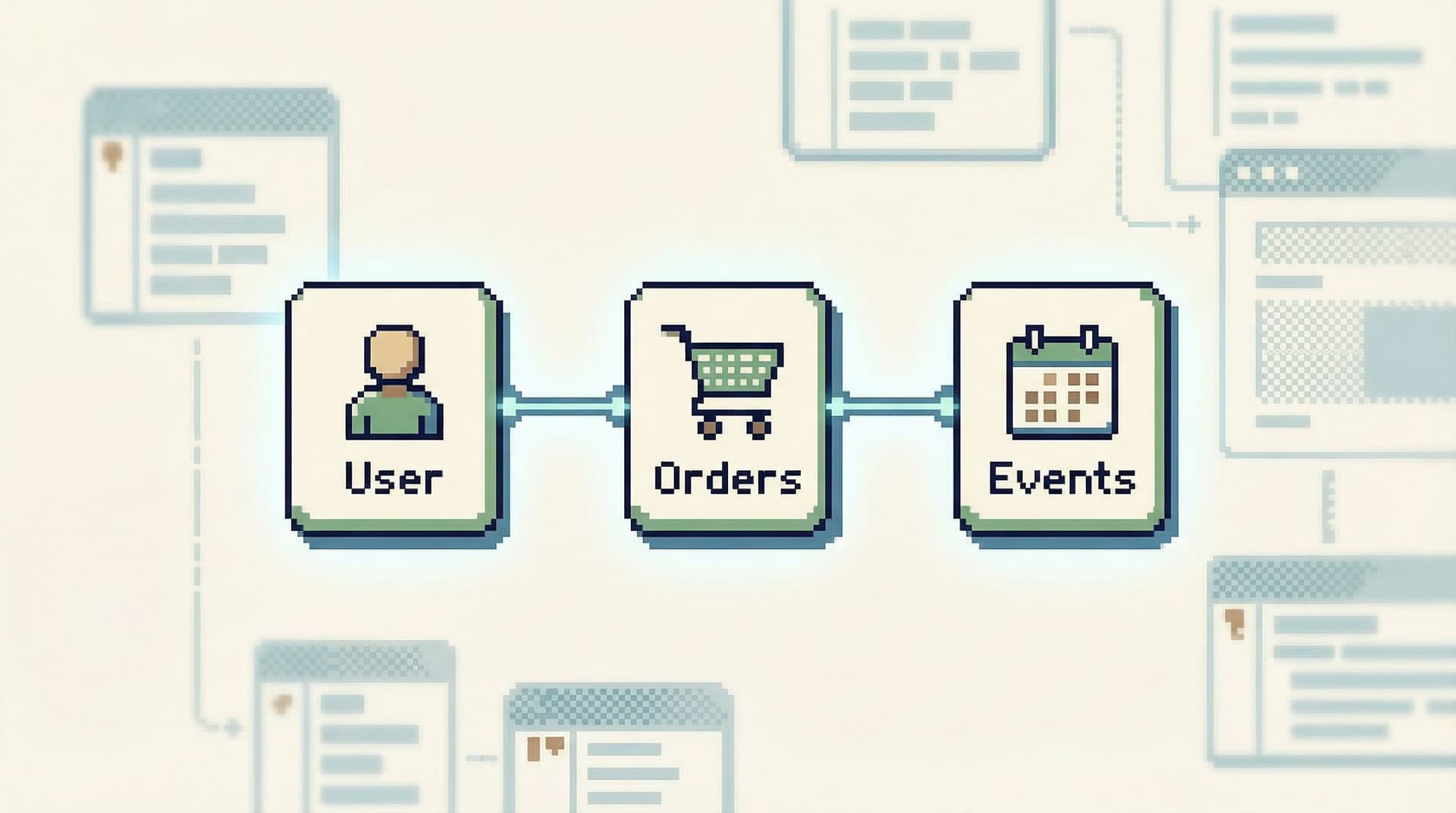
That path usually has three pieces:
-
Anchor entity
The thing your question is about: a user, order, job, invoice, subscription. -
Relevant time window
The smallest window that contains the story you care about. -
Key relationships
The 2–4 tables that form the backbone of the story.
Example: Double charge for a user
Question:
“For user 8421, why did they get two renewal charges on March 3?”
Primary path might look like:
- Anchor:
users.id = 8421 - Time window:
2026-03-03 00:00:00to2026-03-04 00:00:00UTC - Tables:
subscriptionspaymentsinvoicesbilling_events
You’re not committing to a single query forever. You’re committing to a single spine:
- Start from the user
- Follow their subscription
- Look at payments and invoices in the incident window
In a tool like Simpl, this is where opinionated navigation helps. Instead of starting from a schema tree, you start from the anchor entity and let the interface suggest the next, most relevant hop—very much the idea behind Beyond Table Lists: Opinionated Navigation Patterns for Real-World Production Reads.
Step 3: Treat Everything Else as a Branch, Not a New Session
The main failure mode isn’t that you never answer your question. It’s that you lose the thread.
You see something odd in the results and immediately:
- Open a new tab
- Start a new query window
- Jump to a dashboard
Now you’re in a different session, mentally, even if the window is the same.
Instead, adopt this rule:
One primary query path per session. Everything else is a branch.
A branch is allowed, but it has rules:
- It references the primary question
e.g., a comment like-- Branch: checking retries for invoice 9912 (primary: double charge for user 8421) - It is short-lived
Run it, capture what you learned, either merge it back into the main path or park it. - It doesn’t expand the scope
If it leads to a new, unrelated question, that’s a new session, not a tangent.
In practice, this looks like:
- One query editor tab that evolves over time
- Commented sections, not new windows
- Occasional side queries that are clearly labeled as branches
This is how you avoid the incident-review anti‑pattern where everyone says, “I ran a bunch of queries, but I don’t remember which ones.” A single, linear trail is also the foundation of the approach in The Single-Query Incident Review: Replaying Outages from One Calm Data Trail.
Step 4: Constrain the Session by Time and Risk
Structuring around one question isn’t just about focus. It’s also about safety.
Production reads can hurt you even when they’re read‑only:
- Wide scans on hot tables
- Missing limits on joins
- Repeated queries during traffic peaks
So pair your one‑question stance with two constraints:
1. Time box the session
Decide upfront:
- How long you’re willing to spend before escalating (e.g., 20–30 minutes)
- What “good enough” looks like if you can’t get a perfect answer
Write it down next to your question:
“Goal: understand whether user 8421 was charged twice due to retries or mis‑configured billing.
Time box: 25 minutes before looping in billing engineer.”
This prevents the session from silently morphing into a multi‑hour exploration.
2. Apply simple, non‑negotiable guardrails
For production reads, adopt a few hard rules:
- Always set a LIMIT on exploratory queries
- Always bound by time when querying event or log‑like tables
- Never run unfiltered queries on known hot tables
These can be enforced by habit, by team norms, or directly in your tools. A browser like Simpl can bake these into the UX—query templates that default to time‑bounded, limited reads; warnings on obviously risky scans; clear environment labeling. This is the spirit of posts like Guardrails in the Query Editor: UX Patterns That Make Unsafe Reads Hard by Default.
The point is simple: a calm, single‑question session should also feel physically safe to run.
Step 5: Capture the Answer in the Same Place You Asked the Question
A database session isn’t done when the query finishes.
It’s done when you can write, in one or two sentences:
- What you looked at
- What you concluded
- What you’re doing next
And you write that where the question lives.
For example, in an incident doc:
Question
For user 8421, why did they get two renewal charges on March 3?Path
- Started from
subscriptionsfor user 8421- Joined to
invoicesandpaymentsin 2026‑03‑03 window- Checked
billing_eventsfor retriesAnswer
User was charged twice due to a retry job that re‑queued the same invoice after a transient gateway error. Second charge was automatically refunded.
This habit has quiet but important effects:
- Future you can replay the session without re‑opening tools
- Teammates don’t need to ask “what query did you run?”
- Incident reviews become about decisions, not archaeology
If your database browser supports saved query trails or named sessions, use them. If not, paste your final query (or small set of queries) into the doc with a short note.
The key: the question and the answer live together. The database is the source of truth, but the story lives outside it.
Structuring Tools Around Questions, Not Schemas
So far we’ve focused on personal and team habits. But tools matter.
Most database clients still assume:
- You want to start from a schema tree
- You’re equally likely to do anything
- More surface area is always better
For production reads, that’s backwards.
A calmer database browser should:
- Start from questions and entities, not table lists
- Encourage one visible query path instead of many competing tabs
- Make unsafe reads feel heavy, and safe reads feel default
- Treat sessions as stories, not just disconnected queries
That’s the stance behind Simpl: a purpose‑built database browser for opinionated, read‑heavy work. It doesn’t try to be a full SQL IDE or admin panel. It tries to be the place you open when you have one important question about production and want to answer it without thrash.
If you’re stuck with more general‑purpose tools, you can still approximate this:
- Use a single tab and comment blocks instead of multiple windows
- Hide schema trees by default if your tool allows it
- Create query snippets for common question patterns ("user timeline", "job run story", "order lifecycle")
- Save named queries that map directly to real questions, not generic table views
The goal is to make “what’s the question?” the first thing your tools ask you—implicitly or explicitly.
Bringing It All Together
Structuring database sessions around one clear question is not a process overhaul. It’s a small, opinionated shift in how you approach production reads:
-
Name the question before you connect.
One subject, bounded in time, answerable in a sentence. -
Define a single primary query path.
Anchor entity, time window, key relationships. -
Treat tangents as short branches.
Label them, keep them brief, and bring insights back to the main path. -
Constrain by time and risk.
Time box the session; use hard guardrails for limits, filters, and hot tables. -
Write the answer where the question lives.
Capture the path and conclusion in your incident doc, ticket, or notes.
Do this consistently, and a few things happen:
- Production reads feel less like wandering and more like replayable stories
- Incidents become easier to debug and easier to review
- New teammates learn how to look at data, not just where it lives
Most importantly, you get to treat your database as a calm, trustworthy place to think—not a noisy arena for open‑ended data dives.
Take the First Step
You don’t need a new tool rollout or a process committee to start.
For your next production question:
- Write it down in one sentence before you open anything.
- Decide on one primary query path that could answer it.
- Keep all your queries for that session in a single place with comments.
- When you’re done, write the answer next to the question.
If you want a tool that’s built around this way of working, try running your next production read through Simpl. Treat it as an experiment: one question, one path, one calm session.
See how it feels to do production reads, not data dives.