Designing Read Rails: How Opinionated Query Paths Reduce Risk and Cognitive Load


Most database tools still assume you want freedom.
A schema tree. A blank editor. Every table, every column, every join path available at once.
On paper, that’s power. In practice, especially against production, it’s risk and mental noise.
Opinionated "read rails" take the opposite stance: instead of giving you a map of the whole database, they give you a small number of clear, safe paths to answer the kinds of questions you actually have.
This post is about designing those rails: how to narrow query paths without feeling constrained, and how that shift quietly lowers both operational risk and cognitive load.
What Are Read Rails?
Read rails are pre-designed, constrained paths for reading data that:
- Start from a specific, real-world question ("What happened to this user’s subscription?")
- Encode the minimal joins and filters needed to answer it
- Limit scope by default (time windows, row limits, safe predicates)
- Present results in a narrative, not raw-table, shape
They’re not dashboards, and they’re not full ad‑hoc query consoles. They’re closer to:
- A single, well-designed query trail for a use case
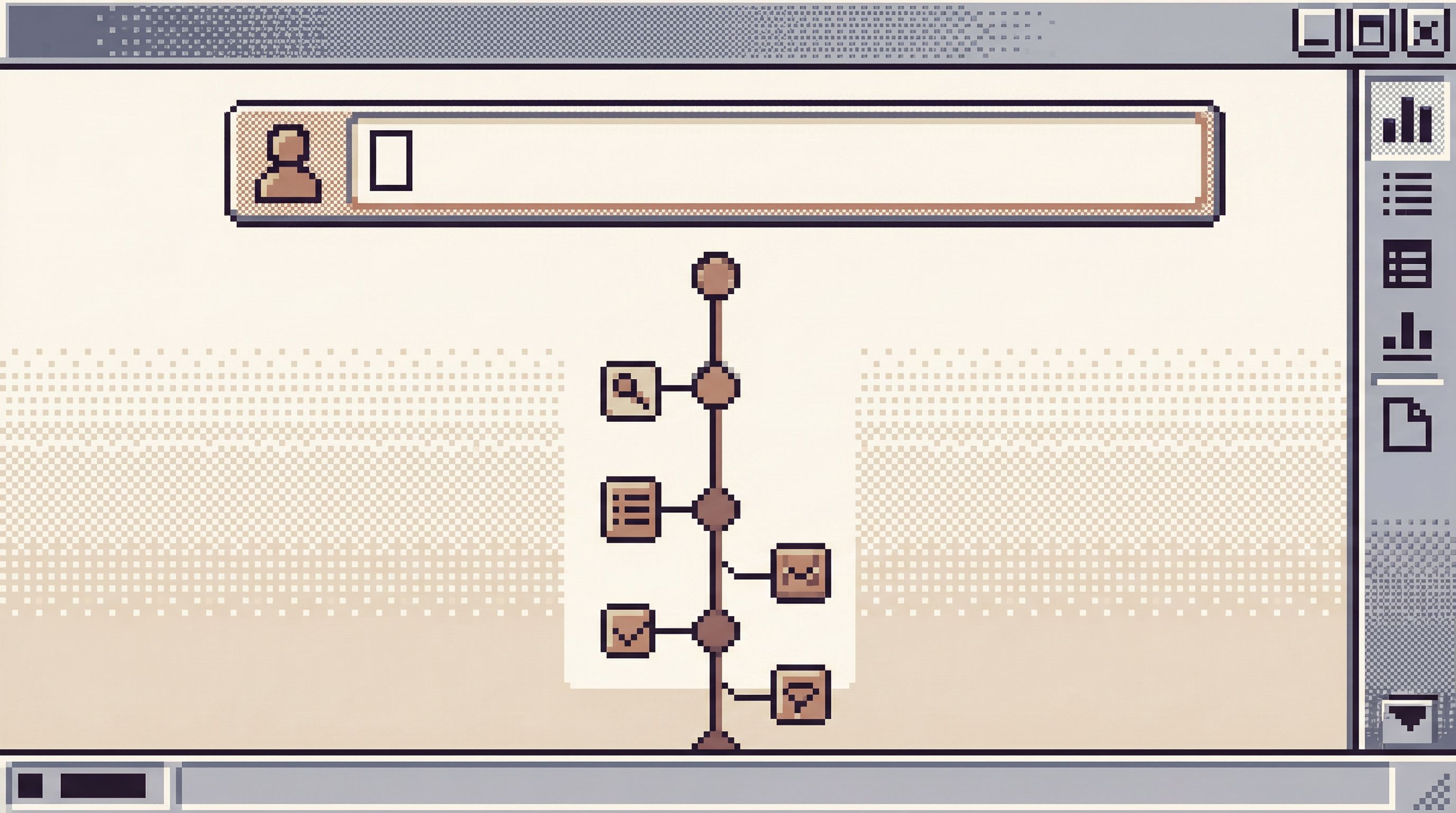
- A guided flow that moves from entry point → context → details
If you’ve read about the single-question session, read rails are what happen when you turn that idea into reusable UX.
Tools like Simpl exist specifically to host this kind of opinionated, read-first workflow: fewer knobs, clearer paths, calmer reads.
Why This Matters: Risk and Cognitive Load
Two forces quietly shape most production data work:
-
Operational risk
- Wide, unbounded reads on hot tables
- Accidental Cartesian joins
- Queries copied from staging that behave very differently on prod
- Confusion between environments or tenants
-
Cognitive load
- Remembering which tables to join, in which direction
- Reconstructing business concepts from normalized schemas
- Keeping multiple partial query results in your head
- Juggling tabs, dashboards, logs, and Slack threads
Traditional query consoles treat both as your problem. Read rails treat them as design problems.
When you design rails well:
- The default query is safe, and unsafe reads are physically harder to express
- The question stays stable, and the interface keeps pulling you back to it
- The story of the data is laid out in front of you; you don’t have to reconstruct it from scratch
This is the same spirit as guardrails in the query editor, but applied at the level of entire workflows, not just single queries.
Principles for Good Read Rails
Designing read rails is less about clever SQL and more about choosing constraints.
Here are the principles that matter most.
1. Start From One Question, Not One Table
Rails should start from a real-world question, not a schema object.
Bad starting points:
- "Open the
userstable" - "Browse
orders" - "Explore
events"
Better starting points:
- "What happened to this user over the last 24 hours?"
- "Why is this order stuck in
processing?" - "What did this job do during its last run?"
This mirrors the stance in Production Reads, Not Data Dives: you’re not exploring; you’re answering one focused question.
Design implications:
- Entry UI should ask for identifiers, not free-form filters
- User ID, order ID, job ID, invoice ID
- Time is a first-class input: "Show me the last N hours/days" instead of "all time"
- The question is visible at the top of the view and doesn’t scroll away
2. Constrain the Shape of the Query
A rail is a patterned query, not a blank slate.
Constrain:
- Tables – Explicitly choose which tables participate
- Joins – Hard-code join paths that match your domain model
- Time windows – Default to small, safe windows (last hour, last day)
- Row limits – Apply conservative limits, even when filtered by ID
- Columns – Show only the fields that support the question
For example, a "User Subscription Story" rail might always:
- Start at
users - Join
subscriptionsbyuser_id - Join
invoicesandpaymentsthrough defined foreign keys - Filter events to the last 30 days
- Limit to 500 rows, even when scoped to a single user
You can still allow overrides for power users, but the default path is narrow.
3. Present Data as a Story, Not a Grid
Most consoles drop you straight into a grid of rows. Rails should present a narrative:
- A timeline of events
- A small set of key state transitions
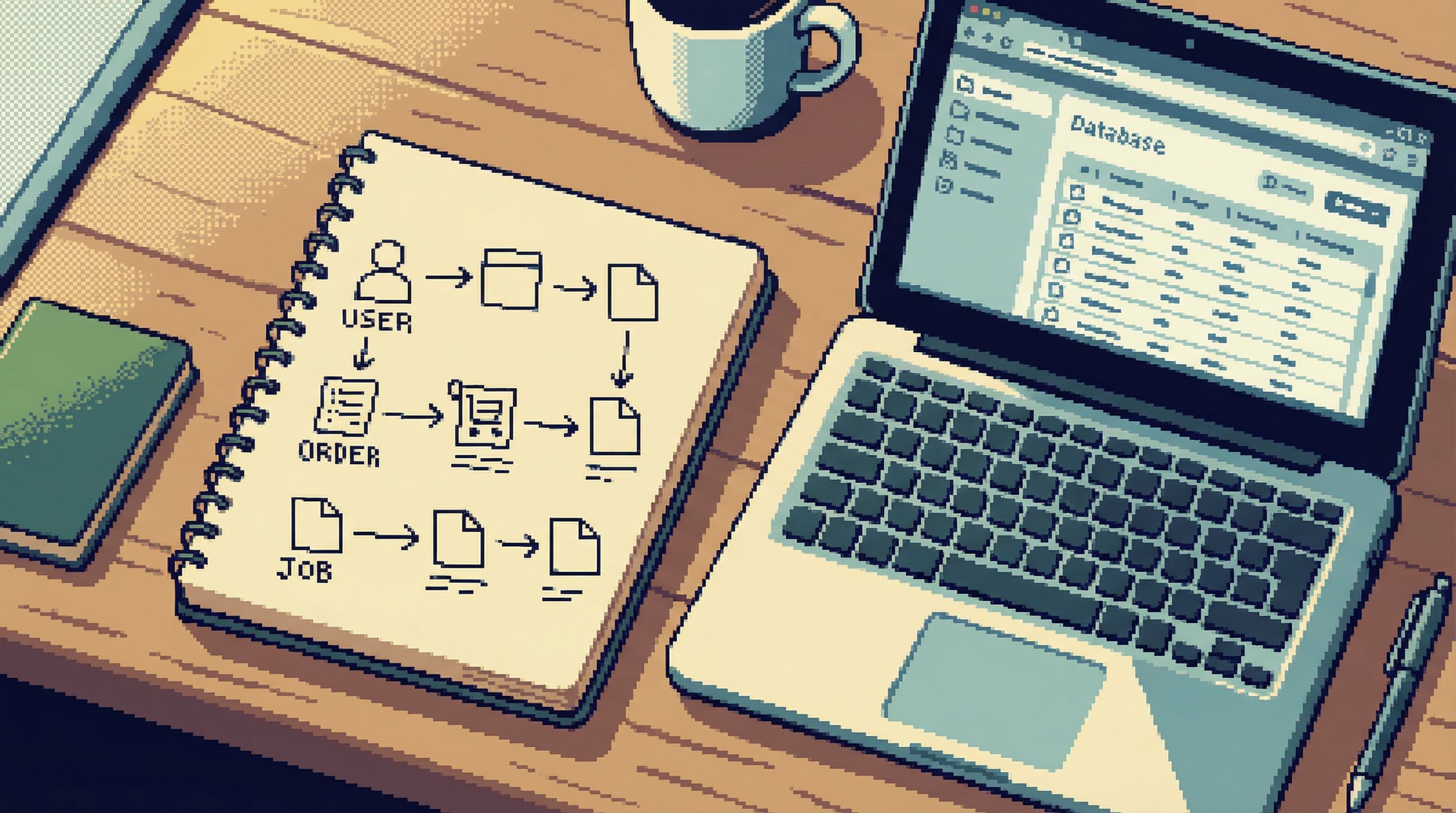
- A grouped view by entity (user → orders → payments)
This isn’t about fancy visualizations. It’s about ordering and grouping:
- Sort by time descending, so the most recent events are at the top
- Group related rows into collapsible sections ("Subscription changes", "Billing events")
- Highlight state transitions (e.g.,
trialing → active → past_due → canceled)
The goal: someone should be able to answer "What happened?" without writing a single query.
4. Make Unsafe Reads Physically Hard
Risk reduction is as much about layout as it is about permissions.
Rails can:
- Hide or de‑emphasize free-form SQL until explicitly needed
- Require an explicit "I know what I’m doing" step to widen time windows
- Show clear, contextual warnings when queries become expensive
- Prevent obviously dangerous patterns (e.g., unbounded scans on hot tables)
You can borrow patterns from Guardrails Before Governance: design the interface so that the safe path is the path of least resistance.
Example guardrails inside a rail:
- Max time range selector capped by default (e.g., 24 hours) with a separate, clearly labeled control to expand
- Pre-applied
LIMITthat must be intentionally increased, with visible cost hints - Pre-selected, indexed filters (e.g.,
user_id,order_id) instead of arbitrary WHERE clauses
5. Keep Context Attached to the Query Trail
Read rails work best when they capture the path, not just the final result.
For each run of a rail, you should be able to:
- See the exact parameters used (IDs, time windows, environment)
- Share a link that replays the same path
- Attach notes or labels for incidents, tickets, or reviews
This is the same spirit as single-query incident reviews: instead of scattering screenshots and ad‑hoc SQL, you keep one calm, replayable trail.
In a tool like Simpl, this might look like a sharable permalink for a specific "User Story" rail run, including parameters, environment, and the ordered sequence of reads.
Concrete Examples of Read Rails
Let’s make this less abstract. Here are a few rails that almost every product team could use.
1. The User Story Rail
Question:
"What exactly happened to this user over the last 24 hours?"
Inputs:
- User identifier (ID, email, handle)
- Time window (default: last 24 hours)
Data sources:
userssessions/loginsevents/audit_logssubscriptions,orders,payments
Presentation:
- A single chronological timeline:
- Login / logout events
- Key feature usage events
- Billing changes and payment attempts
- Grouped by category with subtle headers ("Access", "Usage", "Billing")
- Ability to expand into raw rows when needed, but collapsed by default
Risk reduction:
- Time window capped (e.g., max 7 days) to avoid scanning years of events
- All queries scoped by a single user identifier
- Pre-defined joins prevent accidental cross-user leakage
2. The Stuck Order Rail
Question:
"Why is this order still in
processing?"
Inputs:
- Order ID
Data sources:
orderspaymentsshipmentsjobs/workflows
Presentation:
- A small state machine view:
- Created → Paid → Fulfilled → Shipped
- For each step:
- Timestamp
- Responsible service or job
- Any linked errors or retries
Risk reduction:
- Always scoped to a single order ID
- Joins limited to the minimum set of tables
- No arbitrary filters or sorting; the flow is fixed
3. The Job Run Rail
Question:
"What did this job actually do during its last run?"
Inputs:
- Job name or ID
- Optional run ID
Data sources:
job_runsjob_logs- Affected domain tables (e.g.,
invoices,emails_sent)
Presentation:
- Summary at top:
- Start/end times, duration
- Rows touched, errors, retries
- Below: a focused list of affected entities (e.g., invoices updated), each linkable into its own rail
Risk reduction:
- Limits on number of entities shown (with explicit pagination)
- Clear separation between reads and any historical record of writes
These rails are not features in a BI tool. They’re first-class workflows in a read-first browser like Simpl, where the whole product assumes this kind of focused, question-driven path.
How to Design Read Rails for Your Team
You don’t need to redesign your entire data stack to get value from rails. Start small.
Step 1: List Your Top 5 Real Questions
Sit with your engineers, support, and success teams. Ask:
- "What are the questions you ask about production every week?"
- "What tickets or incidents keep repeating?"
You’ll likely hear variations of:
- "What happened to this user?"
- "Why did this invoice look wrong?"
- "Did this job run twice?"
Write them as questions, not as "views" or "reports".
Step 2: Map Each Question to a Minimal Data Story
For each question, sketch:
- The entry identifier (user ID, order ID, etc.)
- The time range that usually matters
- The tables you truly need
- The state transitions or events that tell the story
Resist the urge to include "everything that might be useful." Rails are about just enough.
Step 3: Encode the Rails as Queries and Views
Depending on your stack, you can:
- Implement them as saved, parameterized queries in a database browser
- Build small, internal tools or pages that hit read-only endpoints
- Use a purpose-built browser like Simpl to define opinionated views and flows
Key design choices:
- Hard-code join paths and predicates
- Apply conservative limits and time windows
- Design the result layout for the story, not for generic exploration
Step 4: Add Guardrails and Attention Cues
Layer in safety and focus:
- Make the question and parameters sticky at the top
- Make widening the scope (more time, more rows) a deliberate action
- Use subtle visual cues for expensive or risky operations
- Avoid secondary navigation that tempts people into wandering the schema
This is where ideas from Beyond Table Lists help: navigation should follow the story, not the schema.
Step 5: Socialize and Iterate
Roll out rails as defaults, not mandates:
- Encourage engineers to try the rail first before opening a raw console
- Ask after incidents: "Could we have answered this from a rail? If not, what was missing?"
- Add or refine rails based on real gaps, not hypothetical ones
Over time, you’ll see a shift:
- Fewer ad‑hoc queries pasted in Slack
- More shareable links to specific, replayable trails
- Less anxiety about "clicking the wrong thing" in prod
How Read Rails Change Day-to-Day Work
When you put rails at the center of your database work, a few things happen quietly.
1. Incidents Become Replayable
Instead of:
- A handful of ad‑hoc queries in someone’s local client
- Screenshots in Slack
- Partial stories in a doc
You get:
- A small number of rails run with specific parameters
- Links you can revisit during reviews
- A linear, readable trail of what you saw and when
This pairs naturally with the ideas in The Calm Incident Console and The Read-First Incident: one calm trail, not a tool maze.
2. Support and Success Get Real Production Eyes
Rails give non-engineers a way to see "what actually happened" without:
- Full SQL access
- Navigating a schema tree
- Risking heavy queries on hot tables
They get a few focused rails:
- "User Story"
- "Subscription Story"
- "Order Story"
You get fewer ad‑hoc data requests and fewer screenshots of dashboards that don’t quite answer the question.
3. Engineers Spend Less Time Remembering, More Time Seeing
With rails, engineers don’t have to:
- Reconstruct join paths from memory
- Remember which tables encode which states
- Rebuild the same queries every week
They can:
- Start from a rail
- Drop into raw SQL only when the rail truly doesn’t fit
This is the same spirit as The Calm Query Console: fewer modes, clearer defaults.
Bringing It Back to Calm Data Work
Designing read rails is not about restricting smart people. It’s about respecting their attention.
A good rail says:
- "Here is the safest, clearest path we know to answer this kind of question."
- "You can step off the rail if you need to, but you don’t have to start from scratch."
When you do this well:
- Production feels less dangerous
- Incidents feel less chaotic
- Everyday debugging feels less like spelunking and more like reading a story
A purpose-built, opinionated browser like Simpl is built around exactly this stance: calm, streamlined interfaces for exploring, querying, and understanding your data without the noise of full BI or admin tools.
Summary
- Read rails are opinionated, constrained query paths designed around real questions, not schemas.
- They reduce operational risk by making unsafe reads hard and safe reads the default.
- They reduce cognitive load by turning raw tables into small, narrative views.
- Good rails start from a single question, constrain query shape, present data as a story, and keep the full query trail shareable and replayable.
- You can start small: identify your top recurring questions, map minimal data stories, encode them as rails, then iterate.
Take the First Step
You don’t need a full redesign to benefit from read rails.
This week, pick one recurring question:
- "What happened to this user?"
- "Why is this order stuck?"
- "What did this job actually do?"
Then:
- Sketch the minimal tables, joins, and events needed to answer it.
- Encode that as a single, parameterized query or view.
- Wrap it in a simple UI—ideally in a focused browser like Simpl—where anyone on the team can run it safely.
Run your next incident or tricky support ticket from that rail first.
Once you’ve felt the difference of one calm, opinionated path, it becomes much easier to see where the rest of your database work deserves rails too.