The Quiet Handoff: Sharing Production Database Context Without Screenshares or Zoom

Production data work is already loud enough.
Incidents, escalations, last‑minute checks before a deploy—these are not moments that need more tabs, more tools, or another 45‑minute Zoom call where someone shares a blinking terminal and everyone else squints.
There’s a calmer pattern available: a quiet handoff.
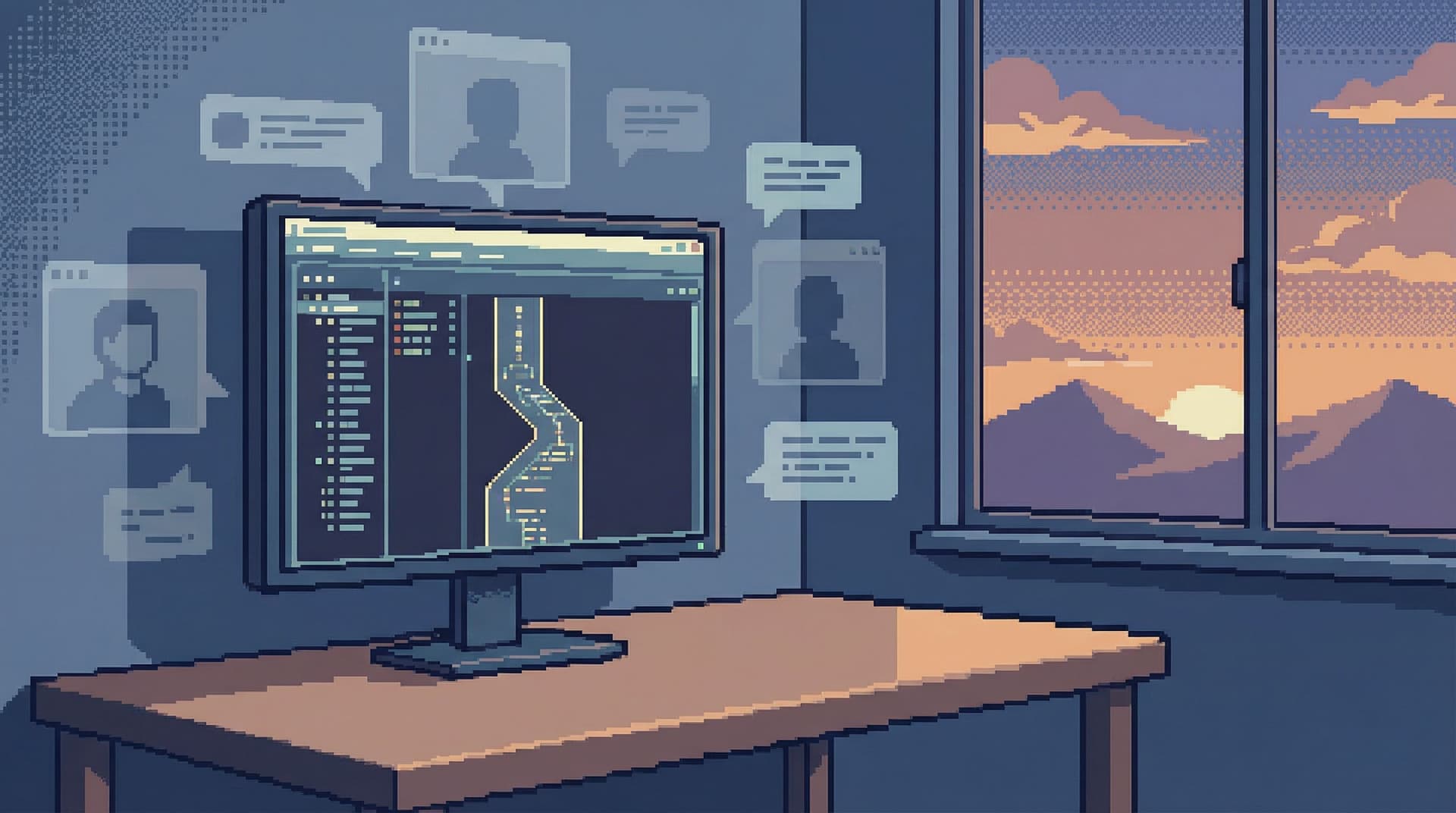
A quiet handoff is what happens when you can share production database context as a link, a trail, or a small, reusable view—without needing a live walkthrough. No screen recordings, no “can you scroll up a bit,” no guessing which tab someone was looking at when they said “here.”
This post is about designing for that kind of handoff.
Why this matters more than you think
Most teams feel the pain of noisy handoffs without naming it.
You’ve probably seen versions of this:
- A senior engineer shares a 6‑line SQL snippet in Slack, with no explanation.
- A support teammate posts three screenshots of different queries and asks, “Does this look right?”
- Incident reviews rely on someone’s memory of “that query I ran on the call.”
- New teammates can’t follow how you went from an alert to “it’s this subset of customers on shard 3.”
The cost is subtle but constant:
- Lost time. Context lives in calls, DMs, and half‑remembered commands.
- Uneven access. Only the people comfortable driving the database tool can really see what’s going on.
- Risk. Debugging sessions happen in full‑power tools that mix reads, writes, and schema changes.
- Burnout. Senior folks become bottlenecks for “can you hop on a call and show me?”
Quiet handoffs reverse that. When production context is something you can share calmly:
- On‑call can hand incidents to the next shift without a live tour.
- Support can follow a stable path to “what actually happened” for a customer.
- Data folks can share investigations as repeatable trails, not one‑off performances.
- Leadership can see the story of an outage without sitting in a Zoom watching queries run.
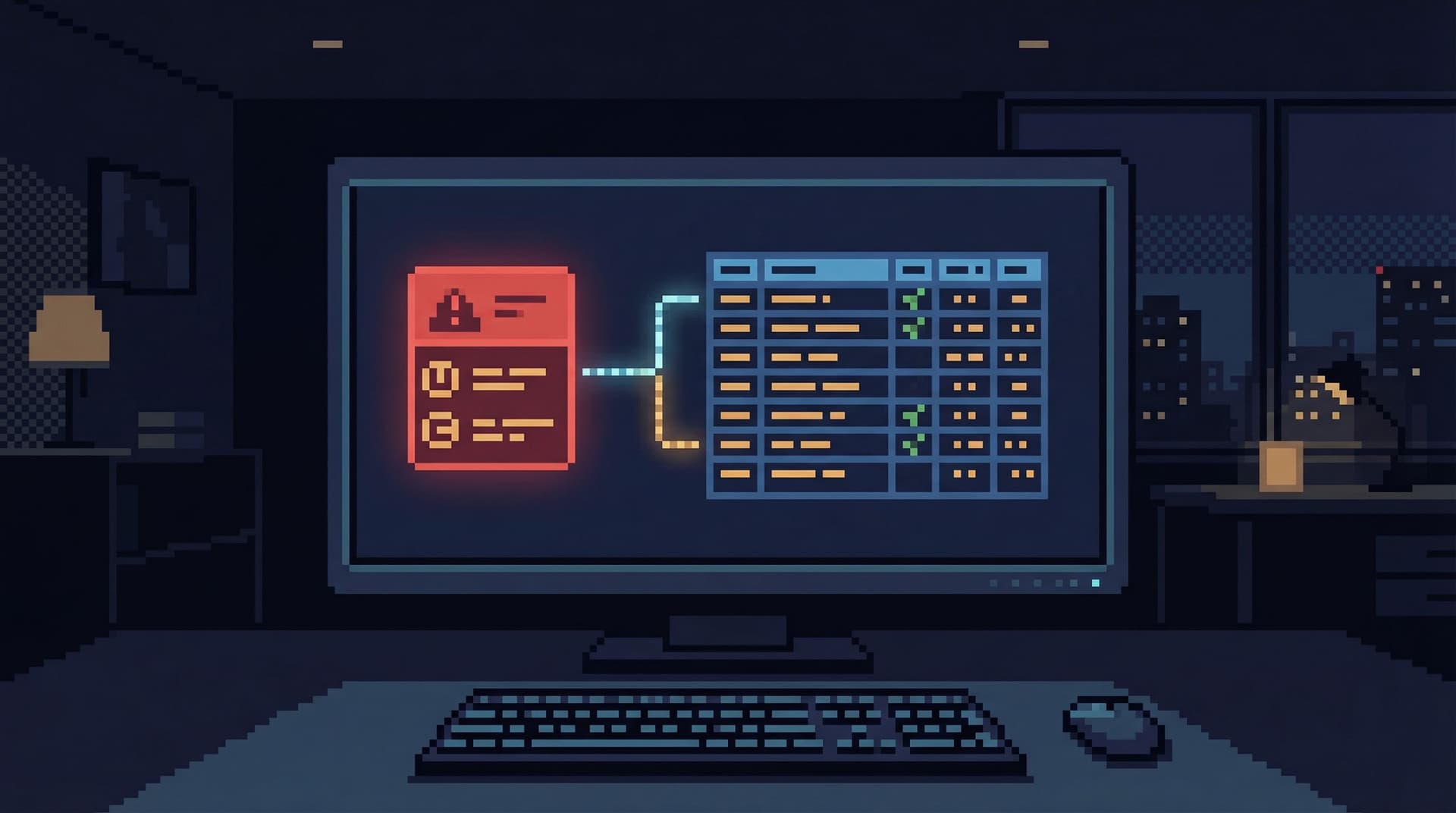
If you’ve read our pieces on moving from alerts to rows or on designing read rails, this is the same philosophy applied to collaboration: fewer live shows, more shareable paths.
Why screenshares became the default (and why they don’t scale)
Screenshares feel natural because they hide the hard part.
Instead of:
- Designing safe, opinionated ways to browse prod
- Capturing the why behind each query
- Turning one‑off reads into reusable patterns
…you just let someone drive and narrate. Everyone else watches.
This works—until you need any of these:
- Asynchronous collaboration. Different time zones, different schedules.
- Repeatability. “How did we debug this last time?”
- Auditability. “What exactly did we look at before we made that call?”
- Onboarding. “How do I learn to do what the senior folks do on these calls?”
Screenshares are also bad at precision:
- You can’t diff two screenshots.
- You can’t re‑run a screenshot.
- You can’t safely tweak a screenshot to test a new hypothesis.
Quiet handoffs assume something different: that production context should be:
- Linkable. A URL you can paste into an incident doc.
- Scoped. Narrow, read‑only, and clearly about one question.
- Re‑runnable. The same view tomorrow should show the same shape of story.
This is where a tool like Simpl comes in: an opinionated database browser built precisely for calm, sharable production reads instead of live, improvisational sessions.
Principle 1: Anchor every handoff in one clear question
Most messy handoffs start from a vague center.
“The data looked weird, so I poked around a bit.”
You can’t share “poked around.” You can only share a question.
Before you think about tools or links, make this a team habit:
- Every production read starts with one written question.
- Every handoff repeats that question at the top.
Examples:
- “Why did order
#482937get stuck inprocessingfor 45 minutes?” - “Which customers were double‑charged during the 14:00–14:10 deploy window?”
- “Did the backfill for
subscription_renewalscreate any overlapping invoices?”
Once you have that question:
- Name it in your tool (view title, saved query, incident note).
- Keep every step in your trail obviously related to that question.
- Resist the urge to fold in “while I’m here” side quests.
We wrote more about this pattern in The Single-Question Session, but for handoffs the key is simple: if someone can’t restate the question from your link alone, the handoff is already shaky.
Principle 2: Share paths, not screenshots
A screenshot is a dead end.
A path is:
- A saved view
- A small sequence of linked reads
- A narrow query with parameters instead of literals
A quiet handoff should let the next person do three things:
- See what you saw. Same filters, same joins, same ordering.
- Understand why it matters. A short note attached to the path.
- Nudge the query safely. Change an ID, widen a time window, flip an environment.
Screenshots only give you (1), and only once.
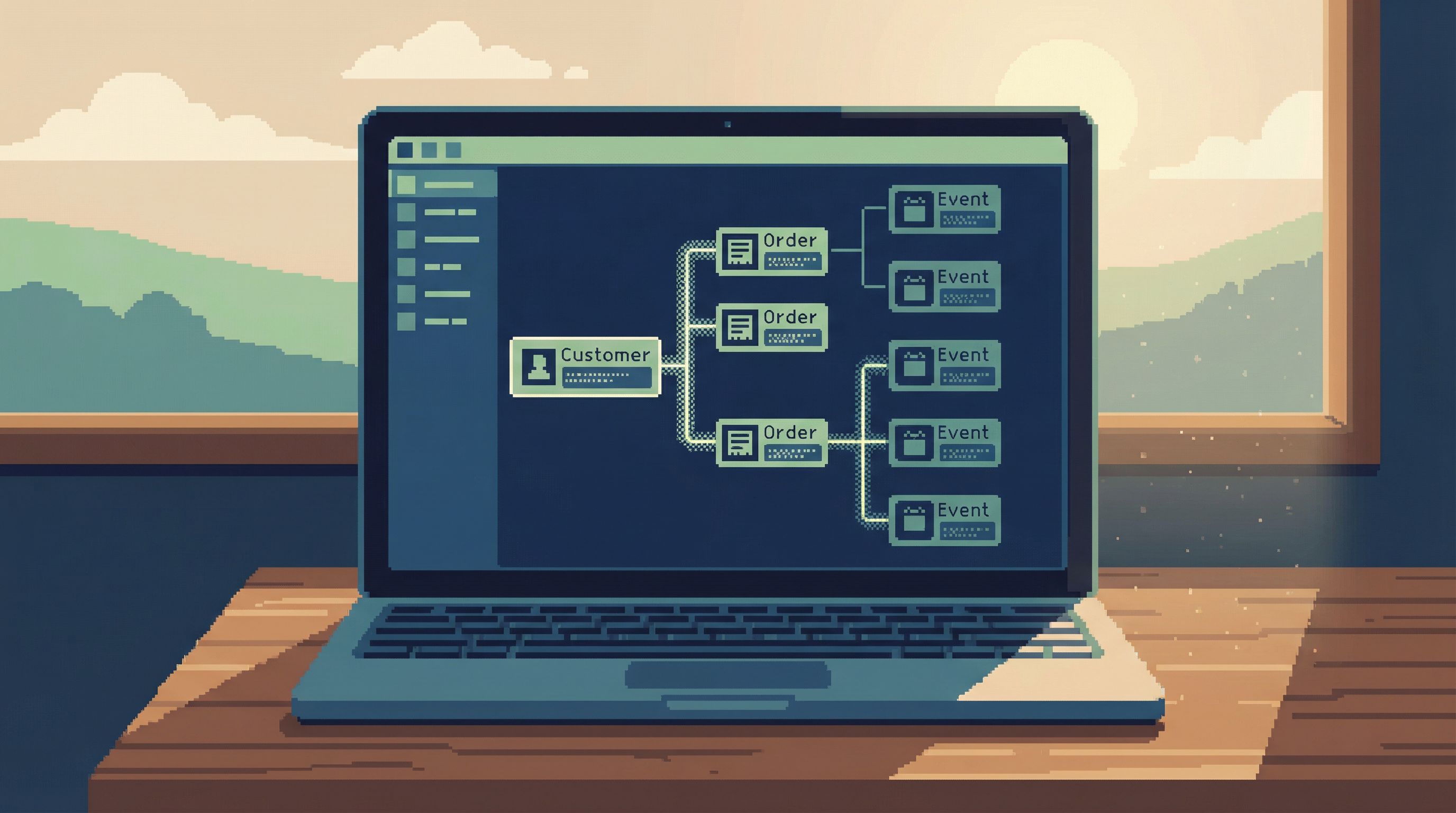
With a browser like Simpl, the unit of sharing becomes a read path:
- A “Customer incident” view that always shows:
- The customer by ID
- Their last 10 orders
- Related payments and background jobs
- A “Backfill verification” view scoped to:
- A specific migration
- A known set of tables and columns
- Guardrails like limits and sample windows
Instead of “here’s what I clicked,” the link becomes “here’s the path we use for this kind of question.”
Concretely, aim for this shift:
- From:
screenshot + ad‑hoc SQL snippet - To:
link to a named, parameterized view + 1–2 lines of context
Example Slack message:
Question: Which EU customers got double‑charged after the 15:02 deploy?
I ran this through our
billing incidentview withdeploy_id=2026-04-01-1502andregion=EU. Link:<incident_view_url>.Result: 23 affected customers, all with
retry=trueon the second charge.
No Zoom needed. Anyone can click, confirm, and extend.
Principle 3: Make read‑only, narrow surfaces your default
You can’t have quiet handoffs if everyone is afraid to click.
If the only way to see real production rows is:
- A full SQL IDE
- A write‑capable admin panel
- A tool with every table and every action exposed
…then screenshares feel safer. At least then, only one person is “driving.”
Instead, design for:
- Read‑only by default. No writes, no mutations, no hidden “edit” buttons.
- Narrow scopes. Views and paths centered on one entity or flow.
- Guardrails. Reasonable limits, pre‑filtered time windows, and safe defaults.
This is the stance behind Simpl: a post‑BI database browser focused on calm, read‑heavy work, not admin control. You don’t need a full admin surface to answer:
- “What happened to this user?”
- “Did this job run twice?”
- “Which orders are stuck right now?”
You need a narrow, trustworthy surface you can safely hand to others.
If you’re still in general‑purpose tools, you can approximate this by:
- Creating read‑only roles dedicated to incident and support views.
- Using parameterized dashboards in tools like Metabase or Looker that focus on entities, not charts.
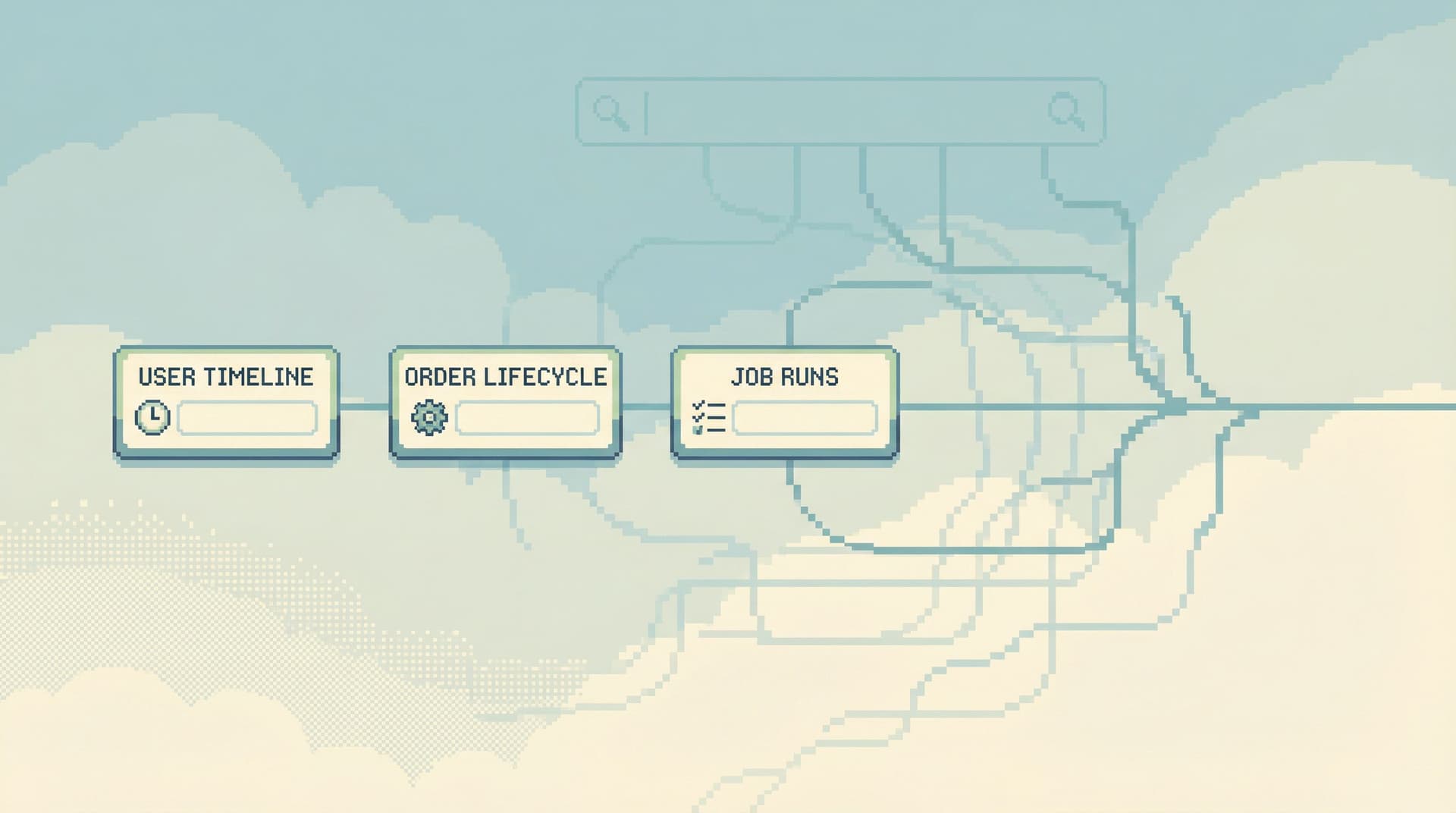
- Building small internal “read apps” for your most common paths (customer history, order lifecycle, job runs).
The goal isn’t more tooling. It’s fewer, calmer surfaces that are safe enough to link without a disclaimer.
Principle 4: Turn ephemeral reads into shared memory
Quiet handoffs work best when they’re not one‑offs.
If every incident invents a new set of queries, and every escalation relies on a different person’s habits, you’ll always fall back to live calls.
Instead, treat every good investigation as a reusable asset:
- Save it as a named view or path.
- Attach a short description: when to use this, what it’s safe for, what it won’t answer.
- Tag it by question type:
billing,jobs,auth,backfill, etc.
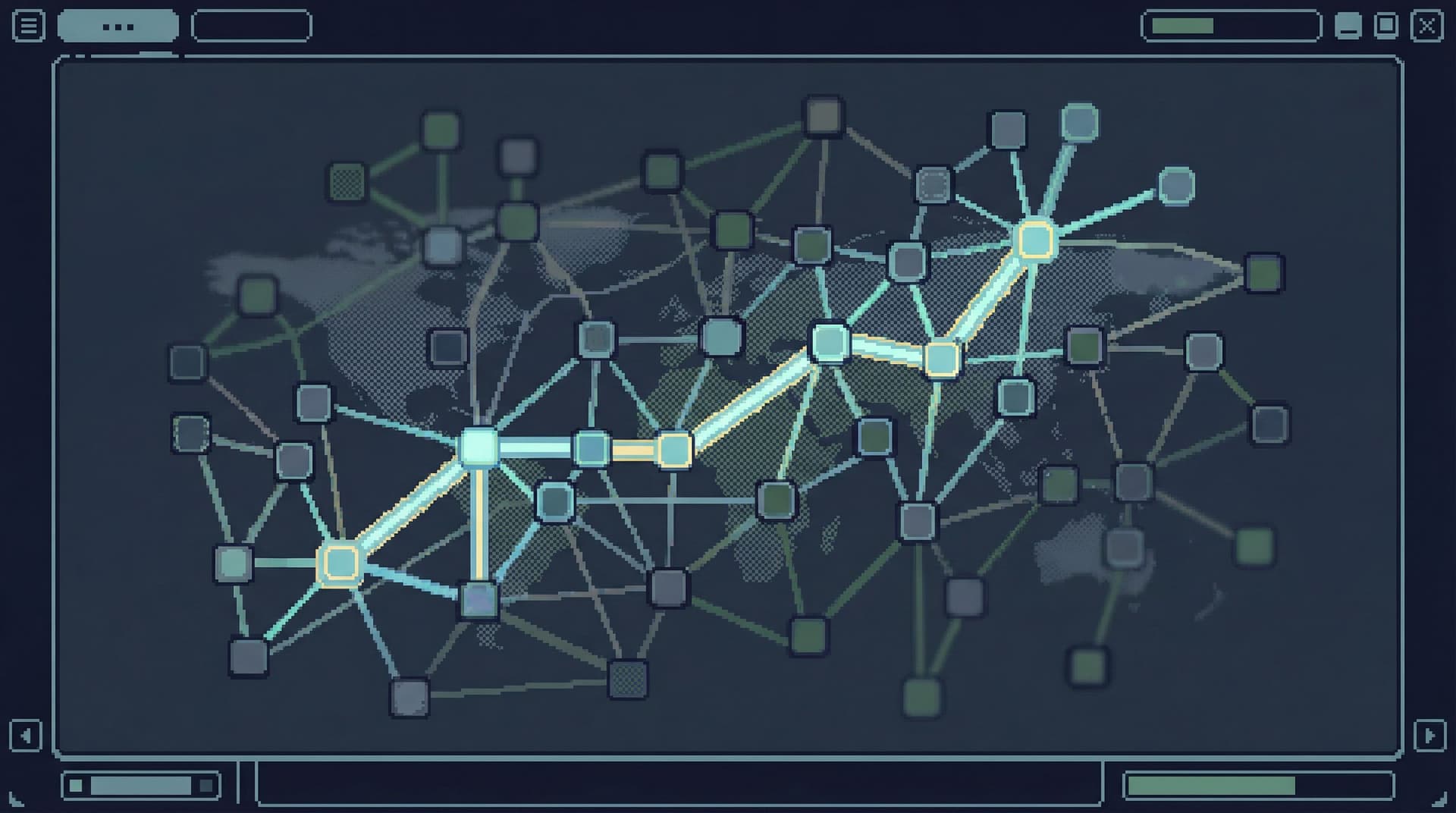
Over time, you get something like a calm catalog of production reads, mapped to real‑world questions. Not a schema explorer. A question explorer.
We covered this idea in more depth in Query Logs Are Not Knowledge: query history by itself is noise. Knowledge is when those reads are:
- Named
- Organized
- Linked back to the questions they answered
For handoffs, this means:
- When an alert fires, you don’t start from a blank search bar.
- You start from a small set of known, named paths that others have used before.
- The link you share is not “my query.” It’s “our incident path for this class of problem.”
A practical workflow for quiet handoffs
Let’s put this together into something you can try this week.
1. Pick one common question type
Start small. Choose a question you see often, for example:
- “What happened to this customer’s order?”
- “Is this background job stuck or just slow?”
- “Did this deploy cause any data anomalies?”
Write the question down in a shared place (runbook, doc, or inside your database browser if it supports descriptions).
2. Design a single, opinionated path
For that question, define a path that:
- Touches only the 3–5 tables that actually matter.
- Uses fixed joins and filters that you trust.
- Accepts a small number of parameters (customer ID, order ID, time window, deploy ID).
In Simpl, this might be a saved view that:
- Takes
customer_idas input. - Shows the customer row, their last N orders, and related payments.
- Surfaces key fields (status, timestamps, error codes) prominently.
In other tools, this might be:
- A parameterized dashboard focused on one entity.
- A small internal page that calls safe read endpoints.
The key: one path, one question. Don’t try to make it universal.
3. Run your next incident through that path
The next time this question comes up:
- Use the path you designed.
- Resist the urge to improvise in other tools unless truly necessary.
- Capture small improvements you notice (missing field, better sort order, clearer label).
At the end, share a link back to that same path with:
- The parameters you used.
- A 1–3 sentence summary of what you saw.
Example incident note:
Used
customer_incidentview withcustomer_id=482937.Saw two overlapping orders created within 2 seconds; second one stuck in
payment_pendingwith atimeout_errorfrom provider X.
That’s all the context the next person needs to click in and continue.
4. Replace one recurring screenshare with a link
Notice where you habitually say, “Let me share my screen.”
Pick one of those rituals and replace it with:
- A link to a shared path.
- A short written narrative.
For example, instead of a weekly “incident review” call where someone replays their queries, try a written review built around a single query trail—something we explored in The Single-Query Incident Review.
The first time will feel slower. That’s fine. You’re building a muscle.
5. Standardize how you annotate links
Finally, agree as a team on a tiny template for sharing production links. Something like:
- Question: …
- Path:
<link> - Scope: prod / staging, time window, any key filters
- Finding: 1–3 sentences
This is enough structure to turn “here’s a link” into a real handoff, without adding ceremony.

Common objections (and calm responses)
“But we move faster when we’re all on a call.”
You move louder, not always faster. Calls feel quick because they hide the cost of:
- Repeating the same investigation next month
- Onboarding new people into opaque habits
- Making decisions without a replayable trail
Quiet handoffs trade some real‑time speed for long‑term clarity. You still use calls when needed—just not as the default.
“Our tools don’t support this kind of path sharing.”
You can still approximate it:
- Use parameterized dashboards instead of ad‑hoc queries.
- Standardize on a small set of “blessed” queries stored in version control.
- Link to those queries and parameters from your runbooks and incident docs.
Over time, you may decide it’s worth adopting a browser like Simpl that bakes these patterns in.
“Isn’t this just more process?”
Quiet handoffs are less about process and more about shape:
- One question instead of five.
- One path instead of wandering.
- One link instead of ten screenshots.
You’re not adding steps. You’re replacing noisy ones with calmer ones.
Bringing it all together
Quiet handoffs are what you get when you treat production reads as something worth sharing well.
- Start from one clear, written question.
- Share paths, not screenshots.
- Default to read‑only, narrow surfaces.
- Turn good investigations into reusable memory.
- Replace one recurring screenshare with a link and a short narrative.
None of this requires a big migration or a new committee. It’s a series of small, opinionated choices about how you approach production data.
The result is a team that can:
- Hand incidents across time zones without live tours.
- Onboard new engineers into real production work safely.
- Answer support and product questions with confidence, not guesswork.
- Spend less time staring at someone else’s cursor and more time thinking.
Take the first quiet step
Pick one recurring production question your team handles.
This week, instead of:
- Opening a blank editor
- Sharing your screen
- Narrating a wandering tour
…design a single, opinionated read path for that question and share it as a link, with a short written summary.
If you want a tool that’s built around this way of working, try exploring that question through Simpl—an opinionated database browser designed for calm, sharable production reads.
One question. One path. One link.
That’s a quiet handoff.