The Calm Guardrail Catalog: Small UX Constraints That Make Production Reads Feel Safe


Production data should feel like a reference library, not a minefield.
Most teams try to solve safety with roles, policy docs, and “be careful” culture. Those matter, but they don’t change what it feels like to actually open a tool, type a query, and point it at production.
Safety is experienced through UX.
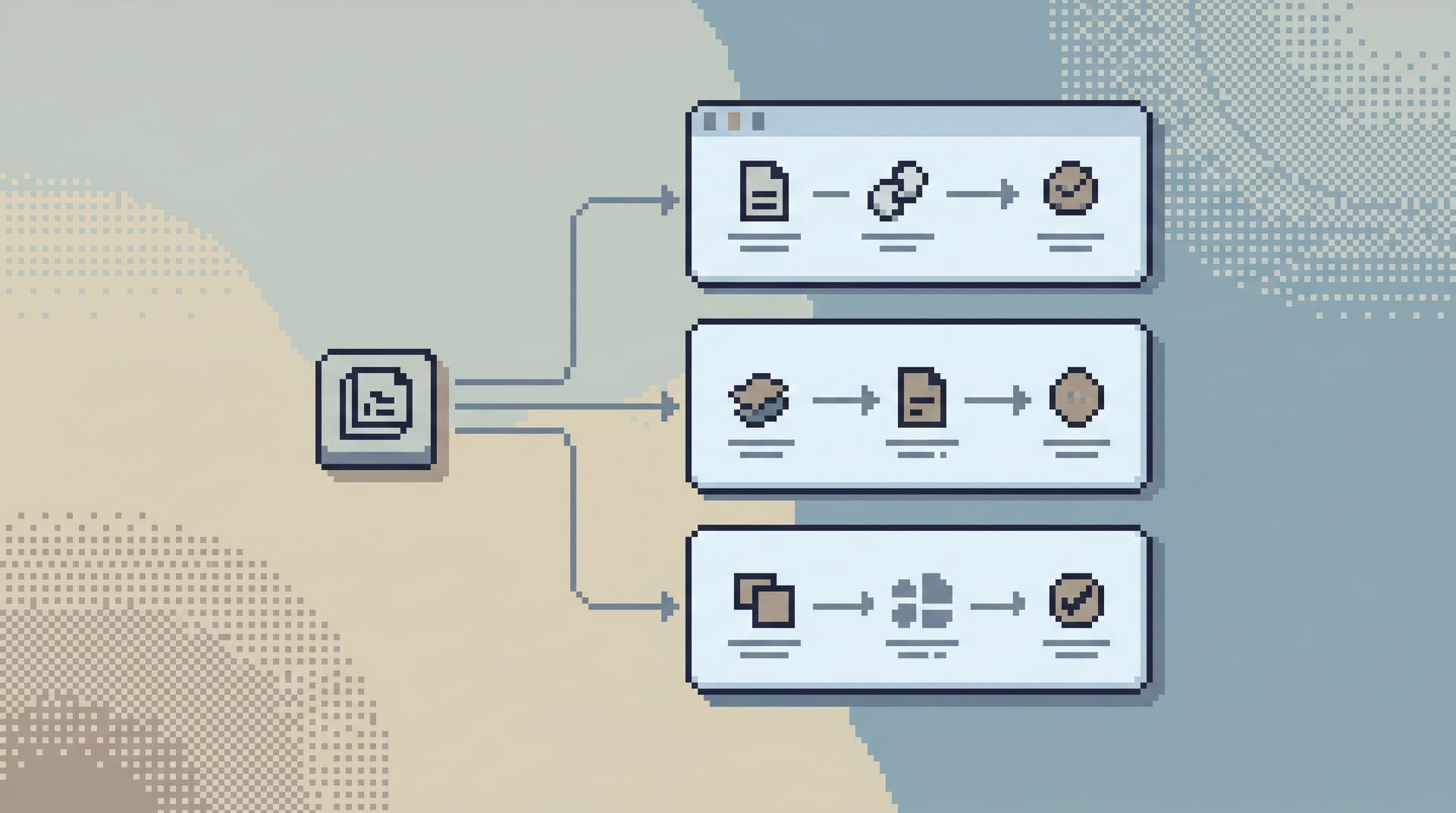
This post is about a specific layer: small, opinionated UX constraints that make production reads feel safe by default. The kind of guardrails that:
- Nudge people into scoped, reversible reads
- Make risky actions feel heavy instead of casual
- Keep incident work focused on concrete questions, not wandering
Tools like Simpl exist in this middle layer: an opinionated database browser that treats guardrails as part of the interface, not just something written in a Notion doc.
Why “Calm Guardrails” Matter
Most teams already have some version of a safety story:
- Read-only roles for most engineers
- A few people with broader powers
- A scattered set of saved queries, dashboards, and admin screens
We’ve written before about why this breaks down in practice in posts like Beyond Read-Only Roles: Structuring Access Around What Engineers Actually Need to See and The Calm Access Model: Structuring Roles Around Real Read Work, Not Org Charts.
The short version:
- People are still afraid of prod.
- Debugging still depends on who “has access” and who remembers the right query.
- Most of the real risk comes from ad-hoc, unstructured reads under pressure.
Guardrails at the UX layer change that day-to-day experience.
Good guardrails are:
- Local – attached to specific flows, not abstract policy
- Visible – you can see what’s constrained and why
- Reversible – they bias toward reads that can be safely repeated and shared
- Boring – they fade into the background once you trust them
The goal isn’t to make production “safe” in the absolute sense. The goal is to make the safe path the easy path.
A Catalog of Calm Guardrails
Below is a practical catalog of small UX constraints that, together, make production reads feel safe. You don’t need all of them on day one. But each one changes the default behavior in a useful way.
1. Read-First, Write-Less by Design
The core stance: browsing production should be read-first and write-rare.
UX patterns that help:
-
No inline editing in grids
- Make it impossible to casually double-click a cell and change it.
- If writes exist at all, they should live in a separate, clearly-marked flow with friction.
-
Separate entry points for reads and writes
- One tool or mode for reads.
- A different, heavier path for writes, with approvals or explicit justification.
-
Copy and export as defaults
- The main actions near results should be copy, export, and share—not update, delete, or “run mutation”.
Read-Only, Opinionated, and Enough: A Minimalist Stack for Everyday Production Data Work goes deeper on this stance: make read-only feel like “enough,” not like a restriction.
In Simpl, this shows up as a deliberately read-only surface. You can explore, compare, and share trails of queries, but you can’t casually change rows.
2. Scoped Entry, Not Blank Consoles
Most risk starts with a blank editor and a wide-open connection string.
A calmer alternative: every session starts from a question, not from the whole schema.
Patterns:
-
Question-based entry
- "Look up a user by ID"
- "Inspect this order"
- "Compare this tenant now vs. yesterday"
-
Pre-scoped templates
- Opinionated query templates that already:
- Filter by environment
- Limit time ranges
- Join the right tables
- Apply safe
LIMITdefaults
- Opinionated query templates that already:
-
Deep links from tickets and tools
- Links from Jira, support tools, or alerting that drop you directly into a scoped view, not a generic browser.
This is the same idea behind posts like From Tickets to Tables to Code: A Straight-Line Workflow for Everyday Production Debugging and The Focused Browser Session: Turning One Bug Report Into a Linear Path Through Production Data: start from the real question, not the schema.
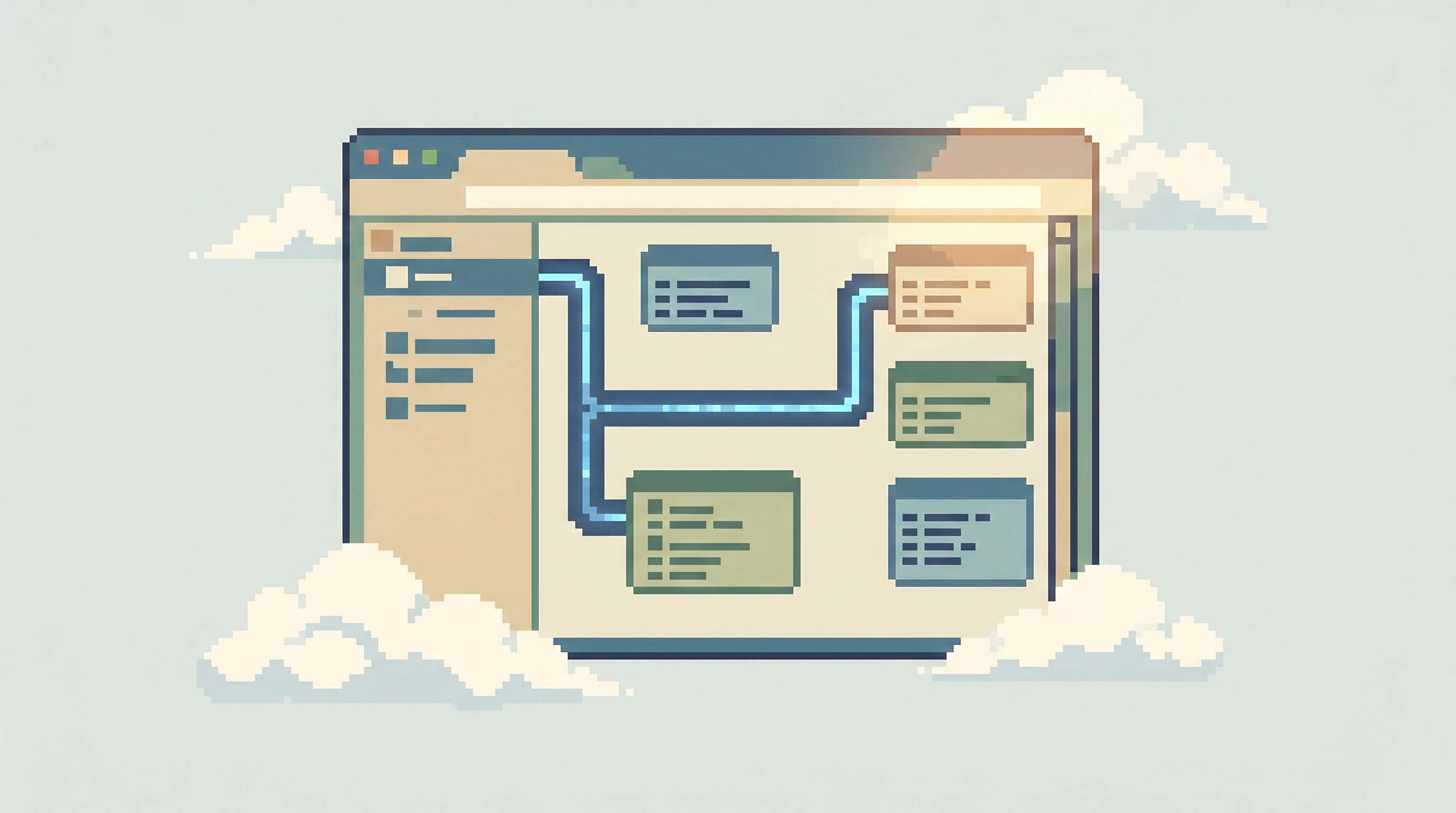
In Simpl, this looks like opinionated read paths: named trails that encode “how we usually investigate X” as a single-click starting point.
3. Hard Limits on Scope and Shape
Guardrails should show up in the shape of your queries, not just in permissions.
Useful constraints:
-
Row limits by default
- Every ad-hoc query runs with a hard
LIMITunless explicitly lifted. - Lifting the limit is a visible, deliberate act (e.g., a toggle with warning text).
- Every ad-hoc query runs with a hard
-
Time-bounded reads
- Common flows always filter on a recent time window.
- Expanding time range requires explicit confirmation.
-
Environment awareness baked into the UI
- Clear, persistent labeling of which environment you’re in.
- Visual weight differences between staging and production (color, framing, small banners).
-
Pre-joined, pre-filtered views
- For recurring questions ("What happened to this payout?"), provide a composed view instead of expecting people to hand-roll multi-table joins.
This is where tools like Simpl lean hard into opinionated templates instead of arbitrary SQL: you get a narrow, trustworthy slice of data that matches the question you’re answering.
4. Friction for Potentially Expensive Reads
Not all reads are equal. Some are cheap and safe; some can quietly compete with user traffic.
UX can make that difference visible.
Patterns:
-
Cost-aware hints before execution
- Surface rough cost signals before running a query:
- Table size
- Missing filters on large tables
- Full table scans on hot paths
- Surface rough cost signals before running a query:
-
Soft warnings with clear language
- "This query may scan ~80M rows in production. Consider adding a time filter or narrower WHERE clause."
-
Two-step execution for high-cost reads
- First click: "Estimate impact" or "Preview plan".
- Second click: "Run anyway" with explicit confirmation.
-
Safe preview mode
- Run in a lower-risk environment (e.g., a follower, replica, or staging) by default.
- Only allow direct reads against the primary when necessary and clearly labeled.
This isn’t about turning every query into a lecture. It’s about adding just enough friction that you notice when you’re about to do something heavy.
5. One Trail per Question, Not Ten Tabs
Risk grows with confusion. Ten tabs, three consoles, and a Slack thread of screenshots are where mistakes hide.
A calmer pattern: one continuous trail per question.
UX ideas:
-
Session timelines
- Every query, filter change, and drill-down is part of a single, visible trail.
- You can scroll back through the steps instead of juggling tabs.
-
Named trails
- Save a sequence of reads as a named investigation flow.
- Share the trail instead of screenshots.
-
Branching instead of tabbing
- When you “fork” an investigation, it becomes a visible branch on the same timeline, not a new window.
We’ve written about this in Less Tabs, More Trails: Structuring Long Debugging Sessions as One Continuous Read Path and Post-Dashboard Debugging: Why Incident Workflows Need Trails, Not Tiles.
In Simpl, this shows up as trails: you can replay an incident’s read path, see exactly which queries ran, and reuse that path next time.
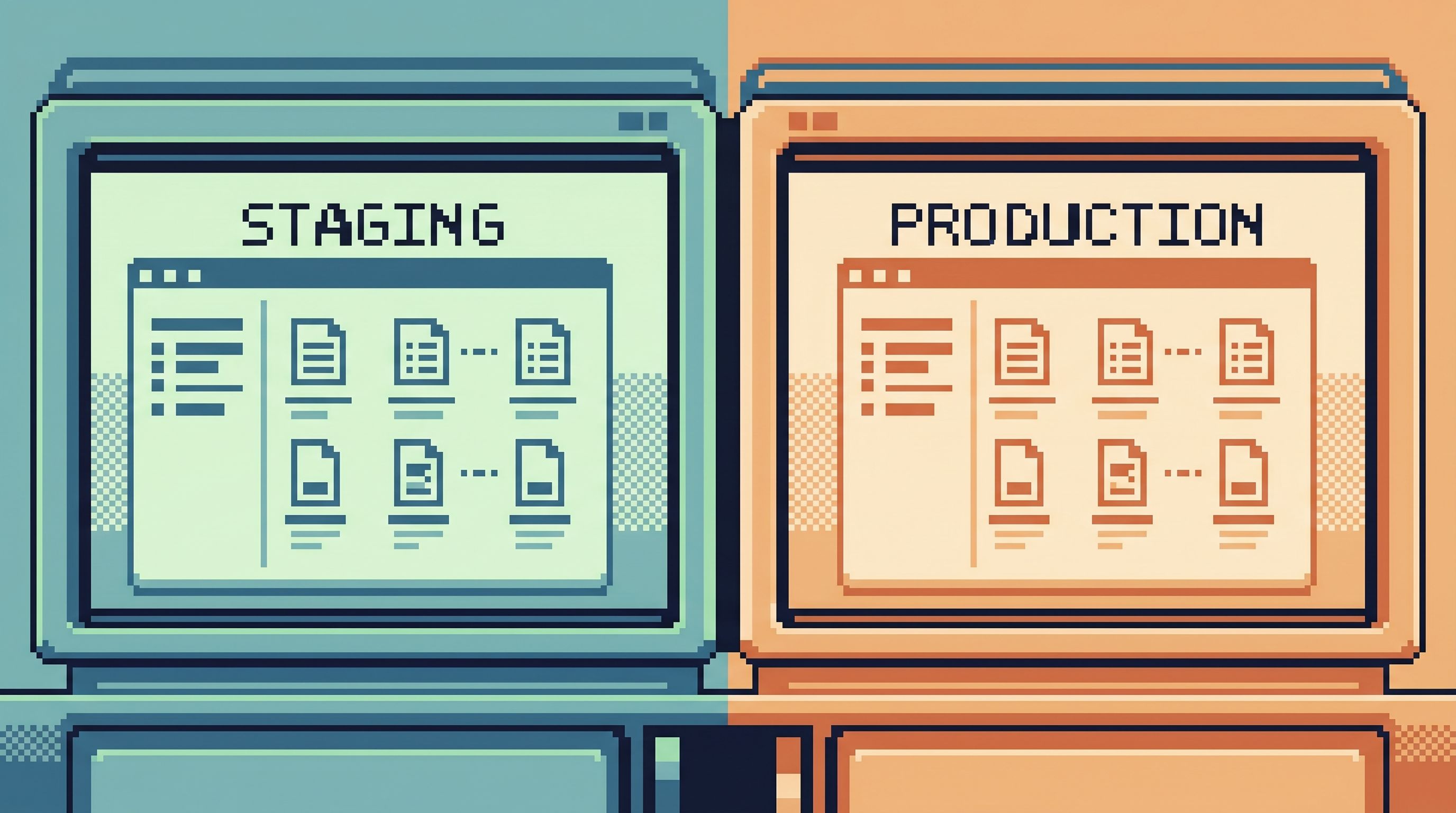
6. Guardrails That Travel Between Staging and Prod
One quiet source of risk: staging and production using different tools, different flows, and different habits.
Safer pattern: same browser, same guardrails, different environment.
UX constraints that help:
-
Identical flows in staging and prod
- The same templates, trails, and views exist in both environments.
- You can rehearse a risky investigation in staging before running it in prod.
-
Environment as a first-class toggle
- Switching from staging to prod is a single, explicit action.
- The UI makes that switch obvious (color, labels, maybe even a short inline reminder).
-
Safe defaults in staging too
- Don’t treat staging as a free-for-all. Keep the same row limits, scoping, and templates so habits transfer cleanly.
We unpack this more in The Focused Staging Flow: Using One Opinionated Browser for Both Test and Prod Reads and The Quiet Staging Browser: Safe Production-Like Reads Without a Second Tool Hell.
Simpl leans on this: one interface, one mental model, with environment as the only variable.
7. Opinionated Templates Instead of Saved Query Graveyards
“Saved queries” are often where good intent goes to die.
A calmer alternative: a small, curated set of opinionated templates that are:
- Named after real questions, not tables
- Owned and maintained by specific people
- Versioned and reviewed like code
UX details:
-
Short, descriptive names
- "Inspect user by email"
- "Payout stuck in processing"
- "Compare tenant before/after migration"
-
Inline documentation
- A short description of when to use it and what to be careful about.
-
Parameters instead of edits
- People fill in IDs, dates, or flags.
- They don’t rewrite the core query structure.
-
Visible ownership
- Each template shows who last updated it and when.
This is the core idea behind The Quiet Query Template: Turning Recurring Debug Flows into Opinionated, One-Click Reads and Beyond Saved Views: Turning Common Production Reads into Opinionated ‘Runbooks in SQL’.
In Simpl, templates become first-class read paths: small, safe, parameterized flows that encode how your team actually investigates.
8. Clear, Human-Centric Language Around Risk
Many tools surface risk in ways only database experts can parse: query plans, buffer hits, lock types.
Calm guardrails use plain language instead.
Examples:
- Instead of: "Seq Scan on orders (cost=0.00..123456.78 rows=999999 width=…)"
- Say: "This query will likely scan most of the
orderstable. On production, that could be slow and impact live traffic. Consider adding a time filter or narrowing your WHERE clause."
Other patterns:
- Short, focused warnings instead of dense blocks of text
- Concrete suggestions ("Add a filter on
created_at"), not just red icons - Context-aware hints ("You’re in production; this would be safer to run in staging first.")
Good UX doesn’t hide the complexity; it translates it into choices the person at the keyboard can actually act on.
How to Introduce Guardrails Without a Big Migration
You don’t need to replace your entire stack to get calmer guardrails. You can layer them in.
A practical path:
-
Pick one high-risk, high-frequency flow
- Example: "Look up a user and see their last three orders."
- Or: "Inspect a payout that looks stuck."
-
Encode it as a template
- In whatever tool you have today, capture:
- The right joins
- The right filters
- A safe row limit
- Add a short description: when to use it, what it answers.
- In whatever tool you have today, capture:
-
Add one visible guardrail
- A hard row limit.
- A required time filter.
- A clear environment label.
-
Route real work through it
- Share the template in your support or incident runbooks.
- Ask people to start there before writing ad-hoc queries.
-
Iterate on friction, not just speed
- Watch where people get confused or nervous.
- Add small nudges: better naming, clearer warnings, safer defaults.
-
Graduate the pattern into a dedicated browser
- Once you have a handful of these flows, a tool like Simpl gives them a home:
- One calm entry point
- Read-only by design
- Trails you can replay and refine
- Once you have a handful of these flows, a tool like Simpl gives them a home:
The goal is not to flip a switch from “unsafe” to “safe.” It’s to ratchet the default behavior toward scoped, reversible reads—one flow at a time.
Summary
Calm guardrails are small UX constraints that make production reads feel safe without turning your tools into fortresses.
Key patterns:
- Read-first interfaces that make writes rare and deliberate
- Question-based entry points instead of blank consoles
- Scoped, time-bounded, limited reads as defaults
- Friction and visibility for expensive queries
- Single trails per question, not tab sprawl
- Shared guardrails across staging and prod
- Opinionated templates instead of a graveyard of saved queries
- Plain-language risk hints that help non-experts make good choices
Together, these patterns reduce risk, shrink cognitive load, and make production feel less like a place you sneak into and more like a shared reference space the whole team can trust.
Take the First Step
You don’t need a full redesign to start.
Pick one production question your team answers every week. Turn it into:
- A single, named template
- With a clear description
- A safe row limit
- And a visible environment label
Route the next few tickets through that path. Notice how it feels.
If you want a place where these patterns are built in from the start—a calm, opinionated database browser that treats guardrails as defaults, not afterthoughts—you can explore Simpl.
Start with one guarded read. Let the catalog grow from there.