Less Tabs, More Trails: Structuring Long Debugging Sessions as One Continuous Read Path

Long debugging sessions usually fail in the same quiet way: not because the problem is too hard, but because the path through it is too scattered.
Five tools open. Twelve tabs. Three half‑written queries. Screenshots in Slack.
You don’t have a debugging flow. You have a pile.
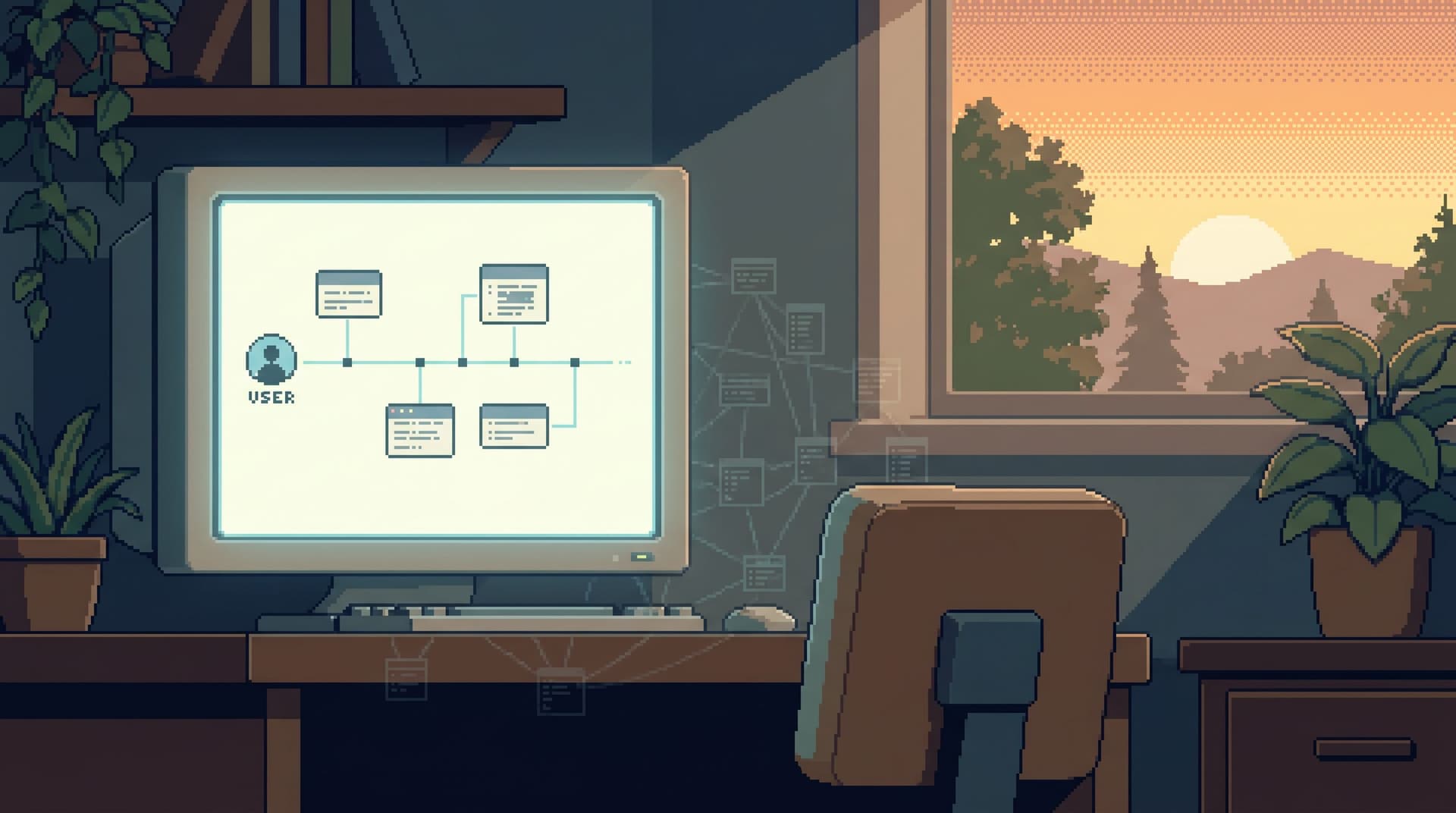
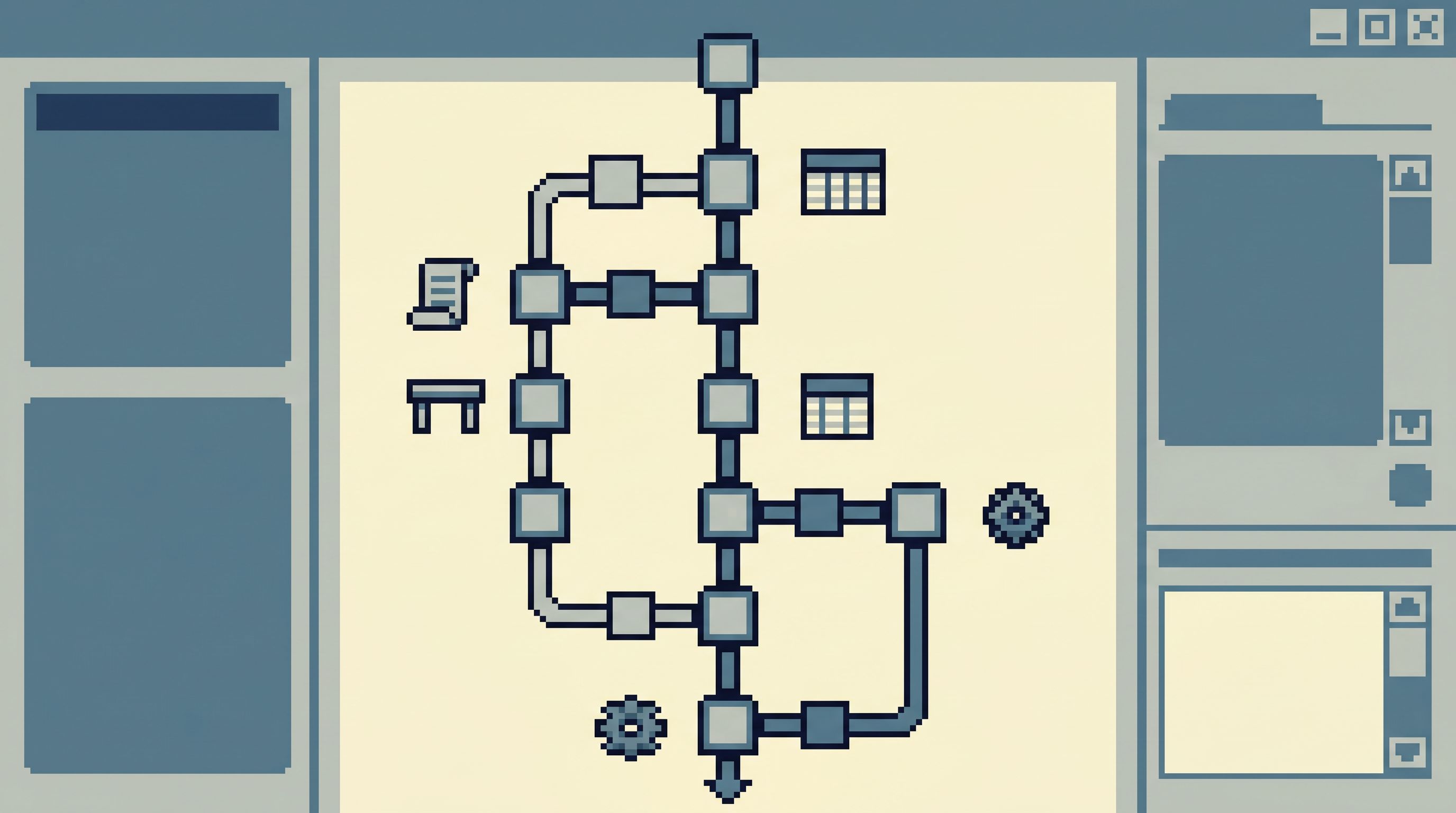
This post is about a different stance: treating a long debugging session as one continuous read path—a single, coherent trail you can follow, replay, and share, instead of a cloud of disconnected artifacts.
Less tabs. More trails.
Tools like Simpl are built around this idea: an opinionated database browser that makes your work feel like reading a story, not fighting a stack of consoles.
Why long debugging sessions feel louder than they need to
Most teams debug like this:
- An alert or ticket appears.
- Someone opens logs, dashboards, and a SQL IDE.
- Everyone fans out into their own tools and queries.
- Context leaks into Slack and screenshots.
- After an hour, the story of what happened exists only in heads.
Nothing in that flow is deliberate. It’s just what happens when every tool is an equal entry point and every query is a one‑off.
The result:
- You lose chronology. You can’t easily replay what you tried, in what order, and why.
- You lose focus. Each tab is an invitation to start a new line of thought.
- You lose reuse. The best parts of the session die as ad‑hoc SQL or buried chat logs.
If this feels familiar, you might also resonate with the idea of a single, opinionated entry point for database work described in The Calm Query Session. A continuous read path is what that actually looks like under pressure.
What a “continuous read path” actually is
A continuous read path is a simple idea:
Treat a debugging session as one structured narrative of reads, not a scattered set of queries and tabs.
In practice, that means:
- One primary place where the session lives. Usually a focused browser like Simpl, not a mix of IDE, admin console, and BI.
- A small number of linked steps. Each step is a concrete read: "Look up user", "Follow orders", "Inspect payouts"—not just raw SQL in isolation.
- Visible chronology. You can scroll back through what you did and why, without reconstructing it from memory.
- Shareable context. When someone joins mid‑incident, they can load the same trail instead of asking, "What have we tried so far?"
This is the same philosophy as opinionated read flows and templates, but applied to a whole session. Posts like Database Work Without Bookmarks go deeper on the idea of trails as first‑class objects; here we’ll stay focused on how to structure a single long debugging run.
The cost of tab‑driven debugging
Tabs feel cheap. They’re not.
Each new tab or tool silently adds:
- Another partial view of the story. Logs show one slice, traces another, rows another.
- Another stateful context. Filters, time ranges, schemas, and environments drift apart.
- Another way to forget. Closing a tab is often the same as losing a piece of the investigation.
Common failure modes:
- You fix the bug, but can’t explain the path that led you there.
- You think you’ve checked a hypothesis, but only half‑checked it in one environment.
- A teammate joins and repeats work because they can’t see your trail.
Tabs optimize for branching. Debugging optimizes for narrative.
A continuous read path flips the default:
- Instead of "open a new tab," you add a new step to the trail.
- Instead of "copy this query into Slack," you share the session link.
- Instead of "where did we start?", you scroll to the top.
Designing your next debugging session as one trail
You don’t need to rebuild your stack to do this. You need a few strong defaults.
1. Start from the ticket, not from a blank console
Every good trail starts with a clear entry point.
That entry point is almost never "open psql". It’s:
- A Jira issue
- A support ticket
- An alert from your monitoring system
Before you touch a database tool, capture three things:
- The concrete subject – user ID, order ID, job ID, etc.
- The time window – when did this start and end (or not end)?
- The primary question – what are you actually trying to learn?
Examples:
- "User
u_123had a failed payout at 13:42 UTC. Did we double‑charge them?" - "Job
job_987has been running for 45 minutes. Is it stuck or just slow?"
This sounds obvious, but it’s the anchor for the whole trail. It also aligns with the straight‑line approach described in From Tickets to Tables to Code: ticket → data → code, not tools → more tools.
2. Choose one home for the session
Pick a single place that will hold the trail:
- A focused database browser like Simpl
- Or, if you don’t have that yet, a single SQL client plus a simple notes document that you treat as the canonical log
The rule:
Every read that matters should be reachable from this one place.
That doesn’t mean you never open other tools. It means:
- If you open logs, you bring just enough context back into the main trail.
- If you look at a dashboard, you write down which metric and which time window you checked.
You’re building a spine. Other tools can hang off it, but they don’t become new spines.
3. Turn each question into a named step
Instead of thinking in terms of raw queries, think in terms of steps.
Each step should have:
- A short name: "Locate user", "Check recent orders", "Inspect payouts", "Verify migration flags".
- A concrete input: user ID, order ID, time range, status.
- A result you can quickly summarize: "Found 3 orders; last one failed with
payment_declined."
In a tool like Simpl, these steps can be explicit: a sequence of opinionated reads linked together. In a more manual setup, you can simulate this by:
- Using comments at the top of each query block:
-- Step 2: Check recent orders - Writing a one‑line summary after each query in your notes doc
The important part is naming and ordering. You’re writing a story as you go.
4. Reuse known trails instead of improvising
Most incidents are not unique. The surface details change; the underlying trail repeats:
- For payments: user → orders → payments → payouts
- For auth: user → sessions → tokens → audit logs
- For jobs: job → attempts → related entities → dead‑letter queue
If you’ve already debugged this kind of problem before, you should not be inventing the path from scratch.
Some practical ways to reuse trails:
- Maintain a small set of opinionated templates for common flows (e.g., "Payment failure trail").
- Store them in your main browser, not in a random wiki page.
- Parameterize them by the key you care about: user ID, order ID, job ID.
This is where tools like Simpl shine: you can encode these flows as first‑class read paths instead of a graveyard of saved queries.
If you want to go deeper on this idea, The Quiet Query Template walks through how to turn recurring debug flows into one‑click reads.
5. Keep the time axis consistent
Nothing derails a trail faster than mismatched time windows.
Common traps:
- Logs filtered to "last 15 minutes" while your database reads are scoped to "yesterday".
- Dashboards zoomed out to a week while you’re debugging a 10‑minute spike.
Pick a primary time window based on the incident and propagate it everywhere:
- Logs: filter to
[incident_start - 5m, incident_end + 5m]. - Database reads: use that window in
created_at/updated_atfilters where relevant. - Dashboards: zoom to the same range.
Write that window at the top of your session notes or as the first step in your trail:
"Scope: 2026‑05‑09 13:30–14:15 UTC, user
u_123."
Now every subsequent step either respects that window or explicitly notes when it changes.
6. Capture hypotheses, not just queries
A continuous read path is not just a list of what you ran. It’s a record of what you thought.
For each step, add a one‑line hypothesis:
- "Hypothesis: user was double‑charged because retries created duplicate payouts."
- "Hypothesis: job is stuck waiting on a missing dependency row."
Then, after the query:
- "Result: single payout row; no duplicates. Hypothesis disproved."
This does two things:
- Keeps you from circling the same idea without realizing it.
- Makes the trail legible to someone else reading it later.
You don’t need a heavy process here. A few short sentences in your trail are enough.
7. Minimize branches, but don’t forbid them
Real debugging isn’t perfectly linear. Sometimes you need to branch:
- "What if this is actually a feature flag issue?"
- "Could this be caused by a background job, not the main request?"
When that happens:
- Mark the branch explicitly. "Branch A: payments", "Branch B: feature flags".
- Keep both branches inside the same trail, not in separate tools.
- If one branch is disproved, close it with a note, don’t just abandon it.
The goal isn’t to force a straight line. It’s to keep all the lines visible in one place.
8. End with a short replayable summary
When the incident is resolved, your trail should make the write‑up almost trivial.
At the bottom of the session, add:
- The root cause – in one or two sentences.
- The key steps – 3–7 bullet points referencing the named steps in the trail.
- Any reusable trail that emerged – "This is now our canonical
Payment stuck in processingpath."
If your main browser supports it, link the exact trail from the incident ticket so anyone can:
- Re‑run it with a different user ID.
- See exactly what you saw, in order.
- Avoid repeating the same mistakes in the next incident.
This is where a continuous read path becomes more than a one‑off artifact. It becomes a small piece of team memory.
How a tool like Simpl supports continuous trails
You can approximate everything above with discipline, notes, and a generic SQL client. But the friction is real.
A focused browser like Simpl can:
- Treat trails as first‑class objects. Not just "saved queries," but structured sequences of reads.
- Bind parameters across steps. Start with a user ID and carry it through the whole trail without re‑typing.
- Keep staging and production aligned so the same trail works in both, as described in The Focused Staging Flow.
- Stay read‑only and opinionated, so you’re not juggling schema changes and risky writes during an incident.
The point isn’t to add more tooling. It’s to give your debugging sessions a calm, obvious home.
A minimal checklist for your next long debugging session
You don’t need a big process change. You need a few small moves.
Before you start:
- [ ] Write down the subject, time window, and primary question.
- [ ] Pick one home for the session (ideally a focused browser like Simpl).
As you work:
- [ ] Turn each query into a named step with a one‑line hypothesis.
- [ ] Keep the time window consistent across tools.
- [ ] Prefer extending the existing trail over opening a new tab.
- [ ] Mark branches explicitly and close them when disproved.
When you’re done:
- [ ] Add a short summary at the end of the trail.
- [ ] Capture any reusable path as a template for next time.
Run this a few times and you’ll notice two things:
- Incidents feel shorter, even when they’re not.
- Handing off context feels less like a meeting and more like sharing a link.
Bringing more trails and fewer tabs into your team
You don’t have to redesign your whole incident process to get value from this.
Start with one real debugging session this week:
- Declare one tool as the home of the trail.
- Give each step a name, input, and one‑line result.
- At the end, write a three‑bullet summary and share the trail link in the ticket.
If that feels calmer than your usual tab explosion, you have your answer.
If you want a tool that’s built around this way of working—opinionated trails, calm reads, and a single interface for staging and production—take a look at Simpl. It’s an opinionated database browser designed exactly for this middle layer of work: following data trails without turning your day into a tool‑hopping exercise.
Less tabs. More trails. One continuous read path at a time.