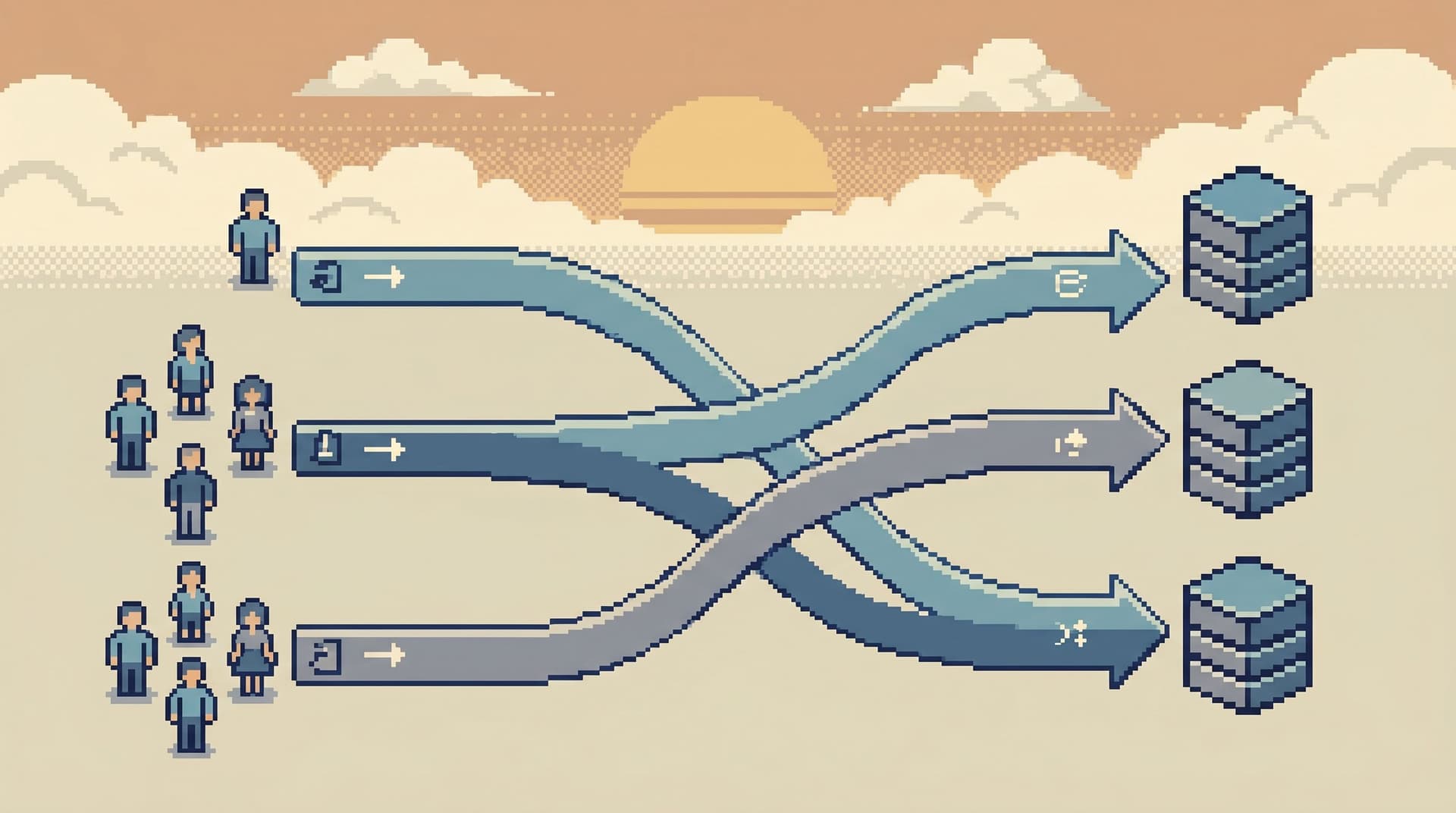
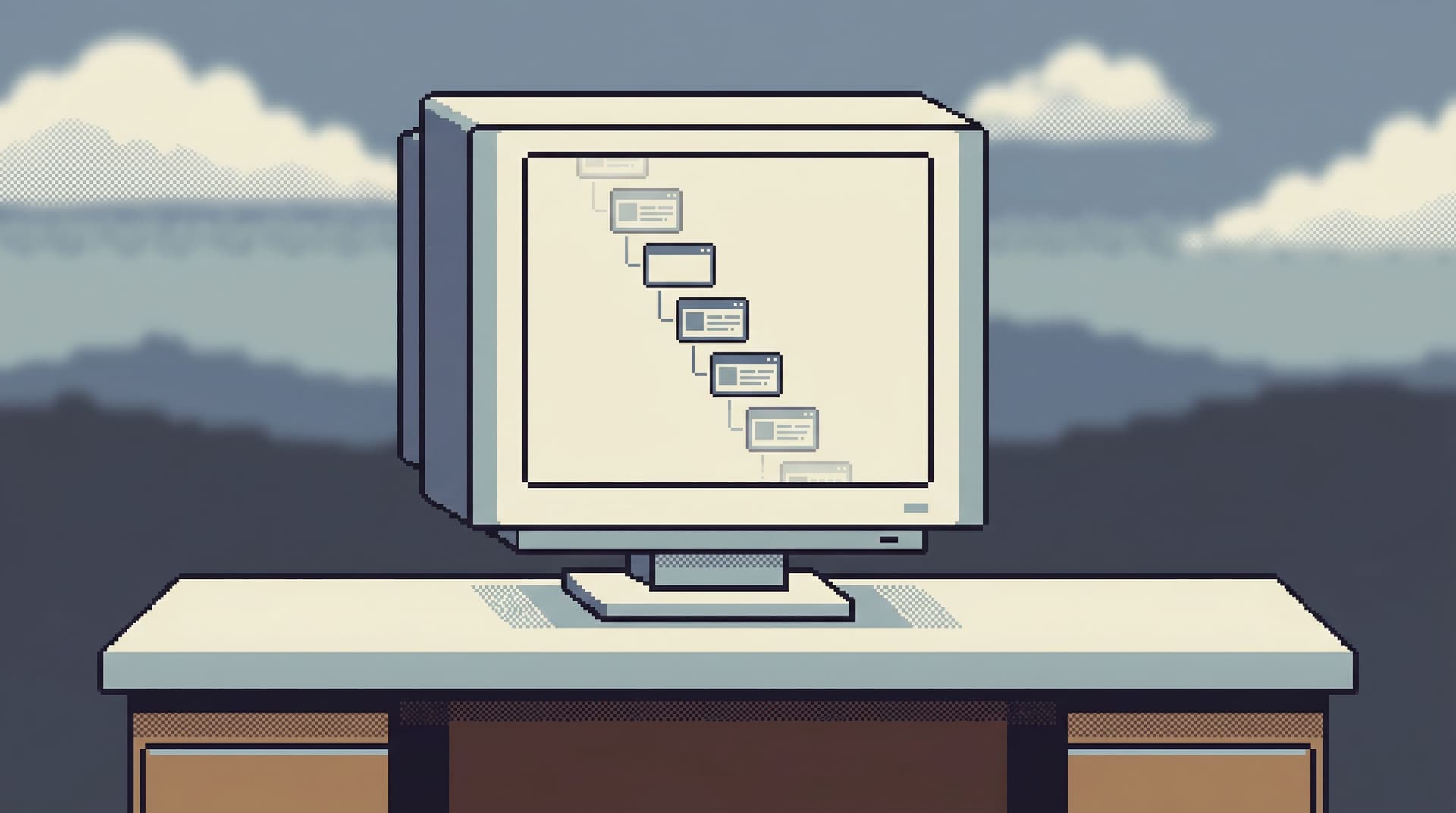
The Focused Browser Session: Turning One Bug Report Into a Linear Path Through Production Data

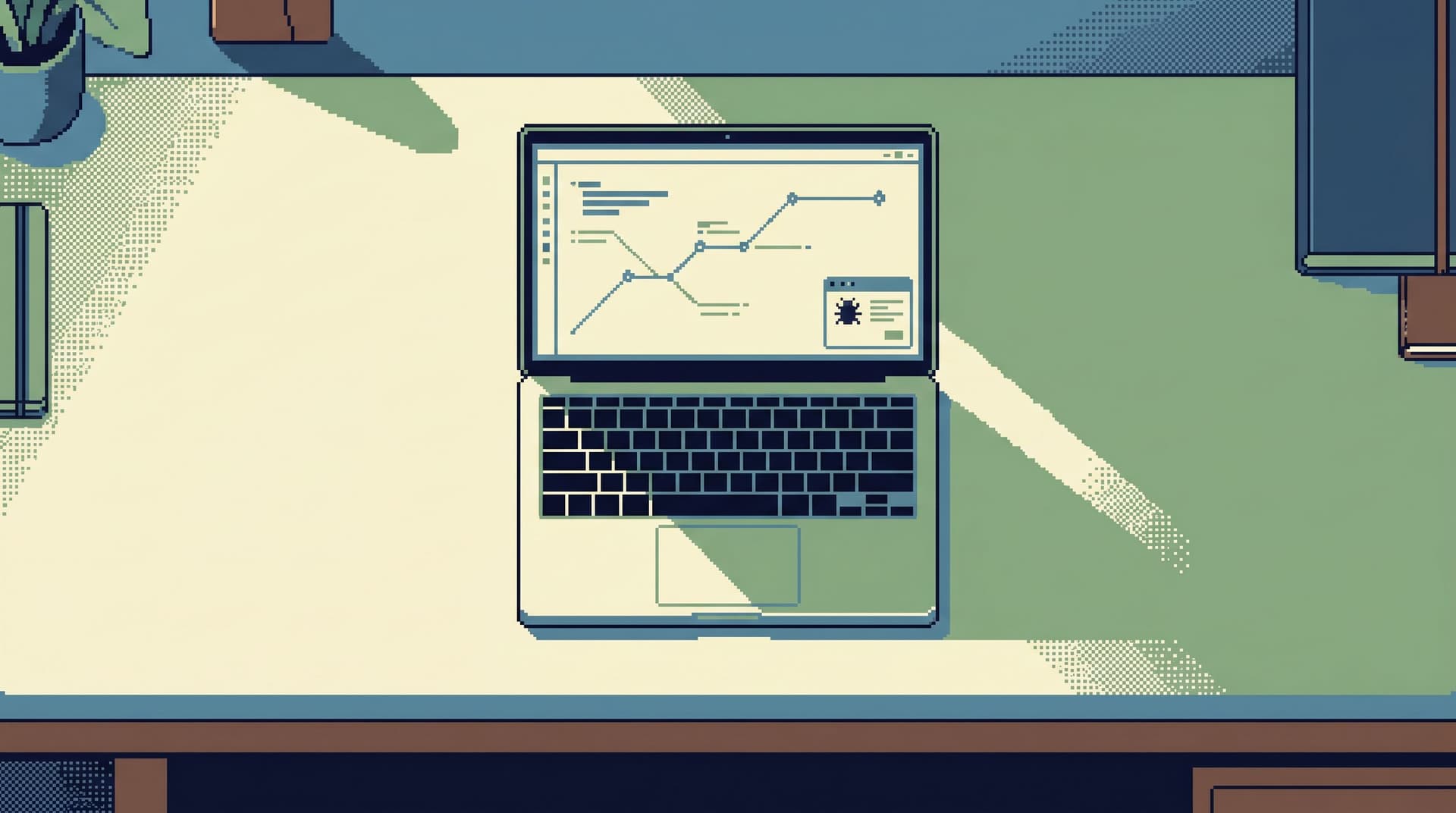
A single bug report should not require five tools, three people, and a lost afternoon.
It should feel like this:
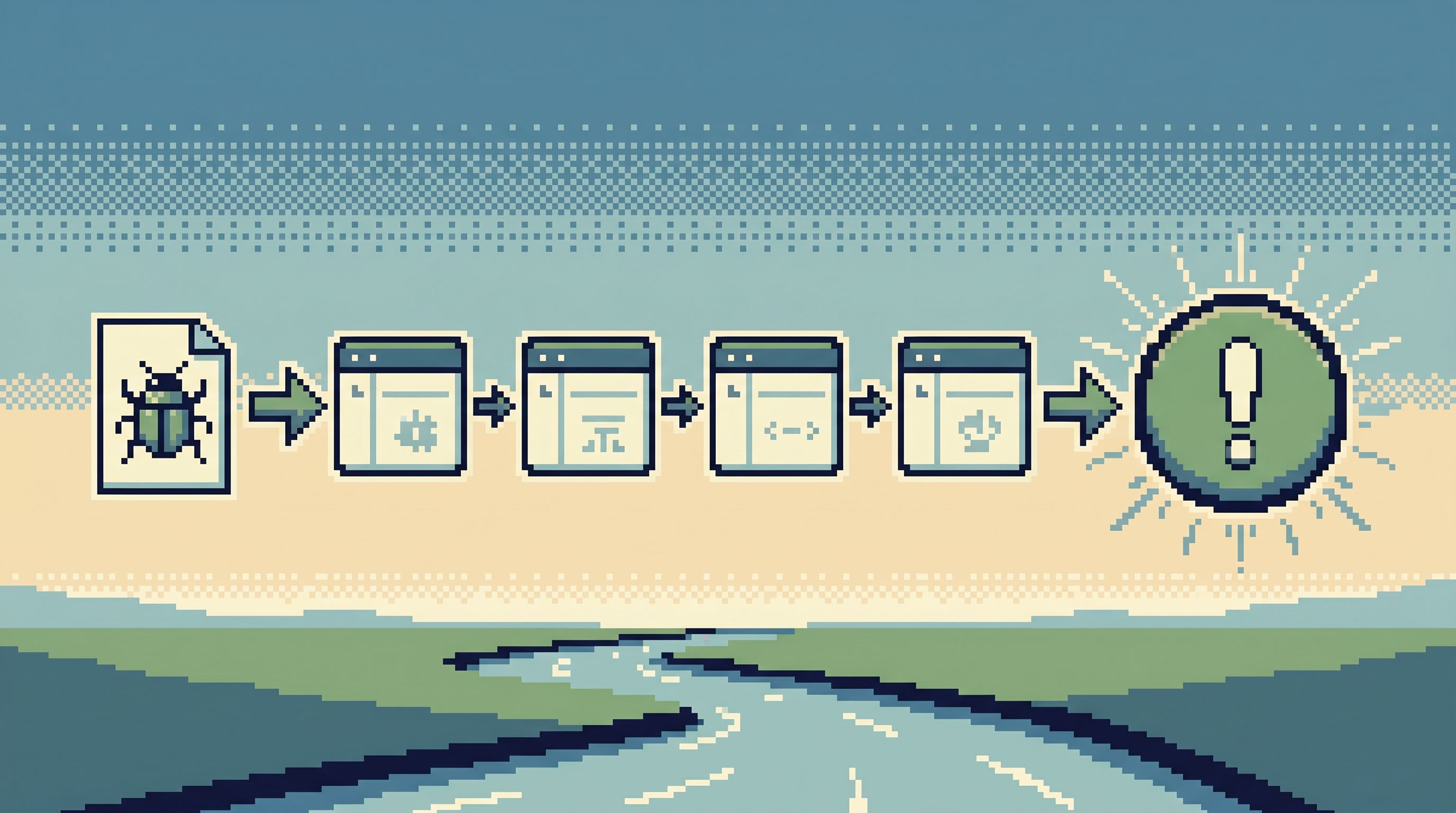
Ticket → one focused browser session → a straight line through the right production data → a clear story → a small, confident fix.
That’s the idea behind a focused browser session: treating each bug report as a guided path through production data, not a scavenger hunt across dashboards, consoles, and ad‑hoc SQL.
Tools like Simpl exist exactly for this middle layer: a calm, opinionated database browser that makes that path feel linear, replayable, and safe.
Why a Single Bug Report Deserves a Single Trail
Most teams debug like this:
- Start from a Jira or Slack message.
- Open a dashboard to see if anything looks wrong.
- Jump to logs.
- Open an admin console.
- Fire up a SQL IDE.
- Paste screenshots into Slack.
The work is real, but the path is crooked. You’re constantly re‑orienting:
- Where did I see that user ID?
- What query did we run 10 minutes ago?
- Which console has the “real” data?
The result:
- Lost context. Every tool change is an opportunity to drop the thread.
- Risky reads. Under pressure, people run broader, slower queries than they need.
- Unrepeatable work. The “investigation” lives in someone’s head and browser history.
A focused browser session takes the opposite stance:
- One entry point into production data.
- One continuous trail of reads.
- One place where the bug report is anchored and the path is recorded.
If you’ve read “Less Tabs, More Trails: Structuring Long Debugging Sessions as One Continuous Read Path”, this is that idea applied to the very start of the flow: the moment a bug report appears.
Start From the Bug, Not From the Schema
The first mistake most teams make is starting from the database instead of the report.
You open a schema explorer. You expand tables. You guess where to look.
A focused session starts elsewhere:
-
Anchor on the report artifact.
- A Jira issue.
- A support ticket.
- A Slack message with a user ID.
-
Extract the minimal identifiers.
- User ID, email, order ID, request ID, job ID.
- Time window: “around 2026-05-10 14:00 UTC”.
- Environment: prod, EU cluster, US‑east, etc.
-
Translate that into an entry point.
- A pre‑built “Find user by ID” or “Trace order by ID” view.
- A parameterized query you can fill in with the ID and time.
In an opinionated browser like Simpl, this often means:
- Opening a specific read flow (e.g., User Journey, Payment Investigation).
- Dropping in the ID and time window.
- Letting the tool lead you to the right tables.
You’re not “exploring.” You’re starting from the question.
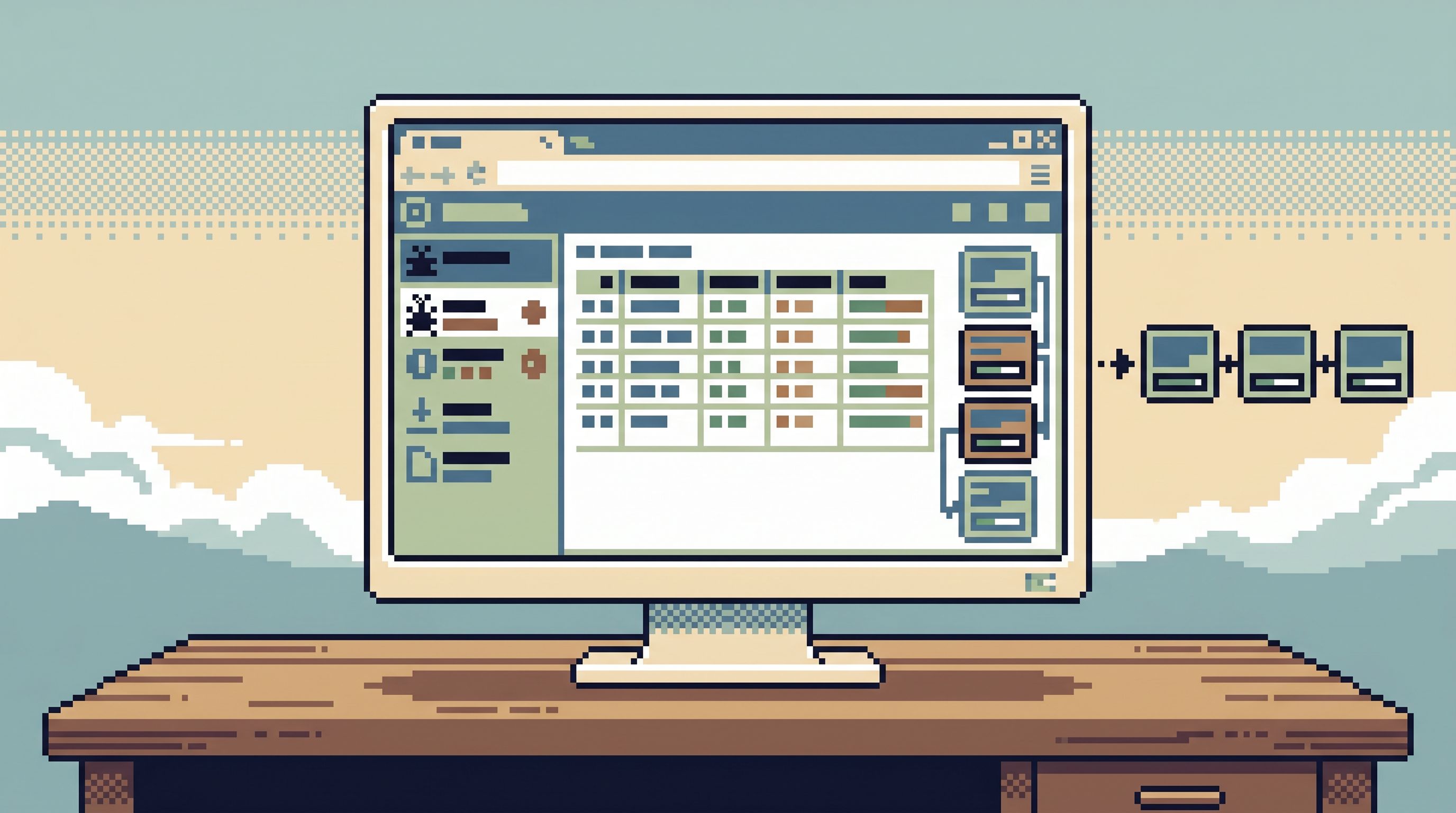
Shape the Session as a Linear Story, Not a Cloud of Queries
Once you’re in the data, the temptation is to branch:
- New tab for logs.
- New tab for related tables.
- New tab for a quick experiment.
You end up with a cloud, not a trail.
A focused browser session is opinionated about shape:
- One primary tab. The “spine” of the investigation.
- Branching only when necessary, and always returning to the spine.
- Each step records intent, not just the SQL.
A minimal structure for the trail
Think of your session as a short story with chapters:
-
Entry:
- “Ticket #4821: user_id=123, failed payment on 2026‑05‑10.”
- First query: user profile + recent orders.
-
Context:
- Orders for that user in the last 7 days.
- Payment attempts for the failing order.
-
Narrowing:
- Filter to the exact failing attempt.
- Look at state transitions, error codes, timestamps.
-
Cross‑checks:
- Related jobs, webhooks, or ledger entries.
-
Conclusion:
- A short note: “Payment failed due to stale card token after migration X; affects cards updated before 2026‑05‑01.”
The queries themselves can be simple. What matters is that they’re:
- Sequential. Each step uses the output of the last.
- Labeled. You can tell why each query exists.
- Replayable. Someone else can follow the same path later.
This is the same philosophy as “Post-Dashboard Debugging: Why Incident Workflows Need Trails, Not Tiles”: the value is in the path, not the individual tiles or queries.
Design Opinionated Entry Flows for Common Bug Types
You don’t need a unique workflow for every bug. Most reports fall into a small set of patterns:
- “This user can’t do X.” (auth, permissions, feature flags)
- “This order/payment looks wrong.” (commerce, billing)
- “This background job never finished.” (jobs, queues)
- “This setting/flag is inconsistent.” (configuration, migrations)
For each pattern, design one opinionated path:
-
Name the flow by question, not by table.
- “User access check”, not “users + roles join.”
- “Order lifecycle”, not “orders + payments + shipments.”
-
Pre‑choose the tables and joins.
- Decide once which tables matter for that question.
- Encode safe joins and filters.
-
Parameterize the minimum inputs.
user_id,order_id,job_id,from_ts,to_ts.
-
Bake in guardrails.
- Hard limits on time ranges.
LIMITdefaults.- Read‑only access.
In Simpl, this often looks like a small set of named trails or quiet query templates:
- “Investigate payment by order ID.”
- “Check background job status by job ID.”
- “Trace user login issues by user ID + time.”
When a bug arrives, you don’t design the path. You pick the right trail, plug in the identifiers, and walk.
For more on turning recurring debug flows into reusable paths, see “The Quiet Query Template: Turning Recurring Debug Flows into Opinionated, One-Click Reads”.
Keep the Surface Area Small and Safe
A focused session is not just about fewer tabs. It’s about fewer ways to be wrong.
Constrain what people can see and do
When a bug report lands, most people don’t need:
- Full schema access.
- The ability to write or delete.
- Every environment at once.
They need a narrow, safe slice of production:
- Read‑only. No write paths in the same tool.
- Environment‑scoped. Only the relevant cluster/region.
- Question‑scoped. Only the tables and columns needed for this class of bug.
This is the same stance as “The Calm Access Model: Structuring Roles Around Real Read Work, Not Org Charts”: permissions should mirror the real questions people ask, not their job titles.
In a focused browser like Simpl, that means:
- Roles that map to read flows, not to whole databases.
- Safe defaults for filters and limits.
- No hidden write buttons.
Make the safe path the easy path
If the shortest way to answer a bug is also the safest, people will use it.
Concretely:
- Put your opinionated flows one click away from the ticketing system.
- Pre‑fill identifiers from the ticket when possible.
- Make ad‑hoc SQL the exception, not the default.
Tie the Session Back to the Ticket
A focused browser session isn’t just about how you move through data. It’s also about how you close the loop.
At the end of the investigation, you should be able to answer:
- What exactly did we look at?
- What did we conclude?
- Can someone else replay this if the bug resurfaces?
Minimal, useful artifacts
Without adding ceremony, aim for three lightweight artifacts per bug:
-
A link to the trail.
- A stable URL in your browser tool that replays the read path.
- Attached to the ticket as a comment.
-
A short narrative.
- 3–5 sentences summarizing what you saw.
- Written in terms of user impact, not just data state.
-
A pointer into code.
- The specific service, file, or function where the fix will land.
This is the straight‑line workflow described in “From Tickets to Tables to Code: A Straight-Line Workflow for Everyday Production Debugging”: the ticket is the anchor, the browser session is the middle, and the code change is the end.
A Practical Template: Turning One Bug Into One Focused Session
Here’s a concrete pattern you can adopt with your current tools, even before you introduce something like Simpl.
1. Standardize the bug intake
Add a small checklist to your bug template:
- [ ] User or entity identifier (ID, email, order ID, job ID).
- [ ] Approximate time of failure (with timezone).
- [ ] Environment (prod/staging, region).
- [ ] Expected vs. actual behavior in one sentence.
This gives you a clean starting point for every focused session.
2. Define 3–5 canonical read flows
For your product, pick the top few recurring bug types and design flows for each:
- User access issues.
- Payments/orders.
- Background jobs.
- Feature flags/config.
For each, write down:
- The primary table(s).
- The minimal joins.
- The typical time window.
- The key columns to scan.
Implement these as:
- Saved queries in your SQL client (with parameters).
- Views in your admin tool.
- Or, better, opinionated trails in a focused browser.
3. Run every bug through a single entry point
Pick one tool as the only way to touch production data for these bugs.
- If you have Simpl, use it as that entry.
- If not, pick the safest, most constrained option you have.
The rule:
“If you’re investigating a ticket, you start here.”
No jumping straight to psql. No random dashboards as the main source of truth.
4. Record the trail, not just the answer
During the session:
- Use a single tab when possible.
- Add small notes or labels to each query.
- Keep identifiers visible (ID, time window) in your filters.
After the session:
- Paste a link to the trail into the ticket.
- Summarize what you learned.
5. Periodically promote ad‑hoc work into flows
Every few weeks, review a handful of resolved tickets:
- Which ones required ad‑hoc SQL?
- Which patterns are repeating?
For those, promote the best investigation into a reusable flow:
- Turn the query into a parameterized template.
- Wrap it in a named investigation path.
- Add it to your focused browser as a first‑class trail.
Over time, more of your bug work moves from one‑off effort to calm, repeatable paths.
Why This Feels Different in Practice
Teams that adopt focused browser sessions tend to notice a few quiet shifts:
-
Less anxiety around production.
- There is one safe, read‑only way in.
- People know which tool to open when a ticket appears.
-
Shorter, clearer investigations.
- You’re not re‑discovering the path every time.
- You can hand off mid‑session without losing context.
-
Better shared understanding.
- Trails become teaching tools for new engineers.
- Product and support can follow along without learning SQL.
-
Cleaner boundaries.
- Admin consoles and CLIs stay focused on schema and changes.
- The focused browser handles day‑to‑day reading.
This is the “post‑admin, pre‑CLI” layer described in “Post-Admin, Pre-CLI: Where a Focused Database Browser Actually Fits in Your Stack”: a quiet middle ground where most bug reports should live.
Summary
A bug report is not just a description of a problem. It’s an invitation to walk a specific path through your production data.
When that path is scattered across tools and tabs, you get:
- Lost context.
- Risky queries.
- Unrepeatable investigations.
When you treat it as a focused browser session, you get:
- One entry point from ticket to data.
- A linear, labeled trail of reads.
- Safer, more constrained access.
- Artifacts you can replay, share, and learn from.
Tools like Simpl are built around this stance: opinionated read flows, calm defaults, and a single place where bug reports turn into data stories instead of scattered queries.
Take the First Step
You don’t need to redesign your stack to get started.
This week, try three small changes:
- Pick one tool as your default entry into production data for bugs. Make it read‑only and constrained.
- Define a single canonical flow for your most common bug type. Name it after the question it answers.
- For the next bug, treat your work as a trail. One tab, sequential steps, a short narrative at the end.
Once that feels natural, consider introducing a focused browser like Simpl to encode those trails as first‑class objects.
One bug report. One session. One clear path through production data.
That’s all you need to start.