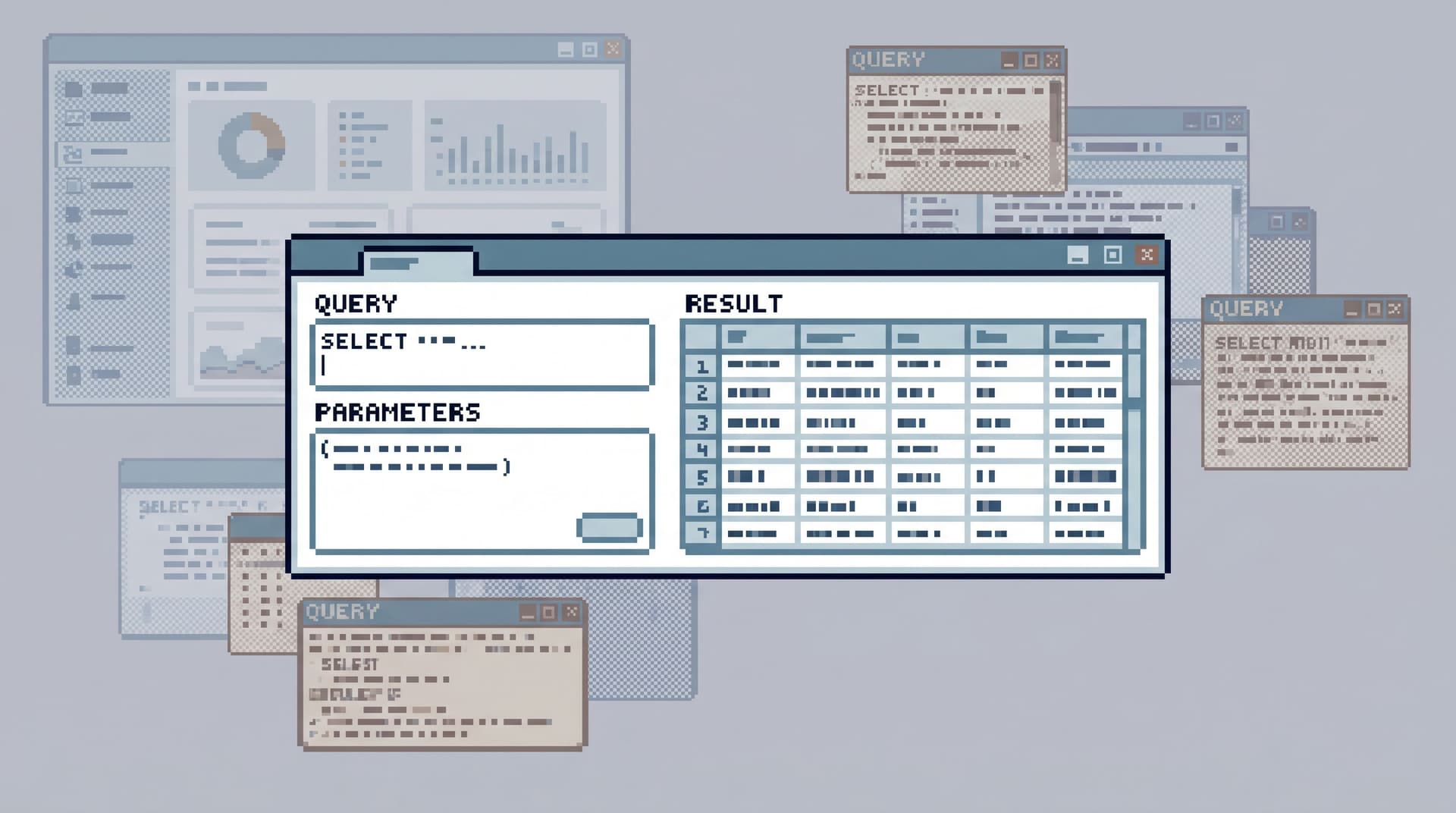
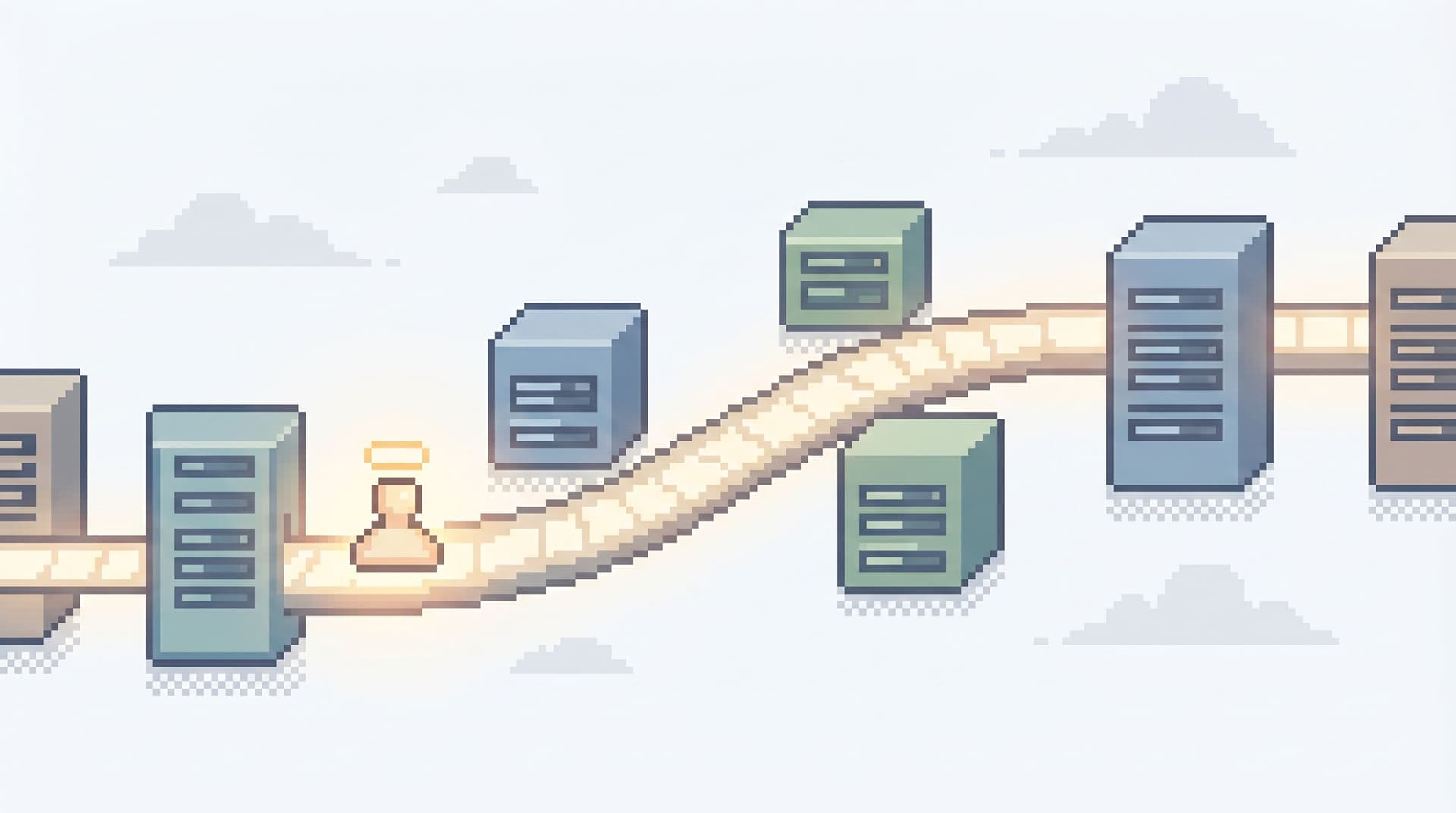
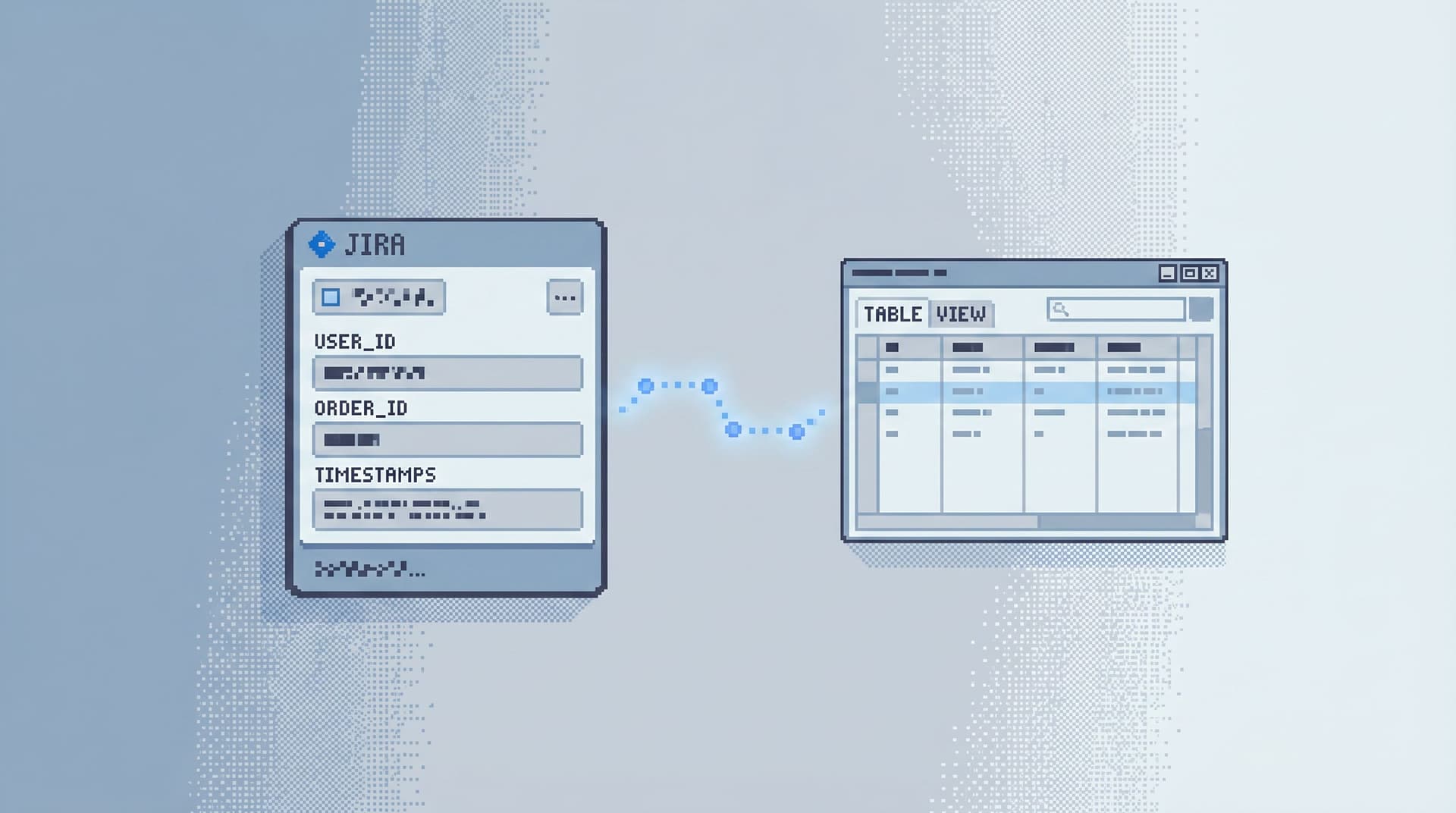
The Quiet Staging Browser: Safe Production-Like Reads Without a Second Tool Hell

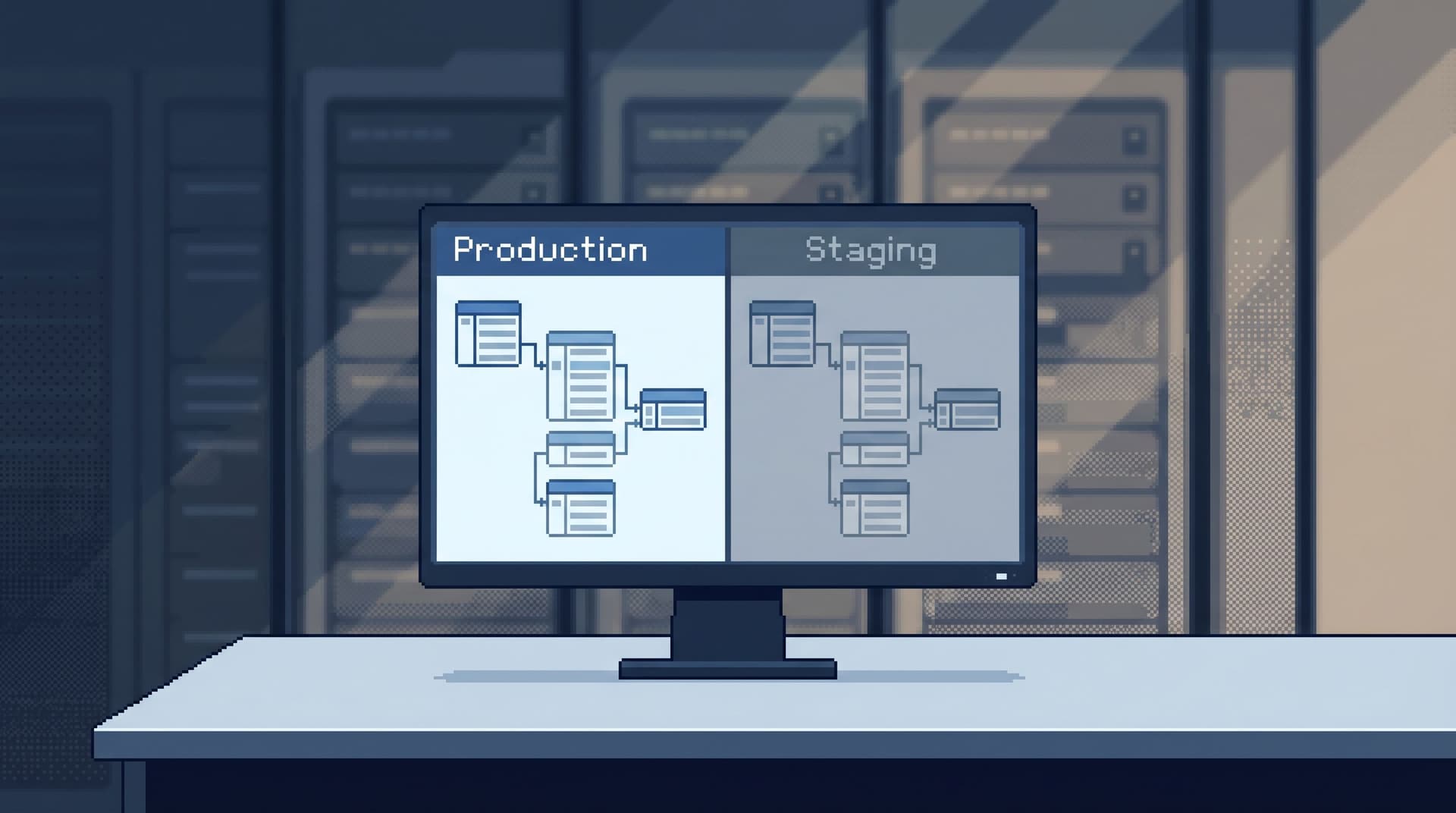
Most teams wanted one thing when they set up staging: a place to be less afraid than production.
What they actually got was:
- A staging database that drifts weeks behind prod
- Seed data that doesn’t look like real customers
- A grab bag of tools: admin consoles, BI, SQL IDEs, local scripts
- A quiet agreement that “real questions” still get answered directly in production
So the pattern repeats:
- You debug locally.
- You poke at staging.
- You end up in prod anyway, because nothing else is close enough to reality.
This post is about a different stance: a quiet staging browser—a calm, production‑like place to read real‑shaped data safely, without adding yet another tool to your stack.
A browser like Simpl is built exactly for this middle layer: opinionated, read‑focused access that can sit on top of both production and staging without turning your team’s life into a second‑tool hell.
Why this matters more than “just have staging”
Most teams already have a staging environment. Very few have a staging workflow.
Without a clear stance on how people should read staging data, you get:
- Tool sprawl – One person uses the cloud provider’s console, another uses a local SQL IDE, a third uses a BI tool with a staging connection.
- Permission drift – Staging is “safe,” so it quietly gets more permissive than prod. Over time, people run more and more writey experiments there.
- Trust problems – Data in staging doesn’t quite match prod; people learn not to trust what they see, so they jump to prod to “double‑check.”
The result: staging is noisy but not trusted; production is trusted but scary.
A quiet staging browser aims for something else:
- One calm place to read staging
- Production‑like data shape, without production risk
- Opinionated guardrails that match how you want people to work
If you’ve been thinking about a “quiet staging environment” already, this is the UI half of that story. The environment is the data and roles. The browser is how humans actually touch it.
For more on shaping that environment itself, you can pair this post with The Quiet Staging Environment: Safe Production-Like Reads Without the Noise.
The failure mode: second-tool hell
The reason many teams never get a clean staging workflow is simple: they don’t want another tool.
They already have:
- A BI tool for charts and dashboards
- An admin console for schema changes and user management
- A SQL IDE or CLI for migrations and heavy work
Adding a “staging‑only” tool feels like:
- Another login
- Another surface to secure
- Another place for queries and bookmarks to go stale
So instead of a clear, calm staging browser, you get:
- Mirrored BI workspaces for staging that no one maintains
- Separate database consoles that don’t share history or saved views with prod
- Local IDE connections pointing at staging that only one person really understands
You’ve added surface area, not clarity.
A quiet staging browser takes a different approach:
Same browser. Same opinionated paths. Different connection.
No new mental model. No second universe of tools. Just a second, safer lens on the same kinds of reads you already do in production.
If you’ve been thinking about where a focused browser belongs at all, Post-Admin, Pre-CLI: Where a Focused Database Browser Actually Fits in Your Stack is a good companion read.
What a “quiet staging browser” actually looks like
You don’t need a giant feature list. You need a small number of strong opinions.
A quiet staging browser should:
-
Optimize for reads, not schema surgery
No migrations. No DDL. No user management. Just structured, safe ways to read and understand data. -
Mirror production paths, not production power
The goal isn’t to give staging everything prod has. The goal is to give staging the same questions you ask in prod, but backed by safer data. -
Make environments explicit, not incidental
It should be obvious whether you’re reading staging or production. Not a tiny label in the corner—clear, visual separation. -
Carry opinionated guardrails across environments
If you’ve decided that certain tables should never beSELECT *’d in prod, the same defaults should apply in staging. Bad habits shouldn’t be trained anywhere. -
Live where your team already reads data
This is where Simpl comes in: a single, calm browser that can point to both staging and production, with the same trails, runbooks, and history.
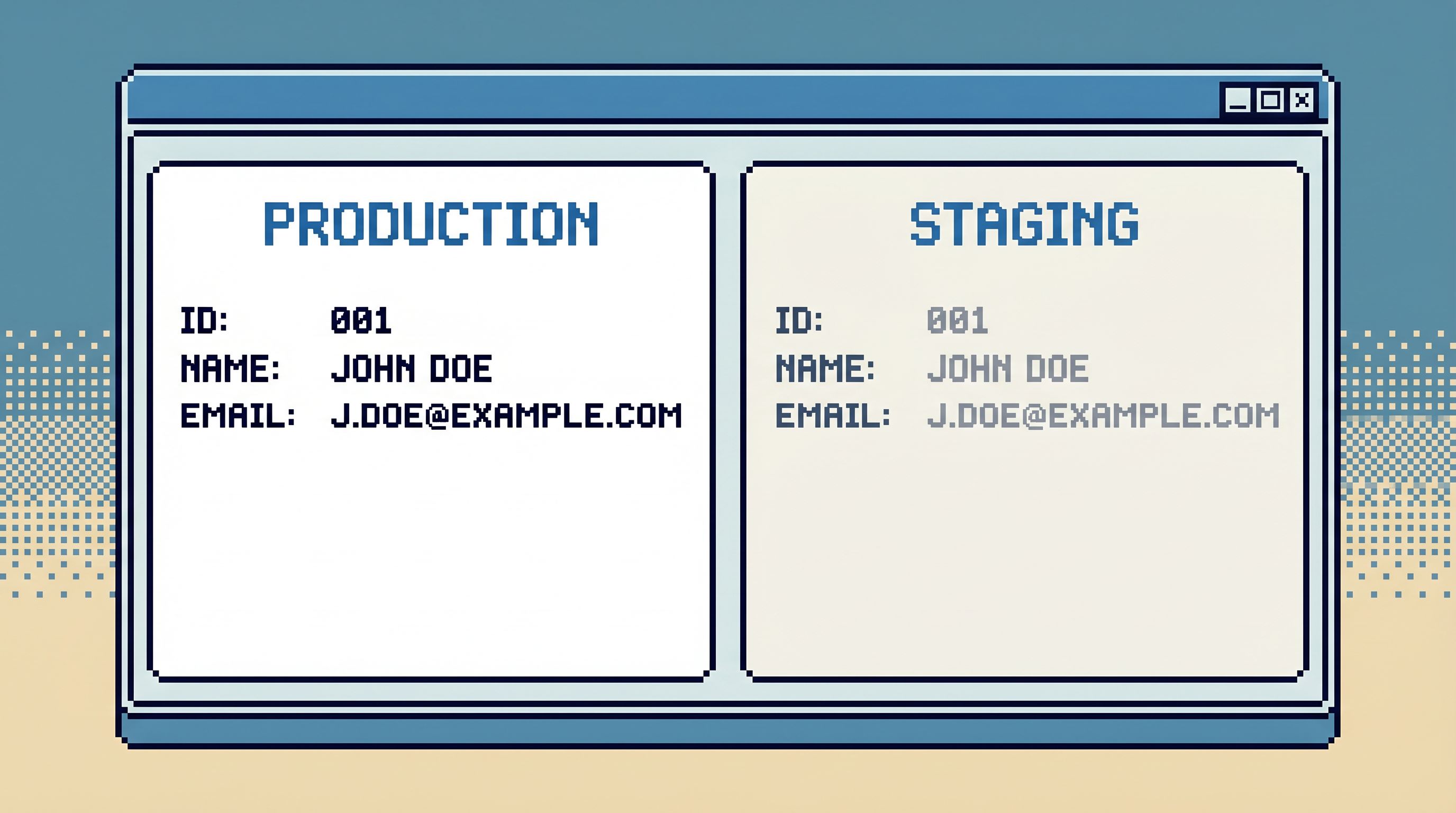
Designing safe production-like reads in staging
The point of staging is not to be a toy. It’s to be a place where you can:
- Rehearse production reads
- Validate new query paths
- Train new teammates on real‑shaped data
…without the cost of a mistake landing on real customers.
To do that, you need to design for production‑like reads in staging, not just “some tables that happen to exist.”
Here’s a concrete way to do that.
1. Decide which questions belong in staging
Start from questions, not tables.
Make a short list of the questions you regularly ask in prod:
- “What happened to this customer’s last order?”
- “Which jobs are stuck in this worker queue?”
- “What’s the full trail of events for this signup?”
Then split them:
- Must be answered in prod – anything that depends on live state or has compliance constraints.
- Can be rehearsed in staging – most structural and behavioral questions; many incident drills; all onboarding and training.
- Should start in staging – new query paths, experimental joins, unfamiliar tables.
Your quiet staging browser is primarily for the second and third categories.
If you’ve been thinking about how to turn those questions into reusable paths, Beyond Saved Views: Turning Common Production Reads into Opinionated ‘Runbooks in SQL’ goes deeper.
2. Shape staging data to answer those questions
Once you know the questions, shape the data:
- Mirror key schemas – Tables, columns, and constraints for core entities (users, orders, jobs) should match prod closely.
- Use production‑shaped fixtures – Anonymized or synthetic, but with real distributions: long‑tail customers, messy states, weird edge cases.
- Refresh on a schedule – Nightly or weekly copies of a subset of prod rows, scrubbed and re‑keyed, are often enough.
The bar is not “perfect copy of prod.” The bar is “the same kinds of rows you debug against in prod, without the risk.”
3. Expose opinionated trails, not a blank editor
A quiet staging browser should not start with a search bar.
Instead, it should start with a small set of opinionated trails:
- “Customer journey by user_id”
- “Order + payment + refund trail”
- “Background job lifecycle by job_id”
Each trail is:
- A narrow, repeatable path
- Backed by SQL you trust
- Tuned first in staging, then promoted to prod
Database Work Without Bookmarks: Using Opinionated Trails Instead of Saved Queries covers this pattern in more depth.
A browser like Simpl is designed around this idea: you land in a small set of calm, guided reads instead of a blank query box.
4. Make environment switching explicit and reversible
A good staging browser makes it easy to:
- Run the same trail against staging and production
- Compare results side by side
- Flip environments without rewriting SQL
But it must also:
- Use strong visual cues (color, labels, banners) to show which environment you’re in
- Require a deliberate action to move a new trail from staging to production
- Preserve history per environment, so you can see how a query behaved in each
This is how you avoid the classic “oops, I thought I was in staging” moment.
Guardrails that keep staging from becoming noisy
A quiet staging browser is not just about what you can do. It’s about what you don’t bother doing.
Some guardrails worth putting in place:
-
No schema changes from the browser
Even in staging, keep DDL in migrations. This keeps the browser focused on reads and prevents “just a quick index” experiments. -
Safe defaults for heavy tables
- No
SELECT *from billion‑row tables - Opinionated pagination
- Pre‑filtered views for common reads The same habits that keep prod safe should be trained in staging. (See also: Beyond ‘SELECT *’: Small Query Habits That Make Production Databases Feel Safer.)
- No
-
Role‑based trails
Support, product, and infrastructure engineers don’t need the same views. A quiet staging browser lets you scope which trails show up for which groups. -
Intentional history
Query history in staging is not exhaust; it’s a record of how people learn. A tool like Simpl can turn that into an opinionated history you can refine over time, instead of a scrollback log no one reads.
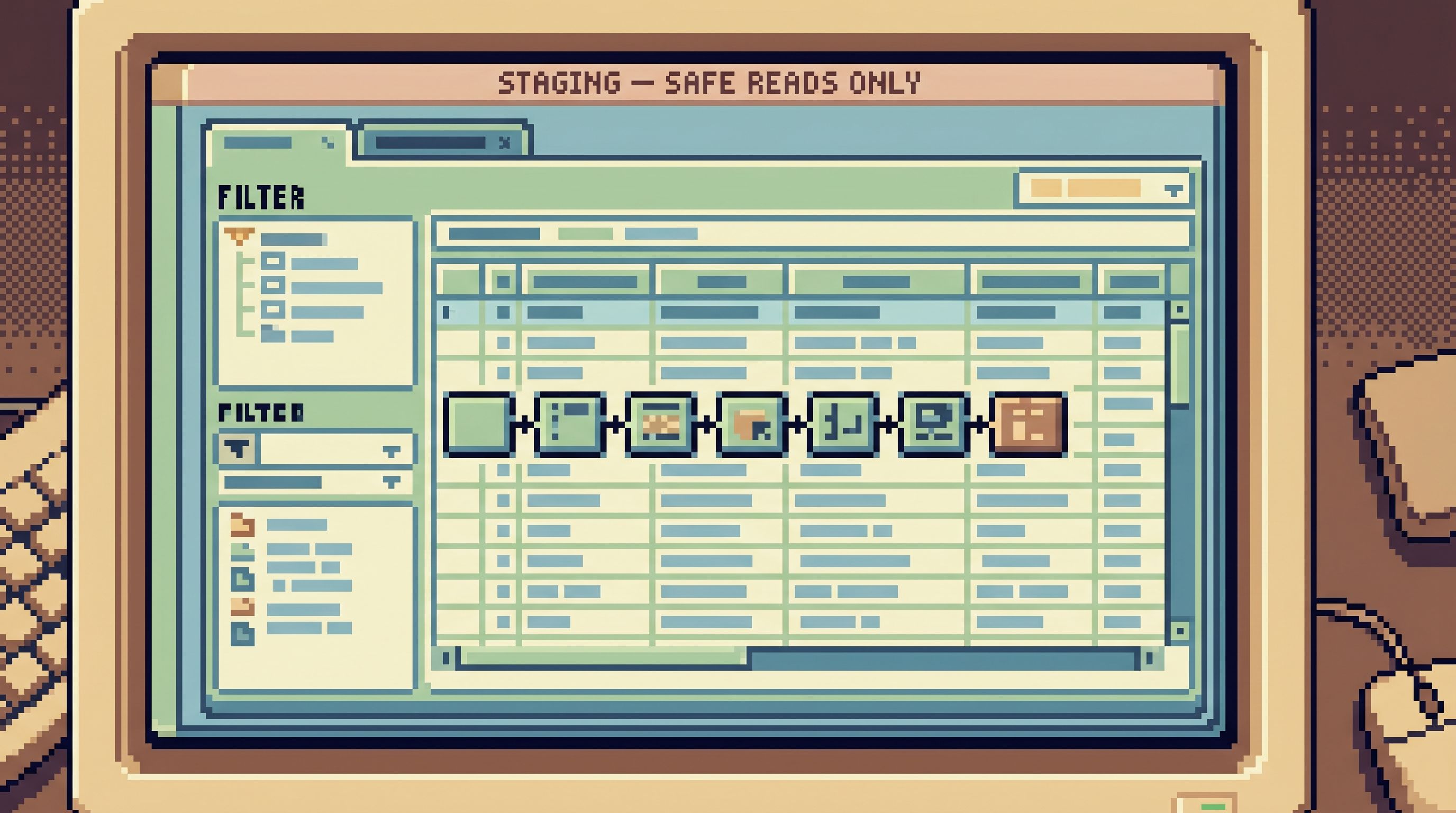
Real workflows that benefit immediately
A quiet staging browser is not an abstract ideal. It changes concrete workflows.
Onboarding new engineers
Instead of:
- “Here’s prod, please be careful.”
- A hand‑wavy tour of tables in a live console.
You get:
- A set of staging trails that walk through real customer stories, job flows, and incident replays
- Safe space to run the same reads multiple times, tweak filters, and understand the shape of the system
By the time someone touches prod, they’ve already rehearsed the moves.
Rehearsing incident investigations
Instead of practicing incident drills directly against production, you can:
- Seed staging with a snapshot of the rows from a past incident
- Build or refine trails that walk from alert → user → jobs → side effects
- Run the whole investigation calmly in staging, then promote the trail to prod
This pairs well with workflows like those in From Dashboards to Data Trails: A Minimal Workflow for Following an Incident Across Services.
Designing new read paths
Any time you’re about to introduce a new way of reading data—say, a new “refund audit” view—you can:
- Design the SQL as a trail in staging.
- Share it with a small group for feedback.
- Iterate until it tells the right story.
- Promote it to production with a clear label and owner.
No one has to experiment blind in prod. No one has to maintain separate, ad‑hoc staging dashboards.
How to start: a minimal rollout
You don’t need to redesign your whole stack. You can introduce a quiet staging browser in a few deliberate moves.
-
Pick one browser
Choose a single, read‑focused tool that can connect to both staging and production. If you want something built for this exact middle layer, try Simpl. -
Connect staging first
- Wire staging into the browser.
- Make the environment visually distinct.
- Invite a small group of engineers to use it for all staging reads.
-
Seed three trails
Start with:- One customer‑centric trail (user journey)
- One system‑centric trail (job / queue state)
- One money‑centric trail (orders / payments)
-
Run one real workflow through it
Use the browser for:- A recent incident replay
- A new engineer’s onboarding
- A feature team’s pre‑launch checks
-
Only then, connect production
Once the patterns feel right in staging:- Connect production with the same browser.
- Promote a subset of trails to prod.
- Keep the rule: new trails are born in staging, then graduate.
Over time, you’ll find that most exploratory or educational work never needs to touch prod at all. When it does, it follows paths you’ve already rehearsed.
Summary
A quiet staging browser is not another dashboard and not another admin console. It’s a single, calm interface where your team can:
- Read production‑like data safely in staging
- Rehearse the exact trails they’ll later use in prod
- Design and refine opinionated paths without risking real customers
The key moves:
- Treat staging as a place for production‑like questions, not just test tables.
- Use a single browser across staging and prod, with clear environment boundaries.
- Build opinionated trails in staging first, then promote them to production.
- Carry guardrails and habits across environments so you don’t train bad behavior anywhere.
Tools like Simpl exist for exactly this middle layer: post‑BI, pre‑admin, focused on calm, everyday reads instead of open‑ended querying.
Take the first step
You don’t need a full “database tooling strategy” to get started. You need one small commitment:
For the next real question we ask of our data, we’ll answer it in staging through a single, shared browser.
From there:
- Pick that browser—Simpl if you want something built for this exact layer.
- Connect staging.
- Define one trail for a real question you care about.
- Run one workflow end‑to‑end through it.
If it feels calmer than your current mix of consoles, IDEs, and dashboards, keep going.
Your team doesn’t need more tools. It needs one quiet place where reading staging—and eventually production—feels safe, deliberate, and shared.