Beyond Read-Only Roles: Structuring Access Around What Engineers Actually Need to See

Most teams treat database access like a legal document.
You get:
- A “read-only” role for safety
- A handful of power users with broad privileges
- A maze of ad-hoc exceptions over time
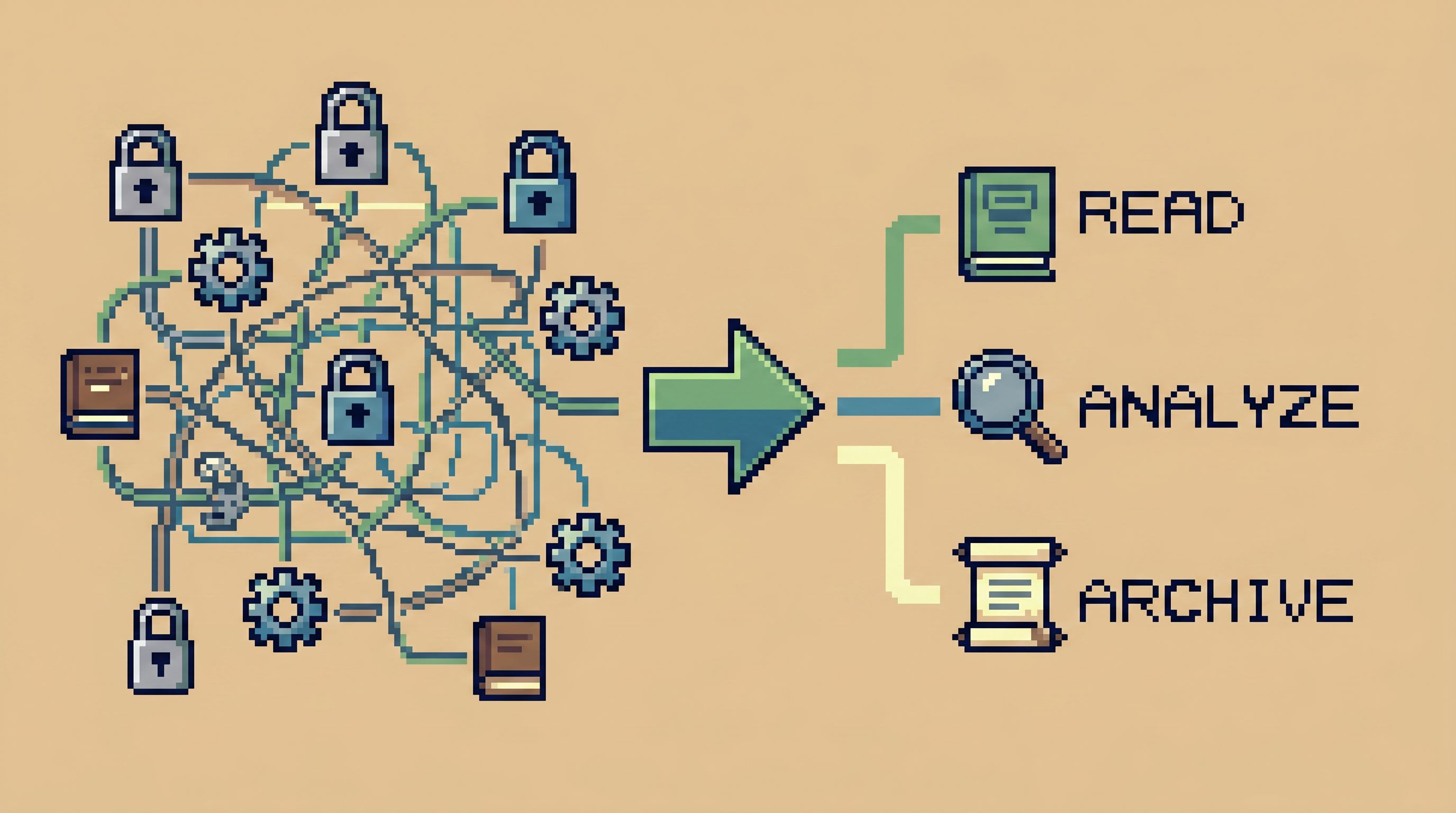
On paper, it looks responsible. In practice, it creates exactly what you were trying to avoid:
- Engineers blocked on simple questions
- Debug flows that depend on whoever “has prod”
- Shadow access via screenshots, CSV exports, and backdoor consoles
- A compliance story that’s technically correct but operationally fragile
This post is about a different stance: structuring access around the actual reads engineers need to do their work, not around generic roles or org charts.
Tools like Simpl exist exactly for this middle layer: a calm, opinionated database browser that focuses on safe, structured reads, not admin power.
Why “Read-Only” Is Not Enough
“Read-only” sounds safe. No writes, no harm.
But as a primary access model, it’s vague to the point of being misleading.
The quiet problems with generic read-only
A single, broad read-only role:
-
Exposes far more than people actually need
If one role can see everything, you’ve solved for writes but not for overexposure. -
Doesn’t map to real work
Debugging a failed payout is not the same as building a quarterly revenue report. Yet both might sit behind the same role. -
Encourages tool sprawl
When read-only access is too broad or too limited, people route around it: BI dashboards, admin consoles, raw SQL, log viewers. Each with its own permission model. -
Hides risk in “safe” tools
A “view-only” BI dashboard can still leak sensitive rows. A “read-only” SQL client can still run a 60-second full-table scan in production.
If you’ve felt the fatigue of bouncing from dashboards to consoles just to answer one concrete question, you’ve already seen this. We dug into that pattern in From BI Fatigue to Focused Reads: A Developer’s Guide to Escaping Dashboard Overload.
The real issue isn’t that read-only is unsafe. It’s that read-only is too blunt.
You don’t need less safety. You need more structure.
Start From Read Work, Not Roles
Most access models start from the org chart:
Engineer →
engineer_readonlySupport →
support_readonlyProduct →
product_analytics_readonly
It feels reasonable. It ships quickly. A year later, you have:
- Roles that no longer match how people actually work
- Over-privileged engineers who rarely use most of what they can see
- Under-privileged teams constantly blocked on “someone with prod”
Flip the process.
Step 1: List the real questions people ask
For a given team (say, product engineers and on-call SREs), write down the concrete questions they ask of production data.
Examples:
- “What happened to this user’s last three orders?”
- “Why did this payout get stuck in
processing?” - “Did yesterday’s migration touch this tenant?”
- “Which feature flags are currently enabled for this account?”
- “What changed for this user between yesterday and now?”
If you’re not sure, look at:
- Recent incident channels
- Support tickets escalated to engineering
- Shared docs of “useful SQL”
You’re not designing a perfect taxonomy. You’re collecting the top 10–20 recurring reads.
We go deeper into this style of thinking in The Calm Access Model: Structuring Roles Around Real Read Work, Not Org Charts.
Step 2: Group questions into read paths
Most questions cluster into a few repeatable paths:
-
User journey reads
Start from a user ID, walk across orders, payments, notifications. -
Money movement reads
Start from a payout or invoice, follow state transitions and related events. -
Change-impact reads
Start from a migration, deploy, or feature flag, see which rows or tenants were touched. -
Environment comparison reads
Compare staging vs prod, or “now” vs “yesterday”.
These are not roles yet. They’re intentions. Each intention implies:
- Which tables matter
- Which columns matter
- Which filters are always present
That’s the foundation for a calmer access model.
Define Access in Terms of Trails, Not Surfaces
Traditional access thinking: “Which schemas and tables should this role see?”
Calmer access thinking: “Which trails through the data should this person be able to walk?”
What a trail-based model looks like
For each recurring read path, define:
-
Entry points
- e.g.,
usersbyuser_id,ordersbyorder_id,payoutsbypayout_id.
- e.g.,
-
Allowed joins and follow-ups
- From
users→orders→payments - From
payouts→payout_events→transactions
- From
-
Default filters and limits
- Last 50 rows
- Last 7 days
- One tenant at a time
-
Hidden or redacted columns
- Full card numbers, secrets, internal-only flags
-
Environment scope
- Staging + production, or staging-only for some paths
When you encode these as opinionated read flows instead of raw access, a few things happen:
- Engineers move faster because they’re not starting from a blank schema tree.
- Risk drops because every read is constrained by design.
- Reviews get simpler: you can talk about “who can walk which trails” instead of “who can see which tables”.
Less Tabs, More Trails: Structuring Long Debugging Sessions as One Continuous Read Path goes deeper into why trails beat piles of ad-hoc queries.
How a tool like Simpl fits
A browser like Simpl is built for this style of access:
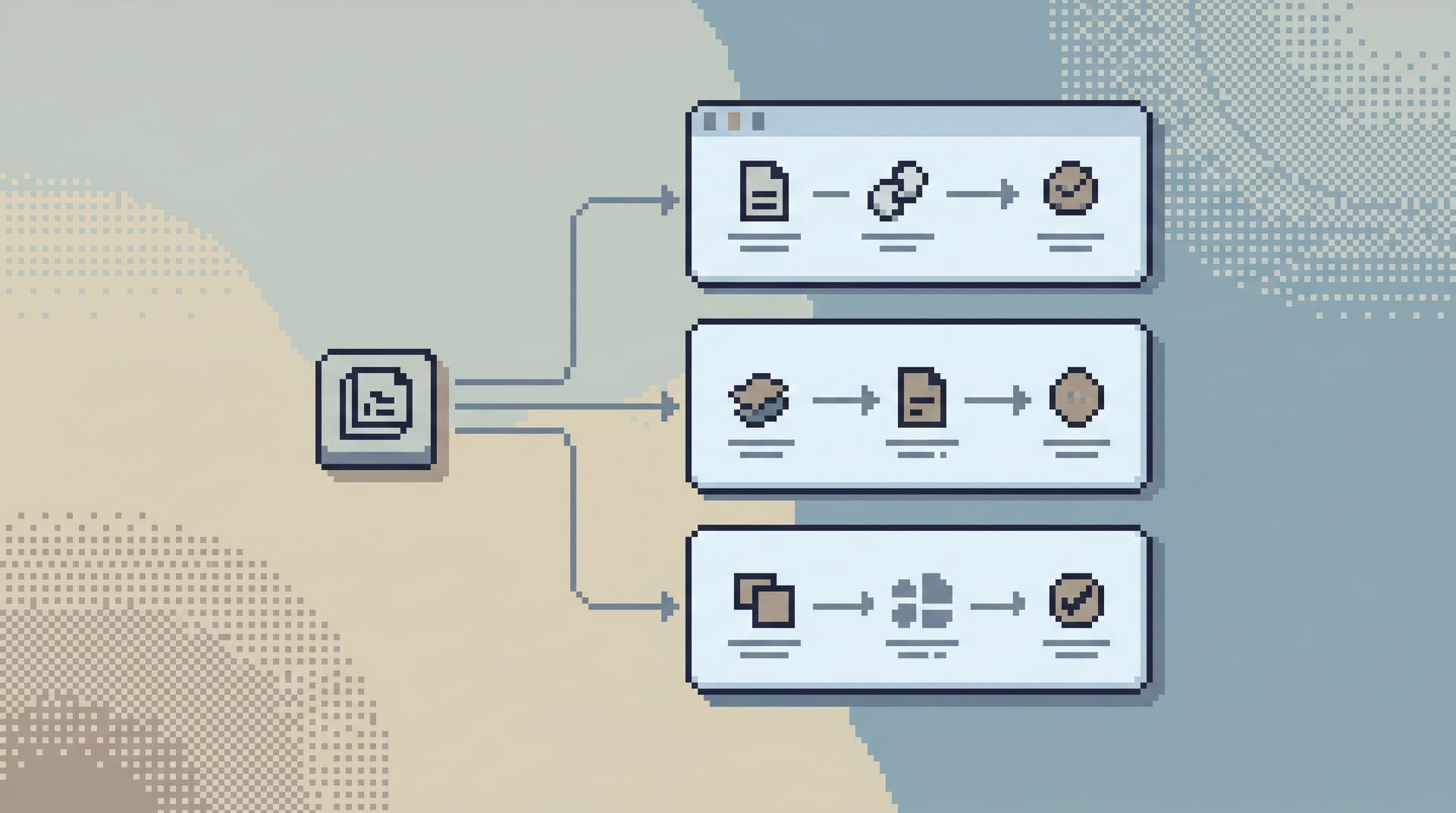
- You define opinionated read paths as first-class objects.
- People start from a ticket, user ID, or payout ID and follow a guided trail.
- Guardrails (limits, filters, redactions) are part of the path, not tribal knowledge.
Instead of “give them read-only to prod,” you’re saying:
Give them access to these trails, with these defaults, in this browser.
That’s a very different risk profile.
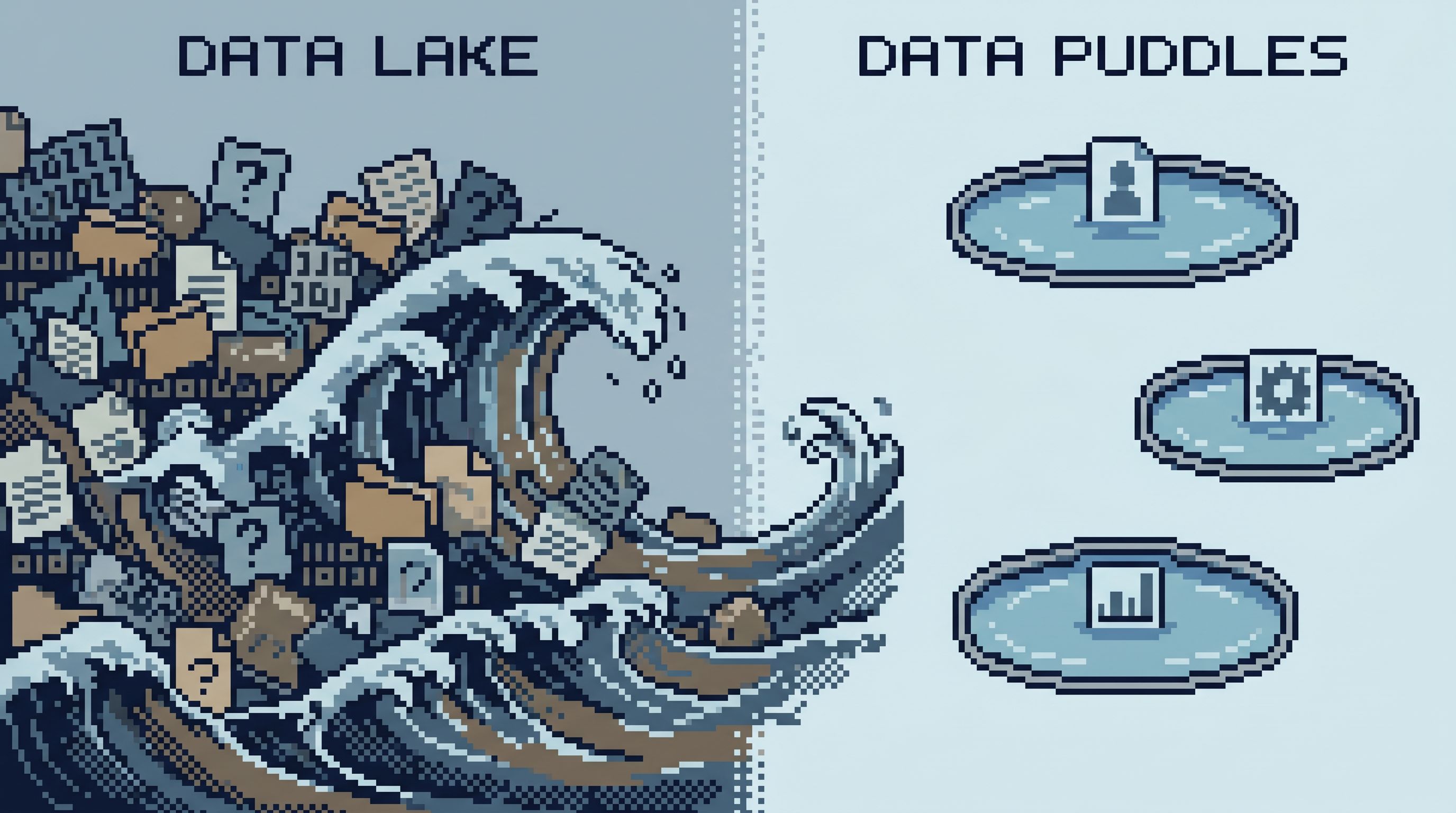
Shrink the Surface: From Data Lakes to Data Puddles
One reason generic read-only roles feel scary: they expose the entire surface area.
Warehouses, OLTP databases, event streams, feature stores—plus all the tools on top.
When the real question is narrow (“what happened to this user’s refund?”), that surface area is noise.
A calmer approach is to deliberately shrink what engineers see to what they actually need.
Practical ways to shrink the surface
-
Hide entire schemas by default
- Internal audit logs, experimental features, or historical archives that almost no one needs for day-to-day debugging.
-
Expose only read-appropriate subsets
- A view or trail that surfaces the 10–20 columns that matter for a given workflow.
- Keep raw, sensitive, or noisy columns behind a second, more controlled path.
-
Time-box everything
- Make
LIMITandWHERE created_at > now() - interval 'X'non-optional in common reads. - If someone truly needs “all time,” make that a separate, reviewed path.
- Make
-
Tenant- or customer-scoped access
- Many teams only ever need to debug within a region, tenant, or customer segment.
- Enforce that scoping in the access model, not in human memory.
This is the core idea behind moving from data lakes to data puddles: small, intentional slices that match real questions. We wrote more about that in From Data Lakes to Data Puddles: Shrinking What Engineers See to What They Actually Need.
A tool like Simpl makes those puddles feel like first-class entry points, not afterthought views.
Designing Access Around Everyday Engineering Work
Let’s make this concrete. Suppose you’re responsible for database access for a product engineering team.
Here’s a practical way to move beyond a single read-only role.
1. Inventory the top 10 engineering reads
Sit with a few engineers and ask:
- “When you open a SQL client or admin console, what are you usually trying to answer?”
- “Which tables do you touch during incidents?”
- “What are the last 5 queries you ran against production?”
Write them down in plain language first, then annotate with tables and columns.
Example cluster:
- Look up a user by email or ID
- See their last 10 sessions
- See their last 20 orders and payments
- Check related feature flags and experiments
2. Turn each cluster into a named trail
For the “user journey” cluster, define a User Journey Trail:
- Entry:
usersbyuser_idoremail - Follow-ups:
sessionsfiltered to that user, last 30 daysordersandpaymentsfor that user, last 90 daysfeature_flagsandexperimentsfor that user
- Guardrails:
LIMIT 50on each step- No access to raw PII beyond what support already sees
Encode this in your browser of choice. In Simpl, this might be a saved, opinionated flow: a small set of linked queries with fixed filters and safe defaults.
Repeat for 3–5 other clusters:
-
Payout Trail
Payout → payout events → related transactions. -
Migration Impact Trail
Migration ID → affected rows → anomalies. -
Flag Rollout Trail
Feature flag → cohort → sampled user journeys.
You’re building a small library of named, reviewable trails.
3. Attach access to trails, not raw tables
Instead of “engineers can read schema X,” define:
-
Product Engineers:
- User Journey Trail
- Payout Trail
- Flag Rollout Trail
-
SRE / On-call:
- All of the above, plus Migration Impact Trail
In your tooling, this becomes:
- A role that can execute specific read flows
- Optional ability to create new flows that are still constrained by global guardrails
When someone asks for “prod access,” you can respond with:
“Which trails do you need to walk, and why?”
That’s a much more concrete conversation.
4. Make exceptions explicit and temporary
You will still have edge cases:
- A one-off investigation that needs a broader time window
- A backfill verification that touches more tables than usual
Handle these as time-bound exceptions:
- A temporary trail with expanded scope, expiring automatically
- Logged usage and clear ownership
Avoid the quiet shortcut of “just add them to the broad read-only role.” That’s how your model erodes.
Guardrails That Make Read Work Feel Calm
A good access model should feel quiet by default.
Not because people are blocked, but because the obvious path is the safe path.
Some patterns that help:
-
Default time windows
Every common read starts with a time box. “All time” requires intention. -
Row limits baked into flows
Trails encodeLIMITby design. People can page intentionally; they don’t start with a million rows. -
Column-level redaction
Sensitive fields are either masked or omitted from everyday trails. -
Environment parity, not environment chaos
The same trails exist in staging and production. Only the data changes. Tools like Simpl are built for this kind of environment symmetry. -
One primary entry point
Engineers know: “If I need to read production data, I start here.”
We wrote more about why that matters in The Calm Query Session: Designing Database Work Around One Entry Point, Not Ten.
When these guardrails live in the tool, not in a Confluence page, people don’t have to remember how to be safe. They just follow the trails.
Summary
Moving beyond generic read-only roles is not about giving people more power. It’s about giving them the right kind of power:
- Start from real read work, not titles.
- Group recurring questions into named trails.
- Shrink the surface from lakes to small, opinionated puddles.
- Attach access to trails, not raw tables or schemas.
- Encode guardrails as defaults, not policy docs.
The result is a calmer system:
- Engineers move faster because the path from ticket → data is clear.
- Risk is lower because every path is constrained on purpose.
- Compliance is simpler because you can explain who can walk which trails instead of hand-waving around “read-only.”
Take the First Step
You don’t need a full redesign to get started.
This week, you can:
- Write down the top 10 questions engineers actually ask of production data.
- Group them into 3–5 read paths, even if they’re just bullet lists for now.
- Pick one path (like “user journey”) and turn it into a concrete, repeatable trail in whatever tool you use.
- Tighten access for that path: hide unneeded tables, add limits, and make it the default way to answer that question.
If you want a browser that’s built around this style of work, try Simpl. It gives you a calm, opinionated way to turn real engineering questions into safe, repeatable read paths—without dragging in the noise of full BI or admin tools.
Start with one trail. Make it calm. Then add the next.
That’s how you move beyond read-only.