The Focused Staging Flow: Using One Opinionated Browser for Both Test and Prod Reads

Most teams don’t suffer from a lack of database tools.
They suffer from too many entry points:
- A SQL IDE for local and staging
- An admin console for production
- A BI tool for “reporting” questions
- A separate staging UI that no one fully trusts
The result is familiar: staging and production drift apart, people quietly bypass staging when it matters, and every incident starts with the same question:
“Where should I actually look at this data?”
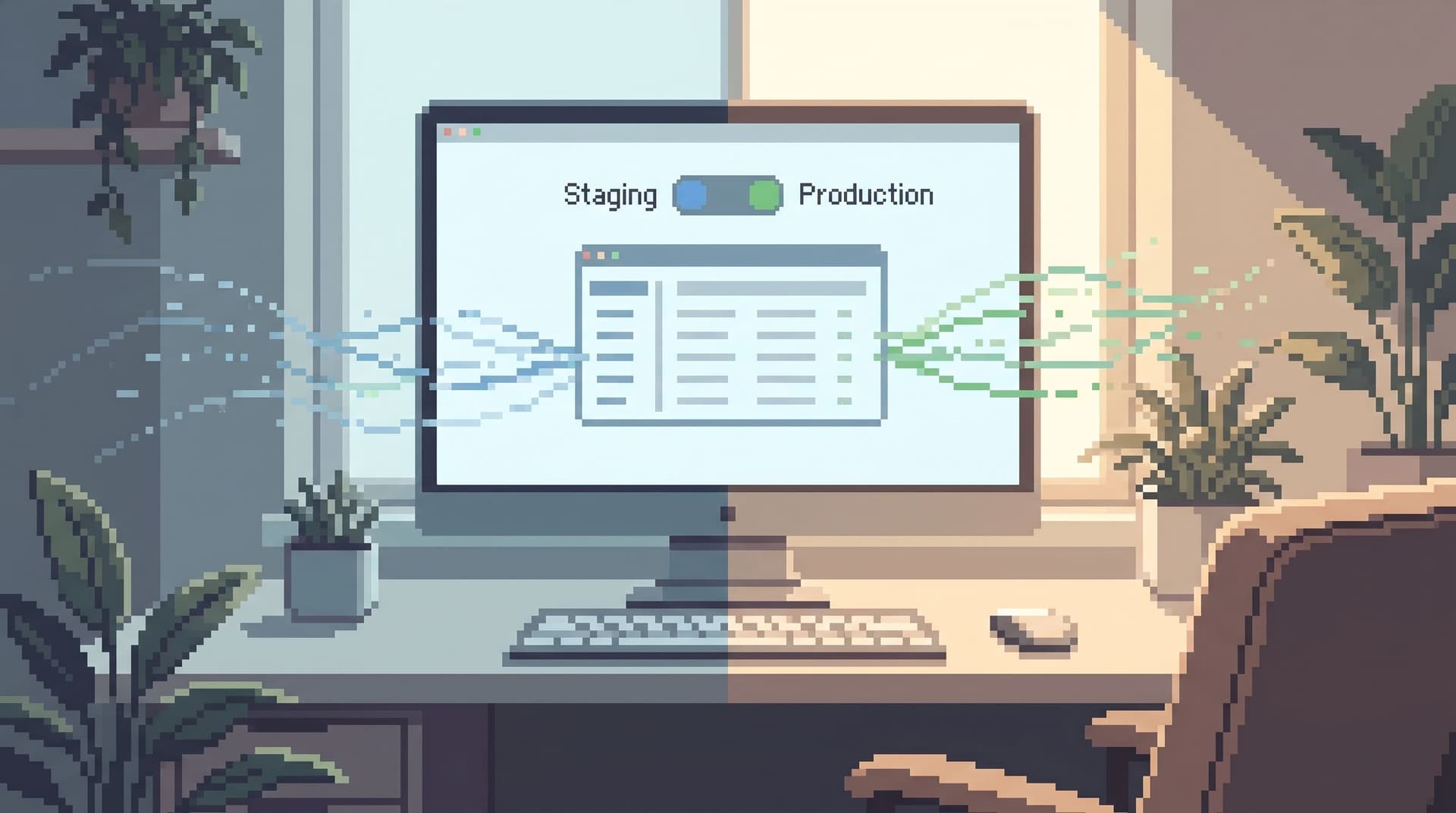
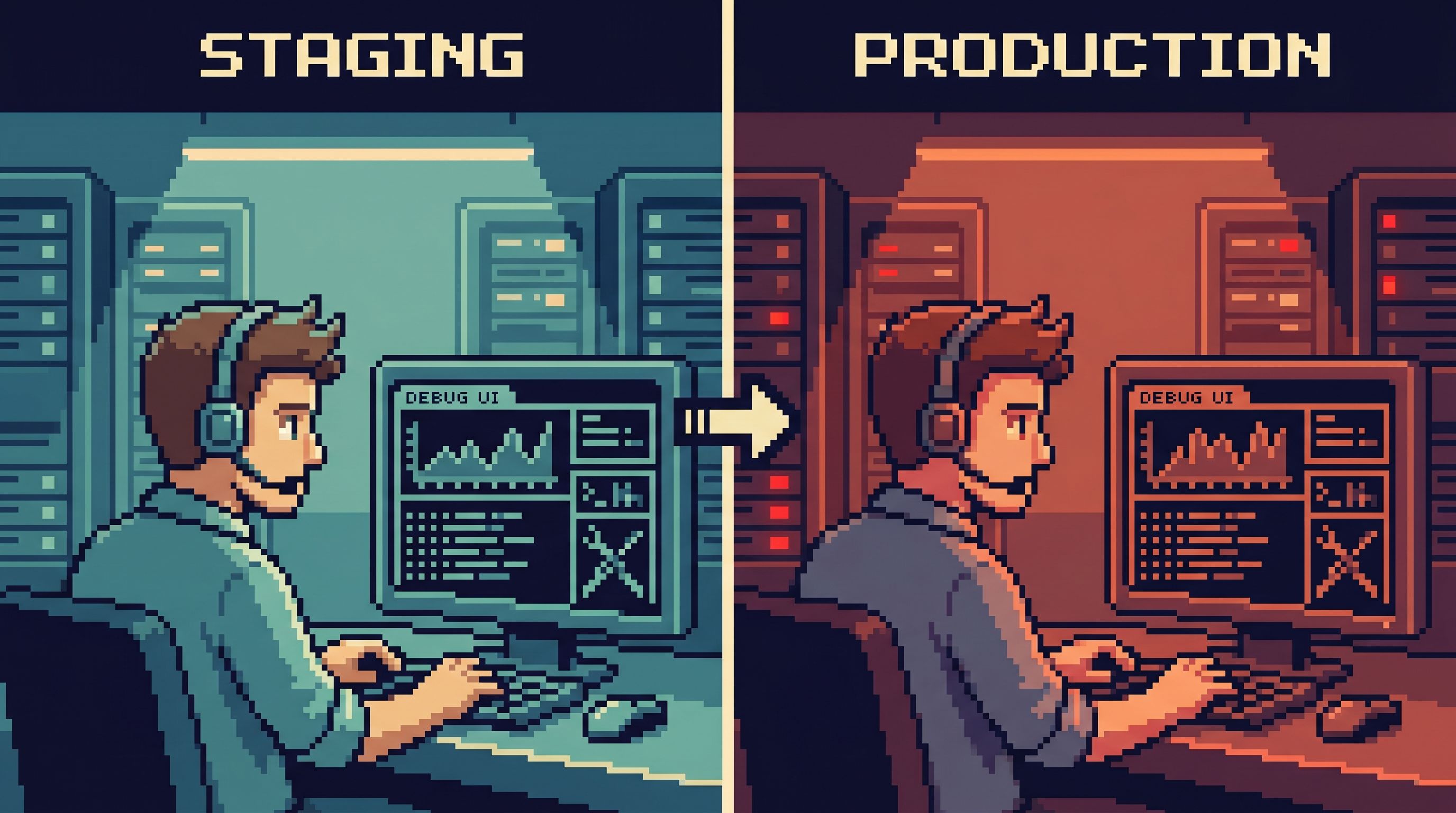
A calmer answer is possible: one opinionated database browser that you use for both staging and production reads. Same interface, same flows, same mental model. The only variable is which environment you’re pointed at.
A tool like Simpl exists exactly for this middle layer: calm, focused database browsing where staging and production feel like two views on the same story, not two different worlds.
Why one browser for both test and prod reads
Staging exists so you can be less afraid than production.
But when staging and production are experienced through different tools, three things happen:
-
Habits don’t transfer.
- You learn one way of querying in staging.
- You use a different set of shortcuts, views, and guardrails in production.
- Under pressure, you default to whatever tool feels most familiar, not most safe.
-
Guardrails are inconsistent.
- Staging is often “wide open.”
- Production is wrapped in permissions, policies, and tribal rules.
- The jump between them is jarring, so people either over-trust staging or overreach in prod.
-
Debug flows fork.
- The “how we debug” story in staging is different from the “how we debug” story in production.
- Documentation gets out of sync.
- New teammates are never quite sure if they’re following the right pattern.
A focused staging flow takes a different stance:
- One opinionated browser. Same entry point for both environments.
- Same read paths. The flows you use to debug in staging are the same flows you rely on in production.
- Environment-aware guardrails. The tool knows whether you’re in staging or prod and adjusts risk, not UX.
If this sounds familiar, it’s because it builds directly on ideas like a quiet staging browser (more on that here) and a single calm query entry point (explored in depth here).
What “focused staging flow” actually means
Instead of “staging vs prod” as two separate tool stacks, think in terms of one continuous reading experience:
- You start questions in the same place.
- You follow the same opinionated trails.
- You switch environments with intention, not by opening a new app.
Concretely, a focused staging flow has a few properties:
-
Single entry point.
- Every debugging or data question starts from the same browser.
- You don’t have to remember which URL or client is “the staging one.”
-
Environment toggle, not environment sprawl.
- You choose between staging and production inside the same interface.
- The toggle is visible, deliberate, and hard to confuse.
-
Shared opinionated read paths.
- “Customer journey,” “Failed payment investigation,” “Migration sanity check” all exist as named flows.
- Each flow is available in both staging and production, with the same parameters.
-
Different guardrails, same shape.
- Staging can be looser: more rows, more exploratory freedom.
- Production can be tighter: stronger filters, stricter time windows, read-only by default.
- But the shape of the flow stays consistent.
This is the stance behind Simpl: one calm browser that sits between admin tools and CLIs, designed for read-first work across environments.
Why this matters more than “tool consolidation”
Using one browser for both staging and production is not just about reducing licenses or tabs. It changes how your team thinks about data work.
1. Habits form once, then transfer
When the same keystrokes, read paths, and mental models apply in both environments:
- New engineers can safely learn in staging and carry those instincts into production.
- Senior engineers don’t have to context-switch between “playground mode” and “serious mode” tools.
- Teams can document one set of flows instead of two parallel universes.
This is the same principle behind navigating production by intent, not schema (see: post-explorer ideas): once you’ve learned the right intent, the environment is just a parameter.
2. Staging becomes a rehearsal, not a detour
Right now, many teams treat staging as a side quest:
- “Try it in staging, then do the real thing in prod.”
With a focused staging flow:
- Staging is where you rehearse the exact same read paths you’ll use in production.
- You practice the same queries, filters, and investigative flows, against data that feels production-like.
- When an incident hits, you’re not improvising in a new tool. You’re replaying a familiar script.
3. Production feels less like a cliff
The jump from staging to production is often emotional, not technical.
One browser, two environments, and clear guardrails turn that cliff into a step:
- Read-only by default in prod.
- Opinionated limits on row counts and time windows.
- Guardrail patterns that make the safe path the easy path (we wrote about this in depth in Quiet Defaults for Loud Systems).
The browser doesn’t just allow you to be safer; it nudges you into safer habits every time you open it.
Designing your focused staging flow
You don’t need a huge migration plan. You need a few deliberate choices.
Step 1: Choose one read-first browser
Pick a tool that is:
-
Read-focused.
- Read-only or read-mostly for production.
- Schema changes, migrations, and admin actions live elsewhere.
-
Opinionated about navigation.
- Starts from questions, not from a schema tree.
- Supports trails, templates, or flows instead of just raw SQL.
-
Comfortable with multiple environments.
- Easy to point at staging and production.
- Clear labeling and separation of connections.
Simpl is built for exactly this role: post-admin, pre-CLI, tuned for everyday reads across environments.
If you’re not ready to adopt a dedicated browser yet, you can approximate this with a single SQL IDE and disciplined connection management—but you’ll be fighting the tool’s bias toward free-form exploration.
Step 2: Normalize how you connect to staging and prod
The connection model should be boring and predictable:
-
Name connections clearly.
app-staging-readonlyapp-prod-readonly
-
Use read-only roles.
- Especially for production.
- Avoid “just in case” write permissions in your browser.
-
Make the environment obvious.
- Visual cues: color accents, labels, badges.
- Text cues: environment name in the header and query context.
In Simpl, this often looks like a small set of clearly named, read-only connections, each with a distinct visual identity, but all sharing the same flows.
Step 3: Define a small set of shared read flows
Instead of giving everyone a blank editor, define 5–10 opinionated flows that exist in both staging and production:
Examples:
-
Customer timeline
- Input:
customer_id - Reads: user profile, orders, payments, support tickets.
- Input:
-
Payment failure investigation
- Input:
payment_idortransaction_id - Reads: payment attempts, gateway responses, related jobs.
- Input:
-
Feature flag sanity check
- Input:
feature_flag_name, optionalcustomer_id - Reads: flag configuration, rollout rules, recent evaluations.
- Input:
-
Migration verification
- Input:
migration_nameorrelease_tag - Reads: affected tables, sample rows before/after, edge-case tenants.
- Input:
Each flow should:
- Be named in language your team uses.
- Accept simple parameters (IDs, dates, names).
- Return a small, opinionated slice of data instead of
SELECT *across everything.
This is the same mindset as turning recurring debug work into quiet templates, not a graveyard of saved queries (see: The Quiet Query Template).
Step 4: Tune guardrails per environment, not per tool
With one browser, you can keep the experience consistent while still respecting risk differences.
For staging:
- Allow broader time ranges.
- Allow slightly larger result sets.
- Encourage exploration to learn the schema and flows.
For production:
- Default to tight time windows (last 24 hours, last 7 days).
- Cap result sizes aggressively.
- Require explicit filters for hot tables.
- Prefer key-based lookups over broad scans.
The important part: these guardrails live in the flows, not in people’s memories. The “Customer timeline” flow behaves differently in staging vs prod, but looks and feels the same.
Step 5: Make staging the first stop for new flows
When you need a new read flow:
- Sketch it in staging first.
- Iterate on parameters and layout until it tells a clear story.
- Once it feels right, promote the exact same flow to production with stricter limits.
Over time, you’ll build a small library of flows that:
- Were born in staging.
- Are battle-tested in production.
- Live in one browser, under one mental model.
Common pitfalls and how to avoid them
A focused staging flow is simple in concept, but there are a few traps worth naming.
Pitfall 1: Treating staging as “anything goes”
If staging is completely unguarded, it teaches bad habits:
- Broad
SELECT *on large tables. - No time filters.
- Casual cross-joins “just to see what happens.”
Those habits leak into production under pressure.
Counter-move:
- Apply lighter guardrails in staging, not no guardrails.
- Keep the same flows and patterns, just with looser limits.
Pitfall 2: Duplicating flows manually
If staging and production flows are implemented separately, they will drift.
Counter-move:
- Treat flows as environment-parameterized objects, not copies.
- Same definition, same parameters, environment passed in at runtime.
In a browser like Simpl, this means defining the read path once and binding it to multiple connections.
Pitfall 3: Letting other tools become the real entry point
Even with a solid browser in place, it’s easy for habits to pull people back to:
- Raw
psqlsessions. - Ad-hoc queries in BI.
- Admin consoles with too much power.
Counter-move:
- Make the single browser the documented and linked entry point from tickets, runbooks, and incident docs.
- When you write “Steps to investigate,” link directly to the relevant flow.
- Over time, this becomes the straight-line workflow from tickets to tables (more on that pattern here).
A minimal rollout plan
If you want to move toward a focused staging flow without a huge project, here’s a minimal, pragmatic path:
-
Week 1: Pick the browser and wire connections.
- Choose a read-first tool like Simpl.
- Add read-only connections for staging and production.
- Make environment labels obvious.
-
Week 2: Define three shared flows.
- Start with your most common questions:
- “What happened to this user?”
- “Why did this payment fail?”
- “Did this migration do what we expected?”
- Build each as a named, parameterized path.
- Start with your most common questions:
-
Week 3: Shift one team’s habits.
- Ask your support or SRE team to start all reads from the browser.
- Capture friction points.
- Refine flows and guardrails.
-
Week 4+: Expand and codify.
- Add flows as new recurring questions appear.
- Update docs and runbooks to link directly into the browser.
- Gradually de-emphasize other read entry points.
The goal is not perfection. The goal is a single, calm path that more and more of your real work naturally flows through.
Summary
A focused staging flow means:
- One opinionated database browser for both staging and production.
- Shared read paths that behave consistently across environments.
- Guardrails that vary by risk, not by tool.
- Staging as a rehearsal space for the same flows you rely on in production.
The payoff is subtle but real:
- Less tool-juggling in the middle of incidents.
- Safer, more repeatable reads in production.
- New teammates who learn once and apply everywhere.
Instead of “Where should I look at this data?” the answer becomes automatic: open the browser, pick the environment, follow the flow.
Where to go next
If you want to try this for your team, start small:
- Pick one read-first browser. A tool like Simpl is built for this exact middle layer of work.
- Wire up staging and production as clear, read-only connections.
- Define three shared flows and commit to starting from them for a month.
See how many incidents, tickets, and small debugging tasks can run through that single, calm path. Then grow from there.
Your staging and production environments will always be different in what they contain. They don’t have to be different in how you read them.