The Quiet Query Template: Turning Recurring Debug Flows into Opinionated, One-Click Reads


Recurring debug work is rarely glamorous.
It’s:
- Looking up the same customer by ID after a support ticket.
- Checking the same set of tables after a failed payment.
- Verifying the same migration edge cases every time you ship a certain class of change.
Most teams treat these as one‑off moments. You open a SQL client, write a query, tweak it a few times, paste a screenshot into Slack, and move on.
Then you do the same thing next week.
This post is about treating those flows as first‑class objects: quiet query templates. Not a graveyard of saved queries, but a small set of opinionated, one‑click reads that encode how you debug, not just what you select.
Tools like Simpl exist exactly for this middle layer: a calm, read‑first database browser that turns recurring debug flows into reusable, low‑noise trails instead of ad‑hoc heroics.
Why recurring debug flows deserve more respect
If you instrumented your team’s database work for a month, you’d probably see the same patterns repeat:
- The same 10–20 questions asked over and over.
- The same handful of tables and joins.
- The same WHERE predicates, just with different IDs and timestamps.
And yet, every incident or support ticket still starts from a blank editor.
That has a few costs:
- Cognitive load – You’re re‑remembering table names, join keys, and filter logic under pressure.
- Inconsistency – Two engineers investigate the same issue in slightly different ways and land on different conclusions.
- Risk – Ad‑hoc queries creep toward
SELECT *, wide time ranges, or accidental heavy joins. - Lost learning – The best investigative paths live in individual heads or old Slack threads instead of in a shared, repeatable form.
We’ve written before about designing a straight‑line workflow from ticket to data in posts like From Tickets to Tables to Code: A Straight-Line Workflow for Everyday Production Debugging. Quiet query templates are a key piece of that straight line: the point where “we know how we usually debug this” becomes an explicit, one‑click path.
What a quiet query template actually is
A quiet query template is not just a saved query.
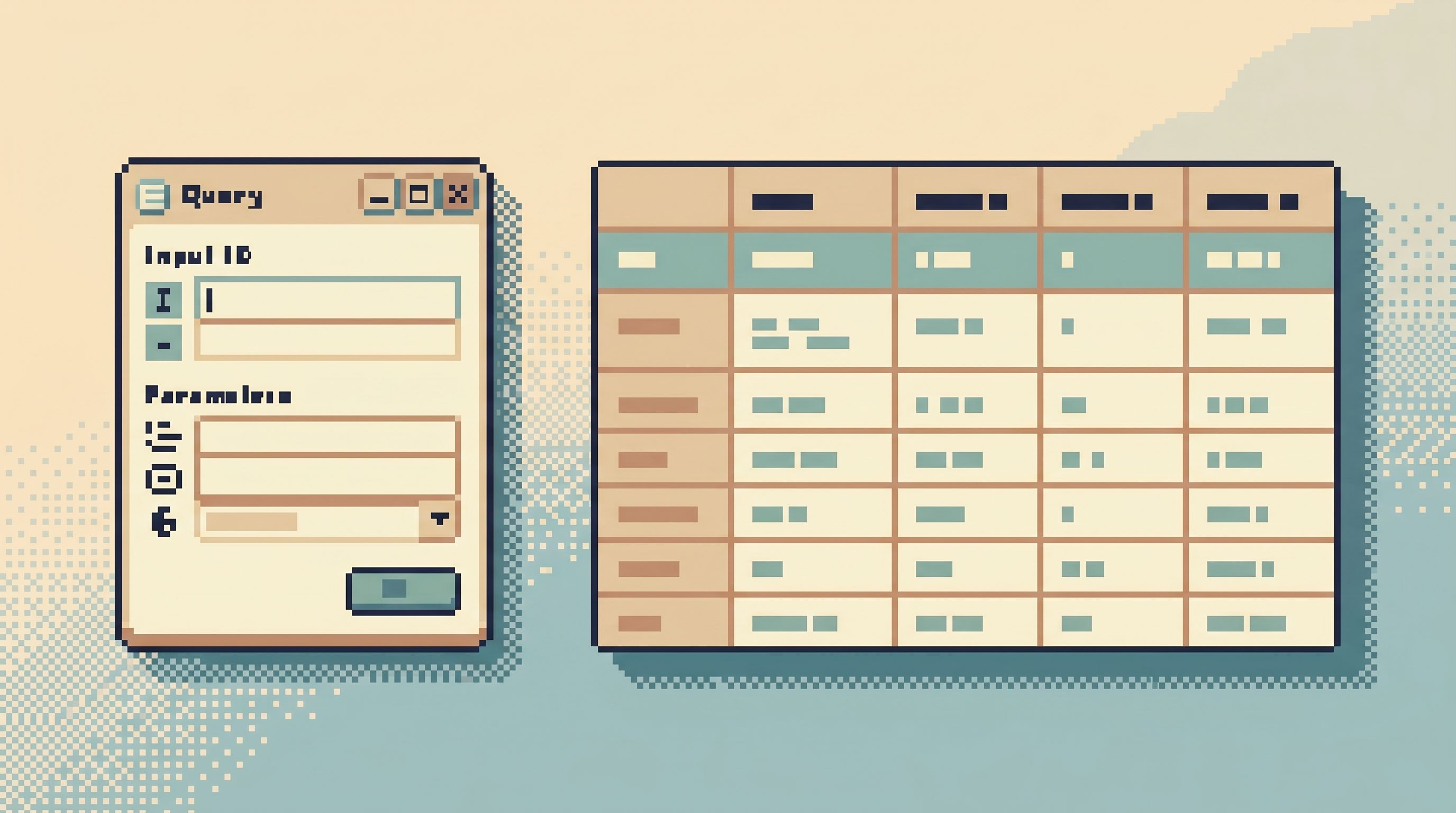
It’s a small, opinionated, parameterized read that:
- Encodes a specific debug or investigation flow.
- Asks for just enough input (often a single ID or time range).
- Bakes in safe, narrow defaults.
- Renders in a way that makes the story obvious.
You can think of it as a runbook in SQL, but lighter weight and closer to where you actually read data. If you’ve read our post on turning common production reads into opinionated “runbooks in SQL”, quiet query templates are the concrete, everyday implementation of that idea.
A good template has three layers:
- Intent – The question it answers, written in plain language.
- Shape – The tables, joins, and filters that embody that question.
- Inputs – The minimal parameters needed to reuse it safely.
When you hit “run,” you’re not just executing SQL. You’re running a known investigation pattern.
Where these templates quietly shine
You don’t need hundreds of templates. You need a handful that mirror the real questions your team asks every week.
Some common patterns:
-
Customer lookup trail
- Input:
customer_idor email. - Output: a joined view across
customers,orders,payments, and maybesupport_tickets. - Purpose: answer “What has this customer experienced recently?” in one read.
- Input:
-
Payment failure investigation
- Input:
payment_idor external provider ID. - Output: the payment row, related attempts, gateway responses, and any associated refunds.
- Purpose: answer “Why did this payment fail, and what happened next?”
- Input:
-
Background job trail
- Input:
job_idor correlation ID. - Output: job row, retries, linked entities, and last known status.
- Purpose: answer “Where is this job stuck and how long has it been that way?”
- Input:
-
Migration verification
- Input: migration name or timestamp.
- Output: affected rows before/after counts and a sample of edge‑case records.
- Purpose: answer “Did this migration do what we think, and did it touch anything surprising?”
These are the sorts of flows that often get rebuilt ad‑hoc in a SQL client or admin console. Turning them into quiet templates means:
- A support engineer can answer their own questions safely.
- On‑call can move from alert → rows quickly, as we explored in The Calm Data On‑Call: A Minimal Workflow for Incident Reads at 2 a.m..
- New engineers get a guided tour of “how we actually debug things here,” not just a schema diagram.
Designing a quiet query template, step by step
You can build these in any tool that supports parameterized queries and sharing. A focused browser like Simpl just makes it easier to keep them calm and opinionated.
Here’s a concrete way to design one.
1. Start from a real, recurring question
Resist the urge to start from tables or schema.
Instead, pick one question your team actually asks often, such as:
- “What happened to this customer’s last three orders?”
- “Why did this subscription cancel unexpectedly?”
- “Which jobs are stuck in ‘processing’ for more than 10 minutes?”
Write that question down in plain language. That becomes the intent of your template.
2. Trace the last time you answered it
Find a real example: an old incident doc, a Slack thread, or a support ticket.
- What queries did you end up running?
- Which tables did you touch?
- Which filters did you settle on after a few iterations?
You’re looking for the stable core of the investigation:
- The joins that are always present.
- The columns that always matter.
- The predicates that keep it safe and focused.
3. Collapse the flow into one or two reads
Most ad‑hoc flows are a chain of queries.
For a template, you want:
- One primary read that tells most of the story.
- Maybe one supporting read for detail (e.g., related logs or events).
Ask yourself:
- Can I pre‑join this instead of making someone copy IDs between tabs?
- Can I order and limit to the most relevant rows by default?
- Can I pre‑compute derived fields (e.g., durations, statuses) that people always calculate by hand?
4. Identify the minimal input parameters
A quiet template should ask for as little as possible:
- One ID (customer, order, job).
- Or one narrow time window.
Avoid:
- Free‑form WHERE clauses.
- Optional filters that encourage exploration.
You’re not building a mini‑BI tool. You’re encoding a known path.
Good defaults:
- Time bounds – e.g., last 24 hours, last N events.
- Row limits – e.g.,
LIMIT 50, with clear ordering. - Guardrails – e.g., require an ID and refuse to run without it.
5. Shape the output for reading, not for power
The result set should feel like a small story, not a dump.
Consider:
- Column order – Put the most explanatory fields first (status, timestamps, amounts), not internal IDs.
- Derived columns – e.g.,
time_since_previous_event,is_edge_case,is_high_value_customer. - Grouping – Use simple grouping or window functions to highlight patterns instead of raw rows.
This is where a browser like Simpl helps: you can keep the interface focused on a single table or trail, with pagination and sorting that match how you want people to read, not how the database happens to store rows.
6. Name it like a question, not a table
Names shape behavior.
Prefer:
Customer journey (last 30 days)overcustomer_orders_join.Stuck jobs over 10moverjobs_processing_query.
A good name:
- Signals the intent.
- Signals the safety (time bounds, limits).
- Makes it obvious when you’re using the wrong template for the job.
7. Put it where incidents actually start
A quiet template is only useful if it’s reachable at the right moment.
Embed or link it from:
- Your on‑call runbook.
- Your support playbooks.
- Your incident templates.
If you’re using Simpl, that might mean pinning a small set of templates in a shared “Incident Reads” or “Support Trails” space, so people land in the right view instead of a blank editor.

Keeping templates quiet over time
The easiest way to lose the value of templates is to let them turn into another graveyard of saved queries.
To keep them quiet and useful:
1. Cap the number
Decide on a soft cap, like 10–15 team templates.
- If you want to add a new one, ask which existing one can be merged or retired.
- Bias toward improving a current template over creating a new variation.
This is the same stance we advocate in Database Work Without Bookmarks: Using Opinionated Trails Instead of Saved Queries: fewer, better paths beat a library of half‑remembered snippets.
2. Make ownership explicit
Each template should have an owner:
- A team (e.g., “Payments”) or
- A role (e.g., “On‑call for service X”).
Ownership means:
- Updating it when schema changes.
- Adjusting it when a post‑incident review reveals a better pattern.
- Deciding when it’s time to delete or merge it.
3. Tie updates to real events
Don’t schedule “template review meetings.” Instead, use:
- Incidents – If you had to hand‑edit a template during an incident, update the template afterward.
- PRs / migrations – If a migration changes a key table or column, check the templates that depend on it.
The rule of thumb:
If we learned something new about how to debug this class of issue, the template should learn it too.
4. Keep them read‑only and safe
Templates are not the place for experimentation.
Guardrails to consider:
- Force narrow time ranges.
- Require IDs for high‑cardinality tables.
- Avoid joins that can explode without strict predicates.
A browser like Simpl can reinforce this by:
- Enforcing read‑only roles.
- Making dangerous patterns (like unbounded scans) hard or impossible.
- Encouraging small, paginated reads instead of
SELECT *over entire tables.
Examples of quiet query templates in practice
To make this concrete, here are a few lightweight patterns you can adapt.
Customer story template
Intent: “Show me this customer’s recent story across the system.”
- Input:
customer_id. - Output:
- Recent orders with status and amounts.
- Recent payments with status and error codes.
- Recent support tickets with created/closed timestamps.
- Defaults:
- Last 30 days.
LIMIT 100rows per section.- Sorted newest‑first.
This turns a support ticket from “What’s going on with this user?” into a one‑click read that any engineer or support agent can use safely.
Stuck job template
Intent: “Show me jobs stuck in processing long enough to be suspicious.”
- Input: optional
queue_name. - Output:
- Jobs with
status = 'processing'andnow() - started_at > interval '10 minutes'. - Derived column:
processing_duration.
- Jobs with
- Defaults:
- Hard limit on time window (e.g., last 2 hours).
LIMIT 200rows, ordered byprocessing_duration DESC.
This becomes the first click when alerts or dashboards suggest a backlog, instead of a fresh scramble through raw tables.
Migration spot‑check template
Intent: “Spot‑check the riskiest rows touched by this migration.”
- Input:
migration_nameordeployed_attimestamp. - Output:
- A sample of rows where the change was non‑trivial (e.g., value changed significantly, or edge‑case flags flipped).
- Counts of affected rows by category.
This makes “did the migration work?” a standard, low‑stress read instead of a one‑off deep dive.
Why this matters more than another dashboard
Dashboards are good at telling you that something is wrong.
Quiet query templates are about telling you what happened, in rows, for a specific entity or slice of time.
They:
- Shorten the path from alert → ticket → concrete rows.
- Turn solo, ad‑hoc debugging into a shared, repeatable practice.
- Lower the risk and stress of reading production data.
A focused browser like Simpl sits exactly in this space:
- Post‑dashboard, pre‑admin.
- Read‑first, not schema‑surgery‑first.
- Opinionated enough to guide you toward safe, narrow reads.
When you combine that stance with a small, curated set of quiet query templates, everyday production work starts to feel less like wandering and more like following well‑marked trails.
Bringing quiet query templates into your team
You don’t need a big project.
You can start this week:
- List 5 recurring questions your team asks about production data.
- Pick 1 that shows up across incidents or support tickets.
- Trace the last time you answered it and extract the stable core of that flow.
- Collapse it into a single, parameterized query with safe defaults.
- Name it like a question, not a table.
- Put it where on‑call and support can see it, and use it in the next real incident.
Once that first template proves its value, repeat for the next question. Stop when you have ~10–15 solid templates that cover most of your recurring flows.
If you’re already using Simpl, this is a natural fit:
- Turn your most common production reads into shared, one‑click templates.
- Keep them in a calm, read‑only space between dashboards and admin tools.
- Let more engineers read production safely, without handing them a blank console.
Summary
Quiet query templates are a small idea with disproportionate impact:
- They treat recurring debug flows as first‑class, reusable paths.
- They encode intent, shape, and inputs into a single, opinionated read.
- They keep production data work calm by narrowing scope and reducing ad‑hoc exploration.
You don’t need more dashboards or more powerful consoles. You need a handful of well‑designed, one‑click reads that match how your team actually works.
Start with one question. Turn it into a template. Let the next incident be a little quieter.
And if you want a place where those templates feel at home, explore Simpl—a calm, opinionated database browser for everyday production reads, not another noisy BI or admin tool.