The Anti-Feed Database: Escaping Infinite Scroll Patterns in Developer Data Tools

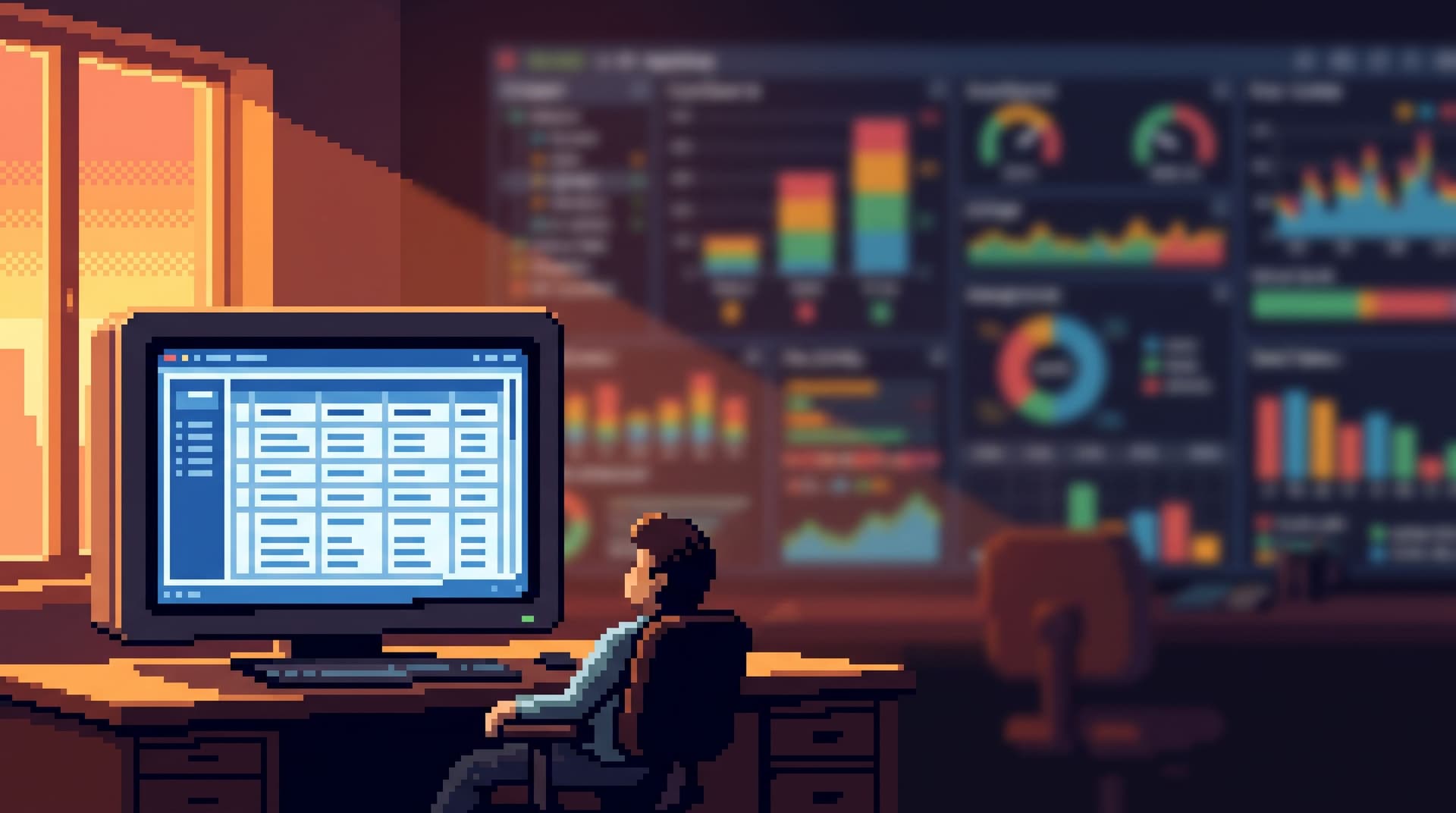
Most database tools quietly picked up habits from social apps.
Endless lists. Live-updating panels. Infinite scroll over logs, events, rows.
You go in to answer one concrete question. You emerge 40 minutes later, five tables deep, skimming yet another page of results.
This is the feed pattern, applied to data work. And it’s a bad fit.
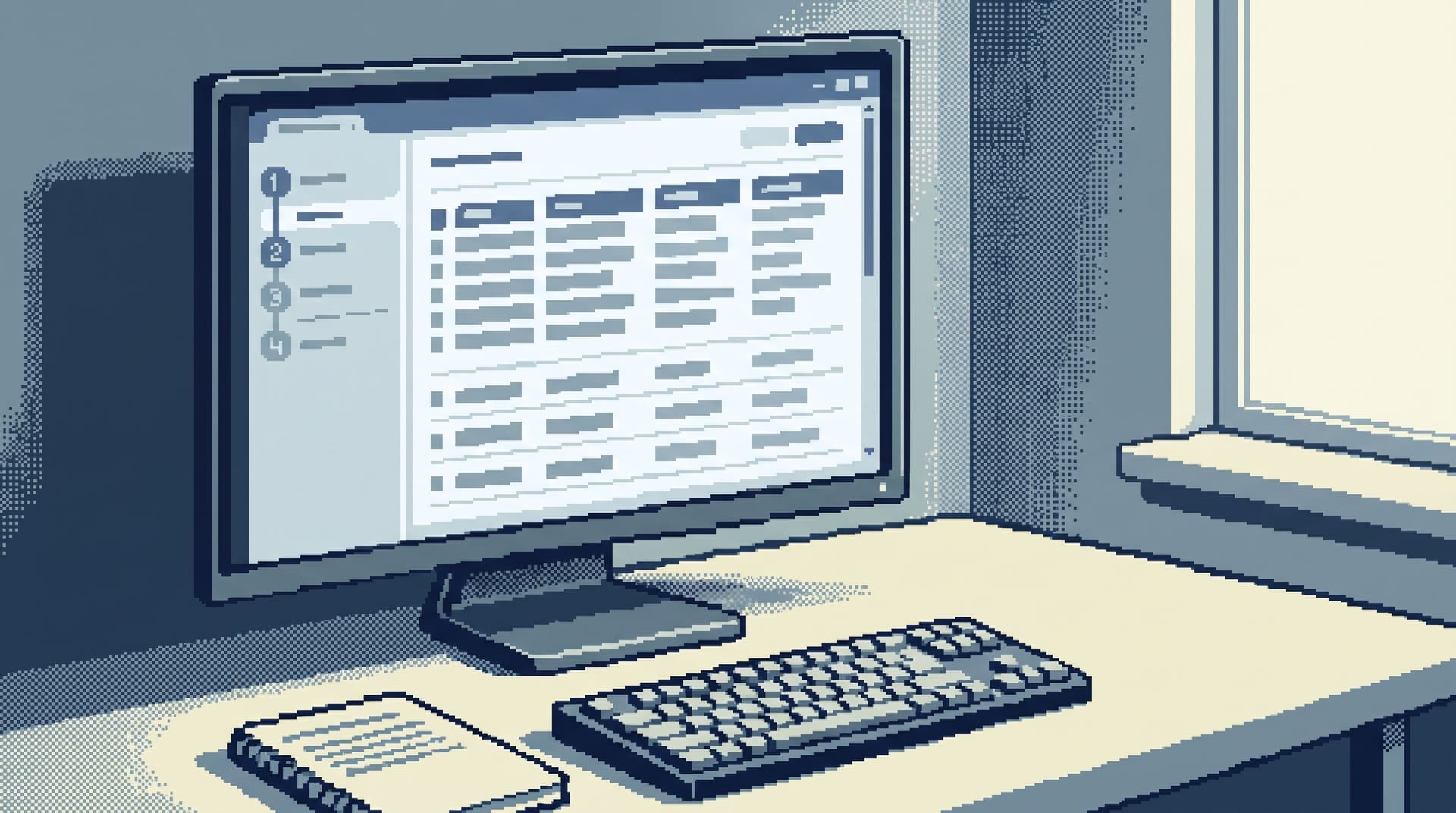
Calm data work needs the opposite: an anti-feed database. A surface that resists doomscrolling, favors deliberate jumps over endless scrolling, and keeps you anchored to a small set of meaningful records.
Tools like Simpl exist because this difference matters. A database browser should feel more like reading a well-structured story than scrolling a timeline.
Why the “Feed” Pattern Sneaks Into Data Tools
Most teams didn’t decide to build a feed for production data. It arrived by accident, through a few familiar choices:
- Offset-based pagination with Next/Previous over huge tables
- Infinite scroll for logs, events, and traces
- Live-refreshing result sets that constantly pull in more rows
- Wide, unbounded queries that return “as much as possible” by default
These patterns feel helpful when you’re exploring. They’re terrible when you’re trying to understand.
What they encourage:
- Low-intent wandering – “I’ll just scroll a bit more, maybe I’ll see something interesting.”
- Context loss – you forget which user, invoice, or job you started with.
- Performance risk – large scans and constant refresh hammer replicas.
- Shallow understanding – you’ve seen a lot of data, but can’t retell the story.
We wrote about a similar trap in Mindful Data Work: keeping production reads out of the doomscroll loop. The feed pattern is the UI shape of that loop.
An anti-feed database is not just a different pagination widget. It’s a different stance:
- Fewer rows at a time.
- Stronger anchors (IDs, time, state).
- Clear beginnings and endings.
- Navigation that feels like turning pages in a story, not refreshing a timeline.
What the Anti-Feed Database Looks Like
Let’s make it concrete. An anti-feed database is defined less by tech and more by default behaviors.
1. Rows First, Not Streams
A feed is optimized for flow: new items, new events, new rows.
An anti-feed database is optimized for specific records:
- Start from a user ID, invoice ID, job ID, or similar anchor.
- Land on a focused view of that entity and its immediate neighbors in time.
- Expand outward only as needed: related rows, history, linked tables.
This is the same posture we argue for in Database Work Without Dashboards: most real questions end on rows, not on charts or streams.
2. Intentional Pagination, Not Endless Scroll
Infinite scroll blurs time and intent. You’re always “in the middle.”
Anti-feed pagination does the opposite:
- Cursor-based navigation over a clear ordering (usually time or ID).
- Small, fixed page sizes tuned for reading, not harvesting.
- Explicit boundaries:
- “These are the 50 jobs before this failure.”
- “These are the 20 events after this deploy.”
The goal is not to see everything. It’s to see enough to explain what happened.
We went deep on this in The Calm Cursor: pagination patterns that keep debugging linear. The short version: pagination is narrative structure.
3. Opinionated Filters, Not Open-Ended Search
A feed plus a global search bar is a recipe for wandering.
Anti-feed tools bias toward opinionated filters:
- Pre-shaped entry points: “Find user by email”, “Find invoice by number”, “Find job by ID”.
- Common, safe constraints built-in: tenant, environment, time window.
- Minimal free-form search; it’s there, but it’s not the main door.
This is exactly the stance of Opinionated Filters, Not Free-Form Search: narrow, predictable paths from real-world questions to specific rows.
4. Linear Session State, Not Tab Forests
Feeds pair naturally with tabs: more scrolling, more surfaces, more half-finished threads.
An anti-feed database keeps your session linear:
- One primary view of the question you’re answering.
- A short, visible trail of where you’ve been.
- Easy ways to step back rather than open yet another surface.
If you’ve ever lost a critical query in a sea of tabs, you’ve felt why we argued for Database Work Without Tabs. The same principle applies here: fewer surfaces, clearer intent.
Tools like Simpl lean heavily into this: no playground tab sprawl, just a calm, constrained path through your data.
Why Escaping the Feed Pattern Matters
This isn’t just UX aesthetics. Moving away from feed-like patterns has real benefits for teams.
1. Better Incident Outcomes
During incidents, feed-style tools encourage:
- Constant refresh
- Skimming new rows
- Jumping between time ranges and tables
That’s how you end up with six people looking at six different slices of data.
An anti-feed database helps you:
- Pick a small set of anchor records (the affected users, jobs, or invoices).
- Walk forwards and backwards in time around those anchors.
- Keep everyone on the same linear story.
This is the same posture as Post-Dashboard On-Call and The Calm Incident Loop: one reusable path from alert → rows → explanation.
2. Safer Production Reads
Feed-style tools normalize wide, unbounded queries:
- “Just show me the latest 10,000 errors.”
- “Scroll back a bit more, I want to see last week too.”
Those patterns are easy to misuse on hot tables.
Anti-feed defaults force you to be specific:
- Query by primary key or tight filters.
- Navigate with cursors instead of offsets.
- Keep page sizes small and bounded.
Combine that with habits from The Minimalist Query Habit and you get a much safer baseline for production reads.
3. Clearer Stories, Less Rework
Feeds encourage data wandering:
- You see something odd.
- You scroll more, “just in case.”
- You forget what you were proving.
Then someone else has to re-run the whole session from scratch.
Anti-feed tools make it easier to:
- Capture a small sequence of reads that tell the story.
- Re-run that sequence later.
- Share it with a teammate without dumping a wall of screenshots or raw logs.
That’s the core idea behind From Noise to Narrative and From Data Wandering to Data Walkthroughs: your debug session should feel like a short, replayable story, not a scroll history.
4. Calmer Onboarding and Support
New engineers and support partners are especially vulnerable to feed patterns:
- They don’t know which tables matter.
- They don’t know which filters are safe.
- Infinite scroll feels like the only way to “see what’s going on.”
An anti-feed database gives them:
- A few blessed entry points: “Look up user”, “Look up subscription”, “Look up invoice”.
- Guardrails around time windows and environments.
- A linear path from “customer email” to “concrete rows” without wading through an endless stream.
This lines up with The Anti-Dashboard Onboarding and The Single-Question Onboarding: start with real rows and real questions, not feeds and dashboards.
How to Design (or Choose) an Anti-Feed Database
You don’t have to rewrite your entire stack to escape feed patterns. You can adopt a few deliberate constraints.
1. Start From Questions, Not Tables
Before you touch UI, list the top 10 questions your team asks of production data:
- “What happened to this user yesterday?”
- “Which invoices were affected by this bug?”
- “Why did this job get stuck?”
For each question, define:
- The primary anchor (user ID, invoice ID, job ID).
- The natural time window (last 24 hours, last run, etc.).
- The minimum set of tables you actually need.
Then shape your database browser around these questions:
- Add dedicated lookup paths for common anchors.
- Pre-apply sane defaults for time and environment.
- Hide or de-emphasize generic “show me everything” views.
In The Quiet DX Roadmap, we argue that most teams can remove entire surfaces once they’ve mapped real questions to one calm path.
2. Replace Infinite Scroll With Cursors and Chapters
Audit where infinite scroll or offset pagination appears:
- Logs
- Events
- Large transactional tables
For each surface, ask:
- What is the canonical ordering (time, ID, sequence)?
- How small can a readable page be for this data?
- What are the natural chapter breaks (per user, per job, per deploy)?
Then implement:
- Cursor-based pagination keyed on that canonical ordering.
- Fixed page sizes optimized for reading (20–100 rows, not 1,000+).
- UI that emphasizes “previous/next around this anchor”, not “load more forever.”
If you’re choosing a tool like Simpl, look for this bias in the core navigation: does it feel like turning pages, or like scrolling a feed?
3. Make Opinionated Filters the First-Class Entry Point
Take your most abused feed-like surfaces and wrap them in opinionated filters:
- For logs: “Logs for this user/job/request in the last 15 minutes.”
- For events: “Events for this entity between these two timestamps.”
- For rows: “Records for this tenant in this state.”
Concretely:
- Replace the blank search bar with a small form of 2–4 fields.
- Pre-fill fields from the real-world context (ticket, alert, URL params).
- Tuck generic search behind an advanced toggle instead of front and center.
This won’t stop power users from exploring. It will stop most people from falling into accidental feeds.
4. Constrain Session State on Purpose
Look at how your current tools handle “where you’ve been”:
- Do you have dozens of tabs per incident?
- Do people leave result sets open for hours “just in case”?
Anti-feed session state looks more like:
- A short, linear history of recent anchors and queries.
- One primary working surface, not five.
- Easy ways to bookmark important views instead of leaving them open forever.
If you can’t change the tool, you can still change the habit:
- Encourage people to close tabs once a question is answered.
- Capture final narratives in a ticket or doc instead of “keeping the tab alive.”
- Use a dedicated browser like Simpl for calm reads, and reserve full IDEs for experiments, as we describe in The Minimalist Data IDE.
5. Treat Stories as First-Class Artifacts
The best antidote to a feed is a story.
For recurring questions, build a habit of capturing:
- The anchor (who/what).
- The sequence of reads you ran.
- The conclusion you drew.
Then:
- Turn those into reusable walkthroughs or saved flows.
- Use them in onboarding, incident reviews, and handoffs.
Over time, your team will rely less on “scroll until you see something weird” and more on “run this small, proven sequence that explains what’s going on.”
Summary
Feed patterns—endless scroll, unbounded queries, live-refreshing lists—make sense for entertainment. They don’t make sense for production data.
An anti-feed database is a deliberate alternative:
- Rows first, not streams – start from concrete anchors.
- Cursor-based, bounded pagination – pages that read like chapters.
- Opinionated filters over free-form search – narrow, safe paths.
- Linear session state – fewer surfaces, clearer intent.
- Stories as artifacts – small, replayable narratives instead of scroll history.
The benefits are practical:
- Quieter incidents.
- Safer production reads.
- Faster onboarding.
- Less time wandering, more time explaining.
Tools like Simpl are built around this posture: an opinionated database browser that treats production understanding as calm, linear work—not a feed to be consumed.
Take the First Step
You don’t need a full redesign to escape the feed.
Pick one surface—logs, events, or a hot table—and do three things:
- Define the real questions people use it for.
- Add one opinionated entry point for those questions (by ID, by time, by tenant).
- Replace or hide infinite scroll behind a smaller, cursor-based view.
Run your next incident or support ticket through that path.
Notice how much less you scroll. Notice how much more you explain.
If you want a tool that starts from these constraints instead of fighting them, try running your next production question through Simpl. See what it feels like when your database stops behaving like a feed—and starts reading like a story.