The Quiet DX Roadmap: How to Shrink Your Data Tool Stack in Six Calm Steps

Developer experience around data rarely breaks in a single moment. It frays.
A SQL IDE here. A BI tool there. A notebook for “quick” exploration. A log viewer. An admin panel. A dedicated incident console. A feature flag UI. Each one felt reasonable when you added it. Together, they create a background hum of friction every time you need to answer a concrete question from production data.
Shrinking that stack is not about minimalism for its own sake. It’s about:
- Fewer places to look for the truth
- Fewer mental models to juggle under pressure
- Fewer ways for people to run risky queries by accident
- More time spent reading rows and explaining what happened
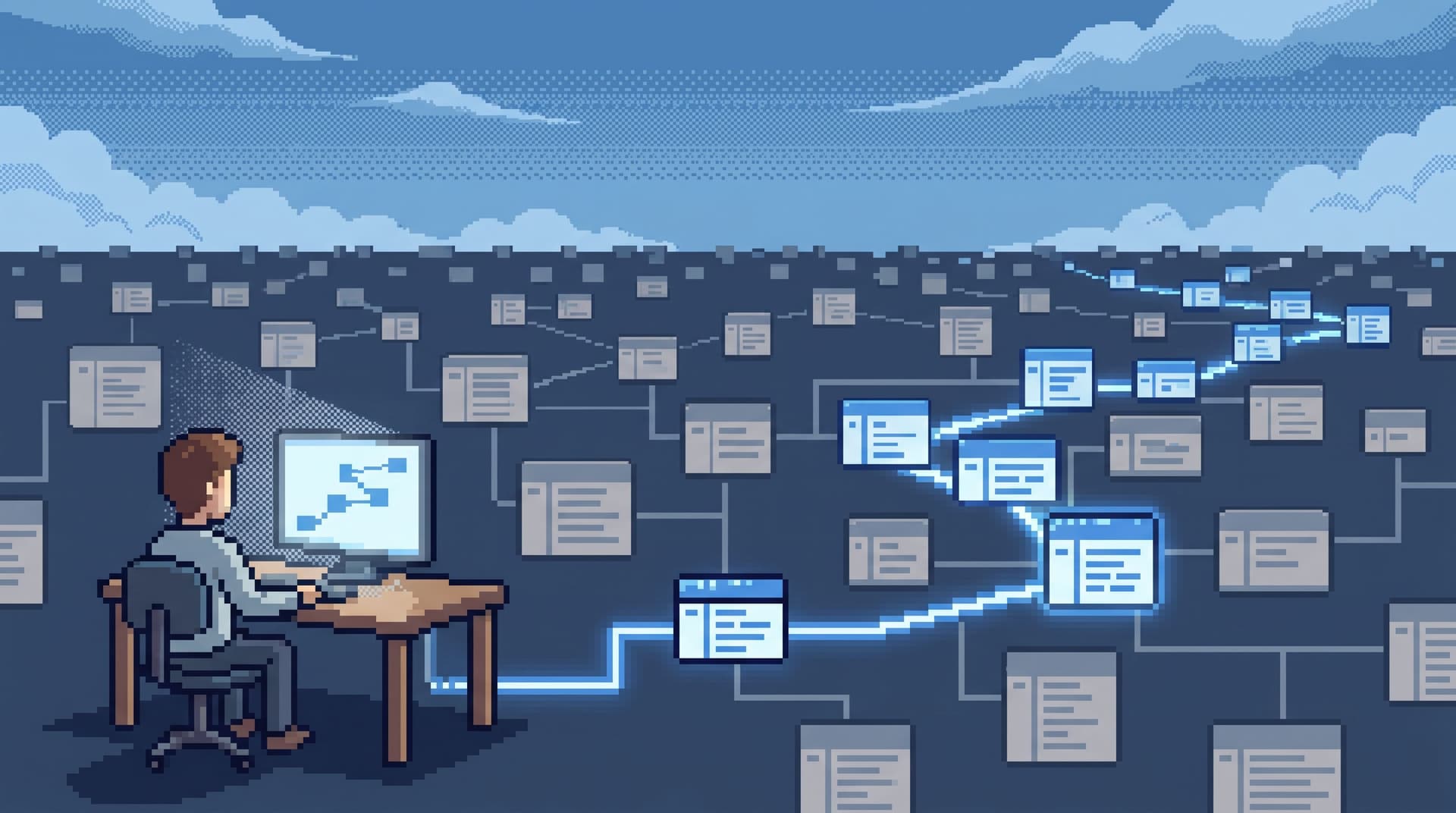
This post outlines a quiet, six-step roadmap for doing exactly that. Not a replatforming. Not a big-bang migration. A calm DX upgrade where you deliberately move more of your everyday data work into a small number of opinionated tools — ideally one primary surface like Simpl — and let the rest fall away.
If you want a broader framing of why this matters, you might also like The Calm DX Scorecard: Measuring Database Tools by Cognitive Load, Not Checklists and The Quiet DX Upgrade: Shrinking Your Data Tool Stack Without Losing Observability.
Why shrinking your data stack matters
Most teams feel the cost of too many tools as a vague sense of drag:
- Incidents take longer than they should
- Onboarding feels heavier than it needs to
- Senior engineers do “tool tours” instead of debugging
- Nobody is quite sure where the canonical answer lives
Underneath that drag are a few specific taxes:
1. Context switching is the real latency.
Every time you move from BI to SQL IDE to logs to admin, you:
- Rebuild mental context
- Re-learn filters and query languages
- Re-orient around a new concept of “environment” and “permissions”
2. Tool overlap hides real gaps.
When five tools can all “run queries,” it’s easy to assume the basics are covered. In practice, you often still lack:
- A single, safe way to read live production rows
- A repeatable path from alert → rows → explanation
- A calm surface for non-engineers to ask grounded questions
3. Risk grows quietly with every surface pointed at prod.
More places to run ad-hoc queries means:
- More chances for a wide
UPDATEorDELETE - More ways to leak sensitive data into logs, notebooks, or exports
- More orphaned dashboards that nobody owns but everyone trusts
An opinionated database browser like Simpl exists as a counterweight to this. Instead of yet another canvas, it gives you a calm, streamlined interface for exploring, querying, and understanding your data — especially production data — without the noise of full BI or admin tools.
The rest of this post is about how to move your stack toward that posture in six deliberate steps.
Step 1: Map the real workflows, not the tools
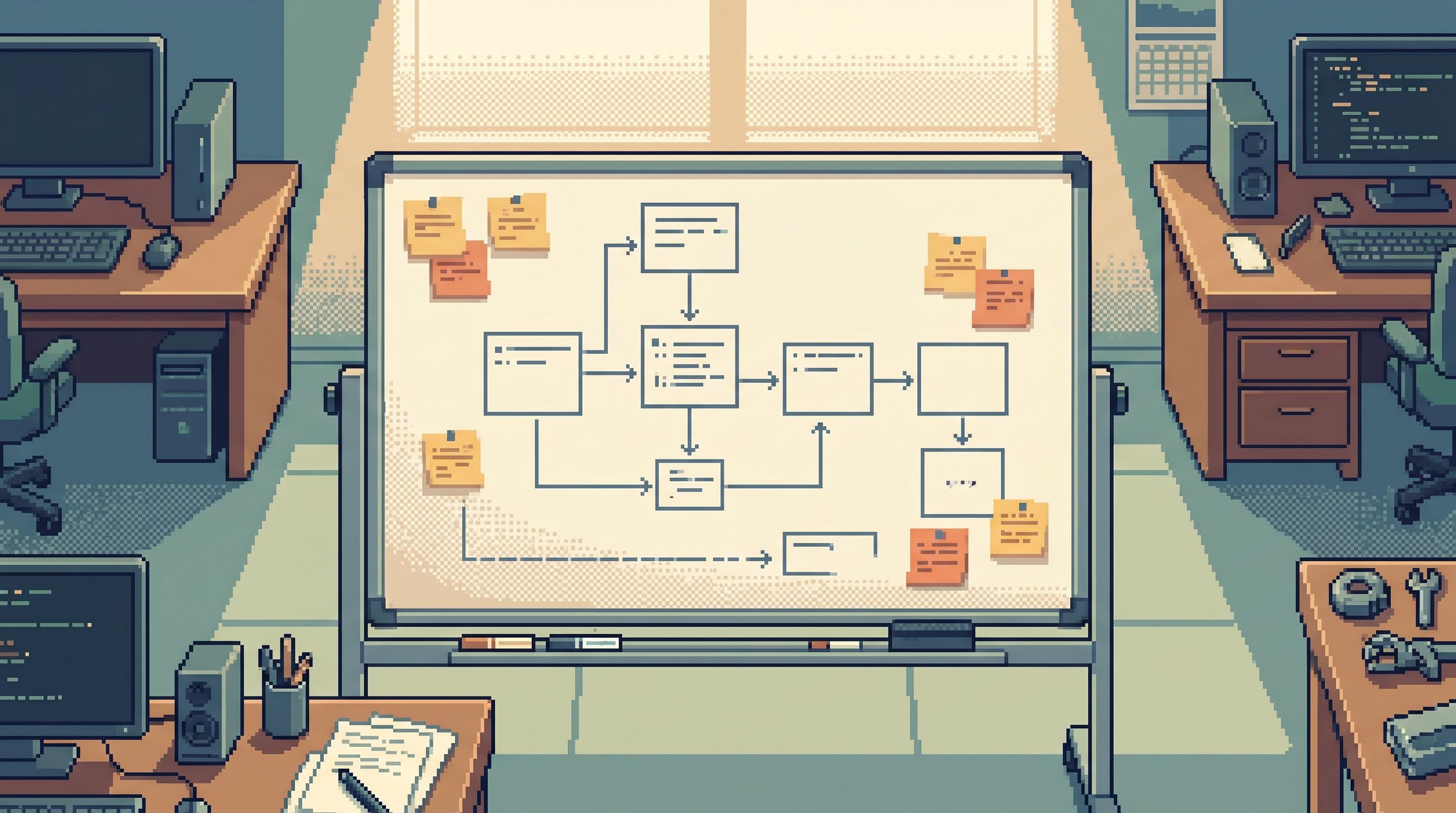
The starting point is not “Which tools do we have?” It’s “What do people actually do with data?”
Spend a week quietly watching and asking:
- How do engineers debug a specific user’s issue?
- How do on‑call engineers move from alert to rows?
- How do product managers answer “What happened to this cohort?”
- How do support or success teams verify what a customer is seeing?
Write these down as concrete workflows, not generic verbs:
- “Follow a single invoice from creation to payment to refund.”
- “See what changed for this user between last Tuesday and now.”
- “Confirm whether this feature flag was on when the bug started.”
For each workflow, note:
- Which tools are opened, in what order
- Where people copy‑paste IDs, emails, or timestamps
- Where someone says, “This is the annoying part”
This gives you a map of actual data work, not a vendor diagram.
Step 2: Identify the primary surface for production reads
Once you see the real workflows, a pattern usually emerges:
- There is one tool where people finally feel like they’re “with the data” — usually a SQL IDE, a database browser, or a homegrown admin.
- Everything else is a prelude (getting IDs, narrowing scope) or an afterword (writing up what happened).
Your goal is to make that primary surface explicit and intentional.
Criteria for a good primary surface:
- Direct access to real rows. Not just aggregates or charts.
- Safe by default. Hard to run dangerous writes, easy to read.
- Calm UI. No tiles, no custom dashboards, no “workspaces” to maintain.
- Linear history. You can see the trail of what you looked at.
- Accessible to more than one role. At least engineers and support.
If your current primary surface is a full‑power SQL IDE, it’s worth asking whether something narrower — like Simpl — should replace it for everyday reads. IDEs are great for migrations and complex analysis; they are often too sharp for routine production work.
For a deeper dive on what this can look like, see The Single-Database Day: What Happens When Engineers Only Read From One Calm Surface.
Step 3: Collapse overlapping tools into that surface
With a primary surface chosen, you can start shrinking.
Make a list of tools that currently touch production or near‑production data:
- SQL IDEs
- BI dashboards
- Notebooks
- Admin panels
- Log viewers
- Incident consoles
For each workflow from Step 1, ask:
Could this workflow run entirely, or almost entirely, from our primary surface?
Examples:
-
Debugging a single user.
Instead of: error tracker → logs → BI → SQL IDE → admin panel.
Move toward: error tracker → Simpl (logs + rows) → explanation. -
Answering a support question.
Instead of: CRM → admin → BI.
Move toward: CRM → Simpl (opinionated filters over key tables) → answer. -
Investigating a feature flag issue.
Instead of: feature flag console → BI → SQL IDE.
Move toward: feature flag console → Simpl (time‑travel read of relevant rows) → explanation.
You are not trying to delete tools overnight. You are trying to:
- Make the primary surface the default starting point
- Let other tools become specialized, occasional helpers
- Retire tools only after a few months of disuse
This is where patterns from posts like The Calm Debug Loop: Running Incidents From One Question Instead of Ten Tools become directly useful. They give you a vocabulary for what “one surface” work looks like.
Step 4: Narrow how people can ask questions
Shrinking the stack is not enough if every remaining tool is still a blank canvas.
Most risk and noise in data work comes from unbounded freedom:
- Arbitrary joins across half the schema
- Free‑form search over every column
- Ad‑hoc filters that are hard to repeat or explain
A quieter DX roadmap deliberately narrows how questions are asked.
Patterns to adopt:
-
Opinionated filters over free‑form search.
Instead of a global search box, provide a few high‑signal entry points: user ID, invoice ID, job ID, tenant key. See Opinionated Filters, Not Free-Form Search: Calmer Patterns for Narrowing Production Data. -
Single‑intent sessions.
Encourage one clear question per session: “What happened to this invoice?” rather than “Explore billing anomalies.”
This makes it easier to keep everything in one surface and one trail. -
Narrow query editor.
If you expose SQL, make it “just enough” SQL for everyday reads:SELECT,WHERE, simple joins, and safe limits. Tools like Simpl are built around this idea — a narrow query editor instead of a full playground. -
Safer prompts over raw permissions.
Especially for non‑engineers, guide questions with prompts or templates: “Show me this user’s last 10 invoices” instead of a blank SQL box.
By tightening how questions are expressed, you make it easier to:
- Keep work inside the primary surface
- Share and replay queries
- Avoid whole classes of dangerous or noisy queries
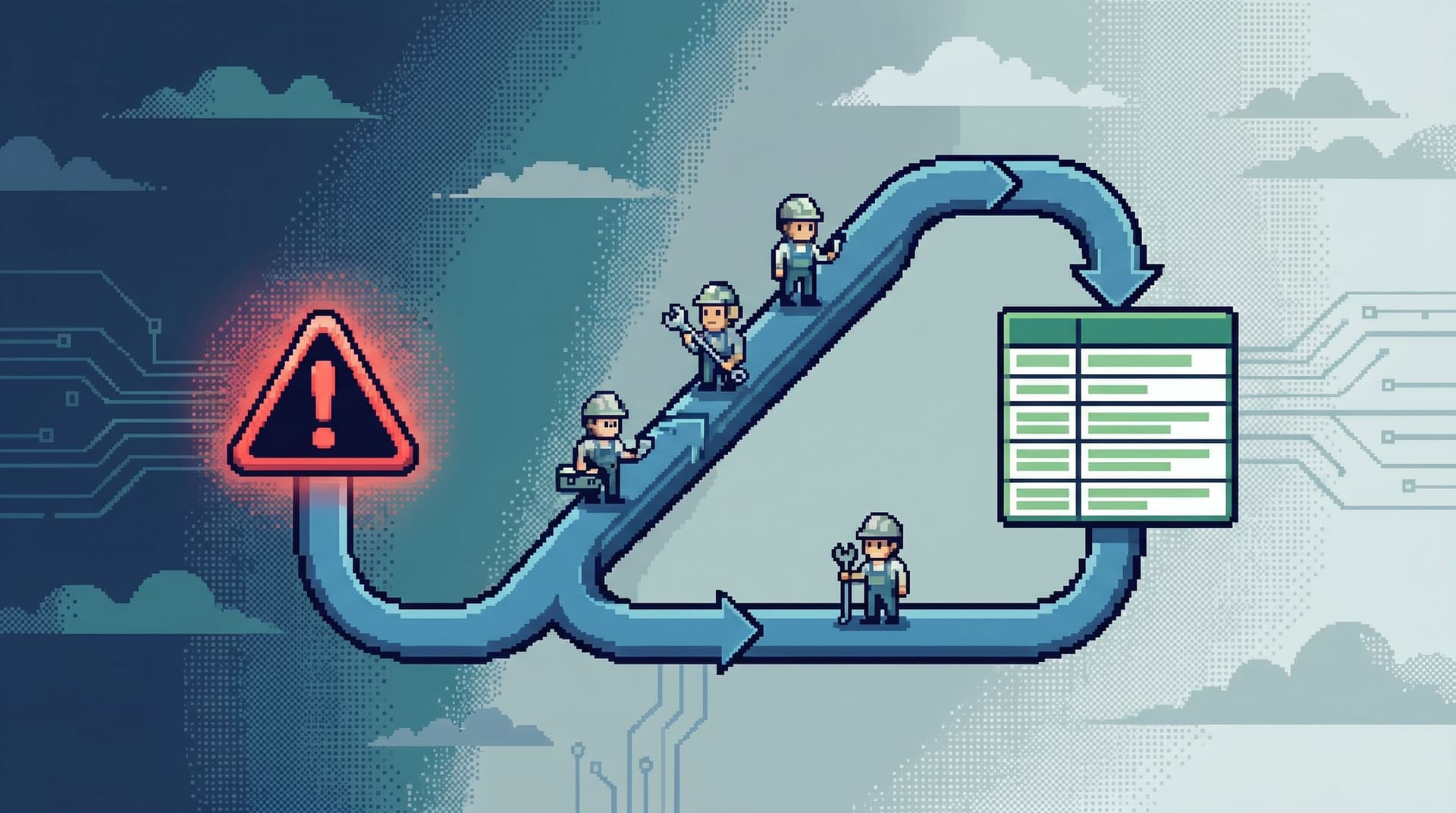
Step 5: Design one calm loop from alert to row and back
A lot of tool sprawl shows up most clearly during incidents.
Someone gets paged, opens three dashboards, skims logs, asks for a SQL query, and before long the team is scattered across six tools with no shared path.
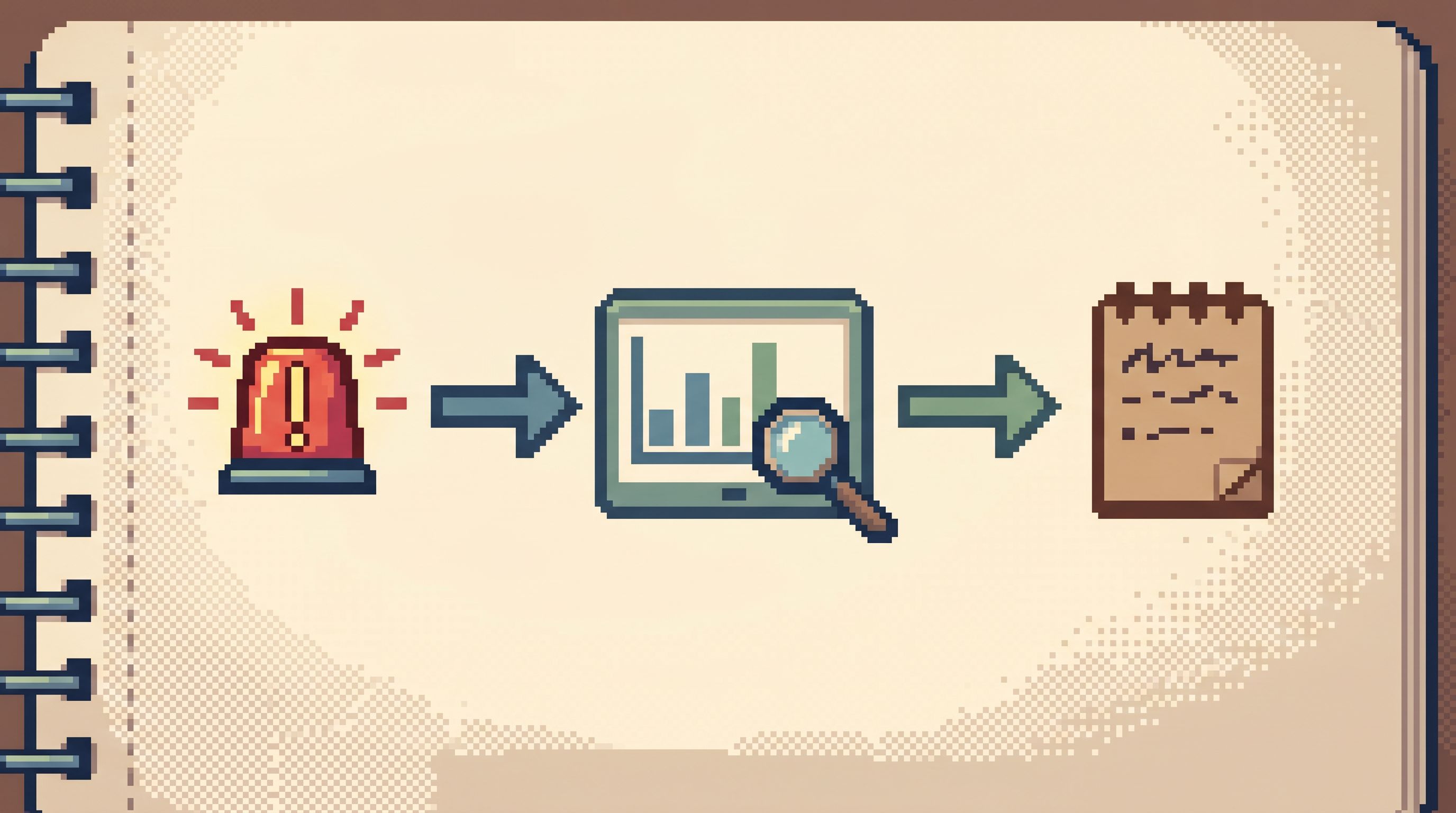
Your roadmap should explicitly design a single incident loop that runs primarily from your chosen surface. A good loop looks like:
- Signal. Alert, metric spike, or support escalation.
- Identify concrete subject. User ID, invoice ID, job ID, tenant.
- Jump into primary surface. One click or copy‑paste into Simpl.
- Read rows linearly. Follow a narrative: before → during → after.
- Capture the story. Save the query, tag the session, or export a minimal narrative.
- Return to signal. Annotate the alert or ticket with the explanation.
The key is that steps 3–5 happen in one place.
Patterns from The Calm Incident Loop: Designing One Reusable Path From Alert to Row and Back and The Calm Data Shortcut: Going From Stack Trace to Relevant Rows in Under Five Clicks are useful templates here.
Once you have this loop:
- Bake it into runbooks
- Practice it during game days
- Remove or de‑emphasize tools that don’t fit into it
Step 6: Onboard to workflows, not to tools
The final step is to stop teaching the stack as a pile of options.
Most onboarding looks like:
- “Here’s our BI tool for metrics.”
- “Here’s the SQL IDE for deeper questions.”
- “Here’s the admin panel for user lookups.”
- “Here’s the log viewer for incidents.”
New engineers are left to assemble their own workflow out of a menu.
A quieter DX roadmap flips this:
- Start from questions: “Why did this user’s subscription change?”
- Show one primary path that answers that question from your main surface.
- Only introduce secondary tools as optional helpers.
This is the same posture argued in The Single-Question Onboarding: Teaching New Engineers Production Data Without Overwhelming Them: you teach one question, one loop, one surface at a time.
For your data stack, that means:
- New engineers learn to reach for Simpl first when they need real rows
- Support and success teams have a single, safe place to verify customer stories
- Senior engineers stop doing “tool tours” and start doing “workflow tours”
Over time, the old tools become obviously secondary. Some can be removed entirely.
Keeping the roadmap calm
Shrinking your data tool stack is itself a kind of migration. It deserves the same care you’d give a schema change:
- Move one workflow at a time. Don’t try to collapse everything into one quarter.
- Measure friction, not just adoption. Ask, “How many tools did you open to debug this?”
- Treat sharp tools as power‑user options. SQL IDEs and notebooks are still valuable; they just shouldn’t be the first stop for everyday production reads.
- Write down the new defaults. Document: “For production questions, start in Simpl. Only open X or Y if…”
The result is not a perfectly minimal stack. It’s a stack where:
- Most real work happens in one calm surface
- Incidents follow one repeatable loop
- Onboarding is about stories, not tool tours
- Risk is concentrated in a small number of well‑understood places
Summary
The quiet DX roadmap is a shift in posture:
- From many tools by default → to one primary surface by default
- From blank canvases → to opinionated, narrow ways of asking questions
- From tool tours → to workflow tours
The six steps:
- Map the real workflows, not the tools.
- Identify the primary surface for production reads.
- Collapse overlapping tools into that surface.
- Narrow how people can ask questions.
- Design one calm loop from alert to row and back.
- Onboard to workflows, not to tools.
Do this slowly, one workflow at a time, and you’ll feel the change before you see it on an architecture slide: fewer tabs, calmer incidents, clearer stories about what actually happened in your systems.
Take the first quiet step
You don’t need a committee to start.
Pick one recurring workflow — for example, “Debug a single user’s billing issue” — and:
- Watch how it runs today. Count the tools.
- Sketch a version that stays mostly inside one surface.
- Configure or adopt a calm database browser like Simpl to support that path.
- Run the next incident or support ticket using the new loop.
If it feels lighter, keep going. Shrink the stack one question at a time.
That’s the quiet DX roadmap: not a big launch, just fewer tools between you and the rows that matter.