The Minimalist Data IDE: Where Simpl Ends and Your Editor Should Begin

Most teams treat “database tools” as a single category.
SQL IDE, database browser, BI, admin console, notebook — they all blur together into one mental bucket: places where I run queries.
That blur is where a lot of risk and noise comes from.
If you don’t draw a clear line between a minimalist database browser and a full SQL editor, you end up doing the wrong kind of work in the wrong kind of tool:
- Running incident queries from a playground editor
- Editing schema from the same surface where support reads rows
- Treating a calm browser like a scratchpad for experiments
This post is about that line.
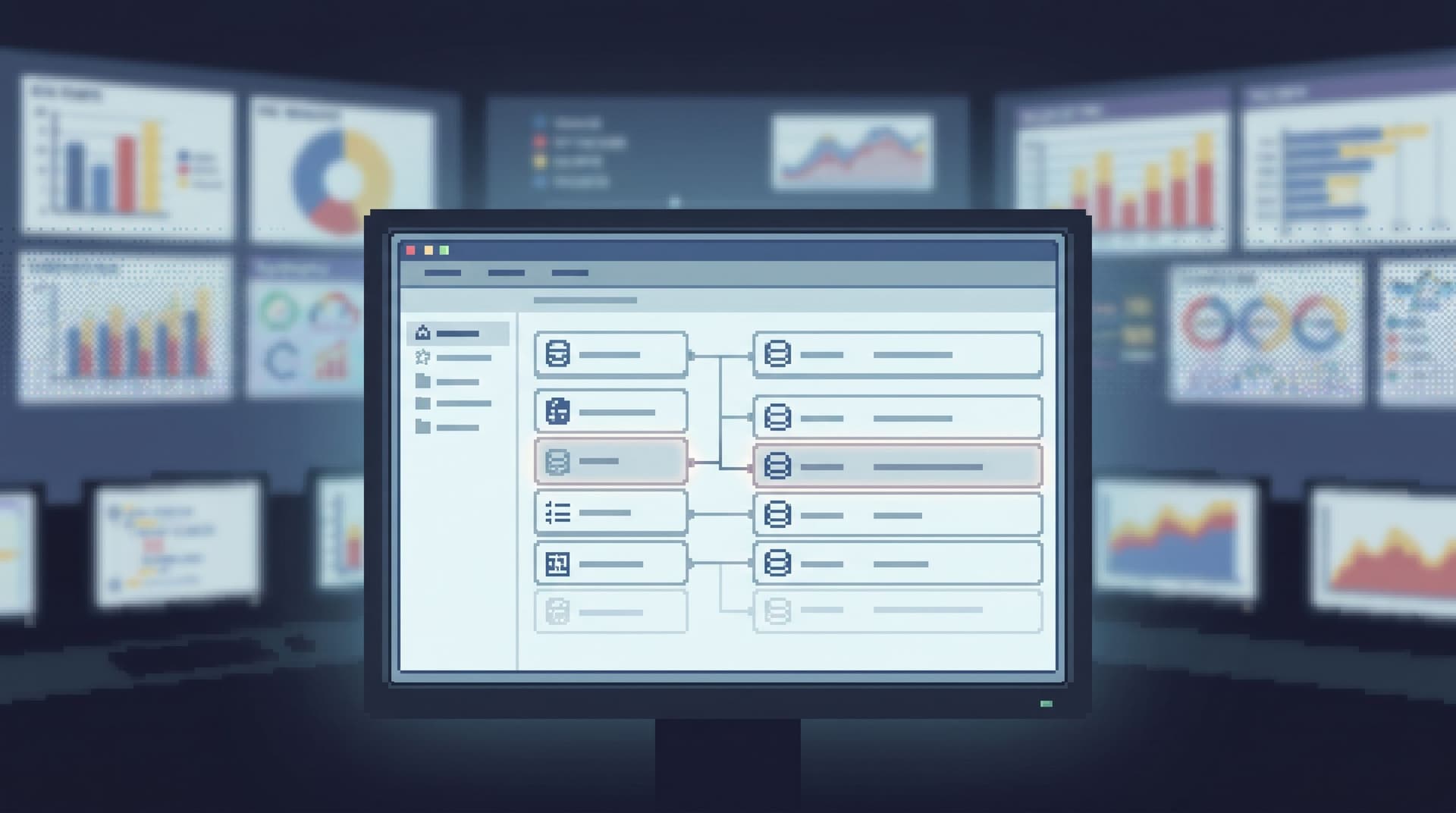
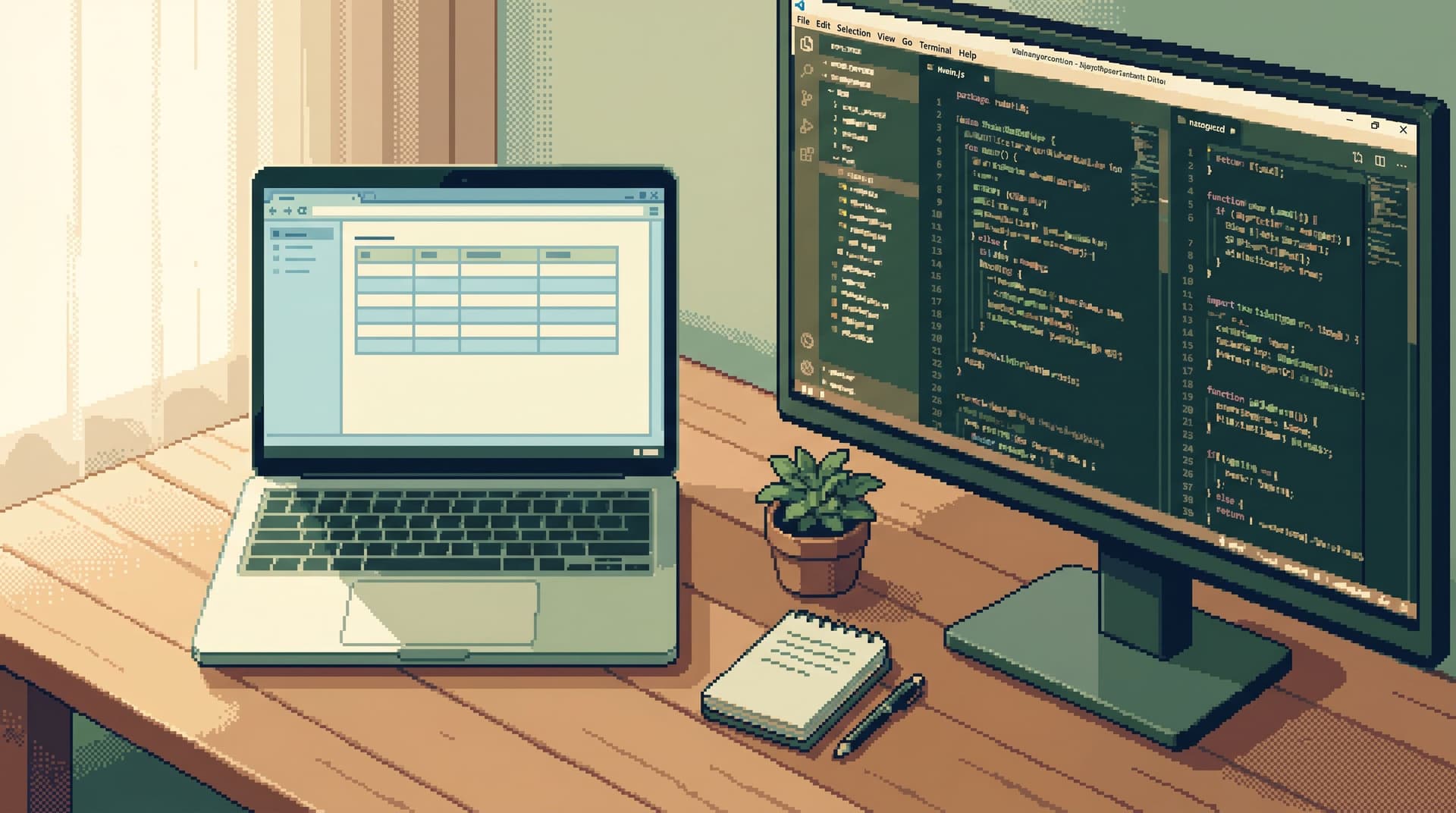
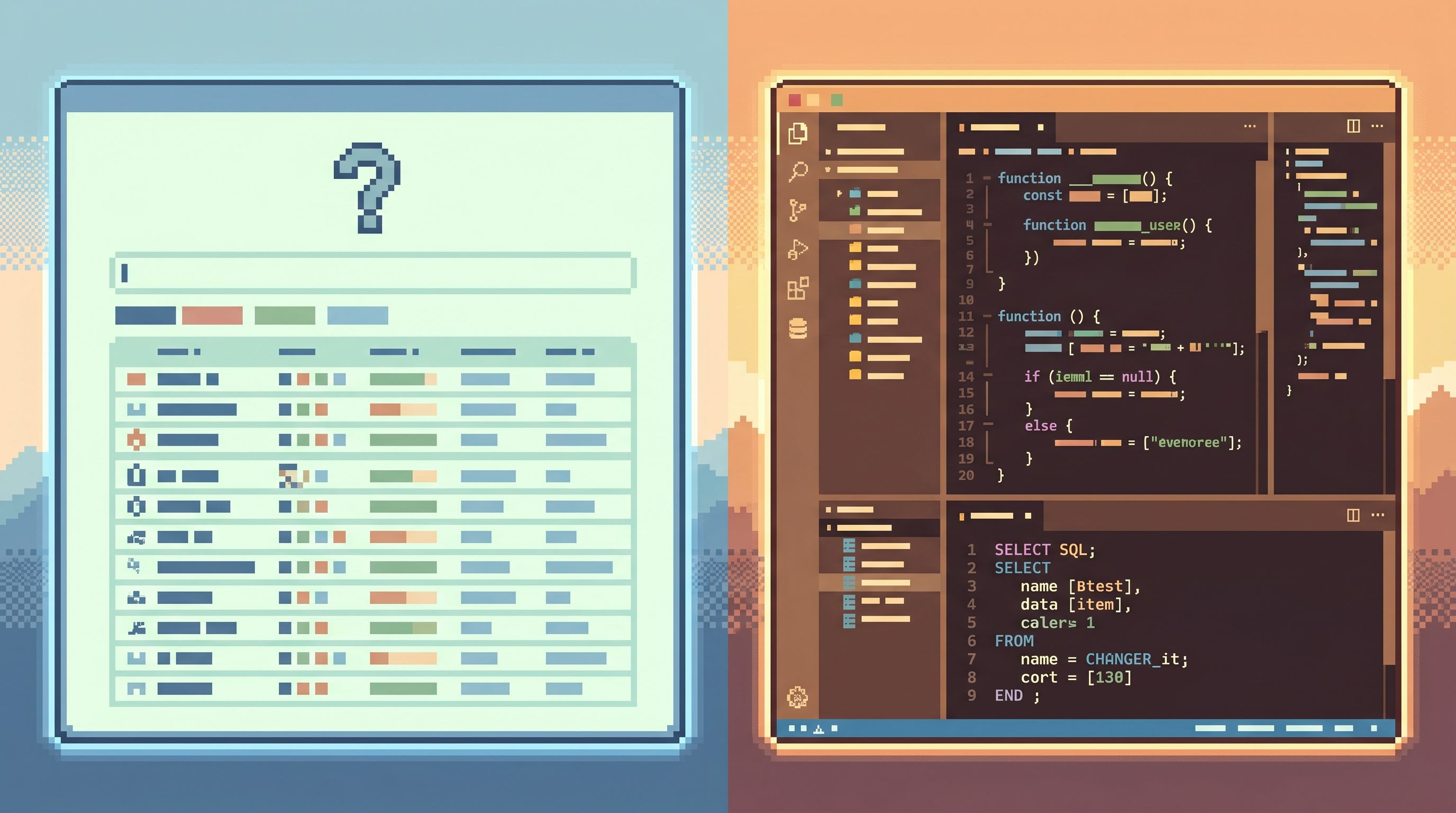
A minimalist data IDE — something like Simpl — should be the calm, opinionated surface where you read and understand production data. Your full editor should be the place where you change and model that data.
The two tools should be friends, not competitors.
The quality of your production work depends on knowing exactly where one ends and the other begins.
Why this separation matters
When you blur browser and editor, three problems show up quickly.
1. Risk piles up quietly
A full editor pointed at production is powerful — and sharp.
- One missing
WHEREin anUPDATE - One exploratory
SELECT *over a hot table during peak traffic - One copy‑pasted support query that scans millions of rows
You don’t need more power during those moments. You need fewer ways to do the wrong thing.
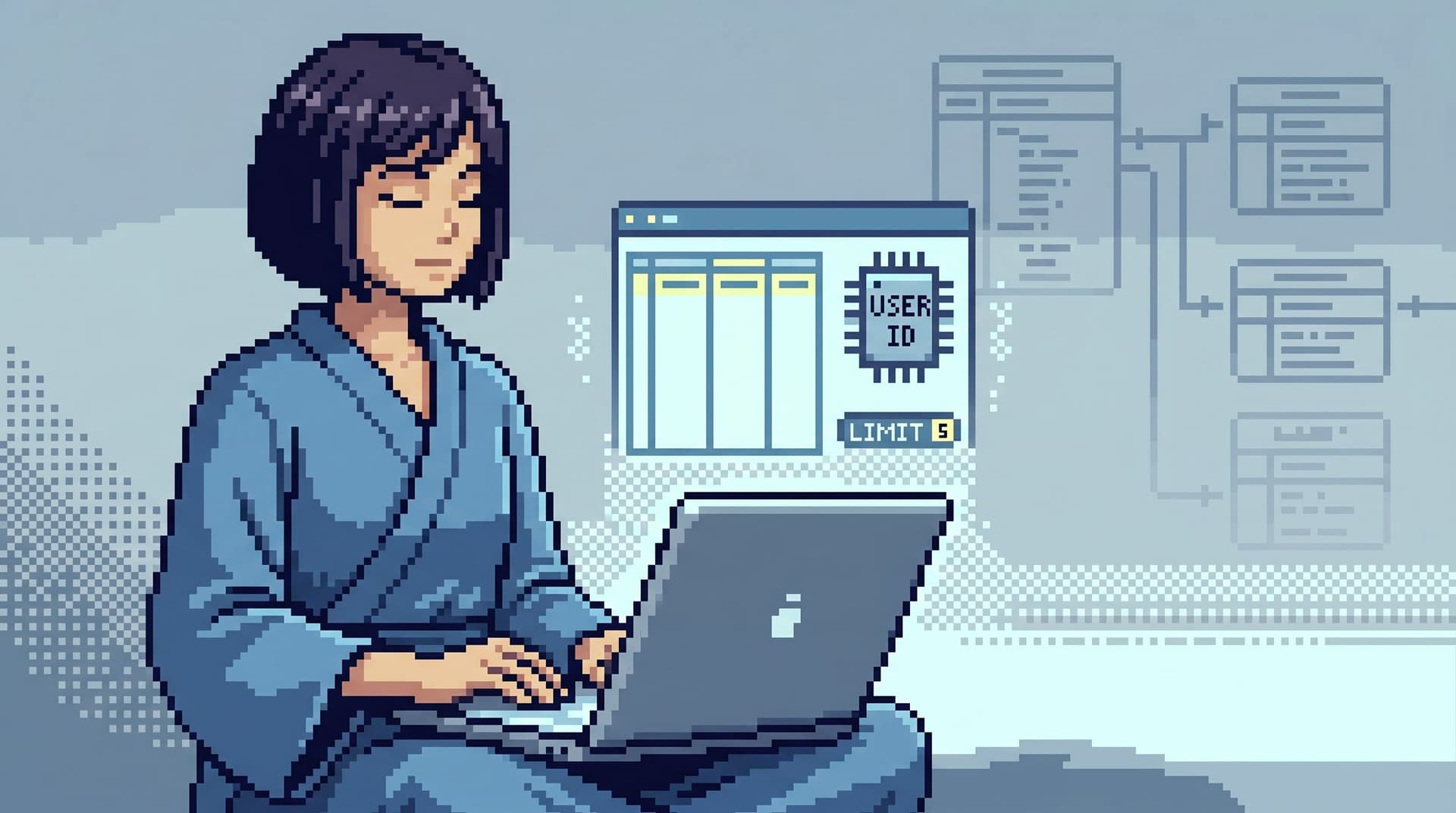
A minimalist browser like Simpl exists so that most production questions never touch a full editor at all. Reads are calm, constrained, and structured.
For teams that want to go deeper on this risk surface, The Minimalist Query Habit: Five Small Constraints That Make Production Reads Safer walks through specific guardrails.
2. Attention gets fragmented
Debugging a real incident already pulls your attention in multiple directions: alerts, Slack, logs, traces, customer reports.
If your primary surface is also a playground editor with tabs, CTEs, and half‑finished experiments, you’re adding more noise exactly where you can’t afford it.
A minimalist data IDE is opinionated about attention:
- One question at a time
- One primary surface
- A linear trail of reads, not a pile of scratch queries
Your editor can stay open in the background. But the story of the incident should live in the browser.
This pattern shows up across Calm Data: Database Work Without Multitasking: Running a Whole Debug Session From One Intent is a deeper dive into why this matters.
3. Onboarding never really finishes
New engineers learn whatever tool you put in front of them.
If that tool is a full editor against production, they learn:
- Every question is a new query
- Every query starts from a blank file
- Every debugging session is a notebook of half‑answers
If the primary surface is a minimalist browser, they learn instead:
- Most questions start from a known entry point (user, invoice, job)
- Navigation is intent‑first, not schema‑first
- The editor is something you reach for after you understand the shape of the data
That’s a calmer foundation to build on.
What belongs in a minimalist data IDE
Let’s start on the browser side.
A minimalist data IDE like Simpl is not a “lite” SQL editor. It’s a different posture.
You’re not trying to do everything. You’re trying to make a small set of activities feel effortless:
- Reading production rows
- Tracing relationships across tables
- Following a narrative through time
- Keeping incidents legible
That means being ruthless about what belongs in the tool — and what doesn’t.
Core capabilities: the calm half of your stack
A minimalist browser should excel at production reads.
At a minimum, that means:
-
Opinionated navigation, not schema trees
You shouldn’t have to wander a 500‑table schema to answer a concrete question.
The surface should start from:- Real entities: user, subscription, invoice, job
- Real intents: “What changed for this user?”, “What failed for this job?”
If this resonates, Beyond Object Trees: Intent‑First Navigation Patterns for Modern Database Browsers goes deep on this idea.
-
Safe, constrained querying
You still need SQL, but with guardrails:- Read‑only by default
- Narrow, parameterized patterns for common questions
- Guarded access to wide scans or complex joins
-
Linear, narrative‑friendly history
The tool should remember:- Which rows you looked at
- In what order
- With what filters
So you can reconstruct a story: “We started at this alert, followed it to this user, then this invoice, then this failed job.”
-
Calm pagination and time travel
Pagination and historical reads shouldn’t feel like separate features; they’re how you read a story over time.
You want:- Cursor‑based pagination that follows time or ID order
- Simple, opinionated ways to say “show me this row as of last Tuesday”
-
Low‑friction collaboration
Sharing what you see should be easier than screenshotting:- Stable URLs for specific views
- Lightweight annotations or notes
- A way to replay the trail someone else took
What doesn’t belong in a minimalist browser
The line matters most here.
There are things your browser should refuse to do, even if technically possible:
- Arbitrary write queries (
INSERT,UPDATE,DELETE,ALTER) - Schema design and migration authoring
- Complex, multi‑step CTE experiments
- Ad‑hoc transformations and temporary tables
- Dashboard builders, tiles, and custom workspaces
Not because these are bad — but because they change the posture of the tool.
The moment your primary surface becomes a place where anything might happen, it stops being a calm place to read what did happen.
A minimalist browser like Simpl should be comfortable saying:
“You’re trying to change or model the system. That’s editor work. Take this context with you, but do it somewhere else.”
What belongs in your full editor
On the other side of the line sits your editor: psql, DataGrip, SQLPro, VS Code with SQL extensions, or an internal tool.
This is where you:
- Design schemas
- Write migrations
- Build complex analytical queries
- Prototype transformations
- Wire up tests and CI
The editor is where freedom lives. That’s the point.
Editor strengths you should lean into
Your editor should be optimized for:
-
Rich editing and refactoring
- Multi‑file editing
- Snippets and templates
- Linting and formatting
-
Version control and review
- Git integration
- Code review workflows
- Migration history
-
Local and non‑production work
- Running migrations against dev/staging
- Experimenting with new models
- Building repeatable scripts and tooling
-
Occasional, deliberate production writes
When you must change production data directly, you want:- Peer review
- Runbooks
- Strong habits and checklists
Not a casual text box next to your incident dashboard.
Editor behaviors that are dangerous as a default
The risk isn’t that your editor can do too much. It’s that it becomes the default place for:
- Quick production reads
- On‑call debugging
- Support questions
When that happens, you normalize a workflow where every small question is one typo away from a big mistake.
A healthier pattern:
- Default to Simpl (or your minimalist browser) for any question that starts with “What happened…?”
- Escalate to the editor only when you need:
- A schema change
- A complex, multi‑step query
- A scripted fix
A practical boundary between Simpl and your editor
Knowing the theory is one thing. Making it real on a team is another.
Here’s a concrete way to draw the line.
1. Define a “read‑first” rule
Start with a simple policy:
If the question can be answered by reading existing rows, you use the browser.
Examples:
- “What did this invoice look like before the downgrade?” → browser
- “Which jobs for this tenant failed in the last hour?” → browser
- “What’s the current subscription state for this user?” → browser
Only move to the editor when the question becomes:
- “How should we change this data?”
- “How should we model this differently?”
- “How do we fix this at scale?”
2. Make incident work browser‑only by default
For a trial period — a week, or a “single‑database day” — run incidents from Simpl only.
- On‑call starts in the browser
- Support partners stay in the browser
- Senior engineers model better loops inside the same surface
You can still keep your editor open. But it’s no longer the center of gravity.
The Calm Debug Loop: Running Incidents From One Question Instead of Ten Tools is a good companion pattern here.
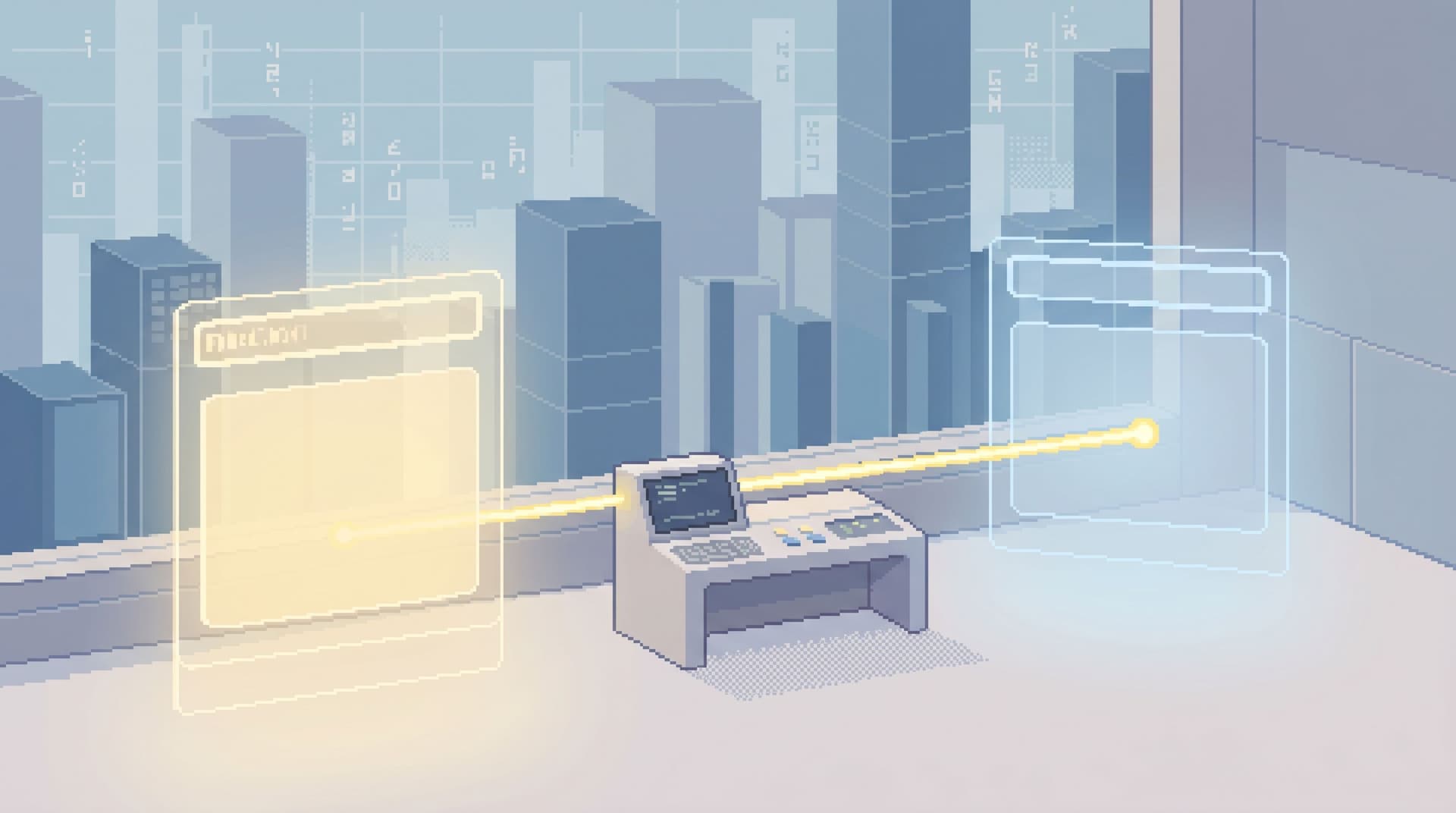
3. Build a clean handoff from Simpl to your editor
The boundary works best when crossing it is easy and explicit.
From a minimalist browser like Simpl, you want one‑click ways to:
- Copy a stable
SELECTfor the current view - Export a minimal query template with:
- Table
- Key filters
- Time bounds
- Open a link that your editor can register (
simpl://…) with context
The goal is not to avoid the editor. It’s to ensure that when you open it, you’re:
- Carrying a clear question
- Carrying a known set of rows or filters
- Intentionally switching from reading to changing or modeling
4. Move schema exploration out of the editor
A subtle source of noise: using your editor as a schema browser.
When you explore tables and columns in the editor, you’re:
- One click away from running arbitrary queries
- Primed to start typing instead of reading
Shift that exploration into Simpl:
- Treat it as the source of truth for “what’s in production right now”
- Use intent‑first navigation to reach tables via real entities
- Let the editor focus on how the schema should evolve, not what it currently contains
5. Teach the boundary during onboarding
When new engineers join, don’t just hand them tools. Hand them the line:
- “This is Simpl. It’s where you read production.”
- “This is your editor. It’s where you design and change things.”
Early exercises should live entirely in the browser:
- Answering single, concrete questions from production data
- Following a trail from alert → user → invoice → job
Only later do you move them into editor work: migrations, modeling, refactors.
The Single-Question Onboarding: Teaching New Engineers Production Data Without Overwhelming Them is a good pattern to pair with this.
How this feels day to day
When you draw a clear boundary between Simpl and your editor, the texture of database work changes.
-
Incidents feel linear.
You move from signal → rows → explanation inside one calm surface. -
On‑call feels safer.
Most questions never touch a full‑power editor; risky queries are rare and deliberate. -
Onboarding feels narrower.
New engineers learn to read production before they learn to change it. -
Editors feel more focused.
They become places for real engineering work — not for quick, risky reads. -
Stories travel better.
Trails of reads in Simpl turn into shareable narratives instead of forgotten scratch queries.
This isn’t minimalism for its own sake. It’s a way to keep production understanding calm, even as your systems and schemas grow.
Bringing a minimalist data IDE into your team
If you want to move in this direction, you don’t need a big migration plan.
You can start small:
-
Pick one primary browser
If you don’t have one, try Simpl alongside your existing stack. -
Declare a read‑first rule
For the next week, answer every “what happened?” question from the browser before touching the editor. -
Run one incident from rows, not charts
When the next alert fires, resist the dashboard reflex. Go straight to rows in Simpl.
If you want a detailed pattern, read Post-Dashboard On‑Call: Running Incidents From Rows, Not Charts. -
Tighten the handoff to your editor
Add shortcuts, snippets, or small internal helpers that make it trivial to take a focusedSELECTfrom Simpl into your editor when you truly need more power. -
Write down the boundary
Capture three bullets in your internal docs:
You’ll know it’s working when most production conversations sound like:
“Can you send me the Simpl view you’re looking at?”
instead of
“Can you paste your query?”
Summary
A minimalist data IDE is not a stripped‑down SQL editor.
It’s a separate, opinionated surface where you:
- Read production rows calmly
- Follow narratives through entities and time
- Run incidents from one clear question
- Keep risky writes and complex modeling elsewhere
Simpl lives on that side of the line.
Your full editor — psql, DataGrip, VS Code, internal tools — is where you:
- Design schemas and migrations
- Build complex queries and transformations
- Make deliberate, reviewed changes
The boundary between the two is what keeps production work legible, safe, and calm.
Take the first step
Pick one day this week to try a simple experiment:
- Make Simpl (or your minimalist browser) the only place you read production.
- Keep your editor closed unless you’re explicitly changing or modeling the system.
Notice what happens to your attention, your incident loops, and your onboarding conversations.
From there, you can decide how far you want to push the boundary.
The tools can stay the same. The posture doesn’t have to.