The Calm Cursor: Pagination Patterns That Keep Production Debugging Linear

Production debugging goes sideways the moment your data stops being linear.
You start with one user, one invoice, one job ID. A few minutes later you’re:
- Clicking Next and Previous through arbitrary pages
- Jumping between offsets that don’t line up with time
- Losing track of where the bug started and where it ended
Pagination sounds like a detail. It quietly decides whether your debug session feels like reading a story or flipping channels.
Tools like Simpl exist because these details matter. An opinionated database browser can turn pagination from a generic UI control into a calm, narrative tool for understanding production.
This post is about that: designing and choosing pagination patterns that keep your debugging sessions linear, explainable, and safe.
Why Pagination Matters for Debugging
Most production questions are implicitly ordered:
- “What happened before this invoice changed?”
- “Which jobs failed after we deployed?”
- “How did this user’s state evolve over time?”
But most database tools paginate as if order doesn’t matter:
- Offset-based pages that shift under your feet when new rows arrive
- Arbitrary page sizes that mix unrelated events together
- Sorting controls that reset or fight your mental model
The result:
- You can’t reliably “go back” to a row you just saw
- Two people looking at “page 3” aren’t seeing the same data
- You lose the narrative: what led to this state, and what followed?
For calm debugging, pagination should:
- Preserve order – usually by time or by a monotonic key
- Preserve identity – you can get back to the same slice later
- Preserve narrative – you can read before/after without mental gymnastics
Offset-based pagination fails all three under real load. Cursor-based patterns, done well, can satisfy them.
If you care about running whole incidents from one surface, this is not cosmetic. It’s foundational. (See also: Database Work Without Multitasking: Running a Whole Debug Session From One Intent.)
Offset Pagination: Why It Breaks Under Incident Pressure
Offset pagination is the default in many tools:
SELECT *
FROM invoices
ORDER BY created_at DESC
LIMIT 50 OFFSET 100;
You get numbered pages: 1, 2, 3… It feels simple. Under incident pressure, it’s anything but.
Problems with offset-based pagination for production debugging:
-
Shifting ground
New rows arrive. Page 3 at 10:02 is not page 3 at 10:05. Your “trail” is an illusion. -
Expensive at scale
Large offsets force the database to scan and throw away rows. That’s noisy on hot tables, exactly when you need calm. -
No stable bookmark
You can’t say “look at page 7” and expect someone else to see the same slice, even seconds later. -
Time and page numbers don’t line up
The question you’re asking (“what happened around 10:41?”) doesn’t map cleanly to “page 5”.
Offset pagination is fine for casual browsing. For production debugging, it’s a trap.
A calm database browser like Simpl should treat offset pagination as a last resort, not a default.
Cursor Pagination: The Right Primitive, Often Used Wrong
Cursor-based pagination replaces page numbers with positions in a sorted stream.
Instead of “page 3,” you ask for “rows after this row” or “rows before this timestamp.”
Conceptually:
-- First page
SELECT *
FROM events
WHERE tenant_id = :tenant
ORDER BY occurred_at DESC
LIMIT 50;

-- Next page (using the last row’s occurred_at as cursor)
SELECT *
FROM events
WHERE tenant_id = :tenant
  AND occurred_at < :last_occurred_at
ORDER BY occurred_at DESC
LIMIT 50;
Done well, this gives you:
- Stable slices – the “next” page is defined relative to a specific row
- Linear reading – you move forward or backward along a real axis (time, ID)
- Replayable trails – you can reconstruct the same sequence later
The problem: many tools implement cursor pagination as a pure backend detail, then expose it through a UI that still thinks in pages.
You get all the complexity of cursors with none of the narrative benefits:
- Ambiguous “Next” / “Previous” that reset when you change filters
- URLs that don’t encode where you are
- Cursors hidden from you, so you can’t bookmark or share precise context
The fix is not just “use cursors.” It’s to design cursor-first experiences for production reads.
For more on designing single, linear surfaces instead of tab mazes, see The Post-Workspace Browser: Database Debugging Without Tabs, Tiles, or Timelines.
Choosing the Right Cursor Key
A cursor is only as calm as the field it’s built on.
For production debugging, you usually want:
- Monotonicity – values move in one direction as you read (e.g., time, sequence ID)
- Density – few gaps, so “next” really means “adjacent enough”
- Meaning – the axis matches how humans think about the question
Common options:
-
Time-based cursors
Use a timestamp column (created_at,occurred_at,inserted_at).Good for:
- Event streams
- Audit logs
- “What happened around this moment?” questions
Watch for:
- Clock skew across services
- Low-resolution timestamps (seconds vs microseconds) causing ties
- Backfilled or delayed writes that violate your mental model of “time”
-
ID-based cursors
Use an auto-incrementing or otherwise ordered primary key.Good for:
- Tables where ID order roughly matches creation order
- Systems where timestamps are unreliable
Watch for:
- Sharded or random IDs (e.g., UUIDs) that don’t encode order
- Bulk imports that scramble the ID-to-time relationship
-
Composite cursors
Combine multiple fields: e.g.(occurred_at, id).Good for:
- High-volume tables where many rows share a timestamp
- Avoiding duplicates or gaps when paginating by time alone
Watch for:
- Making the cursor string opaque and unshareable
- Over-complicating simple reads
Opinionated stance:
- For incident work, prefer time-first cursors with ID as a tie-breaker.
- Encode them in a way that can be safely surfaced in URLs and UI.
- Let the tool pick the cursor; don’t make every engineer re-litigate this choice.
A calm browser like Simpl should treat cursor choice as part of schema understanding, not something every user has to think about on every query.
Designing Linear Pagination for Real Debug Sessions
Cursor pagination is a primitive. The real value comes from how it shapes a debug session.
Here are patterns that keep that session linear.
1. Anchor on a Known Row
Most sessions start with a concrete artifact:
- A failing
job_id - An
invoice_idfrom a support ticket - A
user_idfrom an error tracker
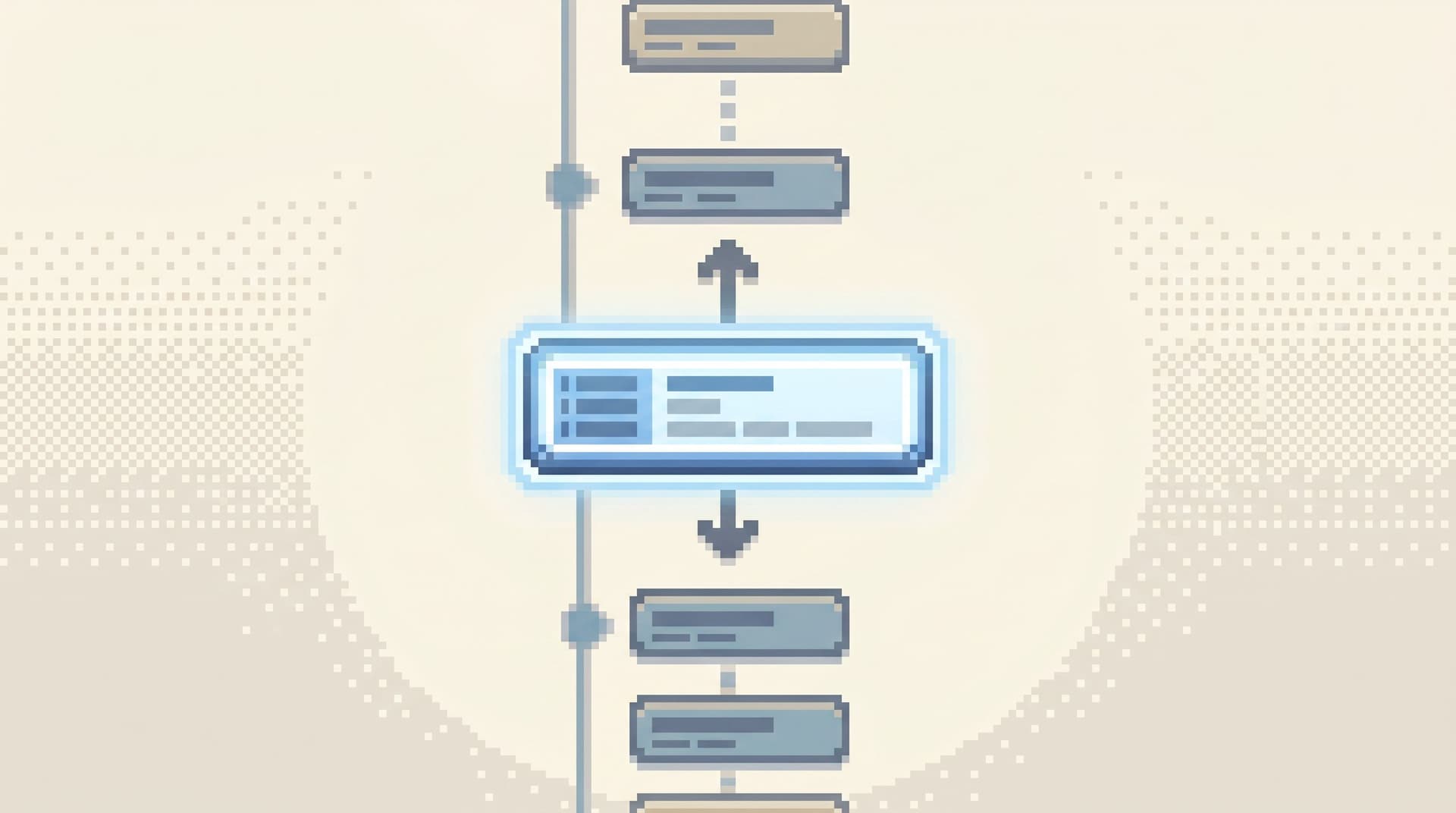
Instead of dropping you at “page 1,” the browser should:
- Jump directly to the row that matches the anchor.
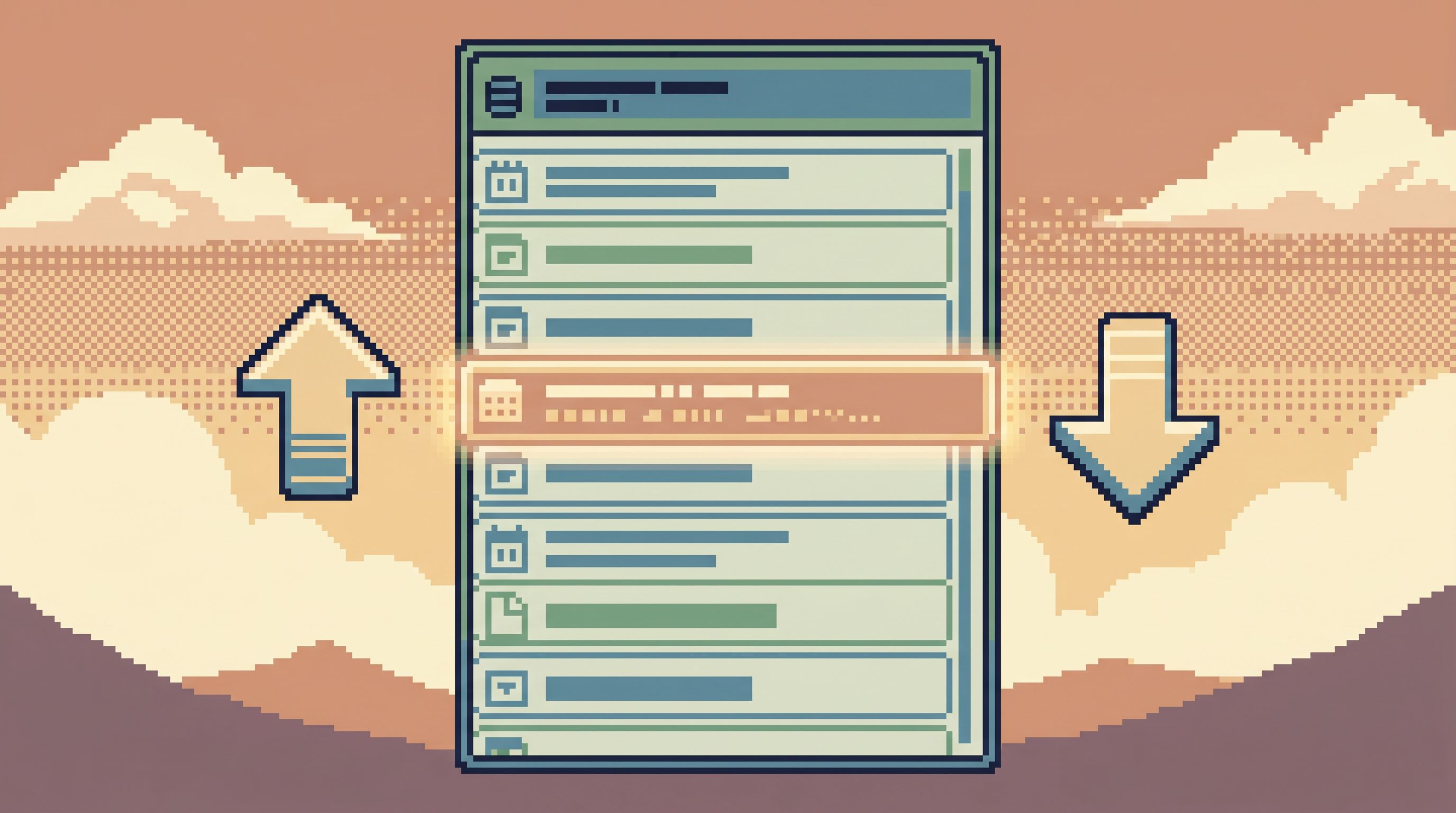
- Center the view around it: a few rows before, a few after.
- Expose navigation that is explicitly “Before this” and “After this.”
This turns pagination into storytelling:
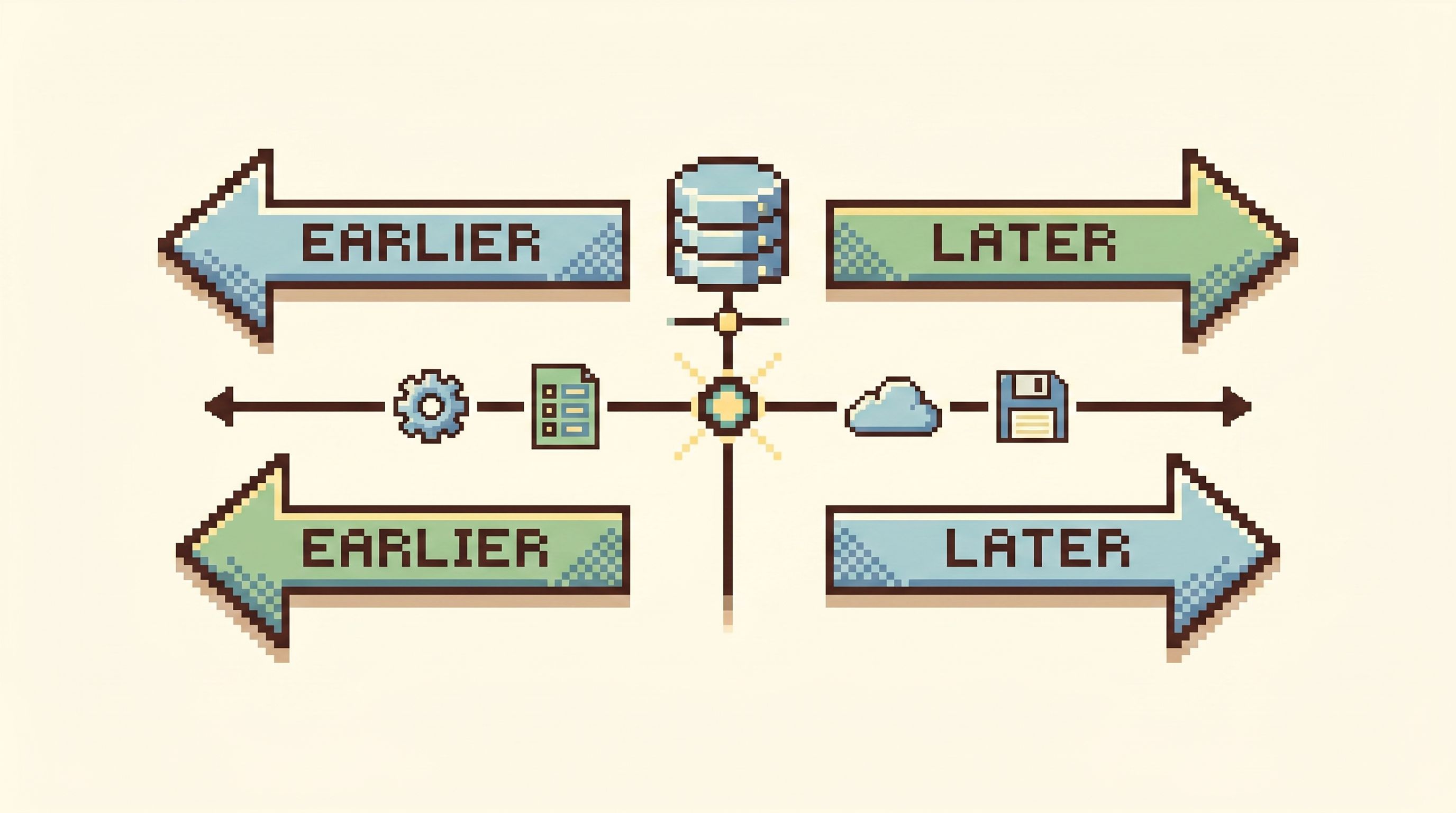
- “What led up to this row?” → scroll up / “Earlier”
- “What happened after?” → scroll down / “Later”
This is the same mindset as The Calm Data Shortcut: Going From Stack Trace to Relevant Rows in Under Five Clicks: your first page should already be relevant, not generic.
2. Make Direction Explicit
“Next” and “Previous” are ambiguous under time pressure.
Prefer:
- Earlier / Later for time-ordered streams
- Older / Newer for created/updated records
- Before / After relative to the anchored row
And keep the direction consistent with the visual layout:
- If time increases as you scroll down, “Later” should be downwards.
- If you sort newest-first at the top, “Newer” may not exist; “Older” does.
3. Encode Position in Shareable Form
A calm debug session is rarely solo. You paste links in Slack, pair on incidents, hand off to another timezone.
Pagination needs to be shareable, not just clickable.
Concretely:
- URLs should encode where you are: cursor, sort order, filters.
- Opening that URL should land you on the same anchor row, not just “somewhere near it.”
- The UI should show enough context (e.g., highlighted row, visible cursor info) so the recipient knows they’re looking at the right place.
This is where many tools fall down: they keep cursor state purely in memory. A calm browser treats pagination state as part of the narrative.
4. Keep Filters and Cursors in Sync
Nothing breaks trust faster than this sequence:
- Set filters (tenant, feature flag, environment).
- Page a few times.
- Adjust a filter slightly.
- Land in a completely different part of the data with no explanation.
A calmer pattern:
- When filters change, reset the cursor and explain why: “Filters changed; view reset to newest rows.”
- Offer a clear way to re-anchor on the row you care about (e.g., search by ID and re-center).
- Visually separate “I moved in time” from “I changed the slice of the world I’m looking at.”
5. Align Page Size With Human Reading, Not Network Efficiency
Page size is often tuned for throughput. For debugging, tune it for comprehension:
- 20–50 rows per view is usually enough to see local context without scanning forever.
- Avoid huge jumps (e.g., “Next 1000”) that make it impossible to remember what changed.
- Consider adaptive sizes: smaller around an anchor, larger when skimming.
The goal is to support reading, not bulk export. If someone needs a CSV, that’s a different mode.
Calm Cursors in a Read-First Browser
A tool like Simpl can bake these patterns into the core experience:
-
Intent-first entry
Start from a user, invoice, or job ID, not from a blank table. (See also: Beyond Object Trees: Intent‑First Navigation Patterns for Modern Database Browsers.) -
Time-anchored views
For event-like tables, default tooccurred_at+idcursors, with clear Earlier/Later controls. -
Shareable trails
Every move—filter, cursor step, anchor jump—becomes part of a trail you can revisit and share, instead of a private click history. -
Read-first posture
Pagination is optimized for safe, linear reads, not for bulk writes or schema surgery. When you do need write-adjacent workflows, they hang off a clear, read-only trail, as in The Single-Path Admin: Using Read-Only Trails to Design Safer Write-Adjacent Workflows.
The point isn’t that cursors are novel. It’s that most teams treat them as an implementation detail. In a calm browser, they’re part of the product philosophy: keep people oriented, keep the story linear, keep the surface quiet.
Practical Implementation Tips for Teams
If you’re building or configuring your own tools, here’s a concrete checklist to move toward calm cursors.
Schema & Query Layer
- Add explicit time columns where they’re missing (
occurred_at,created_at,updated_at). - Index on your cursor columns (time, id, or composite) to make cursor queries cheap.
- Standardize ORDER BY clauses for debug-critical tables so everyone uses the same axis.
- Prefer queries of the form:
WHERE occurred_at < :cursor_occurred_at OR (occurred_at = :cursor_occurred_at AND id < :cursor_id)- with matching
ORDER BY occurred_at DESC, id DESC.
API & Backend
- Expose pagination as:
before_cursor/after_cursorinstead ofpage.- Opaque but stable cursor tokens that encode sort + position.
- Make cursors idempotent for a reasonable window: fetching the same cursor twice should be safe and predictable.
- Log cursor-based queries with enough metadata that you can reconstruct trails when needed.
UI & Workflow
- Replace page numbers with directional controls tied to the underlying axis.
- Show the anchor row visually distinct from its neighbors.
- Make URLs encode:
- filters
- sort
- cursor / anchor
- When someone pastes a URL, they should land in the same story beat, not just the same table.
Culture & Practice
- During incidents, encourage people to paste anchored URLs, not screenshots or “page 3 of jobs.”
- When you write runbooks, reference how to anchor and page through relevant tables.
- When reviewing tools, include pagination behavior in your Calm DX Scorecard instead of treating it as a UI footnote.
Summary
Pagination is not just how you “load more rows.” It’s how you move through time and state when production is on fire.
Offset-based patterns:
- Shift under your feet
- Break shared understanding
- Encourage non-linear, disorienting debug sessions
Cursor-based patterns, designed with intent:
- Keep your reading order stable and meaningful
- Make “before” and “after” concrete, not metaphorical
- Turn debug sessions into linear stories you can replay and share
A calm database browser like Simpl can hide the mechanics while honoring the philosophy: one question, one surface, one linear trail through the data.
Take the First Step
You don’t need to rebuild your entire data stack to benefit from calm cursors.
Start with one table and one workflow:
- Pick a debug-critical table (
jobs,invoices,events). - Decide on a canonical cursor (usually
occurred_at+id). - Add or fix the index.
- Update your primary browser or internal tool to paginate with that cursor.
- Run your next incident or support investigation entirely from that linear view.
Notice how it feels:
- Is it easier to explain what happened, in order?
- Is it easier to hand off context with a single URL?
- Do you spend less time re-finding rows you “just saw”?
If the answer is yes, expand that pattern: more tables, more workflows, fewer offsets.
And if you’d rather not build all of this yourself, try a calm, opinionated browser like Simpl that treats pagination as part of the debugging story—not just a way to load the next 50 rows.