Database Work Without Tabs: Rethinking ‘Session State’ in Modern Data Tools

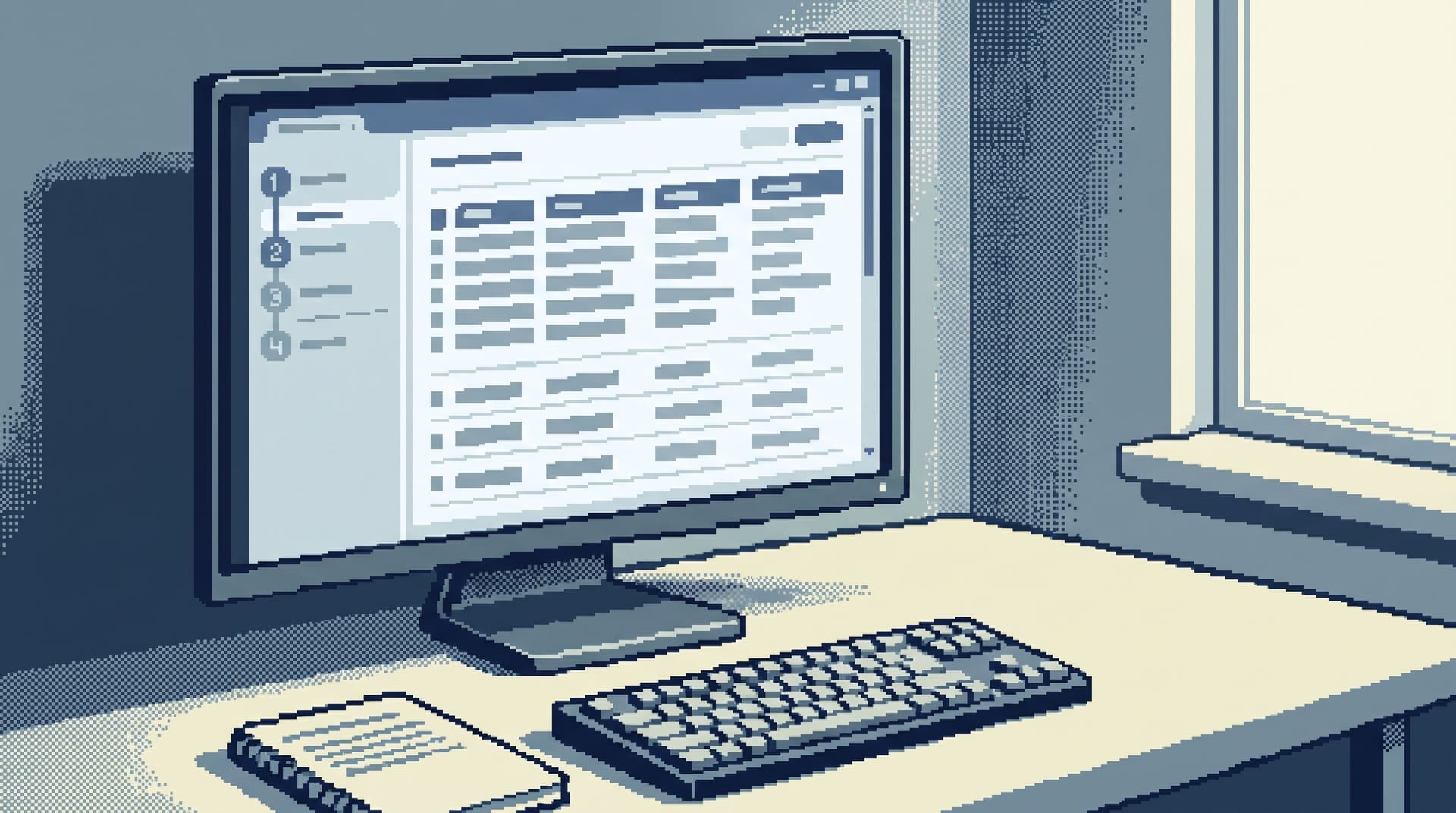
Most database tools still assume your work looks like a browser from 2012: ten tabs open, three half-finished queries, and a vague hope that you’ll remember which tab held the thing you cared about.
Tabs feel safe. They’re a visible record of where you’ve been.
They’re also where a lot of cognitive load, risk, and confusion come from.
This post is an argument for a different model of “session state” in data tools: fewer surfaces, clearer intent, and a linear path through your work. It’s also a look at how opinionated tools like Simpl can make that model practical.
Why Tabs Quietly Break Database Work
When you open a SQL IDE or admin console, the default pattern is familiar:
- A tab per query
- A tab per table
- A tab per scratch experiment
- A tab you’re afraid to close “just in case”
On paper, this looks flexible. In practice, it pushes you into a noisy posture:
-
You lose the story.
- You start with one concrete question.
- Ten minutes later, you’re hopping between five tabs, each holding a fragment of the answer.
- There’s no single, linear artifact that explains what you learned.
-
You multiply risk.
- Multiple tabs invite multiple active queries.
- It becomes easy to rerun a heavy query on a hot table without realizing you’re doing it.
- Scratch experiments live side-by-side with production reads.
-
You invite context switching.
- Tabs encourage wandering: “while I’m here, I’ll just check…”
- You break the thread of the original question.
- Debugging starts to feel like channel surfing.
We’ve written before about this pattern in the context of dashboards in Database Work Without Dashboards: A Minimalist Stack for Everyday Debugging. Tabs in your data tools are the same problem, smaller and closer to your working memory.
The root issue isn’t UI chrome. It’s how tools model session state: what you’re doing, what you’ve done, and how that history is represented.
What “Session State” Should Actually Do for You
A calm database session doesn’t need ten tabs. It needs three things:
-
A single, clear question.
What are you trying to prove, disprove, or explain? -
A small, ordered trail of steps.
How did you move from that question to specific rows and conclusions? -
A way to resume or share that trail.
Can someone else (or future you) replay it without reconstructing your mental state from scratch?
Tabs approximate this by letting you keep everything open. But they don’t:
- Capture why each query exists
- Preserve order or causality between steps
- Make it easy to share or rerun the sequence as a whole
A better model treats a session as a narrative object:
- One primary thread of work
- A small number of deliberate branches, not ad-hoc tabs
- A linear log of what you ran and what you looked at
This is the same idea we explored for debug work in From Data Wandering to Data Walkthroughs: Structuring Calm Narratives for Debug Sessions. The difference here is that we’re applying it directly to how the tool itself manages state, not just how you try to behave.
Designing Database Work Without Tabs
Let’s make this concrete. What does “no tabs” actually look like in a modern data tool?
1. One Primary Surface, Not a Grid of Tabs
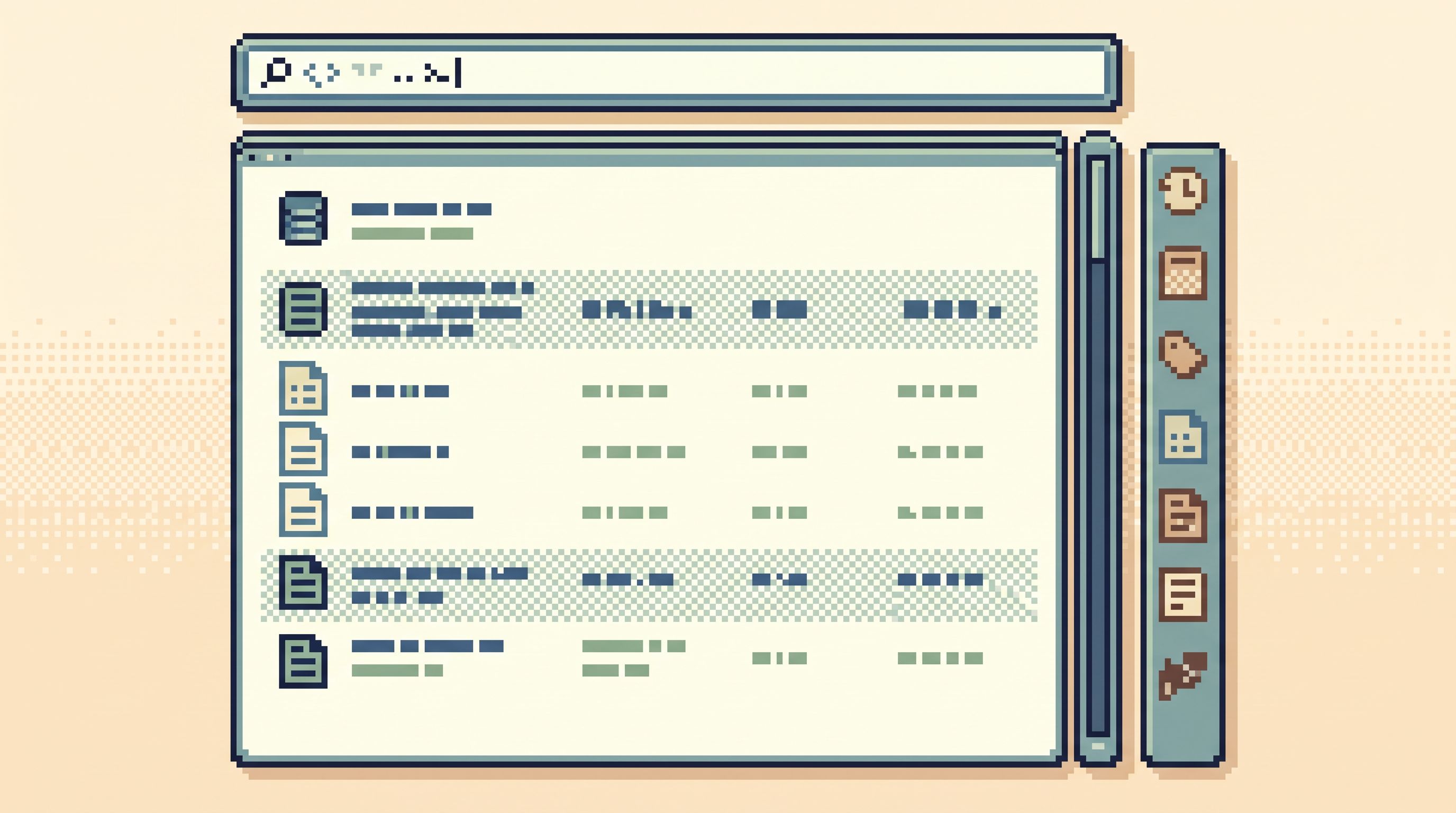
Instead of a tab bar, imagine a single, opinionated workspace:
- Query editor + results in one frame
- Context panel for the subject you care about (user, invoice, job, etc.)
- History rail showing the ordered steps you’ve taken
You’re not juggling surfaces. You’re moving a single lens through your data.
In a tool like Simpl, that might look like:
- Start from a concrete entry point (an alert, a ticket, a user ID)
- Land on the relevant table and row
- Refine with narrow filters or focused queries
- See each step added to a linear history you can scroll, not a row of tabs you have to name and manage
The goal is not to trap you. It’s to encourage depth over breadth inside one coherent frame.
2. Linear History Instead of Parallel Tabs
Tabs represent parallel work. Debugging and incident analysis are almost always sequential work.
A linear history should:
- Record each query or navigation step in order
- Show input and output together (query + key result summary)
- Allow you to annotate important steps: “baseline state”, “after deploy”, “suspect segment”
- Make it trivial to re-run a specific step or fork from it
This turns your session into a re-playable story rather than a collection of isolated views.
It also makes handoffs dramatically calmer. Instead of sending a screenshot of a tab, you can say:
“Here’s the session that explains what happened to customer X. Start at step 3.”
We dug into this pattern for shift changes in The Quiet Data Handoff: Passing Production Context Between Shifts Without Dashboards or Docs Sprawl. The same mechanics apply inside a single engineer’s session.
3. Focused Branches, Not Infinite Scratchpads
You still need to explore. You still need to try variants.
The difference in a no-tabs model is that branches are explicit:
- You fork from a specific step in the history
- The tool marks that fork as a branch, not “Tab 17”
- Branches are scoped to a single question, not “whatever I do next”
This keeps experiments attached to the narrative:
- You can see which query a branch came from
- You can collapse or hide branches when they turn out to be dead ends
- You avoid the classic “I have three scratch tabs and I don’t remember which is safe to close” problem
Rethinking Session State: Principles for Calmer Tools
If you’re building or choosing data tools, here are concrete principles for session state that reduce the need for tabs at all.
Principle 1: Intent First, Not Surface First
Every session should start by capturing intent:
- “Understand why this user’s subscription changed.”
- “Verify which jobs failed during this incident.”
- “Confirm the impact radius of this deploy.”
Tools can support this by:
- Prompting for a short session title or question
- Letting you pin a primary subject (user ID, invoice ID, job ID)
- Anchoring navigation around that subject instead of a generic schema tree
Once intent is explicit, the tool can make better decisions about:
- Which tables to surface first
- Which filters or joins to suggest
- Which steps in the history are likely to matter
This is the same stance behind the “single-intent” pattern we explored in The Single-Intent SQL Session: Writing One Query That Answers the Real Question — but now it’s encoded into the session model itself.
Principle 2: One Active Question at a Time
Tabs invite you to hold multiple active questions at once. That’s where attention leaks.
A calmer pattern:
- One active session per browser window
- Sessions are cheap to create, but always anchored on a named question
- Switching sessions is a deliberate act, not an absent-minded tab flip
Practically, this can look like:
- A session switcher (like branches in a Git client), not a tab bar
- Clear indicators of which session is about which question
- Guardrails that warn you before you abandon an active session with unsaved notes
Principle 3: Session State as an Artifact, Not a Cache
Most tools treat session state as a temporary cache: open tabs, recent queries, last scroll positions.
A more useful model treats session state as a first-class artifact:
- Something you can name, save, and share
- Something you can version as understanding evolves
- Something that can be linked from tickets, incidents, and docs
This has real payoffs:
- On‑call: you can link a session from an incident ticket instead of pasting raw SQL
- Support: you can reuse a proven session for recurring issues
- Onboarding: new engineers can learn from past sessions, not just schema docs
Tools like Simpl are moving in this direction: treating production reads as narrative work that produces reusable sessions, not just ephemeral query logs.
How to Work This Way Even If Your Tools Still Have Tabs
You may not be able to redesign your stack overnight. You can still adopt “no tabs” habits inside existing tools.
1. Run One Question Per Window
- Use one window per real question instead of one window with many tabs.
- When the question changes, open a new window and close the old one when you’re done.
- Treat each window as a mini-session with a clear title (e.g., in your OS, ticket, or notes).
This keeps parallel work visible at the OS level, not hidden in a tab bar.
2. Maintain a Manual Session Log
In a simple notes tool (or even in your ticket):
- Write down the question at the top.
- For each meaningful query or navigation step, record:
- A short label: “Baseline subscription state”
- The query or action
- The key observation: “User had 2 active subscriptions before deploy.”
You’re essentially building the linear history your tool doesn’t yet provide.
3. Aggressively Close Scratch Tabs
Adopt a few hard rules:
- If a tab isn’t directly contributing to the current question, close it.
- If you need to keep something “just in case”, copy the query into your session log instead.
- Keep at most two active surfaces per question: one for the primary tool, one for notes.
This mirrors the “minimalist stack” posture from Database Work Without Dashboards: A Minimalist Stack for Everyday Debugging: fewer surfaces, more depth.
4. Turn Reusable Sessions into Templates
Whenever you finish a session that felt clean and effective:
- Save the notes as a template: question, key steps, queries
- Next time a similar issue appears, start from that template instead of from scratch
Over time, you build a small library of calm data walkthroughs tailored to your system.

What This Means for Tool Builders
If you’re building data tools — or choosing them — here’s a checklist for a calmer session model:
-
No mandatory tab bar.
Tabs, if they exist at all, should be secondary to sessions. -
Named, shareable sessions.
Sessions can be saved, reopened, and linked. -
Linear step history.
Queries and navigations are recorded in order with results context. -
Branching, not tabbing.
Exploration happens as explicit branches from prior steps. -
Intent capture.
Sessions start with a question or subject, not an empty editor. -
Tight scope.
Sessions are short-lived, focused, and easy to archive once the question is answered.
This is the posture behind Simpl: an opinionated database browser that treats session state as a narrative asset, not a pile of open tabs. It’s also the posture behind patterns like the anti-context-switch stack, where debugging moves from signal → rows → explanation in a straight line instead of exploding into a dozen tools.
Bringing It Together
Database work without tabs is not about asceticism. It’s about:
-
Less juggling, more reading.
You spend your attention on rows and relationships, not on remembering which tab mattered. -
Clearer stories.
Each session tells a linear story about what happened, for whom, and when. -
Safer production work.
Fewer parallel surfaces mean fewer chances to rerun the wrong thing in the wrong place. -
Better handoffs and onboarding.
Sessions become reusable artifacts, not private piles of half-remembered tabs.
The core shift is simple:
Treat session state as a designed, opinionated part of your data experience — not a side effect of a tabbed editor.
A Quiet Next Step
You don’t need to rebuild your stack to start.
- Pick one concrete question you expect to see again: a common support case, a recurring incident pattern.
- Run that investigation once without relying on tabs: one window, one notes document, a linear log of steps.
- When you’re done, save that log as a reusable session template.
If you want a tool that leans into this posture by design, try running your next production read in Simpl. See what it feels like to debug from a single, calm surface where the session is a story — not a stack of tabs you’re afraid to close.