The Calm Incident Loop: Designing One Reusable Path From Alert to Row and Back

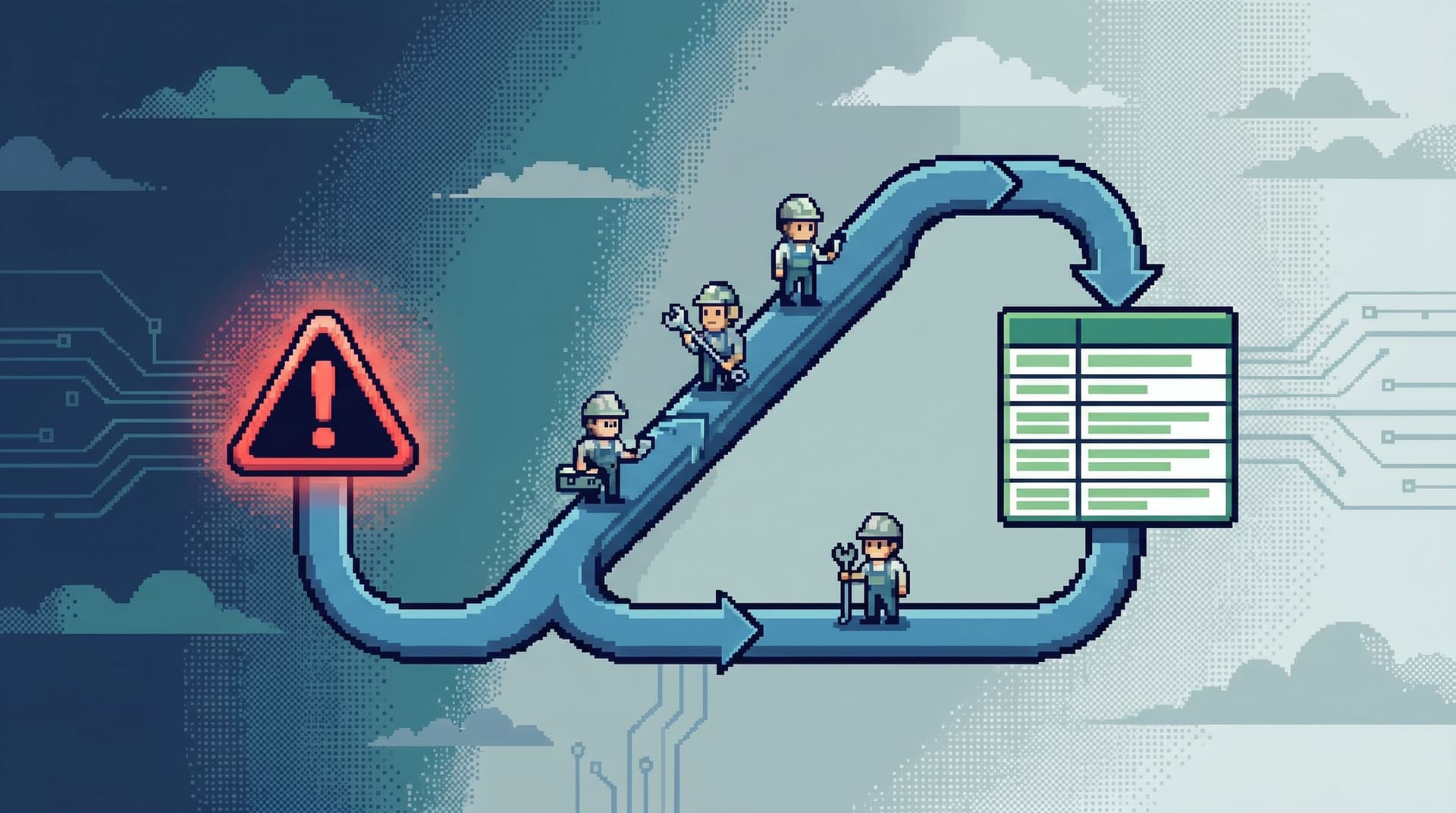
Incidents don’t fail on tooling. They fail on loops.
You get an alert. You open three dashboards. Someone pastes a stack trace. Another person opens a SQL IDE. Ten minutes later, everyone is looking at different slices of the same problem, with no single path from alert to row and back.
A calm incident loop is the opposite posture:
- One reusable path from alert → signal → rows → explanation → fix
- The same loop, whether the alert is about latency, errors, or money
- A workflow that any on‑call engineer or support partner can follow under pressure
This post is about designing that loop deliberately—and running it from a single, opinionated surface like Simpl, instead of improvising it across ten tools every time something breaks.
Why one loop matters more than ten tools
Most incident setups are accidental. Over time, teams accumulate:
- An APM product for traces
- A log search tool
- A dashboarding tool
- A SQL IDE
- One or more admin panels
Each tool is reasonable. The problem is the path between them.
When an alert fires, people end up asking:
- “Where do I start?”
- “What’s the next step after this chart?”
- “How do I get from this error to the actual rows?”
Every incident becomes a custom route. That’s expensive in three ways:
- Cognitive load – You’re spending attention on navigation instead of understanding.
- Inconsistency – Senior people follow one pattern, juniors another; knowledge never solidifies.
- Drift – Dashboards, queries, and runbooks go stale because they’re not tied to a single, living loop.
A calm incident loop flips this:
- You design one canonical path from alert to rows.
- You apply it to almost every incident.
- You tune the loop over time, not every individual dashboard.
If you’ve read about running incidents from a single surface in The Calm Debug Loop, this is the same idea, zoomed in: not just one surface, but one reusable path.
The shape of a calm incident loop
A good incident loop has five stages:
- Anchor the alert – Turn a noisy signal into a concrete question.
- Extract the key identifiers – Find the IDs that matter.
- Jump to the right rows – Land on the minimal set of rows that tell the story.
- Read linearly, not laterally – Follow a narrative trail through related data.
- Close the loop back to the alert – Capture what you learned in a way the alert can reuse.
Let’s walk through each stage and what it means for your tools, especially your database browser.
1. Anchor the alert in a single question
Most alerts are written for machines, not humans:
payment_processor_error_rate p95 > 0.05 for 5m on service=payments region=us-east-1
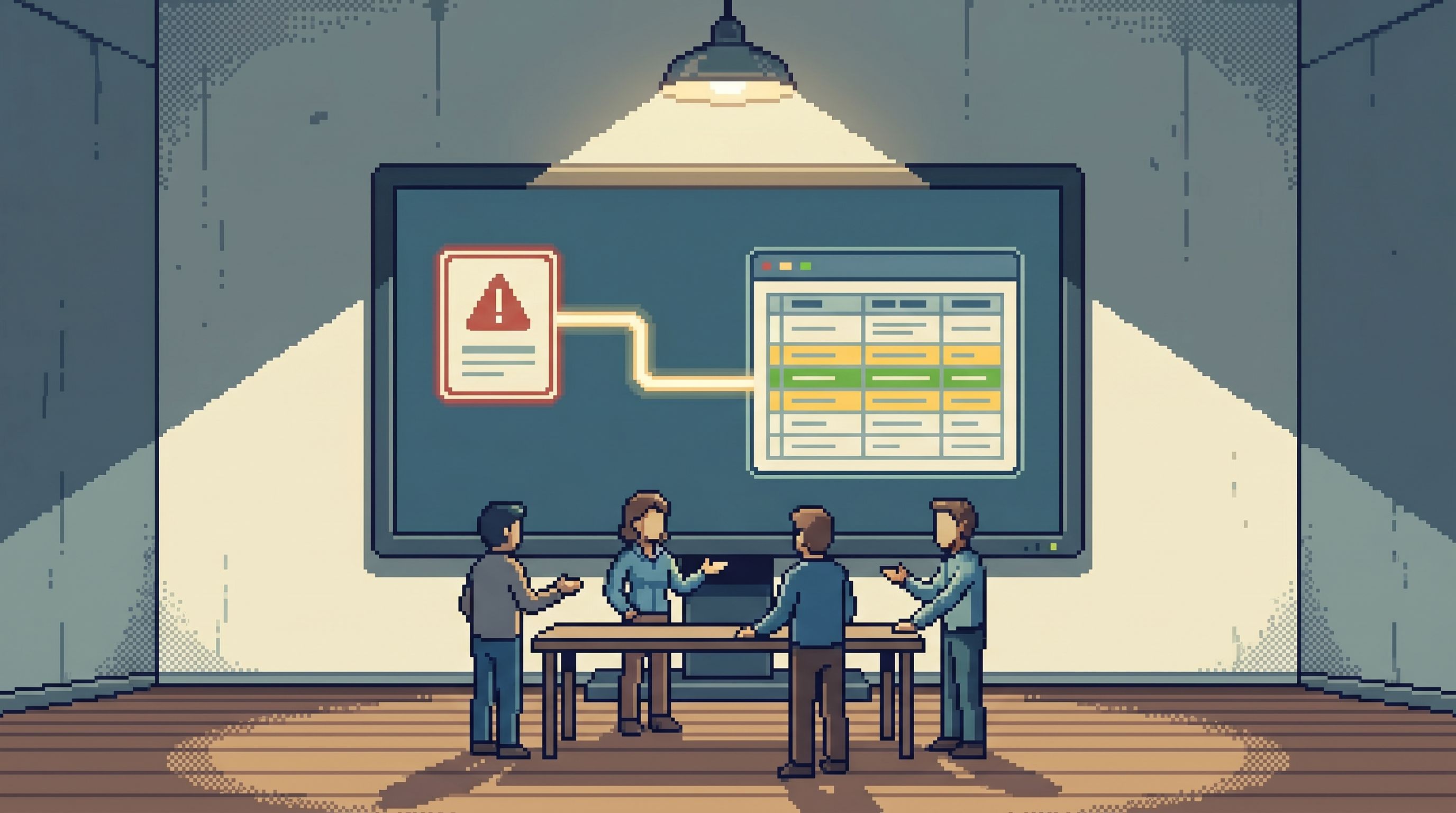
That’s a signal, not a question. The first step of a calm loop is to reframe it into a concrete, row‑shaped question.
Examples:
- “Which ten most recent failed charges match this alert condition?”
- “Which ten users hit this error in the last 15 minutes?”
- “Which ten jobs are stuck in the state this alert represents?”
Design choices that help:
- Alert descriptions that point to entities, not just metrics.
- Include example log lines, IDs, or URLs that encode user IDs, job IDs, or invoice IDs.
- Runbooks that start with a who/what question.
- “Identify 3–5 concrete entities affected by this alert.”
You’re trying to move from “the system is unhappy” to “these specific rows are behaving strangely” as quickly as possible.
2. Extract the key identifiers automatically
Once you have a question, you need identifiers:
user_idinvoice_idjob_idtenant_idrequest_id/trace_id
This is the raw material for getting from alert to row.
Patterns that make this smoother:
- Structured alert payloads. Make sure your alerts carry:
- Trace IDs
- User or tenant IDs (when safe)
- Relevant resource IDs (job, invoice, order)
- Linking conventions. Use URLs that encode identifiers in a predictable way:
https://app.yourproduct.com/admin/users/12345https://logs.yourcompany.com/search?trace_id=abc123
From a tool perspective, this is where an opinionated browser like Simpl can do real work for you:
- A narrow query editor that supports quick, ID‑based lookups without needing full SQL.
- Opinionated filters that understand your common identifiers and surface them first.
If you’ve invested in intent‑first navigation, as described in Beyond Object Trees, this is where it pays off: you’re not asking, “Which table?” You’re asking, “Which identifier do I have?”
3. Jump from signal to rows in under five moves
The core of the loop is the jump from signal to rows.
A practical target:
From alert to relevant rows in under five clicks or keystrokes.
That’s the spirit behind the pattern in The Calm Data Shortcut. You want a repeatable route like:
- Alert fires in your incident tool.
- Alert body includes a trace ID and (when safe) a user or tenant ID.
- The alert links to a focused view in your database browser (something like Simpl) with that ID pre‑filled.
- You land on:
- A filtered table view (e.g.,
userswhereid = 12345), or - A small preset query tailored to that incident type.
- A filtered table view (e.g.,
To design this, work backwards:
- Decide the landing surface.
- A single table (e.g.,
payments) - A joined, read‑only view (e.g.,
payments_with_users) - A curated query template
- A single table (e.g.,
- Define a parameterized link format.
- Your incident tool should be able to generate URLs that drop IDs into that surface.
- Make the landing view calm.
- No schema tree.
- No BI widgets.
- Just the rows and a small set of safe filters.
This is where opinionated tools shine. A browser like Simpl can treat these incident entry points as first‑class:
- Saved, read‑only queries that accept parameters
- Predefined filters on
trace_id,user_id,job_id - A layout tuned for reading, not building dashboards
4. Read the incident as a story, not a maze
Landing on rows is not the end of the loop. It’s the middle.
From here, you want to follow a narrative trail:
- From user to invoices to payments
- From job to retries to downstream tasks
- From feature flag state to request to error
Two principles help keep this calm:
4.1 Keep the path linear
Incidents go sideways when the data path branches:
- Five tabs open to different tables
- Three competing hypotheses with no single trail
Instead, design your browser so that incident work feels like reading a story:
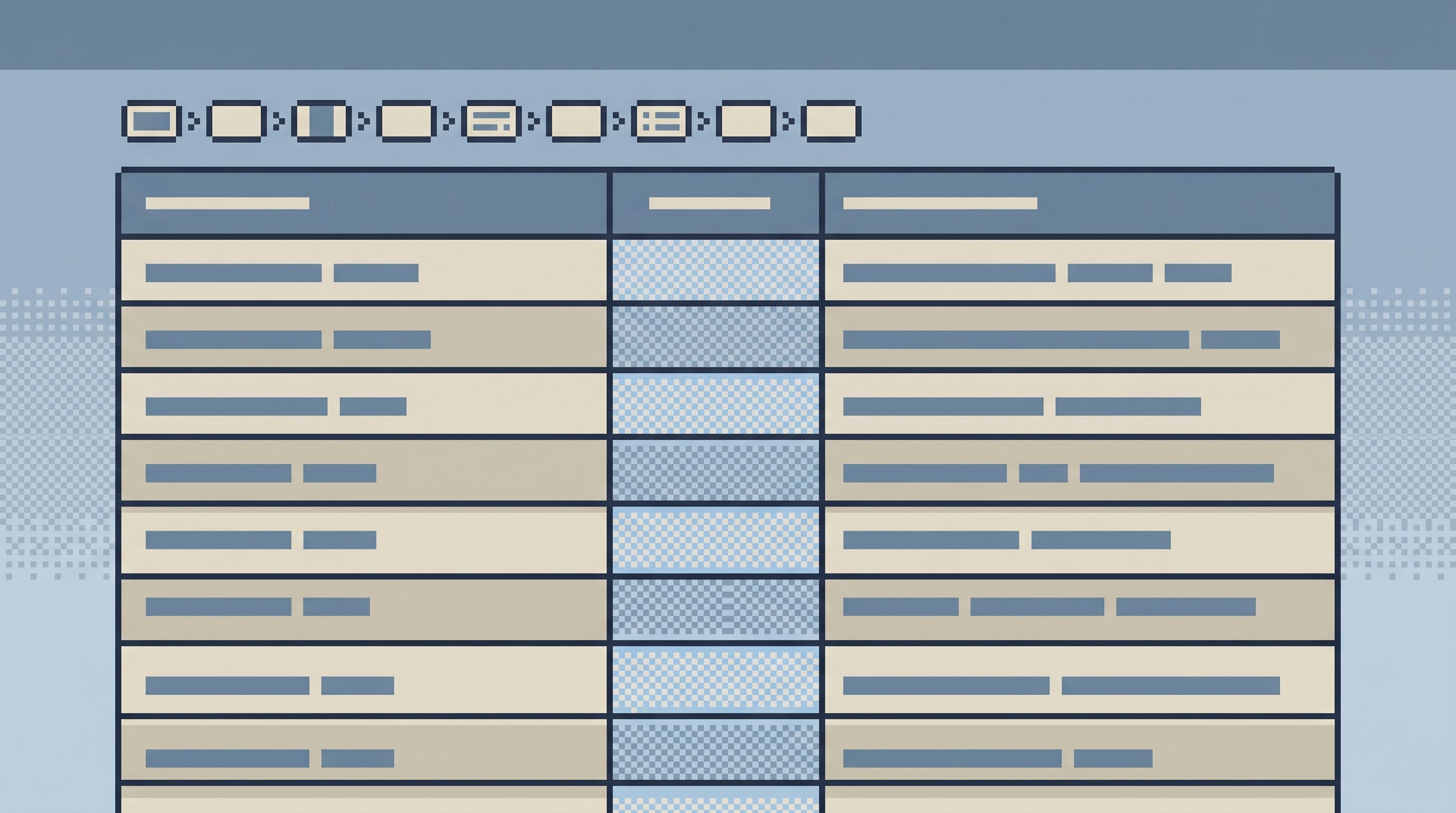
- One primary view
- One visible trail of where you came from
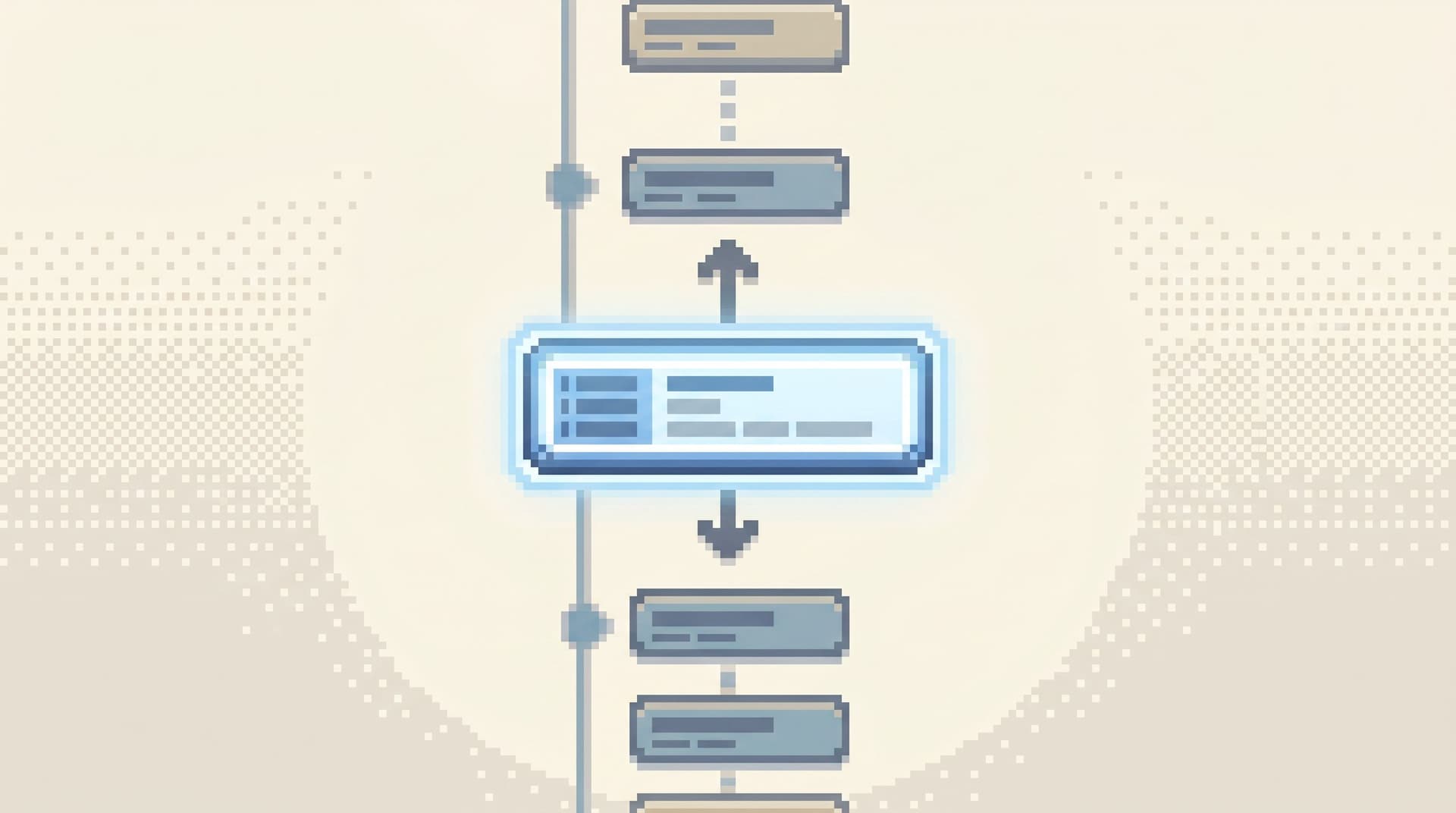
- A small set of deliberate “step” actions (e.g., “show related payments for this user”)
This is the same posture as The Calm Cursor: pagination and navigation should feel like turning pages in order, not channel surfing.
4.2 Prefer opinionated hops over free‑form joins
You don’t want people hand‑crafting joins during an incident. That’s how you get:
- Slow queries that knock over replicas
- Subtle mis‑joins that lead to wrong conclusions
Instead, bake the common hops into your browser:
- “From this user, show recent invoices.”
- “From this invoice, show payment attempts.”
- “From this job, show logs for its
request_id.”
Under the hood, this can still be SQL. On the surface, it should feel like pressing a single, safe button.
A tool like Simpl is well‑suited to this pattern:
- Narrow query surfaces with pre‑approved joins
- Opinionated filters instead of open‑ended search
- Time‑travel or historical views where necessary, as discussed in Opinionated Time Travel
5. Close the loop back to the alert
A loop is only a loop if it closes.
Most incidents end with:
- A patch merged
- A Slack summary
- Maybe a post‑incident doc
The alert configuration rarely changes. As a result, the next incident starts from the same noisy signal.
A calm incident loop treats alert design and data navigation as one system. After each incident, you ask:
- Did the alert point us to the right identifiers?
- Could we get to the right rows in under five moves?
- Did we need extra context (feature flags, schema state, historical values) that wasn’t in the loop?
Then you adjust:
- Alert payloads – Add or refine IDs and links.
- Incident entry queries – Tune the landing views in your browser.
- Navigation hops – Add missing “step” actions for common transitions.
Over time, the loop becomes:
- Shorter
- More predictable
- Easier to teach
That’s the real benefit: you’re not just fixing incidents; you’re upgrading the incident loop itself.
Designing your own calm incident loop
You don’t need to rebuild your stack to get there. You can start with a few deliberate moves.
Step 1: Pick one primary surface for rows
Choose a single place where incident work should land on rows. That might be:
- A calm database browser like Simpl
- A minimal internal admin tool
The criteria:
- Read‑first, not write‑first
- Narrow query surface (ID lookups, safe filters)
- Easy to create saved, parameterized views
If your current tools feel like multi‑panel workspaces, the ideas in The Anti‑Workspace and The Post‑Workspace Browser are useful references.
Step 2: Define 3–5 canonical incident entry points
For each major incident type, define a single landing view:
- Payments incidents →
paymentsbyinvoice_idoruser_id - Job incidents →
jobsbyjob_idortenant_id - Auth incidents →
sessionsorlogin_eventsbyuser_id
For each entry point:
- Create a saved query or filtered view.
- Decide which identifiers it accepts.
- Keep the result set small by default (e.g., last 50 rows).
Step 3: Wire alerts directly to those entry points
Update your alerting tool so each relevant alert:
- Extracts the right identifiers (user, job, invoice, request, tenant).
- Generates a direct link into your primary surface, dropping those IDs into the entry query.
For example:
https://data.yourcompany.com/payments?user_id={{user_id_from_alert}}https://data.yourcompany.com/jobs?job_id={{job_id_from_alert}}
The goal is to make the “open rows” action muscle memory.
Step 4: Add opinionated hops, not generic joins
Watch a few incidents and note the common transitions:
- From user → invoices → payments
- From job → retries → downstream tasks
- From request → feature flags → errors
For each transition, add a small, named action in your browser:
- “View invoices for this user”
- “View payments for this invoice”
- “View jobs for this tenant in this time window”
Implement them as:
- Pre‑written, read‑only queries
- Parameterized by the current row’s IDs
This keeps the loop linear and makes the navigation explainable.
Step 5: Capture the story and feed it back
Finally, make sure every incident leaves the loop a little better:
- Save the final queries used to explain the incident.
- Turn ad‑hoc filters into reusable views.
- Update alert payloads and links to reflect what actually helped.
If your browser supports trails or narratives (something Simpl is explicitly designed to make easier), use them to:
- Record the path from first row to final explanation.
- Share that path in your incident review.
- Turn it into a reference for the next person.
Over time, your calm incident loop becomes a shared asset, not a personal habit.
How this changes incident work day‑to‑day
When you have one reusable loop from alert to row and back, a few things shift:
- On‑call feels less like improvisation. People follow the loop instead of inventing their own.
- Senior engineers debug the loop, not individual incidents. Improvements compound.
- New teammates ramp faster. They can learn “how we run incidents” as a concrete path, not a collection of tools.
- Your database browser becomes the place you actually work. Other tools still matter, but they orbit the loop instead of fragmenting it.
This is the same through‑line as Database Work Without Multitasking and The Post‑Notebook Browser: less context switching, more narrative clarity.
Summary
A calm incident loop is a deliberate, reusable path:
- Anchor the alert in a concrete, row‑shaped question.
- Extract identifiers (user, job, invoice, tenant, trace) as first‑class data.
- Jump to rows in under five moves via direct links into a focused browser.
- Read linearly through opinionated hops instead of free‑form joins.
- Close the loop by feeding what you learned back into alerts and entry points.
You don’t need a new stack to get there. You need:
- One calm surface for rows—something like Simpl
- A handful of well‑designed entry points
- A bias toward opinionated filters and safe navigation over open‑ended workspaces
The result is simple but powerful: incidents that feel like reading a story from alert to row and back, instead of juggling tools until someone gets lucky.
Take the first step
You can start small.
This week, pick one high‑value alert—payments, jobs, or authentication—and:
- Identify the key identifiers it already carries (or should carry).
- Create a single, calm landing view in your database browser for those IDs.
- Wire the alert to link directly to that view with parameters.
Run the next incident through that path. Notice what feels smoother, and what’s still noisy.
Then iterate. Add another entry point. Tighten the hops. Shrink the workspace.
One loop, tuned over time, will do more for your incident practice than another dashboard ever will.