The Single-Question Onboarding: Teaching New Engineers Production Data Without Overwhelming Them

Onboarding engineers to production data is where many teams quietly lose months.
You add them to the warehouse. You share the schema doc. You point them at dashboards, notebooks, and a SQL IDE. A few weeks later, they still ping a senior engineer for every real question:
- “Which table has the real subscription state?”
- “Is this
userstable the current one or the legacy one?” - “Can I run this query in prod, or will it break something?”
The problem isn’t that they lack context or training. The problem is the shape of the work you’re giving them.
This post is an argument for a narrower pattern: single-question onboarding.
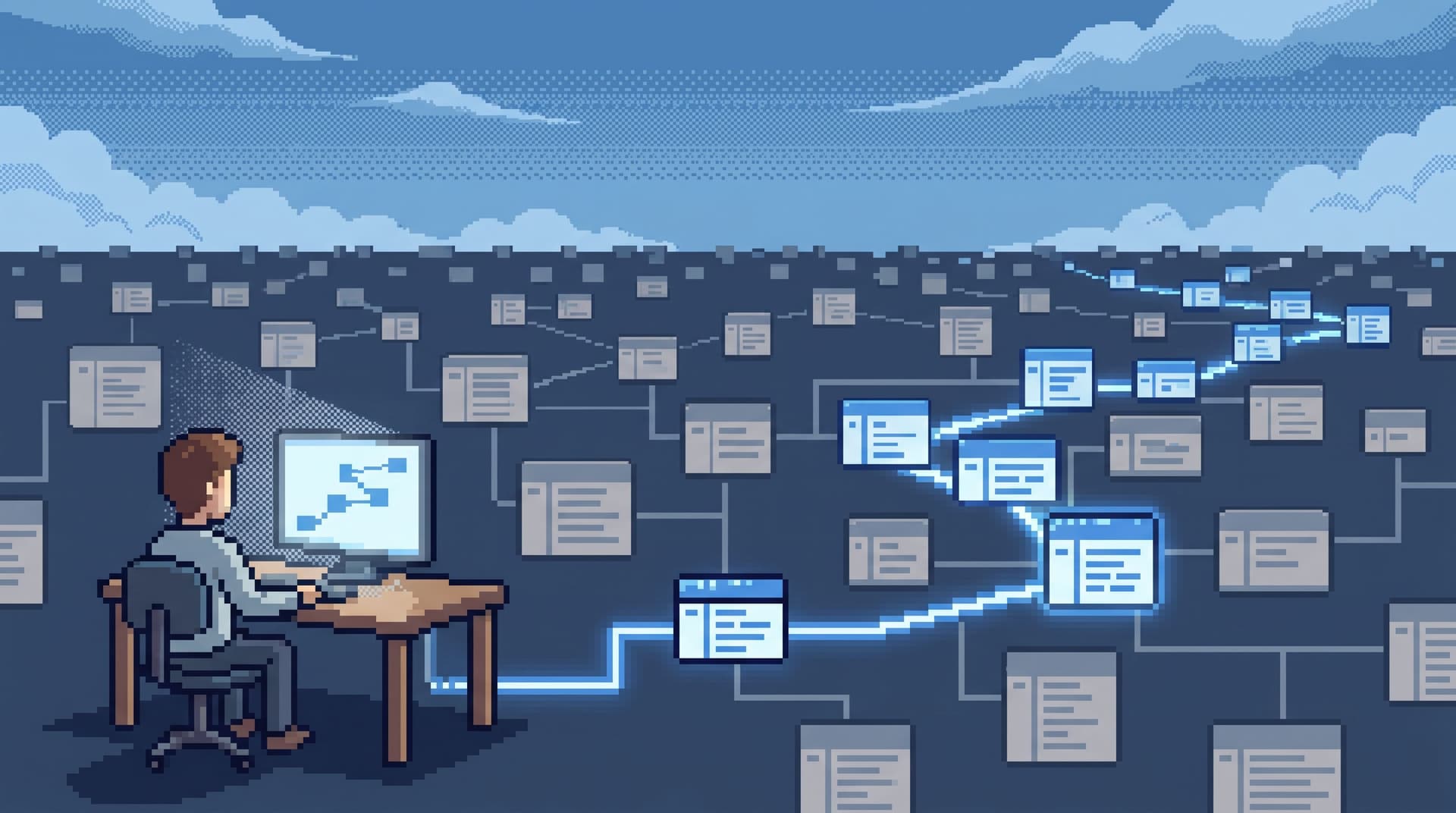
Instead of handing new engineers “the database,” you hand them one real production question and a calm, opinionated path to answer it. You repeat that pattern until they can design those paths themselves.
Tools like Simpl make this much easier—a focused database browser instead of a full BI stack—but the posture comes first.
Why onboarding should start from one question, not one schema
Most onboarding plans around data look like this:
- Access to staging and production.
- A tour of the schema.
- A few saved queries and dashboards.
- A “shadow” period on incidents.
This feels thorough. It’s also abstract.
New engineers don’t learn production data from diagrams. They learn it from answering specific, grounded questions about real users, money, and failures.
Single-question onboarding flips the default:
- Start from a concrete question.
- Limit the surface area. One tool, one trail, one query at a time.
- Capture the path. The steps they took become reusable onboarding material.
The benefits:
- Lower cognitive load. They don’t need to remember 500 tables; they need to follow one story. If you’re already wrestling with a large schema, this pairs well with the patterns in Focused Reads at Scale.
- Safer production access. You can constrain verbs, tables, and patterns without blocking learning.
- Faster trust-building. They see how production behaves for real customers, not just in toy datasets.
- Transferable habits. The same pattern works for incidents, migrations, and feature launches.
What a single-question onboarding actually looks like
A single-question onboarding session has a simple shape:
- One question.
- One primary surface.
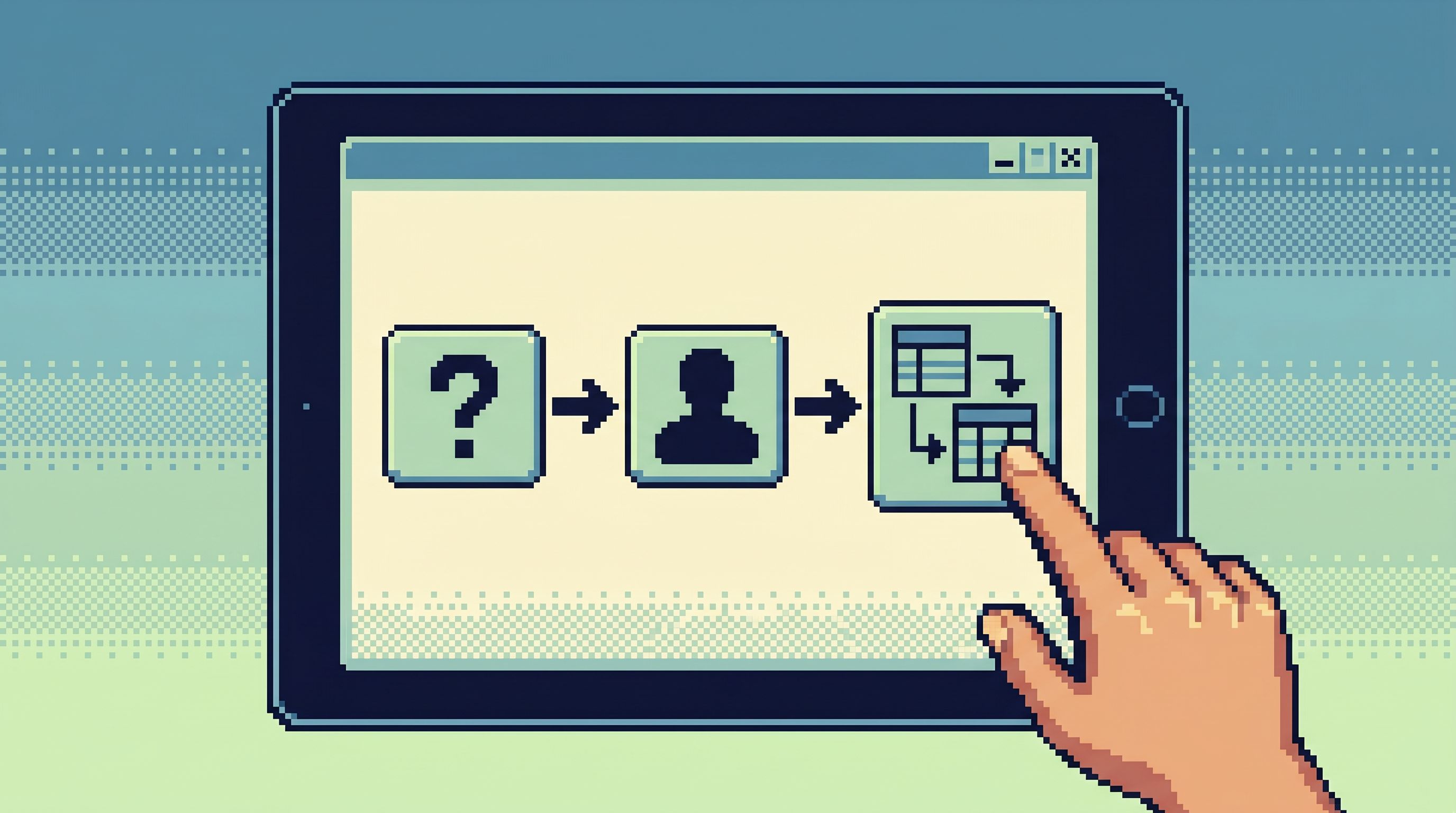
- One narrative path from question → rows → explanation.
It might sound similar to the ideas in The Single-Intent SQL Session. The difference here is that you’re designing the onboarding experience, not just the query.
A good first question looks like this:
“What happened to this specific customer’s subscription on the day they downgraded?”
It has:
- A real user or tenant.
- A bounded time window.
- A visible product action (downgrade, cancel, purchase, retry, etc.).
From there, the onboarding session is a guided exploration:
- Find the user.
- Trace the subscription.
- Follow the events or jobs that changed it.
- Cross-check any billing or audit records.
- Summarize the story in plain language.
The goal isn’t to teach every table. It’s to teach the engineer how to read production as a story.

Designing the first five questions
You can build an entire onboarding arc from five well-chosen questions.
Each question should:
- Be answerable with read-only access.
- Touch different parts of the system (auth, billing, jobs, experiments, etc.).
- Reuse some tables from previous questions so patterns repeat.
Here’s a concrete sequence you can adapt.
1. The subscription story
“What happened to customer X’s subscription on the day they downgraded?”
You’ll likely touch:
usersoraccountssubscriptionssubscription_eventsoraudit_loginvoicesorcharges
Focus:
- How to anchor on a single user.
- How to follow a timeline.
- How to confirm what the “source of truth” is for current state vs history.
2. The failed job
“Why did this background job retry three times for customer Y last week?”
You might use:
jobsortasksjob_attempts- Error or status fields
- A reference back to
usersortenants
Focus:
- How to move from ID → job → attempts.
- How to interpret retry logic from data alone.
- How to connect logs or traces if you have a single surface for them (see The Quiet Query Console).
3. The experiment variant
“Which experiment variant did this user see when they first hit the new checkout?”
You’ll touch:
experimentsexperiment_assignmentspage_viewsorevents
Focus:
- How to join behavioral data to experiment state.
- How to reason about time-scoped truth: what was true at the moment of assignment.
- How to avoid
SELECT *over wide event tables.
4. The money mismatch
“Why did this invoice total differ from the amount we actually charged?”
Likely tables:
invoicesinvoice_line_itemspaymentsorchargesrefundsoradjustments
Focus:
- How to reconcile related tables into a coherent financial story.
- How to check for edge cases: discounts, credits, taxes.
- How to sanity-check results with simple aggregates.
5. The historical state
“What did this customer’s plan and feature flags look like before the incident last month?”
You’ll touch:
subscriptionsorplansfeature_flagsorfeature_assignments- Any historical or audit tables
Focus:
- How to read historical state, not just current rows.
- How to think in terms of time travel and snapshots, echoing patterns from Opinionated Time Travel.
By the end of these five questions, a new engineer has:
- Seen core tables multiple times in different stories.
- Practiced reading timelines, not just static rows.
- Built a small library of saved queries they actually understand.
The mechanics: how to run a single-question session
The difference between a good idea and a reliable practice is mechanics.
Here is a concrete way to run single-question onboarding sessions.
1. Pick the surface deliberately
Don’t start in a SQL IDE or a BI tool.
Use a calm, read-focused browser like Simpl that:
- Emphasizes rows over charts.
- Makes it hard to run dangerous writes.
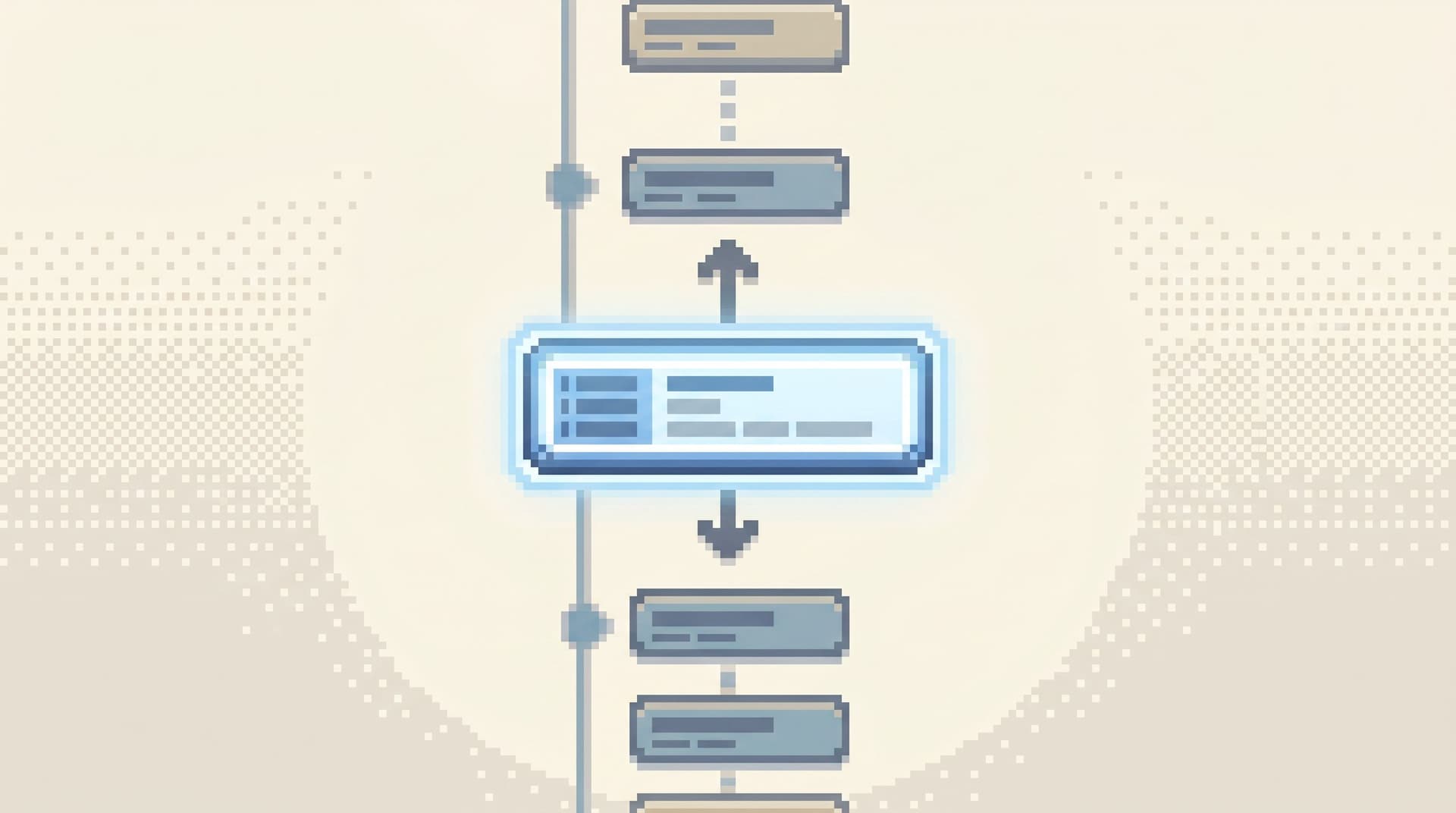
- Keeps a linear history of where you’ve been.
This aligns with the patterns in The Anti-Metric Debug Session: metrics are background context, but the work happens at the row level.
2. Write the question at the top
Before anyone types a query, write the question in a shared doc or at the top of the session:
“Question: Why did customer X’s subscription downgrade on 2026-06-12?”
This does a few things:
- Keeps the session anchored.
- Makes it easier to recognize when you’ve drifted.
- Produces a reusable artifact later.
3. Start from a concrete anchor
Always start from something unambiguous:
- A user ID
- An invoice ID
- A job ID
- A specific timestamp
Then:
- Find the row by ID.
- Look at direct foreign keys from that row.
- Follow those keys into related tables.
You’re teaching them: navigate by relationships, not by schema tree. This is the same stance as Beyond Object Trees, but applied to onboarding.
4. Read before you query
New engineers often jump straight to writing joins and filters before they’ve read a single row.
Slow them down:
- Open the base table.
- Read a few rows around the anchor.
- Skim the columns and their names.
- Ask: “Which columns actually matter for this question?”
Only then write a query, ideally a small, single-intent one:
- One main
SELECT. - A narrow
WHEREclause. - Minimal joins.
5. Narrate the story out loud
As you move through tables:
- Say what you’re expecting to see.
- Say what surprised you.
- Tie each row back to the real-world event.
For example:
- “This
subscription_eventsrow shows a downgrade at 2026-06-12 09:14 UTC.” - “The invoice created at 09:15 has a lower amount and a new plan ID.”
- “The payment at 09:16 matches that new total.”
You’re modeling how to turn rows into a coherent explanation, not just a screenshot.
6. Stop when the question is actually answered
New engineers often keep going “because we’re here anyway.”
End the session when you can write a two-sentence answer in plain language:
“Customer X’s subscription downgraded at 09:14 UTC when they clicked the downgrade button in the app. The system immediately generated a new invoice for the lower amount and charged it successfully.”
Everything after that is a new question.
Guardrails that make onboarding safer and calmer
Production data is sensitive. Onboarding shouldn’t mean “good luck” with a full-power editor.
Single-question onboarding pairs well with a few deliberate guardrails.
1. Read-first permissions
- Default new engineers to read-only in production.
- Route any write-adjacent workflows through dedicated tools or flows.
- Use a browser like Simpl that is opinionated towards reads, not admin actions.
You can still teach them how writes happen—just not from the same surface they’re using for exploration. For more on this pattern, see the ideas behind the single-path admin in The Single-Path Admin.
2. Narrow query surface
Don’t hand them a blank canvas with every SQL feature exposed.
Instead:
- Provide a narrow query editor that supports the subset of SQL you actually want in production: simple
SELECTs, safe filters, small joins. - Avoid features that encourage sprawling queries: CTE forests, arbitrary DDL, ad hoc temp tables.
This is the same stance as The Narrow Query Editor: just enough power for everyday reads.
3. Opinionated paths, not free search
New engineers don’t need to search the whole schema.
Give them:
- Saved entry points for common entities: users, tenants, invoices, jobs.
- Opinionated filters that map to real questions: “by user ID,” “by invoice ID,” “by job ID,” etc.
This keeps them on rails while still letting them see the real data.
4. Built-in context, minimal clutter
Show just enough metadata to feel safe:
- Table descriptions.
- PII flags.
- “Source of truth” notes for key entities.
Hide the rest unless they ask. They’re learning how to read stories, not how to tune indexes.
Turning onboarding sessions into reusable trails
The best part of single-question onboarding is that every session produces artifacts you can reuse.
After each question, capture:
- The question, exactly as written.
- The path:
- Which tables you opened.
- Which filters you applied.
- Which queries you ran.
- The explanation in 2–3 sentences.
- Any gotchas:
- “This table is legacy; use
subscriptions_v2instead.” - “This column is nullable for imported users.”
- “This table is legacy; use
Over time, you build:
- A library of question → trail → answer examples.
- A calm alternative to giant schema tours and wikis.
- A reference new engineers can browse when they hit similar questions on their own.
If your browser supports it, you can even save these as shareable trails—a linear history of the views and queries you used—so others can replay the session step by step.
This is where a tool like Simpl shines: instead of scattered screenshots and ad hoc queries, you get a single, opinionated surface where these trails live and can be reused across onboarding, incidents, and everyday debugging.
Putting this into practice next week
You don’t need a full program to start. You need one question and one hour.
Here’s a simple way to begin:
- Pick one real customer story from the last month.
- A downgrade.
- A refund.
- A stuck job.
- Block 60 minutes with a new or recent engineer.
- Write the question at the top of a shared doc.
- Open a calm, read-focused browser—ideally Simpl—as your only data tool.
- Walk the path together, narrating as you go.
- Stop when you can explain the story in a few sentences.
- Save the trail: question, path, answer, gotchas.
Do this once a week for a month. At the end you’ll have:
- A small library of real production stories.
- New engineers who are comfortable reading live data.
- A repeatable pattern you can hand to every new hire.
Summary
Single-question onboarding is a different posture for teaching engineers production data:
- Start from one real question, not the whole schema.
- Use one calm surface to answer it, with read-first, narrow, opinionated patterns.
- Treat each session as a story: question → rows → explanation.
- Capture the trail so future engineers can replay and learn without starting from scratch.
Instead of overwhelming new hires with every table and tool at once, you give them a focused way to understand how your system behaves for real customers—one question at a time.
Take the first step
This week, resist the urge to give your next new engineer “the full data tour.”
Instead:
- Choose one real customer question.
- Open a calm database browser like Simpl.
- Walk the story with them from start to finish.
See how much they learn from one well-designed question. Then make that pattern your default for every engineer who joins.