Quiet Defaults for Loud Systems: Guardrail Patterns for High-Risk Production Databases


High‑risk production databases are loud.
Not in sound, but in stakes:
- Every query competes with user traffic.
- Every mis‑scoped filter can touch real money, real customers, real compliance boundaries.
- Every new person you give access to carries both leverage and risk.
You can’t silence that. But you can surround it with quiet defaults.
This post is about guardrails: not as policy docs or tribal knowledge, but as concrete patterns in how you read and work with production data. Patterns that make the safe path the easy path.
A tool like Simpl exists exactly for this middle layer: opinionated database browsing where guardrails feel like defaults, not constraints.
Why guardrails matter more than governance
Most teams already have governance:
- A permissions matrix in a wiki.
- A Slack message that says “please don’t run heavy queries in prod.”
- A staging database that everyone is supposed to use first.
And yet:
- People still debug directly in production.
- Ad‑hoc
SELECT *still lands on hot tables. - Incident SQL still lives in screenshots.
The problem isn’t that people don’t know the rules. It’s that the rules aren’t encoded in the tools.
Guardrails are different:
- They shape the default path, not the edge cases.
- They are visible in the UI, not buried in docs.
- They are specific to production, not generic SQL best practices.
Well‑designed guardrails give you three things:
- Safety – Fewer ways to accidentally hurt production.
- Clarity – Clearer, narrower surfaces for everyday questions.
- Reach – More people can safely read production data without being experts.
If you want a calmer relationship with your production databases, you don’t start with more dashboards or more training. You start by changing the defaults.
Principle 1: Read‑first, write‑rarely
The first guardrail is philosophical: treat production as a reading surface by default.
Most incidents, tickets, and investigations are read‑heavy:
- “What happened to this user’s order?”
- “Which jobs are stuck?”
- “Did this migration affect the right rows?”
These are questions about understanding, not changing.
A calm stack for high‑risk databases makes that explicit:
- Read‑only by default. Writes live in a smaller set of tools, with higher friction and stronger review.
- No schema surgery in the same place you debug. Migrations and operational DDL have their own channels.
- Guarded write paths. If you must write in prod, it’s via narrow, audited flows—not arbitrary
UPDATEin a shared console.
We go deeper on this stance in Read‑Only, Opinionated, and Enough: A Minimalist Stack for Everyday Production Data Work. The short version: once you separate read work from write power, everything else gets simpler.
A browser like Simpl is built around this idea: production is a place you read calmly, not a place you improvise writes.
Principle 2: Quiet entry points, not ten competing doors
Risk multiplies with every way into production.
If your team can:
- Open a BI tool,
- Open three admin consoles,
- SSH and run
psql, - Fire up a local SQL IDE,
- Click through logs that link into live queries,
…then you don’t just have a database problem. You have an entry‑point problem.
High‑risk systems need one calm entry point for most production reads:
- A single URL people bookmark.
- A single tool where sessions live.
- A single place where guardrails can actually be enforced.
That’s the stance behind The Calm Query Session: Designing Database Work Around One Entry Point, Not Ten. When you consolidate entry points, you can:
- Standardize timeouts and limits.
- Apply consistent access controls.
- Encode opinionated read paths that everyone shares.
A browser like Simpl is designed to be that one calm door between dashboards and admin tools.

Guardrail pattern 1: Opinionated read paths instead of ad‑hoc SQL
The highest‑risk moments in production are rarely single queries. They are sessions of improvisation:
- Someone opens a console.
- Writes
SELECT *to “just take a look.” - Adds joins.
- Copies query text into Slack.
- Others tweak it and re‑run their versions.
No one quite knows which query is “the one that’s safe.”
A quieter pattern is to treat recurring investigations as opinionated read paths:
- “Customer payment failed” → a fixed sequence of filtered reads.
- “Background job stuck” → a trail across job, retry, and error tables.
- “Feature flag rollout check” → a set of scoped, parameterized queries.
Instead of free‑form exploration, you have named paths with:
- Parameters, not edits. You choose a user ID or job ID; you don’t edit the SQL.
- Scoped predicates. Queries are pre‑filtered to safe partitions or time windows.
- Shared understanding. Everyone uses the same path during similar incidents.
We explore this in detail in Opinionated Read Paths in Practice: How Teams Actually Use Simpl During Incidents. The key guardrail is simple:
Don’t let people reinvent the same incident query under pressure.
In Simpl, those paths become first‑class: calm, guided trails instead of a blank editor.
How to implement this pattern without changing tools:
- Start a shared repo or folder called
incident_read_paths/. - For each recurring incident type, create a small SQL file with:
- A clear name and purpose.
- Parameters documented at the top.
- Hardcoded safety predicates (e.g.,
created_at > now() - interval '7 days').
- Teach the team: change parameters, not structure during incidents.
Later, you can move those paths into a browser like Simpl so they’re one click away, not buried in a repo.
Guardrail pattern 2: Safe slices instead of whole schemas
Most engineers don’t need the whole database. They need a puddle, not the lake:
- The handful of tables that define a user journey.
- The subset of columns relevant to a payment.
- The recent window of time around an incident.
When you expose the entire schema, you invite:
- Accidental joins on massive tables.
- Curious but heavy queries on archival data.
- Confusion about which tables are “real” vs legacy.
A calmer approach is to design safe slices:
- Per‑question views. Narrow, read‑only views that answer a specific class of question.
- Per‑team surfaces. Collections of tables and views that match one team’s responsibilities.
- Per‑environment clarity. Staging and prod have similar shapes, but prod slices are stricter.
We call this shift out explicitly in From Data Lakes to Data Puddles: Shrinking What Engineers See to What They Actually Need. Guardrails here look like:
- Curated schemas. Use database roles or tools to expose only a subset of tables and views to most readers.
- Named domains. Group surfaces by domain:
billing_,auth_,support_. - Read‑only roles. The role used in Simpl or your main browser can only touch those slices.
This doesn’t block experts from deep dives. It just means the default surface is small, legible, and safer.
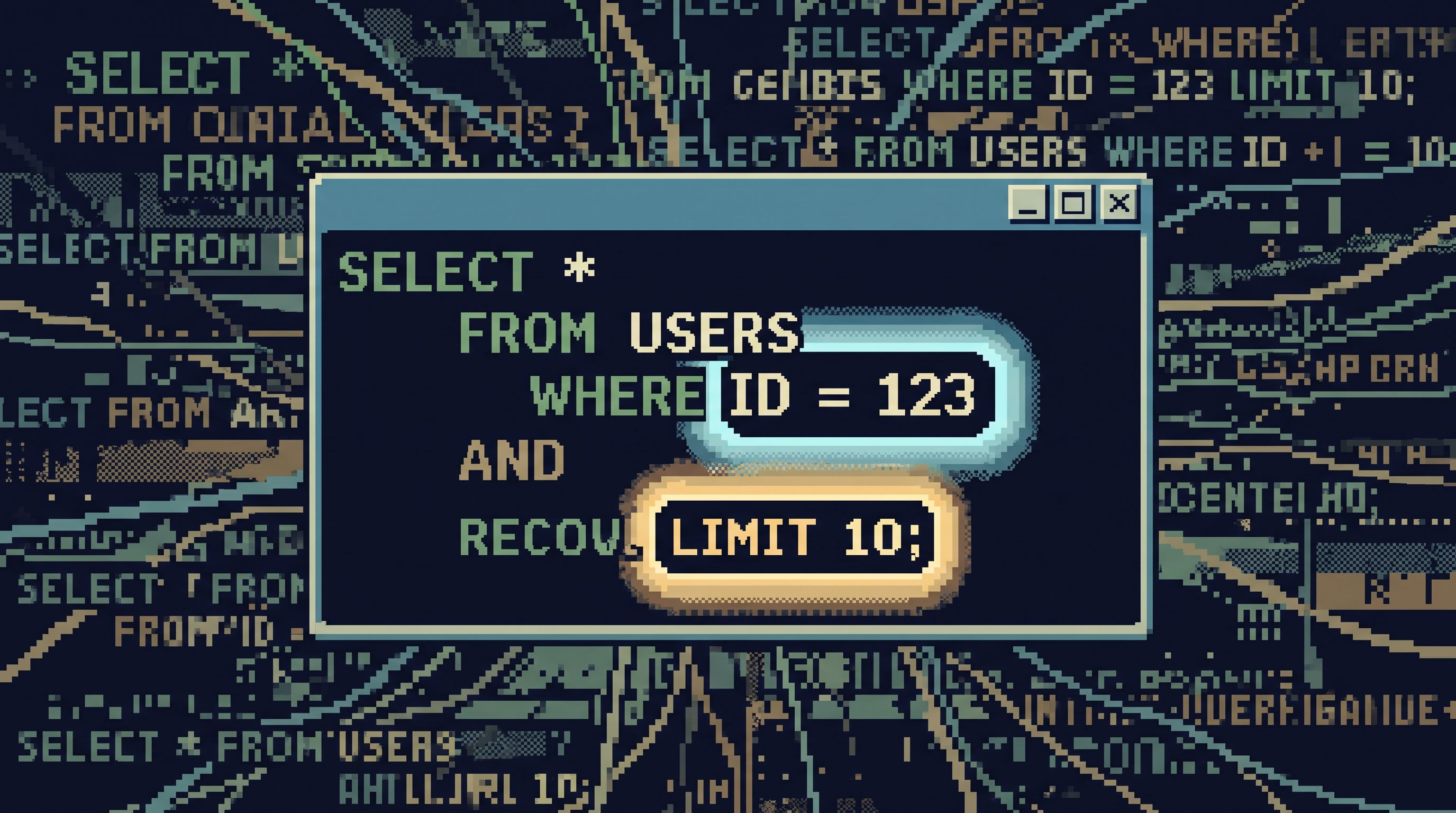
Guardrail pattern 3: Defaults that make heavy queries hard
Some risk comes from intent. A lot comes from habit.
Small, opinionated defaults can quietly block entire classes of bad queries:
- Row limits. Every query in your browser starts with
LIMIT 100(or similar). You can opt out, but you feel the friction. - Time windows. Common reads default to “last 24 hours” or “last 7 days,” not “all time.”
- Cursor‑based pagination. No infinite scroll on hot tables; you move through data with clear, intentional steps.
We go deep on how even pagination shapes attention in Opinionated Cursors: Why Even Simple Pagination Choices Shape How Teams Read Data.
Concretely, your guardrails might look like:
- A shared
SET statement_timeoutfor all production read roles. - A linter or wrapper that automatically injects
LIMITand a time predicate into unbounded queries. - A browser like Simpl that doesn’t even offer
SELECT *as the first move on large tables.
The goal isn’t to block power users. It’s to make the unsafe thing feel unusual.
Guardrail pattern 4: Question‑first navigation, not schema tours
High‑risk databases are usually high‑complexity databases:
- Many services.
- Many schemas.
- Many tables that almost mean the same thing.
If your primary navigation is a schema tree, you’ve already lost attention. Under pressure, that tree becomes noise.
A safer pattern is question‑first navigation:
- Start from “Find user by email,” not from
public.users. - Start from “Trace this job,” not from
jobs,job_events,job_errors. - Start from “Check this feature flag rollout,” not from
feature_flags.
We explore this stance in Database Work Without the Map: Navigating Production by Question, Not Schema or Service. It’s also the foundation of The Post‑Explorer Database Browser: Navigating Production by Intent, Not Objects.
Guardrails here look like:
- Entry forms. The first thing you see in Simpl is a search box or a small set of question‑shaped entry points, not a schema tree.
- Named trails. “Customer journey,” “Payment lifecycle,” “Job retries,” each as a path.
- No raw table browsing for most roles; you always start with a question.
This doesn’t remove power tools. It just ensures the first step is always grounded in a concrete question.
Guardrail pattern 5: Staging that actually feels like prod (but safer)
“Use staging” is not a guardrail if:
- Staging is weeks behind production.
- Data doesn’t look like real customers.
- The tools are different from what you use in prod.
Then people will go to production anyway.
A real guardrail is a quiet staging browser that:
- Uses the same interface as production.
- Has real‑shaped data (synthetic or anonymized, but structurally similar).
- Encourages exploration and experimentation without fear.
We wrote about this in The Quiet Staging Browser: Safe Production‑Like Reads Without a Second Tool Hell and The Quiet Staging Environment: Safe Production‑Like Reads Without the Noise.
In practice, this means:
- Simpl (or your browser of choice) points to staging and prod with identical guardrails, just different roles and data.
- New teammates learn query habits in staging that transfer directly to prod.
- Risky flows are rehearsed in staging, then run in prod with confidence.
Staging becomes a training ground for guardrails, not a separate universe.
Guardrail pattern 6: Trails, not screenshots
One of the loudest parts of production work is coordination noise:
- Screenshots of queries pasted into Slack.
- Links to dashboards that only half the team can interpret.
- “Can you rerun that query and send me the results?”
This is risky:
- Queries get forked and mutated.
- No one knows which version was used to make a decision.
- New people copy old queries without context.
A quieter pattern is opinionated trails:
- The path you walked through the data during an incident is saved as a trail.
- That trail can be replayed, annotated, and reused.
- Context lives with the queries, not in chat logs.
We dig into this in Database Work Without Bookmarks: Using Opinionated Trails Instead of Saved Queries and Beyond Saved Views: Turning Common Production Reads into Opinionated ‘Runbooks in SQL’.
In a browser like Simpl, this shows up as:
- Named trails you can share instead of screenshots.
- Runbook‑like flows encoded as SQL, with parameters and guardrails.
- Reproducible sessions: “This is exactly how we debugged the last outage.”
The guardrail is subtle but powerful: decisions are anchored in repeatable, inspectable paths, not ephemeral chat.
Small habits that reinforce the guardrails
Patterns are structural. Habits are daily.
A few small habits make guardrails actually stick:
- Always start from a question. If someone pastes raw SQL into Slack, ask: “What question are we answering?” Then move it into a named path.
- Prefer IDs over free‑form filters. Encourage workflows that start from a ticket or user ID, not “let’s just search broadly.”
- Treat
SELECT *as a smell. In high‑risk databases,SELECT *on a large table is a code smell, not a neutral move. - Close the loop. After an incident, turn the ad‑hoc queries that helped into a quiet query template or trail.
The Calm Query Ladder: Moving from Ad‑Hoc SELECTs to Opinionated Read Flows and Beyond ‘SELECT *’: Small Query Habits That Make Production Databases Feel Safer go deeper on this ladder of habits.
A browser like Simpl gives those habits a home. But the stance can start today, with whatever tools you already have.
Bringing it together
Quiet defaults for loud systems are not about locking everything down. They are about:
- Read‑first tools that make understanding safe and central.
- One calm entry point where guardrails are consistent.
- Opinionated read paths that replace improvised SQL.
- Safe slices of data instead of whole schemas.
- Defaults that resist heavy queries without thought.
- Question‑first navigation that matches how incidents actually unfold.
- Staging that mirrors prod as a safe training ground.
- Trails instead of screenshots, so context stays attached to data.
When these patterns are in place, production databases stop feeling like minefields. They start to feel like shared references: powerful, but calm.
A quiet next step
You don’t need a full redesign to start.
Pick one guardrail and make it real this week:
- Turn one recurring incident query into an opinionated read path.
- Add a hard
LIMITand time window to your most common production views. - Create a small, curated schema or set of views for your support or product team.
- Stand up a single, read‑only browser—whether that’s Simpl or something you already have—and declare it the entry point for production reads.
Guardrails work best when they feel like the natural way to work, not a special mode.
Start small. Make the safe thing the default. Let the loud systems keep running, while the way you touch them gets quieter.