The Calm Query Ladder: Moving from Ad-Hoc SELECTs to Opinionated Read Flows


Most teams live at the bottom of the query ladder.
You open a console. You type SELECT * FROM … WHERE …. You tweak it. You rerun it. You paste a screenshot into Slack. Next incident, you do it again.
It works—until it doesn’t.
Under pressure, a pile of ad‑hoc queries turns into:
- Slow, risky reads in production
- Forked versions of “the same” query
- Context trapped in DMs and screenshots
- New teammates afraid to touch the database at all
This post is about climbing one rung at a time: from raw, one‑off queries to calm, opinionated read flows that encode how your team actually investigates, not just what they select.
Along the way, we’ll reference other patterns from Calm Data—like designing around a single entry point (The Calm Query Session) and turning recurring flows into templates (The Quiet Query Template).
A tool like Simpl exists exactly for this: a focused, read‑first database browser that helps teams move up this ladder without adding more noise.
Why the Query Ladder Matters
Moving from ad‑hoc queries to opinionated read flows is not about process theatre. It’s about three concrete outcomes:
1. Safer production reads
- Fewer surprise
SELECT *on hot tables - Guardrails around predicates, limits, and joins
- Clearer separation between “exploring” and “running a known investigation”
See also: Beyond SELECT *: Small Query Habits That Make Production Databases Feel Safer.
2. Faster, calmer incidents
- Less time rewriting the same incident queries
- Shared flows instead of heroic one‑offs
- A direct path from alert → rows → explanation, instead of wandering across tools
If this resonates, you may like From Dashboards to Data Trails: A Minimal Workflow for Following an Incident Across Services.
3. Shared understanding, not just shared access
- New engineers can follow existing flows instead of guessing
- Support and product can self‑serve common reads safely
- The way you debug becomes a reusable asset, not tribal knowledge
The ladder is a way to get all three without jumping from “ad‑hoc chaos” straight into “heavyweight process.”
The Ladder at a Glance
Think of the Calm Query Ladder as four rungs:
- Raw ad‑hoc queries – anything, anywhere, anytime
- Gentle constraints on ad‑hoc – safer defaults, better habits
- Reusable read patterns – templates and trails for common flows
- Opinionated read flows – small, guided paths that mirror real questions
You don’t need to abolish ad‑hoc work. You just need to stop treating it as the only way to read production.
Let’s walk the ladder from the bottom up.
Rung 1: Raw Ad‑Hoc SELECTs
This is where most teams start:
- Open psql or a SQL IDE
- Connect to production
- Type
SELECT * FROM users WHERE id = …and keep going
Why teams stay here
- It feels flexible and powerful
- Senior engineers are comfortable with it
- There’s no upfront design work
Why it quietly hurts
- Every incident starts from a blank page
- Queries are hard to reuse or trust
- Under load, it’s easy to write something dangerous
- New teammates either avoid prod or copy‑paste queries they don’t fully understand
At this rung, your “workflow” is just muscle memory and personal habits. The goal is not to abolish this, but to stabilize it.
Rung 2: Gentle Constraints on Ad‑Hoc
The next step up is simple: keep ad‑hoc work, but make it calmer and safer by default.
You’re still writing raw SQL, but you:
- Standardize a few non‑negotiable habits
- Introduce lightweight tooling defaults
- Separate exploration from known flows
Opinionated habits for ad‑hoc work
Pick 3–5 habits that everyone agrees to follow when they touch production. For example:
-
Always start from a key, not a table.
- Begin with a specific user ID, order ID, job ID, etc.
- This keeps queries scoped and relevant.
-
Never
SELECT *on hot tables.- Explicitly list columns.
- Add a hard
LIMIT(e.g. 100) unless you have a reason not to.
-
Use
EXPLAINbefore running anything scary.- Especially on large joins or wide scans.
-
Prefer read‑only roles and read‑only tools.
- Use production roles that cannot write.
- Use a browser like Simpl instead of a full admin console for everyday reads.
-
Leave a short note with each non‑trivial query.
- In a notebook, a ticket, or your database browser if it supports it.
- One sentence: “Checking stuck invoices for customer X after alert Y.”
These habits sound small. They compound.
Tooling defaults that help
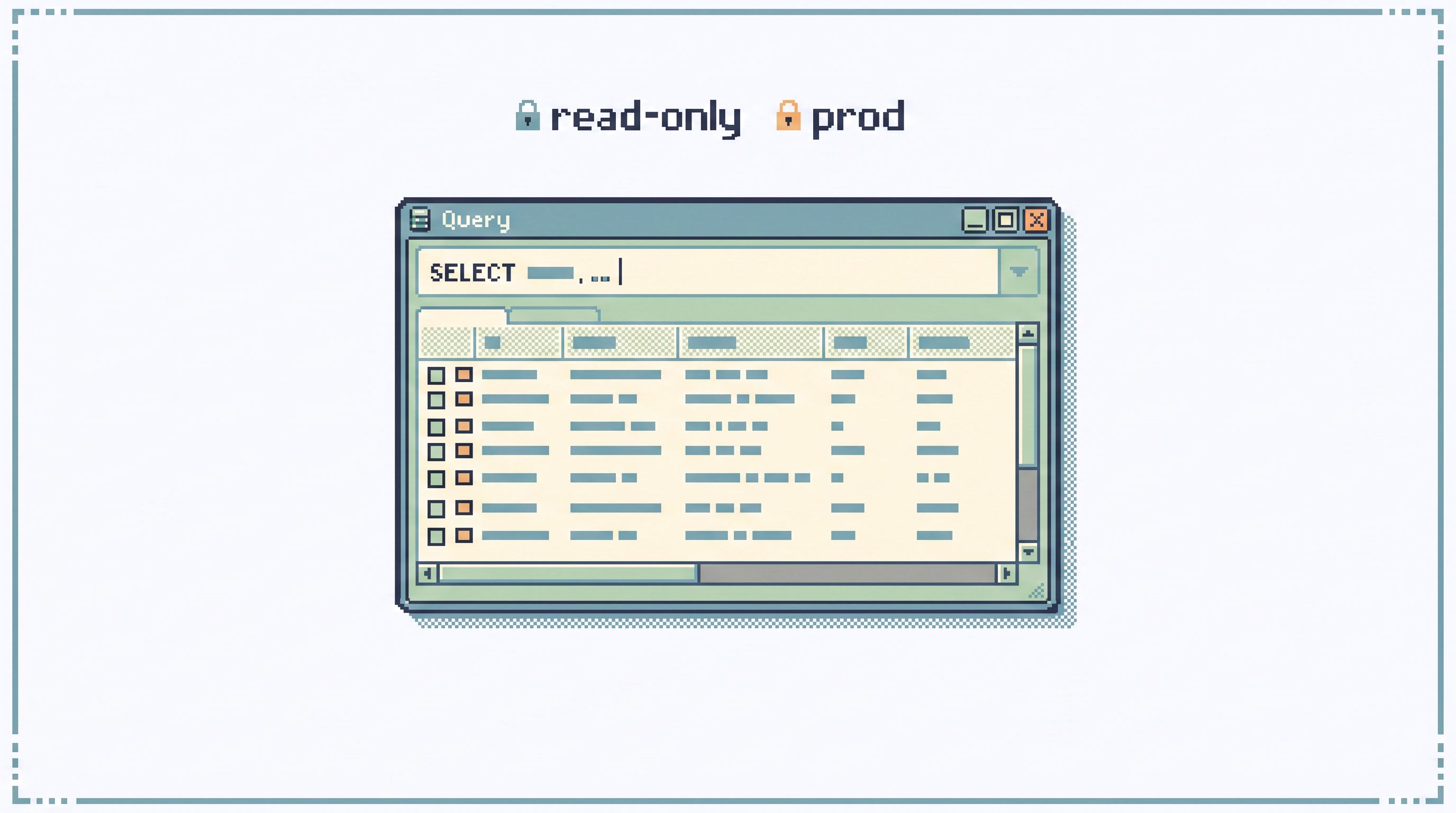
Whether you use Simpl or another database browser, shape the environment so it’s hard to do the wrong thing:
- Read‑only by default. No schema changes, no writes.
- Conservative limits. For example, cap ad‑hoc queries at 1,000 rows unless explicitly raised.
- Visible query cost. Surface execution time and row counts so people feel the weight of what they run.
- Clear connection labels. “prod‑primary read‑only,” “staging,” etc., so no one guesses.
This rung doesn’t change how you think about flows yet. It just makes the floor less slippery.
Rung 3: Reusable Read Patterns
Once ad‑hoc work is safer, you’ll notice a pattern: you keep doing the same things.
- “Look up customer by email, then check their latest 5 orders.”
- “Find failing jobs for a given batch, then see retry attempts.”
- “Verify that a migration updated rows as expected.”
At this rung, you stop treating these as one‑off moments and start turning them into reusable read patterns.
From one‑off queries to quiet templates
Instead of:
- Rewriting the same SQL from memory
- Copy‑pasting from old Slack threads
- Digging through a “useful queries” doc
You create small, opinionated templates:
- Named for the question they answer, not the table they hit
- Parameterized around the key you actually start from (user ID, order ID, job ID)
- Limited in scope and fields
Examples:
Customer Overview (by email)Order Health (by order_id)Background Job Trail (by job_id)Payment Failure Snapshot (by payment_id)
Each template should:
- Take one or two parameters
- Return a small, stable set of columns
- Include built‑in filters and limits so it’s safe to run
This is the heart of The Quiet Query Template: treat recurring debug flows as first‑class objects, not as a graveyard of saved queries.
How Simpl fits here
A browser like Simpl is built around this rung:
- You can turn an ad‑hoc query that proved useful during an incident into a named template in seconds.
- Parameters become simple inputs, not manual string edits.
- Templates live in a calm list, not in a cluttered folder tree.
The impact:
- Consistency. Everyone runs the same known‑good query for “Order Health,” instead of re‑implementing it.
- Onboarding. New engineers can follow existing templates to understand how the system behaves.
- Safety. You review and harden templates once, then reuse them.
This is a big step up the ladder, but it’s still mostly about individual queries. The next rung is where you start to think in flows.
Rung 4: Opinionated Read Flows
At the top of the ladder, you stop thinking “one query at a time” and start thinking “small, guided paths.”
An opinionated read flow is:
- A sequence of reads
- Centered around a single question
- With clear transitions from one step to the next
For example, consider a support ticket: “Customer says their subscription renewal failed, but they still have access.”
A raw, ad‑hoc approach might look like:
- Search logs
- Poke at
subscriptionstable - Check
paymentstable - Try to remember how invoices are modeled
An opinionated read flow might be:
-
Start from the ticket.
- Extract
customer_idoremail.
- Extract
-
Run
Customer Overview (by email).- Confirm the right user.
- Get their
customer_idand current plan.
-
Run
Subscription Renewal Trail (by customer_id).- See last N renewals, statuses, and linked payment IDs.
-
Run
Payment Failure Snapshot (by payment_id).- Understand why the latest payment failed.
-
Run
Access Entitlement Check (by customer_id).- Confirm what the system currently thinks about their access.
Same data. Less wandering.
Properties of a good read flow
A solid opinionated flow has a few characteristics:
-
Named for the question, not the schema.
- “Follow a failed renewal” beats “subscriptions + payments join.”
-
Short.
- 3–7 steps, not a 30‑step runbook.
-
Parameter‑driven.
- One key (customer, order, job) flows through each step.
-
Branch‑light.
- A couple of “if X, go here; otherwise, go there” is fine. A decision tree is not.
-
Tool‑bounded.
- Ideally, the whole flow lives in one place—a browser like Simpl—instead of bouncing across five tools.
This is the same stance we take in From Tickets to Tables to Code: A Straight-Line Workflow for Everyday Production Debugging: design a narrow, predictable path from the question to the rows.
Encoding flows in your tools
How do you make these flows real?
-
Link templates together.
- In Simpl, you can build trails: start from one template, then link to the next with parameters pre‑filled.
-
Attach flows to entry points.
- From a Jira issue, a support tool, or your on‑call runbook, deep‑link directly into the first step of a flow.
- This mirrors the idea in From Tickets to Trails: Designing Opinionated Paths from Jira Issues into Live Data.
-
Keep flows small and few.
- You don’t need dozens. Start with 3–5 flows for your most common questions:
- “Is this customer stuck?”
- “Did this job actually run?”
- “Did this migration do what we expected?”
- You don’t need dozens. Start with 3–5 flows for your most common questions:
At this rung, your database browser stops being just a query tool. It becomes a map of how your team understands the system.

How to Climb the Ladder Without a Big Rewrite
You don’t need a project plan to move up this ladder. You need a few deliberate moves.
1. Pick one high‑leverage area
Choose a slice of work where database reads are frequent and painful:
- Support tickets around billing or subscriptions
- A flaky background job
- A migration you’re nervous about
This becomes your pilot area.
2. Stabilize ad‑hoc work there
For that area, agree on:
- A small set of non‑negotiable query habits (keys, limits, no
SELECT *on hot tables) - A preferred tool for reads (ideally a read‑first browser like Simpl)
Make it easy to do the right thing:
- Pre‑configure connections
- Set sensible row limits
- Document the few habits in one visible place
3. Capture the next three useful queries as templates
For the next week or two:
- Any time someone writes a non‑trivial query that answers a recurring question, they:
- Clean it up (parameters, limits)
- Name it for the question
- Save it as a template in your browser
You don’t need to backfill history. Just capture the present.
4. Connect templates into a flow
Once you have 3–5 templates around the same area:
- Sketch the flow you actually follow during an incident or support case.
- Link templates in that order, passing the key (customer, order, job) through.
- Add a short description for each step: “Run this to see X before moving on.”
Now you have your first opinionated read flow.
5. Socialize and refine
- Use the flow during a real incident.
- Ask: where did we still wander? Which step was confusing?
- Refine templates or add one more step.
The goal is not perfection. The goal is one flow that feels obviously better than starting from a blank editor.
Where a Tool Like Simpl Fits
You can climb this ladder with almost any stack, but some tools make it much easier.
A browser like Simpl is designed specifically for this middle layer:
- Post‑BI, pre‑admin. Not another dashboard, not another root console.
- Read‑only and opinionated. Safe by default, with patterns for templates and flows.
- Session‑oriented. You work from a single entry point, as described in The Calm Query Session.
Concretely, Simpl helps you:
- Turn ad‑hoc queries into named templates in a click
- Chain templates into trails that mirror real investigations
- Keep everything in one calm interface instead of scattering across tools
You still own the ladder. The tool just makes each rung easier to stand on.
Summary
The Calm Query Ladder is a way to move from noisy, one‑off queries to calm, opinionated read flows—without jumping straight into heavy process.
- Rung 1 — Raw Ad‑Hoc: flexible but chaotic and risky.
- Rung 2 — Safer Ad‑Hoc: a few strong habits and guardrails make production reads calmer.
- Rung 3 — Reusable Patterns: recurring queries become named, parameterized templates.
- Rung 4 — Opinionated Flows: templates are stitched into small, guided paths that match real questions.
You don’t eliminate ad‑hoc work. You give it a structure to grow into.
Take the First Step
You don’t need a new team, a new process, or a new stack to start.
Pick one area—support tickets, a flaky job, a migration—and:
- Agree on three safer query habits for prod.
- Capture the next three useful queries as templates.
- Sketch a short flow that links them together.
If you want a tool that’s built around this way of working, try Simpl. Use it as your single, calm entry point for production reads, and start turning your ad‑hoc SELECTs into opinionated read flows your whole team can trust.