Opinionated Cursors: Why Even Simple Pagination Choices Shape How Teams Read Data

Most teams treat pagination as plumbing.
Offset vs cursor. LIMIT 50 vs LIMIT 200. A “Next” button at the bottom of a table. These feel like implementation details—something the frontend and backend team settle once, then forget.
But pagination is not just about performance. It’s about attention.
How you move through rows quietly shapes:
- Which questions people ask first
- How quickly they find the rows that matter
- Whether incidents feel calm or chaotic
- How safe it feels to let more engineers read production
This post is about taking a stance on that. Opinionated cursors. Intentional pagination. And how a few small choices can turn your database browser into a calm reading tool instead of an endless scroll.
Tools like Simpl are built around this idea: a database browser that treats pagination, cursors, and navigation as core to how teams understand data—not just how they fetch it.
Pagination is a Reading Tool, Not a Transport Layer
Most database tools default to something like:
- Offset-based pagination (
OFFSET n LIMIT 50) - Wide, unsorted tables
- A generic “page 1, 2, 3, …” footer
That design assumes you’re browsing like you would a long article: start at the top, move linearly, maybe jump ahead.
But that’s not how real database work looks.
When you’re:
- Debugging a charge that failed for one customer
- Checking orders around a deployment window
- Reviewing a batch job that misbehaved
…you’re not reading all rows. You’re reading around something.
Pagination should reflect that:
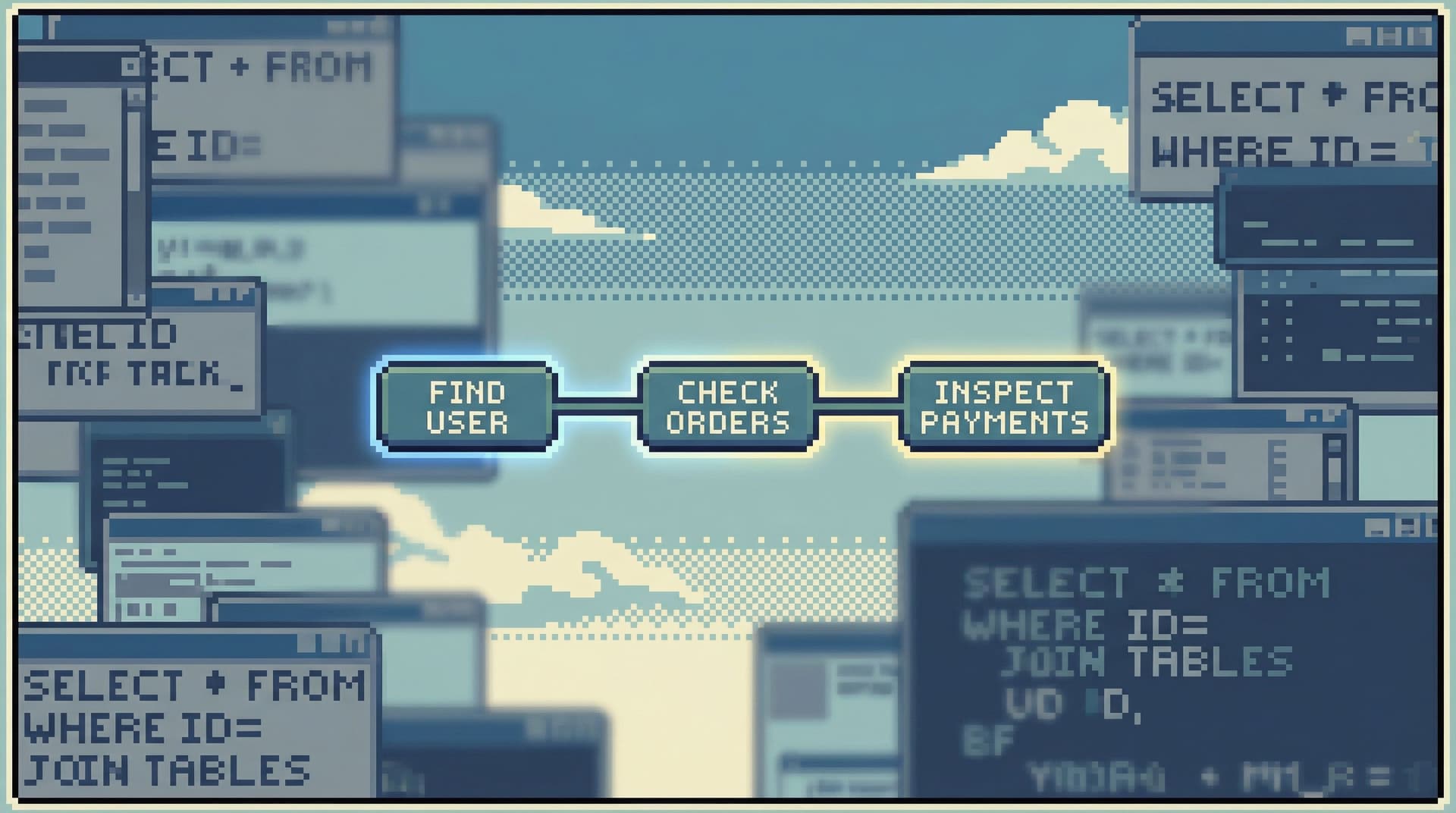
- Around an ID – “Show me rows before and after this order.”
- Around a time – “Show me what happened just before and after 2026-04-16 09:32:00 UTC.”
- Around a state change – “Show me the last 50 rows that transitioned to
failed.”
Cursor design is where those choices become real.
Offset vs Cursor: The UX Difference Your Team Actually Feels
There are plenty of technical writeups about offset vs cursor pagination for performance. That matters, but the UX impact is just as important.
Offset pagination: the illusion of a stable list
Offset pagination says: “Page 1, Page 2, Page 3.” It feels simple. But for production data, it’s often lying to you.
- New rows arrive while you’re paging.
- Old rows get updated or re-ordered.
- “Page 3” is not the same list it was 10 seconds ago.
For incident work and audits, that instability shows up as:
- Lost context – “Wait, where did that row go?”
- Duplicate reading – “Did we already look at this?”
- False confidence – “We checked ‘pages 1–5’ so we’re done, right?”
Offset pagination encourages a sweep the list mindset. That’s rarely what you want in production.
Cursor pagination: reading from an anchor
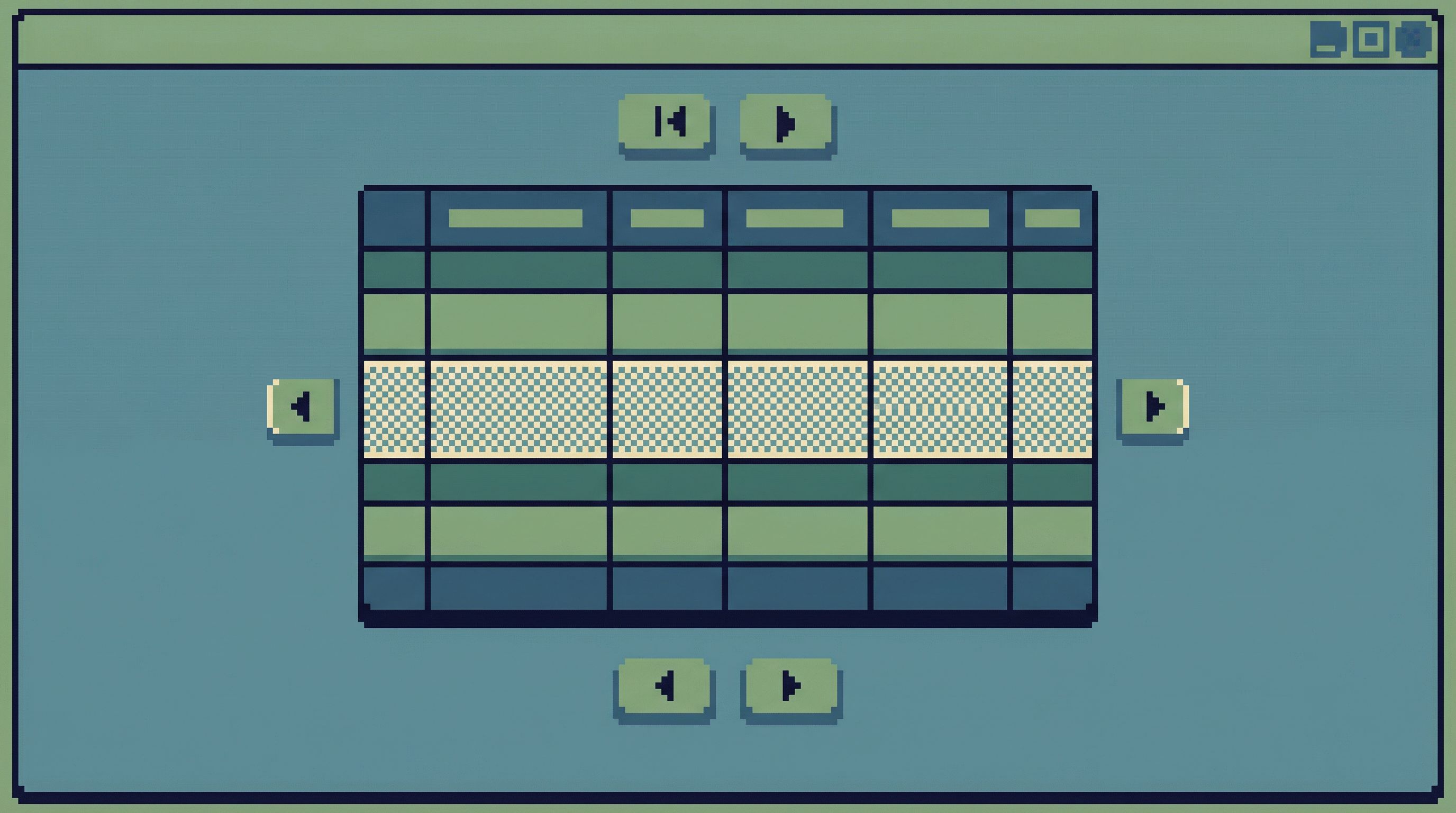
Cursor pagination says: “Start from here and move forward or backward.”
The cursor might be a:
- Primary key (e.g.,
id > 12345) - Timestamp (e.g.,
created_at < '2026-04-16 09:32:00') - Composite key (e.g.,
(created_at, id)to ensure stable ordering)
The experience is different:
- You always know what you’re reading around.
- It’s easier to share context (“start from this row and go back 100”).
- You can reconstruct the exact window you inspected later.
That’s why tools like Simpl lean heavily on cursor-style navigation: it fits how people actually read production data—anchored to something concrete.
Opinionated Cursors: Taking a Stance on “What Around?”
Once you accept that cursors are a reading tool, not just a performance trick, you can start being opinionated.
The core question: Around what should people read by default?
Some useful defaults:
-
Around time
- Default sort by a stable timestamp (e.g.,
created_atorupdated_at). - Cursors are time-based (
before/aftera timestamp, with a tie-breaker key). - Ideal for incident timelines, deploy checks, and job runs.
- Default sort by a stable timestamp (e.g.,
-
Around identity
- Anchor on an entity ID: customer, order, subscription.
- Show the rows “near” that entity: previous orders, related payments, adjacent events.
- Great for support workflows and debugging single-customer issues.
-
Around state
- Anchor on a state transition (
statuschanges tofailed,refunded, etc.). - Let people page through “neighbors” in the same state.
- Useful for audits and pattern-spotting (“all the
failedrows around this time look similar”).
- Anchor on a state transition (
You don’t need all of these at once. You need a small number of strong defaults.
This is the same stance we explored in Designing Read Rails: How Opinionated Query Paths Reduce Risk and Cognitive Load: your tool should suggest how to move, not just where you can go.
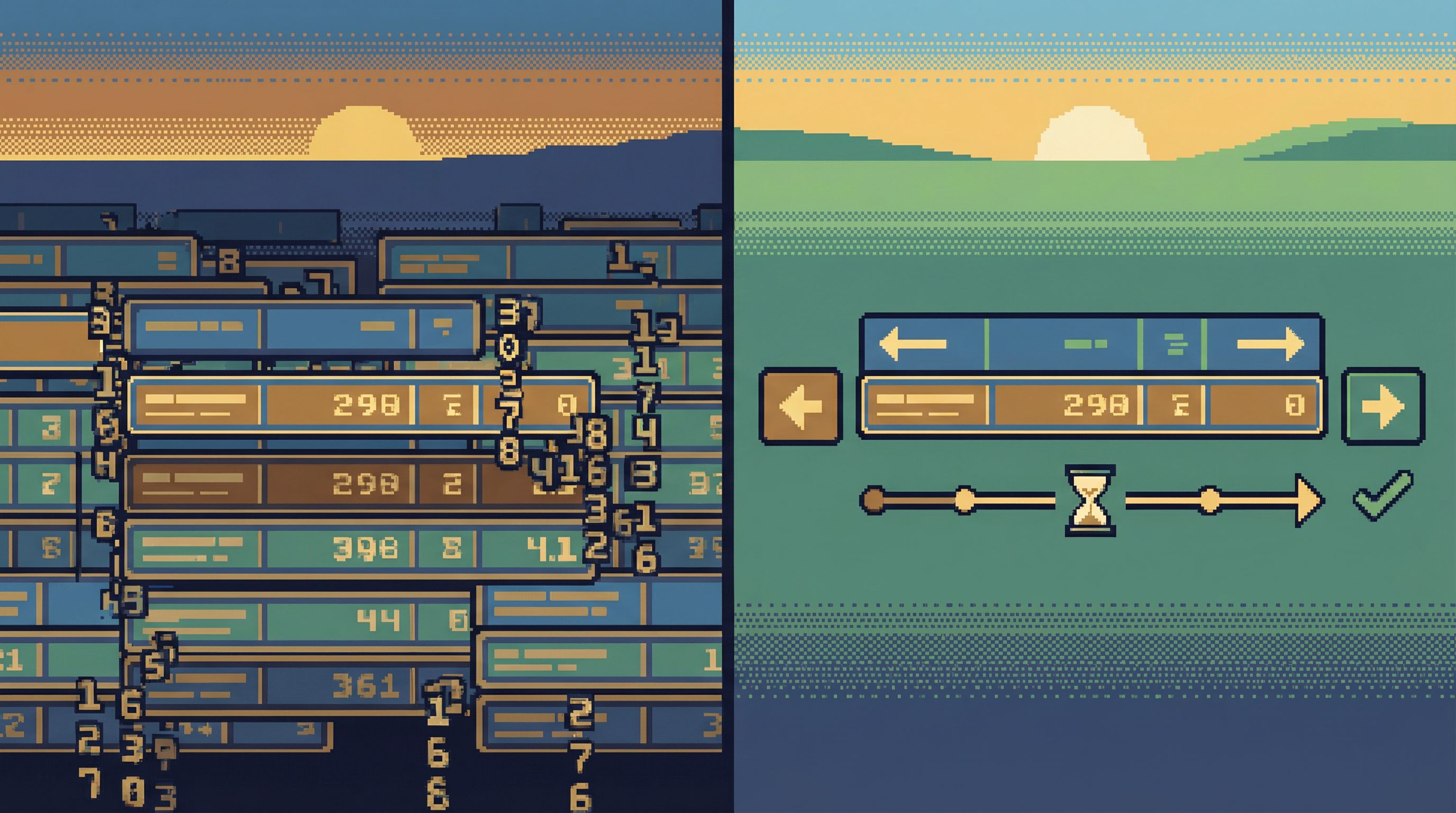
How Pagination Shapes Team Behavior
Seemingly small pagination choices ripple out into:
1. How safe production feels
- Offset + wide tables invite wandering: “let’s just scroll a few more pages.”
- Cursor + anchored views encourage focused reads: “stay near this customer, this time window, this state.”
When production feels anchored, it feels safer. That’s a prerequisite for the kind of “safe curiosity” we wrote about in Safe Curiosity: Letting Engineers Explore Production Data Without Fear or Friction.
2. How repeatable investigations become
If you debug an incident by “scrolling pages 1–5,” that session is hard to repeat or share.
If you debug it by:
- Anchoring to a time window
- Paging backward 100 rows
- Narrowing to
status = 'failed'
…you can:
- Share a link to that exact view
- Re-run the same window after a fix
- Turn the path into a reusable trail in a tool like Simpl
Pagination becomes part of your team’s incident playbook, not just a UI detail.
3. How much context survives after the tab closes
Query logs tell you what ran. They rarely tell you how someone moved through the data.
Opinionated cursors make that movement legible:
- “Started from order 48293, paged back 50, filtered to
failed.” - “Started at
2026-04-16 09:30, paged forward 5 minutes, then jumped to a specific customer.”
That’s the kind of structure that lets you build real knowledge from ephemeral reads—something we explored in Opinionated History: Turning Your Query Log into a Calm Knowledge Base.
Practical Patterns for Calm Pagination
You don’t have to redesign your entire stack to benefit from this. A few focused moves go a long way.
1. Make sorting and cursor fields explicit
Pick one or two canonical sort orders per high-traffic table:
created_at, idfor append-only event tablesupdated_at, idfor entities that change frequently- Domain-specific timestamps (e.g.,
paid_at,completed_at) for workflows
Then:
- Always show the active sort order in the UI.
- Expose the cursor in a human-readable way. Not just a base64 blob—show the underlying fields.
This makes it clear what you’re reading around, not just that you’re on “page 3.”
2. Prefer “before/after” over “page 1, 2, 3”
Replace generic pagination controls with directional ones:
- “Older” / “Newer” (for time-based views)
- “Previous 50” / “Next 50” (anchored to a visible cursor)
This:
- Reinforces the idea of reading along a timeline or sequence.
- Makes people think in windows (“the last 50 around this event”) instead of pages.
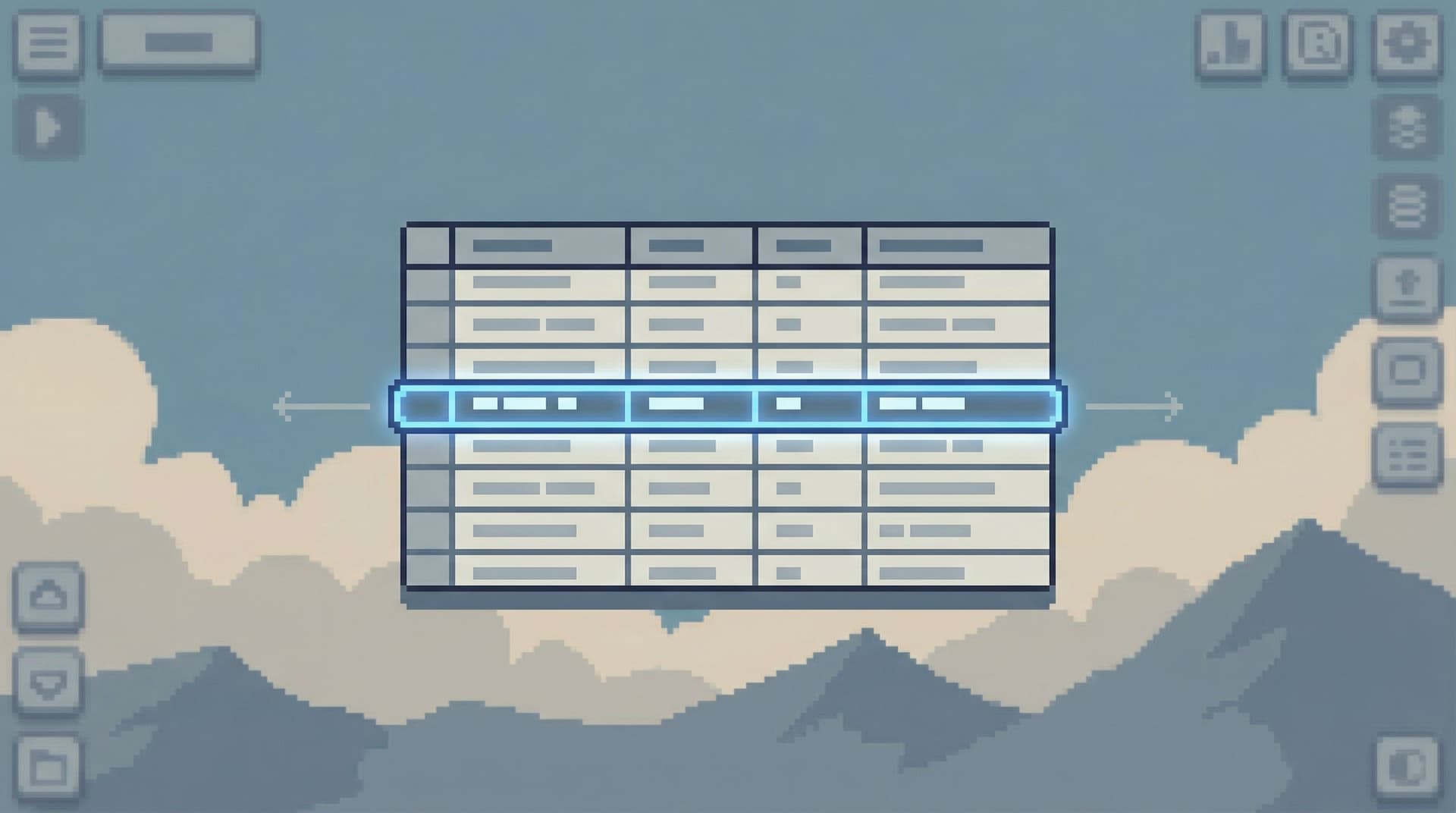
3. Center the current row, not the page
When someone arrives via a specific row (e.g., from an alert, log, or stack trace):
- Load that row in the middle of the viewport.
- Show a small number of rows before and after.
- Let navigation move relative to that anchor.
This is the pagination equivalent of the “single-question session” we covered in The Single-Question Session: Designing Database Workflows Around One Clear Why: one center, everything else in orbit.
4. Design for narrow, not infinite, movement
Instead of infinite scroll:
- Cap window sizes (e.g., 50–100 rows at a time).
- Make it one or two clicks to refocus the session (change anchor) instead of endlessly scrolling.
This keeps sessions short, legible, and easier to retrace.
5. Align pagination with your incident workflows
Look at your last few real incidents:
- How did people actually move through data?
- Did they jump by time? By user? By job run?
Then, in your browser or in a tool like Simpl:
- Create presets that match those patterns (e.g., “around deploy window,” “around customer,” “around job execution”).
- Make those presets the default entry points during on-call.
Pagination should follow your real work, not a generic table-view pattern.
Implementing Opinionated Cursors in Your Stack
Here’s a simple, concrete way to move from offset to opinionated cursor-based pagination.
Step 1: Choose your canonical index
For each important table, define a primary read index:
created_at, idfor eventsupdated_at, idfor entities- Domain timestamps where they exist
Ensure you have a database index that matches this order.
Step 2: Define a cursor schema
Decide what your cursor encodes:
- At minimum: the sort fields (e.g.,
created_at,id). - Optionally: filters that affect visibility (e.g.,
status = 'failed').
You can encode this as JSON then base64, but keep a human-readable representation available in your tooling.
Step 3: Implement before / after semantics
For example, for a created_at, id sort:
- “Newer” page:
WHERE (created_at, id) > (cursor_created_at, cursor_id)ORDER BYcreated_at, idASC LIMIT 50 - “Older” page:
WHERE (created_at, id) < (cursor_created_at, cursor_id)ORDER BYcreated_at, idDESC LIMIT 50, then reverse in the application
The exact SQL will vary by database, but the idea is stable: move relative to an anchor, not by skipping a fixed number of rows.
Step 4: Reflect anchors clearly in the UI
When a view is anchored:
- Show a small banner: “Anchored at
created_at = 2026-04-16 09:32:00,id = 48293.” - Provide a simple way to jump the anchor: pick a new row, time, or ID.
This makes the mental model obvious even to people who don’t think in SQL.
Step 5: Turn good paths into reusable trails
Once you have:
- Stable cursor semantics
- Clear anchors
- Useful presets
…capture the best flows as reusable trails:
- “Inspect failed payments around deploy”
- “Review last 100 orders for a customer”
- “Walk backward through job runs from an alert time”
A browser like Simpl bakes this into the product: instead of relying on bookmarks and ad-hoc queries, you get opinionated trails that remember how you moved, not just what you ran.
Why This Matters More as Your Team Grows
When only one or two people touch production, pagination can be sloppy. They hold the mental model in their heads.
As more people start reading production data:
- You can’t rely on everyone remembering “don’t trust page numbers.”
- You can’t afford wandering, wide-open sessions during incidents.
- You need workflows that are easy to teach, easy to repeat, and hard to misuse.
Opinionated cursors give you that:
- Shared language – “Scroll back 50 rows from the deploy time” means the same thing to everyone.
- Safer defaults – People land in anchored, narrow views instead of unbounded tables.
- Better handoffs – Links and trails carry real context, not just screenshots.
This is the same shift we’ve argued for around access and attention in From Access Control to Attention Control: Rethinking Safety in Database Tools: structure the work so the safe thing is the easy thing.
Summary
Pagination is not a neutral detail. It’s a design decision about how people read data.
- Offset-based pagination encourages sweeping, unstable views.
- Cursor-based pagination encourages anchored, repeatable windows.
- Opinionated cursors go further: they choose what to anchor around—time, identity, state—and align that with how your team actually works.
- Small UI shifts ("older/newer" instead of page numbers, centering the current row, making anchors explicit) change how safe and focused production feels.
- When paired with trails and shared workflows in a browser like Simpl, pagination becomes part of your team’s memory, not just a transport mechanism.
Take the First Step
You don’t need a full redesign to benefit from this.
Pick one high-traffic table—the one you open during almost every incident or customer escalation—and:
- Choose a canonical sort (
created_at, idis often enough). - Implement a simple cursor-based "older/newer" navigation around that sort.
- Expose the anchor clearly in your UI or tool.
- Use it during the next real incident, and notice how the conversation changes.
If you’d rather not build all of this from scratch, try a browser like Simpl that treats opinionated cursors, trails, and calm pagination as first-class features.
Start small. Anchor one view. Let the way you move through rows get as much design attention as the rows themselves.
That’s where calm database work begins.