Database Work Without the Map: Navigating Production by Question, Not Schema or Service


Most teams still approach production data like a city map.
You open a tool, expand a schema tree, scan table names, and try to remember which service owns which database. When something breaks, you mentally redraw the architecture diagram and hope you land on the right table.
It works—until it doesn’t. Under pressure, that map becomes noise.
There’s a calmer stance available: stop navigating by schema and service, and start navigating by question.
Why the “map-first” approach quietly fails
Schema- and service-first workflows look reasonable from the outside:
- You know your microservices.
- You know which database backs which service.
- Your tools show schemas, tables, and columns in neat trees.
But when you’re holding a real question—
- “Why did this user get two invoices?”
- “Which jobs are stuck right now?”
- “Did this migration actually touch the rows we expected?”
—schema is not the thing you care about. You care about the story.
Map-first navigation breaks down in a few predictable ways:
-
Architecture is not how incidents show up.
Incidents arrive as customer tickets, alerts, or weird behaviors—not as “payment-service → billing_db → invoices table.” You have to translate. -
Schemas encode storage, not intent.
Table names likeevents,jobs,records,logs,snapshotstell you almost nothing about how to answer a question. -
Service boundaries leak.
A single user journey crosses multiple services and databases. Navigating “by service” forces you to hop between tools and mental models. (We dig into this pattern more in From Microservices to Micro-Reads: Tracing a Single User Journey Across Many Databases.) -
The cognitive load is backwards.
You spend attention on where to look instead of what you’re trying to understand.
The result: extra time, extra tabs, and extra stress—especially when the stakes are high.
Navigating by question instead
A question-first stance flips the default:
- Start from the concrete question.
- Let that question choose the path through schemas and services.
- Encode that path so the next person doesn’t have to rediscover it.
Tools like Simpl exist exactly for this middle layer: a calm, opinionated database browser where you don’t have to think in terms of “which database do I open?” every time. You start from the question you’re holding and follow a trail into the rows that matter.
Question-first navigation is not about hiding the schema. It’s about refusing to make the schema your primary navigation surface.
You still need to know your system. You just don’t need to reconstruct the architecture diagram every time a customer can’t check out.

Step 1: Start with sharper questions
Most “database sessions” start with a vague impulse:
- “Let’s see what’s going on in orders.”
- “I’ll just poke around the jobs table.”
That’s how you end up wandering.
A question-first workflow starts with a sharper prompt:
- Subject: user, order, job, invoice, feature flag, migration, etc.
- State: created, stuck, failed, duplicated, delayed, missing.
- Scope: one entity, a cohort, or “right now.”
You’re aiming for questions like:
- “What happened to this specific user around this time window?”
- “Which jobs of type X are stuck in pending for > 15 minutes?”
- “For this migration, which rows were updated, and how do they look now?”
A quick pattern you can use with your team:
When opening a database tool, write the question first.
In a ticket, in a Slack thread, or in the tool itself.
If you can’t phrase the question clearly, you’re not ready to query yet.
This sounds small. It quietly changes everything.
Step 2: Define “entry points” instead of “databases”
Most tools ask you to pick a database or schema first.
Question-first work starts from entry points that line up with how questions actually show up:
- From a ticket: a Jira issue, GitHub issue, or support ticket with a user ID or order ID embedded. (From Tickets to Trails: Designing Opinionated Paths from Jira Issues into Live Data goes deeper here.)
- From an alert: an incident in PagerDuty or an alert in your metrics tool, with tags that include service, region, or key identifiers.
- From the app: a customer-facing admin or internal tool where you can click “view underlying data.”
Instead of:
“Open the admin console → select
billing-db→ findinvoicestable.”
You want:
“From this ticket, click ‘View billing data for this user.’”
Under the hood, that might still land you in billing-db.invoices. But the unit of navigation is the question, not the schema.
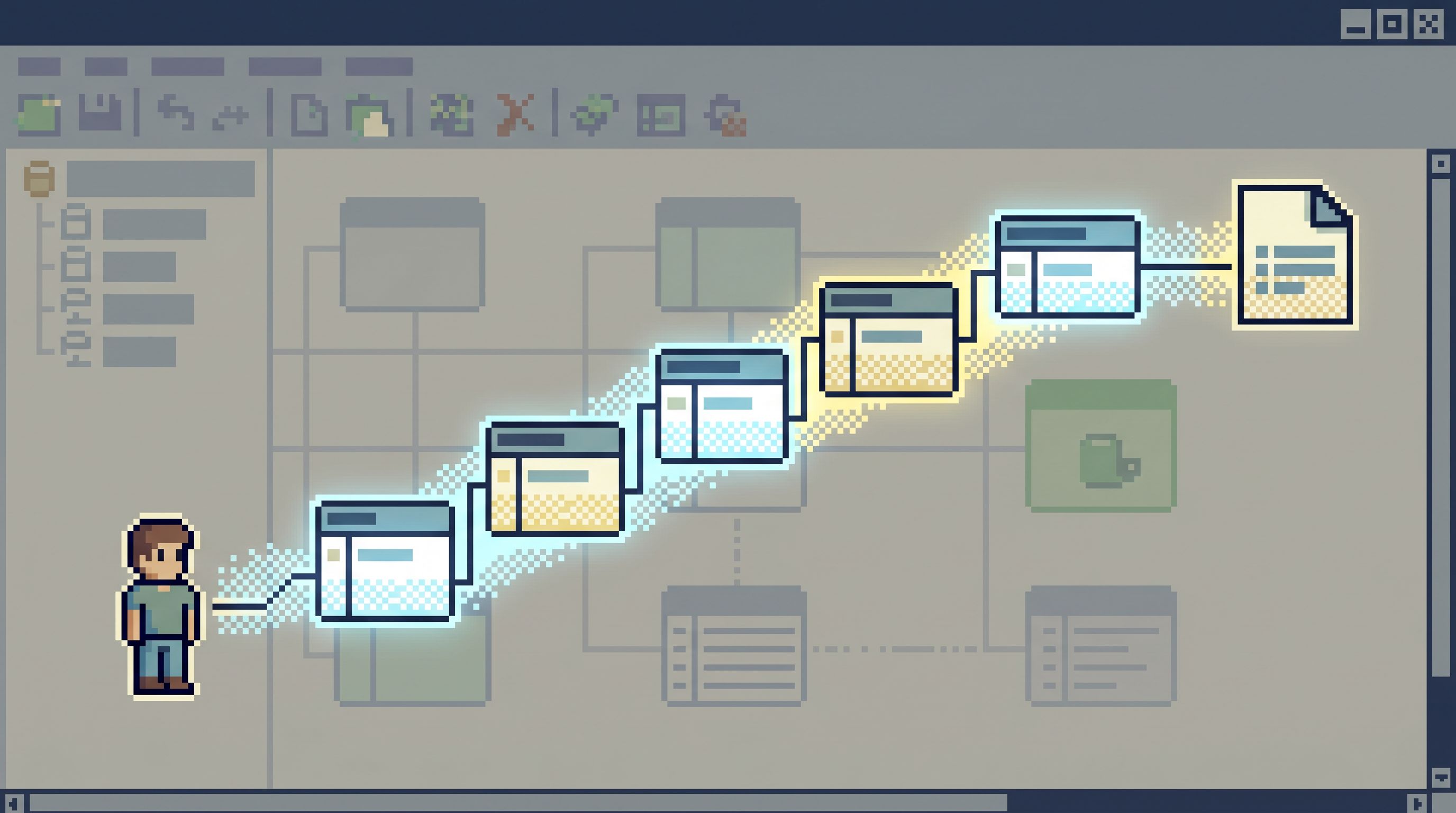
In a tool like Simpl, this shows up as opinionated trails: named, reusable paths that start from an identifier—user ID, order ID, job ID—and walk you through the relevant tables without making you hunt through a schema tree.
Step 3: Turn questions into repeatable trails
Most teams already have “question paths”—they’re just trapped in:
- Old Slack threads with pasted SQL.
- Docs called
useful-queries.md. - Saved views scattered across BI tools.
The problem is not that these don’t exist. It’s that they’re unstructured and noisy.
A calmer pattern is what we’ve called “runbooks in SQL” in another post:
- Small
- Opinionated
- Named after the question they answer
For example:
user_journey(user_id)– joins auth, billing, and notifications around a time window.stuck_jobs(job_type, min_age_minutes)– finds jobs that need attention.invoice_debug(invoice_id)– pulls invoice, line items, payments, and refunds.
Each of these is:
- Scoped: one user, one job, one invoice.
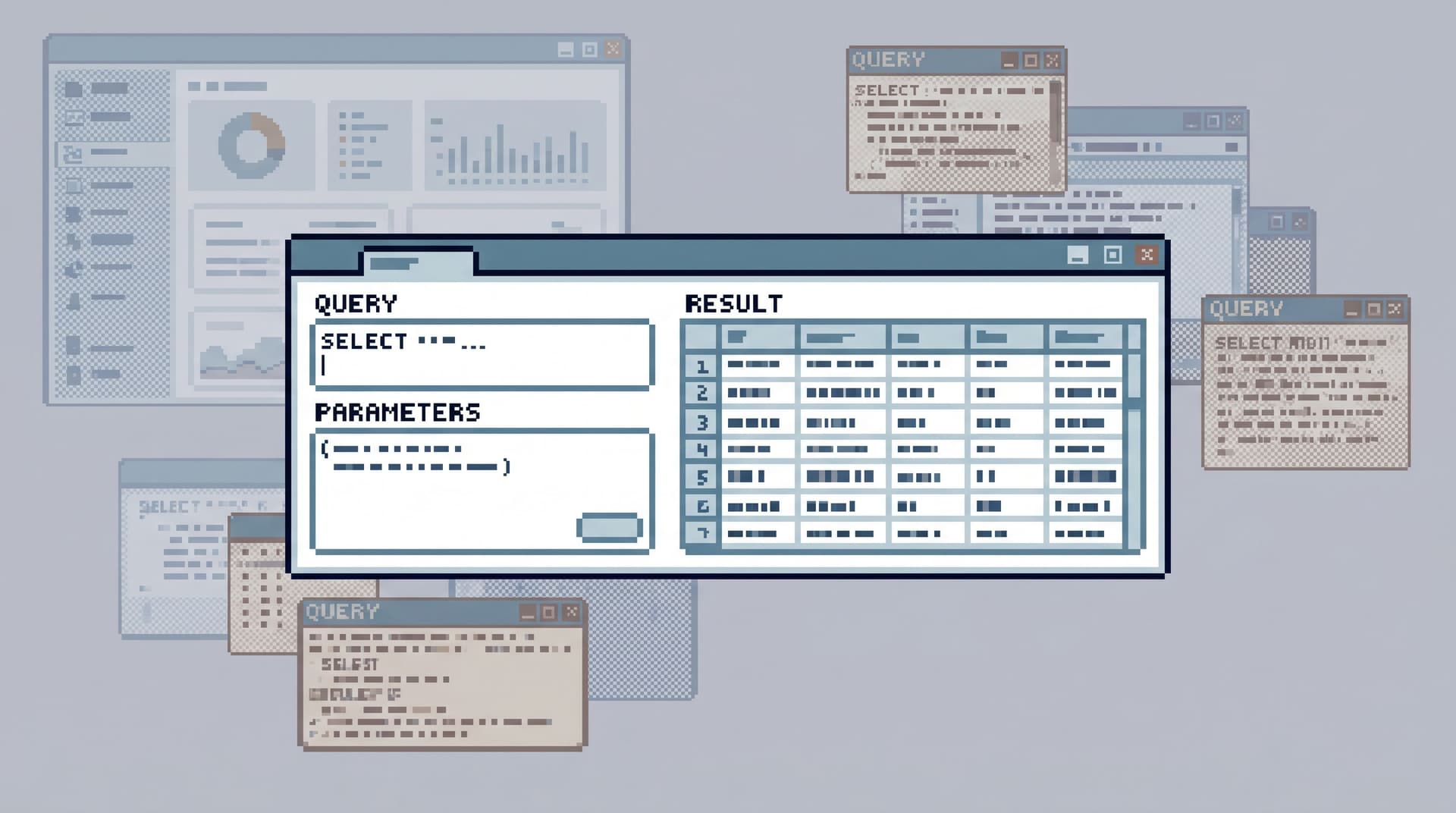
- Parameterised: you plug in identifiers, not rewrite SQL.
- Sharable: you can send a link or trail, not a screenshot.
In Database Work Without Bookmarks: Using Opinionated Trails Instead of Saved Queries, we go deeper into why this beats the usual “saved query graveyard.” The short version: trails remember how you work, not just what you selected.
Step 4: Hide the map until you actually need it
You don’t have to throw away schema trees and ER diagrams. You just don’t need them as the default.
A question-first tool or workflow should:
-
Start with trails and entry points.
The first thing you see is: “What do you want to understand?” Not “Which database do you want to open?” -
Let you drop to raw schema on purpose.
When you do need to explore a new table or run an ad-hoc join, you can. But that’s a deliberate move, not the baseline. -
Keep context when you drop down.
If you open the schema from auser_journeytrail, the tool should keep the user ID and time window in view. You’re still in the same question; you’re just zooming in.
Post-Admin, Pre-CLI: Where a Focused Database Browser Actually Fits in Your Stack talks about this missing middle layer in more depth: a browser that is powerful enough for real work, but opinionated enough to stay quiet.
This is where Simpl sits: you can still see tables and write SQL, but the primary surface is trails and questions, not a raw map of your entire data plane.
Step 5: Align with how incidents actually unfold
Incidents don’t care about your service boundaries.
A typical path looks like:
- An alert fires on a metric.
- Someone opens a dashboard and confirms “something is wrong.”
- The real work starts: which users, which jobs, which rows?
If your only navigation model is “open the right database and hope you remember the tables,” you pay a tax every time.
A question-first setup shortens that loop:
- From the alert, you jump into a trail like
incident_jobs_for_alert(alert_id). - From a user ticket, you jump into
user_journey(user_id). - From a failed payment, you jump into
payment_debug(payment_id).
You don’t care which service “owns” the data in that moment. You care about walking a straight line from symptom to rows.
This is the same stance behind posts like From Dashboards to Data Trails: A Minimal Workflow for Following an Incident Across Services and From Metrics to Rows: A Focused Workflow for Jumping from Alerts into Production Data. Question-first navigation is how you make those workflows feel calm instead of frantic.
Step 6: Make “question-first” a team norm, not a personal habit
A single engineer can work this way in their own SQL client. The real benefits show up when it becomes team culture.
A few low-friction moves:
-
Rename things after questions.
- Don’t call it
query_42. Call ituser_journey_for_support. - Don’t call it
view_jobs. Call itstuck_jobs_needing_attention.
- Don’t call it
-
Attach trails to tickets.
- For every incident ticket, include links to the trails or queries you used.
- Next time, someone starts from the ticket and lands directly in the right question path.
-
Share links, not screenshots.
- If your tool (like Simpl) supports sharable, parameterized trails, make that the default handoff.
- This is the “quiet handoff” pattern: more context, less narration.
-
Review the questions, not just the SQL.
- In post-incident reviews, ask: “What were the key questions we had to answer?”
- Turn each of those into a named trail or runbook.
-
Limit the number of canonical trails.
- You don’t want a new trail for every tiny variation.
- Aim for a small set of stable paths that answer 80% of recurring questions.
Over time, your team stops thinking “which database?” and starts thinking “which question trail?”
Step 7: Choose tools that respect questions
You don’t need to rebuild your stack to work this way. But your tools can either help or fight you.
Look for tools (or ways to configure existing ones) that:
- Let you parameterize queries and share them as links.
- Support named, reusable trails that cross tables and even databases.
- Emphasize reads over writes, so people feel safe following trails in production. (See also Opinionated Read-Only Roles: How Access Design Shapes Everyday Database Work.)
- Keep history and context around how questions were answered, not just raw query logs.
Post-BI, Pre-Admin: Defining the Missing Layer of Calm Database Tools outlines this layer more fully. A browser like Simpl is built specifically to:
- Start from questions and identifiers.
- Encode common paths as trails.
- Keep production exploration calm and low-noise.
You can approximate some of this with a SQL IDE plus a disciplined team. But it will always feel like swimming upstream if the tool’s main metaphor is “open a database and type into a blank editor.”
Bringing it together
Working without the map does not mean working blindly.
It means:
- You stop treating schema diagrams as your primary navigation surface.
- You start treating real questions as the first-class objects in your workflow.
- You encode the paths from those questions into trails that anyone on the team can follow.
When you do this well, a few things change:
- New engineers can answer real questions without memorizing your architecture.
- Incidents feel shorter and quieter because the path from alert to rows is clear.
- Production stops feeling like a maze of services and starts feeling like a set of understandable stories.
That’s the promise of question-first navigation—and the stance that tools like Simpl are designed around.
Summary
- Schema and service maps are useful, but they’re the wrong default surface for everyday production work.
- A calmer approach is to navigate by question: start from the concrete thing you’re trying to understand, and let that drive how you move through data.
- You can do this by:
- Writing the question before you query.
- Defining entry points from tickets, alerts, and app context.
- Turning recurring questions into named, parameterized trails.
- Hiding raw schema until you actually need it.
- Making question-first navigation a team habit, not a personal trick.
- Choosing tools like Simpl that treat questions and trails as first-class.
Over time, your database stops feeling like a map you have to memorize and starts feeling like a set of paths you can calmly follow.
Take the first step
You don’t need a full migration to start working this way.
Pick one recurring question your team asks about production—something like:
- “What happened to this user?”
- “Which jobs are stuck right now?”
- “Did this invoice actually get paid?”
Then:
- Write that question down in plain language.
- Turn it into a single, parameterized query or trail.
- Name it after the question.
- Share it with your team and use it the next time the question comes up.
If you want a tool that’s built around this style of work, try setting up that first trail in Simpl. See what it feels like to navigate production by question instead of by map—and notice how much quieter the work becomes.