Quiet Curiosity: Designing Database Tools That Encourage Questions, Not Rabbit Holes


Most database tools reward wandering.
You open a console. A schema tree appears. A blank editor waits. You start with a simple question — “What happened to this user’s order?” — and 45 minutes later you’re five joins deep, three tabs over, and not much closer to an answer.
The problem isn’t curiosity. Curiosity is the point. The problem is unstructured curiosity: tools that turn every question into a free‑form exploration session, with no guardrails, no sense of “enough,” and no clear way back.
Quiet database tools should work differently. They should:
- Invite questions, not wandering
- Narrow the surface area instead of expanding it
- Make the next step obvious, not optional
- Help you stop when you’ve seen enough
This is what we mean by quiet curiosity: designing database tools so that asking better questions feels natural, while falling into rabbit holes feels hard.
A browser like Simpl exists for exactly this: an opinionated, read‑first database browser that makes curiosity safe, calm, and focused instead of noisy and endless.
Why quiet curiosity matters
Curiosity is how engineers learn their systems. But unstructured curiosity has real costs.
1. Time and attention leak away
Most teams recognize this pattern:
- Someone opens a SQL client “just to check something.”
- They start with a small
SELECT. - They notice an odd edge case.
- They pivot to another table, then another environment.
- An hour later, the original question is half‑answered.
The work felt productive. Rows moved. Queries ran. But the original intent was lost.
Quiet tools flip the default:
- Start from a concrete question
- Shape the path you take
- Make it obvious when you’ve reached a reasonable stopping point
This is the same stance behind posts like “Database Work Without the Map: Navigating Production by Question, Not Schema or Service”: begin from intent, not objects.
2. Incidents stretch longer than they should
During an incident, rabbit holes are expensive:
- Every extra query is more noise in Slack
- Every side quest is another lost thread
- Every new tool window is another context switch
Teams don’t just need power; they need predictable paths. When the question is, “Which customers are affected right now?”, a calm, constrained read flow is worth more than an open canvas.
Tools like Simpl are built for this middle layer: not incident command centers, not full IDEs, but a focused way to ask production‑grade questions without getting lost.
3. Knowledge doesn’t accumulate
Unstructured curiosity produces:
- One‑off queries pasted into Slack
- Screenshots buried in tickets
- Local scripts no one else can safely run
You get activity but not accumulated understanding.
Quiet curiosity asks: how can each investigation leave behind a small, reusable path? Posts like “Database Work Without Bookmarks: Using Opinionated Trails Instead of Saved Queries” dig into this idea in more depth.
What quiet curiosity feels like in a tool
Quiet curiosity is not about less curiosity. It’s about better‑shaped curiosity.
A calm database browser should:
- Start from questions, not schemas
- Show only the next few sensible moves
- Constrain what “explore” means
- Encode recurring investigations as first‑class objects
- Make it easy to stop
Let’s unpack each of these with concrete design moves.
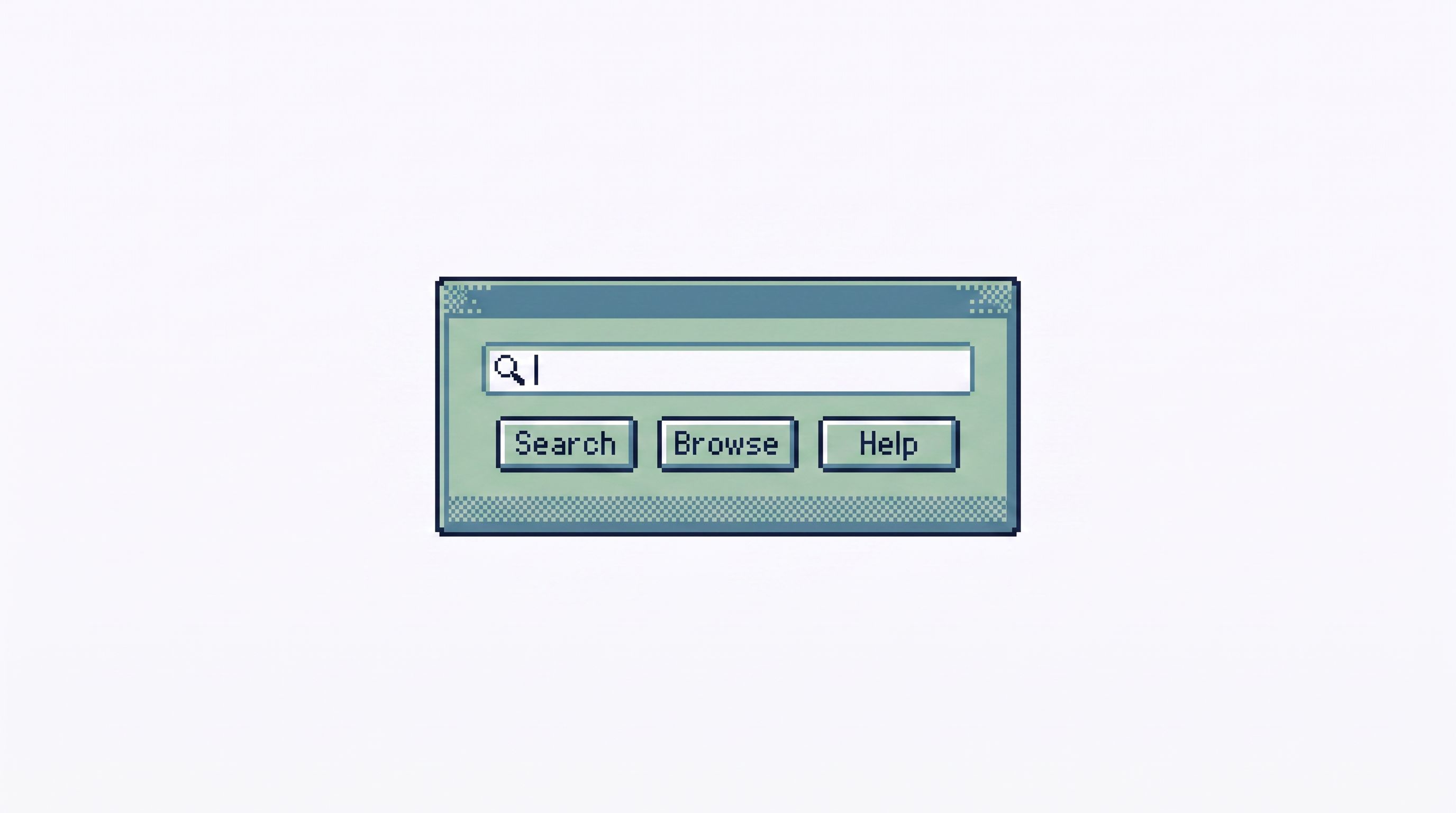
1. Start from questions, not schemas
Most tools greet you with:
- A schema tree
- A blank SQL editor
- A default
LIMIT 50grid
They’re optimized for people who already know where to look.
Quiet curiosity assumes the opposite: you’re starting from a question.
Common starting questions:
- “What happened to this user?”
- “What is the state of this order?”
- “Which jobs are stuck right now?”
- “Did this migration actually do what we expected?”
Design moves:
- Question‑shaped entry points
- Instead of “Open database,” think: “Look up user,” “Inspect order,” “Check job.”
- Each entry point knows which tables matter and which filters are safe.
- Typed identifiers instead of free‑form filters
- Ask for a
user_id,order_id, orjob_id, not arbitrary WHERE clauses. - Validate formats; fail fast when the ID looks wrong.
- Ask for a
- Opinionated defaults
- When you land on a user, show the 3–5 most relevant slices: profile, latest orders, recent failed jobs.
- Avoid a full schema dump.
This is the same shift described in “The Post-Explorer Database Browser: Navigating Production by Intent, Not Objects”: move from objects to intents.
2. Show only the next few sensible moves
Curiosity thrives when the next step is obvious and bounded.
Compare two experiences:
- Noisy: a dense toolbar, dozens of filters, arbitrary joins, tabs multiplying at the top of the screen.
- Quiet: a small set of next actions that match the current question.
Design moves:
- Contextual “next steps” instead of global menus
- On a user view:
- “See recent orders”
- “See failed payments”
- “See feature flags for this user”
- On an order view:
- “See payment attempts”
- “See shipment events”
- On a user view:
- Limit fan‑out
- Each view should have 3–7 next steps, not 30.
- If you need more, you probably need a new question‑shaped flow.
- Progressive disclosure
- Start with summary rows and key fields.
- Let people expand into full row detail only when needed.
This is how you avoid turning a single user lookup into an impromptu schema tour.
3. Constrain what “explore” means
Exploration is not the enemy. Unbounded exploration is.
Most tools treat “explore” as:
- Arbitrary SQL
- Arbitrary joins
- Arbitrary environments
Quiet curiosity narrows it:
- You can explore within the context of your current question.
- You can pivot, but only along known, safe edges.
Design moves:
- Guardrails on joins
- Encode known relationships: user → orders → payments → events.
- Offer these as one‑click pivots instead of ad‑hoc join editors.
- Scoped environments
- Make it obvious which environment you’re in (prod, staging, sandbox).
- For some flows, pin them to read‑only replicas or staging by default.
- Opinionated pagination
- Use cursors that keep people close to “now” or close to the specific event they’re investigating.
- Avoid infinite scroll that invites aimless scanning.
If you want to go deeper on how even pagination shapes attention, see “Opinionated Cursors: Why Even Simple Pagination Choices Shape How Teams Read Data”.
4. Encode recurring investigations as first‑class objects
Most teams debug the same patterns over and over:
- “Look up user by email, then check subscription, then check invoices, then check last payment error.”
- “Given an order ID, see fulfillment events, shipment status, and refund attempts.”
- “Given a job ID, see retries, error messages, and downstream effects.”
Without structure, these flows live as:
- Old Slack threads
- Snippets in Notion
- Half‑remembered steps in someone’s head
Quiet curiosity turns these into opinionated read flows:
- Named
- Versioned
- Discoverable
- Safe by default
Design moves:
- Templates, not just saved queries
- A template is not
SELECT * FROM orders WHERE id = :id. - It’s a sequence of small, readable queries with clear labels.
- Each step answers one sub‑question.
- A template is not
- Parameters instead of copy‑paste
- Inputs are typed fields:
user_id,order_id,email. - The tool handles safe interpolation; no one is editing raw SQL under pressure.
- Inputs are typed fields:
- Trails and sessions
- When someone follows a flow, the tool records the path:
- Which steps they ran
- Which parameters they used
- What they concluded (as a short note)
- That trail can be attached back to a ticket or incident.
- When someone follows a flow, the tool records the path:
This is the same climb described in “The Calm Query Ladder: Moving from Ad-Hoc SELECTs to Opinionated Read Flows”: move from raw queries to structured, reusable reads.
A browser like Simpl leans heavily on this idea: quiet query templates and trails instead of a graveyard of saved SQL.

5. Make it easy to stop
Quiet curiosity is not just about how you start; it’s about how you end.
Many tools subtly encourage you to keep going:
- “Run again” is always highlighted.
- Charts and grids update instantly.
- There’s no sense of “You’ve answered the question.”
A calmer stance is to help people recognize enough.
Design moves:
- Question‑aligned summaries
- At the top of a view, answer the question in plain language:
- “This user has 3 recent failed payments.”
- “This order was refunded successfully on 2026‑03‑12.”
- The rows below are supporting evidence, not the answer itself.
- At the top of a view, answer the question in plain language:
- Lightweight conclusions
- Let people jot a one‑sentence note: “Root cause: expired card; user updated successfully.”
- Save that with the session or ticket.
- Gentle friction on further digging
- If someone is about to pivot far away from the original question, ask:
- “You’ve answered the original question. Start a new session for this new thread?”
- If someone is about to pivot far away from the original question, ask:
Stopping is a feature. It keeps curiosity from turning into ambient, unfocused wandering.
How to bring quiet curiosity into your own stack
You don’t need to rebuild your tools from scratch to get these benefits. You can move in small, opinionated steps.
1. Name your top 5 recurring questions
Sit down with your team and list the most common, concrete questions you ask of production data. For example:
- “What happened to this user’s signup?”
- “Why did this payment fail?”
- “What is the current state of this order?”
- “Is this feature flag behaving as expected for this cohort?”
- “Which jobs are stuck or flapping right now?”
For each, write down:
- Which identifiers you usually start from
- Which tables you actually touch
- Which queries you usually run
This is your raw material.
2. Turn one question into an opinionated read flow
Pick one high‑value question and:
- Encode it as a small sequence of queries
- Give each step a label in plain language
- Parameterize the identifiers (
:user_id,:order_id) - Store it somewhere everyone can see and run safely
If you’re using Simpl, this becomes a quiet query template or trail. If not, you can still:
- Put the SQL in a repo with a small CLI wrapper
- Build a minimal internal page with input fields and read‑only queries
The goal is not tooling perfection. It’s to have one path that feels calmer than “open a console and start typing.”
3. Shrink what people see by default
Take a pass over your existing tools and ask:
- Can we hide the full schema tree for common workflows?
- Can we replace
SELECT *defaults with a small, curated column set? - Can we pin a handful of safe, read‑only entry points for support and on‑call?
The mindset is the same as in “From Data Lakes to Data Puddles: Shrinking What Engineers See to What They Actually Need”: reduce surface area until the question fits comfortably in view.
4. Attach trails back to tickets and incidents
The next time you debug something:
- Keep your investigation inside a single tool or session when possible.
- At the end, capture:
- The key identifiers you used
- The main queries or views you touched
- A one‑sentence conclusion
- Link that back to the ticket or incident.
Over time, you’ll accumulate:
- A small library of real‑world trails
- A set of candidate flows to formalize into templates
- A shared sense of “how we usually answer this question”
5. Take a stance on where curiosity lives
Curiosity about production data shouldn’t be scattered across ten tools.
Decide, as a team:
- What is our primary place to ask questions of live data?
- Which tools are for deep surgery, and which are for calm reads?
A browser like Simpl is built to be that calm entry point: post‑admin, pre‑CLI, focused on everyday reading rather than schema changes or experiments.
Summary
Quiet curiosity is not about limiting what engineers can see. It’s about:
- Starting from concrete questions instead of blank canvases
- Shaping the next steps so wandering is intentional, not accidental
- Constraining exploration to safe, meaningful pivots
- Turning recurring investigations into opinionated read flows
- Making it easy to say, “We’ve seen enough.”
When your database tools encourage quiet curiosity:
- Incidents resolve faster, with fewer detours
- Support and product questions get clearer, repeatable answers
- New teammates can safely explore production without fear
- Knowledge accumulates as trails and templates, not screenshots and DMs
Curiosity stays where it belongs: on the behavior of your systems and customers, not on the quirks of your tools.
Take the first small step
You don’t need a full redesign to get started.
This week, try three moves:
- Write down your top 5 recurring data questions. Be specific.
- Turn one of them into a simple, labeled, parameterized read flow. Even a small internal page or script is enough.
- Pick one tool to be your calm entry point for those questions. Make it the first place you go, not the tenth.
If you want a browser designed around quiet curiosity from the start, explore Simpl—an opinionated, read‑first database browser built to help teams ask better questions without disappearing into rabbit holes.