Opinionated Read Paths in Practice: How Teams Actually Use Simpl During Incidents

Incidents are rarely about “the database” in the abstract.
They are about something painfully specific:
- A customer who can’t log in
- A batch of payouts stuck in
processing - A migration that quietly flipped a flag for the wrong set of users
Your monitors and dashboards tell you that something is wrong. But the work of resolving an incident is about reading: following a trail of rows until the story is clear enough to act.
Opinionated read paths are how teams make that reading repeatable.
Instead of re‑inventing ad‑hoc queries in the middle of an incident, teams using Simpl encode their best investigation flows as calm, guided paths through the data. Not big frameworks. Just small, deliberate choices about where you land first, what you see next, and what you never need to think about at 2 a.m.
This post walks through how those paths actually show up during incidents, what patterns keep them useful, and how to start shaping your own.
Why opinionated read paths matter during incidents
During an incident, three constraints dominate:
-
Attention is scarce.
- People are tired, paged in, or juggling other work.
- Every extra decision (“which table?”, “which environment?”, “which query version?”) burns attention you don’t have.
-
Time is compressed.
- You’re trying to shorten MTTR, limit blast radius, and restore user trust.
- Wandering through schemas or rewriting the same queries is pure waste.
-
Risk tolerance is low.
- You want to read production safely, not accidentally run a heavy
SELECT *or mutate data.
- You want to read production safely, not accidentally run a heavy
Opinionated read paths answer all three:
- Defaults over decisions. You land in the right slice of data for this kind of incident, with sane filters and joins already in place.
- Narrative over objects. You follow a story ("this user’s payment journey") instead of a map ("these 27 tables").
- Read‑only, enough. You can see what you need, without the power to break things.
If you’ve read about moving from ad‑hoc queries to structured flows, this is that idea under pressure. The patterns in The Calm Query Ladder show up most clearly when something is on fire.
What an opinionated read path looks like in Simpl
Different teams implement this differently, but the core ingredients tend to rhyme.
A typical path in Simpl for a “payment failed” incident might look like:
-
Entry point: a single identifier.
- A
user_id,payment_id, orrequest_idpasted into a single field. - Simpl treats this as the key to a trail, not just a parameter to one query.
- A
-
First view: a canonical summary.
- A read page that pulls together 3–5 critical tables:
paymentspayment_attemptstransactionsrefunds
- Opinionated joins, filters, and ordering already baked in.
- Clear status indicators: last attempt, failure reason, current state.
- A read page that pulls together 3–5 critical tables:
-
Next hops: a small set of branches.
- Buttons or links that pivot into:
- User profile context (flags, risk scores, account state)
- Job / workflow runs related to this payment
- Downstream effects (payouts, ledger entries)
- Each hop is another opinionated read, not a blank editor.
- Buttons or links that pivot into:
-
Guardrails: what you can’t do.
- No schema changes.
- No arbitrary
UPDATE/DELETE. - No
SELECT *on hot tables by default.
The point isn’t that you can’t write SQL. It’s that during an incident, you usually shouldn’t have to. You follow a trail that already reflects how your team has debugged this class of problem before.
If you’ve experimented with opinionated trails instead of saved queries, you’ll recognize the pattern from Database Work Without Bookmarks.
How teams actually use Simpl during incidents
Let’s walk through a few real patterns that keep showing up across teams.
1. Starting from the ticket, not the schema
Most incidents arrive as:
- A support ticket from a specific customer
- A Slack message with a stack trace and a user ID
- An alert that links to a failing job or request
Teams that lean on Simpl rarely start from a schema browser. They start from that identifier.
A common setup:
- A link template in your ticketing system (Jira, Linear, Zendesk) like:
https://simpl.yourcompany.com/trails/user?user_id={{user_id}}
- Or from logs/APM:
- A “View in Simpl” link next to a
trace_idorrequest_id.
- A “View in Simpl” link next to a
That link drops the on‑call engineer directly into the relevant trail:
- For
user_id: a canonical user journey view - For
request_id: a request timeline with related rows - For
job_id: a job run with its dependent records
This is the same straight‑line idea described in From Tickets to Tables to Code, applied under incident pressure: no bouncing through five tools before you see real rows.
How to implement this in practice
-
Pick 1–2 primary identifiers.
- Example:
user_id,order_id.
- Example:
-
Create a single, opinionated trail per identifier.
- In Simpl, this is a read path that:
- Accepts the identifier as input
- Runs a small set of curated queries
- Presents them as a guided flow instead of separate tabs
- In Simpl, this is a read path that:
-
Wire your tools into that trail.
- Add “View in Simpl” links from:
- Ticket templates
- Error pages in your app
- Log search results
- APM traces
- Add “View in Simpl” links from:
Once this is in place, every incident that starts with that identifier has a calm, predictable first move.
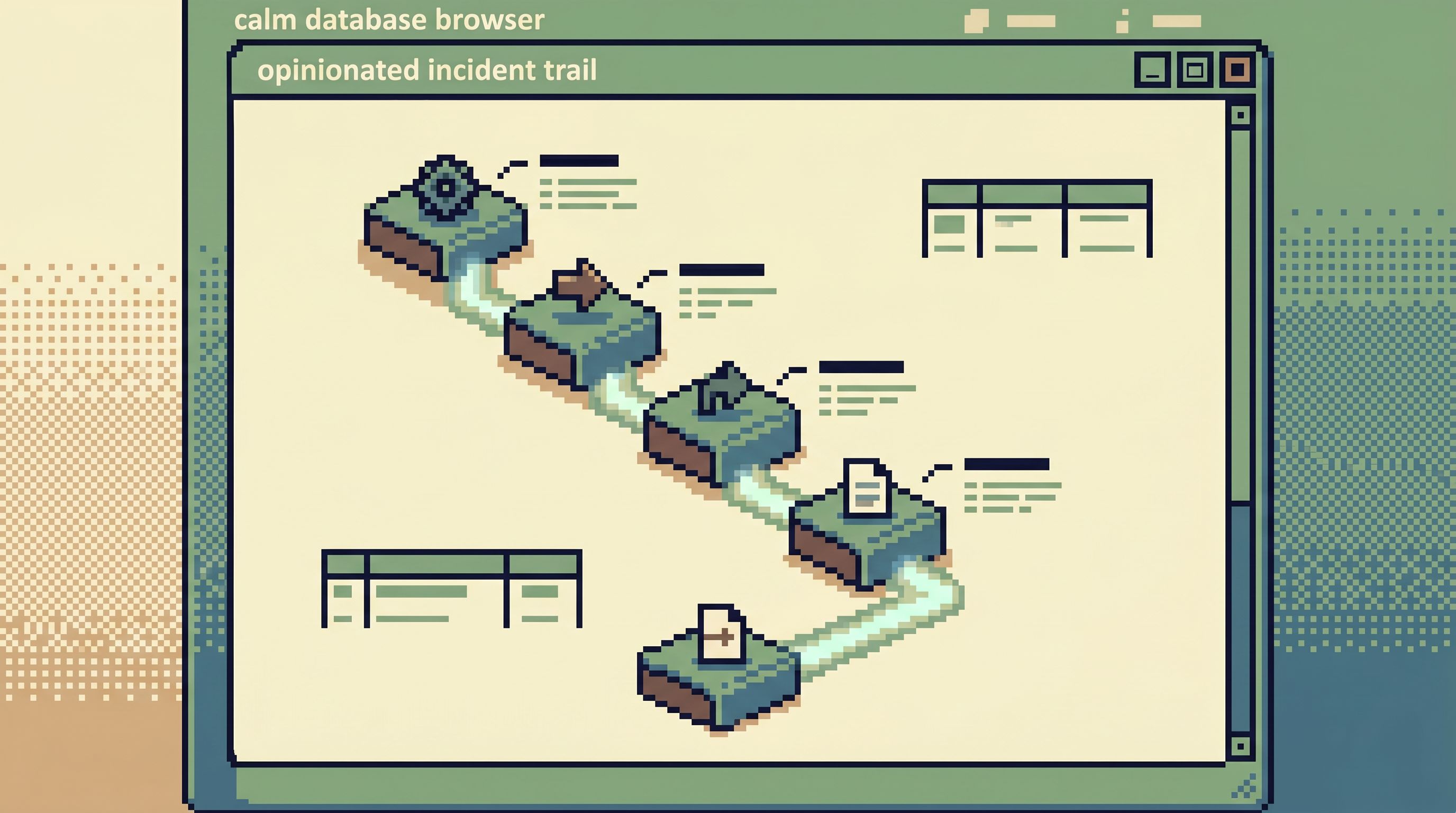
2. Replaying a concrete chronology
Incidents are temporal. Something happened over time:
- A request came in
- A background job retried three times
- A flag flipped
- A row was inserted, then updated, then soft‑deleted
Teams using Simpl often build read paths that respect that chronology instead of flattening everything into “current state.”
A typical incident trail might:
- Accept a
request_idorjob_id. - Show a timeline of events:
- Key log lines (or references to them)
- Job attempts and statuses
- Database writes/updates with timestamps
- Let you drill into point‑in‑time reads:
- “Show me the row as it looked before this migration.”
- “Show me all related rows created within 5 minutes of this event.”
This mirrors the ideas in The Quiet Chronology: treat the incident as a story you can replay, not a pile of disconnected queries.
Why this matters under pressure
- You avoid the trap of staring at the latest row state and guessing how you got there.
- You can answer questions like:
- “When did this break for the first time?”
- “Did this migration change behavior for this specific user?”
- “Which other users are on the same broken path?”
Practical tips
- Order everything by time. When in doubt, sort by
created_atorupdated_atand show time deltas. - Highlight transitions. Use simple visual cues for status changes (e.g.,
pending → failedin red,processing → succeededin green). - Keep it narrow. Don’t show every event. Show the 5–10 most relevant columns and transitions for this incident class.
3. Encoding recurring debug flows as one‑click paths
Most teams have a small set of incident types that repeat:
- “User can’t log in”
- “Payment stuck in processing”
- “Job keeps retrying and then gives up”
- “Feature flag didn’t apply correctly”
Without opinionated paths, each one triggers a familiar dance:
- Find the last incident.
- Dig up the old SQL in Slack or a doc.
- Re‑run it, tweak it, hope it still applies.
With Simpl, teams instead turn these into named, reusable flows:
-
“Login Failure Trail”
- Input:
user_idoremail - Shows:
- Recent auth attempts
- Relevant feature flags
- Account lock status
- Input:
-
“Stuck Payment Trail”
- Input:
payment_id - Shows:
- Payment + attempts + gateway responses
- Related jobs and their statuses
- Downstream ledger/payout rows
- Input:
-
“Retrying Job Trail”
- Input:
job_id - Shows:
- Attempts, errors, backoff schedule
- Related domain rows (e.g.,
invoices,subscriptions)
- Input:
These aren’t giant frameworks. They’re a handful of well‑named, well‑scoped trails that map directly to how incidents show up.
How teams keep these trails healthy
-
Treat them like code.
- Own them in version control.
- Review changes.
- Update them after each major incident.
-
Keep the set small.
- 5–10 high‑value trails beats 50 half‑maintained ones.
-
Name them by question, not table.
- “Why is this payment stuck?” is better than “payments + attempts join.”
This is the “runbooks in SQL” idea from Beyond Saved Views: each path is a small, legible runbook you can execute with one click.
4. Making on‑call feel safer for more people
A quiet benefit of opinionated paths is cultural: they make it possible for more engineers (and sometimes support or product) to participate safely in incident reading.
With Simpl, teams often:
- Give broad, read‑only access to incident trails.
- Keep raw SQL or admin consoles restricted to a smaller group.
This changes the dynamic:
-
A support engineer can:
- Paste a
user_idinto a trail - Confirm whether an issue is isolated or systemic
- Attach a screenshot of the exact rows to the ticket
- Paste a
-
A new on‑call engineer can:
- Follow the same trail a senior engineer used last month
- Learn how incidents are investigated by using the path, not reading a doc
Opinionated read paths quietly become a training tool: a living record of “how we actually debug this class of problem,” encoded in the tool instead of scattered across DMs.
5. Staying calm when you do need to go off‑trail
Not every incident fits the existing paths. Sometimes you hit:
- A new service
- A brand‑new failure mode
- A migration gone sideways in an unexpected way
Even then, opinionated paths help:
- They give you a known good starting point.
- They show you which joins and filters are considered canonical.
- They reduce the surface area you need to think about before writing custom SQL.
In Simpl, teams will often:
- Start from the closest existing trail.
- Use that context to open a more flexible view or editor.
- Once the incident is understood, decide whether this new path should become a first‑class trail.
The goal isn’t to eliminate exploration. It’s to avoid unstructured wandering when you most need clarity—a theme we unpacked in Quiet Curiosity.
A simple way to design your first incident read paths
You don’t need a full taxonomy or incident framework to start. You need a couple of good defaults.
Here’s a minimal way to design your first opinionated paths in Simpl:
-
List your top 3 recurring incident types.
- Example:
- Login failures
- Stuck payments
- Flaky background jobs
- Example:
-
For each incident type, write one concrete question.
- “Given a
user_id, why can’t this person log in?” - “Given a
payment_id, why is this payment not settled?” - “Given a
job_id, why is this job still retrying or failing?”
- “Given a
-
Sketch the minimal data you need to answer that question.
- 3–5 tables.
- 5–10 columns per table.
- Ordered by time or by lifecycle stage.
-
Build a single trail per question in Simpl.
- One input field for the identifier.
- A small, opinionated sequence of reads.
- Clear names and short descriptions.
-
Wire one upstream link into each trail.
- From tickets, logs, or APM.
- Make it trivial to get from the alert to the trail.
-
Review and refine after real incidents.
- After each use, ask:
- What did we still have to look up manually?
- Which step was noisy or irrelevant?
- What did we wish was one click away?
- Fold those learnings back into the trail.
- After each use, ask:
If you do nothing else, this will already shorten incidents and make on‑call feel less like wandering through a schema tree and more like following a well‑marked path.
Summary
Opinionated read paths are not a grand theory. They’re a practical response to how incidents actually unfold:
- Incidents are specific. They start with a user, a job, or a request—not with a table.
- Attention is limited. Every extra choice in your tools is a chance to get lost.
- Stories matter. You need to replay what happened over time, not just stare at current state.
Teams using Simpl turn these constraints into structure:
- They start from identifiers, not schemas.
- They follow curated trails that reflect real debug flows.
- They replay chronologies instead of running isolated queries.
- They make on‑call safer and more inclusive by encoding best practices as paths.
The result is not just faster incidents. It’s a calmer relationship with production data: fewer tabs, fewer ad‑hoc queries, and a clearer sense of “this is how we read when something breaks.”
Take the first step
You don’t need to redesign your entire incident process to benefit from opinionated read paths.
Pick one recurring incident type.
- Decide on a single identifier.
- Sketch the minimal set of tables and columns you actually use.
- Turn that into one trail in Simpl and wire a “View in Simpl” link from your tickets or logs.
Run your next incident through that path. Notice what feels calmer, what’s still noisy, and what you never want to do manually again.
Then iterate.
If you want a tool that’s built around this style of work—a calm, opinionated database browser for production reads—start experimenting with Simpl and let your next incident be the moment you retire one more ad‑hoc query script for good.