The Post-Explorer Database Browser: Navigating Production by Intent, Not Objects


Most database tools still assume you want to explore.
They hand you:
- A schema tree
- A blank SQL editor
- A grid of rows with pagination
From there, the workflow is familiar: expand tables, guess where to look, run SELECT *, tweak, rerun, scroll. You’re navigating by objects — tables, columns, services — and hoping your real question eventually bumps into the right rows.
That approach quietly breaks down once you care about production:
- Incidents are time‑bound, not table‑bound.
- Customer stories cut across services, not schemas.
- Debug flows repeat, but your tools treat them as one‑offs.
A post‑explorer database browser starts from a different premise: you should navigate production by intent, not by objects.
Simpl exists exactly for this stance: a calm, opinionated database browser for exploring, querying, and understanding production data without the noise of full BI or admin tools.
Why object‑first navigation quietly fails in production
Object‑first tooling looks reasonable:
- You know your tables.
- You know which service owns which database.
- Your tools expose everything.
But under pressure, that model turns into noise.
1. The schema is not your question
When something is wrong, your question is rarely:
- “What’s in
orders?”
It’s closer to:
- “Why did this customer’s order get stuck after the payment succeeded?”
The schema is a map, not the journey. You still have to mentally translate:
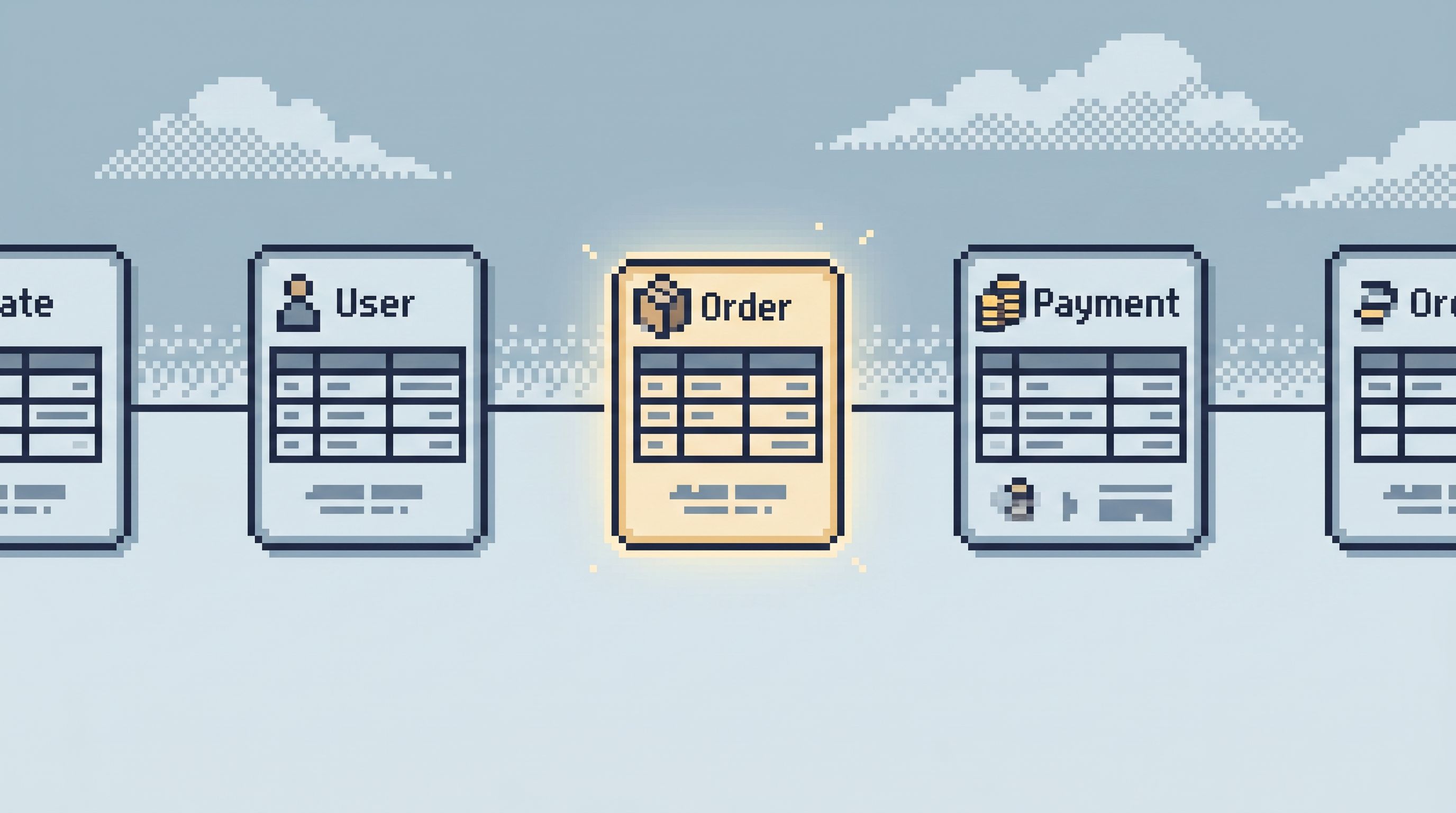
Ticket → user → order → payment → job → rows
This is exactly the gap we unpack in Database Work Without the Map: Navigating Production by Question, Not Schema or Service. A post‑explorer browser closes that gap by starting where your question starts, not where your tables live.
2. Exploration encourages wandering, not resolution
Exploratory tools reward motion:
- New tabs
- New queries
- New charts
You feel productive because things are changing. But the core question — what actually happened here? — often stays fuzzy. You’re navigating by what’s easy to click, not by what’s necessary to understand.
3. Objects don’t encode how your team actually investigates
Your team already has patterns:
- How you debug a failed payment
- How you verify a migration
- How you replay an incident
Object‑first tools don’t capture any of that. They give everyone the same raw objects and hope experience fills in the rest. That’s how you end up with:
- Forked versions of “the same” query
- Context trapped in Slack screenshots
- New teammates afraid to touch production
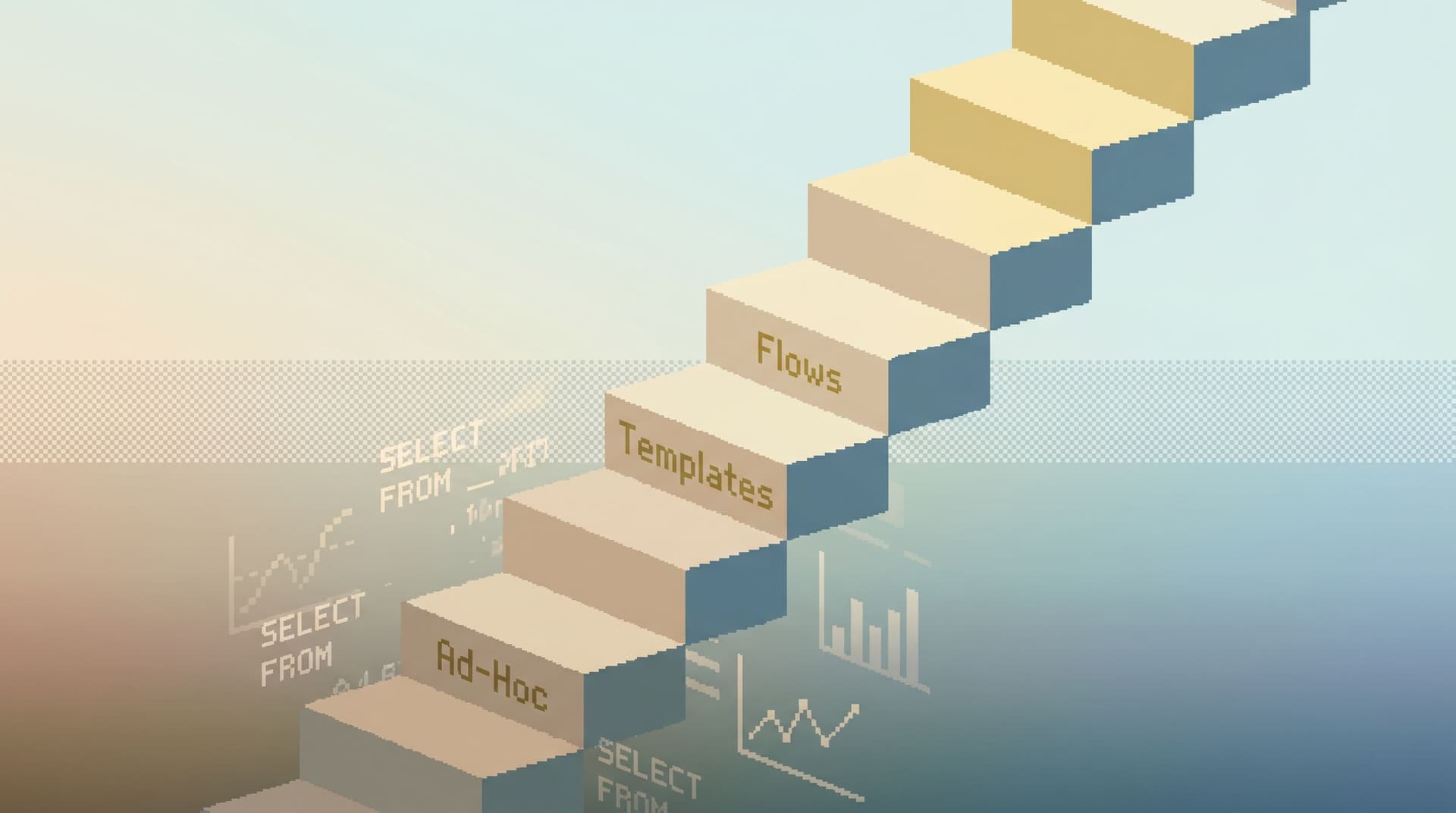
We covered this in The Calm Query Ladder: Moving from Ad‑Hoc SELECTs to Opinionated Read Flows: if your tools stay at the bottom rung — raw objects, raw SQL — your team does too.
A post‑explorer browser takes a stance: the unit of navigation is intent, not table.
What it means to navigate by intent
Intent is the why behind your read:
- “Show me everything relevant to this ticket.”
- “Walk this user’s journey across services.”
- “Check if this migration harmed any live customers.”
An intent‑first browser makes that explicit and uses it to shape what you see next.
Concretely, navigating by intent means:
-
Entry points are questions, not schemas
- Start from a ticket ID, user ID, job ID, or incident link.
- The browser lands you on the right slices of data, not the whole database.
-
Trails, not tabs
- Each investigation becomes a trail: a linked sequence of reads that tell one story.
- You can replay, share, and refine that trail later.
-
Opinionated flows over open‑ended exploration
- Common intents become opinionated flows: “refund audit,” “failed signup,” “stuck job.”
- These flows encode how your team investigates, not just what they select.
-
Guardrails instead of raw power
- The browser makes dangerous moves hard and safe moves easy.
- You still have SQL, but it’s framed by the question you’re answering.
Simpl is built around exactly these ideas: entry points by question, trails instead of tabs, and opinionated flows for recurring work.
From explorer to intent‑first: the core shifts
Let’s walk through the practical shifts from an object‑first explorer to an intent‑first browser.
1. Start from the question, not the database
Instead of:
- Open SQL IDE or admin console
- Pick a database
- Expand schemas
- Guess a table
- Write a query
An intent‑first flow looks more like:
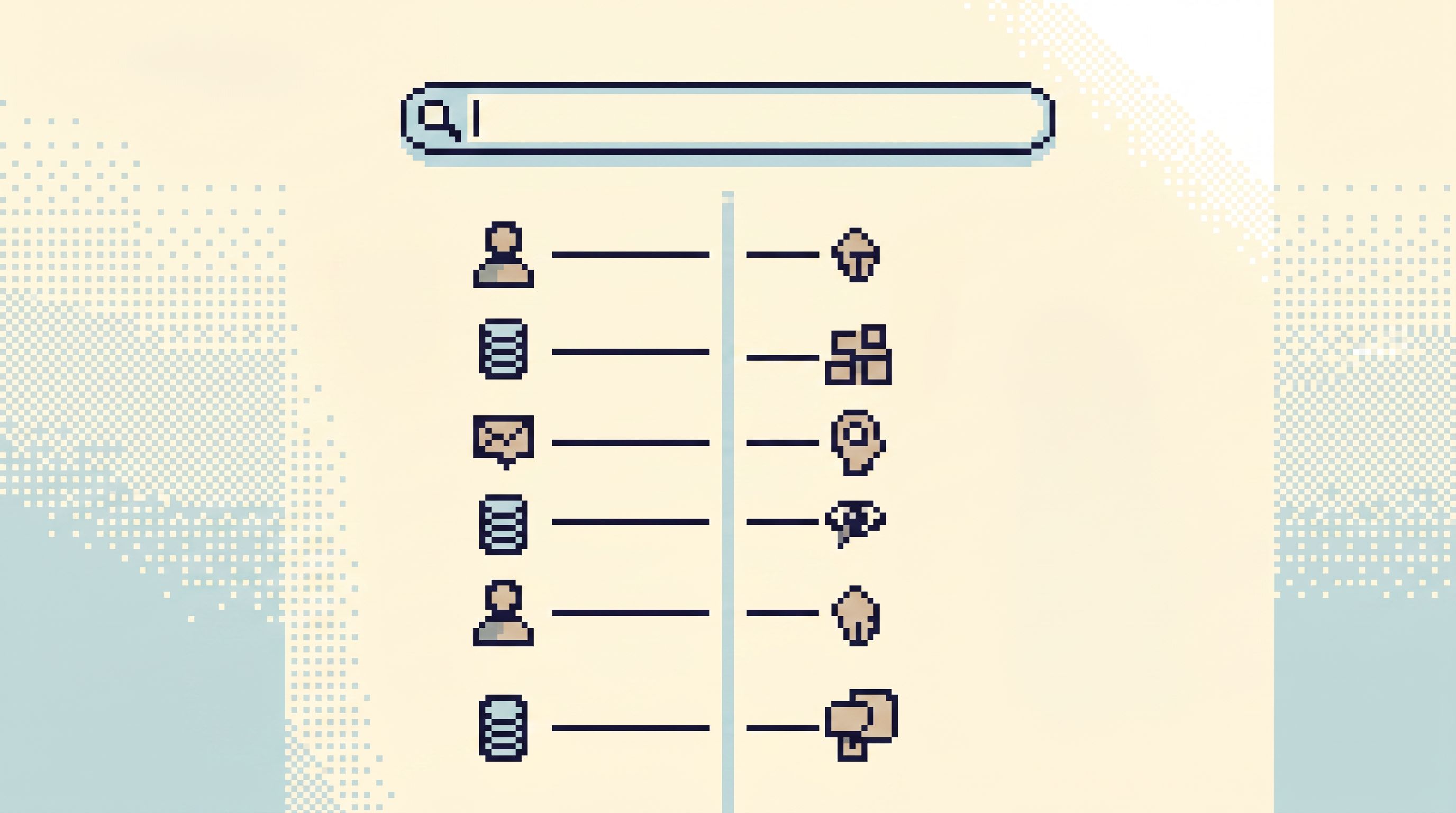
- Paste a ticket URL, user ID, or job ID into a single entry field
- Let the browser resolve that into the relevant entities
- Land directly on a focused view: “User journey for
user_123,” “Job history forjob_456,” etc.
You stop asking “which table?” and start asking “which story?”
This builds on the idea of a single calm entry point from The Calm Query Session: Designing Database Work Around One Entry Point, Not Ten. Intent just makes that entry point smarter.
How to move in this direction today
- Pick one or two high‑volume identifiers (user ID, order ID, job ID).
- Create a small internal page or script that, given that ID, links directly to a few canonical reads:
- “User profile + recent events”
- “Orders for this user”
- “Jobs touching this user in the last 24h”
- Make that page the first thing people open for those questions.
A tool like Simpl can hold this as a single, calm entry point instead of another one‑off script.
2. Treat investigations as trails, not disconnected queries
In an explorer, each query is a separate tab. Context lives in your head.
In an intent‑first browser, each investigation becomes a trail:
- Start: “Why did this payment fail?”
- Step 1: Look up the payment row
- Step 2: Follow the customer
- Step 3: Check related jobs
- Step 4: Verify downstream effects
The browser records this path:
- Which views you opened
- Which filters you applied
- Which identifiers you followed
Later, you can:
- Replay the trail for a similar incident
- Share it with a teammate
- Turn it into an opinionated template
This is the core idea behind Database Work Without Bookmarks: Using Opinionated Trails Instead of Saved Queries: your trails are the knowledge base, not a graveyard of saved SQL.
How to approximate this without new tools
- During the next incident, keep a short text log:
1. Looked up user by email in users table2. Queried orders for user_id = ...3. Checked payments where order_id IN (...)
- After the incident, convert that into a small checklist or runbook.
- Next time, follow the checklist instead of starting from a blank editor.
An intent‑first browser like Simpl can encode this trail directly into the interface: one click to replay, not another doc to hunt down.
3. Turn recurring intents into quiet, opinionated flows
Most teams already have recurring intents:
- “Support: understand this customer’s last 7 days.”
- “Data: verify this migration didn’t duplicate rows.”
- “Product: confirm how many users hit this feature flag.”
But your tools treat each one as a fresh adventure.
A post‑explorer browser treats them as first‑class flows:
- Named, like “Customer 360 for Support” or “Post‑deploy payment audit.”
- Parameterized, not copied: you pass
user_idordeploy_id, the flow does the rest. - Guard‑railed: safe predicates, bounded time windows, limited columns.
This is the same move we argue for in The Quiet Query Template: Turning Recurring Debug Flows into Opinionated, One‑Click Reads: fewer, better, calmer flows.
How to start
- List your top 3–5 recurring questions about production.
- For each, write the ideal sequence of reads in plain language.
- Implement that sequence as:
- A small set of parameterized views, or
- A single script that runs the key queries safely.
- Link those flows from your main database entry point.
Then, instead of “open the console,” people can choose:
- “Investigate failed payment”
- “Check stuck job”
- “Review user’s last 10 events”
Simpl is designed to hold exactly these flows as calm, repeatable paths instead of ad‑hoc SQL.
4. Align navigation with real‑world timelines
Incidents don’t happen in tables. They happen along timelines:
- A request arrives
- A flag flips
- A job runs
- A query fails
An intent‑first browser leans into this:
- Views are anchored in time, not just in table.
- You can replay a user’s or job’s story as a chronology.
Instead of:
- “Show me rows in
eventswhereuser_id = ....”
You get:
- “Show me the sequence of events, jobs, and writes that touched this user between 10:02 and 10:07.”
This is the heart of The Quiet Chronology: Replaying an Incident from Logs to Rows Without Opening Ten Tools: one coherent timeline instead of a scatter of tools.
How to lean into chronology
- Standardize on a small set of correlation IDs (request ID, trace ID, user ID).
- Make sure they show up in:
- Application logs
- Key database tables
- Background job metadata
- Build one or two views that sort these by time and stitch them into a single feed.
Then your intent becomes “replay this story,” not “open five tools.” A browser like Simpl can surface that as a first‑class way to read production.
5. Guardrails that reflect intent, not just permissions
Read‑only roles are necessary. They’re not sufficient.
Intent‑first guardrails go further:
-
Shape defaults around the question.
- For “support: understand this customer,” default to the last 7 days, not all history.
- For “incident: who’s affected?”, default to a bounded time window and a capped result set.
-
Make dangerous shapes hard to express.
- Discourage
SELECT *on hot tables. - Nudge toward indexed predicates and safe joins.
- Discourage
We dig into these habits in *Beyond ‘SELECT ’: Small Query Habits That Make Production Databases Feel Safer. An intent‑first browser bakes those habits into the UI instead of relying on memory.
Practical moves
- Add safe defaults to your common flows: time ranges,
LIMITs, and key filters. - Review your top incident queries and bake their safe variants into templates.
- Make the “right” query one click away; make the risky one require work.
Simpl is built around this idea: read‑first, opinionated, and enough — not a playground for arbitrary power.
Putting it together: a minimal path to post‑explorer
You don’t need to redesign your entire stack to move toward an intent‑first browser. You can layer it in gradually.
1. Declare one entry point
- Pick a single place where production questions start.
- That could be:
- A lightweight internal “data home” page
- A focused browser like Simpl
- Link everything else from there, not alongside it.
2. Name your top 3 intents
For most teams, they sound like:
- “Understand this customer”
- “Investigate this failed flow”
- “Verify this change didn’t hurt anyone”
Write them down. Use those names in your tools.
3. Build one trail per intent
For each intent:
- Log the steps you usually take.
- Turn them into a repeatable flow: a small checklist, a script, or a set of linked views.
- Make that flow discoverable from your entry point.
4. Add time and guardrails
- Anchor flows in time: “last 15 minutes,” “since this deploy,” “around this incident.”
- Add safe defaults for limits and filters.
5. Retire one explorer habit at a time
- Replace “open the console and poke around” with “start from the intent page.”
- Replace “paste SQL into Slack” with “share the trail.”
Over a few weeks, the feel of production changes:
- Fewer wandering sessions
- Fewer duplicated queries
- More shared, repeatable paths
You’re still reading rows. But you’re doing it with a browser that understands why you’re there.
Summary
A post‑explorer database browser is not about more features. It’s about a different center of gravity:
- From objects to intents. Tables and schemas are still there, but they’re supporting actors, not the main character.
- From tabs to trails. Investigations become replayable paths, not isolated queries.
- From exploration to resolution. The tool is optimized for answering concrete questions, not for wandering.
- From raw power to opinionated guardrails. The defaults match your real work: support, debugging, incident review, change verification.
Tools like Simpl exist for exactly this middle layer: post‑admin, pre‑CLI, focused on calm, intent‑driven reads in production.
Take the first step
You don’t have to wait for a new platform to work this way. You can start this week:
- Choose one recurring question about production — a support flow, a common incident, a frequent “can you check this?” request.
- Write down the ideal trail — the 3–7 steps you’d follow if you had all the time in the world.
- Turn that into a concrete flow — a small internal page, a script, or a set of linked views with safe defaults.
- Make it the default path — link it from your main entry point; point people to it explicitly.
Then, when you’re ready to go further, try running that same intent inside a focused browser like Simpl. See what it feels like when the tool starts from your question, not from a schema tree.
That’s the post‑explorer database browser: production, navigated calmly by intent, not by objects.