The Quiet Query Console: Designing a Single Surface for Logs, Traces, and Rows

Most teams debug production across three different worlds:
- Logs in one tool
- Traces in another
- Rows in a database browser or SQL IDE
Each surface is reasonable on its own. Together, they create a tax on every incident, every subtle bug, every “what happened to this user?” question.
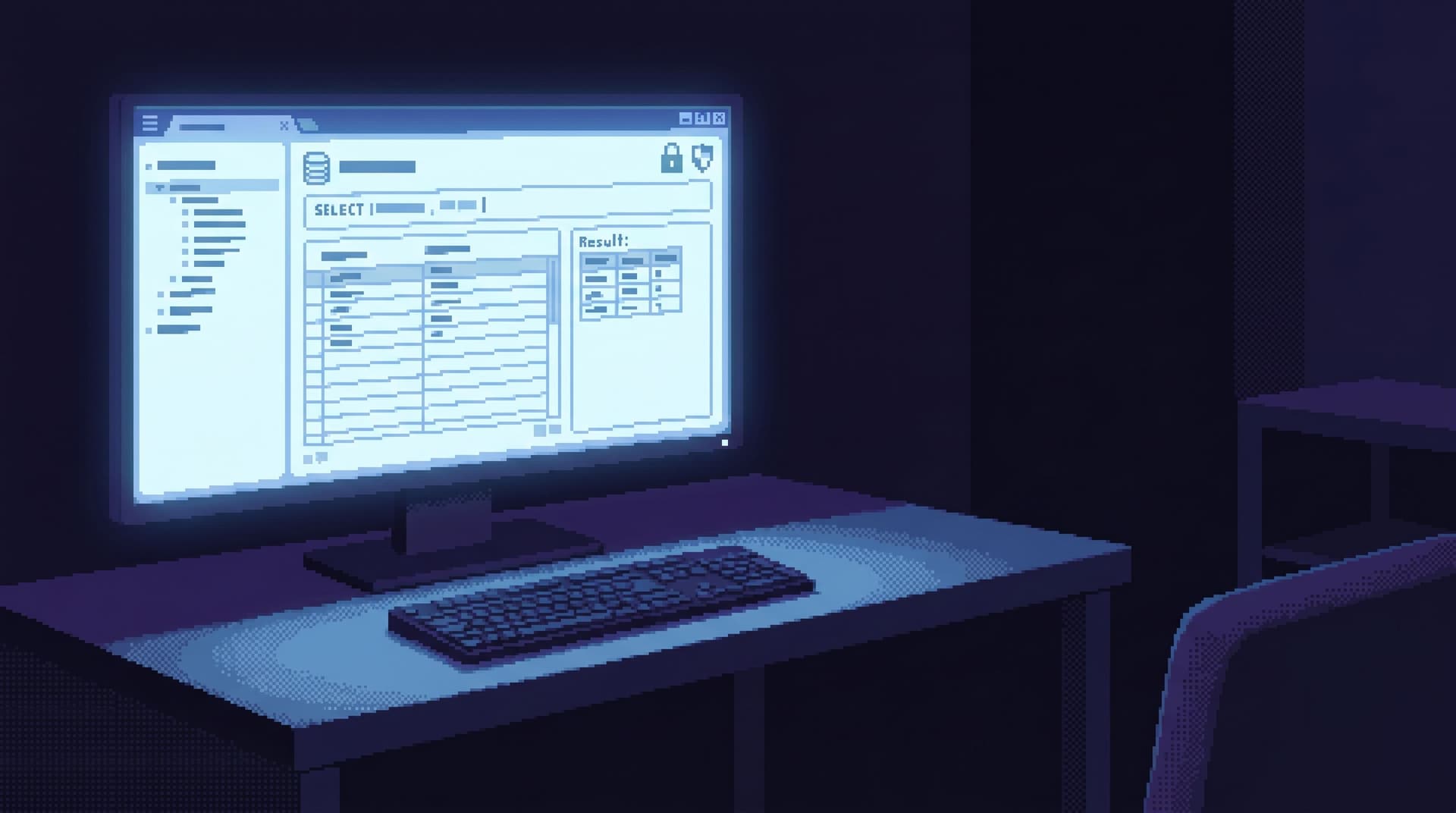
This post is an argument for something quieter: a single query surface where logs, traces, and rows meet. One console. One mental model. One place you actually work.
Tools like Simpl are built around this posture: an opinionated database browser that treats production understanding as a calm, linear activity instead of a tab-juggling contest.
Why a single surface matters
Most observability stacks grew by accretion:
- APM for traces
- Log search for text
- BI for metrics
- SQL IDE for rows
You can wire them together with links, tags, and correlation IDs. But the experience still feels like this:
- See an error in your error tracker.
- Jump to logs.
- Copy a request ID into a trace tool.
- Copy a user ID into a SQL editor.
- Try to keep the story straight across four UIs.
The cost isn’t just seconds lost to copy‑paste. It’s cognitive:
- Context resets. Every switch forces you to remember what you’re looking for and how this tool wants you to express it.
- Fragmented narratives. Logs say one thing, traces another, rows a third. You, the human, become the integration layer.
- Higher error risk. Under pressure, it’s easy to paste the wrong ID, misread a timestamp, or grab the wrong tenant.
A quiet query console flips this:
One surface, one query language, three kinds of evidence: logs, traces, and rows.
Instead of asking, “Which tool do I open next?” you stay in one place and ask, “What slice of this same story do I need now?”
If you’ve read about the calm debug loop or the anti‑workspace stance, this is the same idea, pushed down into observability itself.
What a quiet query console actually is
A quiet query console is not just “logs in the database” or “traces in a dashboard.” It’s a design stance:
- One primary view. A single, linear result surface where you read what happened.
- One mental model. Everything is queryable around a few shared keys: time, request, user, tenant, job.
- One navigation rhythm. You move by narrowing, pivoting, and zooming—without leaving the console.
Concretely, that means:
- Logs, trace spans, and database rows are all first‑class records.
- They share correlation identifiers (request IDs, job IDs, user IDs).
- They share a time axis you can move along without switching tools.
- They can be filtered and joined without learning three different query syntaxes.
The goal isn’t to replace specialized tools for deep analysis. It’s to create a calm, everyday surface where most questions can be answered without leaving the page.
Designing the data model: shared keys, not shared schemas
The first trap is to try to cram everything into one giant table. Don’t.
Instead, design a small, opinionated model around shared identifiers:
- Request or trace ID – the spine for HTTP/RPC work.
- Job or task ID – for background work.
- User or account ID – for customer‑centric questions.
- Tenant or environment key – for multi‑tenant and staging/prod separation.
Then treat each signal as its own shape:
- Logs – semi‑structured text with level, timestamp, and tags.
- Traces/spans – hierarchical, timed segments with attributes.
- Rows – strongly structured data in your primary database.
The console doesn’t need a unified schema. It needs tight, reliable joins across these identifiers.
A simple mental model:
- Logs answer: “What did the code say was happening?”
- Traces answer: “Which path through the system did this request take?”
- Rows answer: “What was the state of the world when this happened?”
Your job is to make it trivial to move between those three answers without leaving the console.
The primary surface: a narrative, not a dashboard
A quiet console should feel more like reading a story than operating a cockpit.
Key properties:
- Linear, scrollable trail. Results read top‑to‑bottom. No tiles, no nested panels.
- Time‑anchored. Every record—log line, span, row—carries a timestamp and sits in a shared time context.
- Type‑aware, not mode‑switching. You can see at a glance whether you’re looking at a log, span, or row without switching “views.”
A pattern that works well:
- A single column of events, each tagged with:
- Type:
log,span,row - Source: service, table, job
- Time: absolute + relative (e.g., +23ms from request start)
- Type:
- Expandable detail for each record:
- For logs: message, structured fields
- For spans: duration, attributes, children
- For rows: key columns, with a path to a full row view
The console is not trying to be a BI tool. It’s closer to the post‑workspace browser: one trail, one question, one surface.
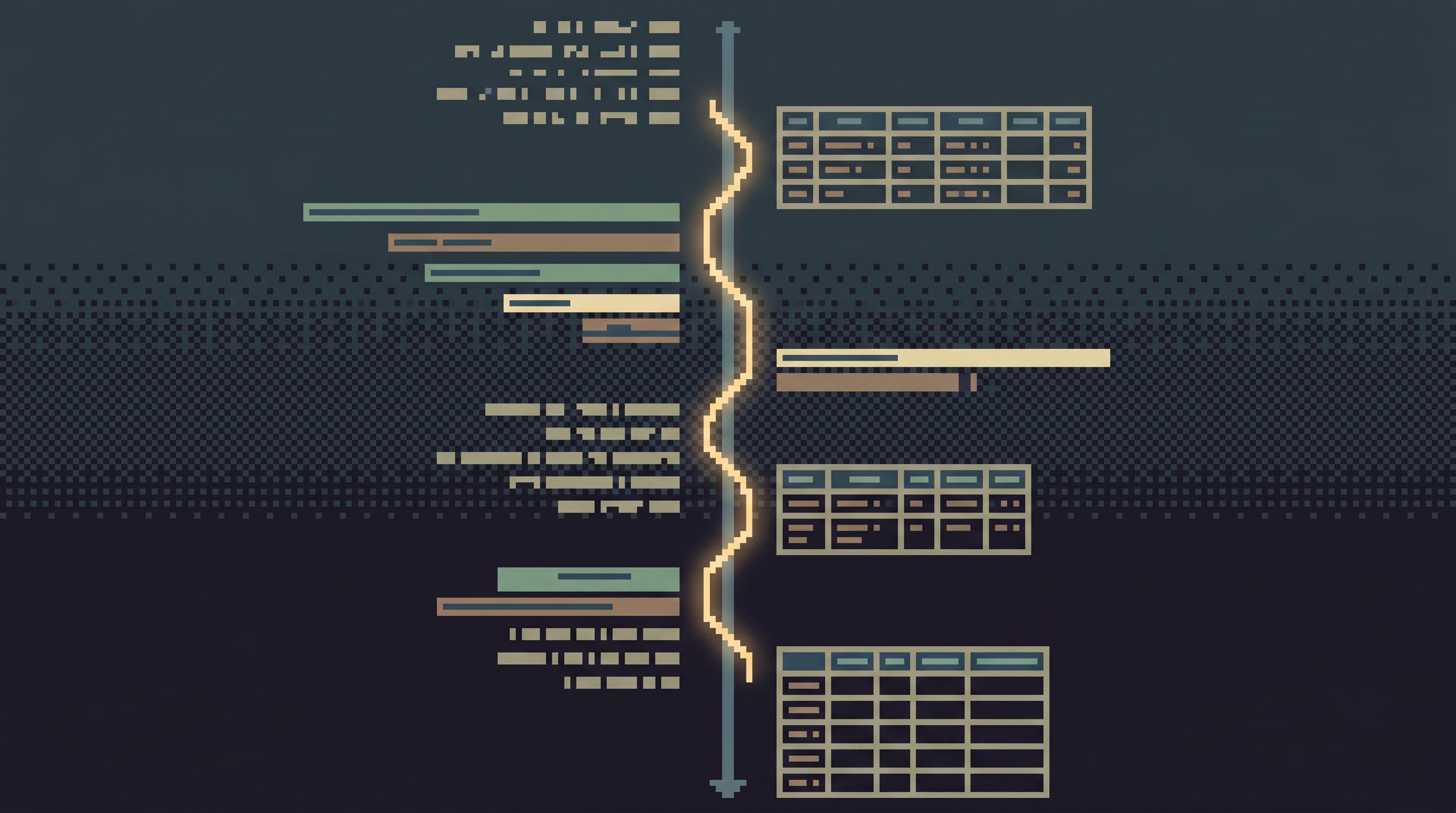
Querying without chaos: opinionated filters over free‑form search
A single surface is only calm if the way you reach it is calm.
The quickest way to ruin it is to drop a raw search bar on top and call it a day. Free‑form search across logs, traces, and rows is a recipe for:
- Huge result sets
- Slow queries
- Unclear intent
Instead, borrow from the stance in Opinionated Filters, Not Free‑Form Search:
Start from concrete intents
Design a small set of entry questions:
- “Show me everything about this request ID.”
- “Show me what happened to this user between T1 and T2.”
- “Show me all failed jobs for this tenant in the last hour.”
Each of these maps to a constrained query template:
- Required keys (e.g., user ID, request ID)
- Narrow time window
- Pre‑joined signals (logs + spans + key rows)
Use guided filters, not blank canvases
In the console, favor:
- Dropdowns and chips for:
- Environment (prod, staging)
- Service or subsystem
- Log level or span status
- Opinionated time ranges:
- “Just this request”
- “5 minutes around this event”
- “From deploy X to now”
Over time, you can let advanced users drop into a more expressive query language. But the default posture should be narrow, predictable, and safe—much like the narrow query editor.
Joining logs, traces, and rows without losing your footing
The power of a single console is in the joins. But joins are also where confusion creeps in.
Some patterns that keep things calm:
1. Make the spine explicit
Every session should have a primary spine:
- A single request ID
- A single user ID
- A single job ID
Everything else is “attached” to that spine:
- Logs that reference the spine ID
- Spans in the same trace
- Rows touched by that request or job
Visually, that might mean:
- A header that states:
Following request 4b2e... for user 123 in tenant acme-prod. - Sub‑filters that say:
+ 5 minutes before/after,+ related jobs,+ related users.
You can pivot the spine (from request → user, from job → tenant), but you always have one.
2. Keep joins shallow and explainable
Avoid deep, clever joins that even experienced engineers can’t explain in plain language.
Instead, design a small set of well‑named joins:
logs ↔ tracesviatrace_idorspan_idtraces ↔ rowsviauser_id,order_id, orjob_idlogs ↔ rowsvia the same keys
When a record appears because of a join, show why:
- “Included because:
order_id = 84219from request spine” - “Attached via:
user_id = 123from spancharge-card”
If someone can’t tell, in one sentence, why a row is on the screen, the console is doing too much magic.
3. Respect read‑only boundaries
A quiet console should be a read‑first surface.
- No inline “fix” buttons by default.
- No surprise mutations.
- Writes, if they exist at all, should be:
- Rare
- Explicit
- Logged with a clear trail
This is the same posture as the calm read‑only contract and the single‑path admin: you want curiosity to feel safe.
Time as a first‑class dimension
When you combine logs, traces, and rows, time becomes the only universal coordinate.
Design for that:
- Relative to the spine. Show every event as
+N msor+N sfrom the spine’s start. - Zoomable windows. Let people tighten or widen the time window without changing tools.
- Historical reads. For rows, integrate patterns from opinionated time travel:
- “Show me the row as it looked when this span ran.”
- “Compare the subscription before and after this deploy.”
If your primary database supports temporal tables or event sourcing, wire that in. If not, consider a small, focused change log for key entities.
The key is consistency: the same time controls should work for logs, spans, and rows. No separate time pickers per panel, no mental gymnastics.
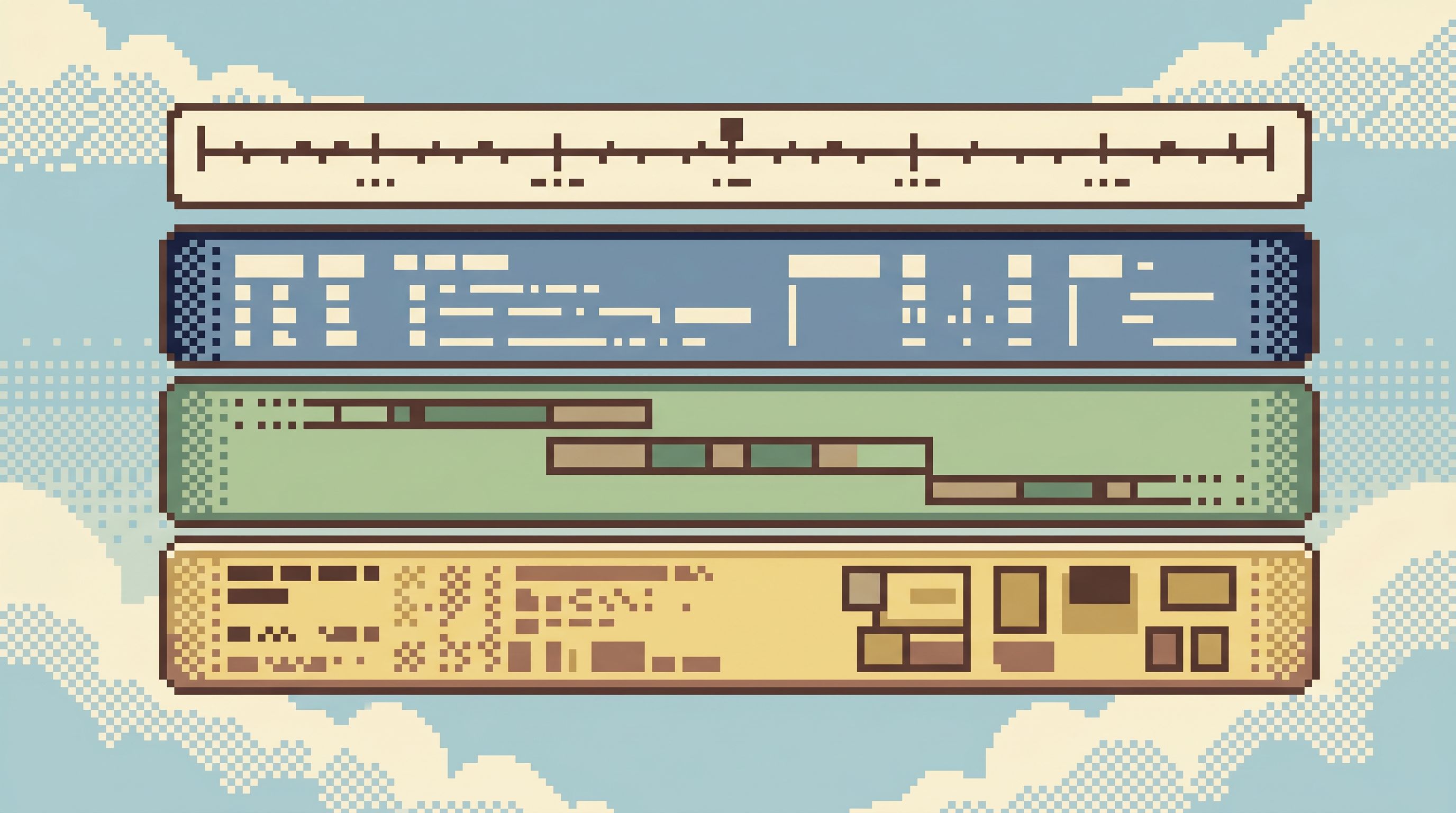
Interaction patterns that keep the console quiet
Once the data model and surface are in place, the real work is in the micro‑interactions.
A few patterns that help:
1. Pivots over tabs
Instead of new tabs or windows, treat everything as a pivot:
- Click a user ID → pivot the spine to that user, keep the trail.
- Click a job ID → pivot to that job, keep the time context nearby.
- Click a table name → open a focused view of that table inside the same session.
You don’t need to forbid multiple windows. You just don’t optimize for them.
2. Trails over workspaces
Record the session as a linear trail:
- “Started from error
E-4829.” - “Jumped to request
4b2e....” - “Pivoted to user
123.” - “Opened subscription row at
2026-06-28T14:03:21Z.”
This is the same move described in From Tables to Stories: you’re building a narrative that others can replay.
No custom layouts. No draggable panels. Just a story you can scroll.
3. Guardrails by design
Because this console touches production data, it needs to be safe by default:
- Read‑only by default, with clear labeling when anything is not.
- Dangerous queries made hard to even think about, as in The Calm Query Cliff:
- No arbitrary
UPDATEorDELETEin the shared surface. - Limited, audited write‑adjacent flows that start from read‑only trails.
- No arbitrary
A tool like Simpl leans heavily into this stance: it’s an opinionated, read‑focused browser that treats production as a place to understand first, not to experiment.
How to move toward a single quiet console
You don’t have to rebuild your stack to get there. You can move in stages.
1. Standardize correlation IDs
Pick a small set of identifiers and make them universal:
- Every incoming request gets a
request_id. - Every background job gets a
job_id. - Every log line and span includes these IDs when relevant.
- Key database tables include the same IDs where it makes sense.
This is unglamorous work, but it’s the foundation.
2. Build one “bridge” view
Before you design a full console, build a single bridge:
- From error tracker to logs + key rows.
- From log search to rows.
- From traces to rows.
Even a simple internal page that:
- Accepts a request ID
- Shows:
- Recent logs for that ID
- The trace timeline
- The primary row(s) touched
…will immediately reduce context switching.
3. Choose a primary read surface
Pick one place where people should end up when they want to understand production state.
That might be:
- A custom internal console
- A focused observability UI
- A calm database browser like Simpl
The important part is to make it the default destination for:
- “View in logs” links
- “View trace” links
- “View in DB” links
Over time, other tools become feeders into this surface, not peers you have to juggle.
4. Shrink, then refine
Once you have a primary console:
- Remove redundant panels and tabs.
- Replace ad‑hoc admin scripts with read‑only trails.
- Tighten the query options to match the questions people actually ask.
This is the same motion as the quiet DX upgrade: you’re shrinking the visible tool stack without losing observability.
Where Simpl fits
Simpl is built around many of these ideas:
- A calm, read‑focused interface for production rows.
- Opinionated filters and intent‑first navigation instead of schema mazes.
- A narrow query surface that makes risky SQL hard to even formulate.
A quiet query console that spans logs, traces, and rows doesn’t have to start from scratch. You can:
- Use Simpl as the primary surface for rows and production state.
- Wire your log and trace tools to deep‑link into Simpl views for the relevant entities.
- Gradually pull more of the “what actually happened?” work into that one calm surface.
Over time, the logs and traces tools become detailed inspectors. The story lives where the rows are.
Summary
A quiet query console is not a feature checklist. It’s a posture:
- One primary surface where logs, traces, and rows meet.
- Shared identifiers and time as the backbone.
- Opinionated filters and pivots instead of free‑form search and tabs.
- Read‑first, narrative‑friendly design that turns debug sessions into trails others can replay.
The benefit is simple: less time juggling tools, more time understanding what actually happened.
You don’t need to rebuild your stack overnight. Start by standardizing correlation IDs, building a single bridge view, and choosing a primary read surface. Then shrink the rest around it.
Try a quieter way to work with production data
If your incident reviews are full of screenshots from five different tools, it’s a sign your team is doing narrative work without a narrative surface.
Pick one question this week:
“What happened to this specific user, on this specific request?”
Then:
- Trace how many tools you touch to answer it.
- Sketch what it would look like to answer it from one calm console.
- Experiment with a primary surface—whether that’s an internal page or a tool like Simpl.
The goal isn’t fewer tools for their own sake. It’s a quieter, more legible way to read what your system is actually doing, one story at a time.