The Calm Read-Only Contract: Structuring Database Access So Curiosity Never Feels Risky


Most engineering teams carry the same quiet tension:
- You need people to look directly at production data.
- You fear what happens when they do.
So you end up with a familiar compromise:
- A small group with broad access, doing stressful hero work.
- Everyone else squinting at dashboards, screenshots, and CSVs.
- A permissions model that looks strict on paper but feels fragile in practice.
A calmer option is possible: a read-only contract that’s so clear, so opinionated, and so well-supported by tools that curiosity never feels risky.
This post is about that contract: what it is, how to design it, and how to make it the default way your team touches production data.
Along the way, we’ll connect it to other Calm Data patterns like the Calm Access Model, guardrails in the flow, and opinionated read-only tools such as Simpl.
What a “Calm Read-Only Contract” Actually Is
A read-only role in your database is not the same thing as a read-only contract.
- A role is a technical setting.
- A contract is a shared understanding of what’s possible, what’s safe, and how work actually gets done.
A calm read-only contract has four parts:
- Hard technical guarantees that nothing in this path can write to production.
- Narrow, legible scope of what people can see and query.
- Opinionated guardrails that make safe reads the default, not the exception.
- Cultural norms that treat direct reads as routine, not as a special favor.
When this is in place, opening a database browser stops feeling like “I might break something” and starts feeling like “I’m walking into a reference library.”
Tools like Simpl are built around this stance: an opinionated, permanently read-only database browser that refuses to become your admin panel, and instead makes production reads feel calm and constrained.
Why This Matters More Than Another Role in Your IAM Console
You can keep tightening permissions forever and still not change the lived experience of debugging with real data.
A clear read-only contract unlocks a few specific benefits:
1. Safer curiosity
Engineers, support, and product can follow their questions into real rows without worrying they’ll bump a toggle or run a stray UPDATE.
2. Less shadow access
When people don’t trust the official tools, they invent side channels: screenshots, exports, hidden admin endpoints. A calm, trusted read-only path replaces those.
3. Faster incident work
Incidents slow down when only a few people are “allowed” to see what’s really happening. A broad, safe read surface means more people can help without risk.
4. Clearer compliance story
It’s easier to explain and audit one well-defined read-only path than a tangle of special-case consoles, personal SQL IDEs, and ad-hoc data dumps.
If you’ve ever felt the pain described in posts like Beyond Read-Only Roles or Quiet Defaults in the Browser, you’ve already met the problem this contract is trying to solve.
Principle 1: Make Read-Only Technically Non-Negotiable
The contract starts with something simple: there is no write path in the tool you use for calm production reads.
Not hidden. Not “only for admins.” Not “behind one more checkbox.” Absent.
Concretely, this means:
-
Separate tools for reads and writes.
Your production admin panel is not the same surface as your calm browser. Writes live elsewhere. -
Separate connections and roles.
The browser uses a dedicated database user that:- Has
SELECTonly on the allowed objects. - Cannot
INSERT,UPDATE,DELETE,ALTER, orTRUNCATE. - Cannot create or drop indexes, schemas, or tables.
- Has
-
No “escape hatches” in the UI.
No raw connection string entry. No hidden “open SQL console on prod as superuser.” No quick-fix panels.
Simpl takes this further: it is opinionated, permanent read-only by design. It simply refuses to become your admin panel. That refusal is the feature, not a missing checkbox.
If your current browser can run writes “if you’re careful,” you don’t have a read-only contract. You have a trust exercise.

Principle 2: Narrow the Surface, Don’t Just Lock the Door
A read-only role that can see everything is still stressful.
The contract gets calmer when you show less:
- Fewer schemas.
- Fewer tables.
- Fewer columns.
- Fewer knobs.
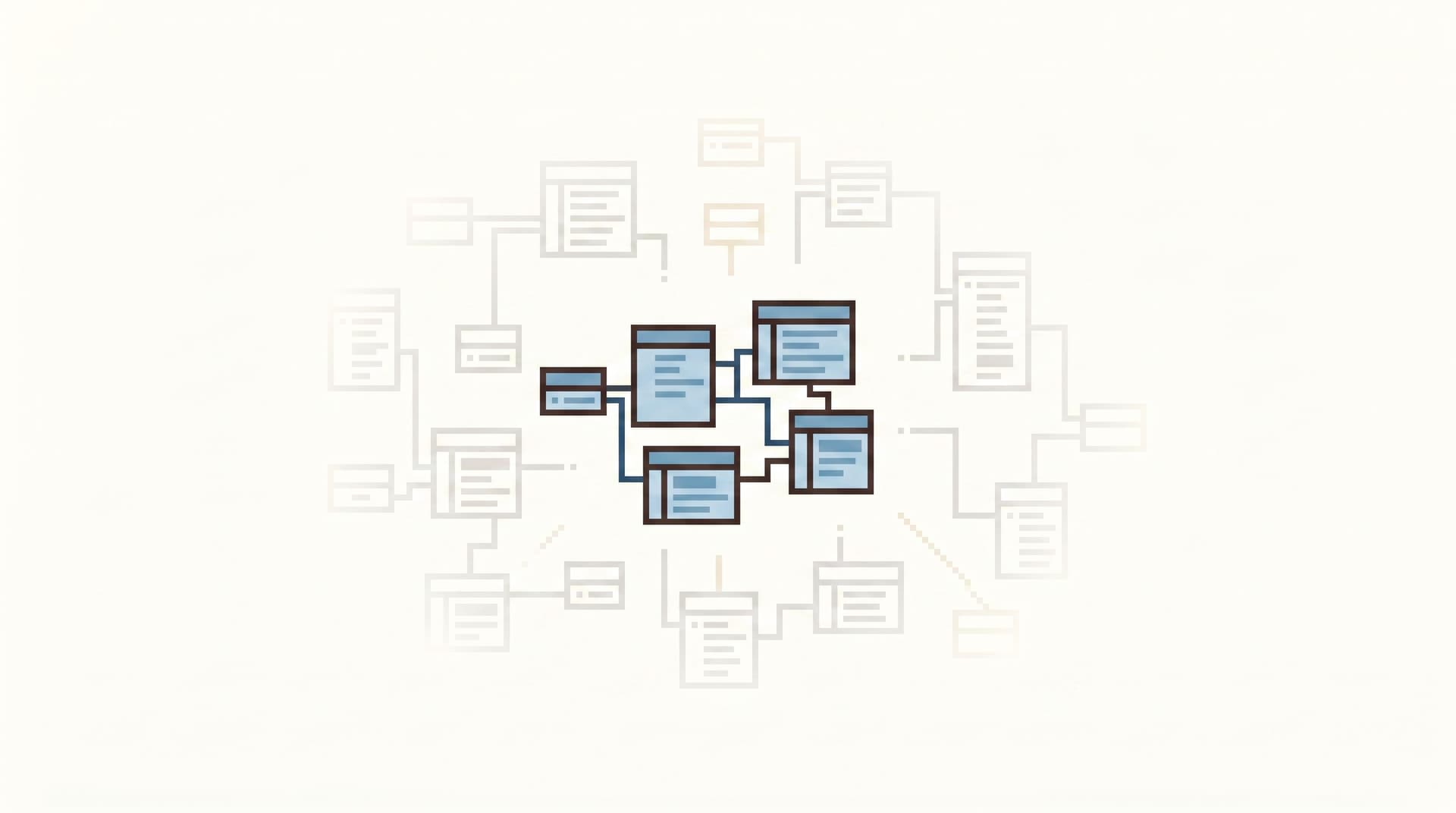
This is the idea behind the Calm Schema Surface: exposing just enough structure for everyday production reads, not the full ERD.
Design a “read surface,” not a mirror of your whole database
Start from real questions people ask:
- "Why did this user’s subscription cancel?"
- "Which jobs are stuck and why?"
- "What changed between yesterday and now?"
Then work backwards:
- Identify the tables and columns that actually answer those questions.
- Group them into a small, legible schema surface for your calm browser.
- Hide or de-prioritize everything else in that tool.
This doesn’t mean dropping access entirely. It means:
- Primary entities (users, subscriptions, jobs) are front-and-center.
- Sensitive or operational tables (raw events, internal config, feature flags) are either:
- Not exposed at all, or
- Tucked behind friction (more on that later).
The result: when someone opens your read-only browser, they see the story tables, not the plumbing.
Principle 3: Build Guardrails Into the Flow, Not Just the Setup
Permissions work is necessary, but it’s not sufficient.
You can have a perfect IAM setup and still watch someone:
- Run
SELECT *on your hottest table. - Join six giant tables “just to see what’s there.”
- Forget a
WHEREclause on a wide-open read of historical data.
A calm read-only contract adds guardrails in the flow of using the tool:
- Default limits.
- Row limits on queries (e.g., 500–2,000 rows by default).
- Timeouts for long-running reads.
- Gentle friction for risky patterns.
- Nudges when a query touches very wide tables or many joins.
- Warnings when a
WHEREclause is missing on known-hot tables.
- Opinionated templates and paths.
- Pre-built queries for common investigations.
- Easy ways to pivot from “user” → “orders” → “invoices” without writing giant joins from scratch.
These are the “small UX constraints” described in The Calm Guardrail Catalog and From Free-Form SQL to Frictioned Reads. They shrink risk without adding more permissions work.
Simpl bakes many of these into the browser itself: quiet defaults, sane row limits, and a bias toward focused, frictioned reads instead of blank-canvas SQL.
Principle 4: Treat Read-Only as a First-Class Debug Surface
A contract only works if people actually use it.
If your team’s real debugging happens in:
- Personal SQL IDEs connected directly to production.
- Ad-hoc admin consoles built for one team and quietly shared.
- Notebooks that started as experiments and became operational tools.
…then your read-only browser is just theater.
Make the read-only path the path of least resistance
A few practical moves:
-
Link incidents directly into the browser.
From your ticketing or incident tool, jump straight into a focused read-only session with the relevant user ID, order ID, or job ID pre-filled. -
Run pair-query sessions in the read-only tool.
The pattern from The Calm Pair-Query works best when both engineers trust the surface they’re using. -
Design post-query workflows around the contract.
In a tool like Simpl, you can leave behind trails of investigations instead of personal SQL stashes. That makes the read-only path not just safe, but useful for future you. -
Move “just check the data” work out of BI.
For many questions, especially user-level debugging, a calm browser is a better fit than a dashboard. See From BI Fatigue to Focused Reads and From Dashboards to Direct Reads for how to make that shift.
When the calm read-only surface becomes the default way to “go look at the data,” the contract starts to hold culturally, not just technically.

Principle 5: Align Access With Real Read Work
A read-only contract is not just about what you can do. It’s also about who can do it.
Most teams start from titles:
- Engineers get broad read-only.
- Support gets a narrow internal tool.
- Product and success teams get dashboards.
Over time, exceptions pile up. Someone needs “temporary” prod access. An internal tool doesn’t show the right field. A dashboard can’t answer a ticket. Shadow paths appear.
The Calm Access Model flips this: design access around real read workflows, not org charts.
Map your read work
List the recurring things people do with production data:
- Investigate a single user’s complaint.
- Triage billing anomalies.
- Inspect job queues and background workers.
- Compare state before/after a deploy.
For each, answer:
- Which tables and columns are actually needed?
- How sensitive is that data (PII, financial, internal-only)?
- Who legitimately needs to run these reads, and how often?
Then:
- Define a small number of read profiles (e.g., “Support Reads,” “Incident Reads,” “Billing Reads”).
- Bind each profile to a read-only role and schema surface.
This is where tools like Simpl shine: one browser, multiple calm surfaces, each mapped to a concrete kind of work. - Document the contract in plain language.
Not just “Support has role X,” but:- “Support can see these tables, for these purposes, in this browser, and nowhere else.”
Now your contract is something you can explain in onboarding, not just in an access review.
Principle 6: Make Writes Explicit, Rare, and Separate
A calm read-only contract gets stronger when it’s clear what happens when you do need to change data.
The goal is not “no one ever writes to prod.” The goal is:
- Reads are broad, safe, and routine.
- Writes are narrow, explicit, and well-governed.
How to structure this:
-
Dedicated write surfaces.
- A small, audited admin panel for operational changes.
- Carefully scoped scripts or runbooks for bulk fixes.
-
Different tools, different mental modes.
- When you’re in the read-only browser, you know you cannot change state.
- When you’re in the admin panel or migration tool, you know you are changing state.
-
Clear escalation paths.
If someone in a read-only session discovers that a data fix is needed:- They capture the context (user ID, tables, relevant rows) in the read-only tool.
- They hand that context to whoever owns the write surface.
- The change happens in a separate, logged, reversible flow.
This separation is why Opinionated Read-Only by Design is such a strong stance: it keeps your calm browser from slowly turning into a second, ungoverned admin panel.
A Simple Implementation Checklist
If you want a concrete starting point, here’s a minimal path to a calm read-only contract:
-
Pick your read-only browser.
- Ideally: an opinionated tool like Simpl that is read-only by design.
- At minimum: a SQL/browser surface where you can remove all write capabilities.
-
Create a dedicated read-only database user.
SELECTonly.- Scoped to the schemas and tables you actually want visible.
-
Design a calm schema surface.
- Start with 10–20 tables that answer 80% of your real questions.
- Hide or de-emphasize the rest.
-
Set quiet defaults and guardrails.
- Row limits, timeouts, and warnings for risky patterns.
- Pre-built queries or trails for your top 5 recurring investigations.
-
Document the contract in one page.
- What this browser can do.
- What it cannot do.
- Who should use it for what.
-
Route real work through it.
- Link incidents, support tickets, and bug reports into read-only sessions.
- Encourage pair-query sessions inside this surface.
-
Separate and harden your write paths.
- Make sure any admin or migration tools live elsewhere, with different roles and heavier friction.
You don’t have to redesign everything at once. Each step makes production reads a little calmer.
Summary
A calm read-only contract is more than a checkbox in your database.
It’s a combination of:
- Technical guarantees that your primary read surface cannot write.
- A narrow, legible schema surface that shows story tables, not plumbing.
- Guardrails in the flow that keep reads fast but safe.
- Access aligned with real read work, not just titles.
- Clear separation between reads and writes, each with its own tools and habits.
When this contract is in place, curiosity stops feeling dangerous. Engineers, support, and product can move through real data with confidence. Incidents get calmer. Compliance gets clearer. And your database starts to feel less like a minefield and more like a reference library.
Tools like Simpl exist to make this contract easy to honor: an opinionated, permanently read-only browser that brings together calm schema surfaces, quiet defaults, and focused read workflows in one place.
Take the First Step
You don’t need a full access redesign to start.
Pick one concrete move:
- Create a single, dedicated read-only database user.
- Stand up a calm browser like Simpl on top of it.
- Expose just the handful of tables you need to debug your next incident.
Then run your next real investigation only through that surface.
Notice how it feels.
If it feels calmer, safer, and more focused than your current mix of consoles and IDEs, you’ve just taken the first step toward a read-only contract your whole team can trust—and a way of working with production data where curiosity never has to feel risky.