The Calm Debug Loop: Running Incidents From One Question Instead of Ten Tools

Incidents rarely fail on skill. They fail on attention.
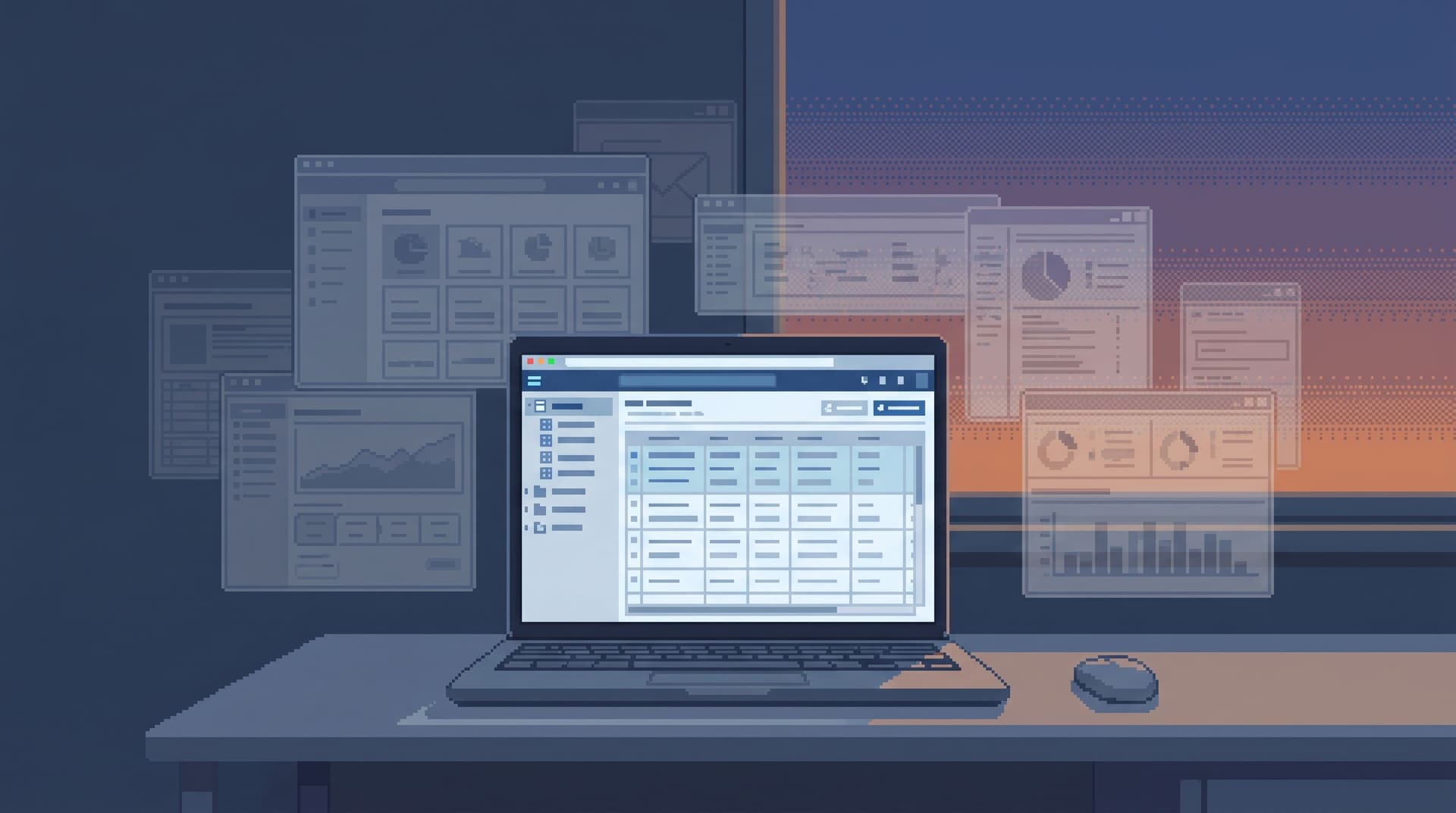
The alert fires, Slack wakes up, and within minutes you’re juggling:
- A SQL IDE
- A BI dashboard
- An admin panel
- Log search
- Error tracking
- A feature flag console
- Three different notebooks
Every tool is plausible. None of them are the place you actually work.
This post is about a different pattern: a calm debug loop.
One question. One primary surface. A small set of repeatable moves.
You still use other systems, but they orbit the question instead of fragmenting it. The goal isn’t fewer tools for its own sake. It’s a loop that stays legible under pressure.
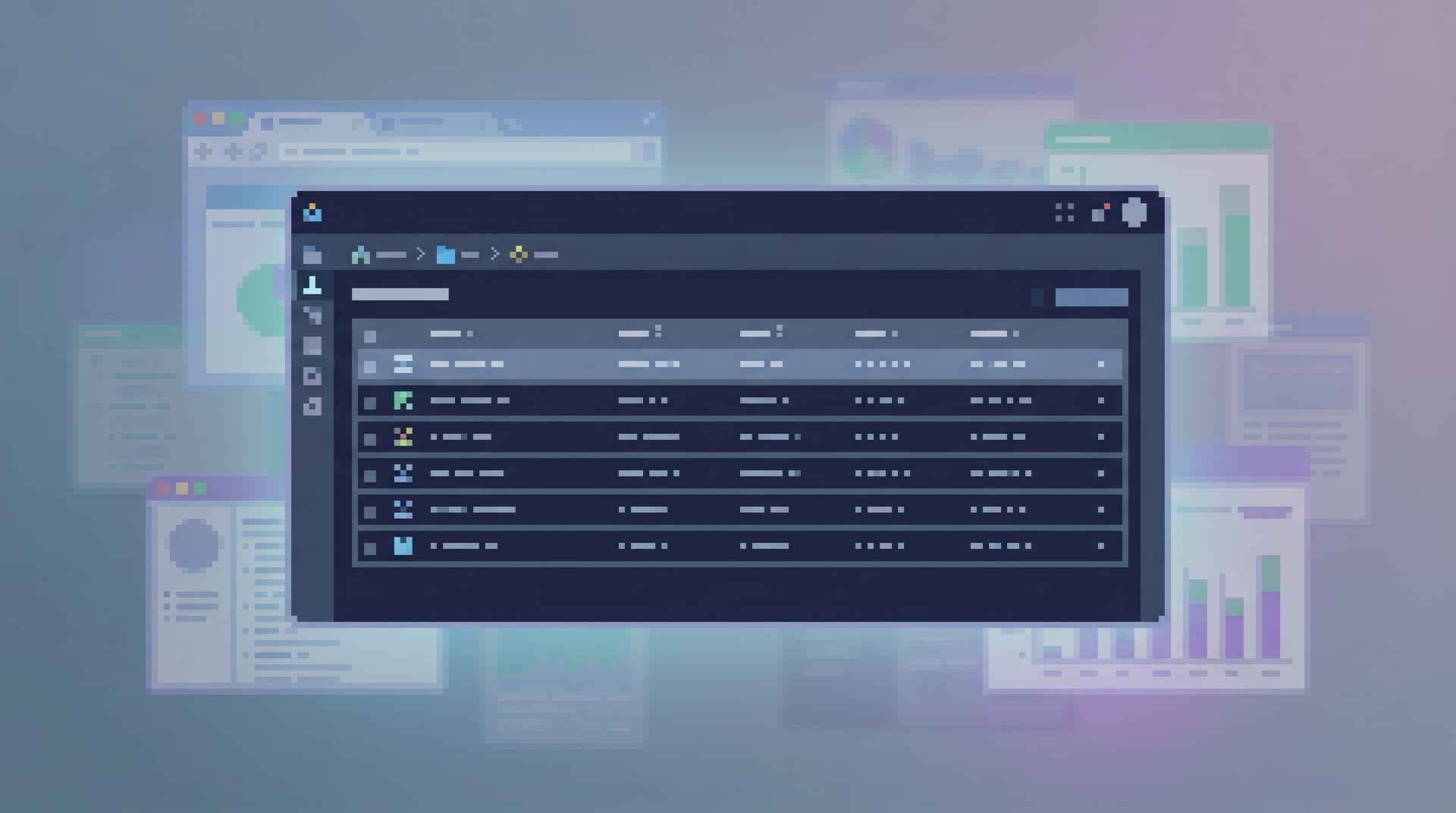
Tools like Simpl are built exactly for this: an opinionated database browser that lets you explore and query production calmly, without the noise of full BI or admin consoles.
Why incidents feel louder than they need to
Most incident reviews quietly admit the same pattern:
- The root cause was understandable.
- The fix was straightforward.
- The path to get there was chaotic.
That chaos has a cost:
- Cognitive load: Every tool switch forces you to remember context and reconstruct where you were.
- Coordination drag: Different people are looking at different surfaces; you spend time aligning views instead of data.
- Lost narrative: By the end, no one can clearly explain the sequence: What did we look at? In what order? What did we rule out?
We wrote about this workspace problem in more depth in The Post-Workspace Browser: Database Debugging Without Tabs, Tiles, or Timelines. The short version: most incidents are not missing data; they’re missing a coherent surface to read it from.
A calm debug loop starts by assuming:
The primary artifact of an incident is not the dashboard or the timeline. It’s the sequence of questions you asked, and the rows you read to answer them.
Design the loop around that, and the rest gets simpler.
What a calm debug loop looks like
A calm debug loop has four properties:
- Starts from one clear question
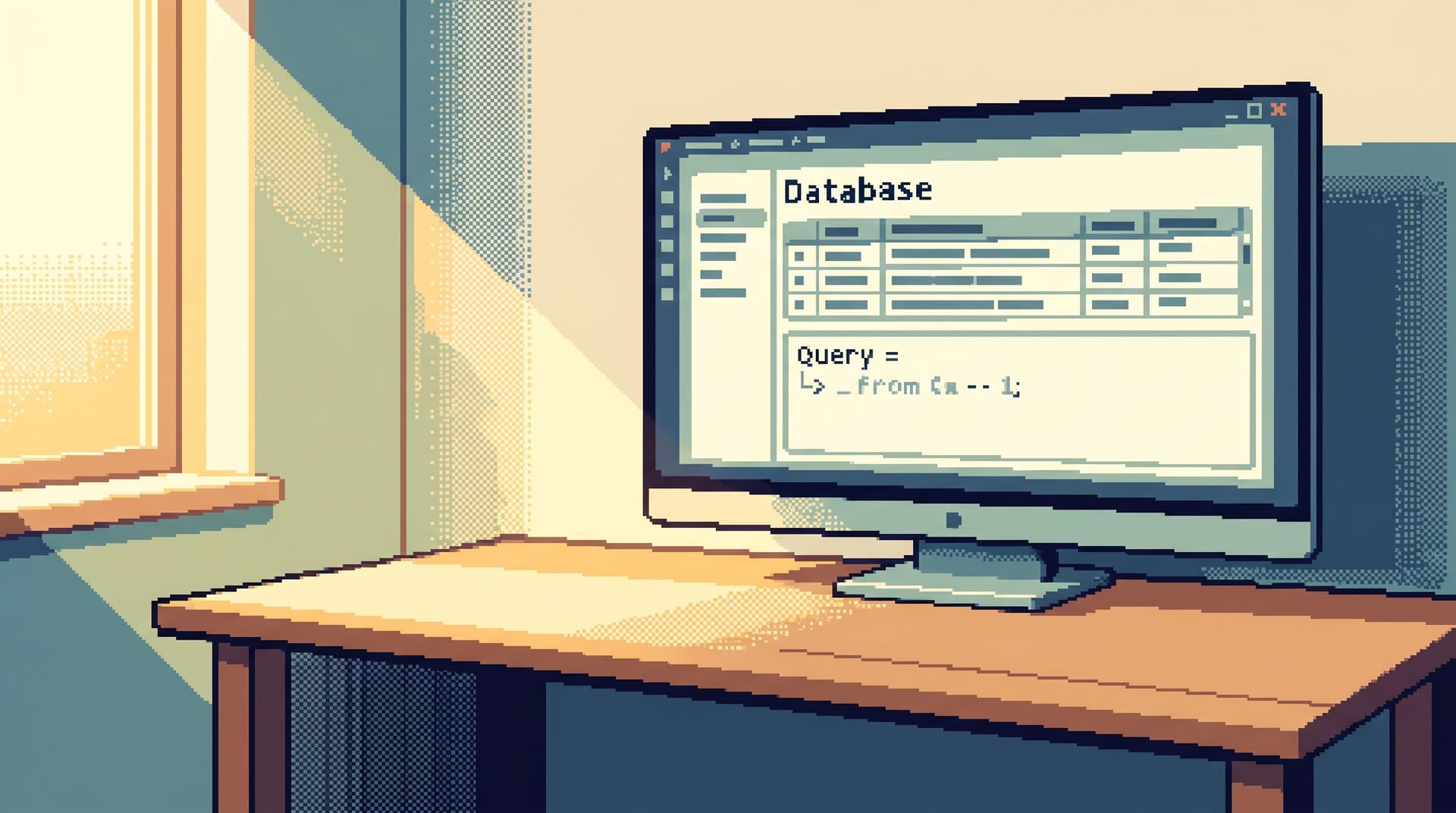
- Runs primarily in one read-focused surface
- Moves in small, reversible steps
- Leaves behind a trail you can replay
Let’s walk through each.
1. Start from one clear question
Most incidents start with a metric or an alert:
- Error rate spike
- Latency regression
- Drop in conversion
Those are not questions. They’re symptoms.
The calm loop forces a translation step:
Turn the symptom into a concrete, row-level question.
For example:
- Instead of “Error rate is up” →
- “What did the failing requests for tenant
acmelook like between 13:05–13:15 UTC?”
- “What did the failing requests for tenant
- Instead of “Checkout conversion dropped” →
- “For users who started checkout after 09:00 UTC, what changed between
checkout_startedandpayment_succeededevents?”
- “For users who started checkout after 09:00 UTC, what changed between
- Instead of “Signups are flat” →
- “Show me the last 100 signup attempts with their feature flag states and final status.”
If you can’t phrase a row-level question, you’re not ready to debug. You’re still staring at symptoms.
This is the same stance we take in Database Work Without Multitasking: Running a Whole Debug Session From One Intent: one clear intent is the anchor for the whole session.
2. Pick one primary surface (and commit)
Once you have the question, you choose one place where the loop lives.
For incident debugging, that surface should:
- Be read-first and row-first
- Be pointed at the source of truth (usually production or a replica)
- Have just enough query power to follow the question
- Be calm by default: minimal panels, no layout building, no mode switching
That might be:
- A focused database browser like Simpl
- A thin SQL console wired to production with read-only guarantees
It is almost never:
- A full BI tool (too aggregated)
- A general-purpose SQL IDE (too much freedom, too many modes)
- A notebook (too much meta-structure for a time-sensitive loop)
The rule is simple:
All incident reasoning happens in this surface.
Other tools can feed it context (stack traces, IDs, timestamps), but they’re not where you think.
This is the same constraint we explore in The Single-Database Day: What Happens When Engineers Only Read From One Calm Surface: when you make one surface primary, the work itself changes.
3. Move in small, reversible steps
A calm debug loop is not a heroic jump from alert to root cause. It’s a series of tiny, legible moves:
- Anchor on a specific entity
- A user ID, tenant ID, job ID, order ID, trace ID.
- Read the current state
- Load the relevant rows in your primary surface.
- Time-box the window
- Narrow to the time the incident started or the user reported the issue.
- Follow one relationship at a time
- From
orders→payments - From
jobs→retries - From
users→feature_flags
- From
- Write down what you now believe
- In the same surface, or next to it: “It looks like X started failing after Y changed.”
- Only then, widen scope
- Compare with a control group, a different tenant, or a different time window.
At each step, you can answer three questions:
- What query did we just run?
- What did we see?
- What did we conclude?
If you can’t answer those, the loop is already noisy.
Tools like Simpl are designed around these small steps: a narrow query editor, opinionated navigation between related tables, and a trail of what you looked at rather than a pile of saved queries.
4. Leave a trail, not a pile of screenshots
An incident is not just something you fix. It’s something you need to replay later:
- For the post-incident review
- For onboarding new engineers
- For future you, when a similar pattern appears
The usual artifacts—screenshots, Slack threads, scattered queries—are hard to reconstruct.
A calm debug loop leaves a different kind of artifact:
- A linear trail of reads: which tables, which filters, in what order
- A single narrative: a short, written explanation tied to that trail
- A small number of queries that can be rerun in seconds
We go deeper into this idea in From Tables to Stories: Turning Production Reads into Sharable Debug Narratives. The key idea: if you can’t tell the story of the incident from your trail alone, the loop was too scattered.
Designing your own calm debug loop
You don’t need to replace your entire stack to get here. You need a few deliberate constraints.
Step 1: Define the “one question” format
Write down a small template that every incident should start with. For example:
Entity: Which concrete thing are we following? (user, tenant, job, order)
Moment: When did we first know something was wrong? (timestamp or range)
Change: What changed for that entity? (status, amount, flag, version)
Then, for each new incident, fill it in before you open any tools.
Examples:
- Entity: Tenant
acme- Moment: 2026-06-20 13:07–13:15 UTC
- Change: Background billing jobs started timing out.
- Entity: User
user_123- Moment: 2026-06-18 09:02 UTC
- Change: Subscription downgraded unexpectedly after invoice generation.
That template becomes the opening paragraph of your incident trail.
Step 2: Choose and harden the primary surface
Pick the one place where incident reads will happen.
If you have nothing suitable yet, this is where a tool like Simpl fits: a calm, read-only browser pointed at production that’s safe enough to make default.
Then, harden it for incident work:
- Read-only by default for most users; write access lives elsewhere.
- Narrow query surface: enough SQL to filter, join a few tables, and time-box queries—but not a blank playground. (See also: The Narrow Query Editor: Designing Just-Enough SQL for Everyday Production Reads.)
- Opinionated navigation: easy jumps between the tables that matter most in incidents—users, jobs, orders, events, flags.
- Visible trail: every query you run in a session is recorded in order.
You’re designing for focus-first database tooling, not for maximum flexibility.
Step 3: Integrate the calm loop with your alerting
You don’t need to rewire all your alerts. You just need a consistent bridge from “alert” to “question.”
A simple pattern:
- Alert fires in your monitoring system.
- On-call pastes the relevant snippet into a shared incident channel.
- First responder extracts:
- Entity ID (user, tenant, job)
- Time window
- Any obvious parameters (endpoint, region, version)
- They then:
- Open the primary surface
- Start a new incident trail
- Paste the “one question” template at the top
From there, the loop runs in the primary surface. Logs, traces, and dashboards are inputs, not destinations.
We talk about a similar bridge in The Calm Data Shortcut: Going From Stack Trace to Relevant Rows in Under Five Clicks: the goal is to shrink the path from alert to rows, not to add more hops.
Step 4: Make the trail the default incident artifact
Change what “done” means for an incident.
Instead of:
- A long doc that re-explains the incident from memory
- A pile of screenshots
Aim for:
- A short summary (one or two paragraphs)
- A link to the incident trail in your primary surface
The trail should be enough for someone to:
- Re-run the core queries
- See the order they were run
- Read short notes attached to key steps
This is where tools like Simpl lean heavily on opinionated trails and post-query workflows: the debug session itself becomes the artifact, not an after-the-fact reconstruction.
Step 5: Practice on non-critical questions
Don’t wait for a major outage to try this.
Pick a few lower-stakes questions and deliberately run them through the calm loop:
- “Why did this user’s invoice change between last month and this month?”
- “What changed for this tenant between last week’s deploy and this week’s?”
- “Which jobs are retrying more than three times per day?”
Use the same:
- One-question template
- Primary surface
- Linear trail
You’ll quickly discover where the loop feels frictiony:
- Are there tables you always need but can’t reach easily?
- Are there joins you repeat in every incident?
- Are there time-travel questions you can’t answer cleanly yet?
When that happens, you’re ready for patterns like Opinionated Time Travel: Calm Patterns for Reading Historical States in Production Data and The Calm Migration Trail: Reading Schema Changes in Production Without Losing the Plot.
What you get when the loop is calm
A calm debug loop doesn’t just feel nicer. It changes outcomes.
1. Faster time to “I can explain what happened”
You spend less time reconstructing context and more time reading the rows that matter. The path from alert to explanation is shorter and more repeatable.
2. Better shared understanding
When everyone reasons from the same surface and the same trail, you don’t waste cycles reconciling screenshots from different tools. The story is in one place.
3. Safer production access
Read-only, opinionated tools like Simpl let more people look directly at production data without fear. Curiosity becomes safe instead of risky.
4. Lower cognitive load for on-call
On-call is already stressful. A calm loop removes a whole class of decisions: which tool to open, which panel to trust, which workspace to rebuild.
We unpack this more in The Quiet DX Upgrade: Shrinking Your Data Tool Stack Without Losing Observability: when you deliberately choose fewer, calmer tools, you get better incident outcomes without adding more systems.
Bringing the calm debug loop to your team
You don’t need a big migration plan. You need a first step.
Pick one:
- Write your one-question template and test it on the next minor incident.
- Choose your primary surface for incident reads, and make it easy to open from your alerting or runbook.
- Run a single “calm incident” drill: pick a past incident and replay it entirely from one surface, with one trail.
If you want a tool that’s already built around this way of working, try running your next incident from Simpl. Point it at production (or a replica), set up a read-only contract, and see what changes when the whole debug loop fits inside one calm surface.
The incident won’t get simpler. Your loop can.
Summary
- Most incidents don’t fail because the data is missing; they fail because the workspace is fragmented.
- A calm debug loop starts from one clear, row-level question and runs primarily in one read-focused database surface.
- The loop moves in small, reversible steps, anchored on entities, time windows, and simple relationships between tables.
- The output of a good loop is a linear trail—queries, results, and conclusions—that can be replayed and shared.
- You can start small: define a one-question template, pick a primary surface like Simpl, and run a single incident end-to-end inside that loop.
If you do that consistently, you’ll find that incidents become less about wrestling tools and more about calmly reading what your data is already trying to tell you.