The Single-Path Admin: Using Read-Only Trails to Design Safer Write-Adjacent Workflows


Most teams don’t want another admin panel.
They want something narrower:
- A clear way to investigate production data
- A safe way to get from “I see the problem” to “I’ve fixed it”
- A traceable path in between, instead of private heroics
This post is about that middle path: the single-path admin. Not a full console. Not a grab bag of scripts. A deliberately constrained workflow where:
- All work starts in a read-only trail
- A small set of write-adjacent actions are triggered from that trail
- The whole path is replayable, reviewable, and calm
Tools like Simpl fit naturally here: an opinionated, read-only database browser that gives you a single, focused way to see what happened, without the noise of full BI or admin tools.
Why this pattern matters
Most teams already have write-adjacent work:
- Rerunning a failed job for one user
- Fixing a single bad subscription row
- Re-sending a notification
- Manually unblocking a migration edge case
The problem isn’t that you can’t do these.
The problem is how you do them:
- A private script on one engineer’s laptop
- A half-documented admin panel with broad powers
- A BI tool with “just one” UPDATE action added over time
- A support console with a hidden “danger zone”
You get:
- Risk – too much power in too many places
- Opacity – no shared trail of what happened
- Stress – nobody is sure what’s safe to click
A single-path admin flips this:
- One path in: every write-adjacent action starts from a read-only investigation
- One place to look: the investigation trail is the source of truth
- One mental model: follow the trail, then apply the smallest possible change
If you’ve read about the calm read-only contract, this is what comes next: how to sit write-adjacent without breaking that contract.
Read-only trails as the spine of admin work
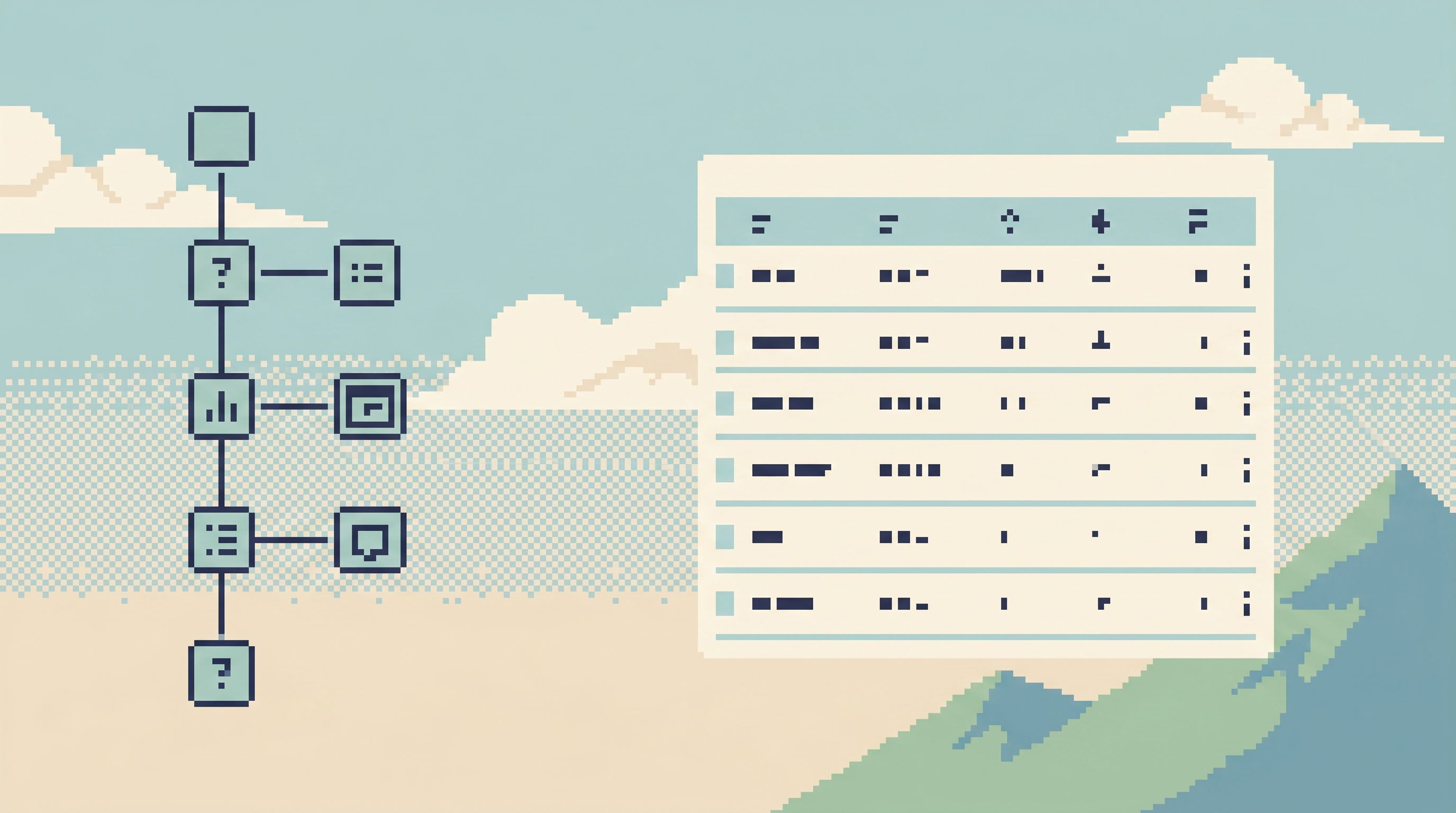
A read-only trail is a linear record of how you moved through data to answer a question.
It usually looks like:
- A sequence of queries (or table views)
- Narrowed step by step
- Centered around a concrete subject: a user, an order, a job, a tenant
The key properties:
- Linear – no branching, no private side quests
- Subject-centered – each step stays anchored on the same entity
- Replayable – someone else can follow it later and see the same thing
This is different from:
- A stack of tabs in a SQL IDE
- A notebook with half a dozen hypotheses
- A BI tool with filters toggled in unknown ways
Those surfaces are great for exploration. They’re not great as the spine for write-adjacent work.
Read-only trails are calmer because:
- You always know where you are in the story
- You can show your work without exporting anything
- You can attach a small number of write actions to well-defined points
Tools like Simpl are built around this idea: one focused browsing surface, one visible trail, no write buttons.
The single-path admin in practice
Think of the single-path admin as a design constraint, not a specific tool.
All write-adjacent actions must be triggered from a specific step in a read-only trail, with that trail stored and replayable.
Concretely, that means:
- You never run write actions directly from your primary read-only browser (like Simpl).
- You never run write actions from a blank canvas (raw SQL editor, generic notebook) during production work.
- You always bind write actions to a concrete, pre-verified context – usually a single row or a very small, explicit set.
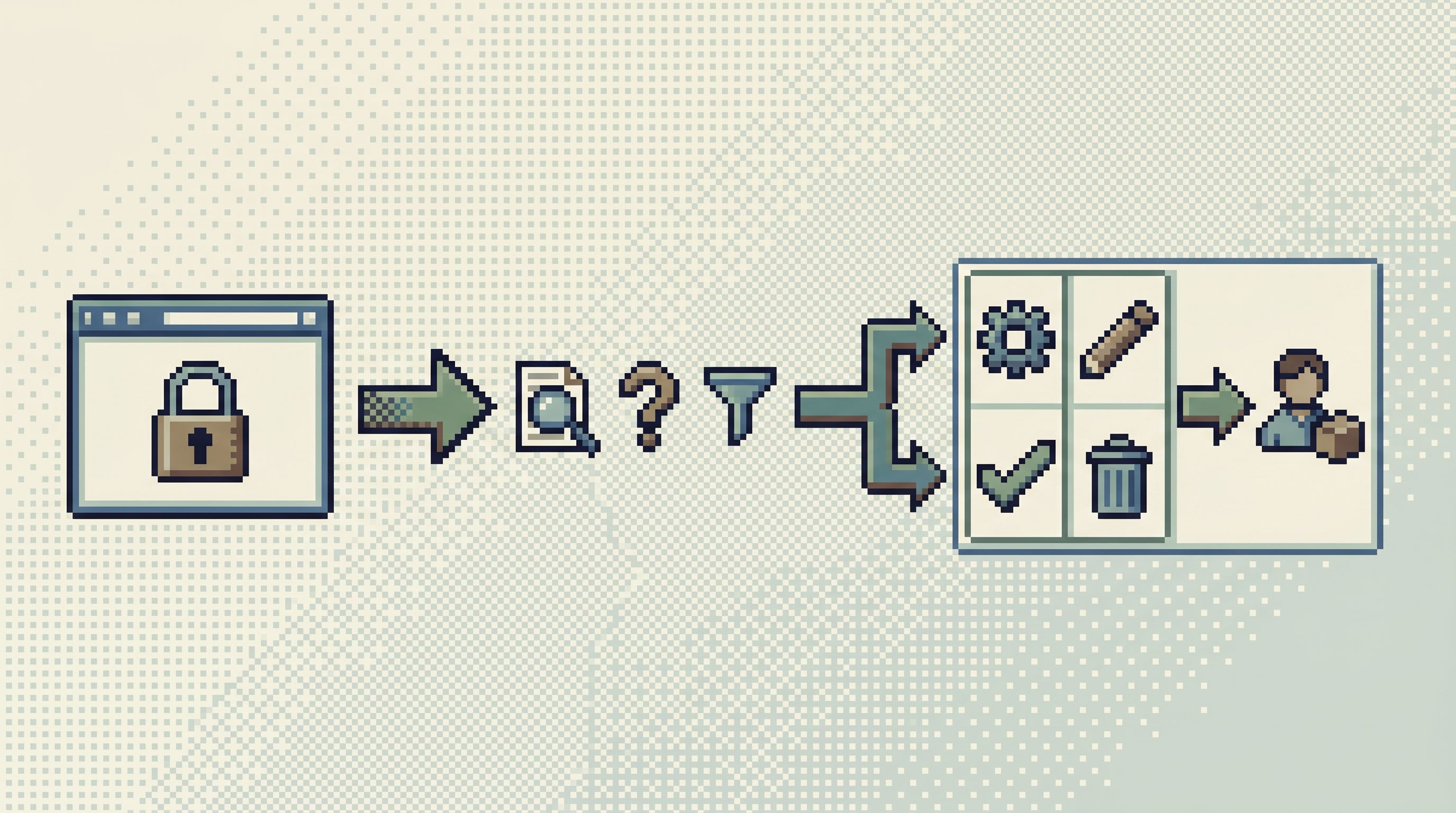
Instead, you design a narrow bridge:
- From: a read-only trail in your primary browser
- To: a small catalog of scripted, parameterized operations
- With: clear logging that ties each operation back to the trail that spawned it
This is the single path: read → understand → choose a named operation → apply it to the subject of the trail.
If you’ve explored the idea of an anti-workspace, you can think of this as the admin equivalent: fewer panels, fewer buttons, one coherent flow.
Designing your read-only side first
You can’t design a safe write-adjacent flow if your read side is chaotic.
Start by tightening the read path:
-
Pick one primary read-only browser
- This should be the default place engineers go when they need to see production data.
- It should be strictly read-only. No UPDATE, no DELETE, no bulk actions.
- A tool like Simpl is intentionally built around this constraint.
-
Define your core subjects
For most products, that’s:- Users / accounts
- Orders / subscriptions
- Jobs / tasks / runs
- Tenants / organizations
-
Create opinionated trails for each subject
For example, a “user incident” trail might always follow:- Step 1: Find user by email / ID
- Step 2: Load core profile + flags
- Step 3: Load recent orders / subscriptions
- Step 4: Load recent jobs / events
-
Make the trail visible and shareable
- Everyone should be able to open the same trail and replay it.
- Trails should be linkable from tickets, incident docs, and Slack.
Only after this is in place should you ask: What small, repeatable write-adjacent actions naturally hang off this trail?
For more on why this kind of focused, constrained browsing matters, see Focus-First Database Tooling: Measuring Cognitive Load Instead of Feature Count.
From ad-hoc scripts to a small operation catalog
Once your read-only side is calm, you can design the write-adjacent side.
1. Inventory your real write work
Look at the last few months of:
- Incident docs
- Support escalations
- Migration edge cases
Collect every time someone:
- Ran a script from their laptop
- Used a hidden admin panel
- Manually edited a row
Group them into named operations, for example:
rerun_billing_job_for_userrebuild_search_index_for_tenantresend_verification_emailforce_close_stuck_subscription
You’ll usually find 10–30 operations cover most of your real-world write-adjacent work.
2. Turn operations into small, parameterized scripts
For each operation, define:
- Name – clear, verb-first, and specific
- Inputs – usually a single ID (user_id, order_id, job_id)
- Preconditions – what must be true before this is safe
- Effects – exactly what it changes, in which tables / services
Implement them as:
- Small, versioned scripts in a repo
- Or commands in an internal CLI
- Or narrow endpoints behind your existing internal tool
Key rule: no free-form SQL in the operation surface. The point is to move away from “I’ll just tweak this query” toward “I’ll run this named, reviewed operation.”
3. Bind operations to trails, not to people
The bridge between read-only and write-adjacent should look like:
- From a specific step in a trail (e.g., “User 1234 profile view”)
- You trigger a known operation (e.g.,
rerun_billing_job_for_userwithuser_id=1234).
That trigger can be:
- A CLI command you copy-paste with the ID
- A narrow button in an internal tool that only appears in the right context
- A link that opens your operations UI pre-filled with the subject ID
Crucially, the trail ID (or permalink) should be attached to the operation log entry. That’s how you get a single, replayable story:
“We followed this trail, saw this state, then ran this operation.”
Guardrails that keep the path single
It’s easy for a tidy pattern to drift back into “just another admin tool.”
To keep your single-path admin honest, add deliberate guardrails.
1. No writes from the primary browser
Your main read-only tool must stay stubbornly read-only.
- No hidden UPDATE mode
- No “quick fix” sidebar
- No bulk actions “just for support”
If you’re using Simpl, this is already a design choice: it refuses to become your admin panel. That refusal protects the integrity of the trail.
2. Operations are small and subject-scoped
Each operation should:
- Act on one subject (one user, one order, one job) per invocation
- Have clear, visible inputs
- Be cheap enough to run more than once if needed
Avoid:
- “Fix all users affected by X” one-click actions
- Free-form WHERE clauses in the UI
- Anything that quietly expands scope behind the scenes
3. Trails are required context
You can enforce this culturally or technically:
- Culturally: incident docs must link to the trail used before any operation was run
- Technically: your operations tool requires a trail URL or ID to be attached before execution
This makes “follow the trail first” a habit, not a suggestion.
4. Logs are human-readable stories
Your logs should read like a narrative, not like system noise:
- Who triggered the operation
- When it ran
- Which operation ran with which inputs
- Which trail it was attached to
You’re not just covering compliance here. You’re building a shared memory of how your team actually fixes things.
For more patterns like this, see The Calm Guardrail Catalog: Small UX Constraints That Make Production Reads Feel Safe.
Example: debugging a broken subscription without an admin panel
Imagine a support ticket:
“My subscription was active yesterday, but I was downgraded this morning.”
With a single-path admin, the flow might look like this:
-
Open the read-only browser
- Start in Simpl or your chosen read-only tool.
-
Create a user-centered trail
- Step 1: Find user by email
- Step 2: View current subscription row
- Step 3: View subscription history events
- Step 4: View recent billing jobs for this user
-
Identify the issue
- You see a failed renewal job at 02:13 UTC that incorrectly marked the subscription as canceled.
-
Choose a named operation
From your small catalog, you have:rerun_billing_job_for_userrestore_subscription_from_last_good_state
-
Run the operation with trail attached
- From the trail view (or using the user ID you just confirmed), you trigger
restore_subscription_from_last_good_state user_id=1234. - The operation log includes a link back to the trail.
- From the trail view (or using the user ID you just confirmed), you trigger
-
Verify via the same trail
- Refresh the final step of your trail.
- Confirm the subscription is now active with the correct dates.
You never:
- Opened a generic admin panel
- Ran free-form UPDATE statements
- Made a change without a visible, replayable context
Instead, you followed one path: read-only trail → small operation → same trail.
How to start with almost no tooling change
You don’t need to build a full internal tool to get value from this pattern.
You can start with:
-
A strict read-only browser
- Adopt or standardize on one (e.g., Simpl).
-
A naming convention for trails
- Encourage people to share links to specific user / order / job views as “trails,” not just screenshots.
-
A small operations repo
- Move your most common scripts into a single repo.
- Add a simple wrapper so each script logs: operator, timestamp, inputs, and a free-text “trail link” field.
-
A lightweight checklist
Before running any script that touches production data:- [ ] Link to the read-only trail you followed
- [ ] Confirm the subject ID(s) you’re targeting
- [ ] Choose the smallest possible operation
This alone will:
- Reduce the number of places where writes can happen
- Increase the number of incidents with a clear, replayable story
- Make it easier to later build a more polished single-path admin UI
Summary
The single-path admin is a stance:
- Read-only first – all work begins in a calm, constrained browser
- Trail-centered – you treat your investigation path as the spine of the workflow
- Operation-based – you replace ad-hoc writes with a small catalog of named operations
- Guardrailed – you add constraints so the pattern doesn’t quietly drift into “just another admin tool”
This isn’t about less power. It’s about less surface area and fewer decisions at the moment you’re already under load. If that resonates, you’ll likely also find value in Cognitive Load as a Feature: Why Database Tools Should Optimize for Fewer Decisions.
A tool like Simpl gives you the foundation: a calm, opinionated, read-only window into your data. The single-path admin is how you extend that window just far enough toward writes to fix real problems—without turning your browser into another risky console.
Take the first step
You don’t need a full redesign to move toward this pattern.
Pick one:
- Standardize on a read-only browser for production data and make it the default starting point for incidents.
- List your top 5 recurring manual fixes, and turn each into a named, parameterized script.
- Require a trail link (or equivalent context) for any production-changing script you run this week.
From there, you can tighten the loop: clearer trails, smaller operations, better logs. One path, used consistently, is worth more than three admin panels you’re slightly afraid of.
If you want a calm, opinionated place to start, try building your trails in Simpl and let the single-path admin grow from there.