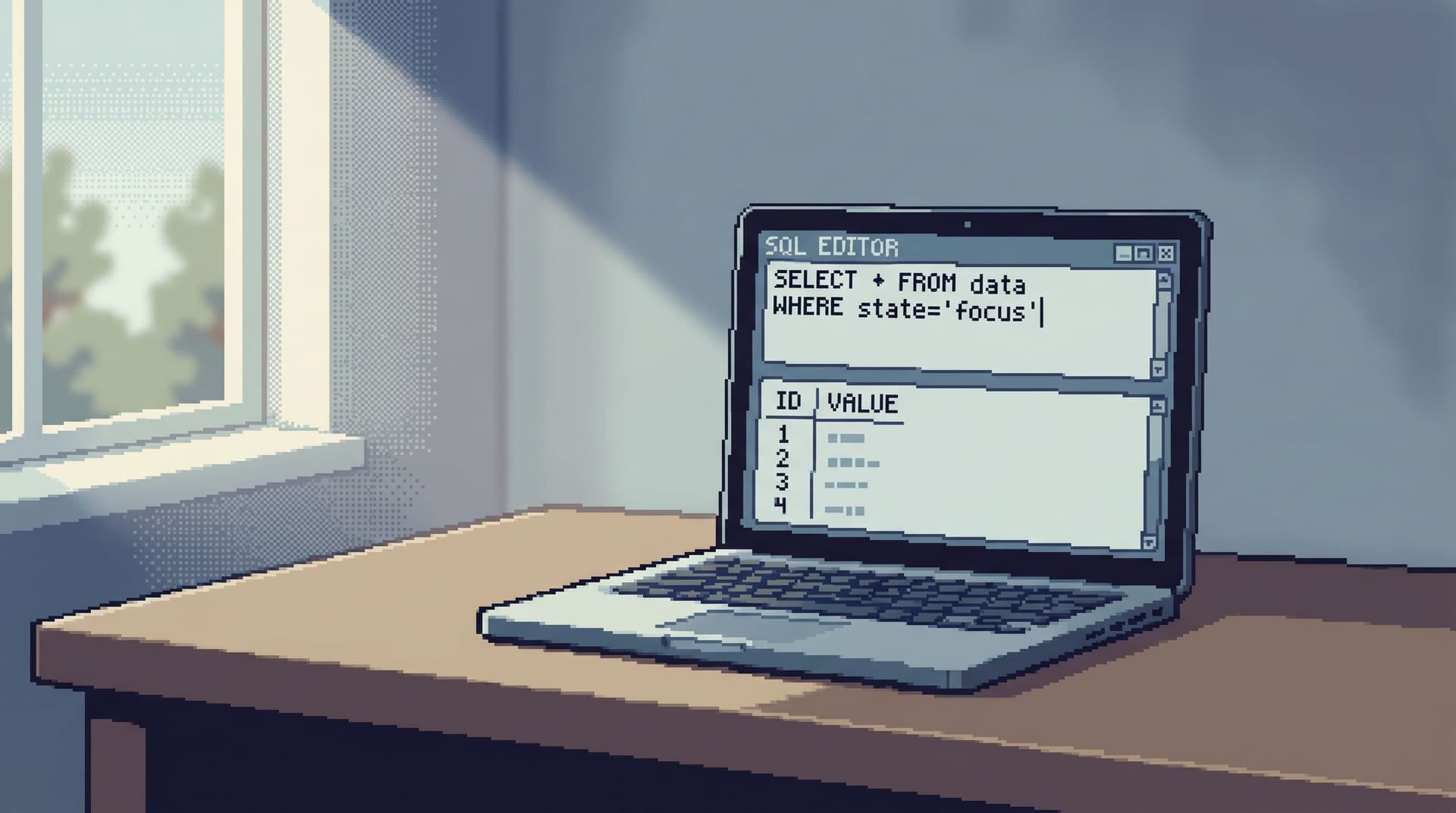
From Permissions to Prompts: Asking Safer Questions of Live Production Data


Production data is where your system stops being abstract. It’s real customers, real money, real mistakes.
You need people to look at it. You also need them not to break anything, leak anything, or misinterpret anything.
Most teams try to solve this with a single lever: permissions.
Lock things down. Add roles. Add approvals.
That helps, but only up to a point. The real risk isn’t just who can run a query. It’s what they ask, how they ask it, and where they ask it from.
This post is about moving from a narrow view of “permissions” to a broader, calmer posture: designing safer questions of live production data.
That means:
- Structuring access so curiosity is safe, not scary
- Designing tools and workflows that nudge people toward safe reads
- Treating prompts, templates, and question patterns as part of your safety model
Tools like Simpl exist in this gap: an opinionated database browser that assumes you’re reading from live systems and optimizes for calm, safe questions instead of open‑ended power.
Why safer questions matter more than stricter gates
Tight permissions without question design create a brittle culture:
- A few experts with broad access, doing stressful hero work
- Everyone else squinting at dashboards, screenshots, and second‑hand summaries
- Incidents where the right people are asleep, on vacation, or already overloaded
On the other side, loose permissions without structure create a different set of risks:
- Accidental writes in production from a “harmless” query editor
- Over‑broad reads that expose more customer data than necessary
- Misleading questions that look plausible but give the wrong answer
The middle path is not “perfect RBAC.” It’s a stack of constraints:
- Access constraints – who can touch what, at all
- Surface constraints – what verbs and patterns the tool even allows
- Prompt constraints – how questions are framed, templated, and reused
- Cultural constraints – what “good” looks like during incidents and reads
Permissions are the floor. Prompts and patterns are the ceiling.
If you’ve read about the calm read‑only contract, this post lives one layer above it: once reads are safe by default, how do you make questions safe and legible too?
Step 1: Start with a hard read‑only boundary
You can’t design calm prompts on top of a dangerous surface.
Before you think about question templates, make sure the underlying access model is boringly safe.
Non‑negotiables for production reads:
-
Read‑only by default
- No
INSERT,UPDATE,DELETE, or DDL from your everyday browser - Writes live in separate, audited workflows and tools
- No
-
Narrow scope per environment
- One clear surface for production
- Separate, more permissive surfaces for staging or analytics
-
Role‑based access with intent, not status
- Roles that reflect work: on‑call engineer, support partner, analyst, not just admin vs user
This is where an opinionated tool like Simpl helps: it assumes production reads are the main job, and constrains the interface accordingly, instead of offering a full SQL IDE pointed at your primary.
If your current path to production data is a general‑purpose SQL editor or notebook, read The Post‑Playground SQL Editor first. That’s the prerequisite move.
Step 2: Define “safe questions” for your team
Every team has a different risk profile. You need a shared definition of what a “safe question” looks like in your context.
A safe question usually has these traits:
-
Narrow subject
- “This user’s subscription on this date”
- “These jobs in retry state over the last hour”
-
Clear time bounds
- “Between last deploy and now”
- “For the last 24 hours”
-
Minimal fields
- Only the columns needed to answer the question
- No unnecessary PII or secrets
-
Explainable joins
- You can describe, in words, why each table is here
-
Obvious consumer
- You know who will read or act on the answer
Unsafe questions tend to be the opposite:
- “Give me all user data for the last year”
- “Show every payment method with full details”
- “Dump all logs that mention this keyword”
Write your definition down. Keep it short. Something like:
In production, a safe question is narrow (one user, tenant, or incident), time‑bounded, and returns only the fields needed to explain what happened.
That sentence becomes the lens for everything that follows: prompts, templates, reviews, and tool design.
Step 3: Move from ad‑hoc SQL to opinionated question patterns
Once you know what “safe” looks like, you can encode it.
Instead of everyone writing free‑form SQL against production, create a small library of question patterns:
- “What happened to this user’s subscription?”
- “What changed for this invoice between two timestamps?”
- “Which jobs are stuck for this tenant right now?”
Each pattern becomes:
- A short, human‑readable prompt
- A parameterized query (or set of queries)
- A clear description of what’s safe / unsafe to change
Example pattern:
Prompt
“Show this user’s active subscription and the last five state changes.”
Parameters
user_id(required)
Query shape
SELECTfromsubscriptionsandsubscription_eventsWHERE user_id = :user_idORDER BY created_at DESC LIMIT 5
Guardrails
- No wildcard
SELECT * - No joins to payment details
- Time‑bounded if tables are large
You don’t need dozens of these. Start with 5–10 that match your most common production questions. If you’re not sure what those are, scan your incident docs, Slack history, or recent support tickets.
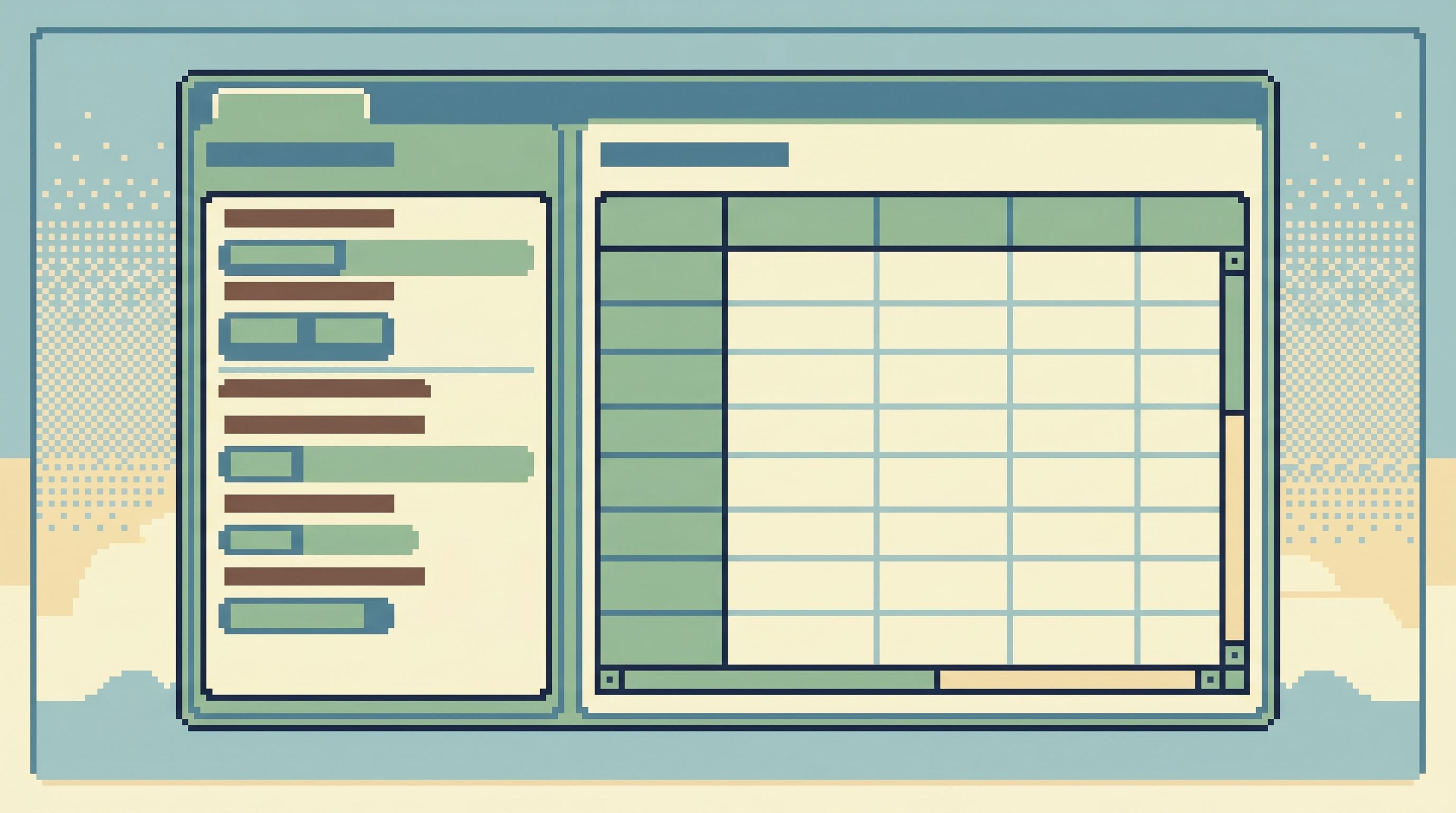
This is also where a tool like Simpl can help: instead of a wall of schema, you can surface these patterns as first‑class entry points, so people start from intent instead of from tables. That’s the same idea behind Beyond Object Trees.
Step 4: Treat prompts as part of your safety model
Whether you use AI‑assisted SQL, natural‑language query templates, or just shared snippets in your browser, prompts are production code.
They deserve the same care as any other interface that touches live systems.
Design prompts that bias toward safety:
-
Bake in scope
- “For this user and this time range, show…”
- “Within the last deploy window, list…”
-
Name the constraints
- “Read‑only, row‑level view of…”
- “Summarized counts only, no raw PII…”
-
Avoid vague verbs
- Replace “explore” / “inspect everything” with “explain X for Y subject”
-
Prefer questions over commands
- “What changed about this invoice between T1 and T2?”
- Not: “Show invoice history”
If you’re using AI to generate SQL, your system prompts and templates should:
- Explicitly forbid write operations
- Require filters on user / tenant / time
- Prefer whitelisted tables and columns
Think of it this way: the AI is another engineer on your team. It should follow the same norms you expect of humans.
Step 5: Use the tool surface to make unsafe questions hard
You can’t rely on memory and goodwill alone.
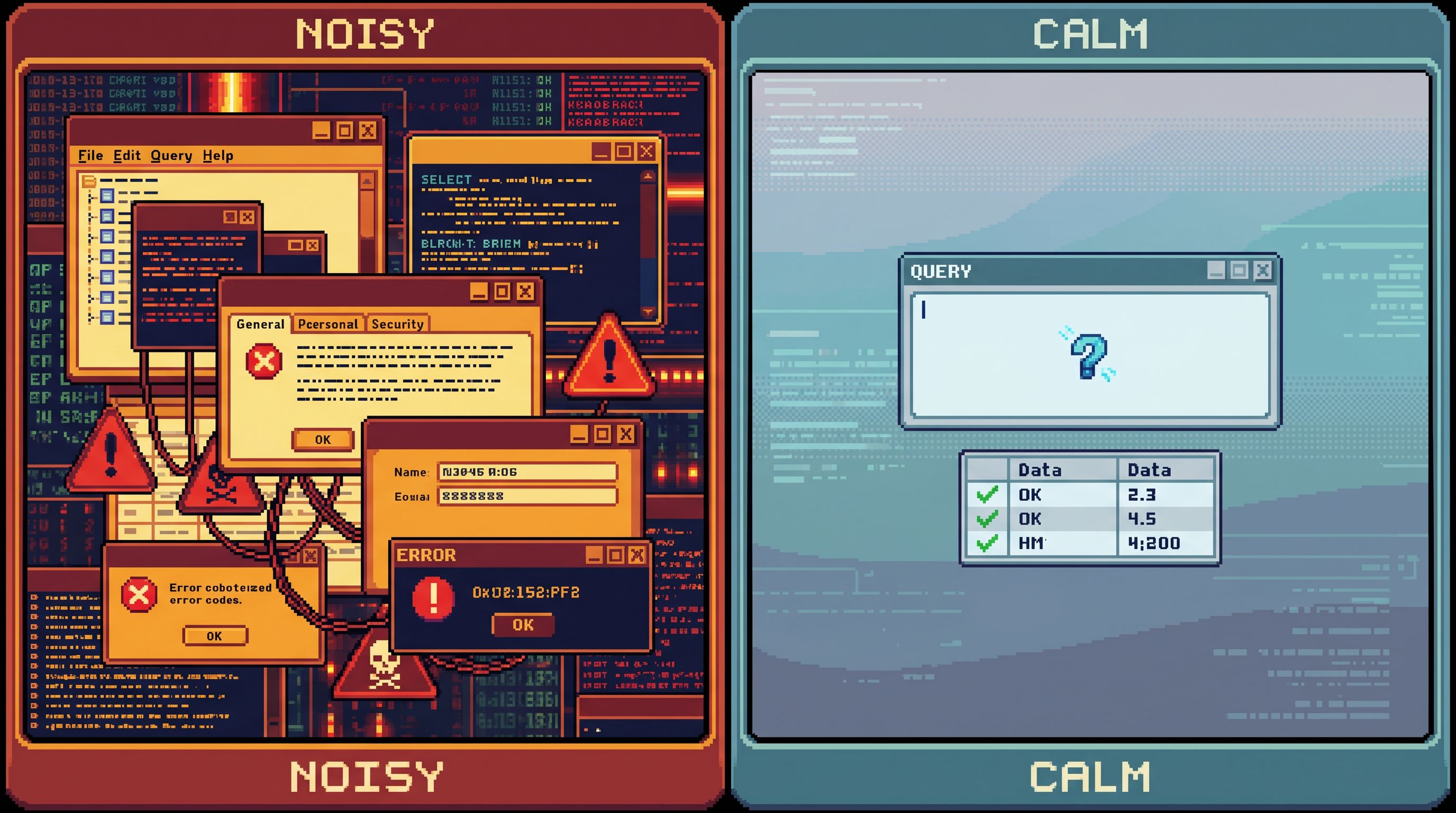
The interface should make safe questions easy and unsafe questions annoying or impossible.
Practical constraints you can build into your database browser:
-
Default filters
- Auto‑apply
LIMITand recent time windows - Require opt‑in for long‑range scans
- Auto‑apply
-
Column visibility rules
- Hide or mask sensitive fields by default
- Make unmasking explicit and auditable
-
Query review for high‑risk patterns
- If a query touches certain tables or exceeds certain thresholds, require a second pair of eyes or a higher‑privilege role
-
Intent‑first entry points
- Start from “What are you trying to understand?” instead of “Which table do you want?”
This is the philosophy behind the “anti‑workspace” stance in The Anti‑Workspace: Why Fewer Panels Make Database Debugging Easier: fewer knobs, fewer panels, fewer ways to accidentally wander into dangerous territory.
Opinionated tools like Simpl lean into this: they give you a narrow query editor, a thin schema surface, and calm defaults that resist the urge to “just pull everything.”
Step 6: Make question trails first‑class
Safety isn’t just about the moment a query runs. It’s about what happens after:
- Can someone else understand why you asked that question?
- Can you replay the trail during an incident review?
- Can you improve the pattern so the next person asks a better version?
Treat each production read as part of a question trail:
- A clear starting question
- A sequence of related queries or patterns
- A short note on what you learned
This turns one‑off hero work into reusable narratives. It also makes it easier to spot unsafe patterns:
- Repeated wide scans where a narrow pattern would do
- Habitual use of raw PII when aggregates would be enough
- Confusing or misleading prompts that people keep misusing
If you’ve explored From Tables to Stories, this is the same idea: treat your production reads as stories you can refine, not just queries you fire and forget.
Step 7: Build a small culture of review around prompts
You don’t need a heavyweight process. You do need a visible one.
For prompts, templates, and high‑impact question patterns:
-
Code‑review them like any other change
- Use your normal PR flow
- Ask: Is this question narrow enough? Time‑bounded? Clear?
-
Tag ownership
- Each pattern has an owner who maintains it
- Ownership can rotate, but it’s always explicit
-
Review after incidents
- As part of your incident retrospective, ask:
- Which questions helped us understand what happened?
- Which ones confused us or gave misleading answers?
- What new pattern should we add or refine?
- As part of your incident retrospective, ask:
Over time, your library of prompts becomes a quiet asset:
- New engineers learn how to ask good questions by example
- Support and product teams can self‑serve more safely
- On‑call engineers spend less time improvising under pressure
Step 8: Shrink the number of places where questions can be asked
Every extra surface pointed at production is another way for things to go wrong.
You don’t need:
- A SQL IDE
- A notebook
- An admin panel
- A BI tool with ad‑hoc SQL
- A log search console with database access
All wired directly into your primary.
A calmer posture is closer to a single‑surface model:
- One primary browser for production reads
- Clear, narrower tools for writes and admin work
- Analytics and BI pointed at replicas or warehouses
This is the spirit of the “single‑database day” in The Single‑Database Day: constrain where production questions can be asked, and you automatically constrain how wild those questions can get.
An opinionated browser like Simpl is designed to be that surface: calm, narrow, and clearly about reads, not experiments.
Bringing it together
Safer questions of live production data don’t come from a single control. They come from a stack:
- Read‑only by default – a hard boundary that makes curiosity safe
- A shared definition of “safe questions” – narrow, time‑bounded, minimal fields
- Opinionated patterns and prompts – reusable question shapes with guardrails
- A constrained tool surface – defaults and UI that make unsafe questions hard
- Question trails and reviews – treating prompts as production interfaces
- Fewer, calmer surfaces – one primary place where production questions live
When you get this right, a few things change:
- New engineers don’t have to guess what’s safe to ask
- Support and product can investigate real issues without pinging “the database person”
- Incidents feel more like reading a story than wrestling a cockpit of tools
Permissions still matter. But they stop being the only thing standing between you and a costly mistake. The way you frame and constrain questions starts doing real work.
First steps you can take this week
You don’t need a full redesign to move in this direction.
Pick one or two of these and ship them:
- Write down a one‑sentence definition of a “safe production question” and share it with your team.
- Identify your top 5 recurring production questions and turn each into a named pattern with a prompt, parameters, and a guarded query.
- Add default
LIMITand time‑window constraints to your primary production browser. - Mask or hide one class of sensitive columns by default.
- Choose one surface that will be your primary place for production reads, and start nudging people there.
If you want a tool that’s already biased toward this style of work, try something like Simpl: an opinionated database browser built around calm, safe production reads instead of open‑ended SQL freedom.
Safer questions are a design choice. You can start making that choice with the next query you write.