The Narrow Query Editor: Designing Just-Enough SQL for Everyday Production Reads

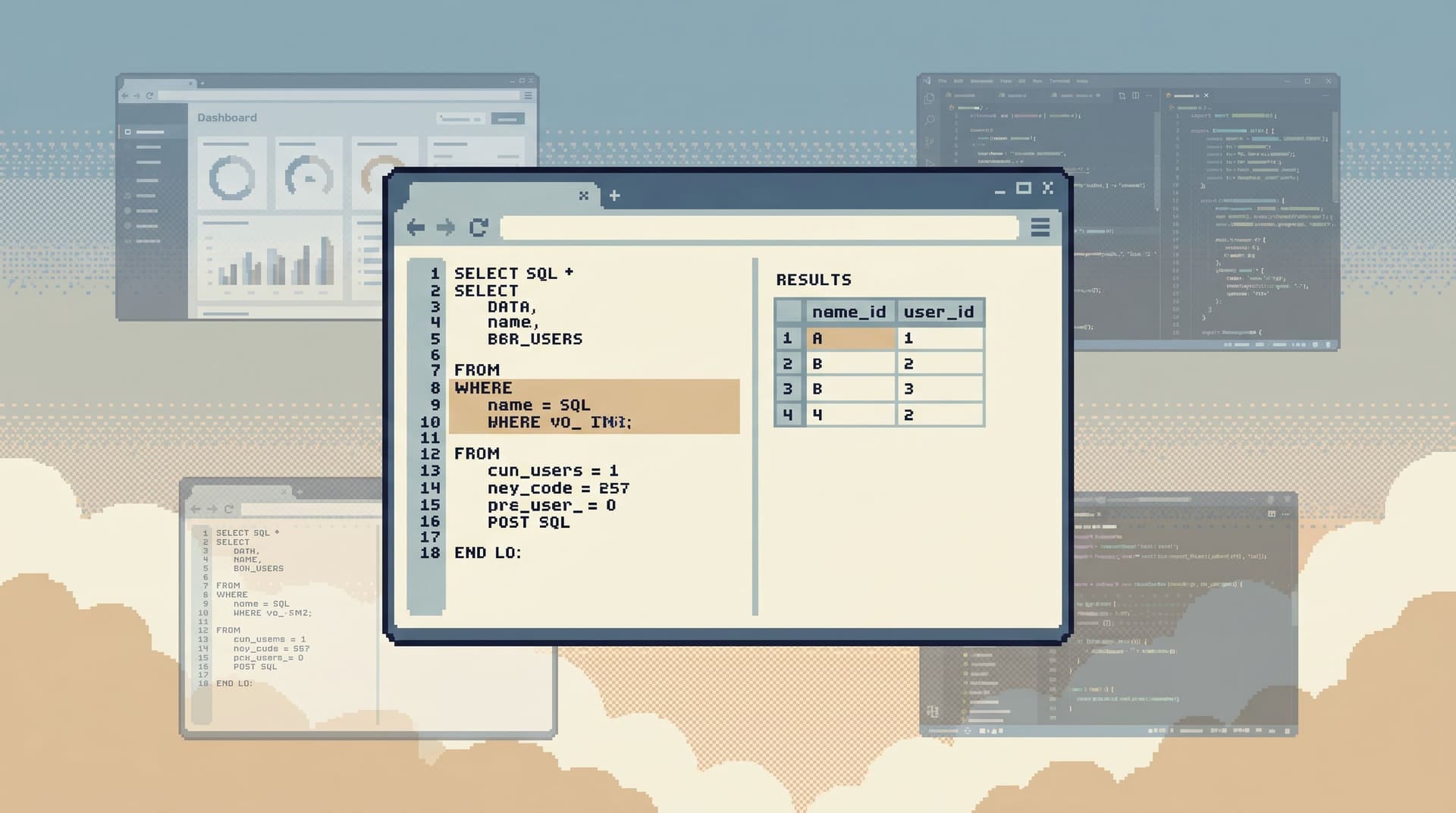
Most engineers don’t need a full SQL IDE pointed at production.
They need a thin, reliable way to answer precise questions:
- What happened to this user’s subscription?
- Which jobs are stuck, and why?
- What changed between last week and now for this tenant?
That work doesn’t require joins across half the schema, CTE forests, or window functions on every query. It needs something calmer: a narrow query editor that supports just enough SQL for everyday production reads, and resists everything else.
Tools like Simpl are built around this stance: an opinionated database browser that gives you a small, safe query surface instead of a blank canvas.
This post is about designing that surface.
- What belongs in a narrow query editor — and what doesn’t
- How to keep production reads powerful but boring
- How this approach shifts incident response, support, and product debugging
Along the way, we’ll connect to ideas from the calm stack: focused reads, gentle constraints, and read-only trails.
Why a narrow query editor matters
A full SQL editor is tempting. It feels like freedom. But in production, that freedom comes with hidden costs:
- Cognitive load: Every extra clause, keyword, and feature is another decision. When you’re mid-incident, the limiting factor isn’t SQL expressiveness — it’s attention. (We dig into this more in Focus-First Database Tooling: Measuring Cognitive Load Instead of Feature Count.)
- Risk: Free-form SQL plus real production data invites slow queries, accidental table scans, and the occasional missing
WHEREthat hurts everyone. - Sprawl: Rich editors encourage “experiments” that turn into half-maintained queries pasted in Slack, notebooks, and private folders.
A narrow query editor takes the opposite stance:
Most everyday production reads can be expressed with a small, opinionated subset of SQL.
Designing around that subset unlocks a few concrete benefits:
- Safer by default: It’s hard to write a dangerous query if the editor makes risky patterns awkward or impossible.
- Faster to think: Fewer options means less time deciding how to query, more time reading what the data says.
- More consistent: When everyone uses the same constrained patterns, queries become easier to share, review, and reuse.
This is the same logic behind calm read-only contracts and guardrails in tools like Simpl: constrain the surface so curiosity never feels risky.
What “just-enough SQL” really looks like
“Just enough” will vary by team, but for most engineering and support workflows, it looks something like this.
1. Read-only, always
The first constraint is non-negotiable:
- No
INSERT,UPDATE,DELETE,ALTER, orDROP. - No “quick fix” panels hiding write actions behind a read surface.
If the editor accepts SQL, it should accept read queries only. Everything else belongs in a different tool, with a different mindset and a stricter workflow.
This is why Simpl is opinionatedly read-only. The editor is not a half-admin console. It’s a window into what happened.
For teams designing broader workflows around this, Opinionated Read-Only by Design goes deeper on why refusing to creep into writes is a feature, not a limitation.
2. A small, boring subset of SELECT
Most everyday production reads can be expressed with a small grammar:
SELECTwith:- Explicit column lists (no
SELECT *on big tables) - Simple expressions (basic arithmetic,
COALESCE,CASEwhen needed)
- Explicit column lists (no
FROMone or a small number of tablesWHEREwith clear predicatesORDER BYandLIMIT- Occasional
JOINwhen truly necessary
That’s it.
What’s intentionally de-emphasized or removed:
- Deeply nested subqueries
- Complex CTE chains (
WITHforests) - Heavy aggregations and window functions for exploratory analysis
Not because they’re bad, but because they belong in a different class of work: analytics, modeling, and exploration — not production incident reads.
3. Opinionated defaults that lean safe
A narrow editor doesn’t just allow safe patterns. It nudges you into them.
Examples of helpful defaults:
- Auto-append
LIMITwhen absent (with a sensible default like 100 or 500 rows). - Soft warnings for full-table scans on large tables (e.g., a notice if there’s no
WHEREand the table is hot). - Column pickers that make it easier to select a handful of relevant fields than to grab everything.
These are the “quiet defaults” that shrink risk without adding more permissions work — the same philosophy we explored in Quiet Defaults in the Browser: How Simpl Shrinks Risk Without Adding New Permissions.
Designing the editor surface: fewer choices, clearer work
A narrow query editor is more than a smaller grammar. It’s a different interface.
1. One primary pane, not a cockpit
The editor should feel like a single trail, not a cockpit of widgets.
- One query surface.
- One results pane.
- Minimal surrounding chrome.
You’re not building a workspace. You’re building a lens. This lines up with the stance in The Anti-Workspace: Why Fewer Panels Make Database Debugging Easier: the goal is less surface area, not more.
2. Schema hints that don’t overwhelm
Engineers need to see structure, but not the entire catalog.
Good patterns:
- A thin schema sidebar showing only the slices that matter for the current workflow (e.g., a handful of core tables for support, billing, auth).
- Lightweight column previews when you hover or autocomplete.
- Contextual sample rows for a table before you write a query.
Avoid:
- Full ERD diagrams inside the editor.
- Deeply nested schema trees that invite wandering.
This is the same idea as a calm schema surface: just enough structure for everyday reads, not a full data catalog.
3. Friction in the right places
The editor should feel smooth for safe patterns, and gently resistant for risky ones.
Consider adding friction to:
- Running queries with no
WHEREon large tables. - Removing
LIMITentirely. - Joining more than a small number of tables.
Friction can be:
- A confirmation dialog: “This may scan a large table; continue?”
- A small delay with an explanation.
- A requirement to add a basic filter (date range, user ID, tenant) before running.
This is the practical side of moving from free-form SQL to frictioned reads — not blocking work, but shaping it.
4. Results tuned for reading, not exporting
The results pane should help you read rows, not immediately export them.
Helpful defaults:
- Compact, legible table view with clear row striping, stable column order, and minimal styling.
- Pinned columns for primary keys, timestamps, or user identifiers.
- Inline expansion for JSON or nested data, without dumping everything at once.
Nice-to-have, but optional:
- CSV export.
- Copy-as-JSON.
The bias should be toward staying in the editor and understanding the data there, not bouncing out to spreadsheets or notebooks. For incident work, this is the heart of the pattern described in The Anti-Metric Debug Session: fixing issues by reading rows, not charts.
Patterns for everyday production reads
Once you have a narrow editor, the real leverage comes from how people use it.
Here are concrete patterns to encourage.
1. Start from an entity, not from scratch
Instead of a blank editor, start from a concrete anchor:
- A user ID
- An order ID
- A job ID
The UI can support this by:
- Offering a search box for key identifiers that pre-populates a query template.
- Letting you click through from a row in one table to related rows in another (e.g., from
userstosubscriptions).
This keeps queries short and focused. You’re not exploring the schema; you’re following a story.
2. Encourage simple trails, not giant queries
A narrow editor should make it natural to run a sequence of small queries instead of one giant one.
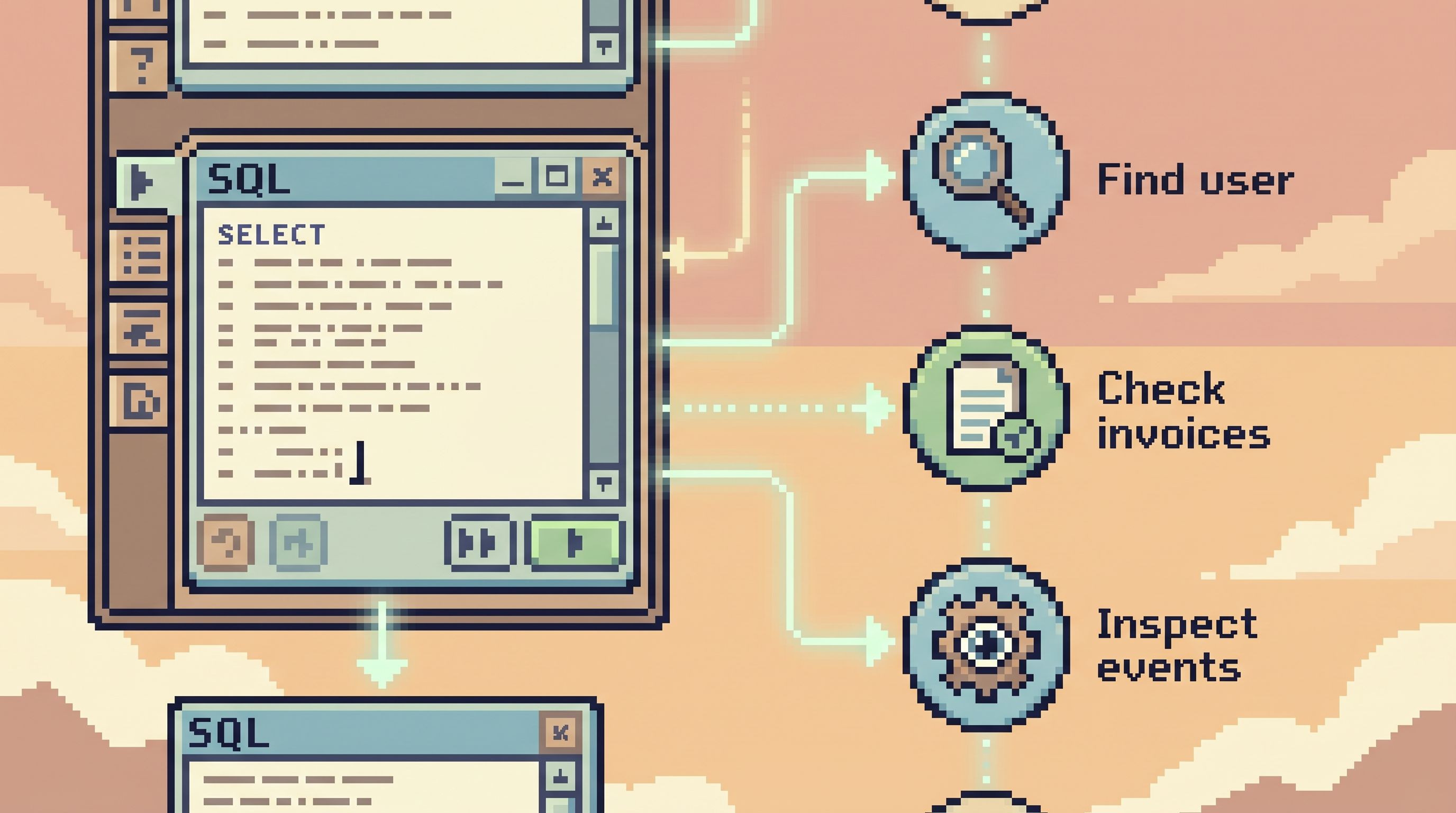
For example, debugging a subscription issue:
- Look up the user by email.
- Pull their subscriptions.
- Pull the specific subscription’s invoices.
- Check recent events in a
subscription_eventstable.
Each query is small, legible, and easy to reason about. Together, they form a trail that others can replay.
This is where tools like Simpl shine: they treat these trails as first-class, not as a pile of ad-hoc SQL.
3. Make safe patterns the default templates
Instead of asking everyone to handcraft every query, provide a small library of blessed patterns inside the editor:
- “Find user by email/ID”
- “List recent jobs for tenant”
- “Inspect a single order’s lifecycle”
Each template:
- Uses explicit columns
- Has a sane
LIMIT - Filters by primary identifiers
Users can tweak them, but they start from something safe and known-good. Over time, this becomes your query library, replacing the zoo of personal snippets.
4. Read-only trails as part of the UX
The editor shouldn’t just run queries. It should remember them in a structured way:
- A linear history of queries for a session
- Clear timestamps and parameters
- Easy replay for another engineer
This is the bridge to calmer team practices: incidents stop being one-off hero sessions and start becoming shared, inspectable stories.
Guardrails that keep the editor calm over time
A narrow query editor can easily drift into a full IDE if you’re not deliberate. Guardrails help keep it small.
1. Draw a hard line between read and write tools
Make it explicit in your tooling and culture:
- This editor: read-only, everyday production investigation.
- Another tool / flow: write actions, migrations, bulk operations.
Don’t add “just one” update feature. Don’t bolt on a “quick fix” panel. Once writes arrive, the mental model changes, and so does the risk.
2. Set performance budgets for queries
Agree on simple constraints and enforce them in the editor:
- Max row count (hard or soft cap)
- Max runtime before auto-cancel
- Warnings on scanning hot tables without an index-friendly filter
The goal isn’t to perfectly police every query. It’s to prevent the obvious footguns from living inside the everyday tool.
3. Review and curate templates regularly
As your team adds templates and patterns:
- Periodically prune unused ones.
- Promote the most useful into a shared library.
- Retire risky or overly complex ones.
Treat the narrow editor not as a static UI, but as a small, evolving library of safe ways to read production.
4. Pair-query the hard stuff
For high-stakes investigations, treat querying like pair programming:
- Two engineers.
- One narrow editor.
- One shared trail.
This isn’t about process overhead. It’s about making sure complex reads stay grounded in simple, reviewable steps. The pattern of calm pair-querying changes culture more than any single UI affordance.
How a narrow editor changes your stack
Designing a just-enough SQL surface has ripple effects across your tooling.
- Incidents: You spend less time juggling dashboards, consoles, and notebooks, and more time in one calm trail from alert to rows. (See also: the anti-tab debugging mindset.)
- Support and success: Non-specialists can safely answer deeper questions about user behavior without learning a full SQL dialect or risking dangerous queries.
- Data team load: Fewer bespoke “can you run this for me?” requests. More self-serve, but in a controlled, read-only way.
Most importantly, the felt experience of touching production data changes. Opening the browser no longer feels like stepping into a minefield. It feels like walking into a quiet reference library.
That shift is cultural as much as technical. A narrow query editor is one of the simplest, highest-leverage ways to make it real.
Bringing a narrow query editor into your team
If you want to move toward this style of work, you don’t need a full redesign. You can layer it in gradually.
A simple path:
- Pick one tool to be your calm read surface — something like Simpl, not a full admin or BI suite.
- Define your “just enough SQL” subset: what’s in, what’s out, and what’s discouraged.
- Codify a few safe templates for your most common production questions.
- Add gentle guardrails: default limits, warnings, and friction for risky patterns.
- Encourage trails over one-off queries: share sessions, not screenshots.
You’ll know it’s working when:
- New engineers can debug a user issue without asking, “Is it safe to run this?”
- Incidents leave behind clear, replayable trails.
- The query editor feels small on purpose — and nobody misses the extra knobs.
Summary
A narrow query editor is not a stripped-down SQL IDE. It’s a different tool entirely:
- Read-only by design, with a small, boring subset of
SELECT. - Guardrailed by defaults, not by heavy process.
- Focused on trails, not one-off hero queries.
- Integrated into culture, as the default way to look at production calmly.
By designing a just-enough SQL surface, you trade theoretical power for practical clarity. You make everyday production reads safer, faster, and less stressful — for everyone, not just the resident database expert.
Take the first step
You don’t have to rebuild your stack to get the benefits of a narrow query editor.
Pick one concrete move:
- Choose a read-only browser like Simpl and point it at a safe slice of production.
- Write down your team’s “just enough SQL” rules and share them.
- Turn one of your most-used incident queries into a clean, blessed template.
Then run your next incident, support ticket, or product investigation through that smaller surface.
See how it feels to read production data in a calmer way — and let that experience guide what you design next.