The Quiet DX Upgrade: Shrinking Your Data Tool Stack Without Losing Observability

Developer experience around data rarely breaks all at once.
It frays.
A new incident tool here. A new "temporary" dashboard there. A notebook for one team, a SQL IDE for another. None of these choices are wrong in isolation. But together they form a quiet tax on every engineer who needs to understand what actually happened in production.
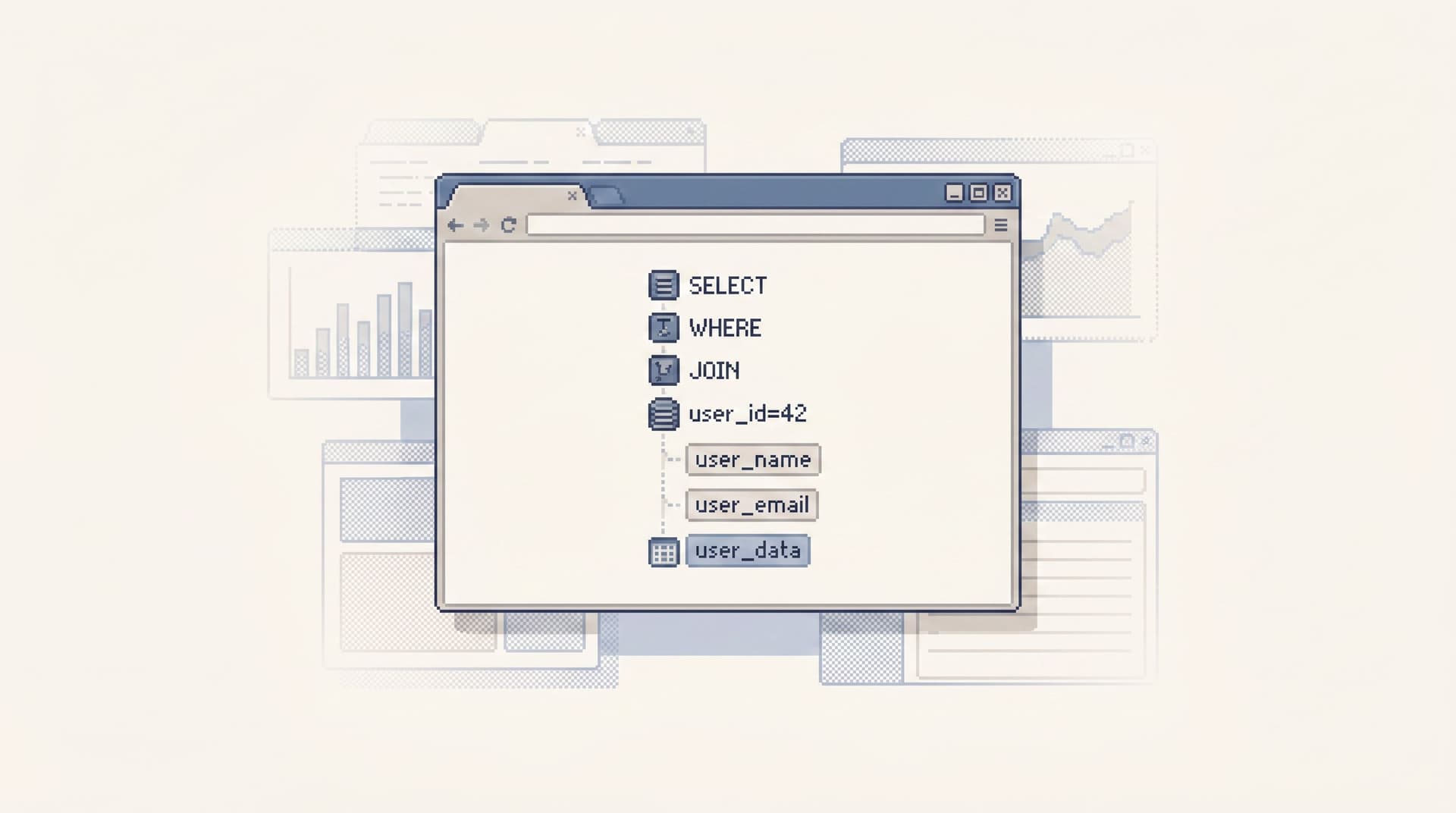
This post is about a different direction: a quiet DX upgrade where you deliberately shrink your data tool stack without giving up observability. You keep the ability to see, trace, and explain what’s happening in your systems—while removing the noise that makes that work stressful.
Tools like Simpl exist specifically for this middle ground: an opinionated database browser that gives you a calm, streamlined interface for exploring and querying data, instead of a full BI suite or admin console.
Why shrinking the stack matters
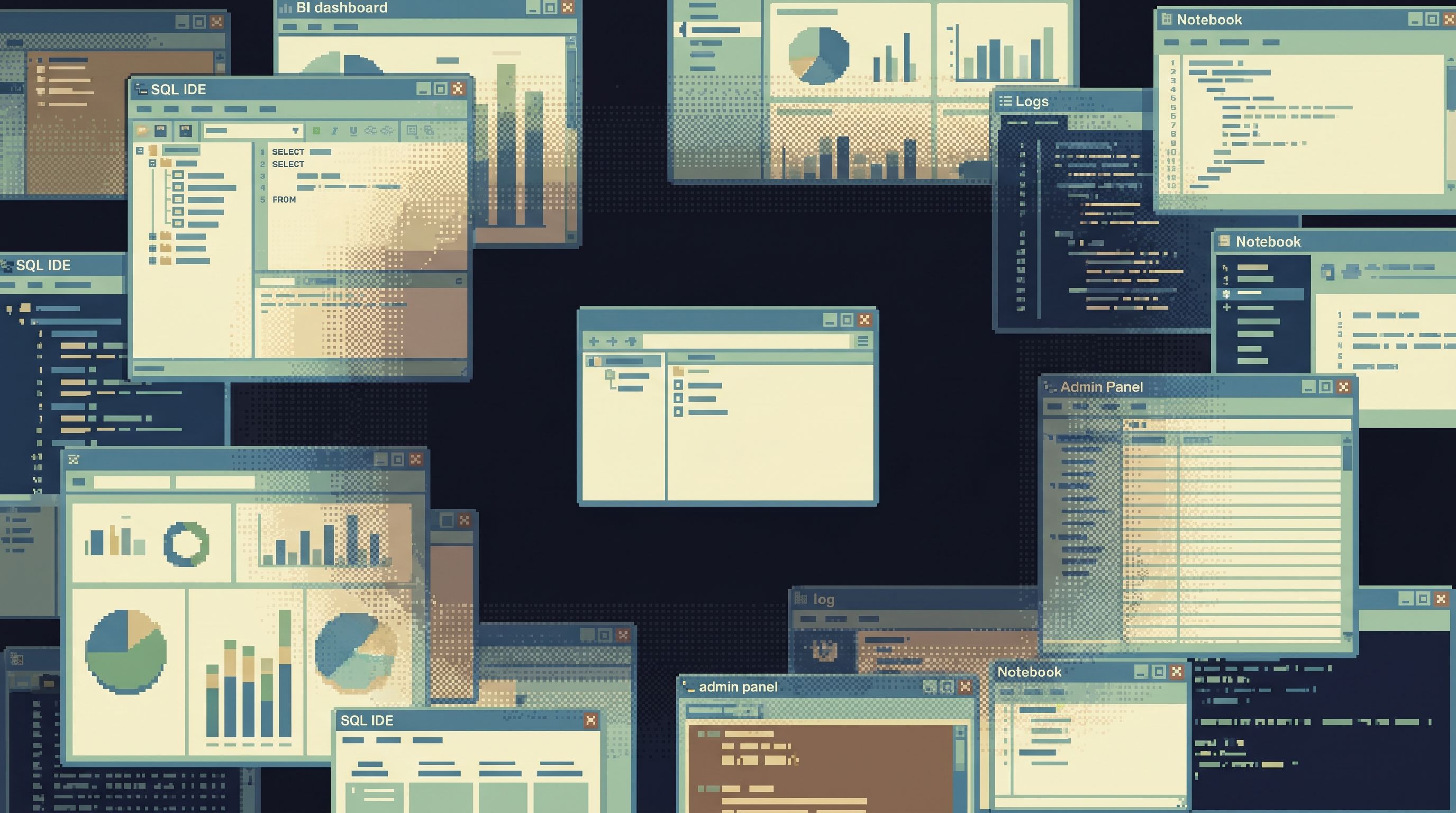
Most teams don’t wake up one day with “too many tools.” They get there through reasonable decisions:
- A SQL IDE for engineers.
- A BI tool for product and leadership.
- A notebook environment for data science.
- An admin console for support.
- A log viewer and error tracker for incidents.
Each tool promises clarity. Together they create:
- Context switching: You spend more time jumping between tools than following the thread of the bug.
- Fragmented observability: No single place tells a complete story. Metrics live here, traces there, rows somewhere else.
- Inconsistent safety: Some tools are read-only. Others quietly allow writes. Permissions drift over time.
- Hidden cognitive load: Every tool has its own query model, navigation, and vocabulary.
If this feels familiar, you’re not alone. We wrote about this in more detail in Database Work Without Multitasking: Running a Whole Debug Session From One Intent: most sessions don’t fail on SQL; they fail on attention.
Shrinking the stack is not about austerity for its own sake. It’s about:
- Faster incident response because the path from alert to relevant rows is shorter.
- Calmer on-call because there are fewer surfaces to learn, secure, and second-guess.
- Clearer ownership because you know which tool is the source of truth for which kind of question.
- Better onboarding because new engineers don’t need a tour of six overlapping systems before they can safely read production data.
The real requirement: observability, not tool count
Before you remove anything, you need a clear definition of what you refuse to lose.
At a minimum, for most engineering teams, observability across data means:
-
You can see symptoms quickly.
- Metrics and alerts tell you when something is off.
- Error trackers and logs give you first hints.
-
You can follow the story down to rows.
- You can move from a spike in a chart to specific users, jobs, or events.
- You can read what actually happened, not just that something happened.
-
You can share what you found.
- Others can replay the path you took.
- The explanation doesn’t live only in your head or in a one-off notebook.
-
You can do this safely.
- Clear read-only boundaries for most people.
- Narrow, auditable write paths for the few who need them.
Most teams already have the first part covered with tools like Grafana, Datadog, or New Relic. Where things get noisy is the second and third parts: following the story into the database, then turning it into a shareable narrative.
That’s the gap where a focused browser like Simpl can replace a surprising amount of stack surface.
Step 1: Map your current data surfaces
You can’t shrink what you haven’t seen clearly.
Spend one quiet afternoon mapping where people actually go when they need to understand production data:
- SQL IDEs (e.g.,
psql, DataGrip, TablePlus) - BI tools (Looker, Metabase, Mode)
- Notebook platforms (Hex, Jupyter, Deepnote)
- Admin consoles (internal tools, low-code dashboards, one-off UIs)
- Log and error tools (Sentry, Honeycomb, Elastic)
For each, write down:
- What questions is this tool actually good at?
- Who uses it regularly?
- Does it touch production data directly, or via a warehouse?
- Is it primarily read-only or read/write?
You’ll usually see the same pattern:
- 1–2 tools are essential.
- 2–3 tools are legacy habits.
- 2–3 tools exist mainly because the essential tools are too noisy for everyday work.
That last category is where the opportunity lives.
For a deeper exploration of this mapping exercise and what truly belongs between your CLI and BI tool, see The Minimalist Data Stack: What Actually Belongs Between Your CLI and Your BI.
Step 2: Choose one calm read surface for production
The most powerful move you can make is deceptively small:
Decide on one primary interface for reading production data.
This doesn’t replace your observability stack. It replaces the sprawl of ad-hoc ways of looking at rows.
What that surface should look like:
- Read-only by default.
- No surprise UPDATE/DELETE buttons.
- No “quick fix” panels quietly creeping in.
- Narrow SQL, not a blank canvas.
- Enough expressiveness for everyday reads.
- Guardrails against risky patterns in live systems.
- A calm schema surface.
- Just enough structure to orient people.
- Not a full admin tree with every index and trigger.
- Opinionated trails instead of personal stashes.
- You can replay investigations.
- Useful queries don’t vanish into private notebooks.
This is the stance Simpl is built around: an opinionated, read-only database browser that gives you a narrow, calm interface for production reads.
We’ve written separately about why this constraint matters in Opinionated Read-Only by Design: Why Simpl Refuses to Become Your Admin Panel and The Narrow Query Editor: Designing Just-Enough SQL for Everyday Production Reads.
You don’t have to adopt every detail of that philosophy. But you do need a single, trusted place where:
- On-call engineers go to read rows.
- Support and product folks peek into real user journeys.
- Debug narratives start and end.
Once that exists, other tools can become what they were meant to be: supporting actors, not the main stage.
Step 3: Redraw responsibilities instead of adding tools
Shrinking the stack is often less about uninstalling things, and more about redrawing the job description of each tool you keep.
A practical pattern:
-
Metrics & traces:
- Role: early warning and coarse localization.
- Tools: Grafana, Datadog, New Relic, Honeycomb.
- Contract: “Tell us that something is wrong and roughly where.”
-
Primary database browser (e.g., Simpl):
- Role: understand what actually happened at the row level.
- Contract: “Show us the story in the data, safely and calmly.”
-
Admin / write surfaces:
- Role: a small number of well-defined actions (refund, cancel, re-run job).
- Contract: “Do a few things, with clear trails, from read-only starting points.”
-
BI / notebooks:
- Role: analysis, forecasting, long-form exploration.
- Contract: “Answer strategic or long-horizon questions, not live incidents.”
The key move is often #2 → #3:
- Start all write-adjacent work from a read-only trail.
- Treat admin actions as extensions of that trail, not separate consoles.
We explored this pattern in The Single-Path Admin: Using Read-Only Trails to Design Safer Write-Adjacent Workflows: you get safer writes without adding another dashboard.
Once responsibilities are clear, you can start asking:
- Which tools are doing the same job worse?
- Which tools only exist because another tool is too loud for calm use?
- Which tools are now optional for most people, reserved for a few experts?
Step 4: Design a single path from alert to rows
If you want a concrete, measurable DX upgrade, this is it:
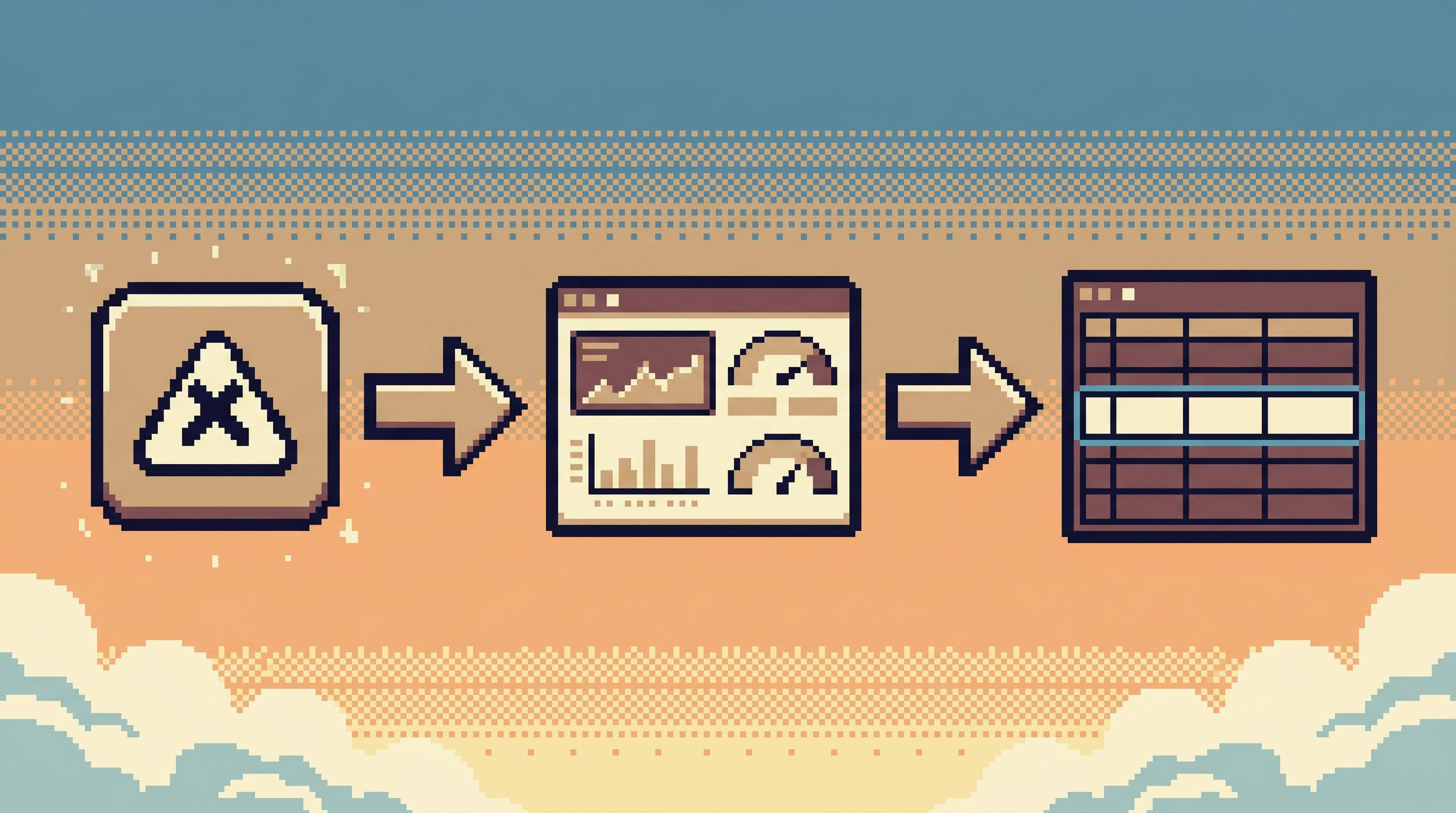
Define and practice a single, repeatable path from alert → metric → relevant rows.
A good path looks like this:
- Alert fires in your monitoring tool.
- You open the linked dashboard or trace.
- The dashboard links directly into your database browser, pre-filtered on:
- User ID
- Tenant ID
- Job ID
- Request ID
- In 3–5 clicks, you’re reading the rows that matter.
No side trips through a generic SQL IDE. No manual copying of IDs into a notebook. No hunting for the right admin panel.
We break this down in more detail in The Calm Data Shortcut: Going From Stack Trace to Relevant Rows in Under Five Clicks.
The implementation details will vary, but the principles are stable:
- Deep links, not instructions.
- Don’t tell people “run this query.” Give them a link that opens the browser on the right table and filters.
- Stable identifiers.
- Make sure alerts, logs, and events carry the IDs your database browser can pivot on.
- One primary surface.
- All such links go to the same browser (e.g., Simpl), not to a mix of IDEs and consoles.
Once this path exists and people trust it, a lot of ad-hoc tooling becomes obviously redundant.
Step 5: Replace personal query stashes with shared trails
One hidden source of tool bloat is the post-query problem:
- Someone writes a useful query in a SQL IDE.
- It lives in their local history or a personal notebook.
- Next incident, someone else re-creates it from scratch.
Over time, this creates pressure for more tools:
- A separate notebook platform “for collaboration.”
- A BI tool used mainly as a query graveyard.
A calmer alternative:
- Use your primary browser (again, something like Simpl) to create opinionated trails:
- Each investigation leaves behind a sequence of steps.
- Those steps can be named, shared, and replayed.
- Curate these trails into a query library:
- “Billing incident: trace a failed invoice.”
- “Auth incident: follow a login failure.”
- “Data migration: compare old vs new schema rows.”
We explore this shift in From Query Zoo to Query Library: Curating Reusable Read Paths for a Calmer Stack and Post-Saved-Query Workflows: How Opinionated Trails Replace Personal SQL Stashes.
The DX impact:
- New engineers can handle real incidents by following proven trails.
- Experts spend less time re-teaching the same investigations.
- You rely less on heavyweight tools just to “share queries,” because the sharing happens inside the calm browser.
Step 6: Treat cognitive load as a metric
If you only track tool count, you’ll miss the point.
A single, overloaded tool can be louder than three focused ones. To know whether you’re actually upgrading DX, measure cognitive load, not just consolidation.
Simple ways to do this:
- During an incident review, ask:
- How many tools did we touch between alert and root cause?
- How many times did we copy-paste IDs or SQL between them?
- During onboarding, watch:
- How long until a new engineer can safely read production rows on their own?
- How many concepts and permissions do they need to understand first?
- During normal work, notice:
- How often do people keep three or more data tools open “just in case”?
- Are they building personal workspaces to compensate for noisy defaults?
Your goal isn’t zero tools. It’s a stack where:
- People know exactly where to look for which kind of question.
- The main surfaces feel calm enough to use under pressure.
- Curiosity about production data doesn’t feel risky or exhausting.
We go deeper on this framing in Focus-First Database Tooling: Measuring Cognitive Load Instead of Feature Count and Cognitive Load as a Feature: Why Database Tools Should Optimize for Fewer Decisions.
What this looks like in practice
After a quiet DX upgrade, a typical flow might look like:
- Alert: Datadog notices a spike in failed payments.
- Triage: You open the linked dashboard, confirm the spike, and grab a sample user or invoice ID.
- Rows: You click a deep link that opens Simpl on the invoices table, filtered by that ID.
- Story: You follow a short trail across related tables (payments, subscriptions, jobs) inside the same calm surface.
- Share: You save that trail as “Failed invoice investigation” and drop the link into Slack.
- Act: If a fix is needed, you jump into a narrow admin flow that starts from the read-only trail you just built.
You touched:
- One observability tool.
- One database browser.
- One admin surface (maybe).
You didn’t need:
- A generic SQL IDE pointed at production.
- A separate notebook just to share queries.
- A second admin panel “for debugging.”
The stack is smaller. Observability is intact. DX is calmer.
Summary
Shrinking your data tool stack without losing observability is not a big-bang rewrite. It’s a series of small, opinionated choices:
- Clarify what observability really means for your team: symptoms, stories, and shareable explanations.
- Map your current surfaces and notice where tools overlap or exist only to compensate for noisy experiences.
- Choose one calm, read-only browser as the primary way to read production data—something like Simpl.
- Redraw responsibilities so metrics, rows, and writes each have a clear home.
- Design a single path from alert to rows and wire your tools to support it.
- Replace personal query stashes with shared trails so knowledge accumulates instead of fragmenting.
- Measure cognitive load, not just tool count, to know whether you’re truly upgrading DX.
The result is a quieter stack that still lets you see everything you need to see—without asking every engineer to be a part-time tool operator.
A calm first step
You don’t need a committee or a migration plan to start.
Pick one concrete move:
- Declare a single surface as the default for reading production rows.
- Add one deep link from your main alert to that surface.
- Turn one ad-hoc investigation into a reusable trail.
Then watch what happens to your next incident, your next debug session, your next onboarding.
If you want a tool that’s built around these constraints from the start, explore Simpl—an opinionated, read-only database browser designed to make production data work feel calm, focused, and observable without the usual stack sprawl.