The Calm Pair-Query: How Two-Engineer Sessions Change Production Database Culture

Pair programming is a known pattern. Pair querying isn’t.
Yet most of the risky, high‑leverage work your team does with production data is closer to surgery than to solo tinkering. You’re debugging billing incidents, tracing user journeys, and answering questions that can change how the product behaves for real customers.
Doing that work alone, in a noisy tool, with no shared trail, is a cultural choice. So is changing it.
This post is about a simple, opinionated pattern: the calm pair‑query.
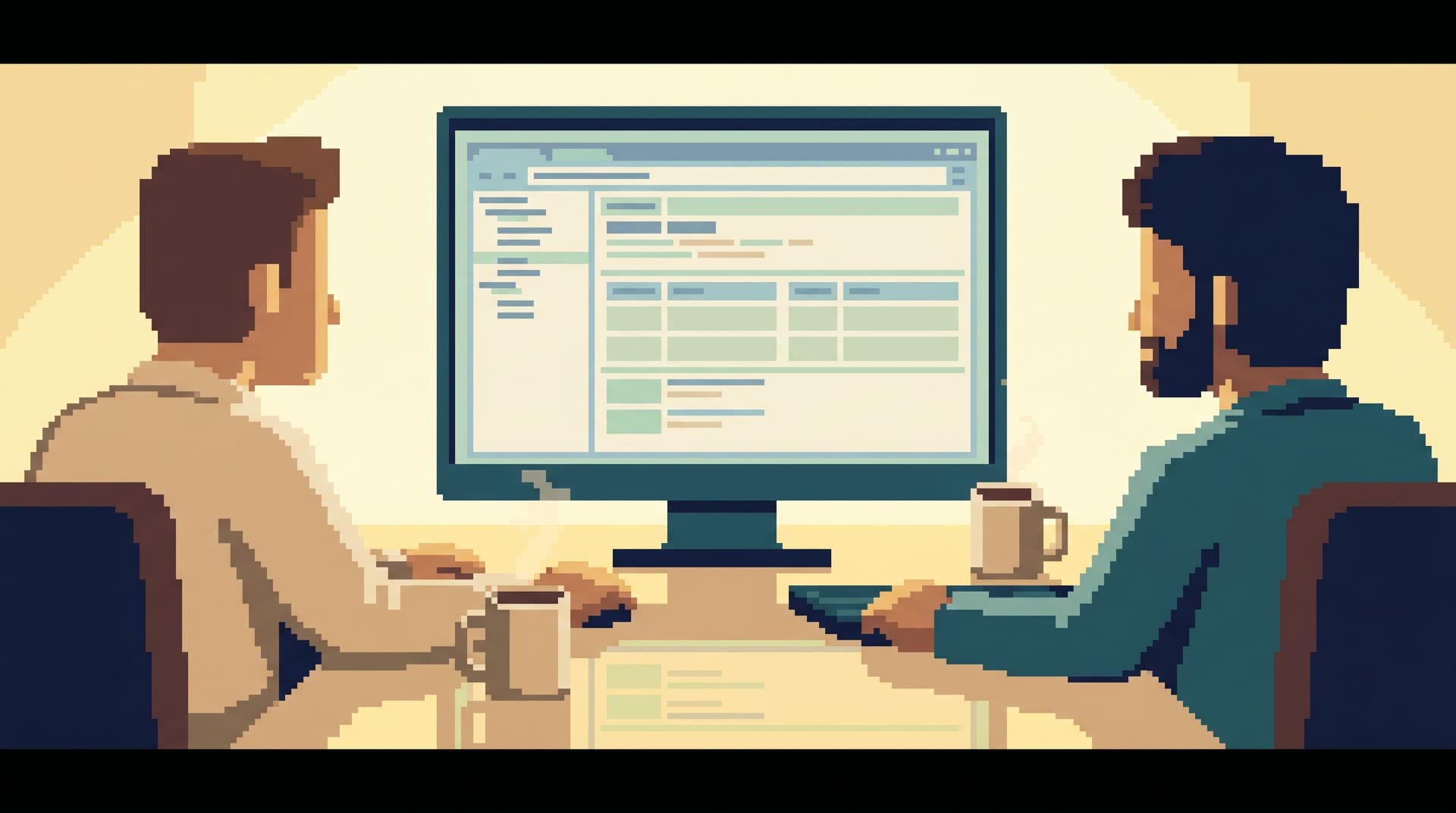
Two engineers. One shared screen. One focused database browser — something like Simpl, not a full BI suite or admin console. A clear question, a linear trail, and a culture that treats production data work as a craft, not a scramble.
Why pair‑querying matters more than another dashboard
Most teams try to make production data safer and clearer by adding tools:
- Another dashboard
- Another log viewer
- Another internal admin panel
- Another SQL IDE
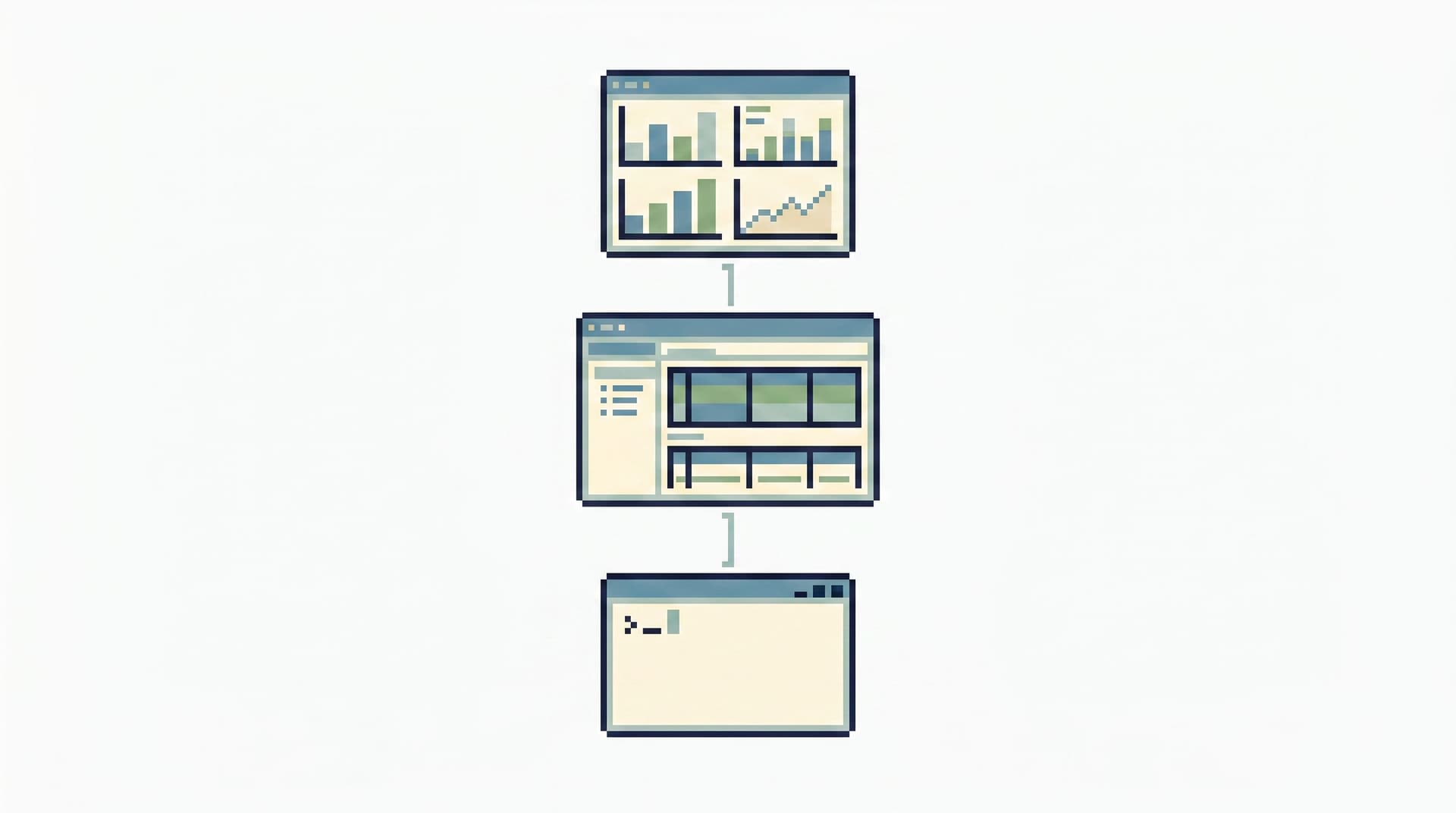
The result is what we talked about in Less Tabs, More Trails: Structuring Long Debugging Sessions as One Continuous Read Path: sprawl instead of flow. People bounce between surfaces, copy‑pasting queries, and leaving no coherent record of what actually happened.
Pair‑querying attacks a different layer: how you work, not what you install.
A calm pair‑query session:
- Reduces risk – Fewer “oops” moments, fewer accidental
SELECT *on hot tables, fewer missingWHEREs. - Builds shared intuition – Two people see the same rows, the same edge cases, the same schema quirks.
- Creates a trail – When you work from a focused browser like Simpl, the session itself can become a replayable path, not just a memory.
- Shifts culture – Production data stops being a scary, private place where only one “prod person” goes.
You don’t need a reorg to change your production culture. You can start with how you run the next incident.
What a calm pair‑query session actually looks like
Let’s be concrete. A calm pair‑query is not just “two people on a Zoom looking at SQL.” It has a shape.
1. One driver, one navigator
- Driver: Controls the tool. Types the queries. Clicks through tables.
- Navigator: Owns the question. Keeps the thread. Asks, “What are we trying to learn from this next query?”
They swap roles over time, but never blur them. This is one of the small UX patterns that makes tools feel quieter — the same idea we explored for interfaces in The Calm DX Pattern Library: Small UX Choices That Make Database Tools Feel Less Loud, applied to people instead of pixels.
2. A single, opinionated surface
Pick one place to live for the session. Ideally:
- Read‑only by design
- Calm visual hierarchy
- Clear history of queries and results
This is exactly the niche Simpl is built for: a focused database browser that assumes you’re reading, not administering.
When you avoid juggling a SQL IDE, an admin console, and a BI tool, you make it much easier for the navigator to keep the story straight.
3. A narrow, written question
You don’t start with “let’s explore.” You start with something like:
“Why did user 482731’s subscription get canceled at 02:13 UTC on May 28?”
or
“What changed in our invoice generation between last Tuesday and yesterday for EU tenants?”
The navigator writes this down in the ticket, incident doc, or even a shared note inside your browser if it supports that. Every query is judged against this question.
4. A visible trail
As you move:
- Name queries in plain language:
user_lifecycle_events_before_cancel,billing_invoices_for_user_482731,subscription_state_transitions_last_24h. - Avoid editing the same query in place 15 times. Fork, label, move forward.
- Keep the session linear: each new query should be justified by something you just saw.
Tools like Simpl are designed around this idea of trails instead of private SQL stashes — a pattern we expand on in Post-Saved-Query Workflows: How Opinionated Trails Replace Personal SQL Stashes.

Why pairs change production culture (not just incident outcomes)
You can justify pair‑querying on pure outcomes — fewer mistakes, faster resolution, clearer trails. But its real leverage is cultural.
1. It normalizes production access
When only one or two people ever touch production, you get:
- Hero culture
- Bottlenecks
- Shadow access (screenshots, CSV exports, backdoor consoles)
Pair‑querying turns production into a shared learning space:
- Newer engineers sit in the navigator seat first.
- Senior engineers narrate their thinking in real time.
- Access becomes about real read work, not just titles — the same principle behind Beyond Read-Only Roles: Structuring Access Around What Engineers Actually Need to See.
Over time, “who can look at prod?” becomes a smaller, calmer question.
2. It makes safety felt, not just configured
You can have perfect IAM policies and still feel unsafe opening a console on production.
A calm pair‑query session bakes safety into the flow:
- The navigator can say “that query feels too heavy; can we add a limit or filter?”
- The driver can say “I’m not comfortable running this on primary; let’s switch to the read replica.”
- Both can agree on guardrails: no writes, no ad‑hoc schema changes, no unbounded scans during peak traffic.
This is the human version of the UX constraints we outlined in The Calm Guardrail Catalog: Small UX Constraints That Make Production Reads Feel Safe. Guardrails live in the flow, not only in the setup.
3. It spreads debugging patterns, not just snippets
Most teams share SQL as artifacts:
- A paste in Slack
- A saved query in a BI tool
- A notebook cell
What rarely gets shared is the sequence of questions that led there.
Pair‑querying makes the sequence visible:
- “We always start from the user’s primary key, not their email.”
- “We check for soft‑delete flags before assuming data ‘disappeared’.”
- “We compare staging and production states side‑by‑side before blaming the migration.”
Over time, those patterns become part of how the team works, not just lore.
Designing your first pair‑query ritual
You don’t need a big program. Start with a small, explicit ritual.
Choose the right moments
Not every query deserves a pair. Good candidates:
- Production incidents with real user impact
- Scary tickets (billing, data loss, compliance)
- New feature rollouts where you’re validating behavior in prod
- Onboarding sessions for engineers new to the system or the stack
If you’re already running focused incident workflows from a single browser, as described in The Anti-Tab Debug Session: Running an Entire Incident from One Browser Window, pair‑querying fits neatly into that pattern.
Set lightweight rules
Write down 5–7 rules and treat them as defaults, not bureaucracy. For example:
- Always define the question in one sentence before opening the browser.
- One driver, one navigator. Swap roles every 20–30 minutes.
- Use a read‑only, focused browser (e.g., Simpl) whenever possible.
- Name queries descriptively and avoid editing history in place.
- Prefer read replicas for heavy or exploratory reads.
- End by summarizing what you learned and linking to the session trail.
None of these require new infrastructure. They require attention.
Pick your primary tool
Calm pair‑querying works best when the tool itself is quiet:
- Read‑only by design – No accidental writes, no admin‑panel creep.
- Minimal chrome – Schema, query, results. Not ten panels of knobs.
- Replayable trails – History you can revisit and share.
This is why Simpl refuses to become an admin panel and stays opinionatedly read‑only. A pair‑query session is easier to run — and easier to trust — when you know the surface literally cannot mutate production.
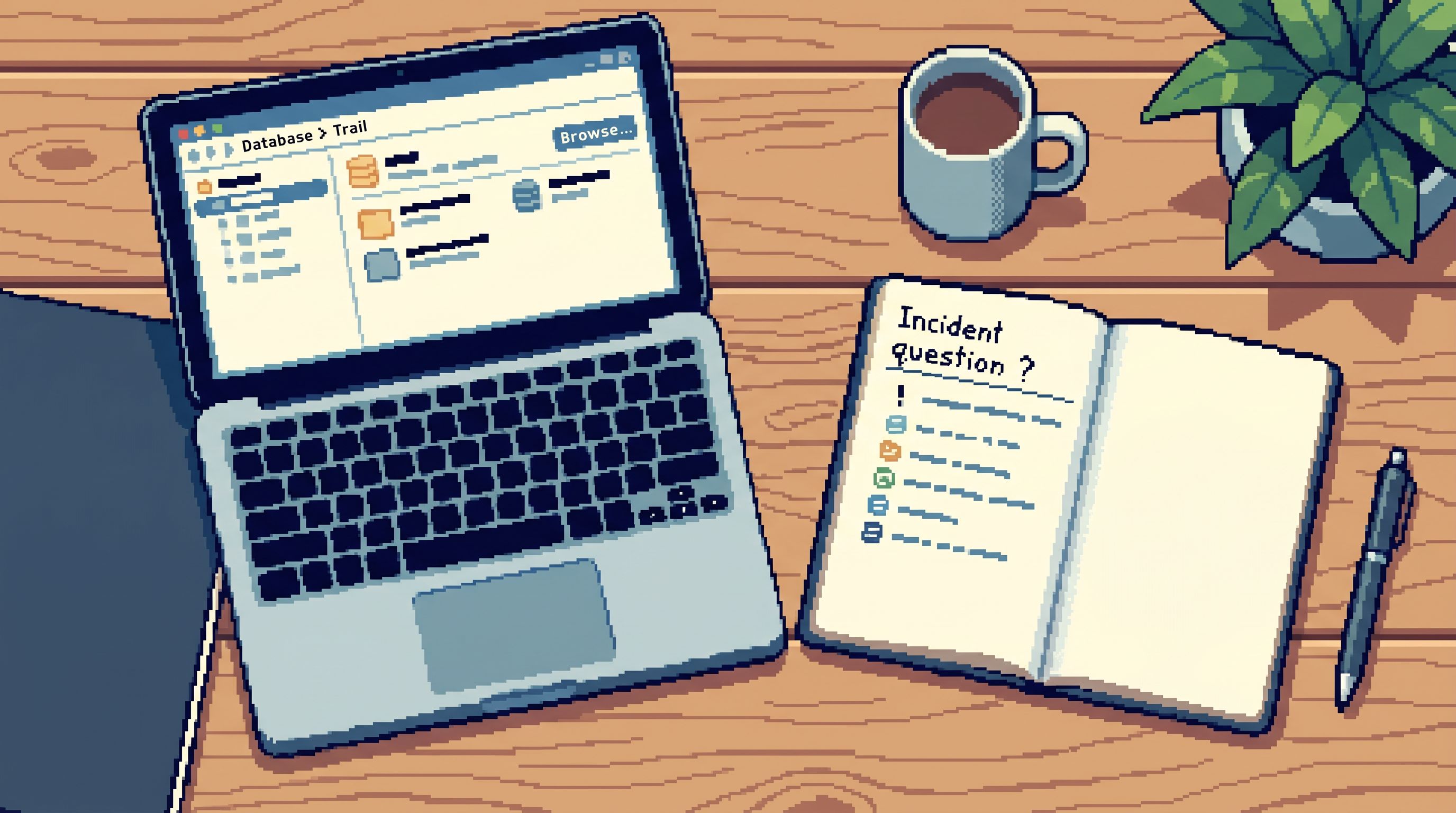
Running a calm pair‑query: step‑by‑step
Here’s a concrete flow you can adopt tomorrow.
1. Frame the session
Before you open anything:
- Write the core question.
- Decide who is driver, who is navigator.
- Agree on the environment: staging, read replica, or primary.
- Set a timebox: “We’ll investigate for 45 minutes, then summarize.”
2. Establish a safe starting point
Open your browser (ideally Simpl) and:
- Land on a neutral table or homepage, not a random saved query.
- Confirm you’re pointed at the expected environment.
- Verify read‑only or restricted access is in place.
This moment matters more than it seems. It’s where you either feel calm or exposed.
3. Walk the data story, not the schema
As you query, the navigator keeps the story front and center:
- “We’ve seen the subscription state; now we need to see the payment attempts.”
- “We’ve confirmed staging and production are different; let’s find the migration that explains it.”
- “We know the user’s account looked correct yesterday; let’s compare snapshots.”
The driver:
- Writes small, focused queries.
- Avoids premature joins “just in case.”
- Uses limits and filters aggressively.
If you feel the session drifting into open‑ended exploration, the navigator calls it out.
4. Leave a clean trail
Throughout the session:
- Name queries with intent, not just timestamps.
- Group related queries when your tool allows it (e.g., a trail per incident).
- Annotate key results with short notes: “First time we see subscription in
canceled.”
At the end:
- Link the trail back to the ticket or incident doc.
- Write a short narrative: what you believed, what you found, what changed.
This is how you turn one‑off sessions into the post‑query culture we describe in The Post-Query Culture: How Teams Turn One-Off Debug Sessions into Shared Calm Data Practices.
5. Reflect briefly
Take five minutes after the session:
- What slowed you down?
- Where did you feel unsafe or unsure?
- Which queries are worth turning into reusable paths or templates?
Feed the answers back into your defaults:
- New guardrails in the tool
- New patterns in onboarding
- New shared queries in your “library” of trails
Common objections (and calm responses)
“This doubles the cost of debugging.”
It changes the cost profile:
- You spend two people’s time for one session.
- You reduce repeated investigations, risky solo experiments, and onboarding drag.
If a single incident can affect thousands of users or millions in revenue, pairing is cheap insurance.
“We don’t have a tool that supports this style.”
You can start with whatever you have, but you’ll quickly feel the friction of loud, admin‑heavy tools. That’s the gap Simpl is trying to fill: a calm, opinionated browser where pair‑query sessions feel natural, not bolted on.
“People will feel watched.”
If pairing is framed as surveillance, you have a different problem.
Frame it instead as:
- A chance to learn senior engineers’ debugging instincts.
- A way to protect everyone from accidents.
- A path to broader, safer production access.
Over time, engineers usually prefer knowing someone has their back when they’re poking at prod.
Bringing it all together
Calm pair‑querying is a small pattern with outsized impact:
- It reduces risk without adding more permissions work.
- It spreads intuition about how your systems really behave.
- It creates trails, not just snippets, so incidents become reusable knowledge.
- It shifts culture from heroics and tab sprawl to shared, quiet craft.
You don’t need a new stack to start. You need:
- Two engineers
- One focused question
- One calm browser — ideally Simpl or a similarly opinionated, read‑only surface
- A handful of simple rules
From there, every incident, scary ticket, or rollout validation becomes a chance to practice.
Try a calm pair‑query this week
Pick one upcoming piece of work that touches production data:
- A user‑reported bug
- A billing discrepancy
- A migration rollout check
Then:
- Block 45 minutes on two engineers’ calendars.
- Write the core question in one sentence.
- Open a calm database browser like Simpl.
- Run the session with a clear driver and navigator.
- End with a short written summary and a link to the trail.
You don’t have to rename it. You don’t have to sell it. Just run one calm pair‑query and see how it feels.
If it leaves you with fewer tabs, fewer “oops,” and a clearer story for the next person, you’ve just taken the first step toward a quieter production database culture.