Opinionated Read-Only by Design: Why Simpl Refuses to Become Your Admin Panel

Most database tools creep.
They start as a simple way to look at data. Over time, someone adds an UPDATE button. Then a bulk action. Then a “quick fix” panel for support. Before long, your calm read surface has turned into a shadow admin console pointed at production.
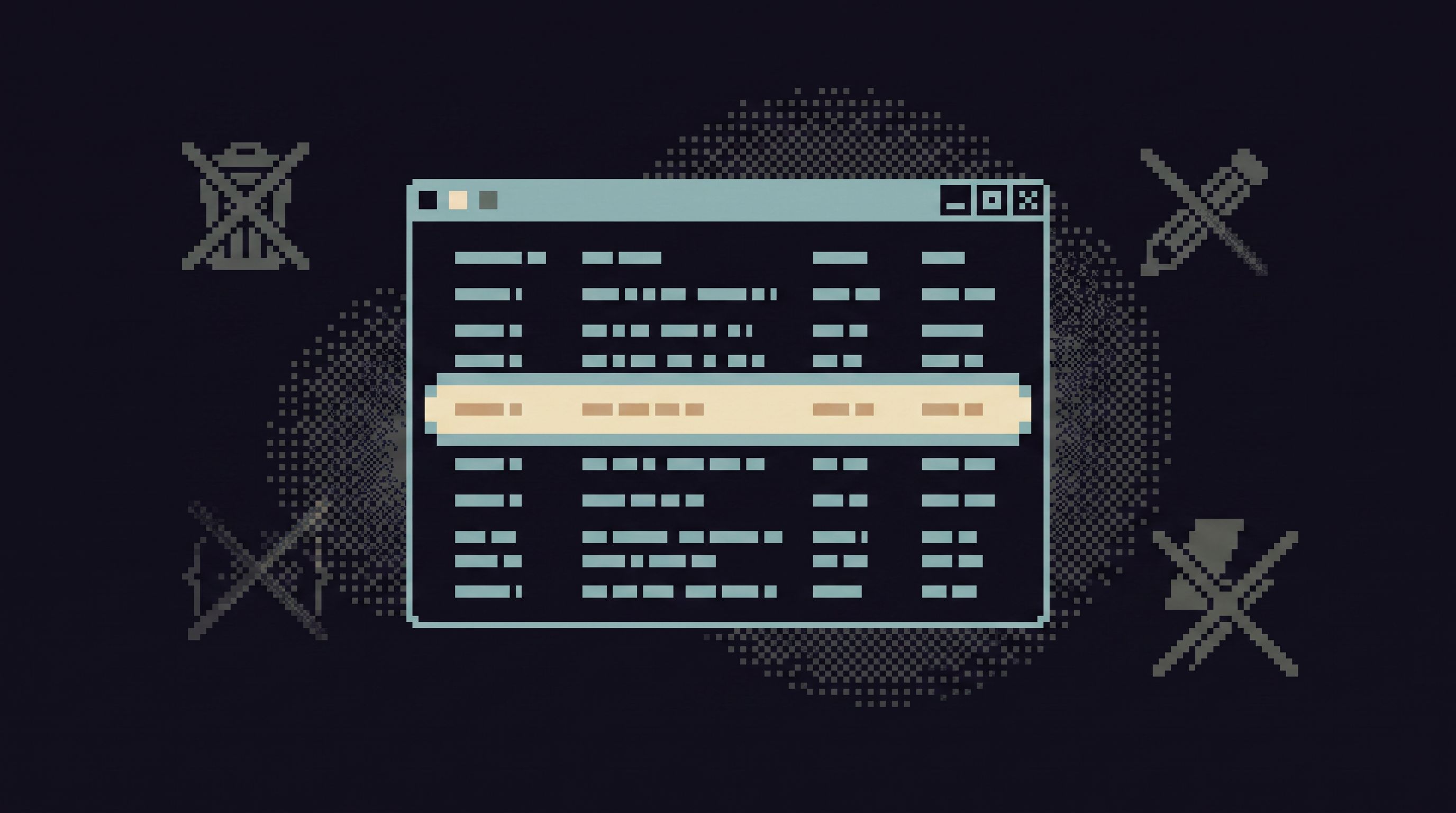
Simpl takes a different stance: it is read-only, by design. Not read-mostly. Not read-only-for-now. Opinionated, permanent read-only.
That refusal to become your admin panel is not a missing feature. It’s the core feature.
This post is an argument for that stance: why a strictly read-only browser is worth protecting, what it unlocks for teams, and how to structure your workflows so you never miss the write access you think you need.
Why a Hard Line on Read-Only Matters
Most teams already have too many places that can change production:
- The application itself
- Internal admin tools
- Background jobs and scripts
- Migrations and schema tooling
- Ad-hoc consoles and SQL IDEs
Every new surface that can write is another place to:
- Leak permissions
- Make a mistake under pressure
- Encode one-off hacks that live forever
A dedicated, opinionated read-only surface does the opposite. It gives you:
-
A place you can open without flinching
When a tool literally cannot write, the mental load drops. You don’t have to second-guess every click. -
A shared source of truth for “what happened,” not “what should we do”
Reads are about understanding. Writes are about decisions. Mixing them blurs the line between investigation and action. -
A calmer access story
You can safely grant more people access to a read-only browser than to an admin console. That’s the foundation of a better access model, not just more roles. (For more on that, see Beyond Read-Only Roles: Structuring Access Around What Engineers Actually Need to See.) -
Less tool sprawl around production
When one tool is trusted for reads, you don’t need three different “maybe safe” consoles. A pattern we explore more deeply in The Calm Read-Replica: Structuring Safe Production Peeks Without a Second Tool Explosion.
Read-only is not a constraint on power. It’s a constraint on where power lives.
The Quiet Failure Mode of “Just a Bit of Admin”
No team decides, explicitly, to turn their database browser into an admin panel. It happens gradually.
The path usually looks like this:
-
“We just need to fix one user.”
A support engineer is blocked. Someone adds a quick inline edit. -
“We should make this safer with roles.”
You add a permission:can_edit_users. A checkbox appears in your admin. -
“While we’re here, let’s add bulk actions.”
Now you can reassign accounts, reset states, or change flags for many rows. -
“Incidents are easier if we can patch directly.”
Under pressure, people start using the same surface for emergency writes. -
“We’ll clean this up later.”
You never do.
The result:
- No one is sure which tool is safe to open on production.
- Debugging and remediation are tangled in the same flows.
- “One quick fix” becomes an unversioned, unreviewed mutation history.
Opinionated read-only draws a hard line before step one.
This surface is for reading. If you need to change data, you go somewhere else, with different guardrails and different expectations.
That separation is what lets Simpl stay calm under pressure.
What a Read-Only Browser Is Actually For
A read-only database browser is not a worse admin panel. It’s a different tool for different jobs.
Good read-only tools are built for:
- Incidents — following a trail of rows until the story is clear.
- Support — answering “what happened to this user?” without touching state.
- Product and analytics — understanding behavior at the row level, beyond dashboards.
- Migrations and schema changes — verifying effects without reaching for a console.
You see this pattern across many Calm Data topics:
- Post-Dashboard Debugging: Why Incident Workflows Need Trails, Not Tiles is about the path after an alert fires.
- From Dashboards to Direct Reads: When Engineers Should Skip the Chart and Open the Browser is about moving from metrics to rows.
- The Anti-Notebook Session: Debugging Production Data Without Accidental Science Experiments is about keeping investigations focused.
Simpl is designed for that layer: focused, replayable reads.
Concretely, that means optimizing for:
- Clear entry points — start from a ticket, an ID, a user email, not a blank SQL editor.
- Opinionated read paths — reusable flows like “follow this order from cart to payout,” instead of ad-hoc queries.
- Safe defaults — constrained filters, limited row counts, and guardrails that make dangerous reads hard.
- Trails, not tabs — a history of what you looked at, so others can follow the same path without guessing.
None of that requires write access. In fact, write access makes all of it harder to reason about.
Why Refusing Writes Makes Reads Better
A strong read-only stance doesn’t just reduce risk. It improves the reading experience itself.
Here’s how.
1. You Can Design Around Curiosity Without Fear
If a tool can write, every affordance is dangerous:
- Autocomplete might suggest destructive queries.
- A bulk-select checkbox might be one misclick away from a disaster.
- A “fix it” button tempts people to act before they understand.
When the tool is truly read-only:
- You can encourage exploration of past states and related entities without worrying about side effects.
- You can add rich navigation — jumping from a user to their orders to their payments — knowing nothing will change.
- You can support opinionated trails that guide people through complex data without mixing in remediation. (See Post-Saved-Query Workflows: How Opinionated Trails Replace Personal SQL Stashes for how this plays out in practice.)
Curiosity becomes safe by design.
2. You Can Widen Access Without Diluting Safety
With a strict read-only boundary, you can:
- Give more engineers direct access to production data.
- Let support and success teams answer their own questions.
- Onboard new teammates faster, because the worst mistake they can make is… a slow query.
Instead of endless permission debates, you end up with a simpler structure:
- Read surface: Simpl or a similar tool, safely pointed at production or a read replica.
- Write surface: purpose-built admin flows, your application backend, or migration tooling.
You no longer need to ask, “Should this person be able to run UPDATE statements?” because the read-only tool makes that question irrelevant.
3. You Can Keep Incidents Linear
Incidents go sideways when investigation and remediation are tangled:
- Someone “just tries a fix” while others are still gathering context.
- A hasty write hides the original failure mode.
- You lose the ability to replay the exact data state that led to the issue.
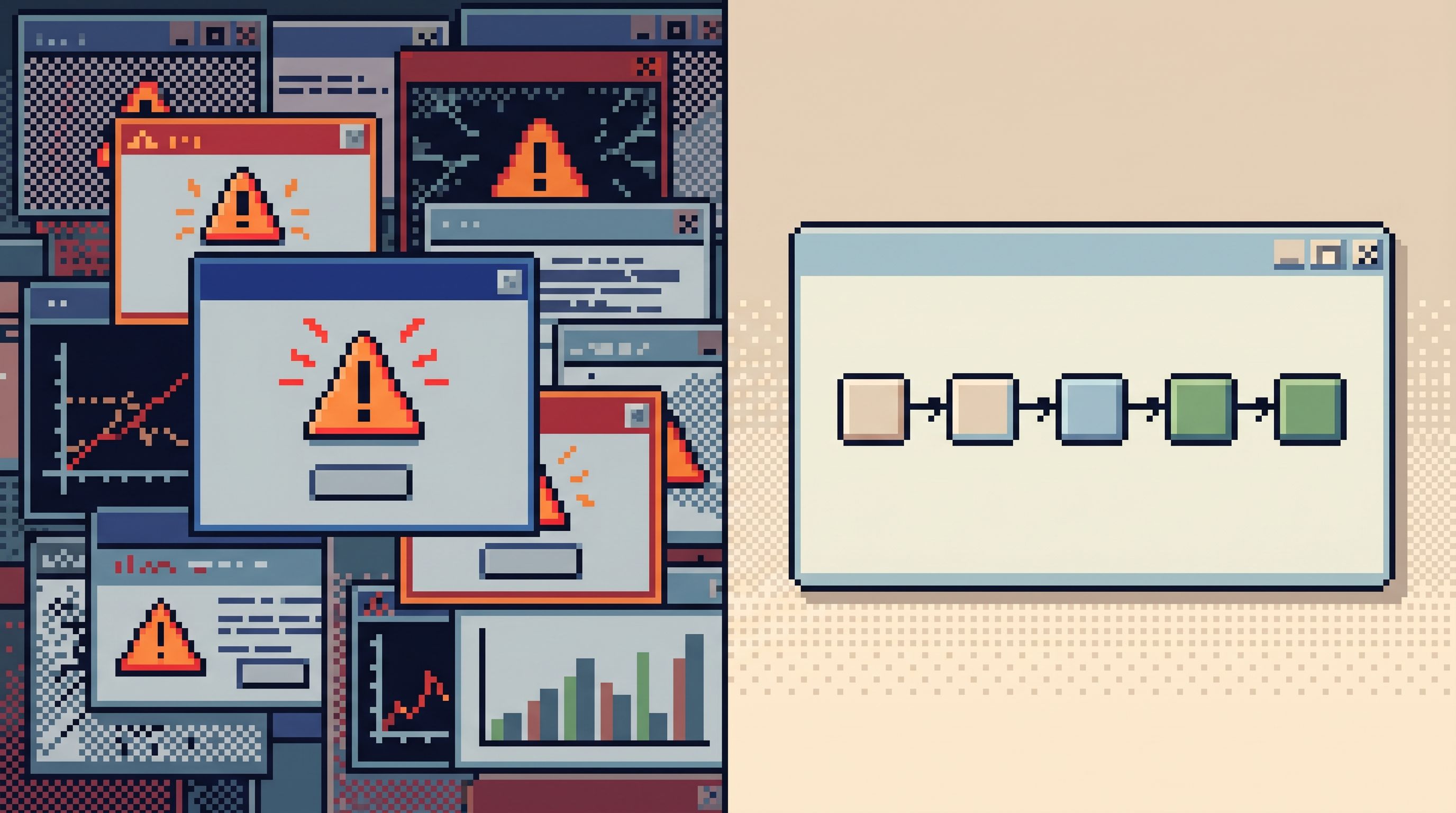
A dedicated read-only browser enforces a simple discipline:
- Understand the story in Simpl.
- Decide on a fix.
- Apply the fix in a tool built for writes.
- Come back to reads to verify.
That linearity is what lets you run an incident from one calm window, as we explore in The Anti-Tab Debug Session: Running an Entire Incident from One Browser Window.
Structuring Your Stack Around a Read-Only Core
If you want to keep your database browser from turning into an admin panel, you need to design for it. That means making a few deliberate choices in your stack.
1. Draw a Map of Read vs. Write Surfaces
Start by listing your current tools:
- SQL IDEs (e.g.
psql, TablePlus, DataGrip) - BI and analytics tools (e.g. Looker, Metabase)
- Internal admin UIs
- Ad-hoc consoles and scripts
- Database browsers like Simpl
For each, mark:
- Can it write? (Yes/No)
- Who uses it? (Engineering, support, product, ops…)
- What is it supposed to be for? (Debugging, reporting, remediation, migrations…)
You will almost always find tools that:
- Are used for writes they were never designed for.
- Are opened on production even though they feel risky.
- Are both a read and write surface without clear boundaries.
The goal is to converge on:
- One primary read-only surface for production (or its read replica).
- A small number of controlled write surfaces with strong review and auditing.
2. Make the Read-Only Path the Default
Once you have a primary read-only browser, route common workflows through it first.
Examples:
- Support tickets: Start from a user or account ID in Simpl, not in an admin panel.
- Incidents: Define runbooks where the first step is “open this investigation trail,” not “open the admin and see if you can fix it.”
- Migrations: Verify effects via read-only views before and after, not via ad-hoc
UPDATEqueries.
You want the calm path to be the path of least resistance.
3. Push Writes into Intentional Flows
When someone says, “I just need to change a value,” resist the urge to bolt that capability onto your read tool.
Instead, ask:
-
Is this a one-off emergency?
Then the right place is your existing admin or a reviewed script, not your browser. -
Is this a recurring pattern?
Then it deserves a first-class, audited, versioned flow: a backend endpoint, a runbook, or a small internal tool. -
Is this actually a data modeling problem?
Many “we need to fix it manually” cases point to missing invariants or safeguards in your application.
By keeping writes out of Simpl, you force better answers to those questions.
4. Treat Your Read Surface as a Product, Not a Sidecar
A read-only browser should not be “whatever the database ships with.” It should be a deliberate part of your stack.
That means:
- Investing in guardrails — safe defaults, constrained filters, and gentle friction around expensive queries. (See From Free-Form SQL to Frictioned Reads: Using Gentle Constraints to Keep Production Safe.)
- Curating read paths — turning successful investigations into reusable, named flows instead of Slack snippets.
- Connecting environments — using the same browser for staging and production, with different connections, so habits transfer cleanly. (We explore this in The Focused Staging Flow: Using One Opinionated Browser for Both Test and Prod Reads.)
When you treat the read surface as a first-class product, you’re less tempted to smuggle writes into it.
Common Objections to Read-Only — And Calm Responses
You’ll hear the same pushbacks whenever you insist on read-only.
“But we need to fix users quickly.”
You do. But speed without structure is how you end up with:
- Silent data corruption
- Irreversible manual edits
- Debug sessions that can’t be replayed
The calm answer:
- Use Simpl to understand the issue precisely.
- Apply a fix via a controlled, logged mechanism.
- Verify the fix in read-only.
You still move fast. You just move fast in the right places.
“Can’t we just hide the dangerous stuff behind roles?”
Roles are necessary, but they don’t change how a tool feels.
If a surface can write, people will treat it as risky. They will:
- Avoid opening it unless they have to.
- Share screenshots instead of links.
- Build shadow access paths when they’re blocked.
A truly read-only surface has a different posture: it invites people in. They can click, filter, and follow trails without worrying about breaking anything.
“We’ll add writes later if we really need them.”
You won’t add them “later.” You’ll add them under pressure, for one urgent case, in the middle of an incident.
The calm move is to decide now:
- This tool is read-only.
- Writes live elsewhere.
That clarity is what keeps the interface clean and the mental model simple.
Bringing It Together
Opinionated read-only is not about being purist. It’s about:
- Reducing the number of places that can change production.
- Giving everyone a calm, trusted window into what actually happened.
- Separating investigation from action so both can be designed well.
Simpl refuses to become your admin panel because the moment it does, it stops being the thing you can safely open in the middle of a stressful incident, share with a new teammate, or use as the default way to look at production.
A calm stack has:
- One opinionated read-only browser for focused understanding.
- A small, intentional set of write paths for deliberate change.
Everything else is sprawl.
Next Step: Protect Your Read Surface
If you take one step after reading this, make it this:
- Pick your primary read-only surface for production data, and commit to keeping it that way.
If you don’t have one yet, try Simpl: connect a read replica or safely scoped production database, and run your next incident, support ticket, or migration verification entirely from there.
Then:
- Route your next few real-world debugging sessions through that read-only path.
- Notice what becomes easier when you’re not worried about writes.
- Let that calm, focused experience set the bar for the rest of your tooling.
Your admin panel has its place. Your read surface deserves its own.