Quiet Defaults in the Browser: How Simpl Shrinks Risk Without Adding New Permissions

Production access conversations almost always drift toward roles and checkboxes.
Who should be able to:
- Read from production?
- See PII?
- Touch billing tables?
You add groups, scopes, read‑only roles, maybe row‑level security. The surface looks safer. But inside the tools your team actually uses, the experience hasn’t changed much:
- A blank SQL editor still invites
SELECT *. - A schema tree still begs to be explored.
- A powerful admin console still sits one click away from production.
The result: you’ve “tightened” permissions on paper, but the felt risk of opening a browser on production data hasn’t moved.
Quiet defaults are the missing layer.
Simpl is built around this idea: you can shrink risk dramatically by changing what the browser does by default—without asking for new privileges, without rewriting your access model, and without turning every query into a ticket.
This post is about those defaults: how they work, why they matter, and how to bring them into your own stack, whether or not you use Simpl.
Why Risk Lives in the Browser, Not Just in IAM
Most teams already have:
- Separate read‑only roles for production
- VPN or SSO in front of sensitive tools
- Written policies about “no writes in prod”
Yet incidents still appear that sound like:
- “Someone ran a heavy read on the largest table during peak traffic.”
- “A debug query accidentally scanned all tenants.”
- “We exported more customer data than we strictly needed.”
None of these came from a missing permission. They came from unstructured freedom inside the tool.
Once you’re past the login screen, the browser is effectively its own environment:
- What does a new session show first?
- How easy is it to run an unscoped query?
- How much data can you see without thinking?
- How many tabs do you need to open to answer one question?
Quiet defaults treat these questions as first‑class safety controls.
They don’t block you. They shape the path of least resistance.
If you’ve read about gentle constraints in From Free‑Form SQL to Frictioned Reads, quiet defaults are the same philosophy applied at the browser level: soft, opinionated nudges that make the safe thing the natural thing.
What “Quiet Defaults” Actually Look Like
Quiet defaults are small, mostly invisible choices in the UI and behavior of your database browser. Each one on its own is modest. Together, they change how risky production feels—without touching your underlying permissions.
Here are a few patterns we’ve baked into Simpl, and how you can echo them in your own tools.
1. Start From Questions, Not Schemas
Traditional tools drop you into:
- A schema tree
- A blank editor
- A grid of arbitrary rows
Quiet default:
- Start from a question or intent.
- “Look up a user by ID.”
- “Inspect this order’s lifecycle.”
- “Compare current vs. previous state for this tenant.”
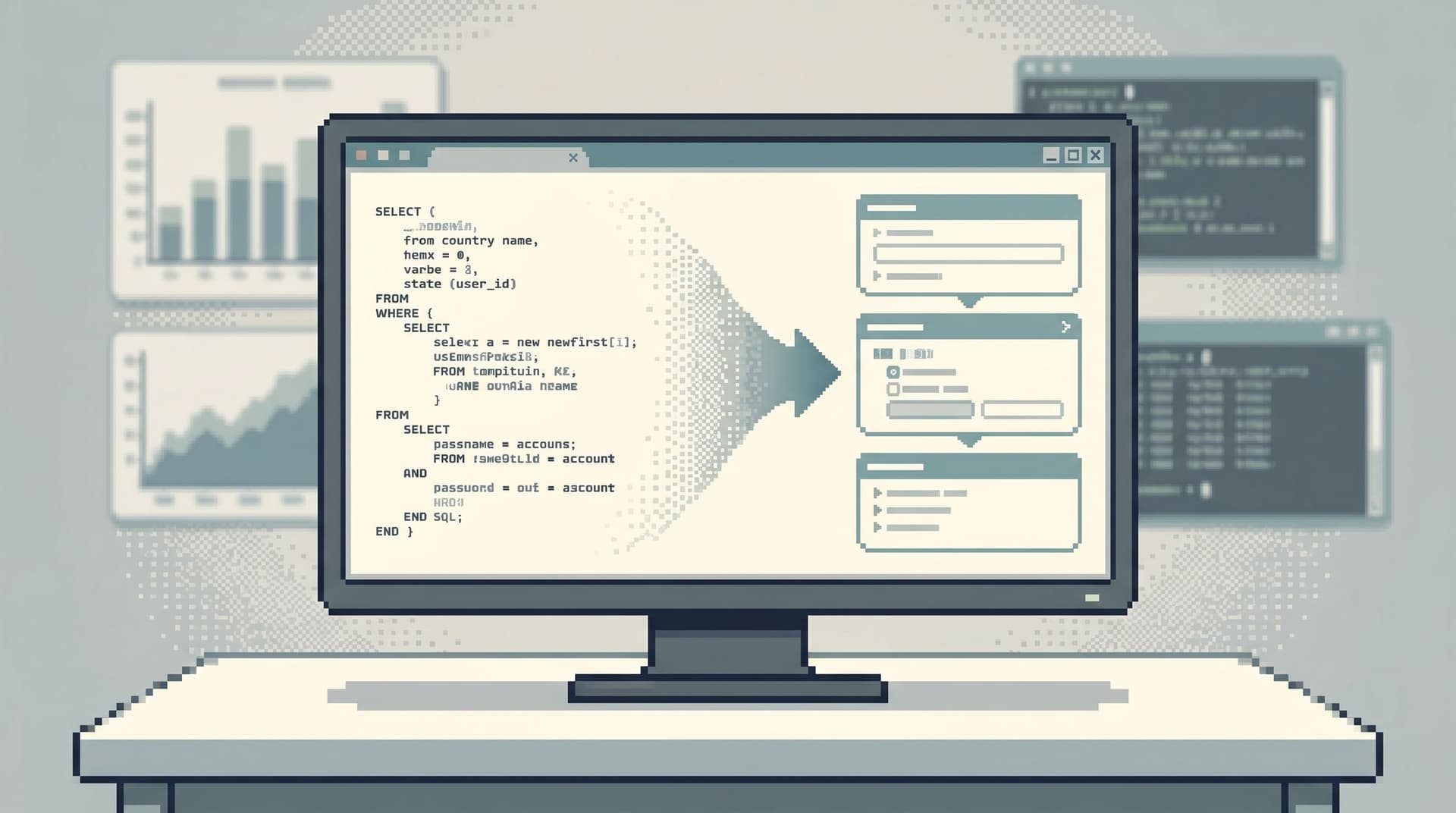
In Simpl, this shows up as opinionated read paths and focused entry points instead of a free‑form playground. It’s the same idea we explore in The Post‑Explorer Database Browser: navigate production by intent, not by objects.
Why this shrinks risk:
- You’re less likely to wander into unrelated tables “just to see what’s there.”
- Each session has a narrower blast radius by design.
- The browser becomes a tool for answering this question, not exploring all data.
How to approximate this without new tools:
- Maintain a small library of saved, reviewed queries for common questions.
- Link to those queries from your runbooks, incident templates, and internal docs.
- Encourage engineers to start from a known query and adapt, instead of writing from scratch.
2. Default to Narrow, Not Wide
Most risk in production reads comes from scope, not access:
- A WHERE clause left out.
- A time range set to “all time.”
- A missing tenant filter.
Quiet default:
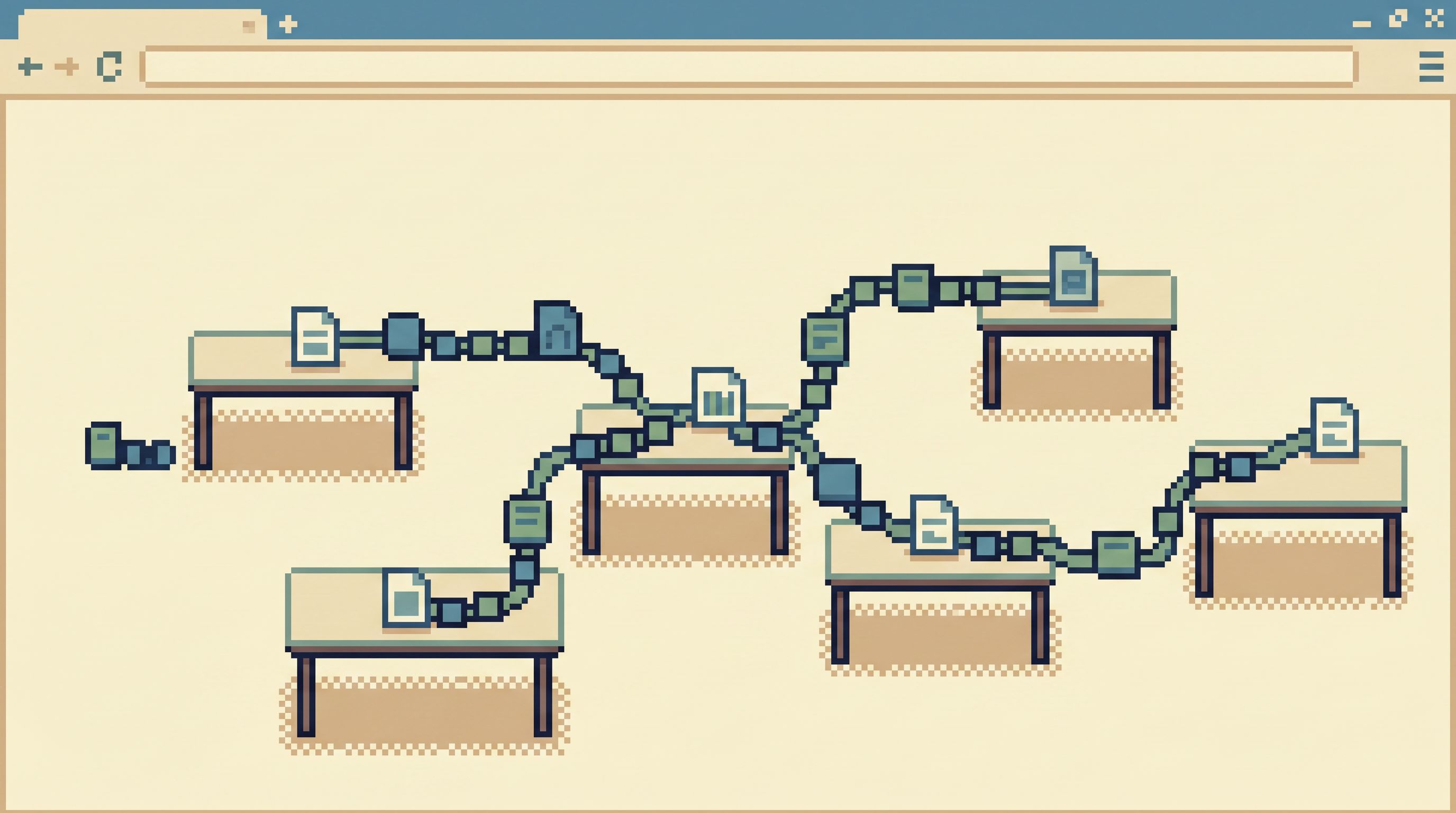
- Every entry point is pre‑scoped.
- Always filter by tenant, environment, or key entity.
- Default to recent time windows, not entire history.
- Show a small, relevant slice before offering “see more.”
In Simpl, this means read flows that are anchored on a user, order, or tenant, with guardrails that make it hard to accidentally look at “everything” when you only meant “this one thing.”
Why this shrinks risk:
- Large scans become opt‑in, not accidental.
- You reduce surprise costs on the database (and on your on‑call engineer’s heart rate).
- You make over‑broad access less likely to be misused, even if it exists at the permission level.
Practical moves you can make now:
- In your existing browser or SQL IDE, create templates that require a key identifier or tenant ID.
- Use snippets or stored procedures that always include
LIMITand a bounded time range. - Train teams to treat unbounded reads as a last resort, not a default.
For a deeper dive on this pattern, Quiet Defaults for Loud Systems walks through concrete guardrail designs for high‑risk databases.
3. Make Writes Feel Different From Reads
Many teams rely on permissions alone to separate reads from writes:
- “This role can’t run
UPDATEorDELETE.”
That’s necessary, but not sufficient. Risk also comes from ambiguous UX:
- A button that looks like “view details” but actually triggers a side‑effect.
- A console where read and write queries share the same visual footprint.
Quiet default:
- Reads and writes live in visibly different worlds.
- Different screens, different color systems, different flows.
- Read flows never hide a write behind a secondary action.
- Read‑only sessions are the norm; write sessions are exceptional and clearly marked.
Simpl is intentionally a read‑first browser. You can integrate it into stacks where writes happen elsewhere, so the browser itself becomes a safe place to think with data.
How this shrinks risk without new permissions:
- Even if a user technically has write permissions somewhere, they’re not in the tool they use for everyday debugging.
- You avoid “oops, I clicked the wrong button” incidents in your primary read interface.
What you can do in your current setup:
- Put write‑capable admin consoles behind a separate URL, with a different visual design.
- Add explicit “You are in a write‑capable environment” banners where appropriate.
- For everyday debugging, standardize on a read‑only entry point.
4. One Window, One Trail
Risk grows with fragmentation:
- Multiple tabs against the same database.
- Different tools each holding a partial story.
- Copy‑pasted queries with tiny differences.
Every extra surface is another place to:
- Point the wrong environment.
- Run the right query in the wrong tool.
- Lose track of what you already checked.
Quiet default:
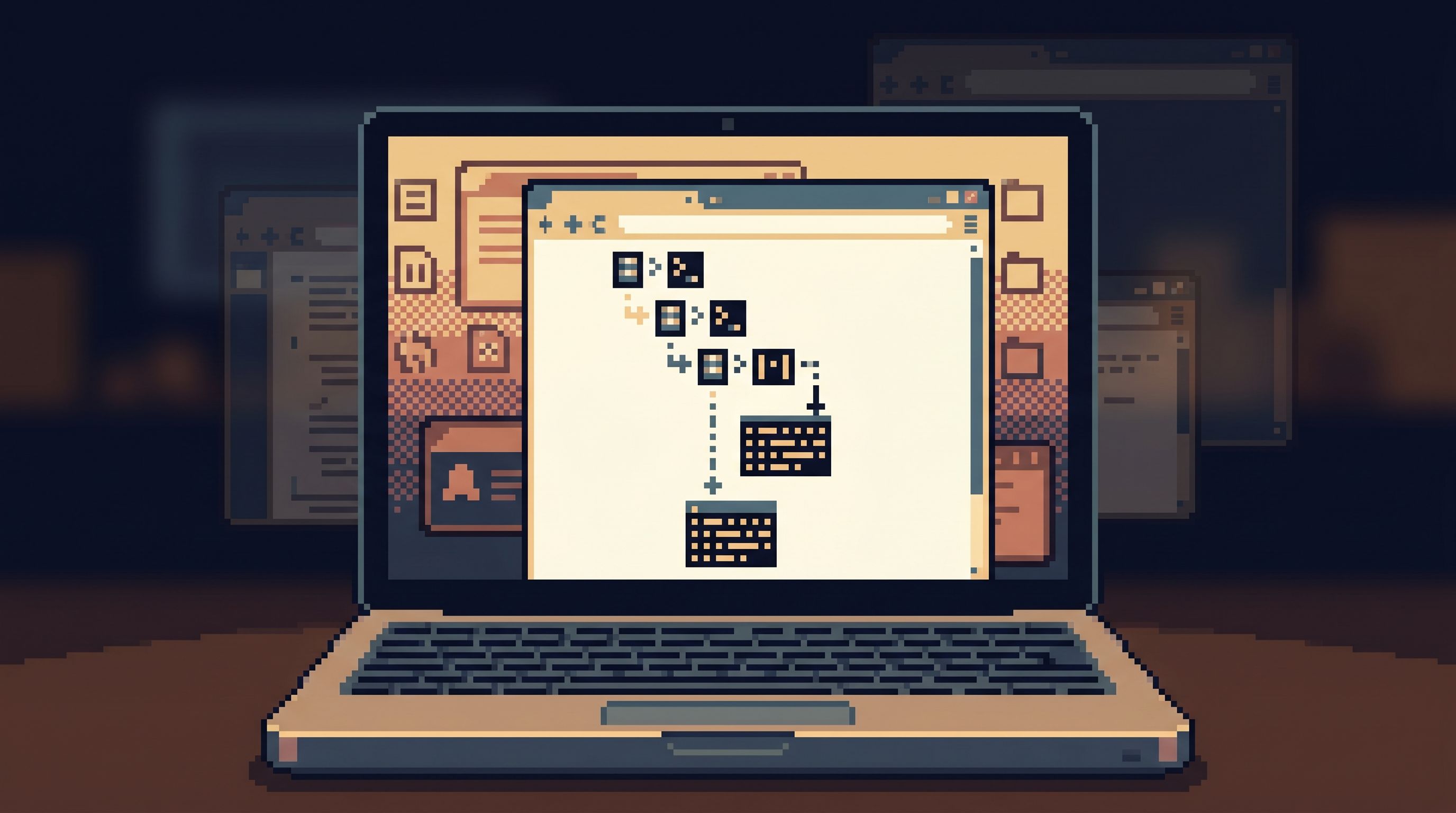
- One primary browser window per incident, one coherent trail.
This is the core idea behind The Anti‑Tab Debug Session and Less Tabs, More Trails: shrink your tool surface so your mental model can stay intact.
In Simpl, this shows up as:
- Sessions that keep your path together.
- Opinionated read flows that chain naturally from one step to the next.
- A bias toward replaying a path instead of re‑inventing it.
How this shrinks risk:
- Fewer chances to run a heavy query twice in two tools.
- Easier to review what happened during an incident.
- Clearer handoffs: you can share a trail instead of a screenshot pile.
How to approximate this today:
- During incidents, pick a single primary data tool and stick to it.
- Capture key queries and results in a shared doc or incident timeline, not scattered tabs.
- After the incident, turn that trail into a reusable runbook.
5. Shrink What People See, Not Just What They Can Do
Permissions often answer: “What are you allowed to do?”
Quiet defaults answer: “What do you actually see?”
In practice, that means:
- Hiding irrelevant tables and columns from everyday views.
- Grouping sensitive fields so they’re not casually browsed.
- Preferring puddles of relevant data over lakes of everything, as we explored in From Data Lakes to Data Puddles.
In Simpl, this looks like:
- Opinionated read paths that surface only the columns and joins that matter for a given question.
- Views that are intentionally small and legible.
How this shrinks risk without new permissions:
- People are less likely to stumble across data they don’t need.
- Sensitive context is available when required, but not part of every casual browse.
- You reduce the temptation to export “just in case” data sets.
Things you can start doing immediately:
- Create database views that expose only the fields most engineers need.
- Use column aliases and descriptions that reflect real questions, not internal table names.
- Document “blessed” views and make them the default entry points in your tools.
Implementing Quiet Defaults Without a Big Rewrite
You don’t need to redesign your whole stack to benefit from these ideas. You can layer quiet defaults gradually.
A practical sequence:
-
Pick one high‑risk workflow.
For example: “Debugging a failed checkout for a single user.” -
Write down the minimal data needed.
Tables, columns, joins, time ranges. -
Create a narrow, repeatable path.
- A saved query.
- A small internal tool screen.
- Or an opinionated read flow in Simpl.
-
Make that path the default.
- Link to it from your incident template.
- Add it to your on‑call runbook.
- Teach new engineers to start there.
-
Observe what still goes off‑path.
- Where do people open extra tabs?
- Where do they fall back to raw SQL?
- Where do they export data to CSV?
-
Fold those needs back into the path.
- Add a safe “next step” to the flow.
- Introduce scoped filters instead of open‑ended search.
- Tighten defaults instead of adding new permissions.
Repeat this for your top 3–5 recurring production questions. Over time, your team’s default way of touching production becomes:
- Narrow
- Intent‑driven
- Replayable
Not because you wrote a new policy, but because the browser quietly made that the easiest thing to do.
How Simpl Fits Into This Picture
Simpl is an opinionated database browser built around these quiet defaults.
Teams use it to:
- Give more engineers safe, calm access to production reads without broadening write permissions.
- Run incidents from one coherent browser session instead of a wall of tabs.
- Turn successful debug paths into reusable read flows that anyone can follow.
Instead of introducing a new permission layer, Simpl sits on top of the access model you already have and changes the experience of working with that access:
- Opinionated entry points instead of blank editors.
- Scoped, focused reads instead of open‑ended exploration.
- Trails you can replay instead of one‑off hero queries.
If you’ve ever felt that your IAM setup looks safe but your tools still feel risky, this is the gap Simpl is designed to close.
Summary
Quiet defaults are small, opinionated choices in your database browser that:
- Start from questions, not schemas.
- Default to narrow scope, not wide.
- Separate reads and writes in the interface, not just in permissions.
- Encourage one window, one trail, not tab sprawl.
- Shrink what people see to what they actually need.
None of these require new permissions. They work with the access you already have, but they change how safe it feels to use that access.
Over time, these defaults compound into a calmer way of working with production data: fewer surprises, fewer accidental heavy reads, and more confidence that opening a browser on production is a normal part of engineering work—not a minefield.
Take the First Step
You don’t need a full redesign to get started.
Pick one recurring production question. Design a narrower, calmer path to answer it. Make that path the default for your next incident.
If you want a tool that’s built around these patterns from the start, explore how Simpl can become your team’s quiet, opinionated entry point into production data.
One browser. Quiet defaults. Less risk—without another permissions project.