The Calm Schema Surface: Showing Just Enough Structure for Everyday Production Reads

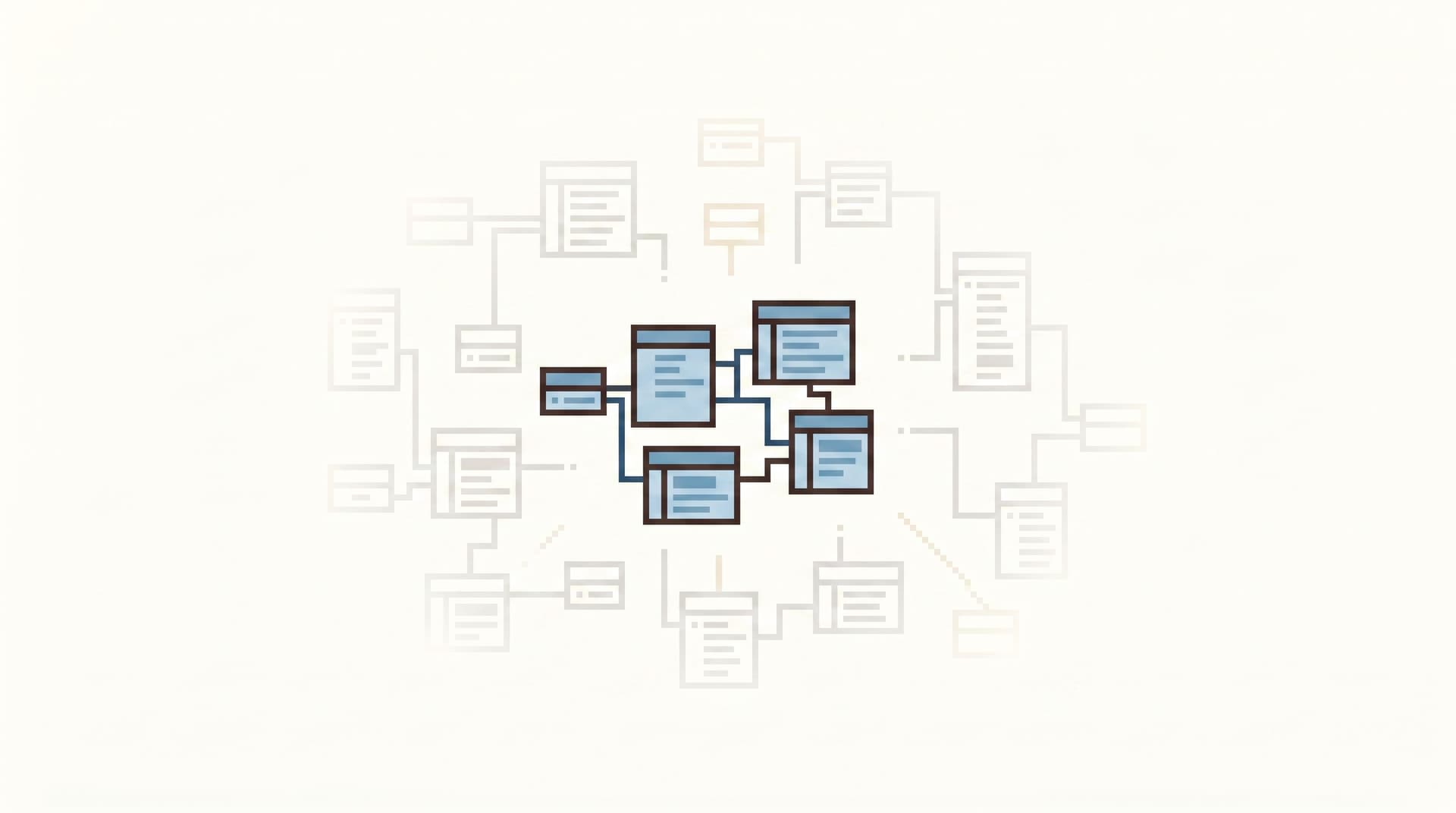
Most engineers don’t need a data catalog. They don’t need a full ERD. They don’t need three nested trees of schemas, tables, and columns.
They need to answer a concrete question about production:
- Why did this user’s subscription cancel?
- Which jobs are stuck and why?
- What changed between yesterday and now?
That work doesn’t require all of your schema. It requires the right slice of it, shown in a way that feels calm, legible, and safe.
A calm schema surface is exactly that: just enough structure, revealed at the right time, for everyday production reads.
Tools like Simpl are built around this idea: an opinionated database browser that exposes a thin, focused schema surface instead of a full admin or BI experience.
Why “Just Enough Schema” Matters
Most database tools start from the schema and work outward. They hand you:
- A complete tree of every schema, table, and view
- Every column, index, and constraint
- Every database in every environment
On paper, that’s thorough. In practice, it creates three problems:
-
Cognitive overload
When you’re in the middle of an incident or debugging a user report, a full schema tree is noise. You waste attention scanning past tables you’ll never touch. -
Risky wandering
A rich schema browser invites exploration: “What’s in this table?” →SELECT *on a hot table in peak hours. This is how small, well‑intentioned queries become production problems. We talk more about this “free‑form wandering” pattern in From Free-Form SQL to Frictioned Reads. -
Drift between mental model and reality
As schemas evolve, your mental map falls behind. If the tool shows everything, all the time, you have no clear sense of what’s current, relevant, and safe for the work you’re doing.
A calm schema surface takes the opposite stance:
Start from the read you’re trying to do. Reveal only the structure you need to do it well.
This has concrete benefits:
- Faster orientation: You land closer to the tables and joins that actually matter.
- Safer defaults: You’re nudged toward proven, “blessed” paths instead of raw exploration.
- Shared understanding: The schema surface becomes a living reference for how the team really reads production, not just how the database is physically laid out.
What a Calm Schema Surface Looks Like
A calm schema surface is not a single feature. It’s a set of small, opinionated choices about what to show, hide, and prioritize.
Here’s a workable shape.
1. Start from work, not from the tree
Most tools drop you into a blank SQL editor plus a schema sidebar. A calmer surface flips that:
- You start from a question (user, order, job, run, ticket).
- Or from a trail: a past investigation that already walked similar tables. We dig into this pattern in From Query Zoo to Query Library.
The schema you see is:
- Pre‑filtered to the relevant database / schema
- Focused on the 3–10 tables that typically appear in reads for this kind of work
- Ordered by how often they’re actually used, not alphabetically
Instead of:
public,analytics,auth,billing,events,internal,legacy,tmp…
You see something closer to:
Current context:
users,subscriptions,invoices,payments
With a small affordance to expand outward if needed, not by default.
2. Show relationships, not every foreign key
Most schemas have more foreign keys than anyone can keep in their head. A calm surface doesn’t even try.
Instead, it shows:
- A minimal relationship map for the tables in view
- Only the joins that:
- Are used often in production reads
- Are safe and performant
- Tell a coherent story (user → subscription → invoice → payment)
These relationships are:
- Named in human terms: “User’s active subscription”, “Invoice’s payment attempts”
- Expressed as pre‑baked join paths in the browser, not just lines on a diagram
You’re not deciding how to join from scratch. You’re picking from a short list of known‑good paths.

3. De‑emphasize columns, emphasize slices
Column lists are where schema browsers usually get loud:
- Hundreds of columns per table
- Technical names with no grouping
- Little sense of which fields matter for common reads
A calm schema surface instead leans on slices:
- Field groups that match real questions, e.g.:
- “Billing status overview” (plan, status, renewal date, last invoice amount)
- “User identity” (email, external ID, created_at, status)
- “Job run health” (state, started_at, finished_at, error_code)
- Narrow defaults that show only the most relevant fields first
- Gentle affordances to “show more fields” when you truly need them
Columns are still there. They’re just not the primary way you navigate.
This is the same design posture we explored in The Calm DX Pattern Library: small UX choices that reduce visual noise while keeping power.
4. Make environment and risk visible, not buried
Schema surfaces often hide the most important context: where you are and how risky your reads are.
A calm schema surface keeps this obvious:
- Clear environment labeling: Prod read‑only vs Staging vs Local snapshot
- Read‑only stance by default, especially for production. This is the core stance behind Simpl and we unpack it in depth in Opinionated Read-Only by Design: Why Simpl Refuses to Become Your Admin Panel.
- Subtle guardrails:
- Warnings or friction on
SELECT *from very large tables - Hints when a query will scan many rows
- Soft limits that can be consciously overridden, not silent surprises
- Warnings or friction on
The schema view itself can encode this:
- Hot tables marked with a small “heavy” badge
- Safer summary or materialized views surfaced first
- Replicas clearly indicated when you’re not on primary
Designing Your Own Calm Schema Surface
You don’t have to build a new tool to get most of the benefit. You can design a calmer schema surface with the tools you already have, then graduate to something more opinionated like Simpl when you’re ready.
Step 1: Identify your real read paths
Start from reality, not from the full schema.
For the last few months of:
- Incidents
- Support tickets
- Product investigations
Ask:
- Which tables showed up most often?
- Which joins were used repeatedly?
- Which columns mattered for the final decision?
You’ll usually find:
- 10–20 tables cover 80% of everyday production reads.
- 5–10 join paths cover most investigations.
- 2–3 column groups per table answer most questions.
Write these down as named read paths, e.g.:
- “User billing story”
- “Job run lifecycle”
- “Feature flag evaluation for a user”
These are the backbone of your calm schema surface.
Step 2: Create focused entry points
Instead of pointing people at a generic “SQL console”, create specific, named entry points:
- A link in your runbook that opens a browser pre‑filtered to
users+subscriptions+invoices - A pre‑built query or view that encapsulates the “user billing story” path
- A small internal page where you paste a user ID and land on the right tables with the right joins
In a tool like Simpl, these become opinionated trails: saved, replayable paths through the schema that feel like a guided read, not a blank canvas.
Step 3: Prune the default schema view
You probably can’t hide tables from your database entirely, but you can:
- Collapse rarely used schemas by default (e.g.,
legacy,tmp,internal_migrations) - Reorder tables so the most commonly used ones sit at the top
- Tag or name views that represent safe, higher‑level concepts (
user_billing_summary,job_run_overview)
If your current tool doesn’t support this, you can approximate it by:
- Creating a dedicated
calm_readschema with curated views - Documenting a short list of “blessed tables” in your incident runbooks and onboarding docs
The goal is simple: the first screen someone sees should look small.

Step 4: Encode relationships as choices, not trivia
Engineers shouldn’t have to remember which join to use between subscriptions and invoices.
You can:
- Create named views that encode the correct join (
subscription_invoices_latest) - Provide query snippets or templates in your browser / IDE that:
- Use the right keys
- Filter to relevant states
- Limit row counts sensibly
Over time, these become your query library, a curated set of production read patterns. We go deeper on this pattern in From Query Zoo to Query Library.
Step 5: Add gentle guardrails at the schema edge
Some of the best safety features are tiny:
- Mark hot tables in your documentation and in tool naming (
events_heavy,pageviews_raw_heavy). - Wrap those tables with safer, aggregated views for everyday use.
- Add comments on tables and columns that surface directly in your browser.
In a calm schema surface, these details appear right where you’re looking:
- Hovering a table name shows: “Heavy table. Prefer
user_events_summaryfor incident work.” - Hovering a column shows: “PII – masked in non‑admin views.”
You’re not relying on people to remember a wiki page. The schema itself teaches safer habits.
How Tools Like Simpl Help
You can implement a lot of this posture manually. But at some point, the overhead of fighting against generic tools becomes its own source of noise.
That’s where opinionated browsers like Simpl come in:
- Read‑only by design for production, so your schema surface never quietly turns into an admin panel.
- Calm defaults that prioritize narrow, focused views instead of full trees and blank SQL canvases.
- Trails and curated paths that turn your real investigations into reusable schema surfaces for the next person.
Combine this with patterns from posts like Quiet Defaults in the Browser and Guardrails in the Flow, Not the Setup, and you get a stack where:
- Production reads feel safe by default.
- The schema surface matches how your team actually works.
- Each incident leaves the map slightly clearer.
Bringing It All Together
A calm schema surface is not about hiding power. It’s about directing it.
Instead of:
- Exposing every table and column
- Starting from a blank editor and a huge tree
- Letting each engineer invent their own way through the schema
You:
- Start from concrete read work
- Curate the tables, joins, and slices that matter most
- Encode those into your tools as the default way to see production
Over time, this changes how production feels:
- Less wandering, more straight lines
- Fewer risky experiments, more repeatable reads
- Less schema trivia in people’s heads, more shared patterns in the browser
First Small Step
You don’t need a migration plan or a new tool purchase to start.
Pick one high‑leverage path — for most teams, it’s “follow one user’s billing story” — and:
- List the tables, joins, and fields that actually matter.
- Create a named query or view that encodes that path.
- Make it easy to open from your incident runbook or support playbook.
- Treat that as your first calm schema surface.
If that feels better than your current sprawl — clearer, safer, easier to teach — then you have a direction.
From there, you can:
- Add a second and third path.
- Prune your default schema views.
- Experiment with a dedicated, opinionated browser like Simpl for production reads.
The goal isn’t to model your entire database.
The goal is simpler: make the next production read feel calm. Then repeat.