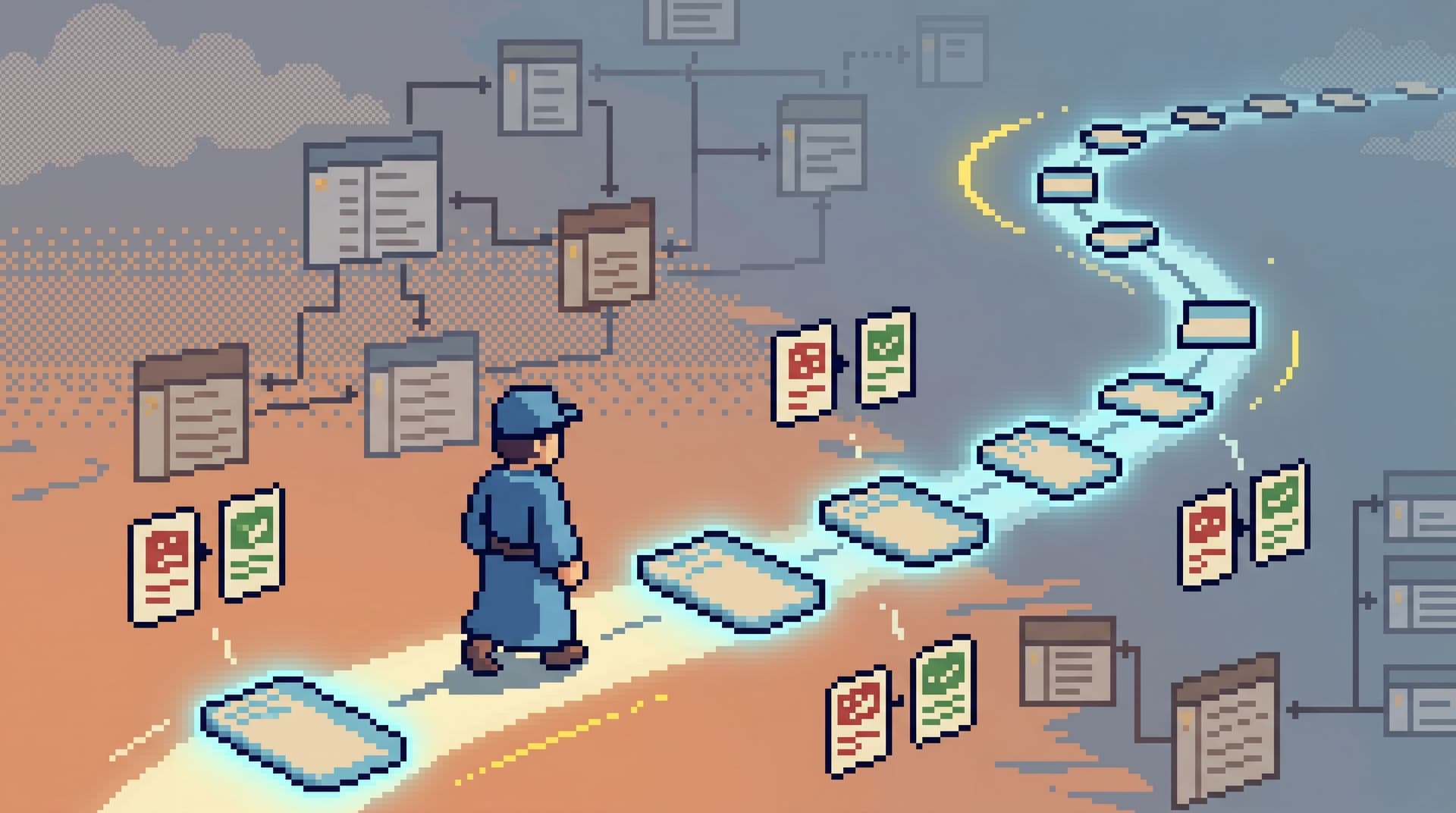
From Free-Form SQL to Frictioned Reads: Using Gentle Constraints to Keep Production Safe

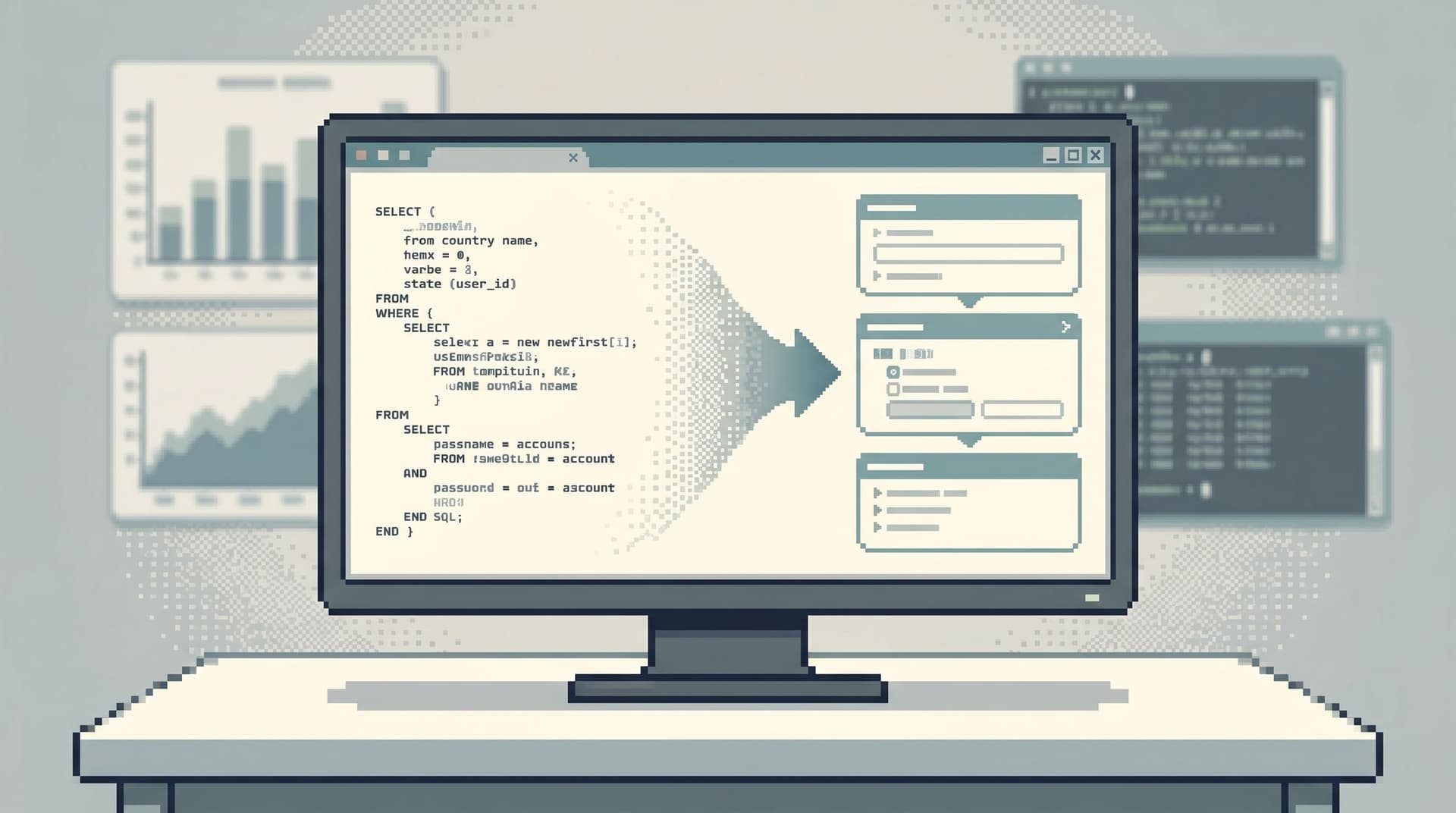
Production databases rarely blow up because of one villain query.
They erode quietly:
- A
SELECT *runs on the biggest table during peak traffic. - Someone forgets a
WHEREon a backfill experiment. - A helpful debug query becomes a copy‑paste ritual across half the team.
None of these are malicious. They’re what happens when free‑form SQL meets high‑stakes systems with no friction in between.
This post is about that friction — not hard blocks, not bureaucratic approval flows — but gentle constraints that make the safe thing the natural thing. A move from “anything goes” SQL to frictioned reads: opinionated, slightly guided ways to look at production data that keep you fast, calm, and safe.
Tools like Simpl exist exactly in this space: an opinionated database browser for focused reads, not a full BI or admin console. But the patterns here apply no matter what tools you use.
Why Free-Form SQL Becomes a Problem in Production
Free‑form SQL is powerful. It’s also indifferent.
It doesn’t know the difference between:
- A one‑off debug query and a recurring investigation pattern
- A small tenant table and a billion‑row event log
- A support lookup and an accidental table scan
In low‑stakes environments — local, dev, toy datasets — that indifference is fine. In production, it quietly turns into:
- Performance risk: unbounded queries competing with user traffic
- Safety risk: accidental writes, or reads across the wrong tenant or region
- Cultural drift: every incident is a fresh pile of ad‑hoc queries, with no shared trail
If you’ve ever run an incident with ten SQL tabs open, you’ve already felt this. You’re not just debugging the system; you’re debugging your own tooling posture.
We’ve written before about why engineers often need to skip the chart and open a browser instead of another dashboard tile. If that resonates, you may like From Dashboards to Direct Reads: When Engineers Should Skip the Chart and Open the Browser.
The next question is: how do you keep those direct reads safe without slowing everyone down?
The Idea: Frictioned Reads, Not Locked-Down Systems
You don’t need to turn production into a museum.
What you need is just enough friction at the right points so that risky patterns feel heavy and safe patterns feel light.
Think of frictioned reads as three things:
- Nudges: small UX hints and defaults that steer people toward safer queries.
- Rails: pre‑shaped paths for the investigations you run all the time.
- Brakes: clear, opinionated stops for the patterns you never want in prod.
This is the same philosophy behind the guardrails we covered in The Calm Guardrail Catalog: Small UX Constraints That Make Production Reads Feel Safe. Here, we’ll focus specifically on the journey from raw SQL to a calmer, constrained way of reading production.
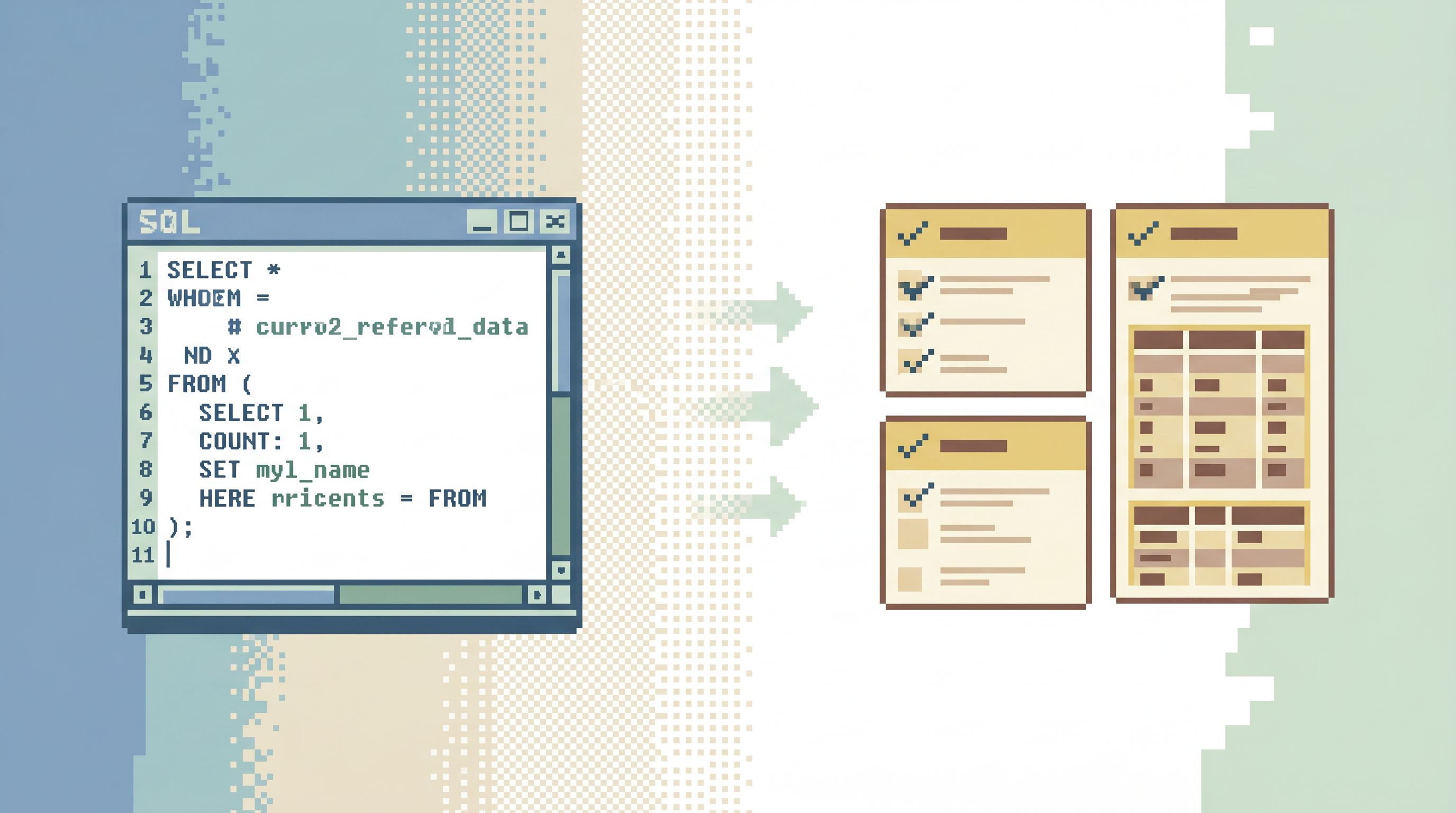
Step 1: Make Unsafe Patterns Slightly Harder
Start by adding friction where it hurts you most.
You don’t need a full policy overhaul. You need a handful of deliberate speed bumps.
1. Discourage SELECT * in Production
SELECT * is convenient, but in prod it’s usually:
- More data than you actually need
- More I/O and memory than the system wants
- A quiet dependency on column order and shape
Gentle constraints you can add:
- Editor hints: Lint or visually flag
SELECT *when the target table is above a certain size. - Soft warnings: Show a confirmation dialog for
SELECT *on known large tables: “This table is large. Do you want to select specific columns instead?” - Column presets: Offer one‑click shortcuts like “Common columns” or “Primary keys + timestamps” so people don’t feel forced into
*just to move quickly.
In Simpl, this kind of constraint can live directly in the browsing experience: opinionated defaults for which columns you see first, and how wide the window of data is.
2. Put Guardrails Around Unbounded Reads
The second quiet anti‑pattern: no limit, no time bound.
A query like:
SELECT id, status FROM orders;
…is rarely what anyone meant to run.
Gentle constraints you can add:
- Default limits: Automatically apply a
LIMIT 100orLIMIT 1000to ad‑hoc reads, with an explicit “Run without limit” option. - Time‑window defaults: For event or log tables, auto‑filter to a recent time window (e.g., last 24 hours) unless the user intentionally widens it.
- Visible cost hints: Show row count estimates or “this may scan N million rows” hints before execution on large tables.
The point isn’t to forbid big reads. It’s to make big reads feel like a decision, not an accident.
3. Separate Read and Write Surfaces
Even if you have “read‑only” roles, the UI still matters.
If the same surface can:
- Run
SELECTandUPDATE - Open production and staging
- Edit schemas and read data
…then the odds of a wrong‑window moment go up.
Gentle constraints you can add:
- Dedicated read tools: Use a read‑first browser like Simpl for everyday production work, and reserve full SQL IDEs for migrations and maintenance.
- Visual environment cues: Make production feel visually distinct from staging (color, banners, badges) to lower the chance of mis‑targeted queries. We go deeper on this pattern in The Focused Staging Flow: Using One Opinionated Browser for Both Test and Prod Reads.
These changes alone reduce the surface area of “oops” incidents more than most policy documents.
Step 2: Turn Recurring Free-Form Queries into Opinionated Reads
Once the worst footguns have friction, you can raise the floor: stop re‑inventing the same debug queries every week.
Most teams have recurring flows like:
- “Look up user by email, then fetch their last 10 orders.”
- “Check the last three payouts for this merchant.”
- “Verify the state of a feature flag for this tenant.”
These usually live as:
- Old Slack messages with half‑broken SQL
- Notion pages no one opens during a real incident
- Personal snippets in someone’s editor
Instead, you can pull them up a rung and make them first‑class.
1. Identify Your Top 10 Debug Flows
Look at the last month of incidents or support escalations. For each one, ask:
- What was the first query we ran?
- What was the second?
- Which ones did we repeat across incidents?
You’ll quickly see patterns. Those patterns are candidates for opinionated read flows.
We call this climb the Calm Query Ladder: moving from raw ad‑hoc SELECTs to shared, guided reads. If you want a deeper walkthrough of that progression, see The Calm Query Ladder: Moving from Ad-Hoc SELECTs to Opinionated Read Flows.
2. Encode Them as Templates, Not Just Saved SQL
A frictioned read is more than a saved query. It has:
- Inputs, not string concatenation
- e.g., “User ID” or “Email” as typed fields
- Naming, not just a filename
- e.g., “Investigate stuck payout” instead of
stuck_payout_3.sql
- e.g., “Investigate stuck payout” instead of
- Scope baked in
- e.g.,
LIMIT 50, filters ontenant_id, and a default time window
- e.g.,
In a tool like Simpl, these become quiet templates: small, parameterized read paths that anyone on the team can run safely.
3. Add Just Enough Guardrail to Each Template
For each template, ask:
- What’s the smallest data slice that still answers the question?
- What filters are always required? (tenant, region, environment)
- What time range is usually relevant?
Then encode those as non‑optional parts of the query.
Examples:
- Always require
tenant_idfor multi‑tenant data. - Always filter to the last 7 days for time‑series debug reads, with an explicit override.
- Always
ORDER BY created_at DESCand cap withLIMIT 100.
The goal isn’t to block curiosity. It’s to make the default path small, sharp, and safe.
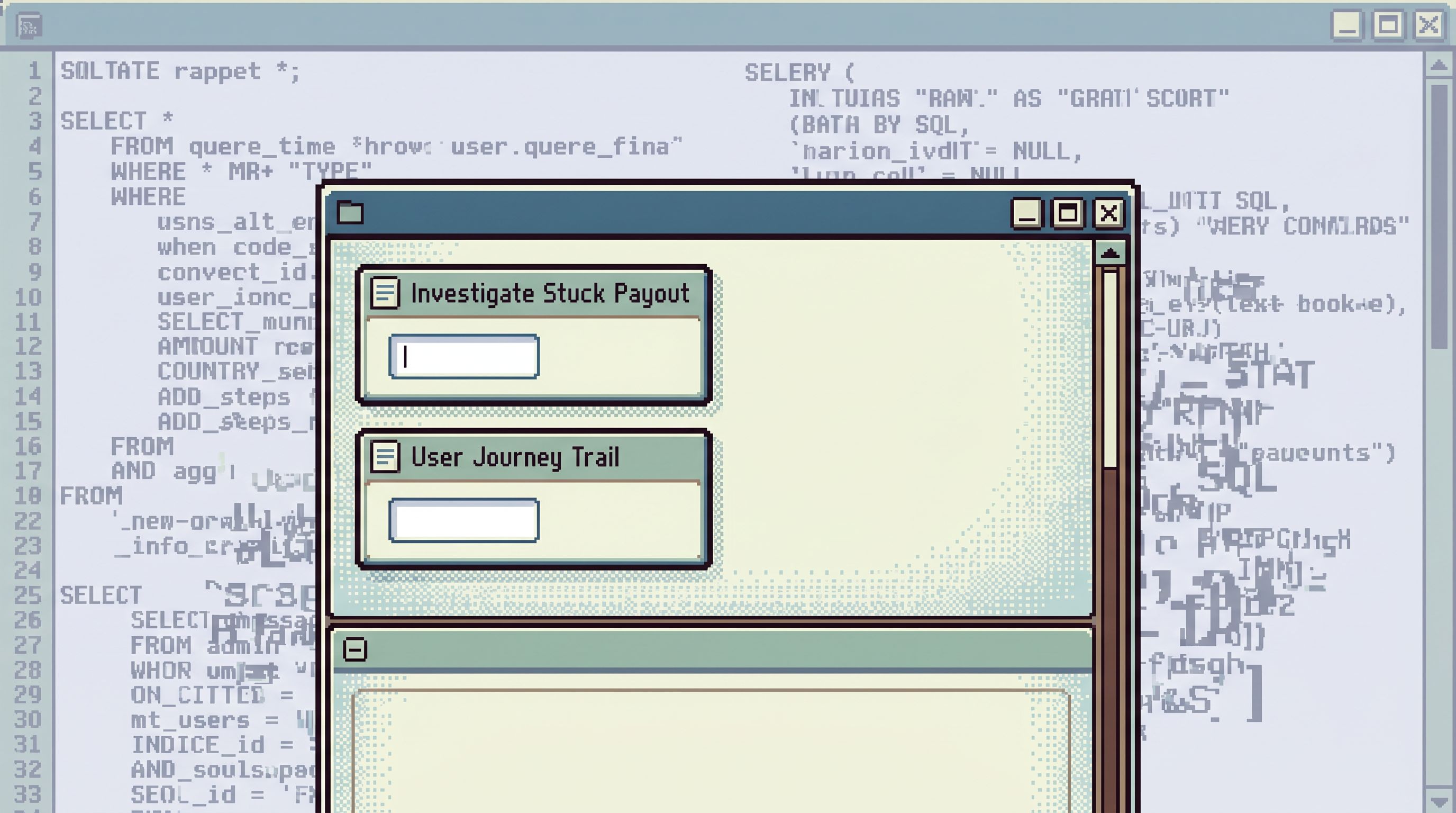
Step 3: Design the Session, Not Just the Query
Frictioned reads aren’t only about individual queries. They’re about the shape of a session.
Most risky moments happen when people are:
- Juggling multiple tools
- Copy‑pasting queries between environments
- Losing track of which tab is pointing where
You can reduce this simply by designing for one coherent trail instead of ten scattered tabs.
1. One Primary Entry Point
Pick a single place where production reads start.
That might be:
- A dedicated browser like Simpl
- A carefully locked‑down internal tool
What matters is:
- Everything starts there. Logs, dashboards, and alerts lead into that same path.
- You minimize context‑switching. You’re not bouncing between three SQL clients and two admin consoles.
We explored this posture in depth in The Calm Query Session: Designing Database Work Around One Entry Point, Not Ten.
2. Linear Trails, Not Tab Forests
During an incident, ask: What is the concrete trail from alert → rows → decision?
Frictioned reads help by making that trail:
- Linear: each step leads to the next, with clear context
- Replayable: someone else can follow the same path later
- Scoped: each hop preserves the same tenant, environment, and time window
Patterns that help:
- Clicking a user in one result set opens a pre‑scoped read on their related records.
- Jumping from an order to its payment attempts keeps the same incident time window.
- “Back” takes you to the previous read, not to a blank editor.
This isn’t just UX polish. It’s safety. The fewer times you re‑type or re‑scope a query, the fewer chances you have to get it wrong.
3. Leave a Trail by Default
The last piece of friction: make forgetting harder.
Instead of:
- Ad‑hoc queries that vanish when the tab closes
- Screenshots buried in Slack threads
…you want:
- Named read flows that live beyond the incident
- A simple history of what was run, by whom, and with which parameters
This is how frictioned reads connect back to culture. Over time, your team accumulates a library of safe, opinionated read paths instead of a folk memory of “that one query Alice used during the outage.”
If you’re interested in how that habit compounds, The Post-Query Culture: How Teams Turn One-Off Debug Sessions into Shared Calm Data Practices goes deeper.
Step 4: Align Access With Real Read Work
All of this only works if the access model matches the reality of your read work.
Frictioned reads are most powerful when:
- People who need to debug can actually run the templates.
- Templates themselves encode the right scope and constraints.
A few patterns:
- Role by read‑path, not job title: Give support, product, and engineering access to specific read flows instead of broad schema‑wide access.
- Environment mirroring: Use the same read paths in staging and production, with different backing connections. People learn the flow once, then switch environments when the stakes change.
- Progressive trust: New teammates start with the safest, smallest read flows. As they gain context, they get access to broader ones.
A tool like Simpl is built around this idea: read‑only, opinionated, and enough for most production questions — without handing everyone the keys to raw SQL against every table.
What This Looks Like in Practice
Put all of this together, and a typical incident shifts from:
Ten tools, free‑form SQL, and a quiet fear of touching prod.
…to something more like:
- An alert fires on a metric.
- You confirm the issue on a dashboard.
- You click into your primary read tool.
- You open “Investigate Stuck Payout” and drop in the merchant ID.
- You follow the pre‑scoped hops from payouts → attempts → error events.
- You adjust the time window once, not in every query.
- You leave behind a clear trail of which reads you ran.
You still use SQL. You still think. But the sharp edges are wrapped in gentle constraints that keep the blast radius small.
Summary
Moving from free‑form SQL to frictioned reads is not about distrusting your engineers. It’s about:
- Making dangerous patterns feel heavy (unbounded
SELECT *, no limits, mixed read/write surfaces). - Making safe, recurring flows feel light (templates, opinionated defaults, scoped read paths).
- Designing sessions, not just queries (one entry point, linear trails, built‑in history).
- Aligning access with real read work (roles mapped to concrete read flows, not just titles).
The result is a calmer production posture: people can answer real questions quickly, without carrying the constant background anxiety of “what if this query is the one that hurts us?”
Frictioned reads don’t take away power. They give you confidence.
Take the First Step
You don’t have to redesign your entire stack to benefit from this.
Start small:
- Pick one high‑risk table. Add soft friction around
SELECT *and unbounded reads. - Pick one recurring debug flow. Turn it into a named, parameterized read template with safe defaults.
- Pick one entry point. Decide where production reads should start, and route the next incident through it.
If you want a tool that’s built around these ideas from the start, explore how Simpl can give your team a calm, opinionated interface for production reads — with gentle constraints baked in instead of bolted on.
One table. One flow. One entry point.
That’s enough to move from free‑form chaos toward frictioned, confident reads.