The Post-Playground SQL Editor: Why Less Freedom Makes Production Debugging Safer


Most teams still point full‑power SQL editors at production.
Unlimited text box. All verbs allowed. Every table in reach.
It feels flexible. It also quietly raises the stakes of every debug session.
This post is an argument for a different kind of tool: a post‑playground SQL editor. A surface that assumes you are not exploring a warehouse on a quiet Sunday, but reading from a live production system with real customers behind every row.
Less freedom. More safety. And, paradoxically, faster, calmer debugging.
Tools like Simpl are built around this stance: an opinionated database browser that gives you a narrow, read‑focused interface instead of a blank SQL canvas.
Why the playground model breaks down in production
Playground SQL editors are optimized for exploration:
- Blank editor, no constraints
- All schemas visible by default
- Full SQL surface area:
SELECT,UPDATE,DELETE,INSERT, DDL - Saved queries scattered across personal folders and tabs
That’s great for:
- Learning SQL
- Prototyping analyses on a warehouse
- One‑off experiments on non‑critical data
It’s misaligned with production debugging, where:
- The data is live. Queries can contend with application traffic.
- The questions are narrow. “What happened to this user?” not “What’s the full funnel?”
- The time pressure is real. Incidents, on‑call, customer escalations.
- The risk is asymmetric. One bad query can hurt many people.
In that environment, “anything goes” SQL is not power. It’s exposure.
If this resonates, you might also like the idea of a narrow query editor for everyday reads: a small, safe slice of SQL that lines up with the actual questions you ask from production.
What a post‑playground SQL editor actually is
A post‑playground editor starts from a different assumption:
You are here to read production data, answer a precise question, and leave a clear trail.
Everything in the design flows from that.
Core characteristics:
-
Read‑first, often read‑only
- No DDL. No ad‑hoc writes.
- Queries are assumed to be
SELECTunless explicitly elevated. - Tools like Simpl go further: opinionated, read‑only by design, which radically lowers the stress of opening production.
-
Constrained SQL surface
- Encourages:
- Single‑table reads
- Simple joins
- Indexed filters
- Bounded limits
- Adds friction or guidance around:
SELECT *on hot tables- Full‑table scans without filters
- Cartesian joins and accidental fan‑outs
- Encourages:
-
Question‑shaped workflows, not blank canvases
- Start from a question or object: user, order, job, tenant.
- The tool suggests relevant tables, joins, and filters.
- You refine, not invent, the entire query from scratch.
-
Trails instead of tabs
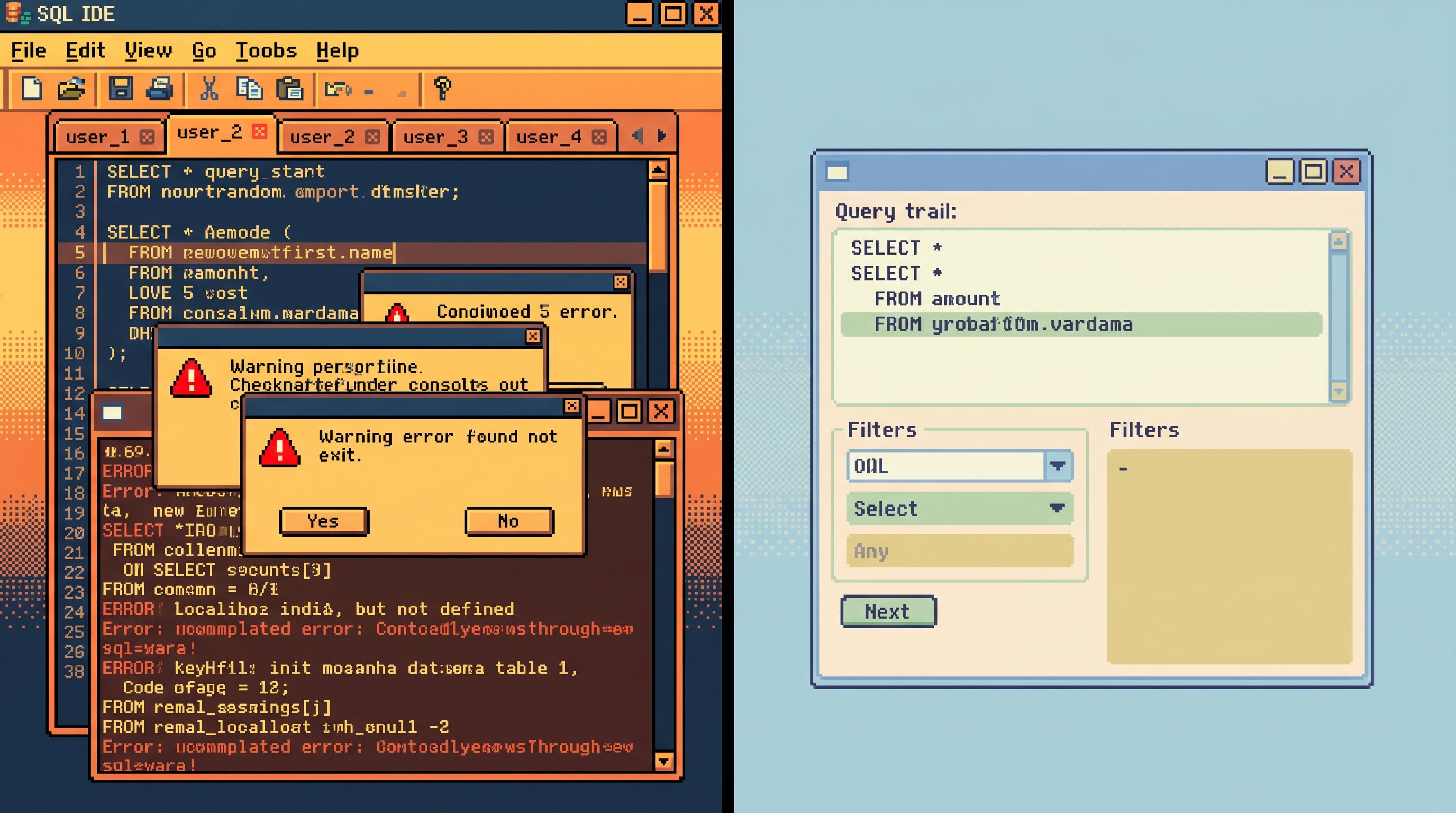
- Each debug session becomes a linear path of steps, not a pile of unrelated queries.
- That path can be shared, replayed, and audited.
- This is the same stance behind post‑saved‑query workflows: fewer personal SQL stashes, more reusable read paths.
-
Guardrails in the flow
- Safety is enforced where you work, not just in an abstract permissions model.
- Timeouts, row limits, and query linting are defaults, not afterthoughts.
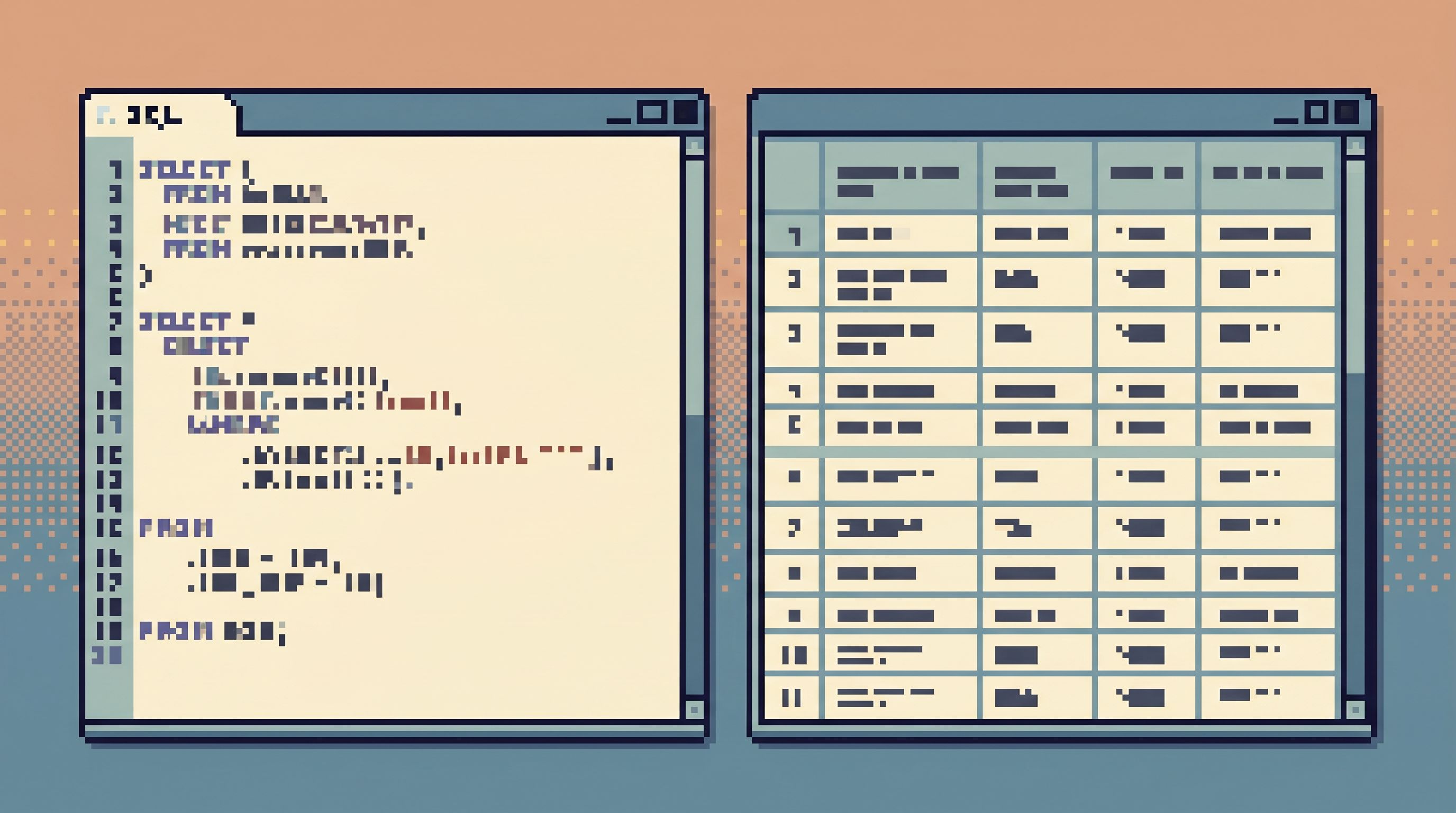
In other words: the editor stops pretending to be a general SQL playground and leans into what you actually do with production data.
Why less freedom makes you safer and faster
This is not about locking people out. It’s about removing the work you didn’t mean to do.
1. Fewer ways to be dangerously wrong
With a playground editor, “dangerous” often looks like:
SELECT *on a billion‑row table during peak traffic- A missing
WHEREon a backfill experiment - A join that silently explodes row counts
- An
UPDATEthat was meant for staging, run against production
A post‑playground editor can:
- Block or warn on unbounded scans
- Require an indexed filter or date range for known‑hot tables
- Enforce a default
LIMITon all queries, configurable per environment
- Disallow write verbs entirely (or gate them behind a separate, audited flow)
- Show row and cost estimates before execution in a simple, human way
The result: the most common, high‑impact mistakes are structurally harder to make.
2. Lower cognitive load under pressure
During an incident, the limiting factor isn’t SQL knowledge. It’s attention.
A constrained editor reduces cognitive load by:
- Hiding irrelevant schema branches
- Prefilling common filter patterns (by user id, order id, trace id)
- Providing a small, predictable set of actions
You spend less time deciding how to query and more time deciding what the data means.
This is the same philosophy behind focus‑first database tooling: measure success in decisions avoided, not features exposed.
3. Shared patterns instead of personal habits
In a playground, everyone develops their own style:
- Their own go‑to debug queries
- Their own risk thresholds
- Their own shortcuts and copy‑paste rituals
A post‑playground editor nudges the team toward shared patterns:
- Canonical read paths for common questions
- Reusable filters and joins
- “Blessed” ways to look at sensitive tables
That makes onboarding safer, runbooks clearer, and incident reviews more concrete.
4. A calmer permissions story
When the editor itself is constrained and, ideally, read‑only, your access model can relax a bit:
- More engineers can safely see production rows.
- Support and product teams can investigate without waiting on a specialist.
- Curiosity stops feeling risky.
This is the heart of a calm read‑only contract: structure access so that looking at production data is the default, not a heroic exception.
Designing your own post‑playground editor
You don’t have to build a full product to get the benefits. You can start by reshaping how you use the tools you already have.
Step 1: Separate playgrounds from production
Create a bright line between environments:
- Warehouse and dev:
- Full‑power SQL IDEs
- Notebooks
- Experimental analyses
- Production (and replicas):
- Opinionated browser or constrained editor
- Read‑first, ideally read‑only
- Limited schema surface
If you’re using something like Simpl, this separation is built‑in: it’s designed as a calm, read‑only window into production, not a general‑purpose IDE.
Key questions:
- Which tools are currently pointed at production?
- Which of those are truly necessary?
- Where can you move work to a warehouse or dev environment instead?
Step 2: Narrow the SQL surface
Even if your tool is generic, you can narrow how it’s used.
Practical moves:
- Introduce a “safe SQL” subset for production
- Document which constructs are acceptable: simple selects, bounded joins, indexed filters.
- Ban or heavily scrutinize:
- Cross‑database joins
- Full‑table scans
- Complex CTE chains during incidents
- Add a linter or pre‑flight check
- Scripts or extensions that:
- Reject
SELECT *on certain tables - Require a
WHEREclause on hot tables - Enforce a maximum
LIMITunless overridden with justification
- Reject
- Scripts or extensions that:
You’re not trying to stop all bad queries. You’re trying to stop the predictable ones.
Step 3: Standardize question‑shaped entry points
Most production questions start from a concrete object:
- A user id from a support ticket
- An order id from logs
- A trace id from an error tracker
Design small entry points that map directly from those identifiers to a focused read path.
Examples:
- A simple web form or internal tool where you paste an id and it:
- Runs a small set of predefined queries
- Shows the most relevant tables and rows
- Links out to deeper reads in your browser/editor
- Deep links from your app, logs, or error tracker into your database browser with filters pre‑applied
This is the same idea as a calm shortcut from stack trace to rows: less navigation, more understanding.
Step 4: Make trails first‑class
Replace “open a new tab and write some SQL” with “add a step to this trail.”
Concretely:
- Treat each debug session as a named investigation.
- Within that investigation, every query is a step, with:
- A short note (“Check recent invoices for user 123”)
- The SQL (ideally constrained)
- The results snapshot or key observations
- Encourage people to share trails in:
- Incident channels
- Runbooks
- Onboarding docs
Over time, these trails become your query library: not a zoo of random snippets, but curated, reusable read paths for the questions you see repeatedly.
If you want to go deeper on this pattern, see how opinionated trails can replace personal SQL stashes in post‑saved‑query workflows.
Step 5: Put guardrails in the flow, not just in roles
Permissions are necessary, but not sufficient. A post‑playground editor adds safety where people actually work.
Useful guardrails:
- Default LIMITs on all queries, visible and easy to understand
- Soft timeouts with clear messaging and a way to safely narrow the query
- Inline warnings when queries touch sensitive tables or large partitions
- One‑click “narrow this further” actions that suggest common filters
For a deeper dive on this idea, see how guardrails inside the flow can shrink risk without more permissions work in guardrails in the flow, not the setup.
How this changes incident culture
Moving to a post‑playground editor isn’t just a tooling choice. It’s a cultural one.
You’ll start to see shifts like:
-
From heroics to habits
- Less “ask the one person who knows the magic query.”
- More “open the standard trail for billing incidents and follow it.”
-
From fear to curiosity
- People are less afraid to open production data when they know they can’t accidentally run a dangerous query.
- More teammates learn to read rows directly, instead of waiting on charts or screenshots.
-
From noisy workspaces to single calm surfaces
- Fewer tools open during incidents.
- More work happening in one place: the post‑playground editor pointed at your primary or replica.
If you’ve experimented with a “single‑database day” — spending a day debugging only from one calm surface — you’ve already tasted this shift.
Summary
A post‑playground SQL editor is a deliberate step away from full‑power, blank‑canvas tooling on production.
It trades:
- Unlimited freedom → Opinionated, read‑first constraints
- Personal habits → Shared trails and patterns
- High cognitive load → Focused, question‑shaped workflows
- Fragile safety via roles → Guardrails in the flow of work
The outcome is not less capability. It’s more reliable capability under pressure.
When the data is live and the stakes are high, you don’t need a playground. You need a calm, narrow editor that makes the safe thing the easy thing.
Tools like Simpl embody this stance: an opinionated, read‑only database browser that refuses to become your admin panel, and gives your team a post‑playground way to work with production data.
Where to start
If you want to move toward a post‑playground editor, start small:
- Pick one environment (production or its read replica) and one tool that will be your calm surface.
- Narrow the SQL surface for that tool: document safe patterns, add a simple linter, enforce limits.
- Design one or two question‑shaped entry points (e.g., “user id → full story,” “order id → lifecycle”).
- Capture your next incident as a trail instead of a pile of tabs.
- Review that trail in your post‑incident meeting and refine it.
You don’t need to redesign everything. You just need to create one clear example of what post‑playground debugging feels like.
If you’d like a tool that starts from these constraints instead of fighting them, try pointing Simpl at your production replica and running your next incident from there. See how it feels to debug from a calmer surface — and how much safer “less freedom” can be.