Post-Saved-Query Workflows: How Opinionated Trails Replace Personal SQL Stashes


Most teams already have a “post‑query” problem.
The issue isn’t that people can’t write SQL. It’s what happens after the query runs:
- The SQL gets pasted into Slack.
- A tab stays open “for later.”
- Someone saves it in a personal folder in a BI tool.
- A notebook cell becomes the only place that query ever lives.
You get a quiet sprawl of personal SQL stashes. Useful work, trapped in private places.
This post is about replacing that sprawl with something calmer: opinionated trails. Instead of ad‑hoc saved queries scattered across tools, you design a workflow where each investigation leaves behind a clear, replayable path through your data.
Tools like Simpl exist exactly for this layer: an opinionated database browser for focused reads, not a full BI suite or admin console. The goal is simple: fewer tabs, fewer stashes, more shared trails.
Why Personal SQL Stashes Quietly Hurt Teams
Personal stashes feel harmless. They’re “just” saved queries.
Over time, they create real drag:
1. Knowledge gets stuck in private corners
- The best incident queries live in one engineer’s SQL IDE.
- Support flows depend on a few bookmarked links in someone’s browser.
- New teammates ask, “Do we already have a query for this?” and the honest answer is “maybe.”
You get hero queries instead of shared practice.
2. Risky patterns spread without anyone noticing
Saved queries are rarely reviewed. That means:
SELECT *on hot tables becomes a default.- Missing
WHEREclauses sneak into incident rituals. - Old schema assumptions linger long after migrations.
This is the same quiet erosion we’ve talked about in From Free-Form SQL to Frictioned Reads: risk doesn’t show up as one villain query; it accumulates in habits.
3. Incidents become archaeology, not replay
When something breaks, you want to replay how someone solved a similar issue last month.
Instead, you:
- Search Slack for screenshots and snippets.
- Ask in a channel, “Anyone remember how we debugged this last time?”
- Rebuild the same queries from scratch.
There’s no trail. Just artifacts.
4. Saved queries don’t model the actual workflow
A saved query is a snapshot of one step.
Real work looks like:
- Start from a user or ticket ID.
- Check recent events or orders.
- Follow related rows (payments, shipments, feature flags).
- Compare before/after a deploy or migration.
Saved queries capture steps, not the path between them. You’re left stitching them together by hand, every time.
What an Opinionated Trail Actually Is
An opinionated trail is a structured path through your data that encodes:
- Where you start (e.g., a user, order, or ticket ID).
- Which tables and filters you touch in what order.
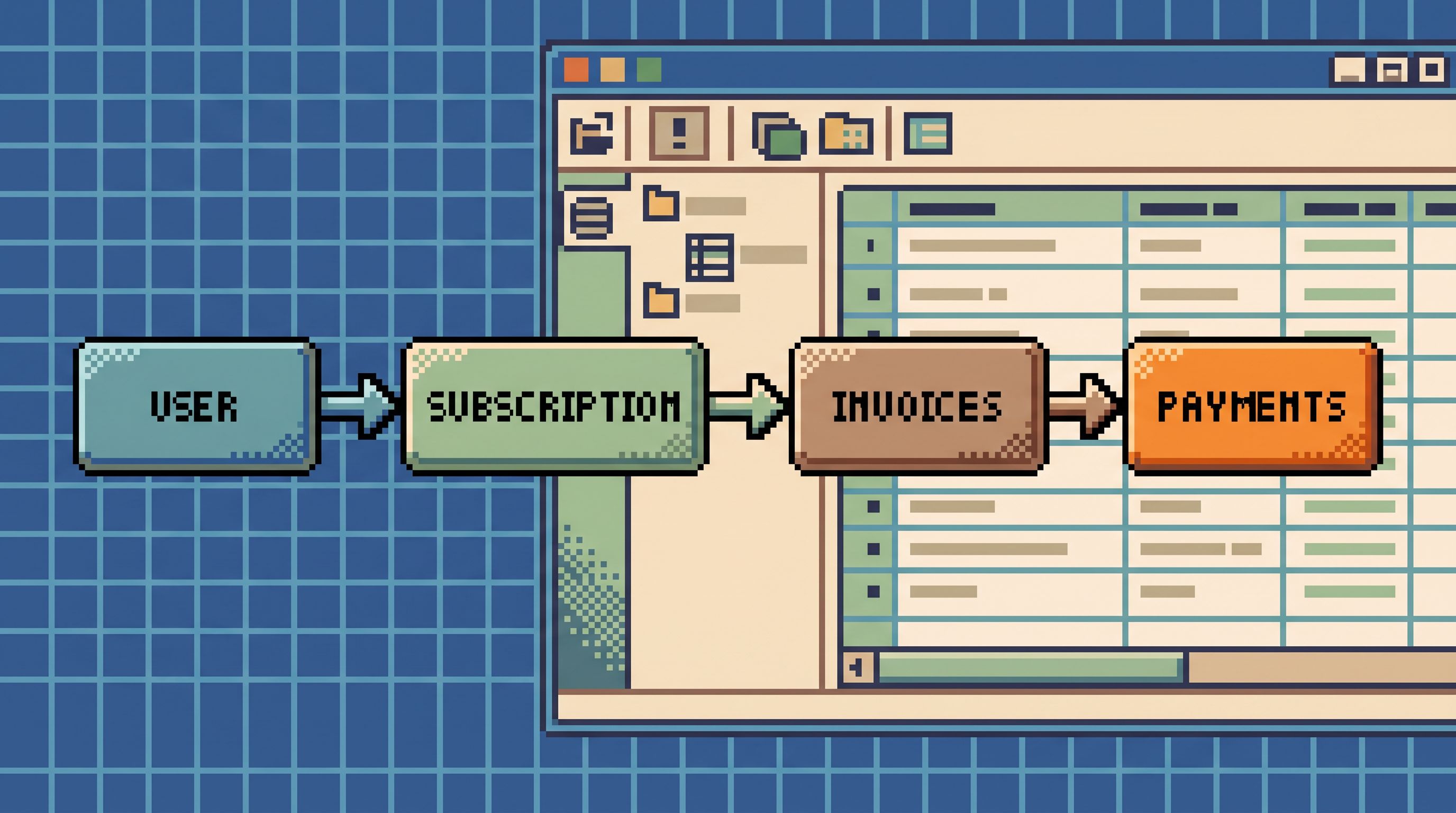
- How you move forward (e.g., “from subscription → invoices → payments”).
- Where you usually stop (e.g., “once we see the last three state changes, we decide”).
It’s not a dashboard. It’s not a single saved query. It’s the sequence.
Opinionated trails have a few key properties:
- Guided, not rigid – They suggest a default path, but you can branch when needed.
- Replayable – You can re‑run the same trail for a different user or time range.
- Shareable – Others can follow the same steps, not just re‑use a single query.
- Inspectable – You can see and improve the underlying queries over time.
Less Tabs, More Trails made this point for long debug sessions: the work goes better when you treat it as one continuous read path instead of a cloud of tabs. Opinionated trails are how you encode that path into your tools.
Why This Matters More Than “Better Saved Queries”
It’s tempting to solve this by organizing saved queries:
- Shared folders
- Naming conventions
- Tags like
incident/2026-05-14orsupport/refunds
Those help, but they don’t change the shape of the work.
Opinionated trails change three things:
1. You move from “what query?” to “which trail?”
Instead of:
“Does anyone have a query for stuck payouts?”
You get:
“Run the Stuck Payout Investigation trail for this payout ID.”
The unit of reuse becomes the workflow, not the text of the SQL.
2. You can actually design the post-query experience
With saved queries, the work ends when the query runs.
With trails, you can design:
- The entry point (e.g., paste a user ID, or click from a ticket).
- The default next step (e.g., “from this user, jump to their last 5 orders”).
- The stop condition (e.g., “once you see a failed payment, you’re done”).
This is the same shift we argued for in Post-Dashboard Debugging: Why Incident Workflows Need Trails, Not Tiles: stop designing tiles, start designing trails.
3. You can improve the system with every incident
When you treat trails as first‑class objects:
- You can tune them after each incident (better filters, safer joins).
- You can retire obsolete steps when the schema changes.
- You can review them like code, not like private notes.
Your incident and support work stops being throwaway. It becomes a living library of calm, reliable paths through your data.
From Personal Stashes to Opinionated Trails: A Concrete Migration Path
You don’t need a big migration project. You can start small and opinionated.
1. Identify your top 3 recurring investigations
Look at the last month of:
- Incidents
- Support tickets
- “Can someone check prod?” requests
You’ll usually find a short list of recurring patterns:
- “Why did this subscription get canceled?”
- “Why didn’t this payout go out?”
- “What happened to this order between checkout and fulfillment?”
Pick one to start.
For that investigation, collect:
- Slack snippets of SQL
- Notebook cells
- Saved queries in BI tools
- Bookmarked admin pages
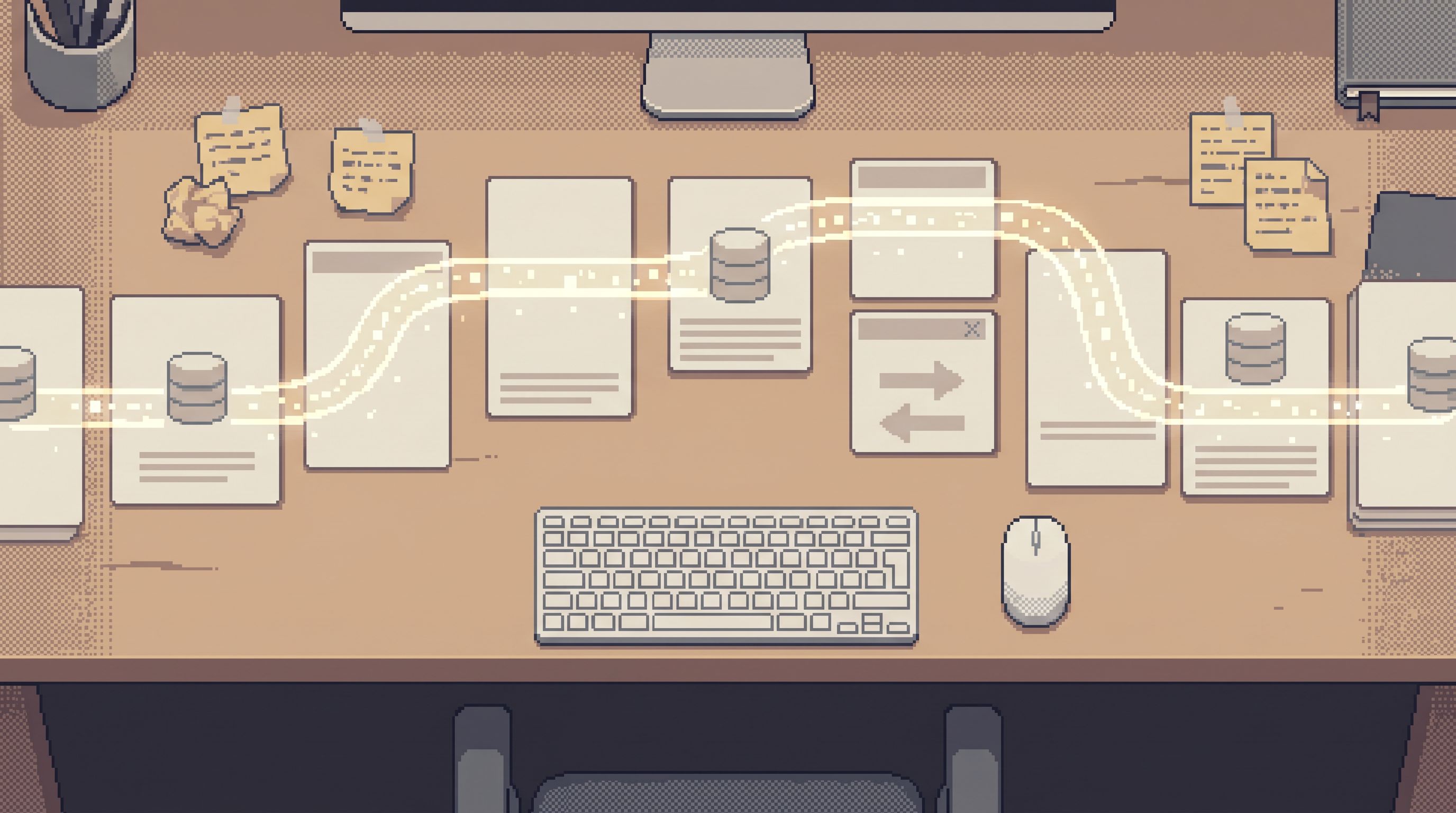
Lay them out in rough order. That’s your implicit trail.
2. Turn that implicit trail into an explicit sequence
For your chosen investigation, write down:
- Entry – What’s the first thing we know? (User ID, order ID, email?)
- Step 1 – First table / view you look at, with which filters.
- Step 2 – Where you jump next (joined table, related entity, or time slice).
- Branch points – The 1–2 common branches (e.g., “if payment failed, go here; if not, go there”).
- Stop – What “enough” looks like (e.g., “we’ve found the last state change and its cause”).
Keep it tight. A good trail is usually 3–7 steps, not 20.
3. Encode those steps into your database browser
This is where a tool like Simpl matters.
Instead of:
- Dozens of saved queries in different tools
- Manual copy‑paste of IDs between tabs
You want:
- A single browser where each step is a pre‑shaped read.
- Inputs (like
user_idororder_id) that flow through the trail. - A visible sequence of steps you can replay for another ID.
In Simpl, that looks like:
- Opinionated views that expect a small set of parameters.
- Linked steps where one view hands an ID to the next.
- A visible trail of what you opened, in what order, for this investigation.
The exact mechanics will vary by tool, but the principle is constant: fewer blank editors, more guided reads.
4. Replace personal stashes with shared, curated trails
Once the first trail works, make it the default:
- Pin it where incident responders and support see it.
- Document it briefly (“Use this when X happens; paste in Y; follow the steps”).
- Encourage people to add notes when they discover a better step.
Then, start harvesting personal stashes:
- When someone pastes a useful query in Slack, ask: “Which trail should this belong to?”
- When a new saved query appears in a BI tool, ask: “Is this a step in an existing trail or the start of a new one?”
Over time, you want:
- Fewer free‑floating saved queries.
- More queries that clearly belong to a named trail.
5. Add gentle guardrails to keep trails safe
Opinionated doesn’t just mean “convenient.” It also means safer by default.
When you encode a trail, bake in:
- Scoped filters – Always filter by user, order, tenant, or time window.
- Column selection – Only select what’s needed to answer the question.
- Safe defaults – Avoid
SELECT *, unbounded queries, and broad joins.
This is where ideas from The Calm Guardrail Catalog come in handy: quiet constraints that keep production reads safe without slowing people down.
Designing a Trail: A Worked Example
Let’s take a concrete investigation:
“Why did this user’s subscription get canceled?”
A naive approach:
- Search Slack for old queries.
- Open your SQL IDE.
- Run a few ad‑hoc joins on
subscriptions,invoices,payments. - Paste screenshots back into Slack.
A trail‑based approach:
Step 0 — Entry
- Start from a
user_idorsubscription_idpasted into a single input.
Step 1 — Subscription summary
- Pre‑shaped query:
SELECT status, started_at, canceled_at, cancel_reason FROM subscriptions WHERE subscription_id = :id LIMIT 1; - UI: compact card showing status + key timestamps.
Step 2 — Last 5 invoices
- Linked view:
SELECT invoice_id, status, amount, due_date FROM invoices WHERE subscription_id = :id ORDER BY created_at DESC LIMIT 5; - UI: table with quick filters (failed / unpaid / void).
Step 3 — Related payments for the most recent invoice
- Linked view:
SELECT payment_id, status, failure_reason, created_at FROM payments WHERE invoice_id = :invoice_id ORDER BY created_at DESC; - UI: timeline of payment attempts.
Branch A — Payment failures
- If there is a failed payment, jump to a view that:
- Shows gateway error codes.
- Surfaces any retries.
Branch B — Manual or policy‑driven cancel
- If payments look clean, jump to a view that:
- Shows audit events for subscription changes.
- Highlights who canceled (system vs. user vs. admin).
Stop condition
- Once you see a clear cause (e.g., “three failed payments due to card_declined”), you’re done.
In Simpl, this becomes a named trail:
Subscription Cancellation Investigation
Anyone can:
- Paste a
subscription_id. - Walk the same steps.
- Reach the same level of understanding.
You’ve replaced:
- A set of personal SQL stashes.
- A Slack search habit.
With:
- One calm, opinionated trail.
Making Trails the Default Way of Working
Opinionated trails only help if they become the default, not an optional extra.
Here are a few ways to make that shift:
1. Start every incident inside one browser
Instead of:
- Jumping between dashboards, IDEs, and admin consoles.
Decide that:
- The primary investigation happens in one place.
- Trails there are the first thing you reach for.
This is the same posture as The Anti-Tab Debug Session: one window, one main tool, one continuous trail.
2. Treat new trails like new features
When someone proposes a new trail:
- Give it a clear, human name (“Stuck Payout Investigation”).
- Document when to use it and what it answers.
- Review the underlying queries like you would a PR.
You’re building a trail library, not a query zoo.
3. Archive or refactor raw saved queries
As your trail library grows:
- Move ad‑hoc saved queries into an “archive” or “scratch” space.
- Encourage people to either delete them or fold them into an existing trail.
The goal is not zero ad‑hoc SQL. It’s that important SQL doesn’t stay ad‑hoc for long.
4. Make trails visible in your runbooks
For common incidents and support flows:
- Link directly to the relevant trail.
- Describe the entry input (e.g., “paste the
order_idfrom the ticket”). - Note any branch decisions in plain language.
Runbooks should describe which trail to follow, not which random queries to copy‑paste.
Where a Tool Like Simpl Fits
You can sketch trails on paper. You can approximate them with links between dashboards and saved queries.
But the experience changes when the browser itself is built around trails.
That’s the niche for Simpl:
- Opinionated entry points – Start from the entities you actually debug (users, orders, payouts), not from a schema tree.
- Linked views – Move from one step to the next without copy‑pasting IDs or rewriting joins.
- Replayable sessions – Turn a one‑off debug session into a trail others can follow.
- Calm defaults – Guardrails and scoped reads that keep production safe without yelling.
If your team already has a quiet read‑replica pattern, as described in The Calm Read-Replica: Structuring Safe Production Peeks Without a Second Tool Explosion, pairing it with opinionated trails in Simpl gives you:
- One safe surface to read production.
- One shared library of trails.
- Fewer personal SQL stashes scattered across tools.
Summary
Personal SQL stashes feel like productivity. They’re actually a tax:
- Knowledge gets stuck in private corners.
- Risky patterns spread quietly.
- Incidents become archaeology instead of replay.
Opinionated trails offer a calmer alternative:
- You design paths, not just queries.
- You encode how work actually flows through your data.
- You can replay, review, and improve those paths over time.
Moving from stashes to trails doesn’t require a big rewrite. You can:
- Pick one recurring investigation.
- Extract the implicit steps from existing queries and habits.
- Encode them as a short, opinionated trail in your database browser.
- Make that trail the default for that problem.
- Gradually fold other personal stashes into shared trails.
The result is quieter work: fewer tabs, fewer “does anyone have a query for this?” moments, and a stack that feels like a library of stories instead of a pile of snippets.
Take the First Step
You don’t need a full trail library to get value. You just need one good trail.
This week:
- Pick the most common investigation your team runs.
- Gather the SQL and habits people already use.
- Turn that into a 3–7 step opinionated trail.
- Run your next incident or support ticket through that trail first.
If you want a browser that’s built around this way of working, not bolted onto it, try shaping that first trail inside Simpl. Treat it as an experiment: one investigation, one trail, one calmer way to move through your data.
Then, when it works, do it again.
Less stashes. More trails.