Cognitive Load as a Feature: Why Database Tools Should Optimize for Fewer Decisions


Most database tools brag about power.
More knobs. More panels. More modes. More ways to be “flexible.”
But when you’re staring at production data during an incident, or trying to understand a subtle product bug, you don’t need more options. You need fewer decisions.
This is an argument for treating cognitive load as a first‑class feature in database tools. Not an afterthought. Not a UX polish pass. A core design constraint: every extra choice you force on someone working with data is a tax on their attention, and a risk to your system.
Tools like Simpl take this seriously: an opinionated, read‑only database browser that deliberately removes many of the decisions traditional tools hand you by default.
Why Cognitive Load Matters So Much Around Databases
Cognitive load is the mental effort required to hold context, evaluate options, and make decisions. In database work, that context is already heavy:
- The schema you’re navigating
- The incident or question you’re trying to answer
- The performance and safety constraints of production
- The organizational expectations around access and compliance
Traditional tools pile more on top:
- Which environment should I point this at?
- Which role should I use?
- Which of these 40 tables is actually relevant?
- Should I use the visual editor or raw SQL?
- Do I open the BI tool, the admin console, or the SQL IDE?
Every one of these is a micro‑decision. Individually small, collectively exhausting.
When cognitive load is high:
- People make riskier choices. They run
SELECT *on hot tables. They forgetWHEREclauses. They query the wrong environment. - Debugging slows down. You spend more time steering the tool than understanding the data.
- Knowledge centralizes. Only the people who have built up a personal map of the tool and schema can move quickly.
If you want calmer, safer, more repeatable database work, you don’t just need better permissions or faster queries. You need fewer decisions at the moment of use.
The Hidden Decision Tax in Common Database Workflows
Look at a typical “simple” task: investigating why one user’s subscription was canceled.
A realistic path for many teams:
- Choose a tool: BI dashboard, SQL IDE, internal admin, or log viewer.
- Decide which environment to point at.
- Pick a connection / role.
- Choose which schema or database to open.
- Expand a tree of tables and guess which one is authoritative.
- Decide whether to write raw SQL, use a visual builder, or copy a query from somewhere else.
- Decide how much of the user’s history to pull.
- Decide how to join related tables.
- Decide where to paste results (Slack, screenshot, CSV, etc.).
Only a few of those steps are about the actual question. The rest are tool steering.
This is exactly the kind of sprawl we argued against in The Minimalist Data Stack: What Actually Belongs Between Your CLI and Your BI. The problem isn’t just too many tools. It’s too many decisions within each tool.
When you design for lower cognitive load, that same investigation can feel more like:
- Open one known browser.
- Search for the user.
- Follow a small number of pre‑shaped paths.
Same data. Same question. Far fewer decisions.

Treating Fewer Decisions as a Product Requirement
Optimizing for fewer decisions is not about dumbing tools down. It’s about deciding on behalf of the user wherever you reasonably can.
You can think of it as three layers:
- Decisions the tool should make once, globally.
- Decisions the team should encode as patterns.
- Decisions the person must still make—but with guardrails.
1. What the Tool Should Decide For You
A calm database browser should have strong opinions about:
-
Read vs. write
- Most engineers need safe, repeatable reads far more often than writes.
- A tool like Simpl is deliberately read‑only. There is no “accidental UPDATE” state to worry about.
- This removes a huge category of micro‑decisions: “Is this the safe mode?” “Am I about to change something?”
-
Default environment
- Point at the one place that should be the default for real investigations (typically a production read replica or a carefully managed primary).
- Don’t make people choose between three similarly named connections every time.
- For more on structuring that surface safely, see The Calm Read-Replica: Structuring Safe Production Peeks Without a Second Tool Explosion.
-
Schema surface
- Show just enough structure for everyday reads.
- Hide archival tables, internal migration artifacts, and low‑signal noise by default.
- This is the core idea in The Calm Schema Surface: Showing Just Enough Structure for Everyday Production Reads: a thin, curated map instead of the entire city.
-
Starting point
- Don’t drop people into a blank SQL editor.
- Start them from a search box, a small set of recent trails, or a focused entity view (e.g., “user”, “subscription”, “invoice”).
Each of these decisions, made once in the product, removes dozens of decisions per week for every engineer.
2. What the Team Should Encode as Patterns
Even with a calm tool, teams still face repeated choices:
- Which queries are safe and “blessed” for common investigations?
- How do we debug a particular class of incident?
- How do we share what we just learned from the data?
Instead of letting these live as tribal knowledge or scattered snippets, you can:
-
Turn common queries into trails, not one‑offs.
- Capture the path you took through the data, not just the final SQL.
- Reuse and adapt that trail next time instead of starting from scratch.
- This is the move from a “query zoo” to a query library, as argued in From Query Zoo to Query Library: Curating Reusable Read Paths for a Calmer Stack.
-
Standardize a few investigation flows.
- “User billing incident” → exact sequence of lookups.
- “Feature flag regression” → known joins and comparisons.
- “Suspicious activity” → repeatable filters and checks.
-
Pair on high‑stakes reads.
- For tricky production work, use a calm pair‑query pattern instead of solo spelunking.
- Two engineers, one shared Simpl session, one clear question.
- That’s the core of The Calm Pair-Query: How Two-Engineer Sessions Change Production Database Culture.
Patterns turn decisions into defaults. The more you do this, the more each new investigation feels like following a path instead of hacking through a forest.
3. What the Person Still Decides—With Guardrails
You can’t remove all decisions. Nor should you. But you can shape the remaining ones.
Good guardrails:
- Make the safe thing easier than the risky thing.
- Make the common thing easier than the rare thing.
- Make the current question easier to follow than the infinite possibilities of the schema.
Concretely, that looks like:
-
Gentle friction on expensive or risky queries
- Nudge people away from
SELECT *on hot tables. - Add small confirmation or extra steps for queries that scan too much or touch sensitive tables.
- Not bureaucratic approvals—just enough friction to make you think.
- Nudge people away from
-
Scoped views instead of global canvases
- Start from a specific user, order, or ticket ID.
- Let people branch out from there, but always with a visible anchor: “You are looking at data for user 123.”
-
Clear read‑only affordances
- No ambiguous buttons that might write.
- No “edit in place” experiences on production rows.
- Visual language that says: “You’re here to understand, not to change.”
These are the kinds of patterns we grouped under quiet defaults and guardrails in posts like Quiet Defaults in the Browser: How Simpl Shrinks Risk Without Adding New Permissions and The Calm Guardrail Catalog: Small UX Constraints That Make Production Reads Feel Safe.
Concrete Ways to Lower Cognitive Load in Your Stack
You don’t have to redesign every tool to feel the benefits. You can start small.
1. Pick One Primary Read Surface
Decide where real investigations should start.
- Choose a single database browser—ideally something opinionated and read‑only like Simpl—as the default place to:
- Look up a user
- Trace an order
- Compare before/after states
- Follow a bug report into rows
- Make that link easy to find from tickets, runbooks, and internal docs.
- Treat other tools (BI, admin consoles, notebooks) as secondary, not peers.
The decision you’re removing: “Which tool do I open for this?”
2. Curate a Calm Schema Surface
Instead of exposing the full schema:
- Identify the 10–30 tables that matter most for everyday production reads.
- Group them by concept (user, billing, auth, content) instead of by raw database name.
- Hide or de‑emphasize low‑signal tables.
The decision you’re removing: “Which of these hundreds of tables do I actually care about?”
3. Standardize Entry Points
Give people simple, memorable starting points:
- A single “Find user” search box.
- A small menu of common investigations:
- “Why did this subscription cancel?”
- “What changed for this user between two dates?”
- “Which jobs are currently stuck?”
Each of these should open a pre‑shaped view or trail, not a blank canvas.
The decision you’re removing: “How do I even begin this investigation?”
4. Encode Guardrails Into the Flow
Look at the last few scary queries your team ran. Then:
- Add friction to the patterns that caused them (e.g., big scans, missing filters).
- Make the safer alternative one click away:
- “Add WHERE user_id = …” suggestions.
- “Limit to last 24 hours” defaults.
- “Compare to previous state” shortcuts instead of manual diffing.
You’re not banning anything. You’re making the calm path the easy path.
5. Make Post‑Query Work First‑Class
Cognitive load doesn’t end when the query runs. It continues when you try to:
- Share what you found.
- Revisit the same investigation later.
- Help a teammate reproduce your steps.
To reduce that load:
- Treat every meaningful investigation as a trail that can be saved, named, and shared.
- Prefer links to trails over pasted SQL in Slack.
- Use those trails as the raw material for runbooks and incident templates.
This shifts your culture from one‑off hero work to a calmer, shared practice—the theme of The Post-Query Culture: How Teams Turn One-Off Debug Sessions into Shared Calm Data Practices.
Why This Approach Feels Different in Daily Work
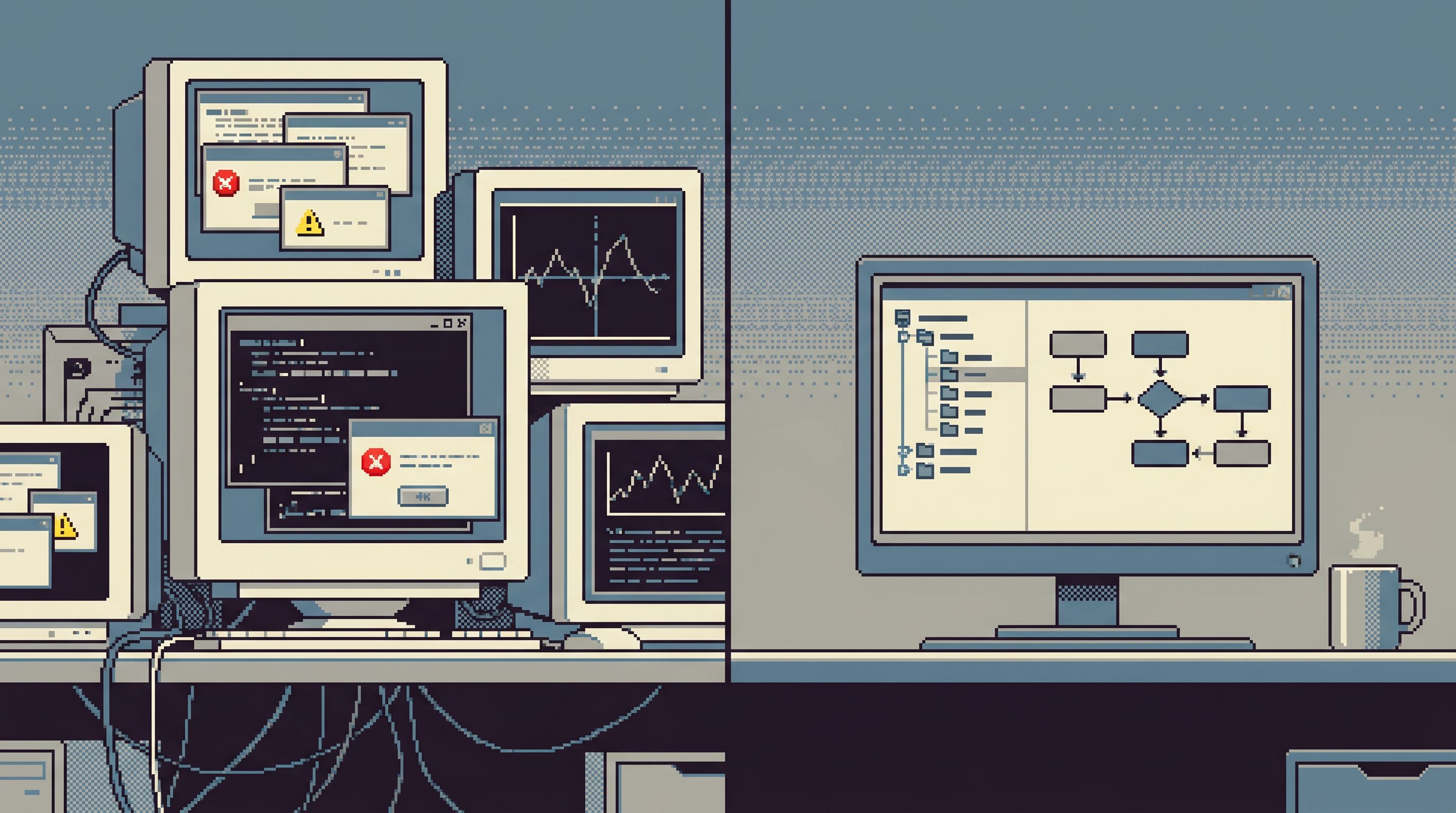
When cognitive load is treated as a feature, the day‑to‑day experience of working with data changes in subtle but important ways:
-
Incidents feel more linear.
- Instead of juggling five tools, you stay in one focused browser session.
- The path from ticket → data → decision is clearer.
-
Production feels less scary.
- A read‑only, guardrailed surface makes curiosity feel safe.
- You can invite more people to look directly at real data without white‑knuckle anxiety.
- This complements the access stance in The Calm Read-Only Contract: Structuring Database Access So Curiosity Never Feels Risky.
-
Onboarding gets easier.
- New engineers don’t have to memorize the whole schema or tool zoo.
- They follow trails and patterns instead of inventing their own workflows from scratch.
-
Expertise scales.
- Senior engineers encode their habits into trails, defaults, and schema curation.
- Others benefit without needing the same level of personal map‑building.
The result isn’t less power. It’s more power, concentrated on the actual question instead of the tool.
Summary
Database work is already mentally heavy. Your tools shouldn’t add to that load.
By treating cognitive load as a feature—not a side effect—you can:
- Remove entire categories of decisions (read vs. write, environment selection, schema noise).
- Encode team knowledge into patterns, trails, and a curated schema surface.
- Shape the remaining decisions with gentle guardrails and quiet defaults.
- Make production reads feel safe, focused, and repeatable.
A calm database browser like Simpl is one way to embody these ideas: opinionatedly read‑only, focused on everyday production reads, and designed to minimize the decisions you have to make on the way to understanding your data.
A Quiet Next Step
You don’t need a full redesign to start.
Pick one area of cognitive load to remove this week:
- Choose a single primary read tool and link it from your runbooks.
- Curate a short list of “everyday” tables and share it with your team.
- Turn one recent, successful investigation into a reusable trail.
If you want a tool that’s built around these principles from the start, try pointing Simpl at your safest production read surface and run your next incident or deep‑dive entirely from there.
Notice how it feels to make fewer decisions—and spend more of your attention on the story your data is actually telling you.