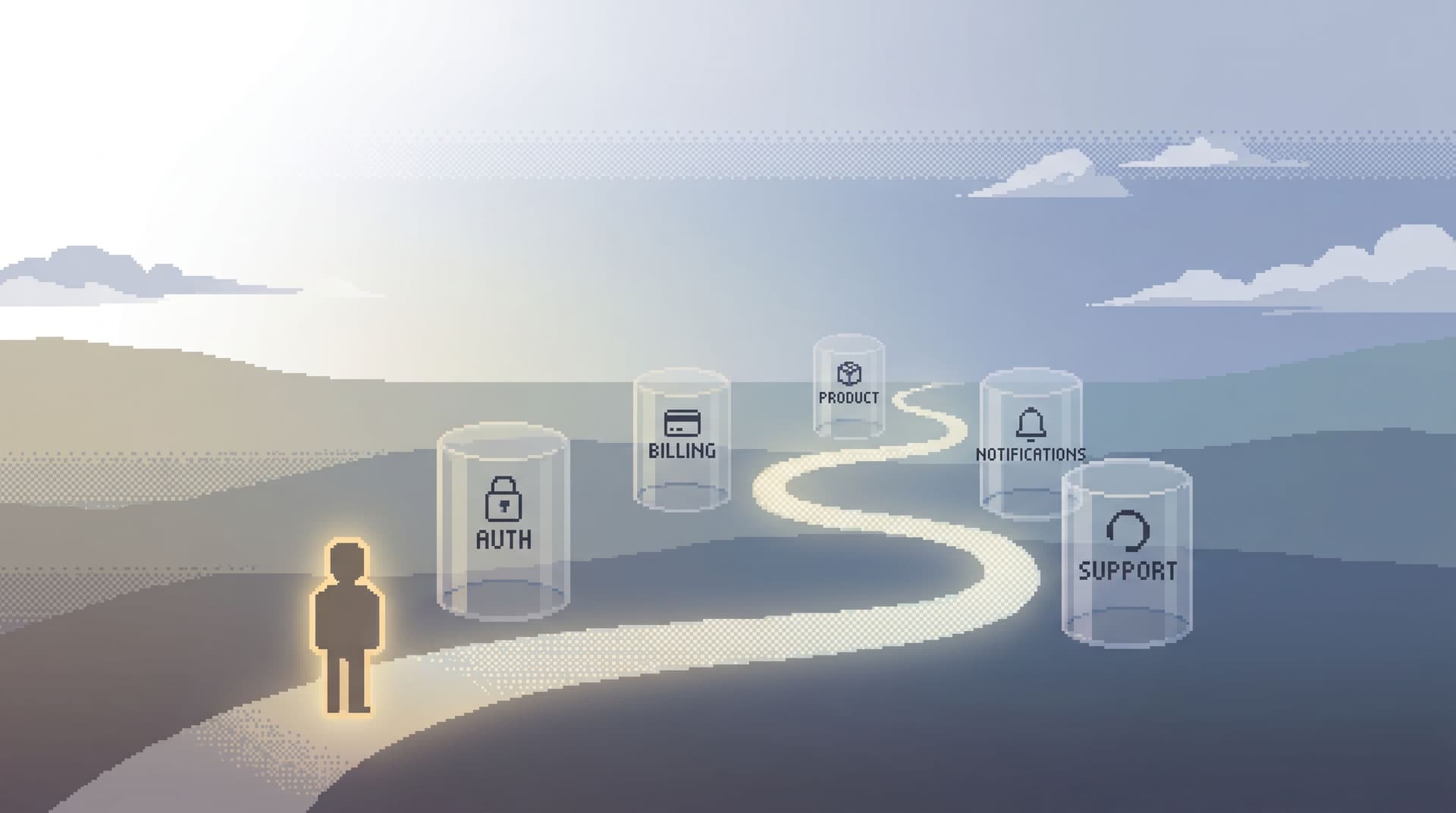
The No-Map Migration: Browsing Schema Changes Without Losing Your Debugging Flow

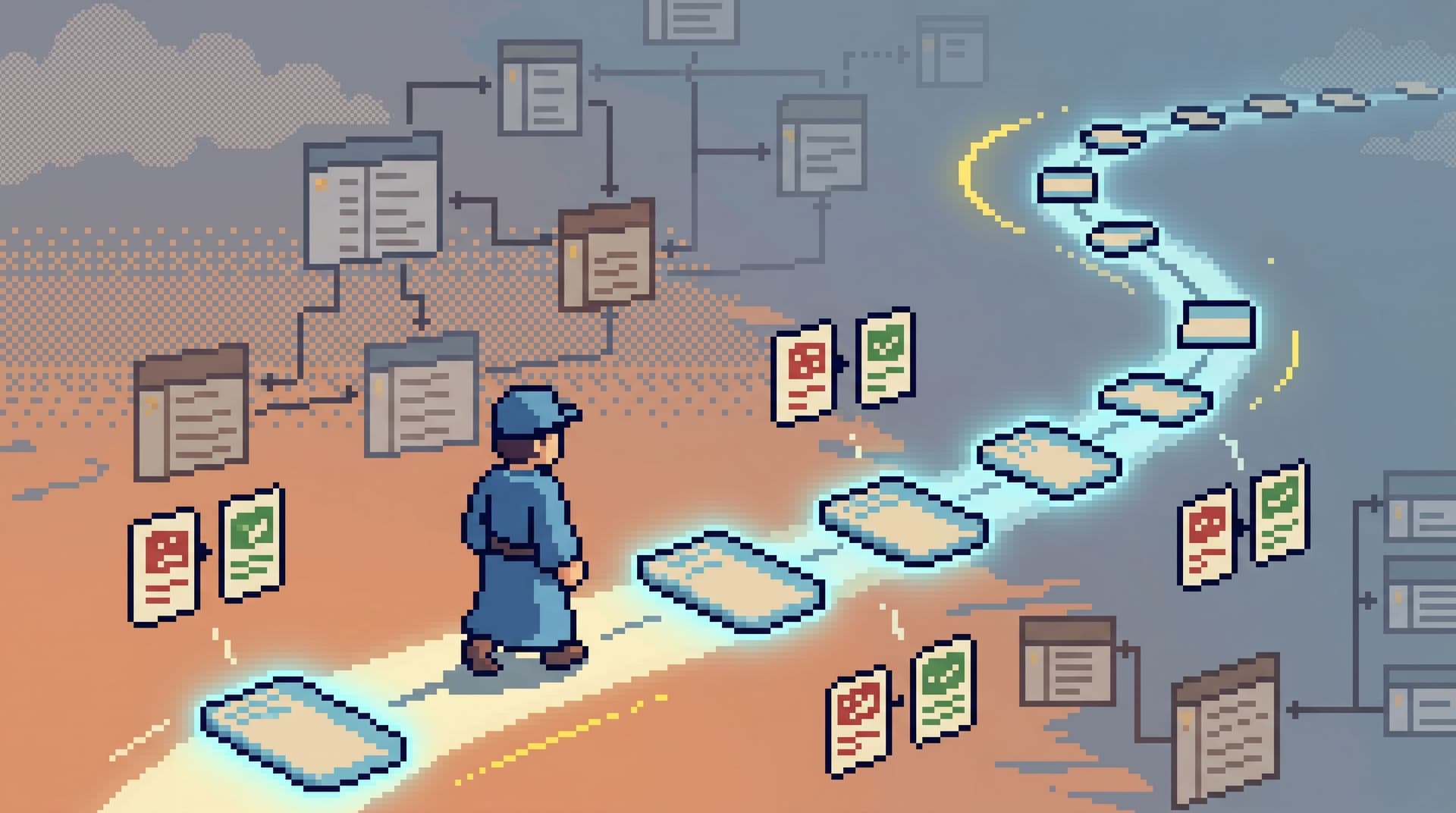
Database migrations rarely break in obvious ways.
More often, they introduce a quiet drift:
- A column gets renamed.
- A nullable field becomes required.
- A join that used to be cheap is now slow.
- A background job starts failing for one edge case tenant.
You open your usual tools, start debugging, and suddenly realize: your mental map of the schema is wrong. The migration landed, but your habits didn’t.
This post is about that moment — and how to move through it without losing your debugging flow.
Instead of treating migrations as a reason to re-learn the map, we’ll treat them as something else: a change in the story your data is telling. The goal is not to memorize the new schema. The goal is to keep a straight line from question → rows → decision, even while the ground is shifting.
Along the way, we’ll talk about:
- How map-first debugging quietly collapses during schema change
- A calmer, “no-map” stance for reading data after a migration
- Concrete patterns for following the same debugging trail across versions
- How opinionated tools like Simpl make this flow feel routine instead of fragile
Why migrations break your flow more than your schema
Most teams think about migrations in terms of safety:
- Will the migration lock the table?
- Will it cause a spike in errors?
- Will it corrupt data?
Those are real concerns. But day to day, the more common cost is cognitive:
- The table you always start from has new columns you don’t recognize.
- The query you’ve used for years suddenly returns fewer rows.
- The “obvious” join path now goes through a new relation.
Your debugging flow depends on muscle memory:
Ticket → open tool → run known query → follow a familiar trail.
A migration silently invalidates that muscle memory.
If your workflow is built around maps — schema trees, ERDs, architecture diagrams — every migration is a demand to redraw the map in your head before you can even start answering the question.
That’s the failure mode this post is arguing against. When a migration ships, you don’t want to:
- Re-learn the schema tree
- Rebuild every query from scratch
- Open ten tabs to compare “before” and “after” states
You want to keep your debugging trail intact.
For more on this idea of trails over tools, see how we approach long sessions in Less Tabs, More Trails.
From map-first to flow-first
Map-first workflows look like this:
- Open a SQL IDE or admin console.
- Expand the schema tree.
- Guess which tables matter.
SELECT *and scroll.- Iterate until something looks relevant.
This works — slowly — when:
- You’re new to the system.
- You’re doing exploratory analysis.
- The schema is relatively stable.
It fails under migration pressure because every step depends on remembering the map.
A flow-first stance is different:
- Start from the question, not the schema.
- Enter through a single, opinionated read path (one view, one query, one trail).
- Follow a linear sequence of reads that already encode how you debug.
- Let the tool surface schema differences in context instead of as a new map to learn.
This is the core idea behind a post-explorer browser, which we unpack more in The Post-Explorer Workflow and Database Work Without the Map.
The rest of this post is about making that flow-first stance concrete when migrations ship.
Pattern 1: Treat migrations as new versions of the same trail
Most migrations don’t change what you’re trying to understand. They change where that understanding lives.
Example:
- Before:
usershasplanandstatuscolumns. - After:
usershasplan_id, and there’s a newplanstable withstatusliving there.
Your question didn’t change:
“Why did this user lose access yesterday?”
What changed is the path from that question to the rows.
Instead of:
- Re-learning the schema
- Writing a fresh query from scratch
Take this stance:
A migration creates a new version of a known debugging trail.
Concretely:
- Keep the intent of the trail stable: “Look up user → inspect plan → check access history.”
- Let the implementation of each step adapt to the new schema.
In an opinionated browser like Simpl, that might look like:
- A “User access story” trail that:
- Step 1: Fetches the user by ID.
- Step 2: Joins to plan details.
- Step 3: Shows access logs.
- After the migration, you update Step 2 to use
plan_idand the newplanstable — the rest of the trail is unchanged.
You didn’t redraw the map. You just bumped the version of a known path.
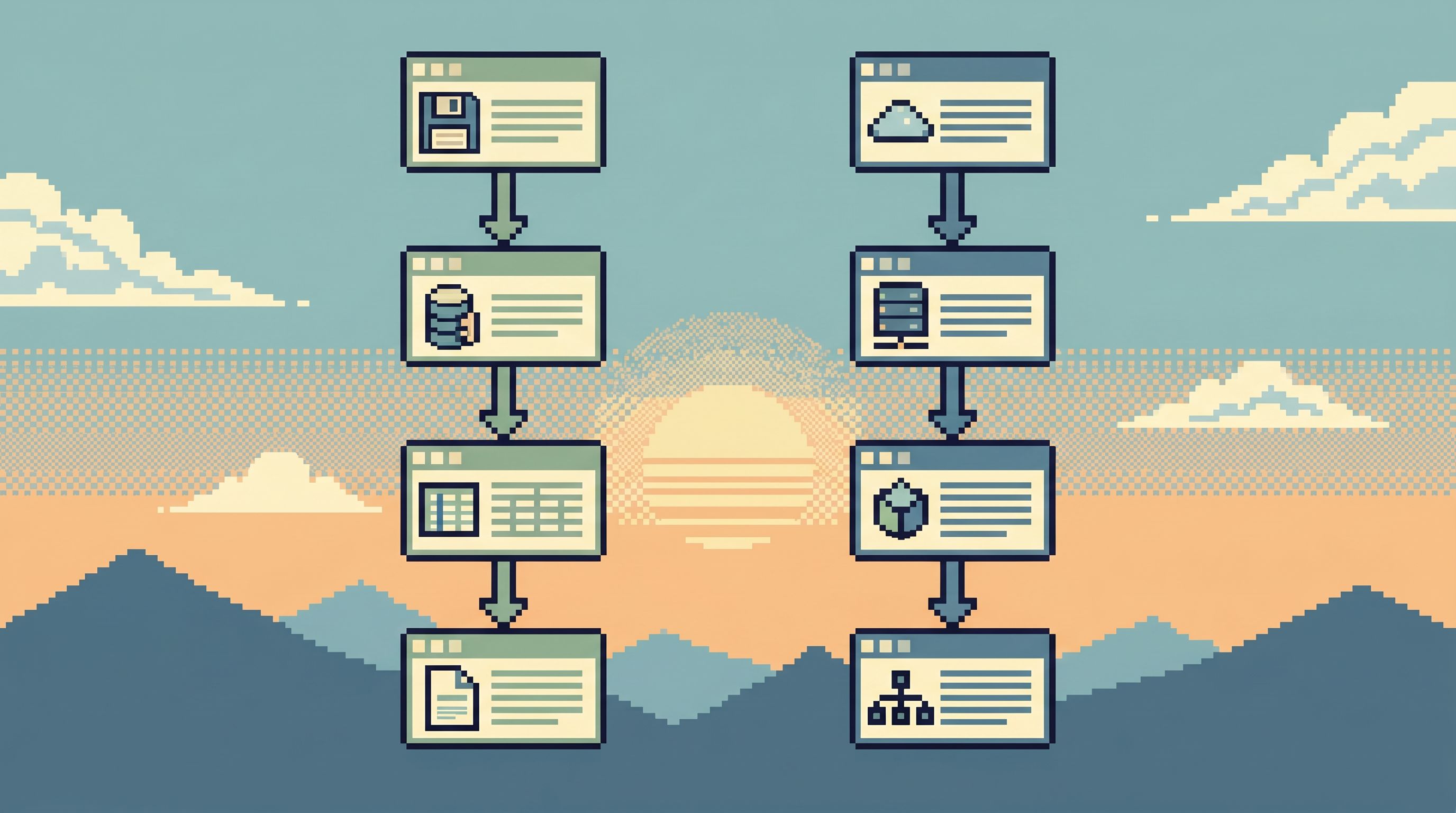
Pattern 2: Keep “before” and “after” in the same view
One of the most painful parts of debugging around migrations is time travel:
- “What did this row look like before we added
plan_id?” - “Did this tenant’s data change during the backfill?”
- “Was this query fast before the index moved?”
The default workflow:
- Open a BI dashboard for “yesterday’s state”.
- Run a query for “current state”.
- Flip between tabs.
- Try to keep the diff in your head.
You’re not just debugging the system. You’re debugging your own memory.
A calmer pattern is to pull the chronology into a single trail:
- A “before/after” view for the same question
- A query diff that compares two states side by side
- A timeline that pins the migration alongside data changes
This is the same instinct behind quiet query diffs, which we go deeper on in The Quiet Query Diff.
Concrete ideas you can implement, even in a plain SQL client:
-
Standardize on comparison queries
- Build a small library of parameterized queries that always:
- Anchor on a primary key or user ID
- Select a stable subset of columns that matter for your question
- Include
valid_from/valid_totimestamps or snapshot dates when available
- Example pattern:
-- Before vs after migration for one user
SELECT 'before' AS version, *
FROM   users_history
WHERE  user_id = :user_id
  AND  snapshot_at = :before_migration

UNION ALL

SELECT 'after' AS version, *
FROM   users
WHERE  id = :user_id;
- Build a small library of parameterized queries that always:
-
Make the diff visual, not mental
- Use a tool that:
- Shows two result sets side by side
- Highlights column additions/removals
- Surfaces row-level changes clearly
- Or, if you’re in spreadsheets, standardize a small script that:
- Exports “before” and “after” CSVs
- Joins on primary key
- Flags changed columns
- Use a tool that:
-
Pin the migration event in your timeline
- When you’re replaying an incident, treat the migration like any other event:
- “At 10:02, we deployed v3.4.0.”
- “At 10:05, the backfill started.”
- Align your reads around those timestamps instead of treating the migration as an abstract code change.
- When you’re replaying an incident, treat the migration like any other event:
In Simpl, this shows up as:
- Saved “state comparison” trails for common entities (user, order, subscription)
- One-click toggles between “before migration” and “after migration” snapshots
- A single session where those comparisons live together, not scattered across tools
Pattern 3: Anchor on the user, not the table
Migrations are schema-centric.
Debugging is story-centric.
If you start your investigation from the migration — “We renamed status to state and moved it to plans” — you’re forcing yourself into map mode:
- Which tables changed?
- Which joins are now different?
- Which queries do we need to rewrite?
Instead, start from the user or entity that’s in pain:
- “This user lost access at 10:07.”
- “This payout got stuck in
processing.” - “This tenant’s invoices stopped generating.”
Then ask:
What is the shortest trail from this user to the part of the schema the migration touched?
Concretely:
-
Always begin with an identity anchor
- User ID
- Order ID
- Tenant ID
- Payout ID
-
Design read paths that start from that anchor and fan out:
- User → subscriptions → plans
- Tenant → feature flags → usage limits
- Order → payments → payouts
-
When a migration lands, you only need to adjust the middle of the trail, not your entire starting point.
This is the same stance we take in Focused Reads in a Microservice World: follow the user, not the architecture diagram.
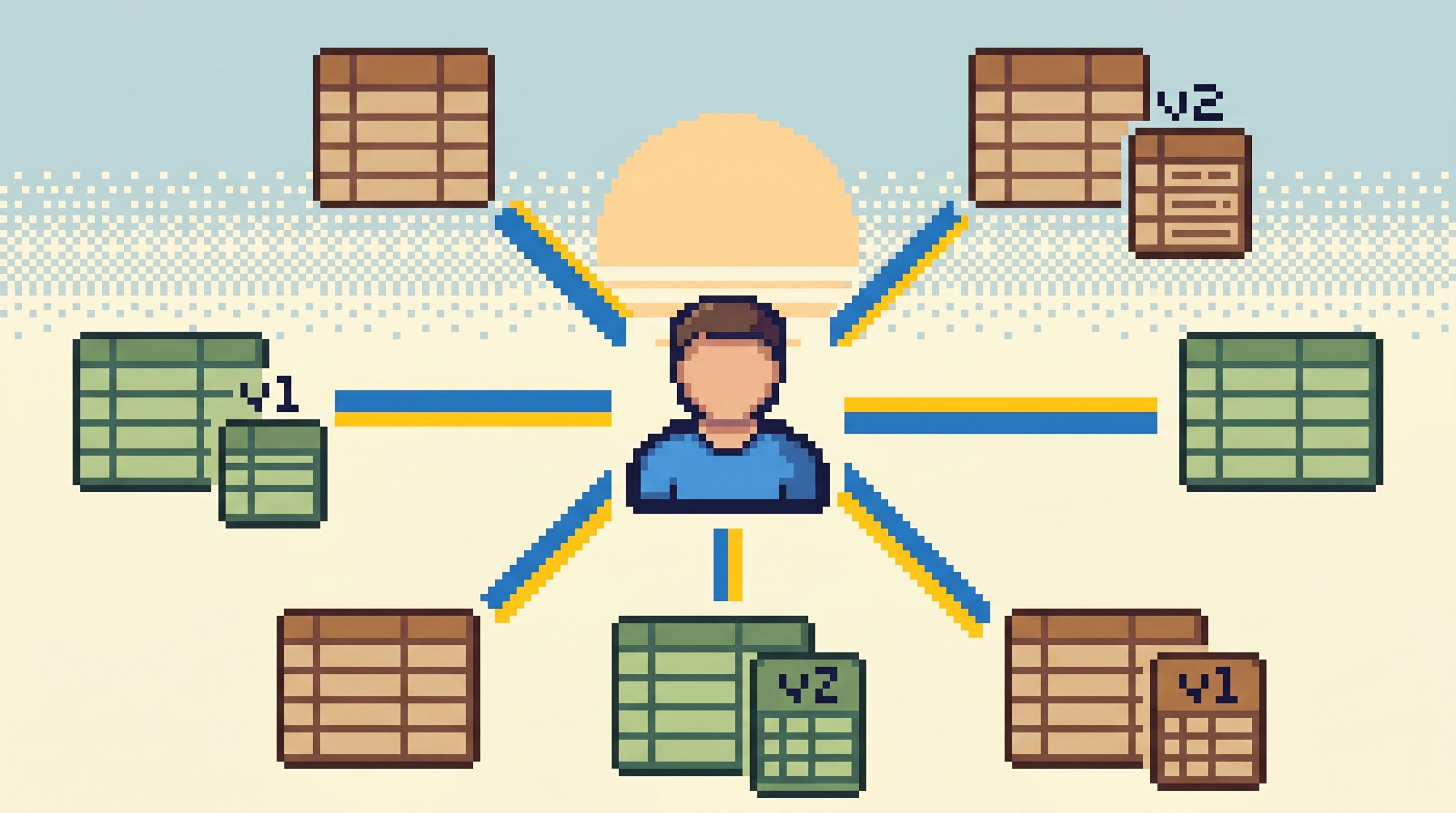
Pattern 4: Make staging feel like a rehearsal, not a different universe
Migrations are less scary when you’ve already rehearsed the debugging flow against them.
The problem on most teams:
- Staging doesn’t look like production.
- The tools for staging are different from the tools for production.
- The data in staging is synthetic or stale.
So even if you run the migration there first, you’re not rehearsing the real debugging path. You’re just verifying that the migration “runs.”
A calmer approach:
-
Use the same browser for staging and production reads
- Same interface
- Same trails
- Same query templates
- Only the environment changes
- We go deeper on this in The Focused Staging Flow and The Quiet Staging Browser.
-
Rehearse the real questions, not just the migration script
- Before shipping:
- Run your standard “user story” trails against staging after the migration.
- Verify:
- You can still answer “Why did this user lose access?”
- The trails still land in the right tables.
- Any new columns/relations are visible where they matter.
- Before shipping:
-
Capture the adjustments as updated trails or templates
- If a trail needs to change because of the migration:
- Update it in staging.
- Version it (e.g., “User access story v3”).
- Promote that version alongside the migration when you ship to production.
- If a trail needs to change because of the migration:
With a tool like Simpl, this feels like:
- Running the exact same opinionated read paths in staging and prod
- Updating those paths once, then reusing them everywhere
- Avoiding the “Oh, staging worked but prod is different” surprise
Pattern 5: Encode migration checks as first-class read flows
Every migration comes with a set of informal checks:
- “Spot-check 10 random users.”
- “Verify no
NULLin this new column.” - “Make sure backfilled rows match the old derived value.”
Most teams treat these as throwaway queries in someone’s local SQL history.
A calmer, no-map approach is to promote these checks into reusable read flows:
- A “post-migration validation” trail per critical entity
- A small library of “sanity check” templates that anyone can run
Examples:
-
Null sweeps
SELECT COUNT(*) AS null_count FROM plans WHERE status IS NULL; -
Backfill parity checks
SELECT COUNT(*) AS mismatch_count FROM users u JOIN plans p ON p.id = u.plan_id WHERE u.legacy_status IS NOT NULL AND u.legacy_status <> p.status; -
Edge-case tenants
SELECT tenant_id, COUNT(*) AS affected_users
FROM   users
WHERE  migrated_at BETWEEN :window_start AND :window_end
GROUP BY tenant_id
ORDER BY affected_users DESC
LIMIT 20;
If you encode these as named flows in a browser like Simpl:
- They’re discoverable during the incident.
- They’re reusable for the next migration.
- They become part of your post-query culture, not just someone’s terminal history. (We unpack that culture more in The Post-Query Culture.)
Pattern 6: Guardrails that assume the schema will change
Migrations are not the exception. They’re the background.
If your tools assume a fixed schema, every change feels like a small betrayal.
Instead, design guardrails that expect change:
-
Navigate by intent, not table name
- “Look up user by email”
- “Show subscription state over time”
- “Compare invoice before and after migration”
- Under the hood, these can evolve as tables move and columns change.
-
Use read-only, opinionated paths for production
- Avoid ad-hoc, map-driven querying in prod whenever possible.
- Prefer curated, named trails that you can update centrally when the schema shifts.
-
Keep access scoped to the questions people actually ask
- When migrations add new tables or columns, don’t auto-expose everything.
- Fold them into existing flows deliberately.
We go deeper into these safety patterns in posts like The Calm Guardrail Catalog and Read-Only, Opinionated, and Enough.
A tool like Simpl is built around this assumption: production schemas will keep changing, but the way you move from question to rows should stay calm and familiar.
Bringing it together: a no-map migration checklist
When your next migration lands, you don’t need a new map. You need to keep your flow.
Here’s a minimalist checklist you can adapt:
Before the migration
- [ ] Identify the top 3–5 real questions this schema touches.
- [ ] List the existing trails or queries you use to answer them.
- [ ] Rehearse those trails in staging after the migration.
- [ ] Update the trails (or templates) where they break.
- [ ] Save at least one post-migration validation flow per critical entity.
During rollout
- [ ] Keep a single, shared session or trail where all checks live.
- [ ] Run your validation flows against a small sample first.
- [ ] Expand to broader checks (tenants, regions, cohorts) as confidence grows.
After rollout
- [ ] Update any incident playbooks to reference the new trails.
- [ ] Retire or archive obviously obsolete queries.
- [ ] Capture one short note: “How we’ll debug this area next time.”
None of this requires a new platform. But it does benefit from a single, opinionated browser like Simpl where trails, comparisons, and validation flows can live together instead of in scattered tabs.
Summary
Schema changes don’t have to blow up your debugging flow.
If you stop treating migrations as a demand to re-learn the map — and start treating them as new versions of the same trails — you get something calmer:
- Your entry points stay stable.
- Your validation checks become reusable.
- Your “before vs after” comparisons live in one place.
- Your teammates can debug without memorizing every table and column.
The schema will keep changing. Your questions will keep repeating. The work is to keep the path between them short, opinionated, and shareable.
Take the first step
You don’t need to redesign your entire stack to benefit from a no-map stance.
Pick one migration — recent or upcoming — and do just this:
- Write down the three real questions it affects.
- Turn each question into a named read path (even if it’s just a saved query with a clear title).
- Add one before/after comparison query for the most critical entity.
Run your next incident or validation session through those paths instead of starting from a blank console.
If you want a place where those paths feel first-class — trails, not tabs — try running them inside Simpl. It’s an opinionated database browser built for exactly this: browsing schema changes, following user stories, and debugging production without needing the map every time something moves.