The Post-Explorer Workflow: Browsing Production Data Without Clicking Through a Schema Forest


Most database tools still assume you want to explore.
They hand you:
- A schema tree
- A blank SQL editor
- A grid of rows with pagination
From there, the pattern is familiar: expand tables, guess where to look, run SELECT *, tweak, rerun, scroll. You’re navigating by objects and hoping your real question eventually collides with the right rows.
That works for learning a schema. It breaks down for production.
Production questions are specific, time‑bound, and often urgent:
- “What happened to this user’s last three orders?”
- “Why did this payout get stuck in
processing?” - “Did yesterday’s migration touch this tenant’s data?”
You don’t have time to wander a schema forest. You need a straight‑line, post‑explorer workflow: a way to browse production data by intent, not by table.
Tools like Simpl exist exactly for this middle layer: calm, opinionated database browsing where you read production data safely, without the noise of full BI or admin consoles.
Why the schema forest feels so bad in production
Schema‑first exploration is not wrong. It’s just misaligned with how production work actually happens.
A schema forest workflow looks like this:
- Open a console.
- Expand schemas and tables.
- Guess which table is relevant.
- Run a broad query to “see what’s in there.”
- Add filters. Join something else. Repeat.
The problems show up quietly:
-
High cognitive load
You’re holding table names, foreign keys, filters, and incident context in your head at the same time. -
Risky defaults
The easiest move is often the riskiest:SELECT *on a hot table, unbounded time windows, joins without clear predicates. -
No shared path
Two engineers investigating the same issue can take completely different routes through the schema. They might arrive at similar conclusions, but there’s no shared trail. -
Hard to onboard
New teammates don’t know which tables are “actually used,” which columns are trustworthy, or which joins are safe.
We’ve written before about this problem as a map‑first mindset: you start from schemas and services, then try to back into the question you actually care about. If that resonates, you may also want to read “Database Work Without the Map: Navigating Production by Question, Not Schema or Service”.
A post‑explorer workflow flips that around.
What “post‑explorer” actually means
A post‑explorer workflow doesn’t remove exploration. It just stops treating exploration as the default.
Instead of:
"Here’s the whole schema. Good luck."
You start from:
"What are you trying to understand right now?"
And then you shape the path from that intent into the right slices of data.
In practice, that means:
-
Navigating by question, not table
“User order history,” “payout lifecycle,” “feature flag evaluation,” notorders,payouts,feature_flags. -
Opinionated read paths instead of blank editors
Pre‑shaped queries and flows that reflect how your team already investigates incidents and tickets. -
Guardrails as defaults
Time‑bounded reads, scoped filters, read‑only access, and safe pagination baked into the path, not bolted on as policy. -
One calm entry point
A single place you open when you need to read production data—whether that’s a tool like Simpl or a carefully designed internal browser.
If you want a deeper dive into what this looks like at the tool level, “The Post-Explorer Database Browser: Navigating Production by Intent, Not Objects” goes into the philosophy. This post stays on the workflow: how your team actually moves from question → rows → understanding.
The core loop: from question to rows without wandering
A calm post‑explorer workflow has a simple loop:
- Start from a concrete question.
- Choose an intent‑based entry.
- Follow a shaped trail of reads.
- Stop when the story is clear enough.
Let’s walk that in more detail.
1. Start from a concrete question
Most production work begins outside the database:
- A support ticket
- An alert or dashboard
- A Slack message from a PM
The mistake is to translate that directly into “open schema, start exploring.”
Instead, force the question into a sharper shape:
-
Who?
One user, tenant, batch, job, or transaction. -
When?
A clear time window: “between 14:05 and 14:20 UTC,” not “around lunchtime.” -
What changed?
A status, a balance, a feature flag, a configuration.
Write this down in the ticket or incident channel before you open any data tool. It becomes the anchor for the rest of the session.
2. Choose an intent‑based entry
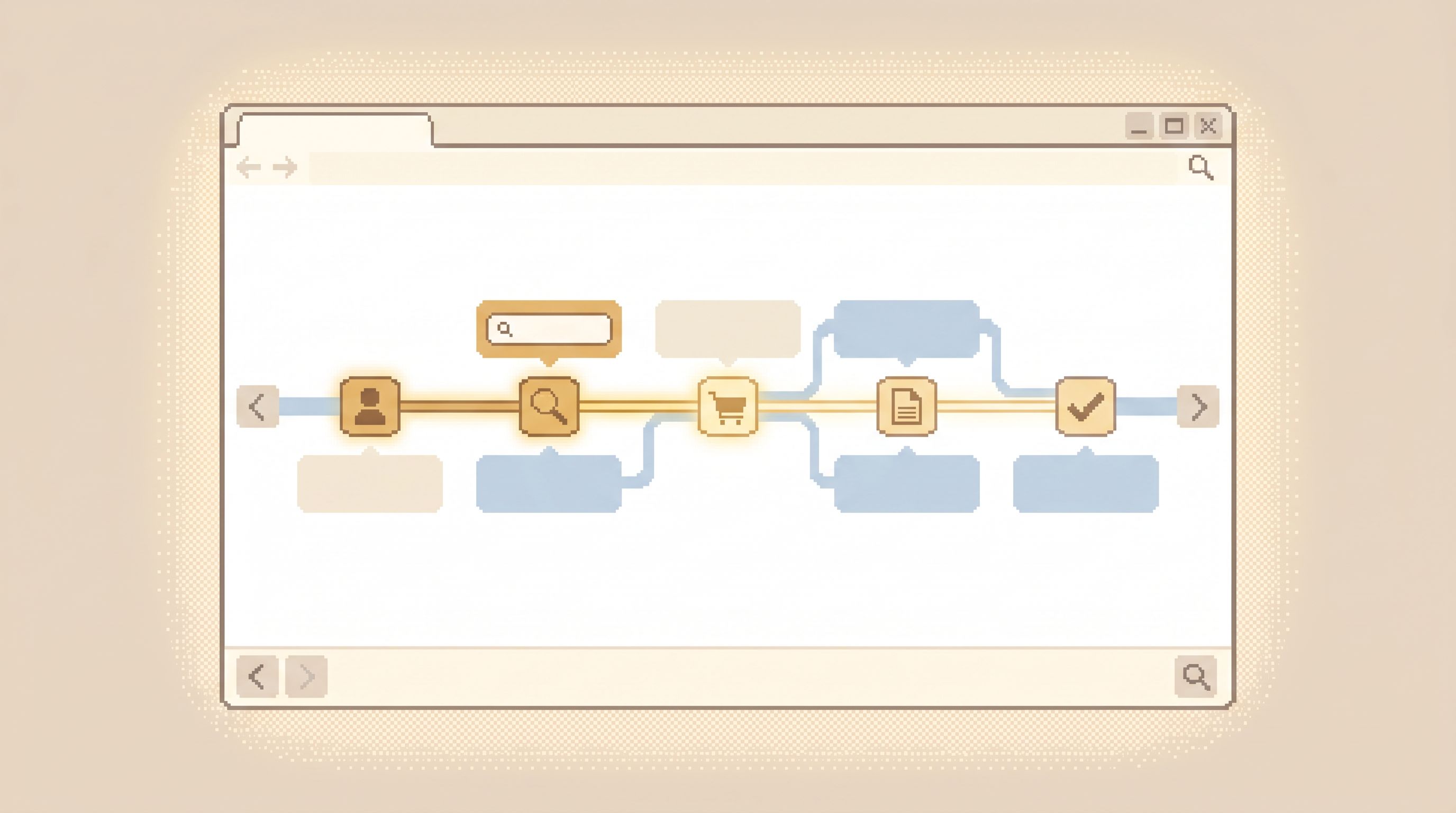
Instead of jumping into a schema tree, you choose an entry that matches your question type.
Some examples of intent‑based entries:
-
“User timeline”
Given a user ID, show key events and related entities across services. -
“Payment investigation”
Given a payment ID, show attempts, provider responses, refunds, and ledger entries. -
“Job run history”
Given a job name or ID, show recent runs, statuses, and associated side‑effects.
In a tool like Simpl, these entries are often encoded as opinionated read flows: curated sets of queries and joins that already know which tables matter, how they’re related, and which columns are safe to expose.
If your current tools don’t have this concept yet, you can approximate it with:
- A small library of well‑named, well‑scoped queries for common investigations.
- A README that maps question types → starting queries.
- A habit of never starting from a blank editor for recurring tasks.
Over time, those habits can evolve into something more structured, like the “calm query ladder” we wrote about in “The Calm Query Ladder: Moving from Ad-Hoc SELECTs to Opinionated Read Flows”.
Designing read paths that don’t require a schema tree
Once you’ve committed to intent‑based entries, the next step is to design read paths that let people move through data without bouncing back to the schema.
Think in terms of trails, not queries.
A good read path has three qualities:
-
Narrow by default
It answers one kind of question well, instead of trying to be a general‑purpose explorer. -
Linked, not flat
It lets you move from one relevant slice to the next (user → orders → payments) without re‑inventing joins. -
Guardrailed
It is hard to accidentally run something dangerous, slow, or overly broad.
Here’s a concrete pattern you can apply.
Pattern 1: Start from an anchor entity
Most investigations have a natural anchor:
- A user in a consumer app
- A tenant in a B2B product
- A payment or order in a transactional system
Design one or two anchor views that:
- Take a single identifier (user ID, tenant ID, order ID)
- Show a compact summary: key fields, current status, last few events
- Provide links or buttons to jump into related slices (e.g., “View orders,” “View invoices,” “View feature flags”)
This replaces three steps you’d normally take in a schema forest:
- Find the right table.
- Guess the right columns.
- Hand‑write a
WHEREclause.
Pattern 2: Encode the joins once
For each common relationship, encode the join once in your tool or query library. For example:
users → ordersorders → paymentspayments → provider_logs
Then expose them as actions, not raw SQL:
- “See this user’s recent orders”
- “See payment attempts for this order”
- “See provider logs for this payment”
The join logic lives in one place. The person reading data doesn’t need to remember which foreign key to use or how to filter out soft‑deleted rows.
This is the same idea behind “runbooks in SQL” and quiet query templates: you encode how you investigate, not just what you select.
Pattern 3: Build in quiet defaults
Guardrails work best when they feel like defaults, not rules. For each read path:
-
Time‑box automatically
Default to the last 24–72 hours unless the path is explicitly historical. -
Limit rows responsibly
Use cursor‑based pagination with small, intentional page sizes. -
Scope by anchor
Every query in the path should be scoped by the anchor entity whenever possible.
We explored these patterns more deeply in “Quiet Defaults for Loud Systems: Guardrail Patterns for High-Risk Production Databases”, but the short version is simple: make the safe path the easy path.
A concrete example: from ticket to trail
Let’s walk through a simple scenario and compare the schema‑forest approach with a post‑explorer workflow.
Scenario
A support ticket says: “Customer 48291 reports that their last payment failed, but they still see a charge on their card.”
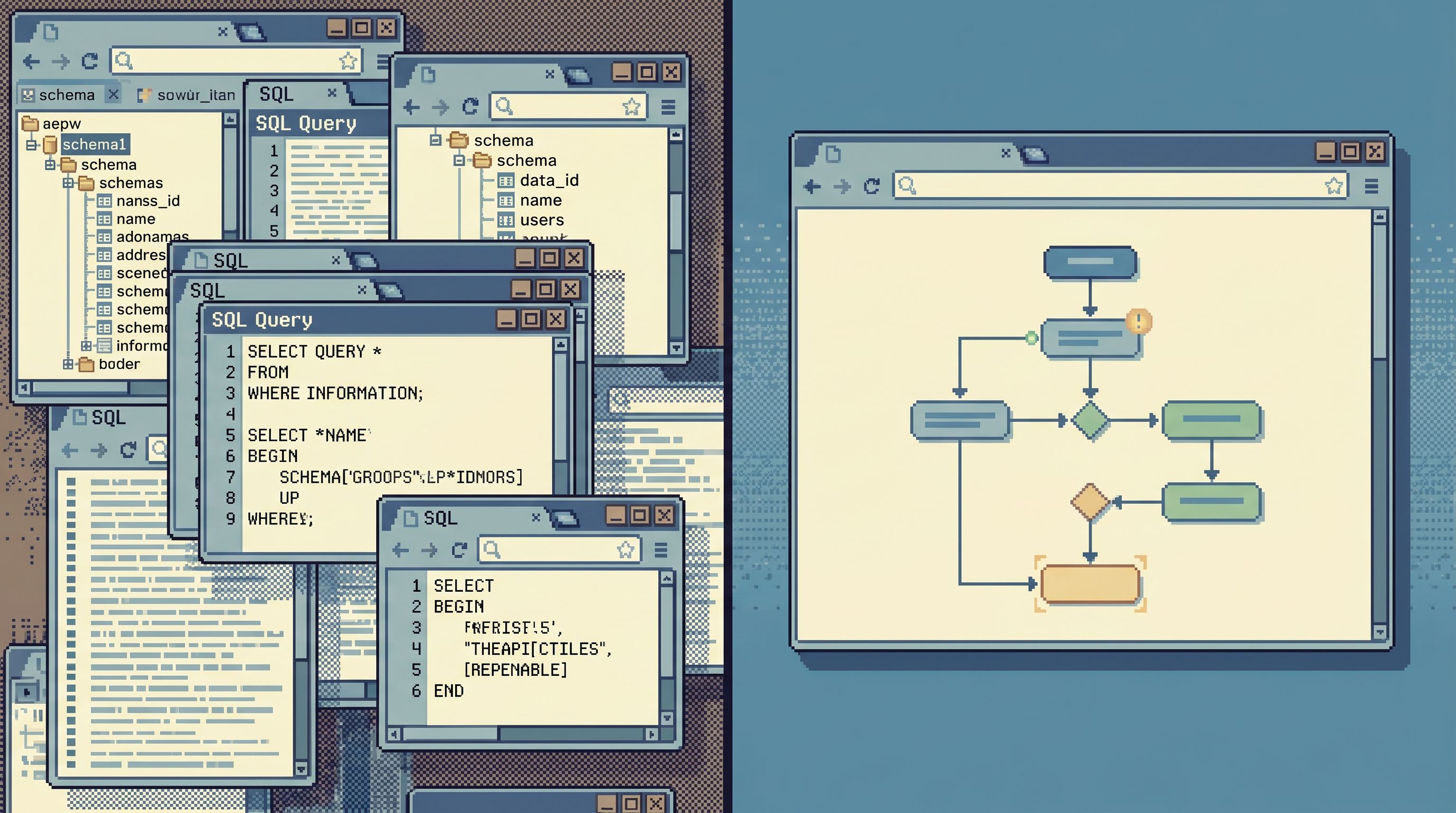
Old way: schema forest
- Open your SQL IDE.
- Expand
publicschema. Scroll through tables. - Guess that
paymentsandchargesare relevant. - Run
SELECT * FROM payments WHERE user_id = 48291 ORDER BY created_at DESC LIMIT 50; - Scan rows. Notice a
failedstatus. - Remember there’s also a
payment_attemptstable. Join manually. - Realize the provider response data is in
gateway_logs. Open a new tab. Join again. - Paste screenshots into Slack.
You eventually get the answer, but the path is bespoke and hard to repeat.
Post‑explorer way: intent‑based trail
- Open your focused database browser (for example, Simpl).
- Choose the “Payment investigation” entry.
- Enter user ID
48291. - Land on a user payment timeline:
- Recent payments with status and amount
- Links to provider responses and ledger entries
- Click the specific failed payment.
- Follow the pre‑defined links:
- “View provider response”
- “View ledger impact”
The tool has already encoded:
- Which tables are relevant
- How they’re joined
- How to scope by user and time
You still need judgment. But you no longer need to remember the schema while you’re using that judgment.
Making this real on your team
You don’t need to rebuild your whole stack to get the benefits of a post‑explorer workflow. You can start small and iterate.
Step 1: Pick three recurring questions
Look at the last few weeks of:
- Support tickets
- Incident reports
- Slack threads where someone “had to check prod”
Pick three recurring question types, such as:
- “What happened to this user’s last order?”
- “Why is this payout stuck?”
- “Did this migration affect this tenant?”
These become your first intents.
Step 2: Write down the current manual path
For each question type, sit with someone who usually does the investigation and ask them to narrate their steps:
- Which tools they open
- Which tables they touch
- Which columns they actually care about
- Which joins they rely on
Capture this as a plain‑language trail, not just SQL.
Step 3: Encode one calm trail per question
Turn each narrated path into a simple, repeatable trail:
- A starting query with a clear parameter (user ID, order ID, etc.)
- A small set of linked reads (orders → payments → logs)
- Guardrails baked in (time windows, limits, read‑only)
You can implement this in several ways:
- Inside a focused browser like Simpl, as opinionated read flows.
- As a minimal internal tool that wraps a few parameterized queries.
- As a carefully maintained set of “runbook queries” surfaced in a single, shared place.
The important part is one entry point and named trails, not yet another folder of ad‑hoc SQL.
Step 4: Retire the schema tree as a default
You don’t have to remove exploration entirely. But you can change the defaults:
- Link from tickets and runbooks to intent entries, not to a generic SQL console.
- During incidents, encourage people to start from named trails.
- Keep schema‑level exploration available for rare cases, but not as the first thing new teammates see.
Over time, you’ll notice a shift:
- Less time spent “finding the right table.”
- Fewer risky
SELECT *moments in production. - More repeatable investigations that feel like calm sessions, not heroic hunts.
We’ve seen teams pair this with a single, shared entry point for database work, as described in “The Calm Query Session: Designing Database Work Around One Entry Point, Not Ten”.
How a tool like Simpl fits into this
You can build a post‑explorer workflow on top of almost any data stack. But the tools you choose will either reinforce or fight that workflow.
Simpl is designed specifically for this middle layer:
-
Read‑first, not admin‑first
No schema surgery, no user management, no migrations. Just calm, opinionated reads. -
Intent‑based navigation
Trails and flows that start from real questions—users, orders, jobs—rather than from schemas. -
Quiet defaults
Time‑bounded, scoped, cursor‑based reads by default, so production stays safe even as more people get access. -
One place to start
A single browser layer between dashboards and admin tools, so you don’t have to choose between ten entry points every time you need to read real rows.
If your team already feels the pain of schema forests, you don’t need more dashboards or another admin panel. You need a calmer way to read production.
Summary
A post‑explorer workflow is a stance:
- Stop treating schema exploration as the default way to work with production data.
- Start from concrete questions and intent‑based entries.
- Encode your best investigation paths as calm, repeatable trails.
- Bake in guardrails as quiet defaults.
The payoff is simple:
- Less wandering through schema trees
- Safer, faster reads in production
- Clearer paths for new teammates
- Incidents that feel like structured reading, not frantic clicking
You don’t have to solve everything at once. Pick a few recurring questions, design one or two trails, and start there.
Take the first step
If you recognize your team in the schema forest—multiple tools, ad‑hoc queries, people “just checking prod” in risky ways—the first step is small:
- Name three questions you answer every week.
- Write down the actual path you take to answer them.
- Turn one of those into a simple, shared trail.
From there, you can decide whether to keep layering your own internal tooling, or to adopt a focused browser like Simpl that’s built for this exact middle layer.
Either way, the goal is the same: browsing production data without clicking through a schema forest—calmly, intentionally, and enough.