The Post-Query Culture: How Teams Turn One-Off Debug Sessions into Shared Calm Data Practices


Most teams still treat database work as a series of emergencies.
A ticket comes in. Someone opens a console. A query gets written, tweaked, and pasted into Slack. The incident ends. The work disappears.
No trail. No shared practice. Just another one-off debug session.
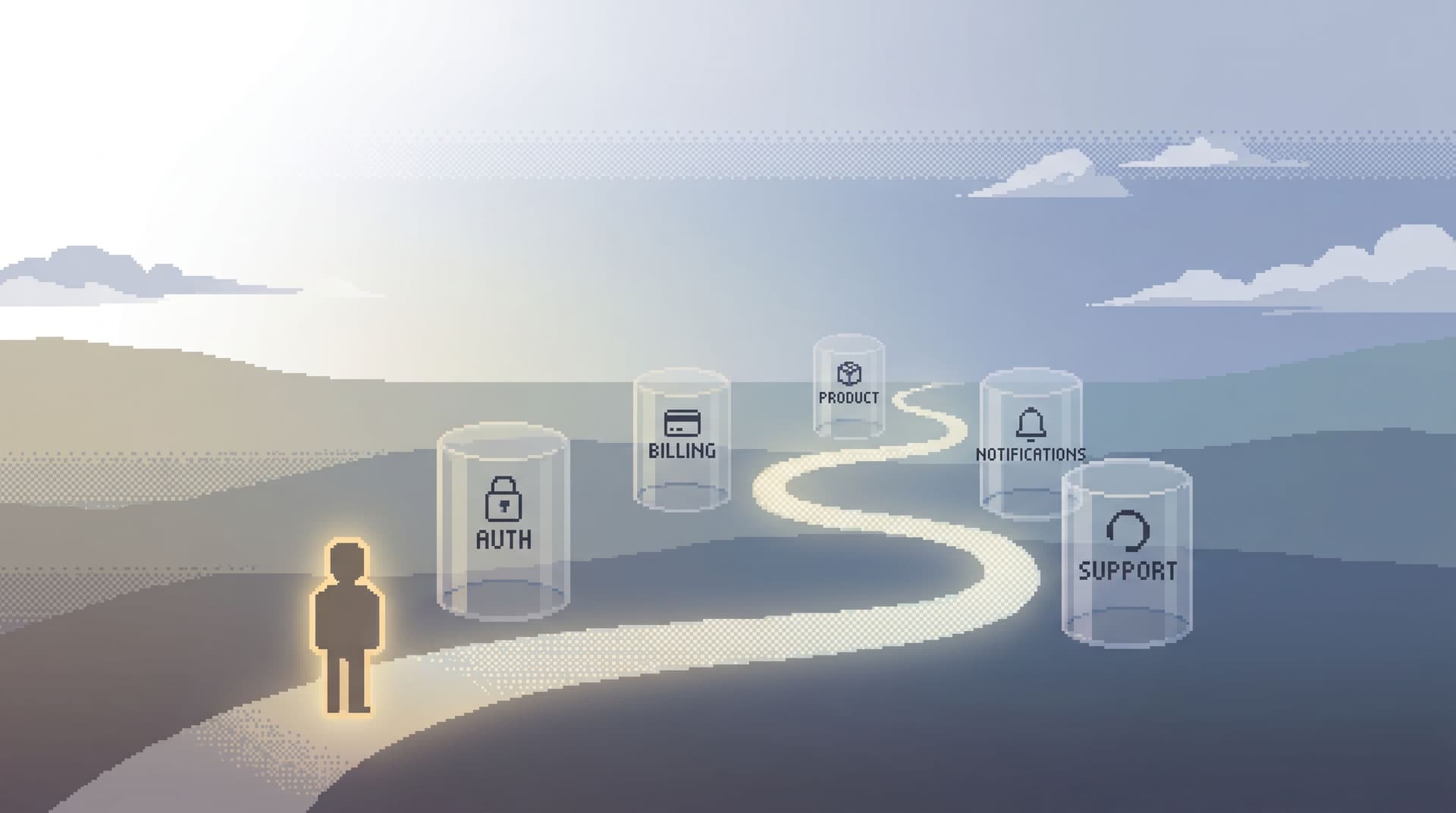
This post is an argument for something quieter: a post-query culture. A way of working where each investigation leaves the system a little better for the next person. Where one-off queries turn into shared, calm data practices instead of private heroics.
Tools like Simpl exist exactly for this middle layer: an opinionated database browser that makes production reads feel focused, replayable, and safe—without dragging you into full BI or admin complexity.
Why Post-Query Culture Matters
A single query rarely matters on its own.
What matters is what happens after it:
- Does the knowledge stay in one person’s history?
- Does the team learn a better way to answer this class of question?
- Does the next incident start from scratch, or from a trail?
When query work stays one-off, you get:
- Hero dependencies – incidents depend on whoever “knows the tables” or “has prod”.
- Shadow access – screenshots, CSV exports, and ad-hoc consoles that bypass guardrails.
- Rework and drift – five slightly different versions of the “same” debug query living in DMs and personal notes.
- Onboarding friction – new engineers afraid to touch production data, so they wait for someone else.
A post-query culture flips that:
- Every useful query becomes a starting point for the team.
- Every incident leaves behind a path, not just a memory.
- Every debug session tightens guardrails instead of working around them.
This is the same stance we argued for in Less Tabs, More Trails: treat debugging as one continuous read path, not a pile of tools and screenshots. Post-query culture is how you make that path shared.
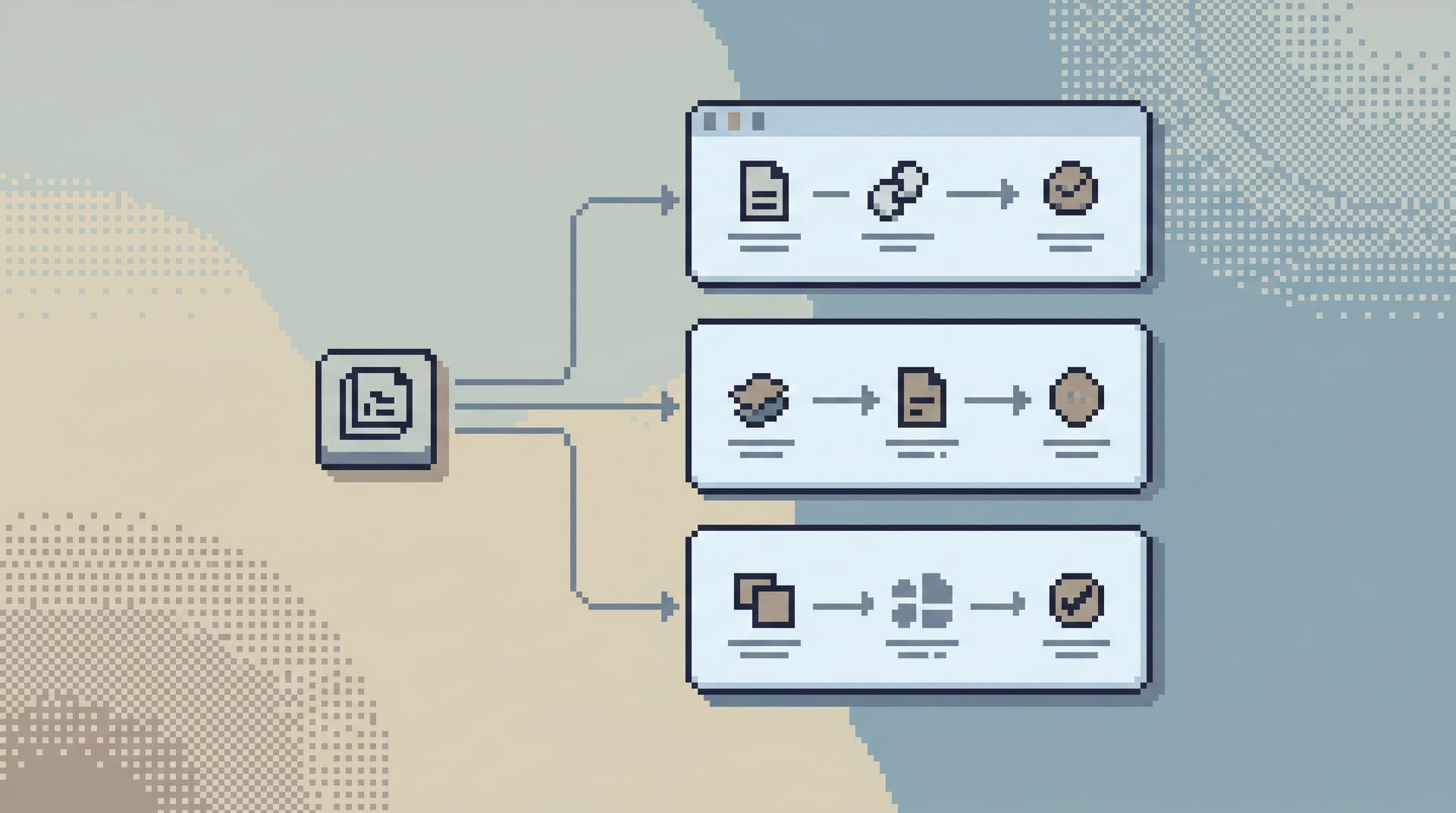
From One-Off Query to Shared Practice: The Core Loop
You don’t need a big program or a new committee. You need a small loop that repeats.
-
A real question appears.
- “Why did this user’s subscription cancel yesterday?”
- “What changed in this tenant’s config between last week and now?”
-
Someone does the work once.
- They trace tables.
- They figure out the right filters.
- They avoid the footguns.
-
You capture the path, not just the answer.
- The exact query (or sequence of queries).
- The key parameters (user ID, tenant ID, time range).
- The safe defaults and guardrails.
-
You turn that path into a reusable, opinionated read.
- A template.
- A saved trail.
- A small “runbook in SQL.”
-
You make it discoverable at the moment of need.
- Linked from tickets.
- Searchable by intent (“cancelled subscription”, “stuck payout”).
- Grouped by team or surface area.
Over time, this loop builds a library of calm reads that match how your system actually fails and how your team actually investigates.
The Calm Query Ladder walks through this progression in detail. Here, we’ll stay focused on how to make that progression cultural, not just technical.
Principle 1: Treat Queries as Stories, Not Spells
Most query histories read like incantations:
SELECT *
FROM subscriptions
WHERE user_id = '123' AND status != 'active'
  AND cancelled_at > now() - interval '7 days';
It works. But no one else knows why it looks this way.
A post-query culture assumes:
If a query was worth running under pressure, it’s worth explaining for the next person.
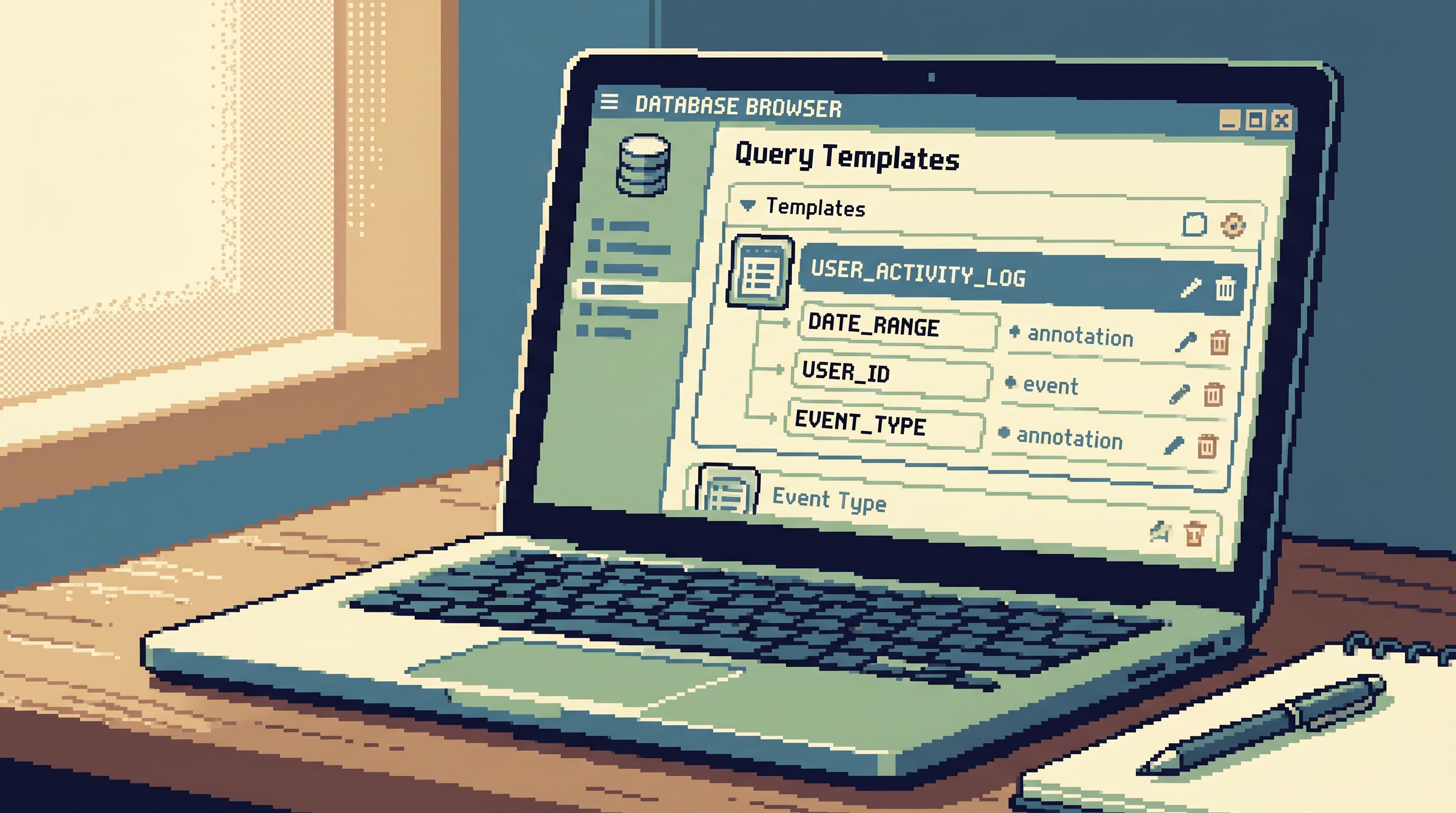
That doesn’t mean writing essays. It means small, opinionated annotations:
- Name – “Recent subscription cancellations for a single user”
- When to use – “Support tickets about unexpected cancellations in the last 7 days.”
- What it assumes – “User IDs are stable; cancellations older than 7 days are handled by a different flow.”
- What to be careful about – “This joins to
paymentsand can be heavy without a user ID filter.”
In a tool like Simpl, this can live right alongside the query as a saved trail or template. The point is not the feature; it’s the stance:
- Queries are artifacts of understanding, not just mechanisms for extraction.
- Stories travel better than spells.
Small practice to adopt this week
- Any time you write a query during an incident that takes more than 10 minutes to get right, add:
- A one-sentence “when to use this” note.
- A one-sentence “what to be careful about” note.
- Save it somewhere visible to others (not just your local history).
Principle 2: Navigate by Question, Not Schema
One reason one-off sessions stay one-off: they’re anchored to tables, not to questions.
- “I queried
users, thensubscriptions, thenevents…” - Instead of: “I answered: ‘Why did this user churn yesterday?’”
Post-query culture flips the index:
- Questions first – “Failed payment”, “Missing email”, “Wrong plan”, “Stuck payout”.
- Schema second – the tables and joins are implementation details.
This matches how incidents actually show up. A Slack message never says “the payouts table is inconsistent”; it says “this payout never arrived.”
You can see this stance in posts like Database Work Without the Map: navigate production by question, not by schema or service.
How to build a question-first index
-
Name your recurring questions.
- Skim the last 20–30 support tickets or incident docs.
- Write down the actual phrases people use: “double charge”, “missing invoice”, “can’t log in”, “stuck in pending”.
-
Map each question to one or two canonical reads.
- For “double charge”: a path that pulls recent payments, refunds, and charge attempts for a user.
- For “missing invoice”: a path that joins orders, invoices, and notification sends.
-
Expose those reads by question, not table.
- In your database browser, name them by question.
- In your internal docs, link by question.
- In your support playbooks, point to “the missing invoice trail”, not “run query X in tool Y”.
-
Make the entry point consistent.
- Ideally, these question-based reads live in one place—an opinionated browser like Simpl—not scattered across BI, SQL IDEs, and admin consoles.
Principle 3: Encode Guardrails into the Path, Not the Policy Doc
Most teams already care about safety. They have:
- Read-only roles.
- Access review processes.
- Policy docs about “being careful in prod.”
Those matter. But they don’t change how it feels to open a tool and run a query.
Post-query culture assumes:
Safety should be experienced as defaults, not as anxiety.
That means encoding guardrails directly into the paths people reuse:
- Pre-scoped filters – every shared read requires a user ID, tenant ID, or time range.
- Limited surfaces – templates only touch the tables they need, not the entire schema.
- Performance-aware patterns – no unbounded
SELECT *on hot tables; pagination and limits baked in.
Over time, your shared reads become a catalog of safe ways to look at production, not just a bag of powerful queries.
If you want to go deeper on this, The Calm Guardrail Catalog is a good companion read.
Concrete patterns to bake into shared queries
- Always require a primary key–like parameter (user ID, tenant ID, order ID).
- Default to a small, recent time window (last 24–72 hours) unless the question demands history.
- Use
LIMITwith intentional ordering when exploring hot tables. - Avoid writes entirely in your primary read tool; keep it read-first.
A browser like Simpl is designed around these defaults: read-only by design, opinionated about filters, and focused on calm production reads instead of admin power.
Principle 4: Make Sessions Replayable, Not Just Queries Reusable
Saving a single query is helpful. But most real investigations span multiple reads:
- You look up the user.
- You trace their orders.
- You inspect a specific payment.
- You check related feature flags or config.
Post-query culture treats the session as the unit of work, not each individual query.
That means:
- Being able to replay a previous investigation with new parameters.
- Seeing the sequence of reads that led to a conclusion.
- Sharing that sequence with a teammate, not just the final screenshot.
This is the core idea behind posts like The Focused Browser Session and Less Tabs, More Trails: a straight line through the right data, instead of a cloud of disconnected tabs.
How to move from reusable queries to replayable sessions
-
Start from the ticket.
- For each bug report or incident, have a single “session” where all related reads live.
- Use one entry point whenever possible, not five tools.
-
Capture the trail.
- As you move from one query to the next, keep them in order.
- Add short notes at key steps: “Confirmed subscription is active”, “Payment stuck in
pending_capture.”
-
Parameterize the trail.
- Replace hard-coded IDs with parameters (user ID, tenant ID, order ID).
- Make it easy to run the same trail for a different user next week.
-
Save the session as a template.
- Name it by the question it answers (“Investigate stuck payouts”).
- Link it from your incident docs and support playbooks.
Tools like Simpl are moving in this direction: making it natural to treat a long read as one coherent trail you can replay and share.
Principle 5: Align Access With Real Read Work
You can’t build a post-query culture if half your team can’t actually run the paths you create.
Most access models are:
- Role-based (“engineer”, “support”, “analyst”).
- Coarse-grained (“read-only”, “admin”).
- Loosely tied to what people actually need to see.
Post-query culture pushes you toward an access model shaped by real read work:
- Which questions does support need to answer without waiting on engineering?
- Which reads should product managers be able to run safely on their own?
- Which investigations truly require deeper, riskier access?
Then you map access to those needs:
- Support can run a curated set of safe trails: “failed payment”, “missing email”, “wrong plan”.
- Product can run usage and feature-flag reads scoped to their area.
- Engineers can run broader, deeper trails during incidents.
If you want to go deeper here, Beyond Read-Only Roles and The Calm Access Model both expand this idea.
Practical starting point
- List your top 5–10 recurring production questions.
- For each, decide:
- Who should be able to answer this without help?
- What data do they actually need to see?
- What trail or template would let them do that safely?
- Adjust access and shared reads to make that true.
Making It Real: A Simple Rollout Plan
You don’t need to redesign everything at once. Start small and concrete.
Week 1–2: Observe and collect
- Shadow a few real incidents or support tickets.
- Capture the queries used, in order.
- Note where people felt unsafe (“I hope this WHERE clause is right”) or blocked (“I don’t have access to that DB”).
Week 3–4: Canonicalize one path
- Pick a single high-frequency question (for many teams: “failed payment” or “can’t log in”).
- Turn the best existing investigation into:
- A small, annotated query template.
- Or better: a short trail of 2–4 reads.
- Bake in guardrails: required parameters, limits, safe joins.
- Put it in your primary read tool—ideally an opinionated browser like Simpl.
Week 5–6: Share and refine
- Teach support and on-call engineers how to use that one path.
- Ask them after a few uses:
- What’s missing?
- What’s noisy?
- What still requires “asking someone with prod”?
- Iterate until it feels boringly reliable.
Beyond:
- Add new paths slowly, only for questions that recur.
- Retire or merge trails that no one uses.
- Periodically review your shared reads as part of incident retros.
The goal is not a giant library. It’s a small, living set of calm paths that match your real work.
Summary
A post-query culture is what happens when you stop treating every debug session as a one-off and start treating it as an opportunity to:
- Capture the story behind a query, not just the SQL.
- Index your work by question, not by table.
- Encode guardrails into the paths people actually use.
- Make sessions replayable, not just queries reusable.
- Align access with the real read work your team does.
Over time, that adds up to fewer heroics, fewer private consoles, and more calm, shared understanding of production.
Take the First Step
You don’t need a new platform to start. You need one real investigation and the decision to treat it as the beginning of a shared practice.
This week:
- Pick a single recurring question (“failed payment”, “can’t log in”).
- Sit with whoever usually debugs it and capture their next investigation as a trail.
- Turn that trail into a named, annotated, parameterized path.
- Put it somewhere others can run it safely—ideally in one calm, opinionated browser like Simpl.
Do that once. Then again. Soon, your team won’t just be running queries.
You’ll be building a post-query culture.