From Cursor to Conversation: Turning One-Off Queries Into Shared Team Knowledge

Most database work still starts and ends in isolation.
You open a client. You run a query. You answer a question. You close the window.
The cursor moved. The conversation never happened.
This is a quiet tax on every engineering team:
- The same questions get re-asked.
- The same queries get re-written.
- The same context gets rebuilt from scratch.
This post is about a different stance: treating each query as the start of a shared story, not a private one-off.
Tools like Simpl are built around that idea: a calm, opinionated database browser that turns read-heavy work into something you can share, replay, and extend without turning your database into a noisy BI surface.
Why one-off queries quietly hurt teams
A single ad-hoc query is harmless. The pattern isn’t.
When every investigation lives and dies in someone’s local client, teams pay three kinds of cost.
1. Re-discovery instead of reuse
You’ve seen this pattern:
- A product manager asks, “Did we double-charge any users during yesterday’s deploy?”
- An engineer runs a quick query, posts a screenshot, moves on.
- Two weeks later, a similar question appears. New engineer. New query. Same logic, slightly different bugs.
The work looks productive. Underneath, you’re:
- Rebuilding mental models of the schema from scratch.
- Recreating filters, joins, and edge-case handling.
- Revalidating assumptions someone else already checked.
In “From Tabs to Trails: Turning Ad-Hoc Database Exploration into Reproducible Storylines”, we argued that this is how teams lose the plot: every session is a fresh tab explosion instead of a reusable path.
2. Knowledge trapped in senior minds
Senior engineers carry:
- The “right” way to join billing and subscription tables.
- The subtle edge cases in a legacy migration.
- The safe filters you always add before looking at PII.
If those patterns only live as muscle memory in psql or a GUI, new teammates can’t inherit them. They copy random snippets from Slack, or they improvise.
That’s how:
- Incidents get debugged in five different ways.
- Dashboards use slightly different definitions of “active user.”
- “What does this column actually mean?” becomes a recurring thread.
3. Incidents that start from zero every time
During an outage, you don’t just need data. You need a path.
Without shared query knowledge, every incident feels like:
- Open all the tools.
- Run all the queries.
- Hope someone stumbles onto the right slice of data.
Posts like “Production Incidents Without the Maze: A Linear Workflow for Tracing Data Issues” and “The Quiet Debugger: How to Investigate Production Incidents Without Drowning in Data” go deeper on this. The short version: when queries aren’t reusable, your incident workflow can’t be either.
From cursor to conversation: a different mental model
Turning one-off queries into shared knowledge isn’t about adding more process.
It’s about changing the default question from:
“How do I answer this once?”
to:
“How do I make this answer easy to revisit, share, and extend?”
That shift has three parts:
- Treat queries as artifacts, not keystrokes.
- Capture the story around the query, not just the SQL.
- Make sharing feel lighter than re-writing.
Let’s break those down.
1. Treat queries as artifacts, not keystrokes
Most tools still treat a query as something ephemeral: you type, you run, you close.
If you want queries to become team knowledge, they need to behave more like small, focused documents.
What an artifact looks like
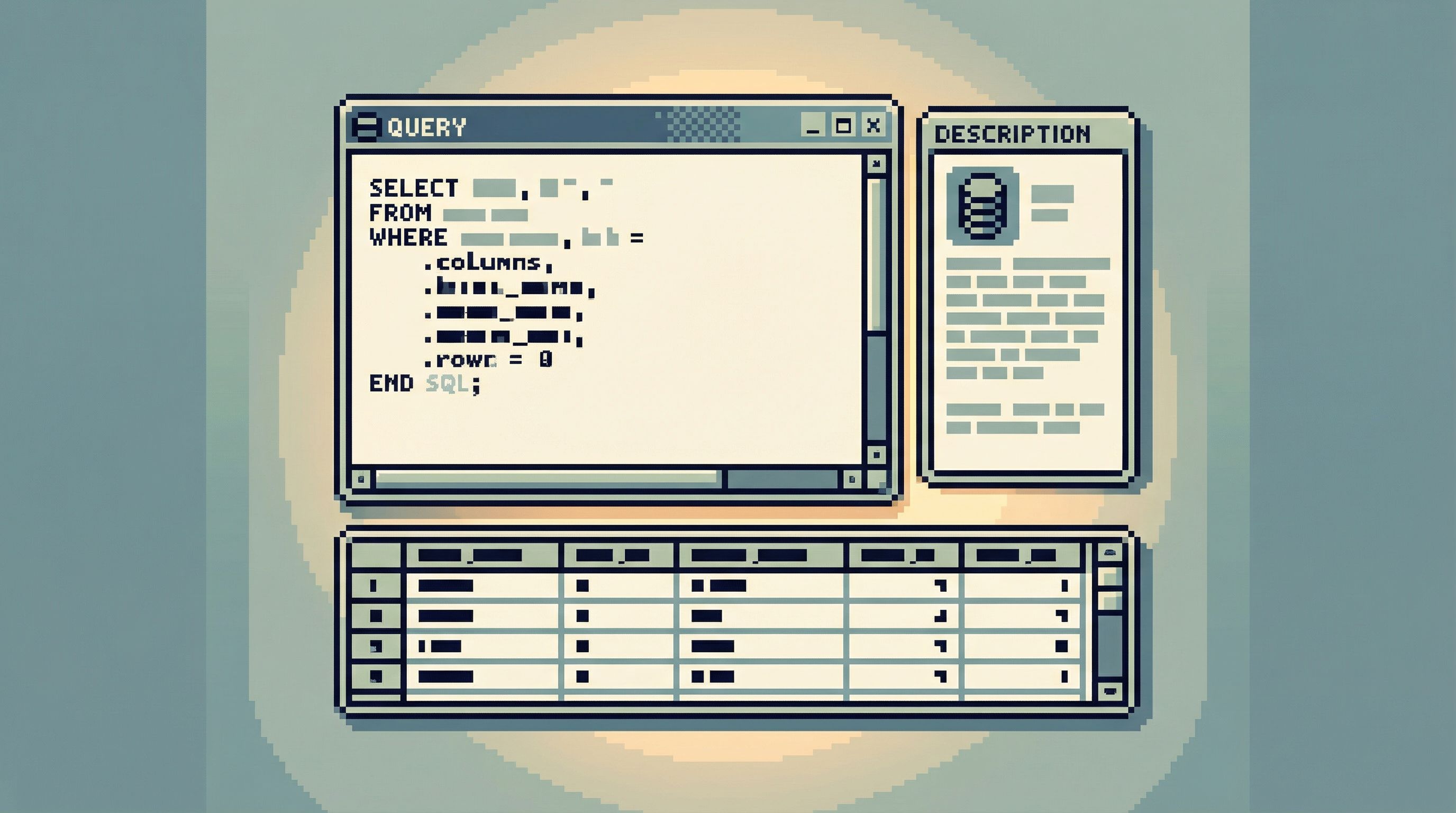
A useful query artifact has:
-
A clear name
Notdebug.sql. Something like:users_charged_twice_during_deploy_2026_02_17. -
A short description
One or two sentences answering: What question does this answer?
Example: “List all users who were charged twice between 2026-02-17 10:00–11:00 UTC due to the billing retry bug.” -
Inputs and assumptions
- What time window?
- Which environment?
- Which feature flags, services, or migrations does it assume are live?
-
The query itself
Ideally formatted, readable, and safe by default (e.g., explicitLIMIT, no writes, no surprise joins).
In a tool like Simpl, this kind of artifact can live as a named, read-only trail or saved query, not just a tab that disappears when you close the window.
Lightweight patterns to make this automatic
You don’t need a new system to start. You need a few habits:
-
Name as you go
When a query stops being pure experimentation and starts answering a real question, rename it. That’s the moment it becomes an artifact. -
Write the one-sentence purpose
Before you tweak the query further, add a short comment at the top describing the question. If you can’t describe it clearly, the query isn’t ready to be reused. -
Prefer read-only, scoped queries
As argued in “Designing for Read-Heavy Work: Why Most Database Sessions Should Never Start With ‘WRITE’”, most sessions are about understanding, not mutating. Make your shared artifacts reflect that: read-heavy, narrow, and safe.
2. Capture the story, not just the SQL
SQL alone rarely tells you why a query exists.
The value of a “conversation-ready” query is the context around it: what you were looking for, what you ruled out, and how you decided this was the right slice of data.
Add narrative in small, structured ways
You don’t need paragraphs of prose. You need just enough story that someone else can follow your path.
Useful additions:
-
Problem statement
A short note like: “Investigating reports of duplicate charges after deploy 4821.” -
Key decisions
- Why this time window?
- Why these tables?
- Why did you filter out test accounts this way?
-
What you learned
A bullet list at the end:- “Found 27 affected users.”
- “All duplicates share the same retry job ID pattern.”
- “No impact before 2026-02-17 10:05 UTC.”
This is the same mindset as “Read Trails, Not Logs: Turning Database Sessions into Shareable Narratives”: you’re leaving a trail, not a pile of disconnected commands.
Make the trail linear, not branching
A common failure mode: you paste five slightly different queries into a doc or Slack thread. No one can tell which one is “the” query.
Instead, aim for a single, linear trail:
- Initial hypothesis query.
- Narrowed, corrected query.
- Final, canonical query.
Only the final one should be marked as the artifact. The earlier steps can live as comments or history, but don’t make them all first-class.
Opinionated tools like Simpl lean into this: one window, one visible task, one coherent sequence of reads, as we explored in “The Single-Window Database Session: Structuring Deep Work Without Tabs, Panels, or Overlays”.
3. Make sharing lighter than re-writing
Knowledge only spreads if sharing feels easier than starting over.
That’s where most teams get stuck: the path of least resistance is still “open a client and type from scratch.”
You can flip that by reducing the friction between “I have a query” and “the team can use this.”
Choose a single home for shared queries
It doesn’t matter whether you use:
- A dedicated database browser like Simpl with saved trails.
- A version-controlled
queries/directory in your main repo. - A lightweight internal wiki page with links to canonical queries.
What matters is one obvious place to look.
Guidelines:
- No personal folders for canonical queries. Personal space is fine for drafts; shared knowledge lives in shared space.
- Organize by question, not by table.
Prefer folders likebilling/duplicate_charges/overpublic/payments/. - Include a short index.
A simple README or index page that lists the 10–20 most important shared queries is enough.
Standardize a minimal template
You don’t need a spec. You need a small, repeatable shape.
For each shared query, aim to capture:
- Title – question-shaped, not table-shaped.
“Which users were affected by the 2026-02-17 billing retry bug?” - Owner – who to ask if something looks off.
- Context – 2–4 bullet points.
- Query – formatted, with comments.
- Last verified – date someone last confirmed it still matches reality.
Once this exists, you can build small rituals around it.
4. Build calm rituals around shared queries
Turning queries into shared knowledge is less about tooling and more about rhythm.
A weekly “query review” instead of another dashboard
Most teams have rituals around dashboards: review meetings, metric checks, etc.
Apply a lighter version to queries:
- Pick one session per week. 15–20 minutes.
- Ask two questions:
- “What queries did we write this week that should become shared artifacts?”
- “Which existing artifacts did we rely on?”
- Promote and prune.
- Promote ad-hoc queries into the shared space.
- Retire or update queries that no longer match the schema.
This is how you avoid a graveyard of stale snippets and keep the set of shared queries small, sharp, and trusted.
Use incidents as accelerators, not exceptions
Incidents are where your best queries often appear.
Instead of letting those live only in Slack screenshots or war room notes:
- After each incident, add a short section to the postmortem:
“Queries promoted to shared artifacts.” - Capture:
- The final, canonical query used to measure impact.
- Any “safety check” queries you ran to confirm no other users were affected.
This connects nicely with the linear workflows described in “Incident Triage Without the Firehose: A Focused Approach to Production Data During Outages”. The same paths that help you during an outage should be easy to revisit later.

5. Design your tools to encourage trails, not tabs
You can adopt all of these habits in psql and a text editor. But the tools you choose can either:
- Nudge you toward ephemeral, one-off work, or
- Make reusable trails the default.
Characteristics that help:
-
Read-first, read-only by default
If every shared artifact is safe to run, people will actually run them. This aligns with the patterns in “Read-Only by Default: Building Safer Production Database Workflows Without Slowing Engineers Down”. -
Single-window focus
One task, one trail, one visible sequence of queries. No tab explosion. This makes it easier to promote “the final query” instead of juggling ten variants. -
Named, shareable sessions
The ability to say: “Here’s the exact trail I followed; you can replay it.” This is where opinionated browsers like Simpl shine. -
Lightweight annotations
Comments, labels, and small descriptions should feel as easy as typing SQL, not like filling out a form. -
Guardrails over superpowers
You don’t need a full IDE bolted onto your database. You need a calm, constrained path from question to answer, as argued in “When Your Database Browser Tries to Be an IDE (and How to Walk It Back)” and “Opinionated by Design: Why Simpl Favors Guardrails Over Infinite Flexibility”.
6. A simple, practical workflow you can start this week
Here’s a concrete way to turn cursor work into conversation without a big migration or new process.
Step 1: Pick one “question of record”
Choose a question that comes up repeatedly, for example:
- “How many users were affected by the last billing incident?”
- “Which jobs are currently stuck in a given queue?”
- “What does ‘active subscription’ actually mean in the data?”
Step 2: Turn your next investigation into a trail
The next time this question appears:
- Open your usual client or Simpl.
- Work as you normally would, but:
- Keep the session focused on this one question.
- When you reach a query that feels like the answer, stop.
- Add:
- A clear title.
- A one-sentence purpose.
- A few bullets of context.
- A note on when you last verified it.
Step 3: Put it in a shared, obvious place
- Save it in your team’s chosen home for queries.
- Post a short message in Slack or your equivalent:
- “We now have a canonical query for ‘duplicate charges during deploy’: [link]. Please start from this next time.”
Step 4: Reuse it on purpose
The next time a similar question appears:
- Start from the shared query.
- Tweak the time window or filters as needed.
- If the logic changes meaningfully, update the artifact and bump the “last verified” date.
After a few cycles, the team will naturally reach for these trails instead of improvising from scratch.
Summary
One-off queries feel efficient. They rarely are.
When every database session starts and ends in isolation, teams:
- Rebuild the same logic over and over.
- Trap critical knowledge in senior engineers’ heads.
- Enter incidents without a clear, reusable path through the data.
A calmer alternative is to:
- Treat queries as artifacts – named, described, and safe to run.
- Capture the story – the problem, decisions, and learnings around the SQL.
- Make sharing lighter than re-writing – one obvious home, small templates, and simple rituals.
- Use opinionated tools – read-first, single-window, guardrailed browsers like Simpl that make trails the default instead of an exception.
The goal isn’t more documentation. It’s fewer repeated questions, faster debugging, and a shared mental model of how your data actually behaves.
Take the first step
You don’t need a new platform rollout to change how your team works with data.
This week, pick one recurring question and:
- Turn your next investigation into a clear, named query artifact.
- Add just enough narrative that someone else could reuse it.
- Put it somewhere obvious and share the link.
If you want a tool that’s built around this style of work from the start, try exploring that question in Simpl. Treat the session as a trail, not a tab. See how it feels to move from cursor to conversation—and how much calmer database work becomes when your queries don’t disappear the moment you hit Run.