Incident Triage Without the Firehose: A Focused Approach to Production Data During Outages

Incident Triage Without the Firehose: A Focused Approach to Production Data During Outages
Incidents are already loud.
Alerts page. Channels spin up. People pile into a call. Someone opens five tools at once. Logs, traces, metrics, dashboards, raw SQL. The instinct is always the same: see everything.
That instinct is also how you lose the incident.
This post is about a calmer pattern: incident triage that treats production data as a narrow, focused stream instead of a firehose. You still move quickly. You still care about time-to-resolution. But you trade breadth for clarity, and noise for intent.
Along the way, we’ll look at how a focused database browser like Simpl can support this style of work—without turning your incident channel into another cockpit.
Why incident triage needs less, not more
Most incident reviews quietly describe the same failure mode:
- Too many dashboards, not enough understanding
- Too many queries, not enough hypotheses
- Too many people poking at production, not enough shared context
When everything is visible, nothing is obvious.
During an outage, the database sits at the center of:
- Blast radius – Which users, tenants, or regions are affected?
- Timeline – When did things start going wrong? What changed around that time?
- Ground truth – Are symptoms in logs and metrics actually reflected in persisted data?
The problem isn’t that you can’t get answers. It’s that your tools encourage you to ask every question at once.
A focused approach to production data during incidents gives you:
- Faster first decisions – You can quickly answer: “Is this localized or global?” and “Is this getting better or worse?”
- Lower cognitive load – Fewer panes, fewer tabs, fewer half-baked queries to track mentally.
- Less risk – A read-first, guardrailed interface reduces the chance of making the incident worse.
- Better retros – You end up with a clearer story of what you looked at, in what order, and why.
If this sounds familiar, you might also like how we think about calm debugging in The Minimalist’s Guide to Database Debugging in Incident Response.
The hidden cost of the firehose pattern
The default pattern on many teams looks like this:
- Alerts fire. Someone declares an incident.
- People open:
- APM / traces
- Logs
- Dashboards
- Raw SQL client
- Feature flags
- Everyone starts exploring in parallel. Queries fly. Screens get shared. Screenshots get pasted.
- Someone eventually trips over the real cause.
It works—until it doesn’t.
The firehose approach has a few predictable failure modes:
- Competing narratives – Different people follow different data paths and reach conflicting conclusions.
- Lost breadcrumbs – Useful queries and views are improvised, not recorded. The same incident tomorrow will be just as noisy.
- Risky improvisation in production – Under pressure, it’s easy to run heavy or unsafe queries directly on primary databases.
- Pager fatigue – Incidents feel chaotic even when they’re technically simple.
You don’t fix this with more dashboards or a bigger SQL client. You fix it by shrinking the surface area of data you look at in the first 10–15 minutes.
A focused mental model for incident triage
Think of incident triage as answering three questions, in order:
- Scope – Who and what is affected right now?
- Shape – How is the problem evolving over time?
- Suspects – What are the smallest, most plausible causes worth testing?
Each question maps to a specific, minimal set of views in your database:
- For scope, you care about counts and distributions: number of failing jobs, affected tenants, error rows, or bad states.
- For shape, you care about time windows: when bad rows started appearing, when retries spiked, when state transitions stopped.
- For suspects, you care about relationships: which tables and foreign keys tie the symptoms together.
Everything else—deep debugging, rare edge cases, historical comparisons—can wait until after triage.
Step 1: Decide what not to open
The first move in a calm incident workflow is subtraction.
When the incident starts, deliberately choose what you will not open yet:
- Skip the full BI suite unless this is clearly a metrics-only issue.
- Skip ad-hoc connections to replicas you don’t understand.
- Skip any tool that encourages you to “just try queries” without a clear question.
Instead, pick:
- One primary observability view (logs or traces) for symptoms
- One focused database browser (like Simpl) for ground truth
This constraint matters. As we’ve written in Focus-First Database Workflows: Reducing Clicks, Tabs, and Cognitive Load, each extra pane is a tax on your attention. During an incident, that tax compounds.
Rule of thumb:
If you can’t describe what you’re looking for in one sentence, don’t open another tool yet.
Step 2: Start with a single, shared “incident view” of data
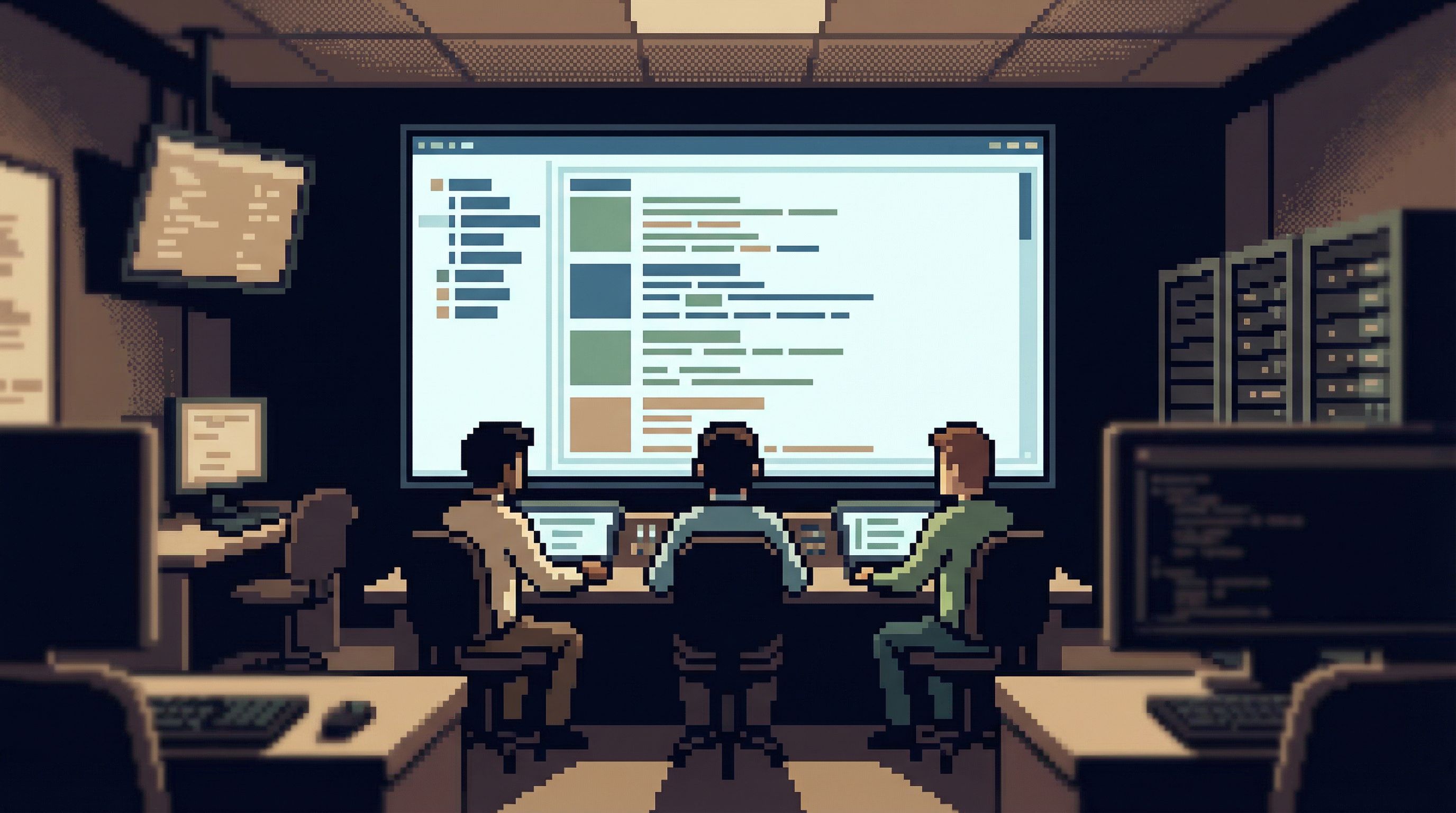
Before anyone writes a query, decide on one canonical slice of production data that everyone will share.
This might be:
- The
errorsoreventstable filtered to the affected service - The
jobstable filtered to failing job types - The
orders,payments, orsessionstable filtered by a known bad state
The key is that this view is:
- Narrow – Only the relevant rows and columns
- Stable – Easy to refresh and share
- Named – Referred to consistently in the incident channel
In a tool like Simpl, this often looks like:
- Navigating to the table that best represents the symptom (e.g.,
failed_jobs) - Applying a small set of filters (e.g.,
status = 'failed'andcreated_at > now() - interval '30 minutes') - Saving or pinning that view so others can open the same thing without re-creating it
Now everyone is literally looking at the same thing.
What this avoids
- People debating different screenshots of slightly different queries
- Subtle mismatches in filters or time ranges
- “Works on my machine” confusion across replicas or environments
You’re not forbidding exploration. You’re anchoring it.
Step 3: Answer scope with counts, not stories
With a shared view in place, resist the urge to jump straight to root cause.
First, use simple counts to bound the problem:
- How many rows match the incident criteria in the last 5 / 30 / 120 minutes?
- How many unique users or tenants are represented?
- How many distinct error types or states are present?
These can usually be answered with:
SELECT
  count(*) AS rows,
  count(DISTINCT user_id) AS users,
  count(DISTINCT error_code) AS error_kinds
FROM failed_jobs
WHERE created_at >= now() - interval '30 minutes';
or equivalent visual filters.
The goal is to quickly answer:
- Is this localized (one tenant, one region, one feature)?
- Is this exploding or tapering?
Once you have those answers, decisions about rollback, feature flags, or throttling become much clearer.
Step 4: Use time windows to understand shape
Next, look at how the incident evolves over time. You don’t need a full metrics stack for this; your database already has the timestamps.
A few patterns:
- Bucket by minute or five-minute window to see the curve of failures
- Compare before and after a suspected deploy time
- Check for gaps where data stopped flowing altogether
Example:
SELECT
  date_trunc('minute', created_at) AS minute,
  count(*) AS failures
FROM failed_jobs
WHERE created_at >= now() - interval '60 minutes'
GROUP BY 1
ORDER BY 1;
In a focused browser, you can often:
- Add a grouped view on
created_at - Sort ascending
- Scan for inflection points manually
You’re looking for shape, not precision:
- A sharp spike suggests a bad deploy, config change, or external dependency.
- A slow ramp suggests capacity, queue backlog, or data growth.
- A flat line with a sudden drop to zero suggests ingestion or connectivity issues.

Step 5: Narrow suspects with relationships, not guesswork
Once you’ve bounded scope and shape, you can start proposing causes. This is where most teams fall back into firehose mode.
Instead, use relationships in your schema to systematically narrow suspects:
- Follow foreign keys from the symptom table to related entities (e.g.,
failed_jobs → orders → payments). - Check whether failures cluster around particular values:
- One
region - One
payment_provider - One
feature_flag
- One
- Join to deployment or configuration tables if you store them in your database.
Examples:
SELECT payment_provider, count(*) AS failures
FROM failed_jobs
JOIN payments USING (payment_id)
WHERE created_at >= now() - interval '30 minutes'
GROUP BY payment_provider
ORDER BY failures DESC;
or:
SELECT region, count(*) AS failures
FROM failed_jobs
JOIN users USING (user_id)
WHERE created_at >= now() - interval '30 minutes'
GROUP BY region
ORDER BY failures DESC;
You’re not trying every join. You’re following the most obvious edges in your schema.
This is where opinionated tools help. A browser like Simpl that surfaces relationships and encourages read-first flows makes it easier to walk the graph calmly instead of writing complex joins from scratch. We talk more about this style of work in The Case for a Read-First Database Workflow.
Step 6: Guardrails for production during incidents
Incidents are exactly when people are most tempted to cut corners with production data.
You can’t rely on “be careful” as a policy. You need structural guardrails:
- Read-first defaults – Connect in read-only mode by default. Make writes and destructive queries a deliberate, logged choice.
- Safe sampling – Prefer sampled views of large tables (e.g.,
LIMIT 100, or pre-defined safe slices) to avoid accidental full scans. - Clear environment labeling – Make it visually obvious whether you’re in production, staging, or a local copy.
- Predefined incident views – Maintain a small library of known-good queries and views for common incident types.
Opinionated tools like Simpl lean into these patterns by design: calm defaults, guardrails over infinite flexibility, and interfaces that make unsafe actions slightly harder instead of one keystroke away.
If you want to go deeper on this, see how we think about guardrails in Production Data Without Pager Anxiety: Guardrails That Actually Get Used.
Step 7: Turn triage into a reusable trail
The incident ends. The temptation is to close your tools and move on.
That’s how you guarantee the next incident starts from zero.
Instead, treat your triage path as something worth keeping:
- Save the key views you used (scope, shape, suspects) as named, shared artifacts.
- Capture the order in which you looked at them.
- Note which ones turned out to be red herrings.
Over time, you’ll build a small library of incident trails—lightweight, repeatable flows for how to look at production data when specific symptoms appear.
This is the same idea we explored for exploratory work in From Tabs to Trails: Turning Ad-Hoc Database Exploration into Reproducible Storylines. Incidents are just a higher-stakes version of the same problem: ad-hoc work that disappears.
A good trail for a “payment failures spiking” incident, for example, might include:
- Shared incident view on
failed_paymentsfor the last 30 minutes - Count-based scope query (rows, users, error codes)
- Time-bucketed shape query
- Breakdown by
payment_provider - Join to deployment metadata around the spike
Next time, you don’t start from scratch. You follow the trail, adjust as needed, and update it after the incident.
Putting it all together
A calm, focused approach to production data during outages looks like this:
- Constrain your tools – One observability view, one focused database browser.
- Create a shared incident view – Narrow, stable, and named.
- Bound scope with counts – Who and what is affected, in concrete numbers.
- Understand shape with time windows – How the problem is evolving.
- Narrow suspects via relationships – Follow the schema, not your hunches.
- Rely on guardrails, not heroics – Read-first, safe sampling, clear environments.
- Capture trails for next time – Turn triage into something reusable.
You still move quickly. But speed comes from clarity, not from more tabs.
Take the first step
You don’t need to redesign your entire incident process overnight.
Pick one small change:
- Define a single, shared incident view for your most common outage type.
- Move your primary database access during incidents into a read-first, opinionated browser like Simpl.
- After your next incident, write down the exact sequence of data views you used—and save them as a trail.
The goal isn’t perfection. It’s to make the next incident feel a little less like a firehose and a little more like reading a clear story.
Calm incident triage is a practice. The sooner you start, the quieter your next outage will be.