From Microservices to Micro-Reads: Tracing a Single User Journey Across Many Databases


Modern systems don’t fail in one place. They fail along a path.
A signup crosses an API gateway, hops through an auth service, writes to a primary database, fans out to billing, analytics, and notifications. By the time a single user says, “Something’s broken,” their journey has touched half a dozen services and just as many data stores.
And yet, when you go to debug or understand that journey, you’re usually staring at… tables.
This post is about closing that gap: moving from microservices to micro-reads—small, focused, opinionated views into the exact rows that tell one user’s story across many databases.
It’s also about doing this calmly. Not with ten terminals, five dashboards, and a Slack channel full of pasted screenshots, but with a deliberate workflow and a quiet browser layer like Simpl that’s built for reading, not thrashing.
Why tracing a single user across many databases matters
You don’t trace a user journey for fun. You do it because something concrete is at stake:
- A user was charged twice.
- A signup didn’t complete.
- A background job never finished.
- A support ticket can’t be closed without “checking the data.”
In a microservice architecture, the data for that one user is scattered:
- Core account data in a primary relational database.
- Events and logs in an analytics warehouse or log store.
- Payments and invoices in a billing database or third‑party API.
- Feature flags, experiments, and config in separate services.
If you can’t follow that user cleanly across these systems, you pay a tax every time something goes wrong:
- Incidents stretch because no one has the full picture.
- Support escalations pile up because “we need an engineer to check the data.”
- Engineers build their own one‑off scripts and queries that never get shared.
A good cross‑database user trace has three properties:
- Narrow – It follows one user, one request, one job. Not everything.
- Repeatable – Anyone on the team can run the same path, not just the person who wrote the SQL.
- Calm – The tools and views make it hard to wander away from the path.
If you’ve read about designing minimal data trails across services, this is the same idea, pointed at a single user instead of a single incident.
The usual failure modes
Before designing something better, it helps to name what most teams are doing now.
1. The “open everything” session
The pattern:
- Open your SQL IDE, admin console, or warehouse UI.
- Connect to three different databases.
- Start with a vague query:
SELECT * FROM users WHERE email = '...'; - From there, jump to orders, then payments, then events.
- Keep a mental map of which tab is which.
On paper, this works. In practice:
- Context lives in your head and your browser tabs.
- You can’t easily hand your work to someone else.
- The next incident starts from scratch.
This is the same shape as the refresh‑query‑refresh loop described in Database Work Without the Dopamine. It feels productive, but it doesn’t leave behind a trail.
2. The logging firehose
Another pattern:
- Rely heavily on logs and traces to reconstruct a user journey.
- Grep for user IDs in application logs.
- Jump from trace IDs to spans to log lines.
This is useful, but incomplete:
- Logs tell you what code ran.
- Databases tell you what state the user is in now.
You need both. A good user trace connects logs and rows without turning into a firehose—very much the theme of pairing logs and query trails in Low-Noise Logging.
3. The “ask the expert” bottleneck
Finally, the social pattern:
- One or two engineers “know where everything lives.”
- Support and product teams route all deep questions through them.
- They run ad‑hoc queries, paste screenshots into Slack, and move on.
This is a quiet form of operational debt. It keeps the system working, but it doesn’t scale.
From microservices to micro-reads
If microservices spread your system into many small pieces, micro-reads are the inverse: small, opinionated views that stitch those pieces back together for one concrete story.
A micro-read is:
- Scoped to a single entity: one user, one order, one job.
- Pre-shaped: it knows which tables and filters matter.
- Composable: you can chain them into a trail.
Instead of “open the database and figure it out,” you start from:
- “Show me this user’s core profile.”
- “From there, show me their last 10 orders.”
- “From an order, show me the related payments and refunds.”
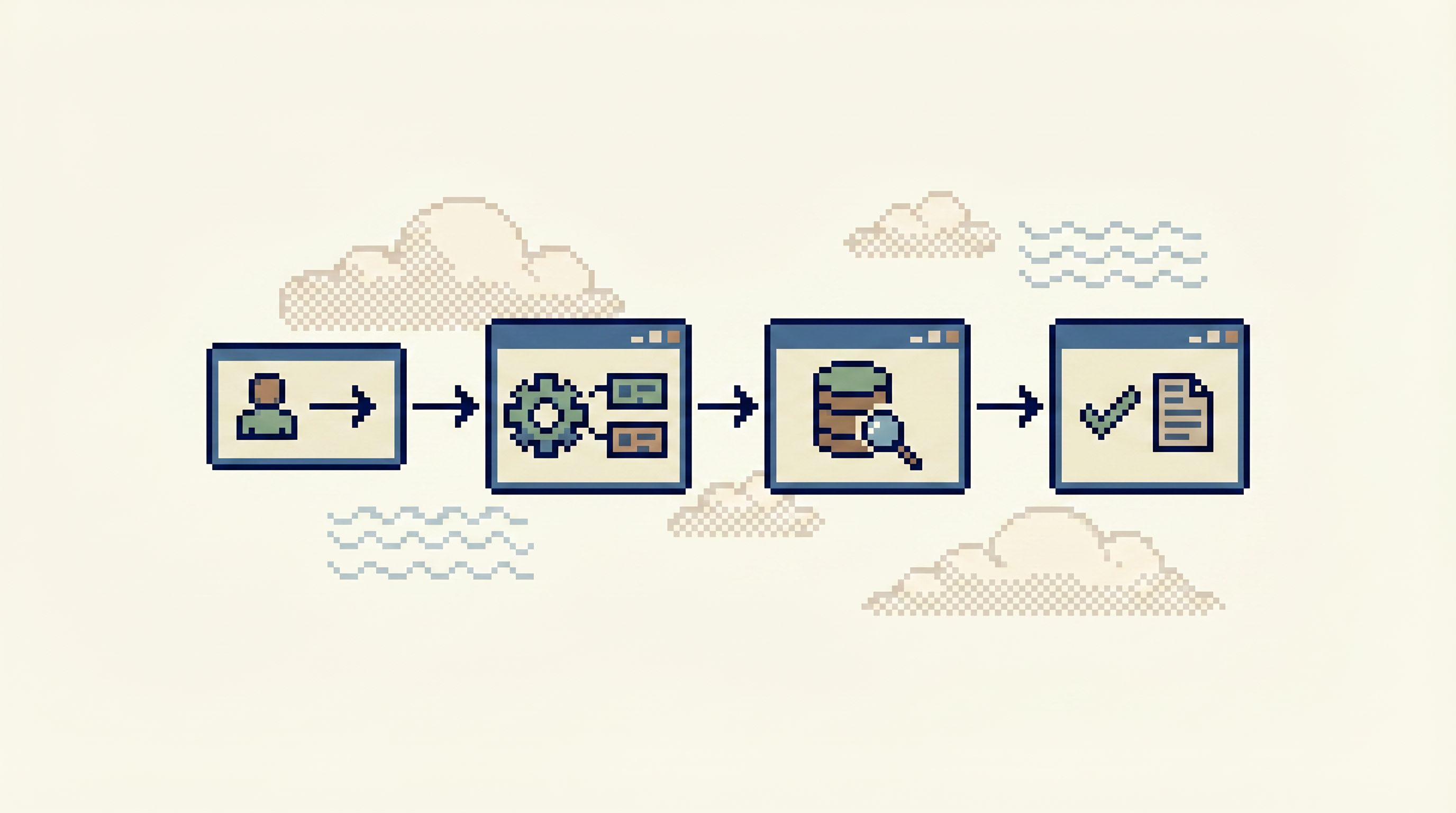
A browser like Simpl is designed around these kinds of reads: calm, focused, and safe for production.
Step 1: Choose a canonical user key (and stick to it)
You can’t trace what you can’t join.
The first move is to standardize on a canonical user identifier that appears everywhere you care about:
user_idin relational databases.user_idorsubjectin event streams and logs.customer_idin billing.actor_idin audit logs.
If you have mismatched IDs (internal user ID vs. auth provider ID vs. billing customer ID), define a mapping table and treat it as a first‑class part of your model:
user_id_map
-----------
internal_user_id
auth_provider
auth_subject_id
billing_customer_id
created_at
Then:
- Make sure this table is easy to query from your browser.
- Encourage people to start from it when they only know an email, username, or external ID.
Opinionated stance: don’t let every service invent its own primary key vocabulary for “user.” If they must, insist on a stable mapping that lives in a place your data tools can see.
Step 2: Define the core “user story” tables
A single user journey usually has a small set of tables that really matter. For example:
users– profile and lifecycle state.sessionsorlogins– how and when they authenticated.ordersorsubscriptions– what they tried to buy.payments– what actually charged.events– key product actions.
Across multiple databases, that might look like:
- Primary DB:
users,sessions,orders. - Billing DB:
invoices,payments,refunds. - Analytics warehouse:
events,page_views,experiments.
Write this down. Literally.
A simple internal doc or schema map that says:
- “For user stories, these are the 5–7 tables to care about.”
- “Here’s how they link via
user_id,order_id,invoice_id.”
Then, reflect that structure in your database browser:
- Pin these tables.
- Group them under a “User Journey” or similar collection.
- Hide or de‑emphasize the rest during these investigations.
This is the same spirit as opinionated trails from Database Work Without Bookmarks: fewer entry points, more intentional paths.
Step 3: Build a minimal user trail across services
Now you have:
- A canonical user key.
- A small set of relevant tables across databases.
Next, design a trail—a repeatable path that starts from a user and walks forward.
A simple version:
-
Identify the user
- Input: email, username, or external ID.
- Step: look up
user_idviausersoruser_id_map.
-
Check lifecycle state
- Query:
SELECT state, created_at, deactivated_at FROM users WHERE id = :user_id; - Question: are they active, pending, deleted, banned?
- Query:
-
Follow recent sessions
- Query:
SELECT * FROM sessions WHERE user_id = :user_id ORDER BY started_at DESC LIMIT 10; - Question: did they recently log in? from where? via which auth provider?
- Query:
-
Follow recent orders or subscriptions
- Query:
SELECT * FROM orders WHERE user_id = :user_id ORDER BY created_at DESC LIMIT 20; - Question: what were they trying to do around the time of the issue?
- Query:
-
For a specific order, follow payments and refunds
- DB: billing.
- Query:
SELECT * FROM payments WHERE order_id = :order_id; - Question: did we actually charge them? did we refund them?
-
Overlay key product events
- DB: analytics.
- Query:
SELECT * FROM events WHERE user_id = :user_id AND occurred_at BETWEEN :t_start AND :t_end; - Question: what actions did they take around this time?
You can implement this trail in different ways:
- A small internal tool.
- A notebook with parameterized queries.
- Or, more simply, as an opinionated set of saved views and links inside Simpl, where each step is a calm micro‑read that passes context forward.
The important part is that the path is stable. When someone asks, “What happened to this user?”, the team isn’t improvising from scratch.
Step 4: Make the trail cross-database without feeling cross-database
Cross‑database work often feels like:
- Switching tools.
- Re‑authenticating.
- Copy‑pasting IDs between tabs.
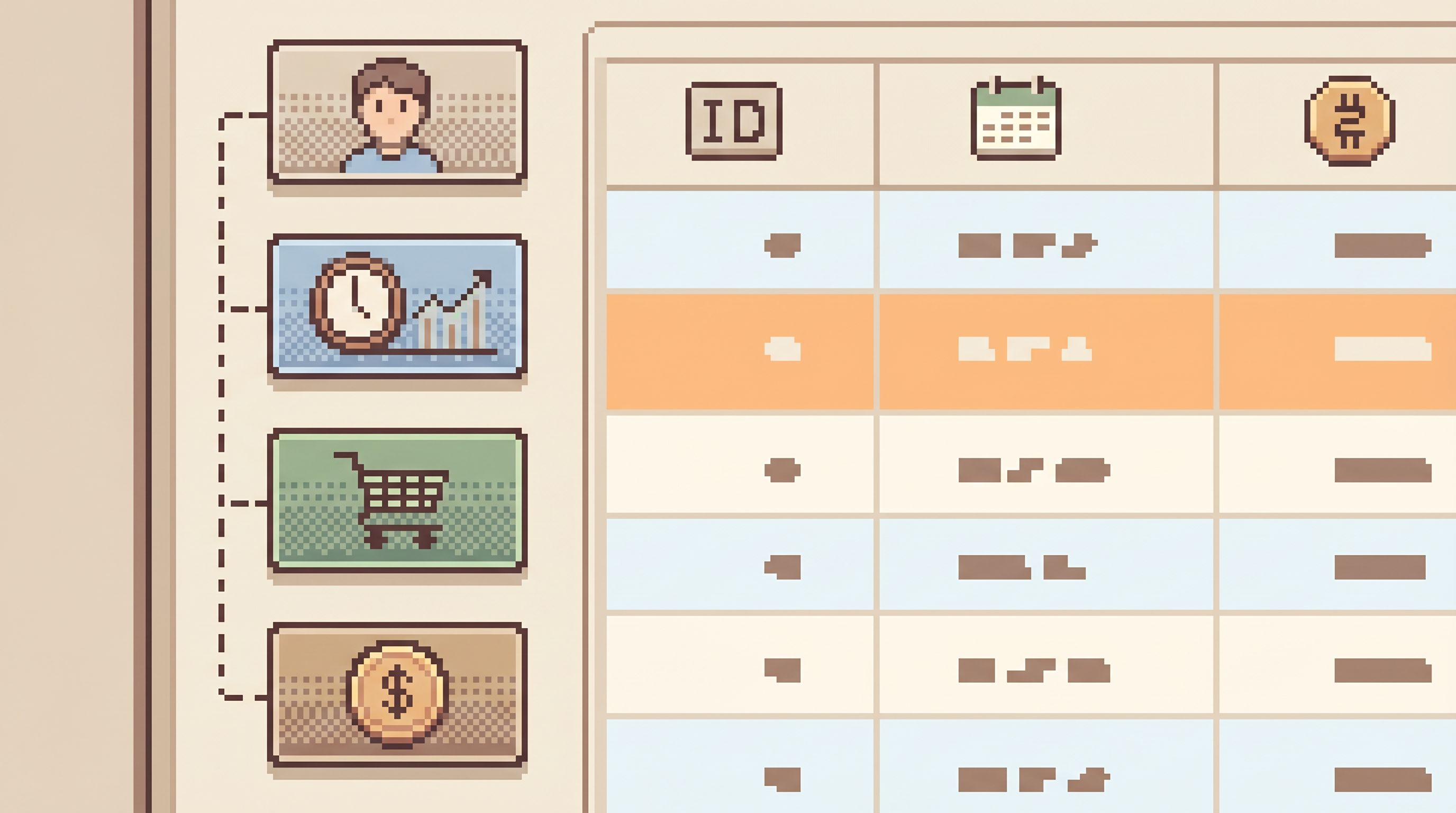
You want the opposite: the user trail should feel continuous, even if under the hood you’re talking to three different systems.
Some practical moves:
- Unify connection naming – In your browser, name connections by domain, not technology:
Primary App Data,Billing,Analytics, notpostgres-prod-1orwarehouse-eu. - Keep the user ID visible – Show the current
user_id(and related IDs) in a fixed header so you can copy it into any new query without hunting. - Use parameterized views – Instead of raw SQL, define views like “Orders for user” that take
user_idas an input. The browser fills it for you as you move along the trail. - Link out where needed – If payments live in a third‑party tool like Stripe, link from your
paymentstable rows to the Stripe dashboard URL for that charge. Let the database be the spine, even when the UI is elsewhere.
A browser layer like Simpl is built exactly for this kind of cross‑database reading: multiple connections, one calm interface, and opinionated paths that pass context between them.
Step 5: Shape micro-reads to be safe by default
Following a user across production data can be risky if your tools default to power instead of safety.
A few defaults that make micro‑reads safer:
- Limit by default – Every user‑focused view should have a hard row limit (e.g., 100) and be ordered by time. You almost never need every event a user has ever generated.
- Narrow columns – Show only the columns that matter for the story: state, timestamps, IDs, key flags. Hide or de‑emphasize PII and rarely used fields.
- Guardrails on predicates – Make it hard to run a user trail without a
WHERE user_id = .... Views and pre‑shaped queries help here. - Separate roles for reads – Use opinionated read‑only roles, as discussed in Opinionated Read-Only Roles, so people can follow user trails without worrying about writes.
The goal is simple: make the safe thing the default thing. When someone opens a user trail, they should be able to explore with confidence, not fear.
Step 6: Turn one-off traces into reusable trails
The first time you debug a tricky user journey, it will feel bespoke. That’s fine.
The mistake is stopping there.
Instead, treat each successful investigation as a candidate trail:
- After you resolve the issue, look at your query history.
- Identify the 3–7 queries that actually mattered.
- Generalize them:
- Replace hard‑coded IDs with parameters.
- Remove unnecessary columns.
- Add clear names and descriptions.
- Save them as a coherent path in your browser tool.
Over time, you’ll build:
- A small library of user‑centric trails.
- Shared patterns for debugging signups, checkouts, renewals, and cancellations.
- A calmer on‑call experience, because the path is known.
This is the same move as turning raw query logs into opinionated history: your past work becomes a quiet knowledge base instead of exhaust.
Step 7: Integrate with tickets and alerts
A user trace is most valuable when it’s directly connected to the work that triggered it:
- A support ticket.
- An incident alert.
- A product bug.
You can wire this up with a few simple conventions:
- Ticket templates – In tools like Jira, add fields for
user_id,order_id, andtime window. Encourage teams to fill these in. - Deep links into trails – From a ticket, link directly into your user trail in Simpl, pre‑filtered by
user_id. This mirrors the pattern from From Tickets to Trails: the ticket is an entry point, not a dead end. - Alert enrichment – When alerts fire for specific users or tenants, include their IDs and a link to the relevant trail.
The result: instead of “open the database and start poking around,” you click once and land in a micro‑read designed for exactly this kind of question.
Putting it together: what a calm user trace feels like
When this is working, a typical session looks like:
- You get a message: “User X says their subscription renewed but they lost access.”
- You open the “User Subscription Journey” trail.
- You paste their email; the trail resolves
user_idand maps it to billing IDs. - Step by step, you see:
- The user’s current state.
- Their recent sessions.
- The last few subscription changes.
- The most recent invoices and payments.
- Key product events around the renewal date.
- You spot the mismatch: payment succeeded, but a downstream job failed to flip a flag.
- You capture the trail as a link in the ticket, so anyone can retrace the story later.
No wandering. No guessing which table to open next. No screenshots pasted into Slack.
Just a narrow, opinionated path from question to rows.
Summary
Tracing a single user journey across many databases is not about more tools or more data. It’s about:
- Choosing a canonical user key and making it universal.
- Defining a small set of “user story” tables across services.
- Designing repeatable trails that move from user to sessions to orders to payments to events.
- Making cross‑database work feel continuous, not fragmented.
- Shaping micro‑reads to be safe by default, with limits, narrow columns, and opinionated roles.
- Turning one‑off traces into reusable trails that live in your browser, not in someone’s memory.
- Connecting trails to tickets and alerts, so every incident and support case has a straight line into data.
A calm database browser like Simpl sits exactly in this space: post‑dashboard, pre‑admin, focused on the quiet work of reading real rows and telling concrete stories.
Start with one user story
You don’t need a grand migration to get value from this.
Pick one high‑leverage user story:
- New signup that fails halfway.
- Checkout that charges but doesn’t fulfill.
- Subscription renewal that doesn’t update access.
Then:
- Map the IDs involved.
- List the 5–7 tables that matter across your databases.
- Write the minimal sequence of queries that explains that story.
- Turn those queries into a simple trail in your database browser.
Run it a few times. Share it with your team. Refine it until it feels obvious.
That’s your first micro‑read.
From there, you can grow a small library of calm, opinionated paths that make your microservices feel coherent again—one user at a time.