Focused Reads at Scale: Keeping Production Debugging Calm When You Have 500+ Tables

A schema with 500+ tables is not unusual anymore.
Microservices, event streams, feature flags, billing, audits, experiments—each layer adds a few more tables. A few years later, “the database” is a small city.
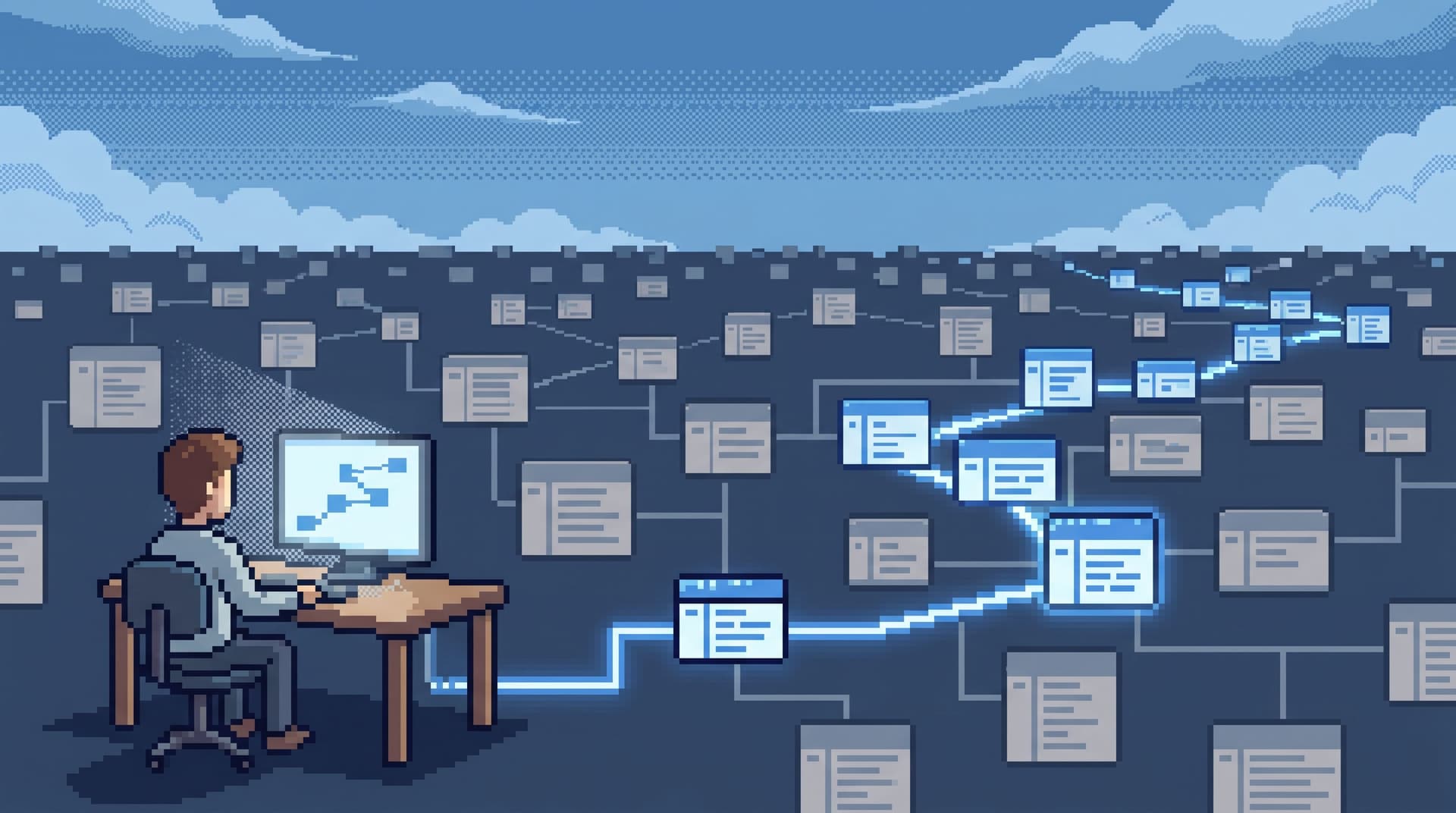
The problem isn’t that the city is big. The problem is trying to debug production while wandering it like a tourist.
This post is about keeping production debugging calm when your schema has already exploded. How to design focused reads at scale so that:
- On‑call engineers don’t drown in schema trees.
- Support and success teams can safely answer real customer questions.
- Senior engineers can still go deep without dragging everyone else into a maze.
And how an opinionated browser like Simpl can give you a single, calm surface to do that work.
Why 500+ tables changes how you debug
With a small schema, you can get away with:
- Browsing tables by name.
- Guessing join paths.
- Keeping mental models in your head.
At 500+ tables, those habits turn into load:
- Schema trees stop being maps and start being noise. You scroll, expand, collapse, and still can’t see what matters for this incident.
- Debug sessions fragment. One person is in the billing schema, another is in events, a third is in feature flags. Everyone is “looking at data,” but not the same story.
- Every new table is a new decision. “Is it
user_events,user_event_logs,events_user, oruser_activity?” You burn time just choosing a starting point.
When incidents are frequent, this friction compounds. It’s not just the time to find the right table. It’s the cognitive cost of staying oriented while you hop between 30 plausible ones.
Focused reads at scale start from a different posture:
Treat the schema as implementation detail. Treat the path from question to rows as the primary object.
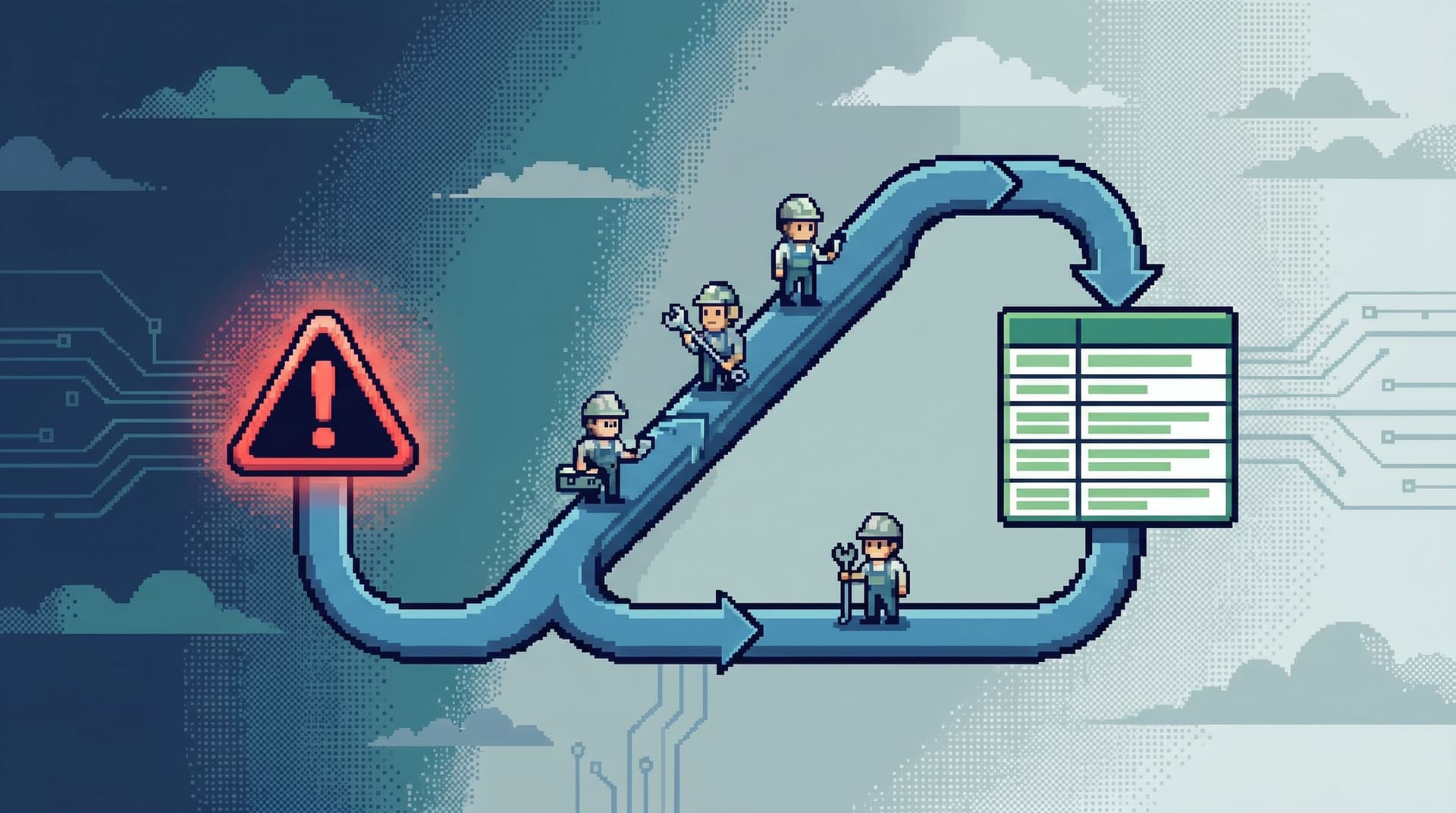
This is the same stance behind a calm incident loop—one reusable path from alert to row and back, instead of improvising a new route every time. If that idea is new, you might like The Calm Incident Loop.
Principle 1: Start from intent, not objects
Most database tools still lead with objects:
- Left side: giant schema tree.
- Right side: blank SQL editor.
The first question they ask is: “Which table?”
At 500+ tables, that’s the wrong first question. The right first question is:
“What are you trying to understand?”
Examples of real intents:
- “What happened to this specific user’s subscription over the last 24 hours?”
- “Which jobs for this tenant started failing after the last deploy?”
- “Why is this invoice total different from what the customer saw yesterday?”
Design your debugging surface so that the entry point is one of these intents, not an object tree.
Practical patterns
-
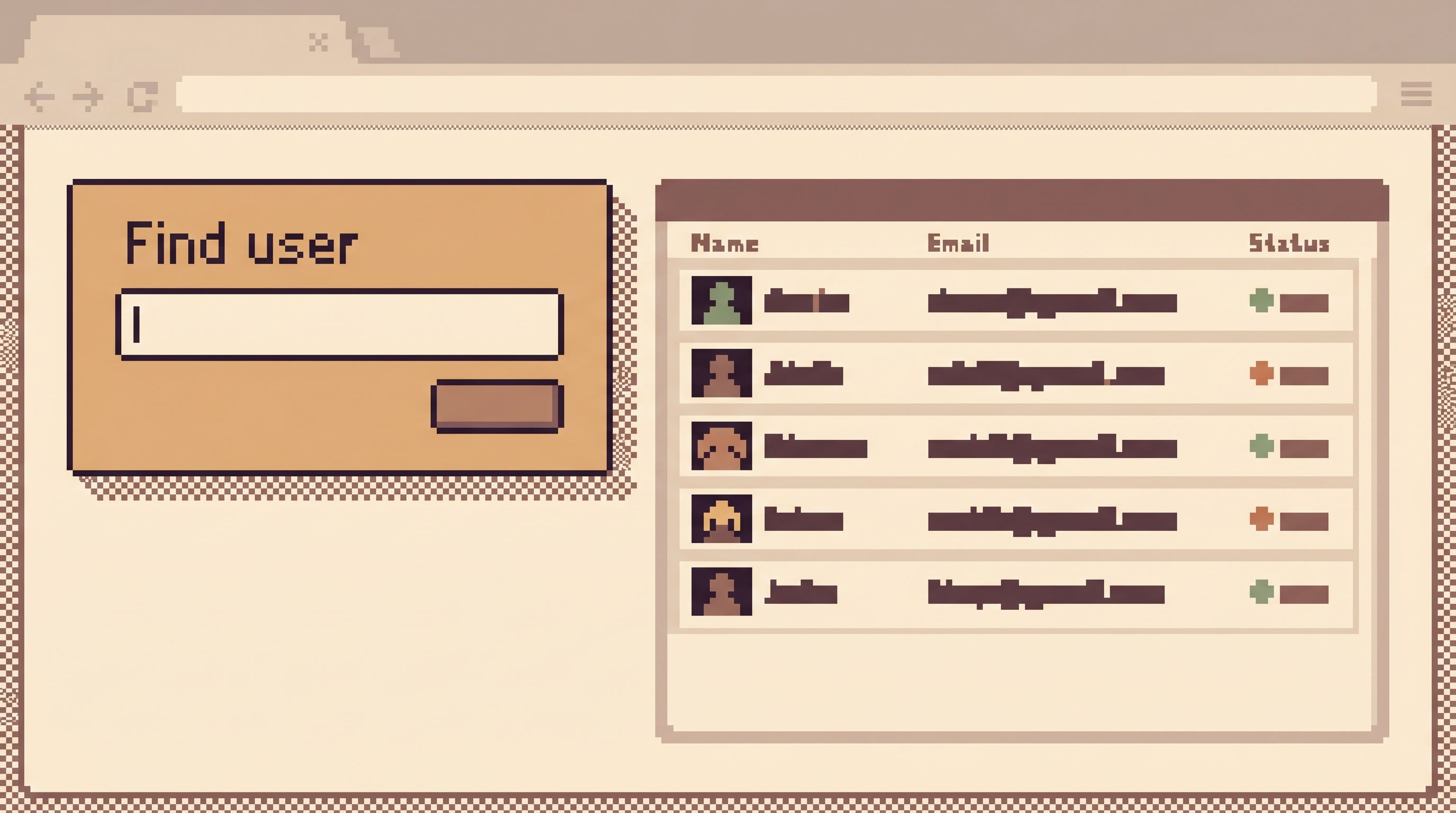
Pre‑built entry forms for common questions
- “Look up a user by ID / email / external key.”
- “Trace a job by job ID.”
- “Inspect a single invoice by invoice ID.”
- “Follow a request from log trace ID to rows.”
Each of these should:
- Ask for the smallest possible set of inputs.
- Hide the schema behind the form.
- Land you on a focused view of relevant rows.
-
Opinionated navigation from those entry points
- From user → subscriptions → invoices → payments.
- From job → attempts → errors → related events.
- From invoice → line items → discounts → payment attempts.
You’re encoding the story arcs your team reads most often, not exposing every join.
Tools like Simpl take this stance seriously: the schema is there, but the primary way you move is via intent‑first shortcuts, not raw object browsing.
Principle 2: Make reads linear, not sprawling
With 500+ tables, the default failure mode is a branching debug session:
- You click through related tables.
- You open new tabs for every hunch.
- You run quick ad‑hoc queries “just to check something.”
Ten minutes later, you have:
- 12 browser tabs.
- 6 scratch queries.
- No clear sense of the path you took.
Calm debugging at scale means making reads linear:
One path. One cursor. One narrative you can replay.
This is the same idea behind linear pagination in The Calm Cursor: your view of data should feel like reading a story, not flipping channels.
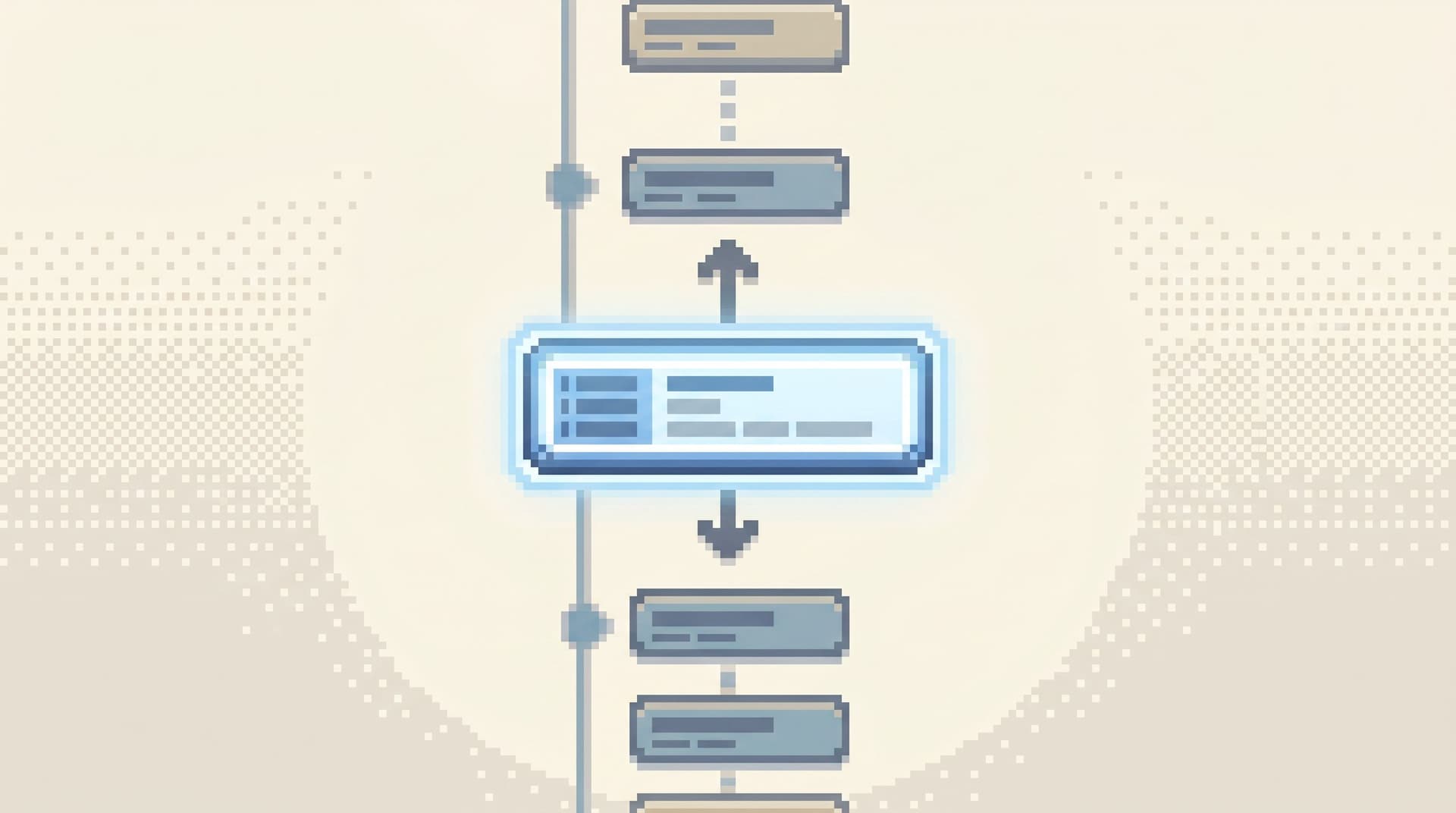
Design a single trail of what you saw
Concretely, this looks like:
-
One primary surface per session. No separate “explore” and “debug” views. No tab zoo.
-
A visible trail of steps. Each move you make—
- “Looked up user 1234.”
- “Jumped to subscriptions for user 1234.”
- “Filtered invoices to last 7 days.”
- “Opened payment attempts for invoice 5678.”
—is recorded as a step in a trail you can scroll back through.
-
Branching is deliberate, not accidental. If you do need to branch (e.g., compare two users), you create an explicit branch, not another anonymous browser tab.
A tool like Simpl can implement this as a calm history panel: a linear list of navigation and query steps you can replay or share, instead of a pile of disconnected screenshots.
Benefits when the schema is huge
- You never “lose” the bug. Even if you wander through five schemas, there’s a readable trail back to the original question.
- You can hand off mid‑incident. Another engineer can open the trail and see exactly what you looked at.
- You can turn reads into stories. Those trails are the raw material for the kind of incident narratives discussed in From Tables to Stories.
Principle 3: Narrow the visible schema on purpose
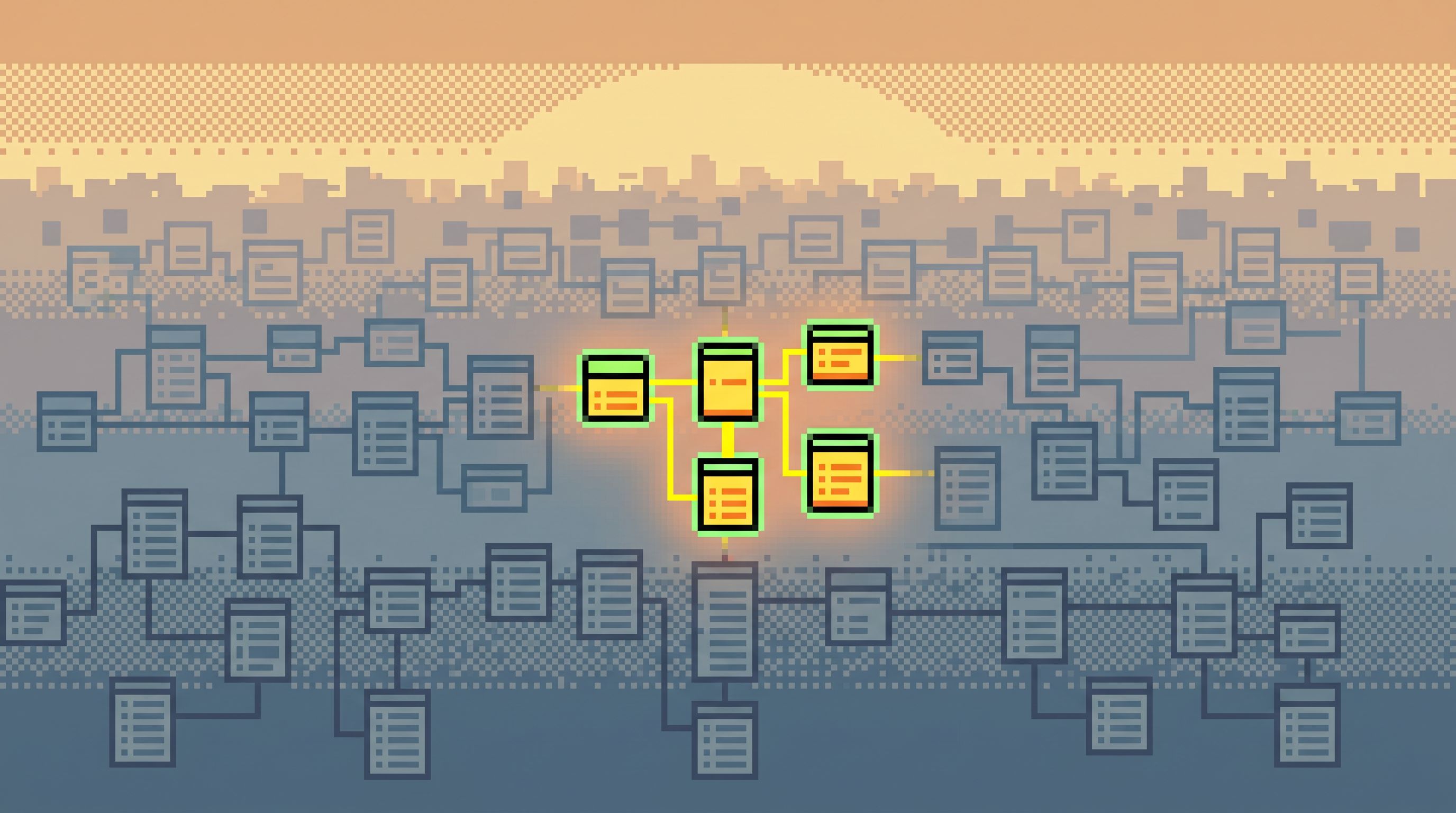
At 500+ tables, showing everything is a decision. It’s a decision to offload schema selection onto the person who is already under pressure.
A calmer stance:
Show only the part of the schema that’s relevant to this intent, this environment, and this team.
Techniques that scale
-
Domain‑scoped views
- Group tables by domains your team actually uses:
billing,auth,product,support,experiments, etc. - Let teams pin the 10–20 tables they touch weekly.
- Hide the rest by default, with an explicit “show more” or “search all tables” affordance.
- Group tables by domains your team actually uses:
-
Intent‑scoped schema slices
- When you start from an intent (e.g., “inspect user”), only show tables that are on the known path for that intent.
- Example: for “user debugging,” show
users,subscriptions,invoices,payments,feature_flags,sessions,events_user. - Keep exotic tables (e.g., internal analytics, rarely used audits) one layer deeper.
-
Context without clutter
- Show just enough metadata to feel safe: primary keys, foreign keys, soft‑delete flags, timestamps.
- Defer heavy catalog details (indexes, constraints, storage) to an advanced view.
This is the posture argued in depth in Context Without Clutter.
The goal is not to hide power. It’s to remove the need to think about 500+ tables when you only need 5.
Principle 4: Design “focused reads” as a first-class object
A focused read is not just “running a SELECT.” It’s a small, opinionated unit of work:
- One clear question.
- One entry point into the schema.
- A constrained set of moves you can make from there.
Treat focused reads as designable objects, not accidents.
What a focused read looks like
Take a common scenario: “Why did this customer’s invoice change yesterday?”
A focused read for that question might:
-
Start from an intent form:
- Inputs:
customer identifier,time window. - Hidden mapping: how to translate that into specific tables and columns.
- Inputs:
-
Land on a primary view:
- The invoice row(s) in question.
- Key related rows in a sidebar: line items, discounts, payments, prior versions.
-
Offer a small set of next moves:
- “View historical versions of this invoice.”
- “Show related feature flags at charge time.”
- “Open related support tickets.”
-
Keep the SQL narrow:
- Simple, parameterized queries.
- No ad‑hoc joins across half the schema.
- Clear WHERE clauses tied to the original intent.
In a tool like Simpl, this can be implemented as named “paths” or “views” that encode both the query and the navigation steps, so anyone can reuse them under pressure.
Principle 5: Guardrails over raw power
At 500+ tables, raw SQL power becomes a liability:
- It’s easy to accidentally join massive tables and stall replicas.
- It’s easy to run a wide
SELECT *across a hot path during an incident. - It’s easy for non‑specialists to misinterpret partial results.
You don’t want to solve this with training alone. You want the surface itself to resist dangerous moves.
Guardrails that keep reads calm
-
Read‑only by default. Most production debugging doesn’t require writes. Make writes a separate, deliberate workflow.
-
Narrow query surface.
- Encourage simple filters over free‑form search.
- Prefer parameterized queries over raw text.
- Make it easy to express “this user, this time window” and hard to express “join 12 tables just because.”
This is the stance behind Opinionated Filters, Not Free‑Form Search and The Narrow Query Editor.
-
Visible cost hints. Before running a query, show simple signals:
- Rough row estimates.
- “This touches 4 large tables.”
- “This query will scan more than N rows.”
-
Safer defaults under pressure.
- Time‑bounded queries (e.g., default to last 24 hours).
- Result limits that are generous enough for debugging, but not unbounded.
A post‑playground editor like the one inside Simpl is built around these constraints: less freedom, more safety, and a calmer default when you’re reading from live production.
Putting it together: a calm debug loop for big schemas
Let’s make this concrete. Imagine you’re on call. Your primary database has 700+ tables. An alert fires: “Spike in failed payments for EU customers.”
A calm, focused read loop might look like this:
-
Start from the alert, not the schema
- Click from the alert into a “Payments incident” entry point in your browser.
- The tool (e.g., Simpl) asks for:
region,time window, maybe a specificmerchantortenant.
-
Land on a focused payments view
- See a filtered list of failed payments in the time window.
- Pagination is linear and time‑ordered, so you can read from “first failure” forward.
-
Follow a narrow set of paths For a specific failed payment, you can:
- Jump to the related invoice.
- See the customer’s subscription state at the time of failure.
- View any recent plan changes.
All of these are pre‑designed paths that touch a handful of tables, not ad‑hoc joins across the entire schema.
-
Keep the trail visible
- Every move is recorded: which payment you opened, which invoice you followed, which filters you applied.
- You can scroll back to see the narrative: “we started with aggregate failures, narrowed to EU, then to one merchant, then to one customer, then to this plan change.”
-
Share or replay the session
- When you’ve understood the bug, you share the trail with the rest of the team.
- Next time a similar alert fires, someone can start from that trail instead of improvising.
This is what “focused reads at scale” feels like:
- The schema is large, but your path is narrow.
- The tools are powerful, but your surface feels small and legible.
- The incident is stressful, but the work of reading data remains calm.
How to move your team in this direction
You don’t need to redesign everything at once. You can shift toward focused reads with a few deliberate moves.
-
Pick three high‑frequency incident questions.
- For example: payments failing, signups broken, jobs stuck.
- For each, write down the ideal path from alert → key rows → explanation.
-
Encode those paths in a single surface.
- If you use Simpl, this means building opinionated entry points and navigation paths.
- If you’re on other tools, approximate with saved queries, pinned tables, and internal docs.
-
Shrink the visible schema for those paths.
- Create domain views with only the tables needed.
- Hide or de‑emphasize everything else.
-
Run a “single‑surface” day.
- For one day of production work, ask engineers to do all reads from one calm browser, not a mix of IDEs and dashboards.
- Observe where they reach for extra tools—that’s where you need new focused reads or better paths.
-
Turn successful sessions into reusable trails.
- When an incident goes well, capture the sequence of reads.
- Turn that into a documented path or a built‑in view.
Over time, you’re not just adding more tools. You’re building a library of calm, repeatable ways to move through a large schema without losing the plot.
Summary
When you have 500+ tables, the challenge of production debugging is not “finding the data.” It’s staying oriented while you read it.
Focused reads at scale are about:
- Starting from intent, not objects.
- Keeping your work linear, not sprawling.
- Narrowing the visible schema to what matters for this question.
- Treating focused reads as first‑class, reusable objects.
- Using guardrails so that live production reads stay safe under pressure.
A tool like Simpl is built around these ideas: an opinionated database browser that gives you calm, streamlined paths through large schemas, instead of another noisy canvas.
Take the first step
Pick one recurring incident pattern—payments, signups, jobs, feature flags.
For the next week:
- Write down the real question you’re answering each time it comes up.
- Trace the actual path you take from alert to rows.
- Design one focused read that would make that path obvious and repeatable.
Then implement it in your primary database browser—ideally something opinionated like Simpl—and run the next incident through that path.
You don’t need to tame all 500+ tables at once. You just need one calm, focused way to read the part of the story you’re actually in.