Opinionated Time Travel: Calm Patterns for Reading Historical States in Production Data

Most production questions are not about now.
They sound like:
- "What did this user’s subscription look like before the downgrade?"
- "Which feature flags were on when this bug started?"
- "What did we think the invoice total was when we charged the card?"
These are time travel questions. You’re not asking, "What does the row say?" You’re asking, "What did this row look like at a specific moment in the past?"
Handled well, historical reads turn incidents into explainable stories, audits into simple queries, and migrations into calm, observable changes. Handled poorly, you get Slack archaeology, half-believed dashboards, and long calls where no one can agree on what actually happened.
This post is an opinionated guide to time travel in production data: not the feature checklist, but the patterns that keep it calm.
Tools like Simpl lean hard into this stance: a narrow, read-focused way to look at production that treats historical state as a first-class concept, not an afterthought bolted onto a SQL playground.
Why historical reads matter more than you think
You already do time travel. You just do it informally.
Common examples:
- Incident retros – "What changed between 2026-06-01 and 2026-06-10?"
- Billing disputes – "What plan did this customer see when they clicked ‘Upgrade’?"
- Feature flag rollouts – "Which tenants had this flag enabled when errors spiked?"
- Data quality checks – "When did this column start being null for this segment?"
Without a deliberate pattern, teams fall back to:
- Grepping logs
- Digging through BI snapshots
- Re-running ETL models for old dates
- Asking people to remember what the system "probably" did
The cost isn’t just time. It’s confidence.
A calm time travel story has three properties:
- Local – You can answer most historical questions from one surface, against production (or a replica), without hopping tools.
- Explainable – You can show exactly why a row looked the way it did at a given time.
- Safe – You can investigate without risking writes, schema drift, or accidental backfills.
If this framing resonates, you might also like how we think about shrinking tool sprawl in The Quiet DX Upgrade: Shrinking Your Data Tool Stack Without Losing Observability.
Two kinds of time travel (and why mixing them is noisy)
Before patterns, a distinction:
- Logical time travel – "What did our system believe was true at time T?"
- Example: what
subscription_statuswas stored in your primary database when you charged the card.
- Example: what
- Physical time travel – "What did the database engine store at time T?"
- Example: using built-in features like PostgreSQL
AS OFqueries (via extensions), SQL Server system-versioned temporal tables, or Snowflake Time Travel to read past versions of rows.
- Example: using built-in features like PostgreSQL
Both are useful. But if you don’t choose which one you’re using in a given investigation, your story gets muddy.
Opinionated stance:
- Day-to-day debugging and support should rely on logical time travel you model explicitly.
- Rare, deep forensics can lean on engine-level physical time travel.
Why:
- Logical time travel is portable, explicit, and visible in your schema.
- Engine-level time travel is powerful, but often hidden behind admin-only tools and retention windows, and it varies a lot by database.
The rest of this post focuses on calm patterns for logical time travel that work even if your engine doesn’t have fancy time travel features.
Start with questions, not features
Don’t begin with "Should we use temporal tables?" Begin with: What are the recurring time travel questions we actually get?
Spend a week collecting real prompts:
- "What did this user’s plan look like when they churned?"
- "What flags were on when we deployed v3.1?"
- "What discount did we apply to this invoice when it was first sent?"
- "Which jobs were stuck in
processingbetween 10:00 and 10:15 UTC?"
Then classify each question along three axes:
- Entity – user, subscription, invoice, job, feature flag, tenant, etc.
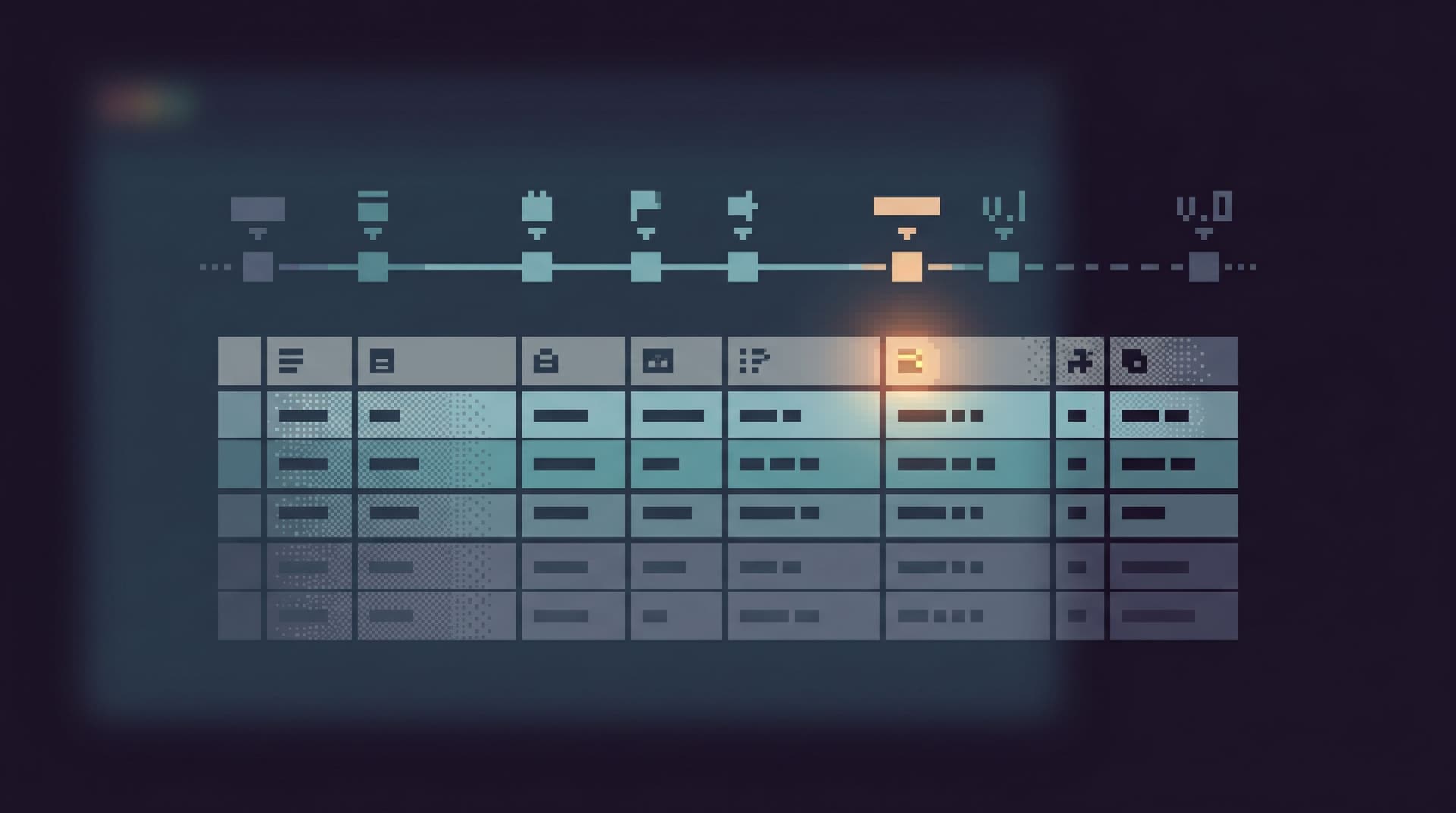
- Moment – point-in-time, interval, or diff (before/after).
- Audience – on-call engineer, support, finance, product, etc.
You’ll likely find a small set of repeating shapes. Those shapes should drive your patterns.
For example:
- "For a single entity, show me how its state changed over time"
- "For a time window, show me which entities entered a particular state"
- "Show me a before/after diff around an event (deploy, migration, rollout)"
Once those shapes are clear, you can design for them directly instead of sprinkling updated_at filters into ad-hoc queries.
If you care about keeping that work inside one calm surface instead of five tools, the ideas in Database Work Without Multitasking: Running a Whole Debug Session From One Intent apply almost one-to-one here.
Pattern 1: Versioned rows for narrative entities
Some entities are stories: subscriptions, contracts, feature flags, pricing plans. You rarely care about their current row in isolation; you care about how they evolved.
For these, a versioned-row pattern is usually better than overwriting in place.
Basic shape:
- Keep a primary key that identifies the logical entity (e.g.
subscription_id). - Add a surrogate key for each version (e.g.
subscription_version_id). - Add validity columns like
valid_fromandvalid_to(orvalid_fromand a booleanis_current). - Never update in place; insert a new version row when state changes.
This gives you simple, calm queries:
-
State at time T
SELECT * FROM subscriptions WHERE subscription_id = $1 AND valid_from <= $time AND (valid_to IS NULL OR valid_to > $time); -
Full story for one entity
SELECT *
FROM subscriptions
WHERE subscription_id = $1
ORDER BY valid_from;
Opinionated guidelines:
- Only version what tells the story. Don’t version every column. Focus on fields that matter for debugging, billing, or product behavior.
- Keep the current view cheap. A materialized view or a
WHERE is_currentindex can make "what’s true now" queries as fast as a flat table. - Make time visible in your browser. In a tool like Simpl, this pattern shines when you can pivot between "current row" and "history for this entity" without rewriting SQL.
Pattern 2: Append-only logs for facts that shouldn’t be rewritten
Some events should never be edited, only appended: charges, payouts, emails sent, login attempts, job runs.
For these, append-only tables are your friend.
Characteristics:
- Each row is a fact: "we attempted to charge $X", "we sent email template Y", "job Z entered
failed". - You never update or delete; you only insert.
- You index on the entity (
user_id,subscription_id,job_id) and time.
This gives you:
- A clear audit trail without a separate logging system.
- Easy reconstruction of "what we believed when we acted" by joining logs with versioned entities.
- Simpler mental models: facts don’t change, only your interpretation does.
Example: invoice_events table
CREATE TABLE invoice_events (
  invoice_event_id   BIGSERIAL PRIMARY KEY,
  invoice_id         BIGINT NOT NULL,
  occurred_at        TIMESTAMPTZ NOT NULL,
  event_type         TEXT NOT NULL, -- created, sent, paid, voided
  payload            JSONB NOT NULL  -- snapshot of key fields
);
You can now answer:
- "What did we send to the customer when the invoice was first emailed?"
- "What was the invoice total at the time of charge?"
- "Which invoices were voided after being paid?"
Join this with a versioned invoices table and you have a rich narrative with very simple queries.
Pattern 3: Snapshot columns for cheap, high-value history
Not everything deserves a full versioned table. Sometimes a single extra column buys you most of the benefit.
Examples:
first_seen_at,last_seen_aton sessions or devicesstatus_changed_aton jobslast_transition_reasonon subscriptionslast_updated_byon core entities
These aren’t full history, but they:
- Anchor your time travel queries: "show me jobs that were
processingfor more than 10 minutes". - Give you quick sanity checks during incidents: "did this status just flip, or has it been stuck for days?"
Opinionated rule: if you ask a question about a time boundary more than twice, add a column for it. Don’t rely on reconstructing it from logs forever.
Pattern 4: Time windows as first-class filters
Most incident questions are about intervals, not single timestamps:
- "Between deploy X and deploy Y"
- "Between 10:02 and 10:07 UTC"
- "During the rollout of feature flag Z to cohort C"
Make those windows first-class in your workflows.
Concrete steps:
- Normalize on UTC and ISO timestamps.
- Store and query in UTC. Convert for humans at the edges.
- Make key windows bookmarkable.
- When a deploy happens, record
deployed_atin adeploymentstable with commit hash, version, and maybe a link to your CI run. - When a feature flag rollout starts, record
rollout_started_atandrollout_completed_atin afeature_flag_rolloutstable.
- When a deploy happens, record
- Build queries around joins to these windows.
- "Show me all errors for tenants that had flag F enabled during rollout R."
In a calm browser like Simpl, this can surface as saved trails: a deploy event you can click to pre-fill the time range for all related queries.

Pattern 5: Read-only time travel in a single surface
The patterns above are schema choices. They only pay off if the way you read data matches them.
A few concrete design principles for your primary read surface (whether that’s Simpl or something else):
-
Time as a first-class control
- A simple, prominent way to set:
- "as of" timestamp for point-in-time reads
- start/end for intervals
- Queries and UI components respect that choice by default.
- A simple, prominent way to set:
-
Entity-centric trails
- Start from a concrete anchor: user, invoice, subscription, job.
- Show its history (versions + events) in one place.
- Let people pivot from a row to its related time travel views without rewriting SQL.
-
Strict read-only contract
- No UPDATE, DELETE, or DDL in the same surface where you’re doing delicate historical investigation.
- This mirrors the stance in Opinionated Read-Only by Design: Why Simpl Refuses to Become Your Admin Panel: reads and writes live in different tools, on purpose.
-
Saved stories, not just saved queries
- A good time travel investigation is a narrative: you followed a trail of states across time.
- Capture that as a shareable trail, not just a single SQL string.
- This makes it easy for the next person to replay "what did we see when we debugged this incident?" without reconstructing your steps.
Tools like Simpl are built around this idea of opinionated, read-focused trails: you start from a question, follow linked tables and time windows, and end up with a coherent path you can share.
Pattern 6: When to lean on engine-level time travel
Logical time travel patterns cover most daily work. But sometimes you need deeper forensics:
- A migration accidentally overwrote data you didn’t version.
- A bug in your application logic corrupted rows in place.
- You need to prove exactly what was stored at a point in time for compliance.
If your database supports it, this is where engine-level time travel features can help:
- Snowflake Time Travel – query tables "as of" a timestamp or statement ID, within a retention window.
- SQL Server temporal tables – system-versioned tables that keep historical row versions in a history table.
- PostgreSQL – not built-in, but extensions and patterns (e.g.
pgMemento, trigger-based history tables) can approximate system-versioning.
Opinionated guidelines:
- Treat engine-level time travel as tier-2 tooling, reserved for platform or data engineers, not everyday support queries.
- Wrap it in curated views or stored procedures that answer specific questions, instead of exposing raw
AS OFpower to everyone. - Document the retention window clearly so people don’t assume it’s an infinite audit log.
Even if you use these features, keep the logical patterns. They’re what keep day-to-day work calm.
Pattern 7: Calm defaults during migrations and rollouts
Schema changes and rollouts are where historical state questions spike.
You can pre-empt a lot of stress with a few defaults:
-
Never drop before you snapshot.
- Before dropping or repurposing a column, snapshot it into an
old_column or a history table withmigrated_at. - Keep that around at least until you’ve survived a few incidents post-migration.
- Before dropping or repurposing a column, snapshot it into an
-
Mark the timeline.
- Record migrations and rollouts in tables you can join against:
schema_migrations,feature_flag_rollouts,deployments. - Include timestamps and identifiers you can reference in queries.
- Record migrations and rollouts in tables you can join against:
-
Pre-bake the key questions.
- For each risky migration or rollout, write down the 3–5 historical questions you’re likely to ask if something goes wrong.
- Prepare queries or trails in advance.
This is the same posture we take in The Calm Migration Trail: Reading Schema Changes in Production Without Losing the Plot: migrations aren’t just DDL; they’re narrative events in your data’s history.
Putting it together: a calm time travel workflow
Here’s how these patterns might look in a real debug session.
Scenario: On June 18, a customer reports they were charged the wrong amount for an annual subscription.
-
Anchor on the entity.
- Open your calm browser (e.g. Simpl).
- Search for the customer, then their
subscription.
-
Pull the subscription story.
- View the versioned
subscriptionshistory ordered byvalid_from. - Note the state around the charge time: plan, price, discount, status.
- View the versioned
-
Align on the time window.
- Set the time range to a small window around the charge event (e.g. 5 minutes before and after).
- Optionally align with a
deploymentsorfeature_flag_rolloutstable if a rollout was happening.
-
Read the append-only facts.
- Open
invoice_eventsandpayment_eventsfor thatinvoice_idwithin the window. - Confirm what amounts and metadata were used when the charge was attempted and captured.
- Open
-
Compare "what we believed" vs "what happened".
- Compare the subscription version at charge time with the payload stored in the invoice or payment event.
- If they differ, you’ve found either a race condition or a bug in how you snapshot state.
-
Capture the trail.
- Save this as a trail or narrative: customer → subscription history → invoice events → payment events, all anchored to the same time window.
- Share it in your incident doc. Next time, someone can replay it instead of starting from scratch.
At no point did you:
- Open a BI tool.
- Re-run ETL.
- Ask someone to export logs.
- Guess what the row "probably" looked like at the time.
You simply read the story your schema and tools were already prepared to tell.
Summary
Opinionated time travel isn’t a feature list. It’s a posture:
- Model the stories you actually tell. Version entities that evolve, log facts that shouldn’t change, and add small snapshot columns where they unlock recurring questions.
- Make time a first-class dimension. Normalize on UTC, record key events (deploys, rollouts, migrations), and build queries around point-in-time and interval shapes.
- Keep reads calm and focused. One primary read surface, strict read-only by default, with entity-centric trails and time controls built in.
- Reserve heavy tools for rare cases. Use engine-level time travel for deep forensics, but don’t depend on it for everyday work.
Done well, historical reads stop being special operations. They become routine: part of how your team understands what actually happened in production, without noise.
Take the first step
You don’t need to redesign your schema to get value from these patterns.
This week, pick one of the following:
-
Adopt a versioned table for a single narrative entity.
- Subscriptions, feature flags, or pricing plans are good candidates.
- Add
valid_from/valid_to, stop overwriting in place, and write two or three core queries around it.
-
Turn an ad-hoc log into an append-only table.
- Take a recurring incident question that currently depends on logs.
- Design an
*_eventstable that captures the facts you always wish you had.
-
Create one calm, read-only surface for production time travel.
- Point a tool like Simpl at your primary or read replica.
- Start running a subset of your incident and support investigations entirely from there, with a clear time range set.
Once you’ve done one, the next patterns become easier. The goal isn’t a perfect temporal model. It’s a calmer story about what happened, told directly from your data, without three extra tools and a guessing game.