The Single-Database Day: What Happens When Engineers Only Read From One Calm Surface


Most teams debug production with a pile of tools open at once.
A SQL IDE here. A BI tool there. An admin panel, a log viewer, an error tracker, a notebook. Each one has a slightly different view of the same truth: rows in a database.
A single-database day is the opposite posture.
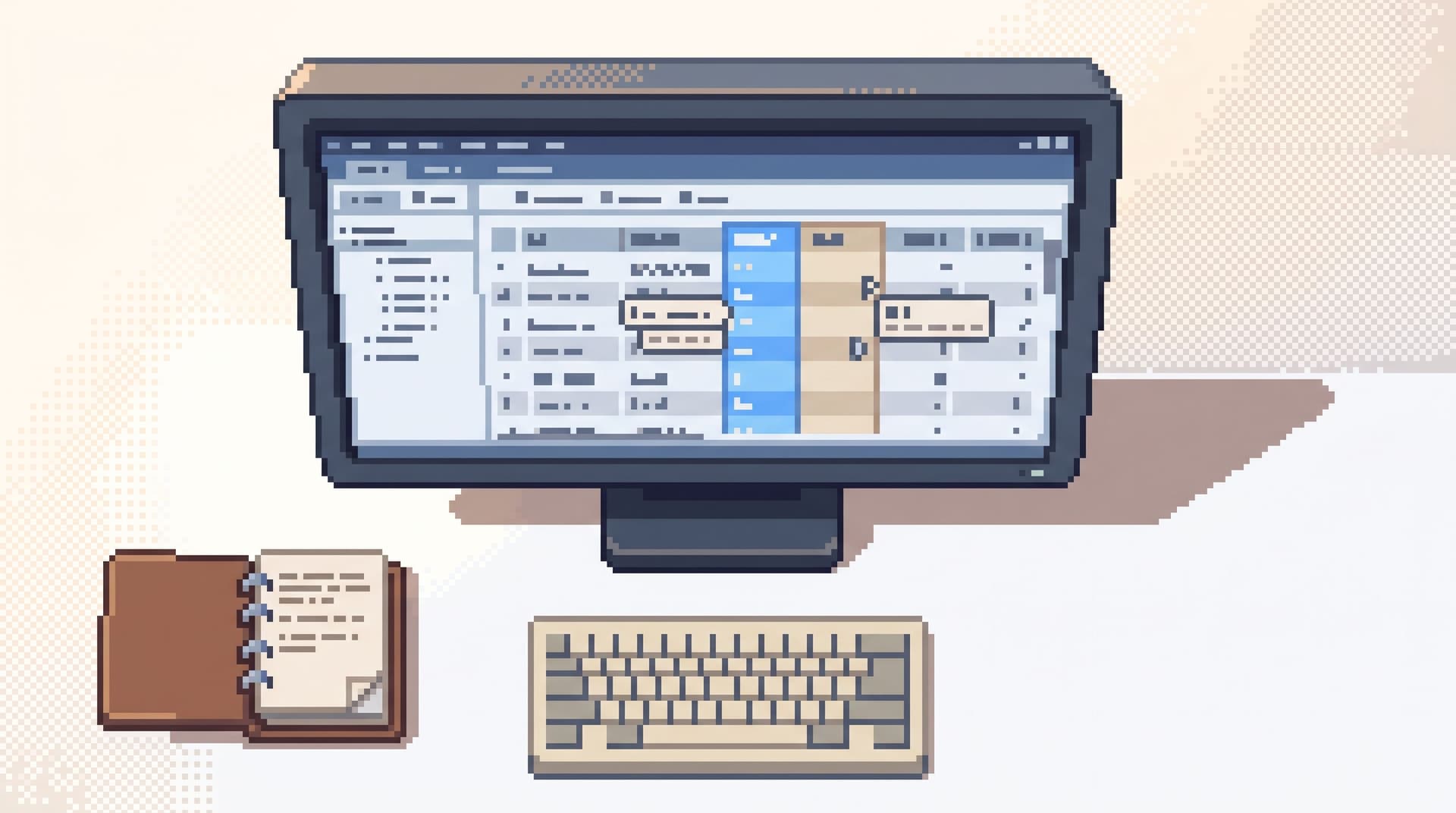
You decide that, for a full day of production work, engineers will only read from one calm surface pointed at your primary (or replica) database. No extra consoles. No sidecar SQL IDE. No emergency notebook.
Just one opinionated browser — something like Simpl — and the questions you actually need to answer.
This sounds like an artificial constraint. It’s not. It’s a way of revealing how much of your current pain comes from the data itself, and how much comes from juggling too many tools to look at it.
Why a Single Surface Matters
Most production data work fails quietly, not dramatically.
- People lose the thread of an investigation across tabs.
- Risky queries get copy‑pasted into the wrong place.
- Useful debug paths never become reusable because they’re trapped in personal SQL stashes.
When you force all that work through one calm surface, a few things happen:
-
You see your real workflow.
Without the crutch of “I’ll just open another tool,” you’re left with the actual steps people take to answer questions from data. -
You expose hidden cognitive load.
If someone needs three panels open to feel safe running a simple SELECT, the problem isn’t their skill. It’s your tool sprawl. This connects directly to the ideas in Focus-First Database Tooling: Measuring Cognitive Load Instead of Feature Count. -
You make risk more legible.
With one surface, it’s easier to reason about what’s possible, what’s safe, and what should be impossible. A read-only tool like Simpl can turn that into a clear contract instead of a vague promise. -
You turn habits into patterns.
Once all reads happen in one place, recurring paths stop being folklore. They can become curated trails and shared patterns, instead of private queries.
A single-database day is not about suffering with fewer features. It’s about surfacing the real work your team is already doing, and seeing what it looks like without the noise.
What a Single-Database Day Looks Like
Imagine a regular Tuesday.
- On‑call gets an alert about errors on a payment endpoint.
- Support asks why a specific user’s subscription flipped to
canceled. - Product wants to know how many tenants hit a new feature flag last week.
On a single-database day, everyone answers those questions from one place: a calm, read‑only browser like Simpl pointed at your primary or read replica.
No one opens a separate SQL IDE. No one spins up a notebook. Dashboards can still exist, but the moment you need to see actual rows, you go through the same surface.
The rules are simple:
- One window for production reads.
- Read‑only by default; no sneaky write paths.
- Shared trails where possible, so investigations don’t die in private tabs.
That’s it. The constraint is small. The effects aren’t.
The Benefits: What Changes When You Narrow the Surface
1. Clearer Mental Models of Production Data
When every engineer uses the same surface to read from production, your schema stops being an abstract ERD and starts feeling like a shared map.
Over time you see:
- The same 10–20 tables show up in most investigations.
- The same joins appear in every incident review.
- The same filters (
tenant_id,user_id,request_id) drive most reads.
Those patterns are hard to see when investigations are split across five tools. With a single surface, they’re obvious — and you can design around them, as explored in The Calm Schema Surface: Showing Just Enough Structure for Everyday Production Reads.
2. Less Context Switching, Faster Debugging
Every extra tool is a context switch:
- Different query languages or dialect quirks.
- Different mental models (charts vs rows vs logs).
- Different navigation patterns and hotkeys.
On a single-database day, you still move between questions, but you don’t move between modes. You stay in one interface, one query surface, one result view.
That’s the same spirit as an anti‑tab debug session: the more you can compress an incident into a single trail, the less attention you waste arranging your workspace.
3. Safer Defaults Without More Bureaucracy
When all reads happen in one place, you can invest in guardrails in the flow, not just in permissions setup:
- Read‑only by design, like Simpl, so curiosity is never risky.
- Gentle friction around dangerous patterns (e.g.,
SELECT *on hot tables, missingWHEREclauses). - Pre‑curated entry points for sensitive domains (billing, auth, PII) that bias people toward known‑safe queries.
You don’t need a new role for every scenario. You need a single surface that makes the safe path feel like the obvious path.
4. Better Stories, Not Just Better Queries
Most good debug sessions are stories:
- Something happened.
- You gathered evidence across tables.
- You formed and tested hypotheses.
- You arrived at a coherent explanation.
With one surface, that story can live in one place.
Instead of screenshots in Slack and half‑saved queries in personal folders, you can leave behind a replayable trail. That’s exactly the gap explored in From Tables to Stories: Turning Production Reads into Sharable Debug Narratives.
A single-database day accelerates that shift: if all the work already happens in one browser, it’s easier to treat each investigation as a narrative, not just a pile of ad‑hoc SQL.
Designing Your Single Surface
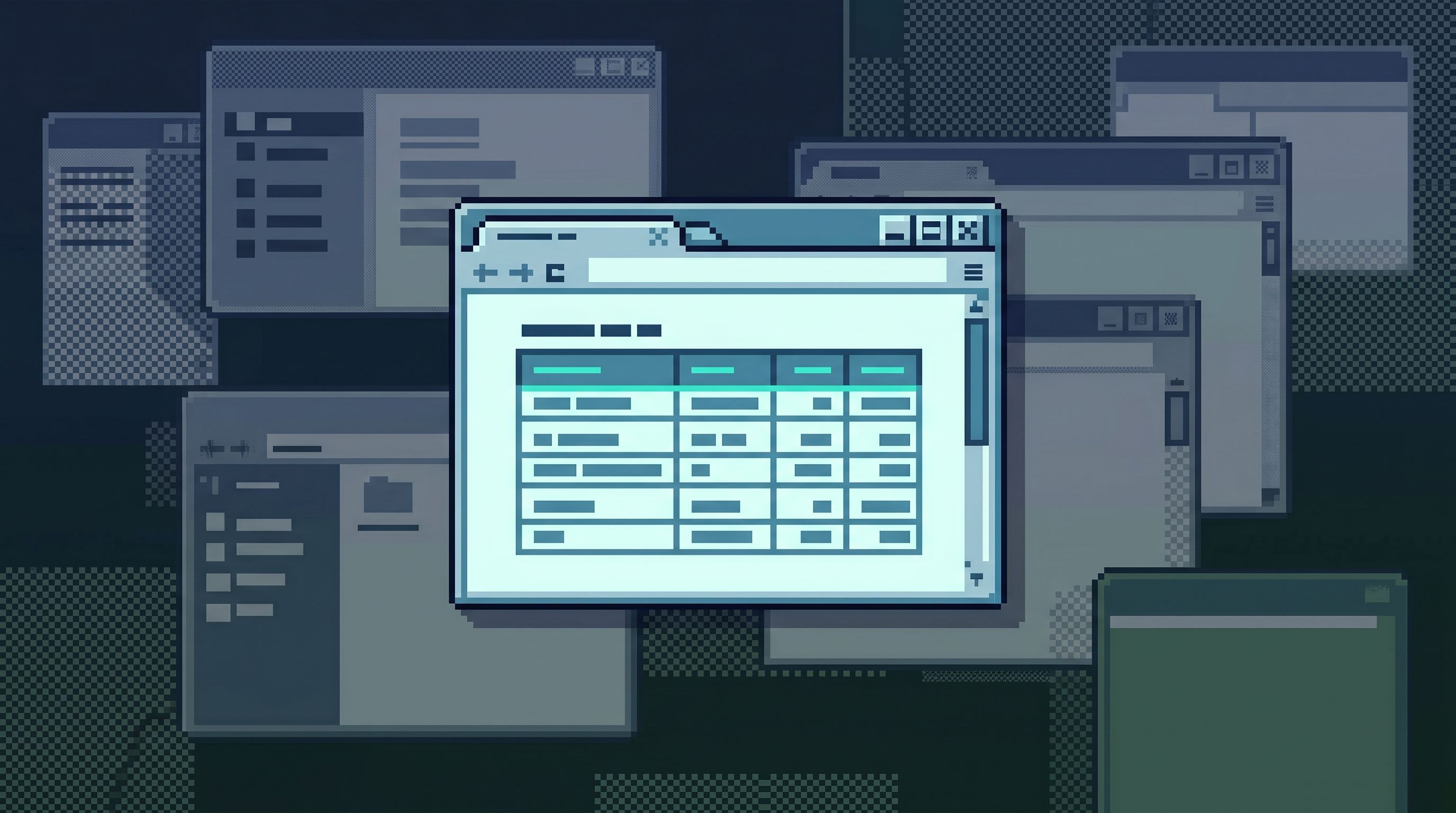
You don’t need to build a tool from scratch to run a single-database day. But you do need to be intentional about what that single surface looks like.
Here are the core properties that make it work.
1. Read‑Only, On Purpose
If your single surface can run UPDATE and DELETE freely on production, you’ve just created a bigger stressor, not a calmer workflow.
A tool like Simpl takes a hard stance here: opinionated, permanent read‑only. That refusal to become an admin panel is what makes it safe to invite more people into production reads.
Your single surface should:
- Block writes entirely, or
- Restrict them to a separate, clearly marked path that’s not part of everyday reads.
Curiosity should never feel like a risk.
2. A Narrow Query Surface
Most engineers doing production reads don’t need:
- CTE forests
- Window functions on every query
- Arbitrary cross‑schema experiments
They need to:
- Filter by user, tenant, or request.
- Join a small number of well‑known tables.
- Compare “before vs after” states.
A narrow query editor — the kind described in The Narrow Query Editor: Designing Just-Enough SQL for Everyday Production Reads — keeps the surface calm:
- Autocomplete for the tables and columns that matter.
- Gentle friction for risky patterns (e.g., warnings on
SELECT *on large tables). - Encouragement for parameterized, repeatable queries instead of one‑off experiments.
3. Calm Defaults and Guardrails
Instead of asking people to configure safety, you bake it into the defaults:
- Start every session in a read replica when possible, not primary.
- Default to LIMITed result sets, with explicit opt‑in for bigger reads.
- Hide or de‑emphasize schema noise that doesn’t matter for everyday debugging.
The goal isn’t to block power users. It’s to make the safe, calm path the shortest one.
4. Trails Instead of Tabs
A single surface doesn’t mean a single query.
You still need to move from:
- User → their subscriptions
- Subscription → invoices
- Invoice → payment attempts
The difference is that your movement becomes a trail instead of a pile of tabs.
A good single surface will:
- Record the sequence of queries and filters you apply.
- Let you annotate key steps (“this is where we confirmed the duplicate charge”).
- Make it easy to share or replay that trail during incident review.
This is where Post-Saved-Query Workflows: How Opinionated Trails Replace Personal SQL Stashes becomes practical. On a single-database day, you’re forced to lean on trails instead of private notebooks.
How to Run Your First Single-Database Day
You don’t need a big rollout. You can treat this as a small, contained experiment.
Step 1: Pick a Scope
Decide where you’ll apply the constraint:
- One team (e.g., billing, growth, platform).
- One type of work (e.g., incident debugging, support escalations).
- One on‑call shift.
The narrower the scope, the easier it is to run the experiment without anxiety.
Step 2: Choose the Surface
Pick the one tool that will be the source of truth for reads.
Criteria:
- Can connect to your primary or read replica.
- Can be made read‑only (ideally by design, as with Simpl).
- Supports the kinds of queries your team actually runs.
- Feels calm: minimal panels, clear results, low visual noise.
If you don’t have this yet, your first step might be adopting a tool like Simpl specifically for this purpose.
Step 3: Set Clear Rules
For the duration of the experiment:
- All production data reads for the chosen scope must go through the single surface.
- No ad‑hoc SQL IDEs pointed at production.
- No notebooks for live production queries.
- Dashboards are allowed, but any row‑level investigation should hop into the single surface.
Write these rules down. Pin them in the incident channel or team room.
Step 4: Observe the Friction
Don’t try to “fix” everything during the day. Just watch what hurts.
Common signals:
- People can’t find the tables they need quickly.
- The query surface makes simple filters feel heavy.
- There’s no good way to share what someone just discovered.
- Certain classes of questions still require a different tool.
Capture these as concrete notes:
“To debug subscription issues, I always needed three tables and two filters. It’d be nice if that path were one click.”
These notes become your roadmap.
Step 5: Debrief and Design
After the experiment, gather the team for a short session:
- What felt surprisingly easy?
- What felt needlessly hard?
- Which queries or trails did we repeat across people?
- Where did we break the rules and open other tools?
Use the answers to design small, opinionated improvements:
- A handful of curated entry points for common investigations.
- Better defaults around limits, filters, and schema visibility.
- Clearer naming or grouping for high‑traffic tables.
Run another single-database day a few weeks later and see what changed.

What You’ll Likely Discover
Teams that run this experiment tend to find the same themes.
1. Most production reads are simple, but the tooling is not.
The majority of questions look like:
- “What happened to this user?”
- “Which jobs failed after this deploy?”
- “Did this flag flip when we think it did?”
These don’t require a full BI suite. They require a calm, narrow way to read rows.
2. The real risk is unstructured exploration, not deliberate reads.
When people get into trouble, it’s rarely because they ran a careful SELECT with a clear question. It’s because a notebook or SQL IDE turned a focused debug into a wandering experiment.
A single-database day nudges you toward deliberate reads and away from accidental science projects.
3. Debugging culture is shaped by surfaces, not policies.
You can write all the access policies you want. If the lived experience of opening a tool on production feels loud, risky, and fragmented, people will work around it.
A single, calm surface makes a different culture possible:
- Pair‑querying instead of solo heroics.
- Shared trails instead of private stashes.
- Confidence that “looking at production” is safe, not scary.
Bringing It Back to Everyday Work
A single-database day is a forcing function, not a permanent rule.
The goal isn’t to ban every other tool forever. It’s to:
- Reveal where your current stack is adding noise.
- Show what a calmer, narrower surface could look like.
- Give you concrete, grounded feedback you can design around.
From there, you can:
- Keep one primary read surface (like Simpl) as the default.
- Re‑introduce other tools intentionally, for specific classes of work.
- Treat every new surface as a deliberate choice, not a default.
Over time, you end up with fewer panels, fewer tabs, and a clearer path from question → rows → story.
Summary
A single-database day is a simple constraint: for one day, one team answers all production data questions from a single, calm, read‑only surface.
This reveals:
- How much of your pain comes from juggling tools instead of reading data.
- Which tables, joins, and filters actually matter.
- Where your current defaults are noisy, risky, or confusing.
By narrowing the surface, you:
- Reduce context switching and cognitive load.
- Make risk legible and guardrails practical.
- Turn ad‑hoc debug work into shareable, repeatable trails.
It’s a small experiment with outsized clarity.
Take the First Step
You don’t need a full redesign to start.
- Pick a small scope — one on‑call shift, one team, one kind of incident.
- Choose a single, read‑only surface for production reads. If you don’t have one, start a trial of Simpl and point it at your primary or read replica.
- Run a single-database day. Capture what feels easy, what feels hard, and where people reach for extra tools.
- Use those observations to design a calmer default way of working with your data.
Your database isn’t the noisy part. The surfaces around it are.
A single-database day is how you start quieting them down.