Query Logs Are Not Knowledge: Turning Ephemeral Reads into Persistent Team Memory


Most teams treat query history as an accident.
Your SQL client keeps a local history. Your warehouse logs every query. Your database browser shows “recent queries.” It all feels like a safety net: if you need that thing you ran last week, you can probably dig it up.
But query logs are not knowledge.
They’re exhaust — a noisy trail of half‑finished thoughts, copy‑pasted snippets, and one‑off debugging runs. They tell you that someone, at some point, asked something. They rarely tell you why, what was learned, or how to safely repeat it.
If you want your team to get calmer and faster at working with production data, you need something else: a way to turn ephemeral reads into persistent, shared memory.
This post is about that shift.
Why this gap hurts more than you think
Every team has felt some version of this:
- The same “what happened to this customer?” query gets rewritten every few weeks.
- Incident reviews rely on screenshots from Slack instead of a clean trail of reads.
- A senior engineer leaves, and suddenly no one remembers “the query we always use” for billing edge cases.
On the surface, it’s a small annoyance. Underneath, it’s expensive:
- Rework – You keep re‑deriving the same answers from scratch.
- Risk – People copy old queries out of context, in the wrong environment, or with the wrong assumptions.
- Cognitive load – Instead of thinking about the question, people think about where that query lived.
This is the same problem we’ve written about with schemas and navigation. You don’t want a pile of tables; you want a calm catalog of real questions and answers. See: The Calm Catalog: Mapping Production Tables to Real-World Questions, Not Schemas.
Query logs are the schema view of your team’s thinking. They show structure without story.
Knowledge is different. Knowledge is:
- Question‑first – “Why did this user get charged twice?” not “SELECT * FROM charges WHERE …”.
- Context‑rich – Assumptions, time bounds, environment, and what “good” looks like.
- Re‑usable – Safe to run again, adapt, and share with non‑authors.
Your tools won’t make this leap for you by default. You have to design for it.
The limits of raw query history
Most database tools already give you some kind of query log:
- Local history in your SQL client
- Server‑side logs in your warehouse or database
- “Recent queries” lists in a browser like Simpl
These are useful for recovery, not for learning.
What logs are good for
- Forensics – “What did I just run that locked that table?”
- Performance work – “Which queries are hitting this index?”
- Compliance – “Who read this table last quarter?”
These are important jobs. But they’re about events, not knowledge.
What logs are bad at
-
Capturing intent
- A log line knows the SQL text, timestamp, and maybe row count.
- It does not know the question in your head.
-
Capturing interpretation
- The log records that you ran
SELECT .... - It does not record, “We confirmed this job ran twice between 03:10 and 03:12, and only for EU customers.”
- The log records that you ran
-
Separating signal from noise
- For every “this is gold, we should keep this” query, there are 50 throwaways.
- Logs don’t distinguish between the two.
-
Being a shared surface
- Local history is stuck on one machine.
- Raw server logs are unreadable for most of the team.
- Even if you centralize them, you get a search problem, not a knowledge system.
If you’ve ever searched a query log by WHERE user_id = just to “find that query we used last time,” you’ve felt this gap.
From exhaust to memory: a different stance on reads
To turn ephemeral reads into persistent memory, you don’t need a heavy knowledge management system.
You need a few opinionated habits and a tool that supports them.
At a high level, the stance looks like this:
- Treat some queries as first‑class objects.
- Attach them to real questions, not just tables.
- Make them safe to re‑run, adapt, and share.
- Organize them around workflows, not schemas.
A calm, opinionated browser like Simpl exists for this kind of work: focused reads, clear questions, and a bias toward reusable paths instead of throwaway SQL.
Let’s make this concrete.
Step 1: Decide what deserves to be saved
Not every query should become team memory. Most shouldn’t.
The first move is to define what rises above the noise.
A simple rule of thumb:
If a query answers a question that is likely to recur, it deserves a home.
Patterns that usually qualify:
-
Customer forensics
- “Show me everything that happened to this user between T1 and T2.”
- “Explain why this invoice is in this state.”
-
Incident replay
- “What changed in table X around the time of the error?”
- “Which jobs touched this record during the incident window?”
-
Operational checks
- “Verify this migration/backfill did what we expected.”
- “List all records in a risky state that needs follow‑up.”
-
Edge‑case analysis
- “Find all orders where payment succeeded but fulfillment didn’t start.”
If you’re not sure, ask:
- Would I want someone else to use this next week?
- Would I want to use this myself three months from now?
If yes, it’s a candidate for promotion from log entry to knowledge.
This is closely aligned with the idea of single‑question sessions: each serious session against production usually centers on one real question. Those are the sessions worth preserving.
Step 2: Wrap queries in questions and context
A query without context is a liability. A query with context is an asset.
When you decide a query is worth keeping, don’t just save the SQL. Wrap it.
At minimum, capture:
-
Question – A short, human sentence.
- Example: “Why did this user’s subscription get canceled on March 3?”
-
Scope – What this query is for and what it is not for.
- Example: “Use for individual subscription investigations, not bulk reporting.”
-
Assumptions – Any constraints baked into the logic.
- Time zones, soft deletes, feature flags, partial rollouts.
-
Expected shape – What “looks right” in the result.
- “You should see at most one active subscription per user.”
-
Safety notes – Limits, filters, and environment guidance.
- “Always run against read replica.”
- “This query is capped at 1,000 rows; widen only during low traffic.”
This can live directly in your database browser, if it supports question‑centric saved queries, or in a lightweight doc that links back to the query.
The key: the question is the primary object. The SQL is an implementation detail.
This is the same stance as Schema Less, Context More: start from the story you’re telling, not the tables you’re touching.
Step 3: Turn “that query you always use” into read rails
Once you have a few well‑wrapped queries, the next move is to stop treating them as personal tricks and start treating them as read rails.
Read rails are opinionated paths through your data for specific jobs:
- “Investigate a billing complaint for a single user.”
- “Replay what happened to an order across services.”
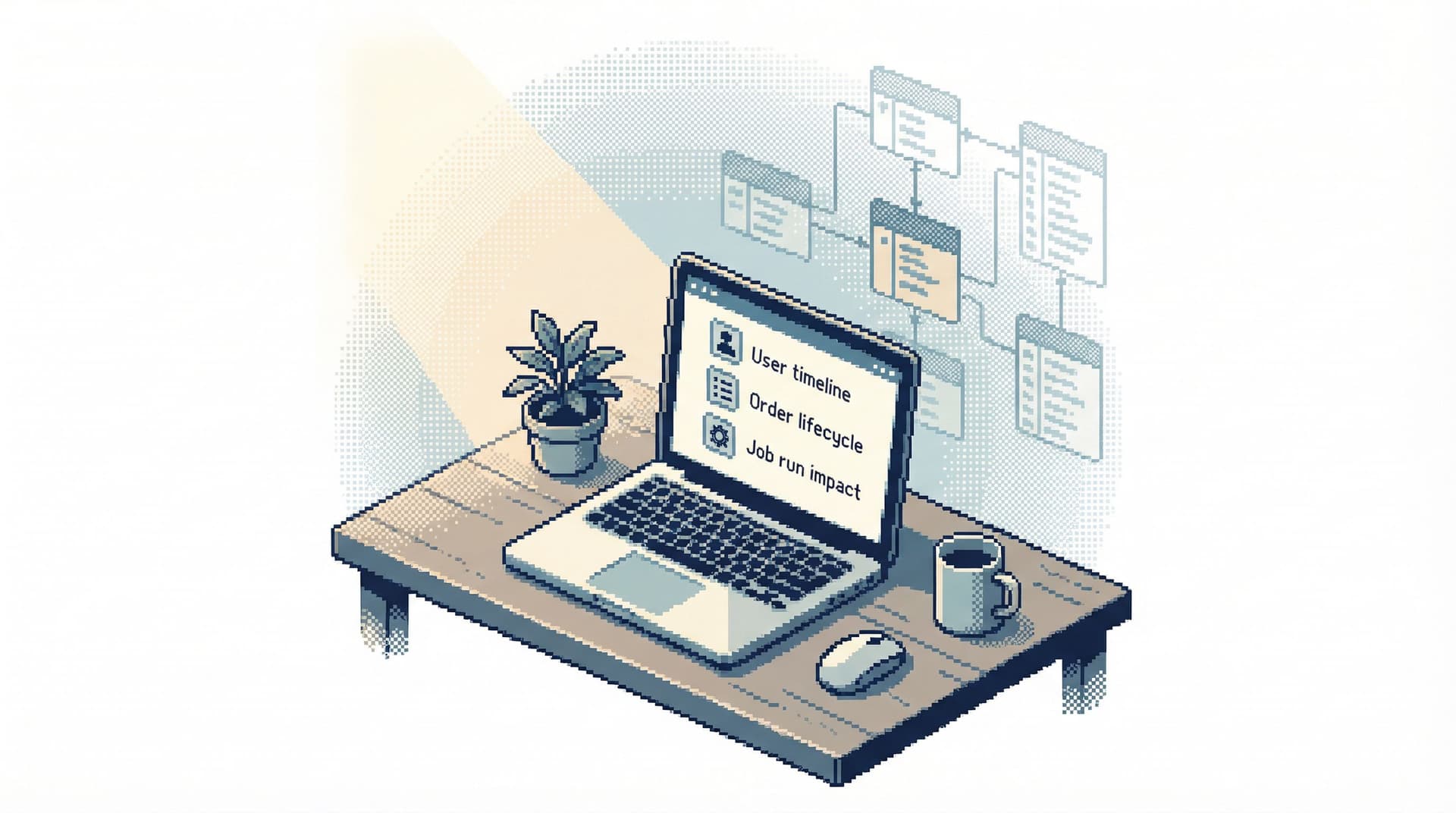
- “Confirm the impact of a background job run.”
Instead of:
- A schema tree and a blank editor
You give people:
- A small set of named, curated paths that encode your best current understanding of how to answer common questions.
We’ve written in depth about this in Designing Read Rails: How Opinionated Query Paths Reduce Risk and Cognitive Load. The short version:
- Narrow paths reduce risk.
- Fewer chances to write accidental “just to see” queries against hot tables.
- Shared paths reduce cognitive load.
- People don’t have to remember how to investigate; they just choose the right rail.
- Named paths create shared language.
- “Run the ‘Order Timeline’ rail for this ID” is clearer than “run that three‑join thing from last week.”
A tool like Simpl is designed around this idea: instead of being a neutral explorer, it encourages you to build and reuse calm, question‑centric paths.
Step 4: Make reuse the default, not the exception
Even if you curate good queries, they won’t become team memory unless reuse is the path of least resistance.
Concretely:
-
Surface saved questions before the blank editor
- When someone opens the browser, they should see:
- A short list of “common investigations”
- Recently used questions, not just raw SQL history
- When someone opens the browser, they should see:
-
Make parameters, not copy‑paste, the main interaction
- Instead of copying a query and editing
user_id, give people a parameter field. - This keeps the logic fixed and the inputs explicit.
- Instead of copying a query and editing
-
Encourage forking with attribution
- When someone needs a variation, they should:
- Fork the question
- Add a note: “Variant for prepaid plans only”
- Now you have a lineage of related knowledge, not a pile of near‑duplicates.
- When someone needs a variation, they should:
-
Link from tickets and runbooks to questions, not SQL
- In support runbooks, link to “Customer Timeline” in your browser, not to a raw query snippet.
- In incident docs, reference “Incident Rail: Payment Gateway Timeouts,” not a pasted EXPLAIN plan.
-
Review and prune regularly
- Once a month, skim your saved questions:
- Merge duplicates
- Archive obsolete ones
- Tighten descriptions and safety notes
- Once a month, skim your saved questions:
This is how query memory stays calm instead of turning into another noisy catalog.
Step 5: Integrate with incident and support workflows
The real payoff comes when this shared memory shows up where the work actually happens.
For incidents
- Before: During an outage, people open ad‑hoc SQL clients, DM each other for “that query,” and screen‑share results.
- After: You have a small set of incident rails:
- “Timeline for a single user or order”
- “Error correlation by deployment”
- “Background job impact window”
During the incident, people:
- Pick the right rail
- Plug in IDs or timestamps
- Share links to the resulting reads, not screenshots
After the incident, you can replay the exact trail. This is the essence of a calm, read‑first incident console, which we’ve explored in The Calm Incident Console: Designing Database Sessions That Mirror How Outages Actually Unfold.
For support and success
- Expose a limited set of safe rails:
- “What happened to this customer?”
- “Show active subscriptions for this account.”
- Wrap them in guardrails:
- Read‑only
- Narrow filters
- Clear labels and safety notes
Now:
- Fewer ad‑hoc requests land on the data or infra team.
- Support doesn’t need direct SQL access.
- Everyone is looking at the same canonical views when they say “I checked the data.”
A browser like Simpl is built to sit in this space: engineers define calm, opinionated paths; others reuse them safely.
Step 6: Keep friction low, not zero
One temptation is to automate everything:
- Auto‑promote “popular” queries to saved questions
- Auto‑extract “intent” from comments
Resist that, at least at first.
You want a bit of friction. Manually deciding “this deserves to be saved” is part of what keeps the collection small and sharp.
A good balance:
- Low friction to promote
- One click or a simple shortcut to turn the current query into a named question.
- Low friction to annotate
- Inline fields for question, scope, assumptions.
- Zero automation for meaning
- Don’t guess the question. Make humans write it.
The goal isn’t to capture everything. It’s to capture the right 5–10% and make that the backbone of your team’s read workflows.
What this looks like in practice
On a calm team, a typical day might look like this:
-
A support engineer gets a complaint about a double charge.
- They open your database browser.
- They choose “Customer Billing Timeline.”
- They plug in the user ID.
- They share the link with the on‑call engineer.
-
The on‑call sees a weird spike in error logs.
- They open “Background Job Impact Window.”
- They set the job name and time range.
- They paste the link into the incident channel.
-
A data engineer investigates a recurring edge case.
- They start with “Order Lifecycle Debug.”
- They fork it into “Order Lifecycle Debug – Prepaid Only.”
- They add notes and save it for future use.
In all of these, the query log still exists in the background. But the primary surface is a small, shared library of named questions and rails.
That’s team memory.
Summary
Query logs are necessary, but they’re not enough.
- Logs tell you what ran, when, and by whom.
- They rarely tell you why, what was learned, or how to safely repeat it.
To turn ephemeral reads into persistent team memory:
- Choose what’s worth keeping. Focus on recurring investigations: customer forensics, incident replay, operational checks.
- Wrap queries in questions and context. Make the human intent the primary object, not the SQL text.
- Turn good queries into read rails. Opinionated, named paths that encode your best current way to answer common questions.
- Make reuse the default. Surface questions before raw history; use parameters, forking, and links instead of copy‑paste.
- Integrate with real workflows. Let incidents, support, and day‑to‑day debugging run on top of this shared memory.
- Keep the collection small and intentional. A bit of friction keeps the library sharp.
When you do this, production reads stop feeling like one‑off adventures and start feeling like calm, repeatable rituals.
Take the first step
You don’t need a new process document to start.
This week, try three small moves:
-
Name one question.
- The next time you write a query for a real investigation, give that question a clear title and write down the assumptions.
-
Promote one query.
- Turn that query into a saved, shareable object in your database browser, with parameters instead of copy‑paste.
-
Share one link.
- When someone else asks a related question, send them the link to the saved question, not a screenshot or raw SQL.
If you want a tool that’s built around this way of working — calm, opinionated, and focused on real production reads — take a look at Simpl. It’s an opinionated database browser designed to help teams move from wandering queries to shared, reusable memory.
Start small. One question, one rail, one shared link at a time. The logs will keep piling up either way. The difference is whether they stay exhaust, or become knowledge.